buttons PONTIAC BONNEVILLE 1998 User Guide
[x] Cancel search | Manufacturer: PONTIAC, Model Year: 1998, Model line: BONNEVILLE, Model: PONTIAC BONNEVILLE 1998Pages: 395, PDF Size: 17.6 MB
Page 166 of 395
Unlocking the Theft-Deterrent Feature After a
Power Loss
Enter your secret code as follows; pause no more than
15 seconds between steps:
1. LOC appears when the ignition is on.
2. Press MIN and 000 will appear on the display.
3. Press MIN again to make the last two digits agree
4. Press HR to make the first one or two digits agree
5. Press
AM-FM after you have confirmed that the
with your code.
with your code.
code matches the secret code
you have written down.
The display will show SEC, indicating the radio is
now operable and secure.
If you enter the wrong code eight times, INOP will
appear on the display. You will have to wait an hour
with the ignition on before you can
try again. When you
try again, you will only have three
more chances (eight
tries per chance) to enter the correct code before
INOP
appears.
If
you lose or forget your code, contact your dealer.
Disabling the Theft-Deterrent Feature
Enter your secret code as follows; pause no more than
15 seconds between steps:
1. Turn the ignition to ACCESSORY or RUN.
2. Turn the radio off.
3. Press the 1 and 4 buttons together. Hold them down
4. Press MIN and 000 will appear on the display.
5. Press MIN again to make the last two digits agree
6. Press HR to make the first one or two digits agree
7. Press AM-FM after you have confirmed that the until SEC shows on the display.
with your code.
with your code.
code matches the secret code you have written down.
The display will show
---, indicating that the radio is
no longer secured.
If the code entered is incorrect, SEC will appear on the
display. The radio will remain secured until the correct
code
is entered,
When battery power
is removed and later applied to a
secured radio, the radio won’t turn on and LOC will
appear on the display.
To unlock a secured radio, see “Unlocking the
Theft-Deterrent Feature After a Power Loss” earlier in
this section.
3-25
Page 167 of 395
Audio Steering Wheel Controls
(If Equipped)
A
SEEK t
t,
1
[f your vehicle has this
feature, you can control
certain radio functions
using the buttons
on your
steering wheel.
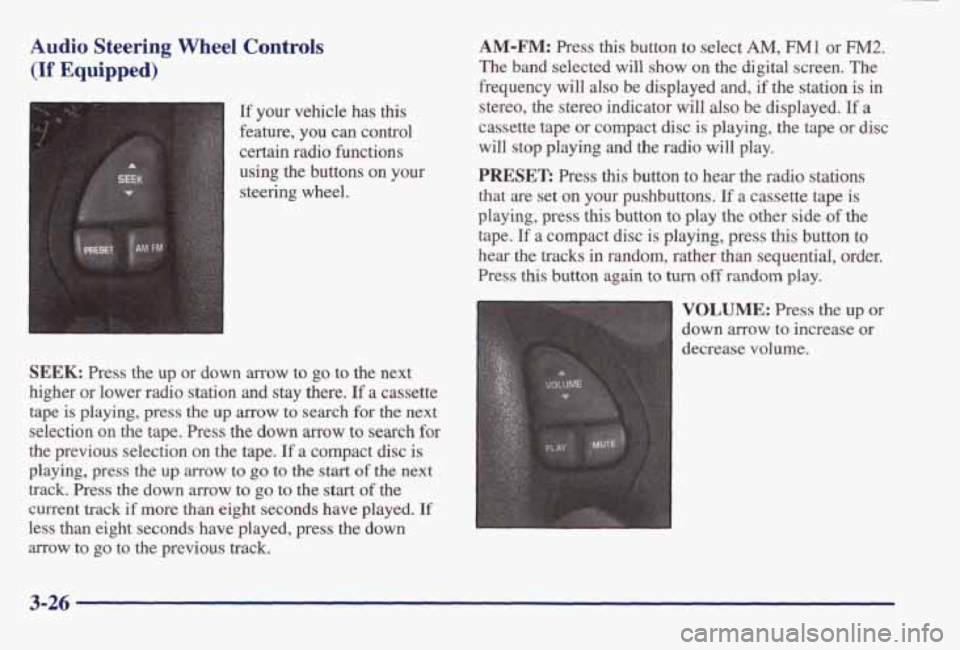
SEEK: Press the up or down arrow to go to the next
higher or lower radio station
and stay there. If a cassette
tape is playing, press the up
arrow to search for the next
selection on the tape. Press the
down arrow to search for
the previous selection on the tape. If a compact disc is
playing, press the up arrow to go to the start of the next
track.
Press the down arrow to go to the start of the
current track
if more than eight seconds have played. If
less than eight seconds have played, press the down
arrow to
go to the previous track.
AM-FM: Press this button to select AM, F"1 or FM2.
The band selected will show on the digital screen. The
frequency will
also be displayed and, if the station is in
stereo, the stereo indicator will also be displayed.
If a
cassette tape or compact disc is playing, the tape or disc
will stop playing and the radio will play.
PRESET: Press this button to hear the radio stations
that are set on
your pushbuttons. If a cassette tape is
playing, press
this button to play the other side of the
tape.
If a compact disc is playing, press this button to
hear the
tracks in random, rather than sequential, order.
Press
this button again to turn off random play.
VOLUME: Press the up or
down arrow to increase or
decrease volume.
3-26