headlamp PONTIAC BONNEVILLE 2003 User Guide
[x] Cancel search | Manufacturer: PONTIAC, Model Year: 2003, Model line: BONNEVILLE, Model: PONTIAC BONNEVILLE 2003Pages: 418, PDF Size: 20.24 MB
Page 132 of 418
Entry Lighting
If it is dark enough outside and you press the button
with the unlock symbol on the remote keyless entry
transmitter
(if equipped), the interior courtesy lamps will
come on and stay on for approximately
25 seconds,
The lamps will turn
off immediately by pressing
the button with the lock symbol on the remote keyless
entry transmitter, by turning the ignition key to
ON or by
activating the power door locks.
If a door is left ajar, your interior lamps will turn
off after
10 minutes to save your battery.
Delayed Entry Lighting
When you open the door to enter your vehicle, the
interior lamps will come on
if it is dark enough outside.
When you close the door with the ignition
off, the
interior lamps will stay on for
25 seconds or until the
ignition is turned on. Locking the doors with the power
door lock switch, or with the lock button on the
remote keyless entry transmitter (if equipped), will
override the delayed entry lighting and the lamps will
turn
off immediately.
Theater Dimming
This feature allows for a three to five-second fade out oi
the courtesy lamps instead of immediate turn off after
you remove the key from the ignition.
Delayed Exit Lighting
This feature will turn on the interior lamps for 25 seconds
after you remove the key from the ignition while the
doors are closed and it is night. This
will give you time
to find the door handle or lock switches as you exit
the vehicle.
This lighting will only be deactivated
if the key is
reinserted into the ignition switch or the power door
locks are activated.
Parade Dimming
To activate the instrument panel backlighting during the
day, turn the exterior lamp switch to the parking
lamp or headlamp position. Dimming
oi the instrument
panel display is not possible during daylight hours.
The instrument panel display can only be adjusted when
the parking lamps or headlamps are on and it is dark
outside.
Perimeter Lighting
When the button with the unlock symbol on the remote
keyless entry transmitter
(if equipped) is pressed,
the DRL headlamps, parking lamps and back-up lamps
will turn on
if it is dark enough outside.
3-1 7
Page 135 of 418
Inadvertent Power Battery Saver
This feature is designed to protect your vehicle’s battery
against drainage from the interior lamps, trunk lamp,
glove box lamp or cigarette lighters. When the ignition is
turned
off, the power to these features will automatically
turn
off after 10 minutes. Power will be restored for
an additional
10 minutes if any door is opened, the trunk
is opened or the courtesy lamps are turned on. To
restore power back to the cigarette lighters the ignition
must be turned back to
ON.
Battery Load Management
The battery load management feature is designed to
monitor the vehicle’s electrical load and determine when
the battery is in a heavy discharge condition. During
times of high electrical loading, the engine may idle at
higher revolutions per minute (rpm) than normal to
make sure the battery charges. High electrical loads
may occur when several
of the following are on:
headlamps, high beams, fog lamps, rear window
defogger, fan on high speed, heated seats and engine
cooling fans.
If your vehicle’s battery remains in a heavy discharge
condition for a long period of time, the fan, rear
defogger, heated seats and heated mirrors will be
disabled and the DIC will display BATTERY SAVER
ACTIVE. This can happen either under long periods of
idling or low speed driving with high electrical loading,
or in the event of a charging system fault.
Monitor the battery voltage when in the BATTERY
SAVER ACTIVE mode.
If the voltmeter remains in the shaded area (below
11 volts) when driving then have the charging
system serviced immediately.
If the voltage increases above 12 volts then the
battery needs to be recharged.
Try driving on
the highway with as few electrical accessories on
as possible.
3-20
Page 137 of 418
Notice: Although the HUD image appears to be
near the front of the vehicle, do not use it as
a parking aid. The
HUD was not designed for that
purpose.
If you try to use it as such, you may
misjudge the distance and damage your vehicle.
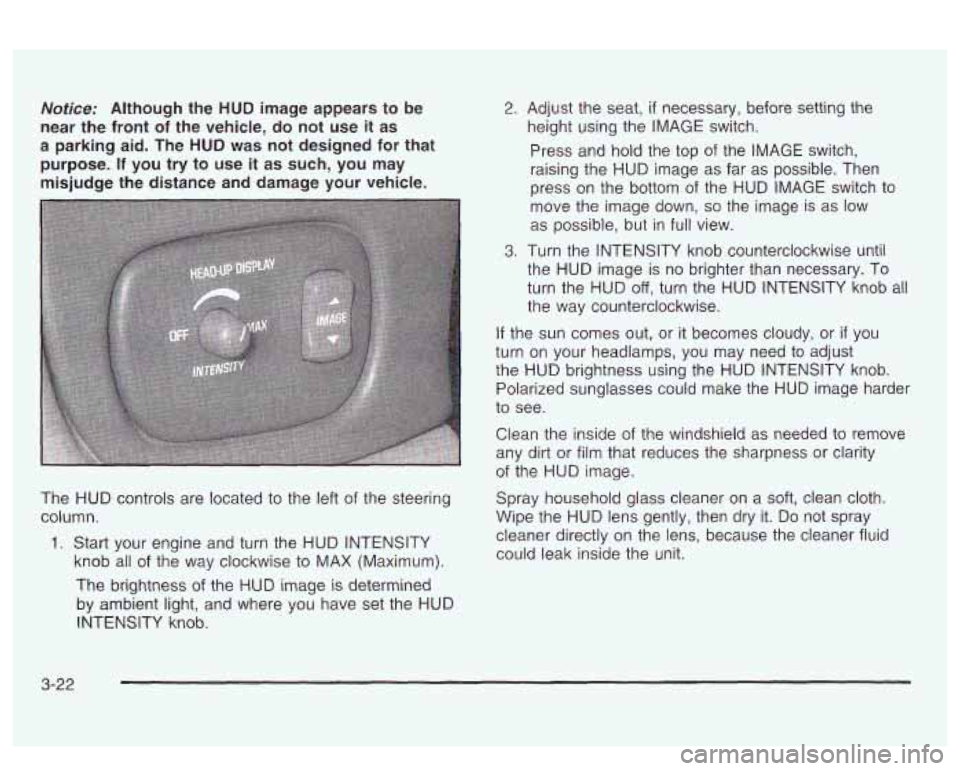
The HUD controls are located to the left of the steering
column.
1. Start your engine and turn the HUD INTENSITY
knob all
of the way clockwise to MAX (Maximum).
The brightness of the HUD image is determined
by ambient light, and where you have set the HUD
INTENSITY knob.
2. Adjust the seat, if necessary, before setting the
height using the IMAGE switch.
Press and hold the top of the IMAGE switch,
raising the HUD image as far as possible. Then
press on the bottom of the HUD IMAGE switch to
move the image down,
so the image is as low
as possible, but in full view.
3. Turn the INTENSITY knob counterclockwise until
the HUD image is no brighter than necessary. To
turn the HUD
off, turn the HUD INTENSITY knob all
the way counterclockwise.
If the sun comes out, or it becomes cloudy, or if you
turn on your headlamps, you may need to adjust
the HUD brightness using the HUD INTENSITY knob.
Polarized sunglasses could make the HUD image harder
to see.
Clean the inside of the windshield as needed to remove
any dirt or film that reduces the sharpness
or clarity
of the HUD image.
Spray household glass cleaner on a
soft, clean cloth.
Wipe the HUD lens gently, then dry it.
Do not spray
cleaner directly on the lens, because the cleaner fluid
could leak inside the unit.
3-22
Page 233 of 418
Driving at Night
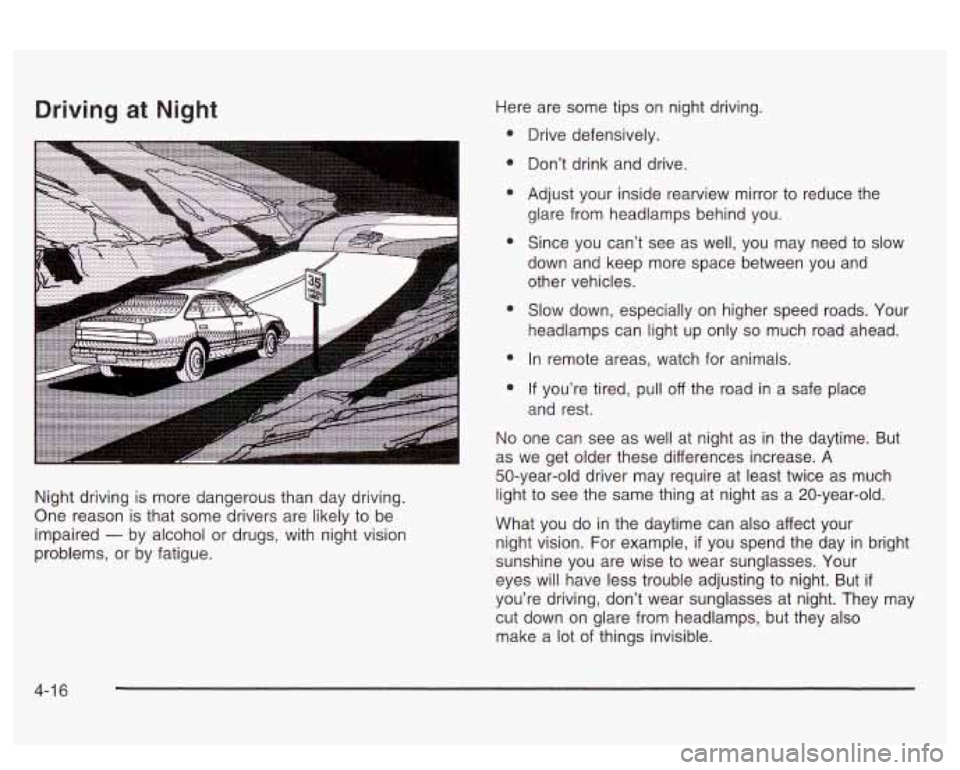
Night driving is more dangerous than day driving.
One reason is that some drivers are likely to be
impaired
- by alcohol or drugs, with night vision
problems, or by fatigue. Here
are some tips on night driving.
Drive defensively.
Don’t drink and drive.
Adjust your inside rearview mirror to reduce the
glare from headlamps behind you.
Since you can’t see as well, you may need
to slow
down and keep more space between you and other vehicles.
Slow down, especially on higher speed roads. Your
headlamps can light up only
so much road ahead.
In remote areas, watch for animals.
If you’re tired, pull off the road in a safe place
and rest.
No one can see as well at night as in the daytime. But
as we get older these differences increase. A
50-year-old driver may require at least twice as much
light to see the same thing at night as a 20-year-old.
What you do in the daytime can also affect your
night vision.
For example, if you spend the day in bright
sunshine you are wise to wear sunglasses. Your
eyes will have less trouble adjusting to night. But
if
you’re driving, don’t wear sunglasses at night. They may
cut down on glare from headlamps, but they also
make a lot of things invisible.
4-1 6
Page 234 of 418
You can be temporarily blinded by approaching
headlamps. It can take a second or two, or even several
seconds, for your eyes to readjust to the dark. When
you are faced with severe glare (as from a driver
who doesn’t lower the high beams, or a vehicle with
misaimed headlamps), slow down a little. Avoid staring
directly into the approaching headlamps.
Keep your windshield and all the glass on your vehicle
clean
- inside and out. Glare at night is made much
worse by dirt on the glass. Even the inside of the glass
can build up a film caused by dust. Dirty glass makes
lights dazzle and flash more than clean glass would,
making the pupils of your eyes contract repeatedly.
Remember that your headlamps light up far less of a
roadway when
you are in a turn or cwve. Keep
your eyes moving; that way, it’s easier to pick out dimly
lighted objects. Just as your headlamps should be
checked regularly for proper aim,
so should your eyes
be examined regularly. Some drivers suffer from
night blindness
- the inability to see in dim light - and
aren’t even aware of it.
Driving in Rain and on Wet Roads
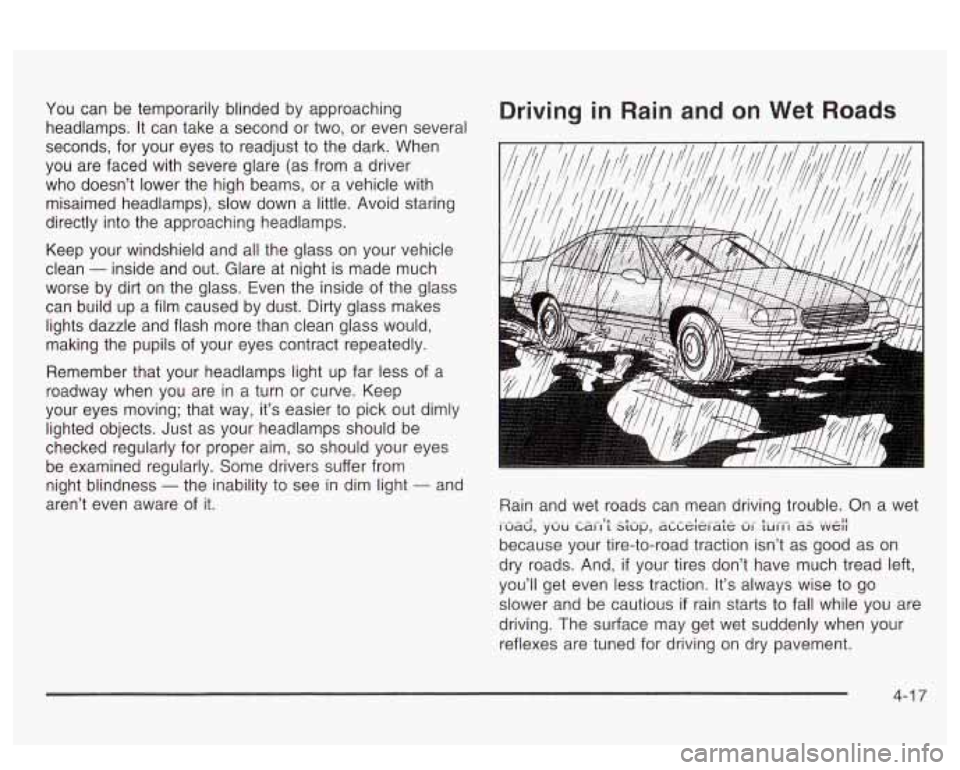
Rain and wet roads can mean driving trouble. On a wet
because your tire-to-road traction isn’t as good as on
dry roads. And,
if your tires don’t have much tread left,
you’ll get even less traction. It’s always wise to go
slower and be cautious
if rain starts to fall while you are
driving. The surface may get wet suddenly when your
reflexes are tuned for driving on dry pavement.
i>udd, .~.UU Ldi-i9; s;up’ dLLe;erd;e Ui- turi-i aS .“VA(
4-1 7
Page 246 of 418
Put on extra clothing or wrap a blanket around you.
If you have no blankets or extra clothing, make
body insulators from newspapers, burlap bags, rags,
floor mats
- anything you can wrap around
yourself
or tuck under your clothing to keep warm.
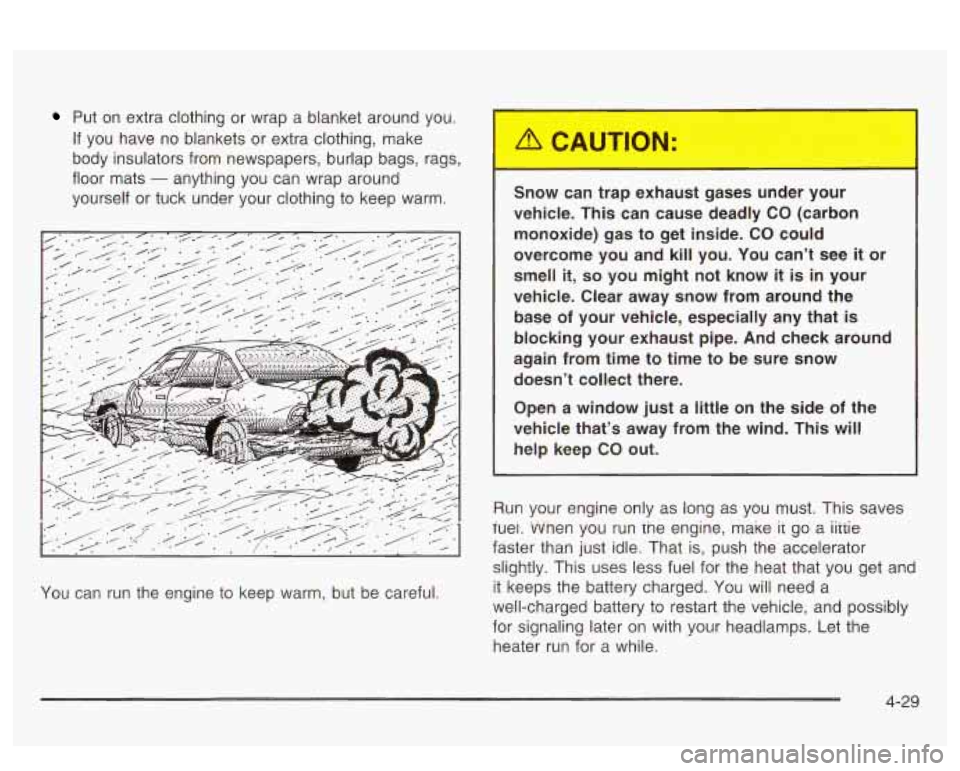
You can run the engine to keep warm, but be careful. Snow can trap exhaust gases under your
vehicle. This can cause deadly
CO (carbon
monoxide) gas to get inside.
CO could
overcome you and kill you. You can’t see
it or
smell
it, so you might not know it is in your
vehicle. Clear away snow from around the
base of your vehicle, especially any that
is
blocking your exhaust pipe. And check around
again from time to time to be sure snow doesn’t collect there.
Open a window just a little on the side
of the
vehicle that’s away from the wind. This will
help keep CO out.
Run your engine only as long as you must. This saves
iuei. vvnen you run tne engine, make
ir go a iiiiie
faster than just idle. That is, push the accelerator
slightly. This uses less fuel for the heat that you get and
it keeps the battery charged.
You will need a
well-charged battery to restart the vehicle, and possibly
for signaling later on with your headlamps. Let the
heater run for a while.
4-29
Page 260 of 418
Section 5 Service and Appearance Care
Service ........................................................ 5.3
Doing Your Own Service Work
......................... 5.3
Adding Equipment to the Outside
of Your
Vehicle
...................................................... 5.4
Fuel ................................................................ 5.5
Gasoline Octane
............................................ 5.5
Gasoline Specifications
.................................... 5.6
California Fuel
............................................... 5.6
Additives
....................................................... 5.6
Fuels in Foreign Countries
............................ 5.7
Filling Your Tank
........................... .......... 5.8
Filling
a Portable Fuel Container ..... .... 5.11
the Hood ............................. .... 5.12
Hood Release
.............................. ........ 5.13
Engine Compartment Overview ...................... -5-1 4
Checking Things Under
Engine Oil ................................................... 5.15
Supercharger Oil .......................................... 5.21
Engine Air Cleaner/t-llter
................................ 5-22
Automatic Transaxle Fluid .............................. 5.23
Engine Coolant
............................................. 5.26
Radiator Pressure Cap
.................................. 5.29
Engine Overheating
....................................... 5.29
Cooling System
............................................ 5.32
Power Steering Fluid
..................................... 5.40
Windshield Washer Fluid
................................ 5.40
Brakes
........................................................ 5.42
Battery
........................................................ 5-44
Jump Starting
............................................... 5-46
Headlamp Aiming .......................... ...... 5.52
Bulb Replacement .................................. -5-56
Halogen Bulbs
.............................................. 5.56
Headlamps
.................................................. 5.56
Front Turn Signal and Parking Lamps
.............. 5-57
Taillamps, Turn Signal, Stoplamps and
Back-up Lamps
......................................... 5-59
fiepiacement
Euibs 3.w - ^^ .......................................
5- I
Page 261 of 418
Section 5 Service and Appearance Care
Windshield Wiper Blade Replacement ............. 5-61
Tires .............................................................. 5.62
Inflation
.. Tire Pressure ................................ 5.62
Check Tire Pressure System
.......................... 5.64
Tire Inspection and Rotation
........................... 5.65
When It
Is Time for New Tires ....................... 5-67
Buying New Tires
........................................ 5-67
Uniform Tire Quality Grading
.......................... 5.68
Wheel Replacement
...................................... 5.69
Tire Chains
.................................................. 5-71
Accessory Inflator
......................................... 5.72
If a Tire Goes Flat ........................................ 5.72
Changing a Flat Tire
..................................... 5.73
Compact Spare Tire
..................................... 5-81
Appearance Care ............................................ 5.82
Wheel
Alignment and Tire Balance
.................. 5-69
Cleaning the Inside of Your Vehicle
................. 5-82
Care of Safety Belts
...................................... 5-85
Weatherstrips ............................................... 5.85
Cleaning the Outside of Your Vehicle .............. 5-85
Sheet Metal Damage
..................................... 5.87
Finish Damage
............................................. 5.87
Underbody Maintenance
................... ...... 5.87
Chemical Paint Spotting
................................. 5.88
Vehicle Identification ..................................... 5-90
Vehicle Identification Number (VIN)
...... ., ...... 5-90
Service Parts Identification Label
........ ...... 5-90
Electrical System ............................... ...... 5-91
Add-on Electrical Equipment
................ , ...... 5-91
Headlamp Wiring
.......................................... 5-91
Windshield Wiper Fuses
................................ 5-91
Power Windows and Other Power Options
....... 5-91
Fuses and Circuit Breakers
............................ 5-92
Removing the Rear Seat Cushion
................... 5-95
Capacities and Specifications ........................ 5-100
Normal Maintenance Replacement Parts ......... 5-101
GM Vehicle Care/Appearance Materials .......... 5.88
5-2
Page 311 of 418
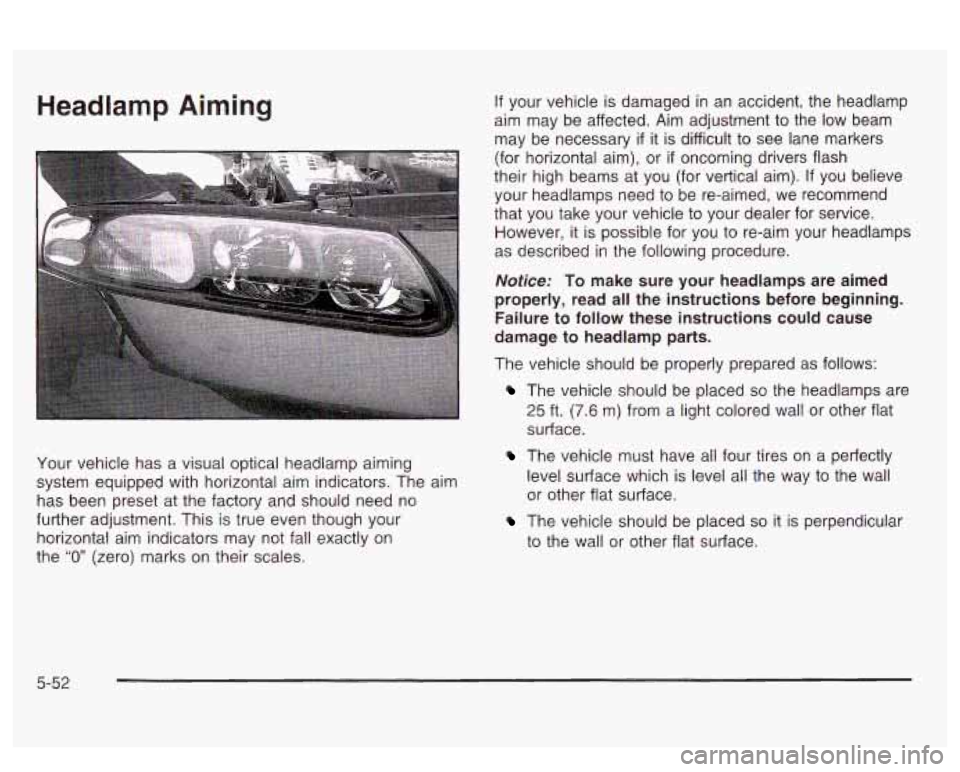
Headlamp Aiming
Your vehicle has a visual optical headlamp aiming
system equipped with horizontal aim indicators. The aim
has been preset at the factory and should need no
further adjustment. This is true even though your
horizontal aim indicators may not fall exactly on
the
“0” (zero) marks on their scales.
If your vehicle is damaged in an accident, the headlamp
aim may be affected. Aim adjustment to the
low beam
may be necessary
if it is difficult to see lane markers
(for horizontal aim), or
if oncoming drivers flash
their high beams at you (for vertical aim).
If you believe
your headlamps need to be re-aimed, we recommend
that you take your vehicle to your dealer for service.
However, it is possible for you to re-aim your headlamps
as described in the following procedure.
Notice: To make sure your headlamps are aimed
properly, read all the instructions before beginning.
Failure
to follow these instructions could cause
damage to headlamp parts.
The vehicle should be properly prepared as follows:
The vehicle should be placed so the headlamps are
25 ft. (7.6 m) from a light colored wall or other flat
surface.
The vehicle must have all four tires on a perfectly
level surface which is level all the way to the wall
or other flat surface.
The vehicle should be placed so it is perpendicular
to the wall or other flat surface.
5-52
Page 312 of 418
0 The vehicle should not have any snow, ice or mud
attached to it.
* The vehicle should be fully assembled and all other
work stopped while headlamp aiming is being done.
0 The vehicle should be normally loaded with a
full tank of fuel and one person or
160 Ibs. (75 kg)
on the driver’s seat.
Tires should be properly inflated.
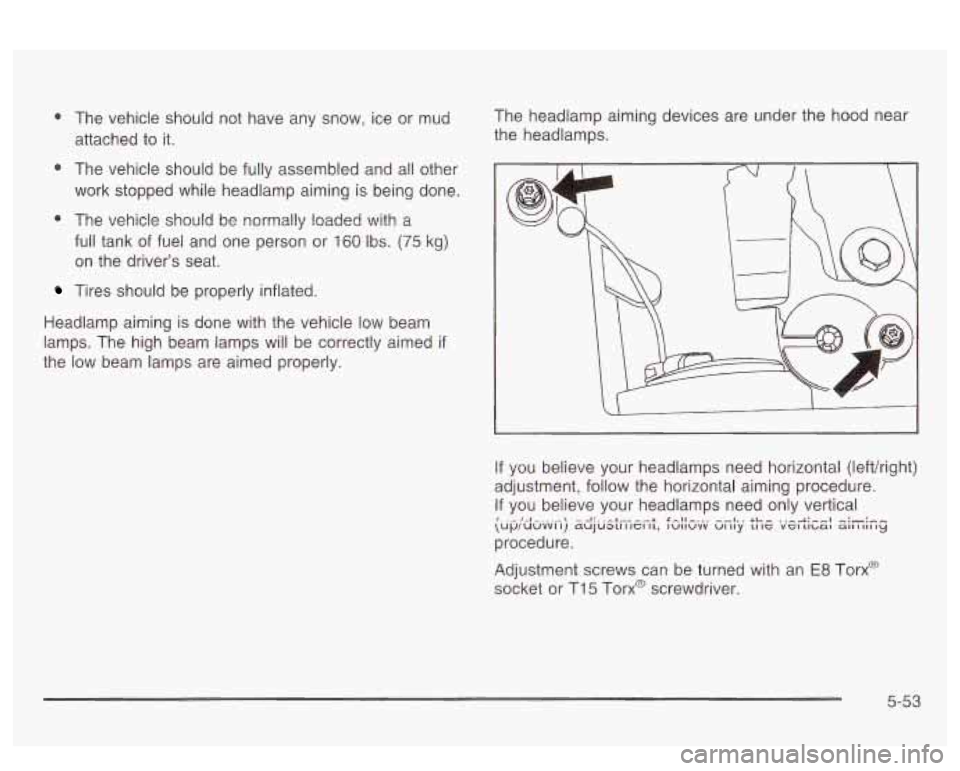
Headlamp aiming is done with the vehicle low beam
lamps. The high beam lamps will be correctly aimed
if
the low beam lamps are aimed properly. The
headlamp aiming devices are under the hood near
the headlamps.
If you believe your headlamps need horizontal (lefthight)
adjustment, follow the horizontal aiming procedure.
If you believe your headlamps need only vertical
procedure.
\Up/UUvvl I) ~UJU~CI I IGI 11, IUIIUVV UI IIY LI IC VGI Llbat all I 111 IY I 1-1 --l:..-L---L x-II ^.., --I., +I..^ .,-&:--I -:-:--
Adjustment screws can be turned with an E8 Torx@
socket or
Ti 5 Torx@ screwdriver.
5-53