instrument cluster PONTIAC BONNEVILLE 2003 User Guide
[x] Cancel search | Manufacturer: PONTIAC, Model Year: 2003, Model line: BONNEVILLE, Model: PONTIAC BONNEVILLE 2003Pages: 418, PDF Size: 20.24 MB
Page 153 of 418
Speedometer and Odometer
Your speedometer lets you see your speed in miles per
hour (mph) or kilometers per hour (km/h). Your
odometer shows how far your vehicle has been driven,
in either miles (used
in the United States) or kilometers
(used in Canada).
The speedometer shows a top speed
of 140 mph
(220 km/h). This is not intended to be the vehicle’s top
speed.
Your vehicle is equipped with a tamper resistant
odometer.
If you see ERROR displayed, you’ll know that
someone has probably tried to turn it back.
You may wonder what happens
if your vehicle needs a
new odometer installed. If the new one can be set to
the mileage total of the old odometer, then
it must
be. But
if it can’t, then it’s set at zero and a label must
be put on the driver’s door to show the old mileage
reading when the new odometer was installed.
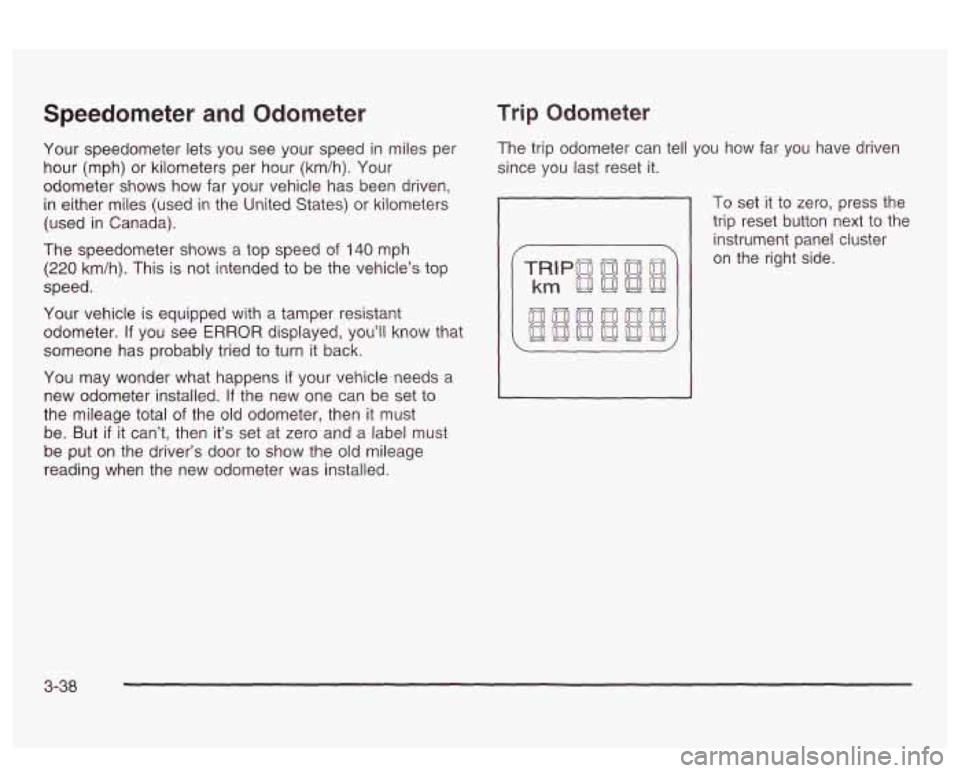
Trip Odometer
The trip odometer can tell you how far you have driven
since you last reset it.
To set it to zero, press the
trip reset button next to the
instrument panel cluster
on the right side.
3-38
Page 156 of 418
Battery Warning Light
If your vehicle has this
feature, this light will come
on briefly when you
start the vehicle, as a
check to show you
it is working; then it should
go out.
If it stays on, or comes on while you are driving, you
may have a problem with the electrical charging system.
Have
it checked right away. Eriving while this light is
on could drain your battery and result in a vehicle that
may stall.
If you must drive a short distance with the light on, be
certain to turn
off all your accessories, such as the radio
and climate control system.
Some instrument panel clusters with a voltmeter gage
do not have a battery warning light. They have a CHECK
GAGES warning to indicate a problem.
On vehicles with a DIC, a CHECK CHARGE SYSTEM
message will be displayed and a warning chime will
sound. See
DIC Warnings and Messages on page 3-60
for more information.
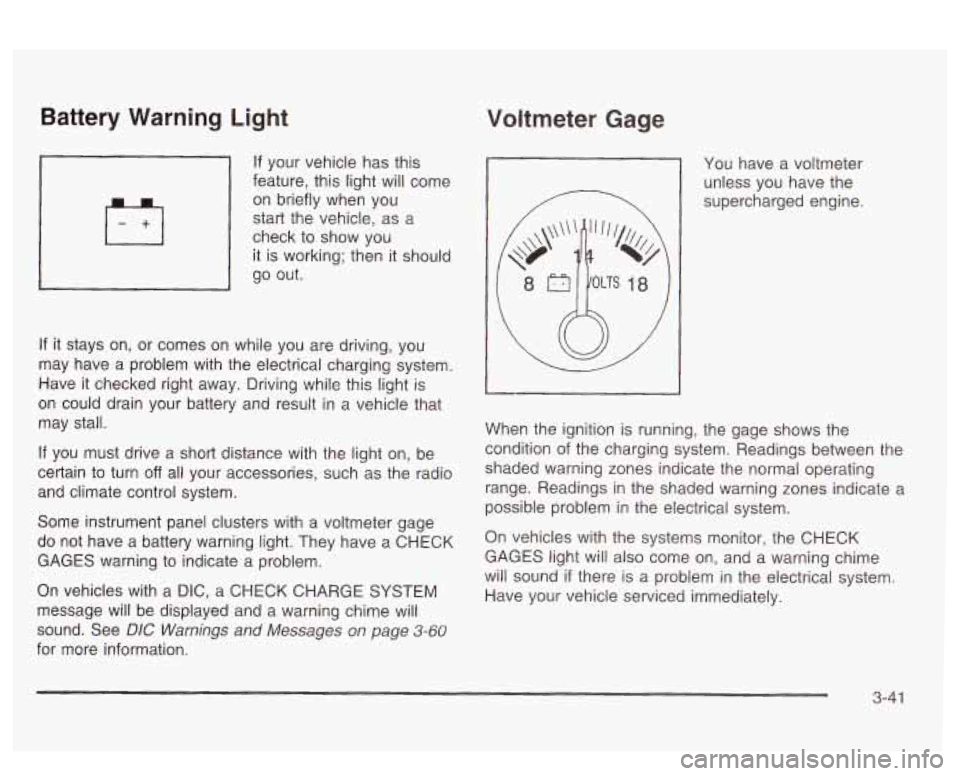
Voltmeter Gage
You have a voltmeter
unless you have the
supercharged engine.
When the ignition is running, the gage shows the
condition
of the charging system. Readings between the
shaded warning zones indicate the normal operating
range. Readings in the shaded warning zones indicate a
possible problem in the electrical system.
On vehicles with the systems monitor, the CHECK
GAGES light will also come on, and a warning chime
will sound
if there is a problem in the electrical system.
Have your vehicle serviced immediately.
3-41
Page 166 of 418
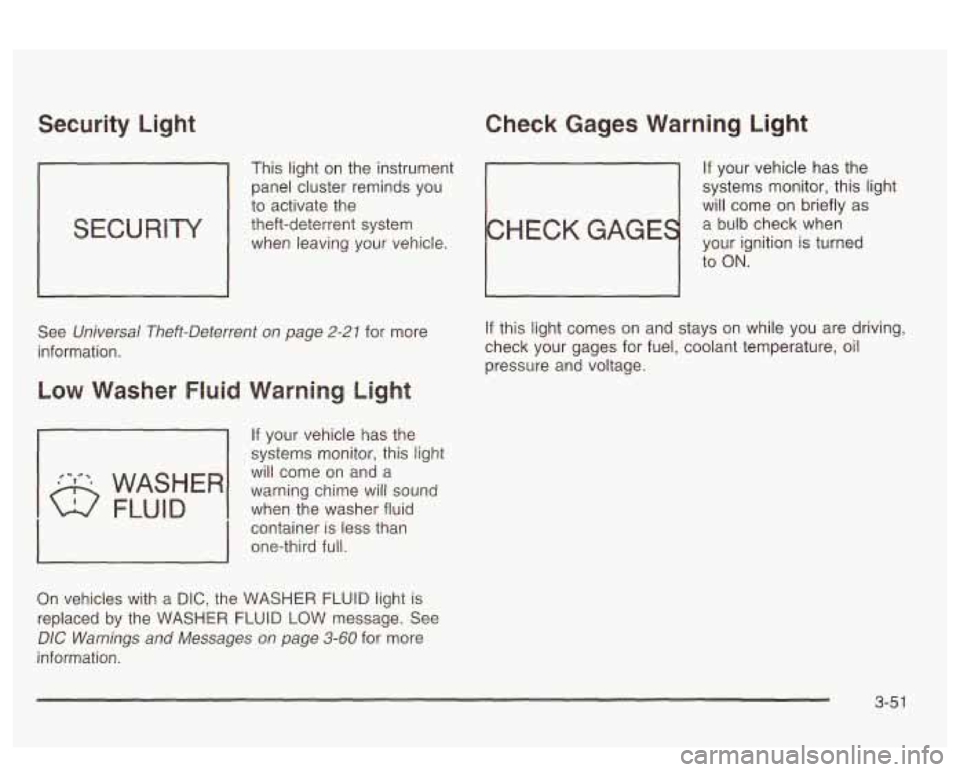
Security Light Check Gages Warning Light
This light on the instrument If your vehicle has the
panel cluster reminds you systems
monitor, this light
to activate the
will come on briefly as
theft-deterrent system
a bulb check when
when leaving your vehicle.
your ignition is turned
to
ON.
See Universal Theft-Deterrent on page 2-21 for more
information.
If your vehicle has the
systems monitor, this light
will come on and a
when the washer fluid
container
is less than
one-third full. warning chime will sound
On vehicles with a DIC, the WASHER FLUID light is
replaced by the WASHER FLUID LOW message. See
DIC Warnings and Messages on page 3-60 for more
information.
If this light comes on and stays on while you are driving,
check your gages for fuel, coolant temperature, oil
pressure and voltage.
3-5 1
Page 171 of 418
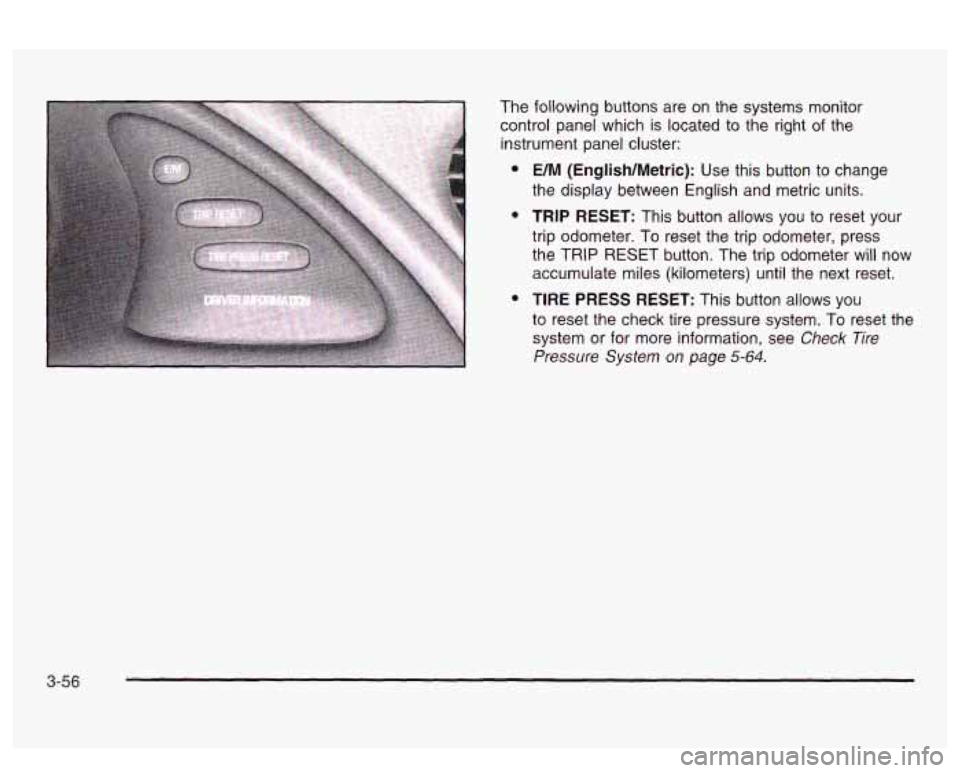
The following buttons are on the systems monitor
control panel which is located to the right
of the
instrument panel cluster:
e
e
e
UM (English/Metric): Use this button to change
the display between English and metric units.
TRIP RESET: This button allows you to reset your
trip odometer. To reset the trip odometer, press
the TRIP RESET button. The trip odometer will now
accumulate miles (kilometers) until the next reset.
TIRE PRESS RESET: This button allows you
to reset the check tire pressure system. To reset the
system or for more information, see
Check Tire
Pressure System on page 5-64.
3-56
Page 172 of 418
Driver Information Center (DIC)
Your vehicle may have a Driver Information Center
(DIC). The DIC will display information about how your
vehicle
is functioning, as well as warning messages
if a system problem is detected. If a problem
is detected, a diagnostic message will
appear
in the display. The message center is
continuously updated with the vehicle’s performance
status.
The following information will show the messages you
may see on the
DIC display.
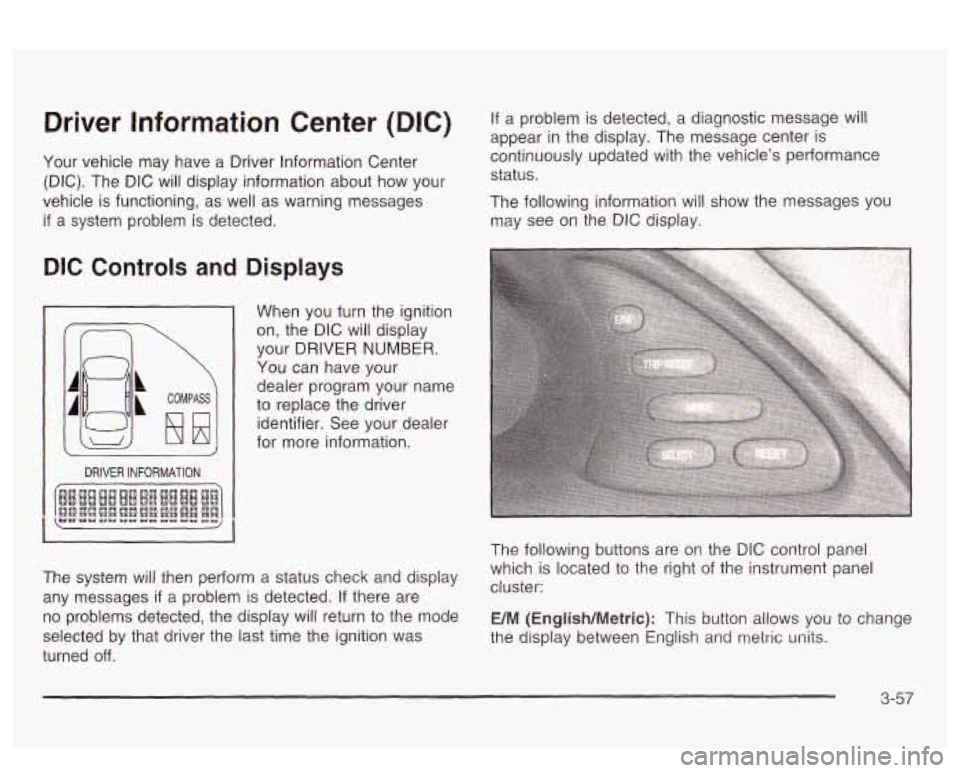
DIC Controls and Displays
2
COMPASS
DRIVER INFORMATION
When you turn the ignition
on, the DIC will display
your DRIVER
NUMBER.
You can have your
dealer program your name
to replace the driver
identifier. See your dealer
for more information.
The system will then perform a status check and display
any messages
if a problem is detected. If there are
no problems detected, the display will return to the mode
selected by that driver the last time the ignition was
turned
off.
The following buttons are on the DIC control panel
which is located to the right of the instrument panel
cluster:
E/M (English/Metric): This button allows you to change
the display between Engiisn ana
metric units.
3-57
Page 227 of 418
TRAC
OFF
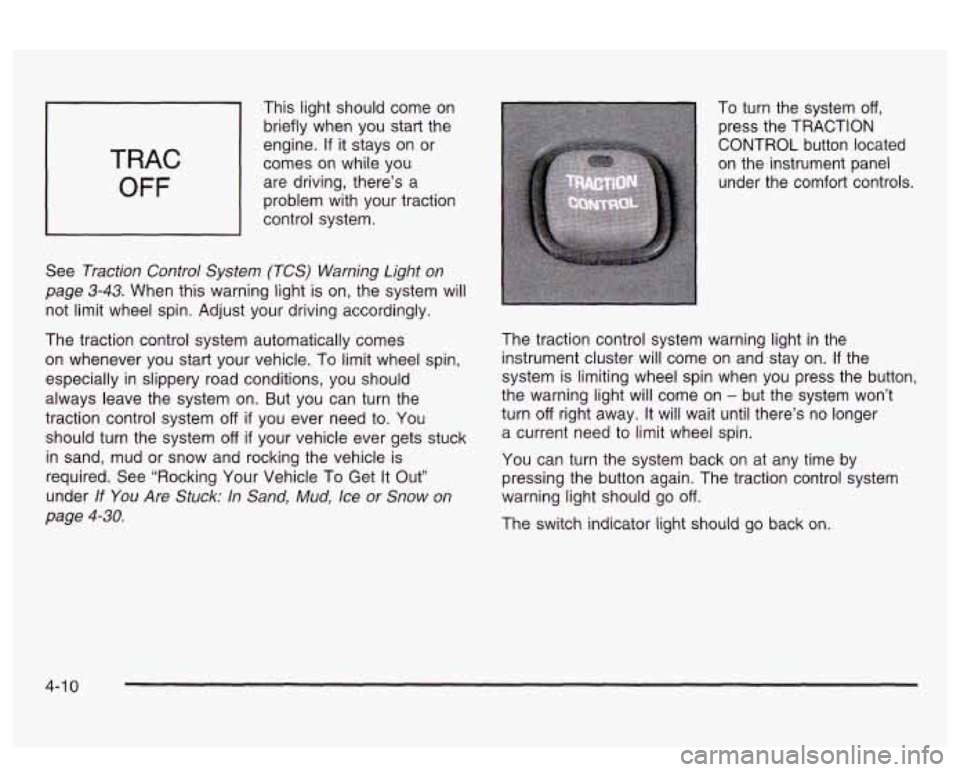
This light should come on
briefly when you start the
engine.
If it stays on or
comes on while you
are driving, there’s a
problem with your traction
control system.
See
Traction Control System (TCS) Warning Light on
page 3-43. When this warning light is on, the system will
not limit wheel spin. Adjust your driving accordingly.
The traction control system automatically comes
on whenever you start your vehicle.
To limit wheel spin,
especially in slippery road conditions, you should
always leave the system on. But you can turn the
traction control system
off if you ever need to. You
should turn the system
off if your vehicle ever gets stuck
in sand, mud or snow and rocking the vehicle is
required. See “Rocking Your Vehicle To Get It Out”
under
If You Are Stuck: In Sand, Mud, Ice or Snow on
page 4-30.
To turn the system off,
press the TRACTION
CONTROL button located
on the instrument panel
under the comfort controls.
The traction control system warning light in the
instrument cluster will come on and stay on.
If the
system is limiting wheel spin when you press the button,
the warning light will come on
- but the system won’t
turn
off right away. It will wait until there’s no longer
a current need to limit wheel spin.
You can turn the system back on at any time by
pressing the button again. The traction control system
warning light should
go off.
The switch indicator light should go back on.
4-1 0
Page 274 of 418
A. Engine Compartment Fuse Block
B. Windshield Washer Fluid Reservoir
C. Engine Coolant Recovery Tank
D. Radiator Pressure Cap
E. Power Steering Fluid Reservoir
F. Engine Oil Dipstick
G. Engine Oil Fill Cap
H. Automatic Transaxle Fluid Dipstick
I. Brake Master Cylinder
J. Engine Air Cleaner/Filter
Engine Oil
WCHECK
OIL LEVEL
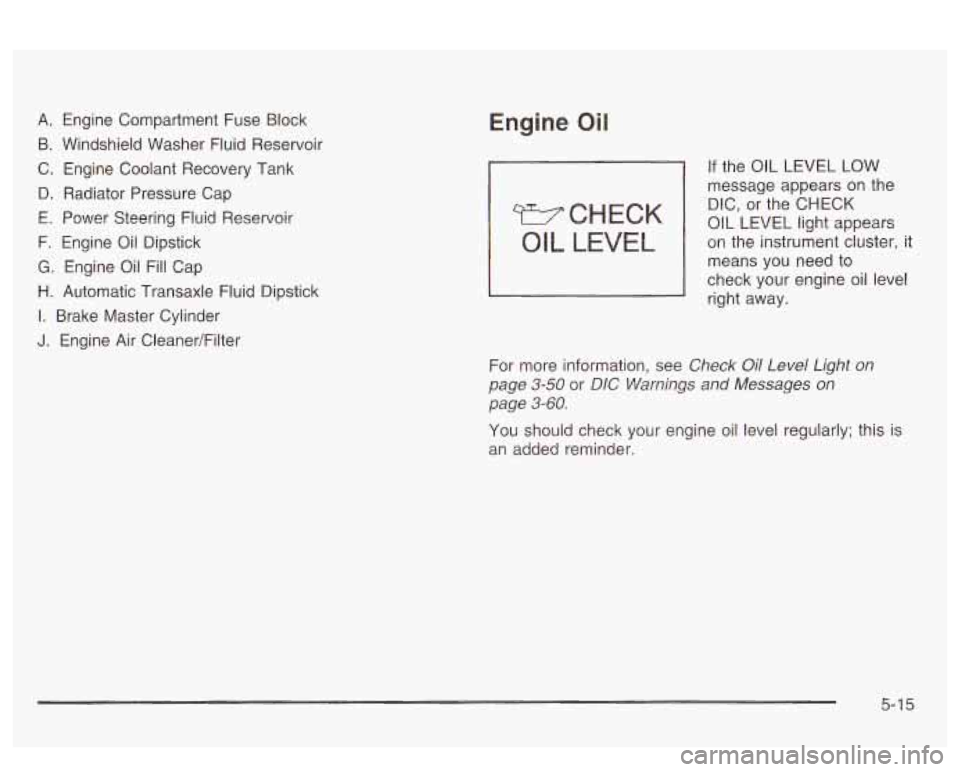
If the OIL LEVEL LOW
message appears
on the
DIC, or the CHECK
OIL LEVEL light appears
on the instrument cluster, it
means
YOU need to
check your engine oil level
right away.
For more information, see
Check Oil Level Light on
page
3-50 or DIG Warnings and Messages on
page 3-60.
You should check your engine oil level regularly; this is
an added reminder.
5-1 5
Page 406 of 418
HomeLink@ Transmitter. Programming ................ 2-43
HomeLink@ Transmitter
.................................... 2-42
Hood Checking Things Under
................................ 5-12
Release
..................................................... 5-1 3
Horn
............................................................... 3-6
How to Add Coolant to the Coolant
How to Add Coolant to the Radiator
.................. 5-36
How to Add Fluid
............................................ 5-26
How to Check
................................................ 5-24
How
to Check and Add Oil ............................... 5-22
How to Check Power Steering Fluid
.................. 5-40
How to Use This Manual
...................................... ii
How to Wear Safety Belts Properly ................... 1-12
Hydroplaning
.................................................. 4-1 9
Recovery Tank ............................................ 5-34 Infants
and Young Children. Restraints
............... 1-29
Inflation
.. Tire Pressure .................................. 5-62
Inspection Brake System
............................................. 6-23
Exhaust System
.......................................... 6-22
Fuel System
............................................... 6-22
Part C
- Periodic Maintenance ....................... 6-22
Steering, Suspension and Front Drive Axle
Boot and Seal
......................................... 6-22
Throttle System
........................................... 6-23
Cluster
....................................................... 3-35
Overview
..................................................... 3-4
Instrument Panel Brightness
............................. 3-16
Interior Lamps
................................................ 3-16
Interior Plastic Components
........................... 5-84
Engine Cooling
System
................................ 6-23
Instrument Panel
If No Steam Is Coming From Your Engine .......... 5-31 J
If Steam 1s Coming From Your Engine ............... 5-30 Jump Starting ............................ If the Light Is Flashing ..................................... 3-47 ... 5-46
.
If the Light Is On Steady ................................. 3-48
If You Are Stuck in Sand, Mud, Ice or Snow ....... 4-30
If You Do Decide To Pull A Trailer ..................... 4-37
If You’re Caught in a Blizzard ........................... 4-28 Key Lock Cylinders Service .......................... 6-19
Ignition Positions
............................................. 2-25 Key Fkminder Warning .................................... 2-26
Ignition Transaxle Lock Check
.......................... 6-21 Keyless Entry System ....................................... 2-5
K
Inadvertent Power Battery Saver .................... 3-20 Keys ............................................................... 2-3
7