lights PONTIAC BONNEVILLE 2003 User Guide
[x] Cancel search | Manufacturer: PONTIAC, Model Year: 2003, Model line: BONNEVILLE, Model: PONTIAC BONNEVILLE 2003Pages: 418, PDF Size: 20.24 MB
Page 178 of 418
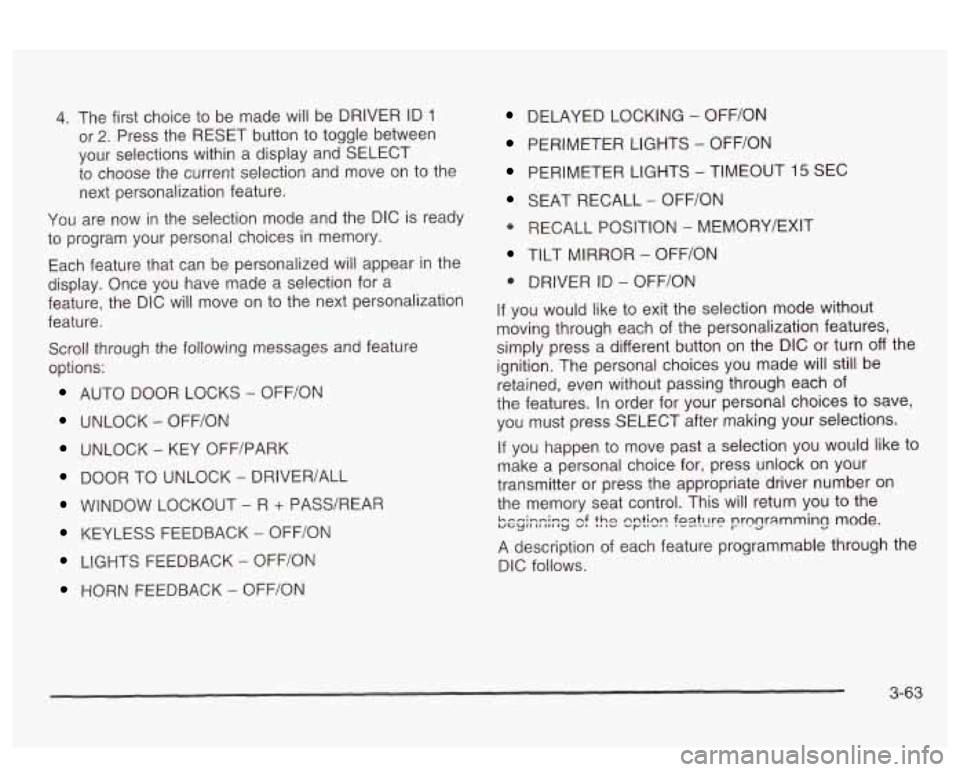
4. The first choice to be made will be DRIVER ID 1
or 2. Press the RESET button to toggle between
your selections within a display and SELECT
to choose the current selection and move on to the
next personalization feature.
You are now in the selection mode and the DIC
is ready
to program your personal choices in memory.
Each feature that can be personalized will appear in the
display. Once you have made a selection for a
feature, the DIC will move on to the next personalization
feature.
Scroll through the following messages and feature
options:
AUTO DOOR LOCKS - OFFiON
UNLOCK - OFF/ON
UNLOCK - KEY OFF/PARK
DOOR TO UNLOCK - DRIVER/ALL
WINDOW LOCKOUT - R + PASS/REAP
KEYLESS FEEDBACK - OFF/ON
LIGHTS FEEDBACK - OFF/ON
HORN FEEDBACK - OFF/ON
DELAYED LOCKING - OFF/ON
PERIMETER LIGHTS - OFF/ON
PERIMETER LIGHTS - TIMEOUT 15 SEC
SEAT RECALL - OFF/ON
* RECALL POSITION - MEMORY/EXIT
TILT MIRROR - OFF/ON
0 DRIVER ID - OFF/ON
If you would like to exit the selection mode without
moving through each of the personalization features,
simply press a different button on the DIC or turn off the
ignition. The personal choices you made will still be
retained, even without passing through each of
the features. In order for your personal choices
to save,
you must press SELECT after making your selections.
If you happen to move past a selection you would like to
make a personal choice for, press unlock on your
transmitter or press the appropriate driver number on
the memory seat control. This will return you to the
A description of each feature programmable through the
DIC follows.
k.--i-n;-m uGylIlII,,Iy nf v, thn 'I ,v nntinn ..r""' foatt1t-P .-e--. nrnnr;lmming mode. I-. -a -.
3-63
Page 180 of 418
Window Lock Out
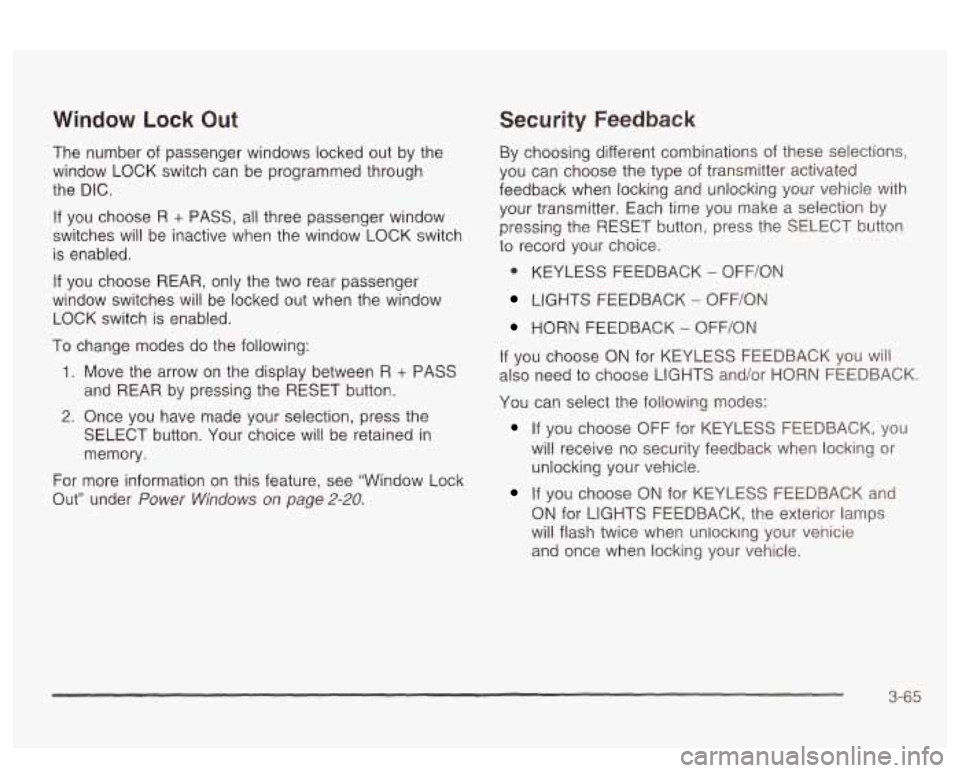
The number of passenger windows locked out by the
window LOCK switch can be programmed through
the DIC.
If you choose R + PASS, all three passenger window
switches will be inactive when the window LOCK switch
is enabled.
If you choose REAR, only the two rear passenger
window switches will be locked out when the window
LOCK switch is enabled.
To change modes do the following:
1. Move the arrow on the display between R + PASS
and REAR by pressing the RESET button.
2. Once you have made your selection, press the
SELECT button. Your choice will be retained in
memory.
For more information on this feature, see “Window Lock
Out” under
Power Windows on page 2-20.
Security Feedback
By choosing different combinations of these selections,
you can choose the type
of transmitter activated
feedback when locking and unlocking your vehicle with
your transmitter. Each time you make a selection by
pressing the RESET button, press the SELECT button
to record your choice.
@ KEYLESS FEEDBACK - OFF/ON
LIGHTS FEEDBACK - OFF/ON
HORN FEEDBACK - OFF/ON
If you choose
ON for KEYLESS FEEDBACK you will
also need to choose LIGHTS and/or HORN FEEDBACK.
You can select the following modes:
If you choose OFF for KEYLESS FEEDBACK, you
will receive no security feedback when locking or
unlocking your vehicle.
If you choose ON for KEYLESS FEEDBACK and
ON for LIGHTS FEEDBACK, the exterior lamps
will flash twice when unlocking your venicie
and once when locking your vehicle.
3-65
Page 181 of 418
If you choose ON for KEYLESS FEEDBACK and
ON for HORN FEEDBACK, your horn will chirp
when locking and unlocking your vehicle.
If you choose ON for KEYLESS, LIGHTS and
HORN FEEDBACK, your exterior lamps will
flash twice at the first unlock button press, your
exterior lamps will flash twice and your horn
will chirp once at the second unlock button press,
and the exterior lamps will flash once and the
horn will chirp once when locking your vehicle.
For more information on this feature, see “Security
Feedback under
Remote Keyless Entry System
Operation on page
2-6.
Delayed Locking
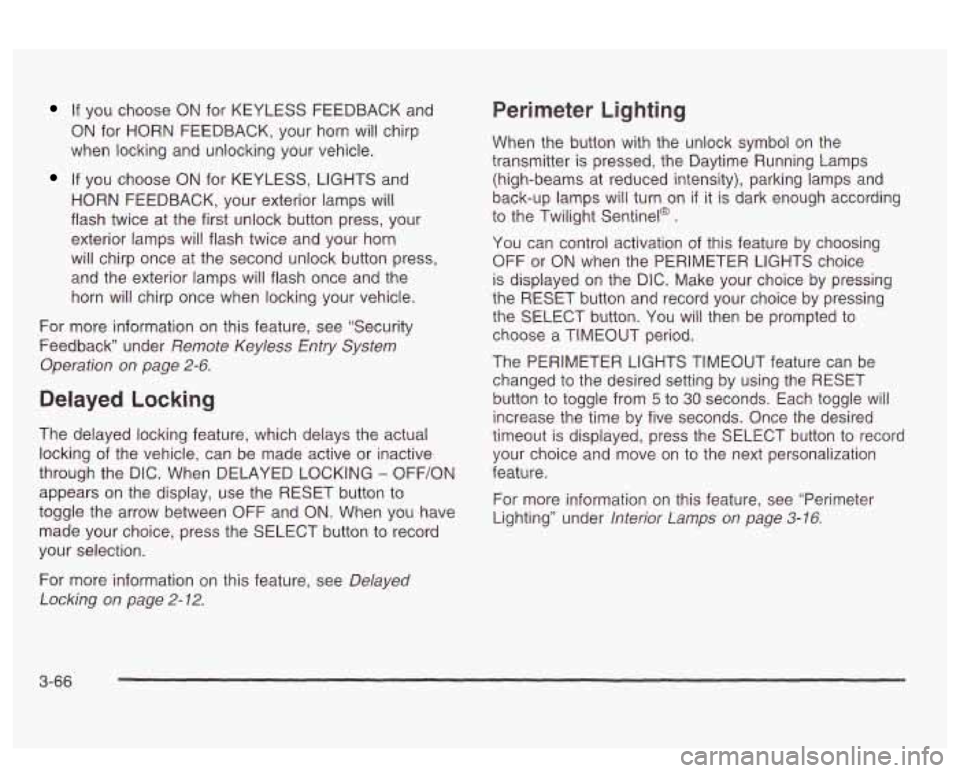
The delayed locking feature, which delays the actual
locking of the vehicle, can be made active or inactive
through the DIC. When DELAYED LOCKING
- OFF/ON
appears on the display, use the RESET button to
toggle the arrow between OFF and
ON. When you have
made your choice, press the SELECT button to record
your selection.
Perimeter Lighting
When the button with the unlock symbol on the
transmitter is pressed, the Daytime Running Lamps
(high-beams at reduced intensity), parking lamps and
back-up lamps will turn on
if it is dark enough according
to the Twilight Sentinel@
.
You can control activation of this feature by choosing
OFF
or ON when the PERIMETER LIGHTS choice
is displayed on the DIC. Make your choice by pressing
the RESET button and record your choice by pressing
the SELECT button. You will then be prompted
to
choose a TIMEOUT period.
The PERIMETER LIGHTS TIMEOUT feature can be
changed
to the desired setting by using the RESET
button to toggle from
5 to 30 seconds. Each toggle will
increase the time by five seconds. Once the desired
timeout
is displayed, press the SELECT button to record
your choice and move on to the next personalization
feature.
For more information on this feature, see “Perimeter
Lighting” under
lnterior Lamps on page 3-16.
For more information on this feature, see Delayed
Locking
on page 2-12.
3-66
Page 234 of 418
You can be temporarily blinded by approaching
headlamps. It can take a second or two, or even several
seconds, for your eyes to readjust to the dark. When
you are faced with severe glare (as from a driver
who doesn’t lower the high beams, or a vehicle with
misaimed headlamps), slow down a little. Avoid staring
directly into the approaching headlamps.
Keep your windshield and all the glass on your vehicle
clean
- inside and out. Glare at night is made much
worse by dirt on the glass. Even the inside of the glass
can build up a film caused by dust. Dirty glass makes
lights dazzle and flash more than clean glass would,
making the pupils of your eyes contract repeatedly.
Remember that your headlamps light up far less of a
roadway when
you are in a turn or cwve. Keep
your eyes moving; that way, it’s easier to pick out dimly
lighted objects. Just as your headlamps should be
checked regularly for proper aim,
so should your eyes
be examined regularly. Some drivers suffer from
night blindness
- the inability to see in dim light - and
aren’t even aware of it.
Driving in Rain and on Wet Roads
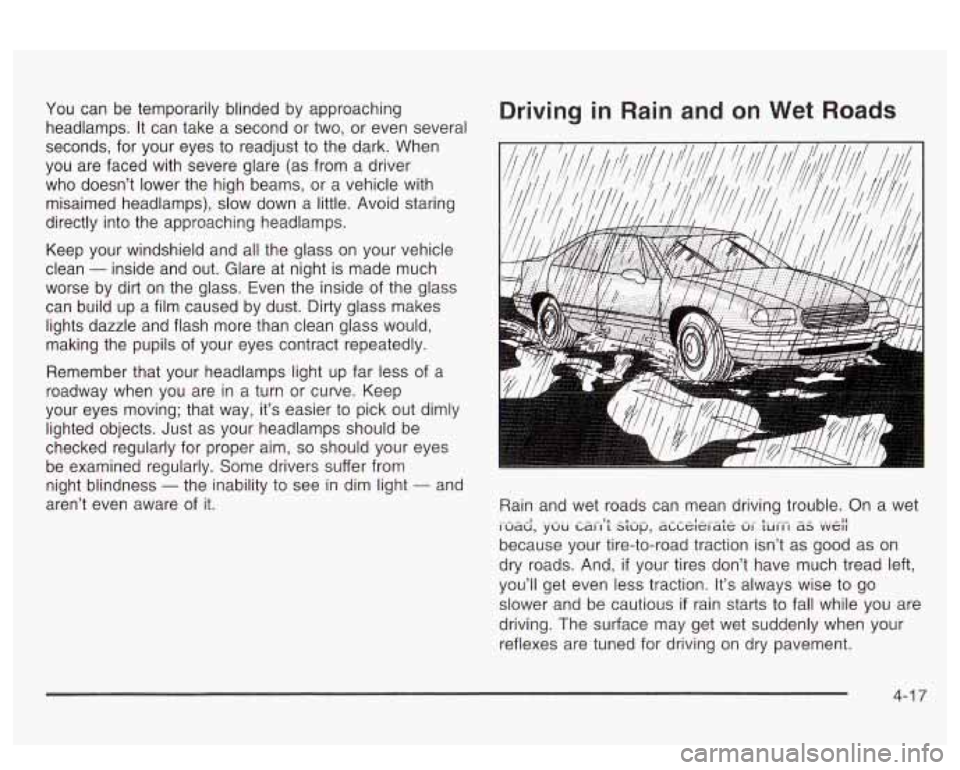
Rain and wet roads can mean driving trouble. On a wet
because your tire-to-road traction isn’t as good as on
dry roads. And,
if your tires don’t have much tread left,
you’ll get even less traction. It’s always wise to go
slower and be cautious
if rain starts to fall while you are
driving. The surface may get wet suddenly when your
reflexes are tuned for driving on dry pavement.
i>udd, .~.UU Ldi-i9; s;up’ dLLe;erd;e Ui- turi-i aS .“VA(
4-1 7
Page 257 of 418
Following Distance
Stay at least twice as far behind the vehicle ahead as
you would when driving your vehicle without a trailer.
This can help you avoid situations that require
heavy braking and sudden turns.
Passing
You’ll need more passing distance up ahead when
you’re towing a trailer. And, because you’re a good deal
longer, you’ll need to go much farther beyond the
passed vehicle before you can return to your lane.
Backing Up
Hold the bottom of the steering wheel with one hand.
Then, to move the trailer to the left, just move that hand
to the left. To move the trailer to the right, move your
hand to the right. Always back up slowly and,
if possible,
have someone guide you.
Making Turns
Notice: Making very sharp turns while trailering
could cause the trailer to come in contact with the
vehicle. Your vehicle could be damaged. Avoid
making very sharp turns while trailering.
When you’re turning with a trailer, make wider turns
than normal.
Do this so your trailer won’t strike
soft shoulders, curbs, road signs, trees or other objects.
Avoid jerky or sudden maneuvers. Signal well
in
advance.
Turn Signals When Towing a Trailer
When you tow a trailer, your vehicle may need a
different turn signal flasher and/or extra wiring. Check
with your dealer. All of the electrical circuits required for
your trailer lighting system can be accessed at the
left rear lamp connector. This connector is located under
the carpet on the driver’s side in the rear corner of
your trunk compartment. The arrows on your instrument
panel will flash whenever you signal a turn or lane
change. Properly hooked up, the trailer lamps will also
flash, telling other drivers you’re about to turn,
change lanes or stop.
When towing a trailer, the arrows on your instrument
panel will flash for turns even
if the bulbs on the trailer
are burned out. Thus, you may think drivers behind
you are seeing your signal when they are not. It’s
important to check occasionally to be sure the trailer
bulbs are still working.
Your vehicle has bulb warning lights. When you plug a
trailer lighting system into your vehicle’s lighting
system, its bulb warning lights may not let you know
if
one of your lamps goes out. So, when you have a trailer
lighting system plugged in, be sure to check your
vehicle and trailer lamps from time to time to be sure
they’re all working. Once you disconnect the trailer
lamps, the bulb warning lights again can tell you
if one
of your vehicle lamps is out.
4-40
Page 285 of 418
How to Add Fluid
Refer to the Maintenance Schedule to determine what
kind of transaxle fluid
to use. See Part D:
Recommended Fluids and Lubricants on page 6-24.
If the fluid level is low, add only enough of the proper
fluid
to bring the level into the cross-hatched area on the
dipstick.
1. Pull out the dipstick.
2. Using a long-neck funnel, add enough fluid at the
dipstick hole
to bring it to the proper level.
It doesn’t take much fluid, generally less than one
pint
(0.5 L). Don’t overfill.
Notice: We recommend you use only fluid labeled
DEXRON@-Ill, because fluid with that label is
made especially for your automatic transaxle.
Damage caused by fluid other than DEXRON@-Ill
is
not covered by your new vehicle warranty.
3. After adding fluid, recheck the fluid level as
described under “How to Check,” earlier in this
section.
Engine Coolant
The cooling system in your vehicle is filled with
DEX-COOL@ engine coolant. This coolant is designed
to remain
in your vehicle for 5 years or 150,000 miles
(240
000 km), whichever occurs first, if you add
only extended life coolant.
The following explains your cooling system and how to
add coolant when it is low. If you have a problem
with engine overheating, see
Engine Overheating on
page
5-29.
A 50/50 mixture of clean, drinkable water and
DEX-COOL@ coolant will:
Give freezing protection down to -34°F (-37°C).
Give boiling protection up to 265°F (129°C)
Protect against rust and corrosion.
Help keep the proper engine temperature.
Let the warning lights and gages work as
they should.
4. When the correct fluid level is obtained, push the
dipstick back
in all the way.
5-26
Page 414 of 418
v
Vehicle Control
........................................................ 4-6
Damage Warnings
........................................... iv
Loading
...................................................... 4-34
Service
Soon Light ...................................... 3-53
Symbols
......................................................... iv
Vehicle Data
.................................................. 3-58
Vehicle Identification
Number (VIN)
............................................. 5-90
Service Parts Identification Label
................... 5-90
DIC
........................................................... 3-62
Memory Seat and Mirrors
......................... 2-48
Vehicle Storage
.......................................... 5-46
Ventilation Adjustment
...................................... 3-32
Vinyl
............................................................. 5-84
Vehicle
Personalization
Visor Vanity Mirror
.......................................... 2-20
Visors 2-20
Voltmeter Gage
.............................................. 3-41
...........................................................
Warning Lights. Gages and Indicators ...... ~ .... 3-34
DIC Warnings and Messages
........................ 3-60
Hazard ?n.larning Flashers ............................... 3-5
Warnings
Other Warning Devices
.................................. 3-6
Safety and Symbols
......................................... III ...
Warnings (cont.) Vehicle Damage
.............................................. iv
Washer Fluid. Low Warning Light
...................... 3-51
Washing Your Vehicle
...................................... 5-85
Weight of the Trailer
........................................ 4-37
What Kind of Engine Oil
to Use ........................ 5-18
What to Do with Used
Oil ................................ 5-21
What
to Use .......................................... 5-27, 5-40
Wheels
Alignment and Tire Balance
.......................... 5-69
Weatherstrip Lubrication
................................... 6-19
Weight of the Trailer Tongue
............................. 4-38
What Kind of Oil to Use
.................................. 5-22
Replacement
............................................... 5-69
When to Add Engine Oil
.................................. 5-17
When to Change Engine Oil
(Vehicles With the GM Oil Life SystemTM)
....... 5-20
When to Change Engine Oil
(Vehicles Without the GM Oil Life SystemTM)
...... 5-20
When to Check
.............................................. 5-21
When to Check Power Steering Fluid
................ 5-40
vvrwrt ‘r’ou Are Fieauy LU ~eavc MILW
Parking on a Hill ......................................... 4-41
When
to Check and Change
............................ 5-23
.... -I ~ 1- I - _. ._ Afr- ..
Where to Put the Restraint ............................... 1-36
Why Safety Belts Work
..................................... 1-8
Window Lock Out
................................... 2-20, 3-65
Windows
....................................................... 2-19
Power
........................................................ 2-20
Windshield and Wiper Blades
........................... 5-86
15