service PONTIAC BONNEVILLE 2003 User Guide
[x] Cancel search | Manufacturer: PONTIAC, Model Year: 2003, Model line: BONNEVILLE, Model: PONTIAC BONNEVILLE 2003Pages: 418, PDF Size: 20.24 MB
Page 100 of 418
Shifting Out of Park (P)
Your vehicle has an automatic transaxle shift lock
control system. You have to fully apply your regular
brake before you can shift from PARK (P) when
the ignition is in
ON. See Automatic Transaxle Operation
on page
2-28.
If you cannot shift out of PARK (P), ease pressure on
the shift lever
- push the shift lever all the way into
PARK
(P) as you maintain brake application. Then move
the shift lever into the gear you want (if you have the
console shift lever, press the button first). If you
ever hold the brake pedal down but still can’t shift out of
PARK (P),
try this:
1. Turn the key to OFF.
2. Apply and hold the brake until the end of Step 4.
3. Shift to NEUTRAL (N).
4. Start the vehicle and then shift to the drive
gear you want.
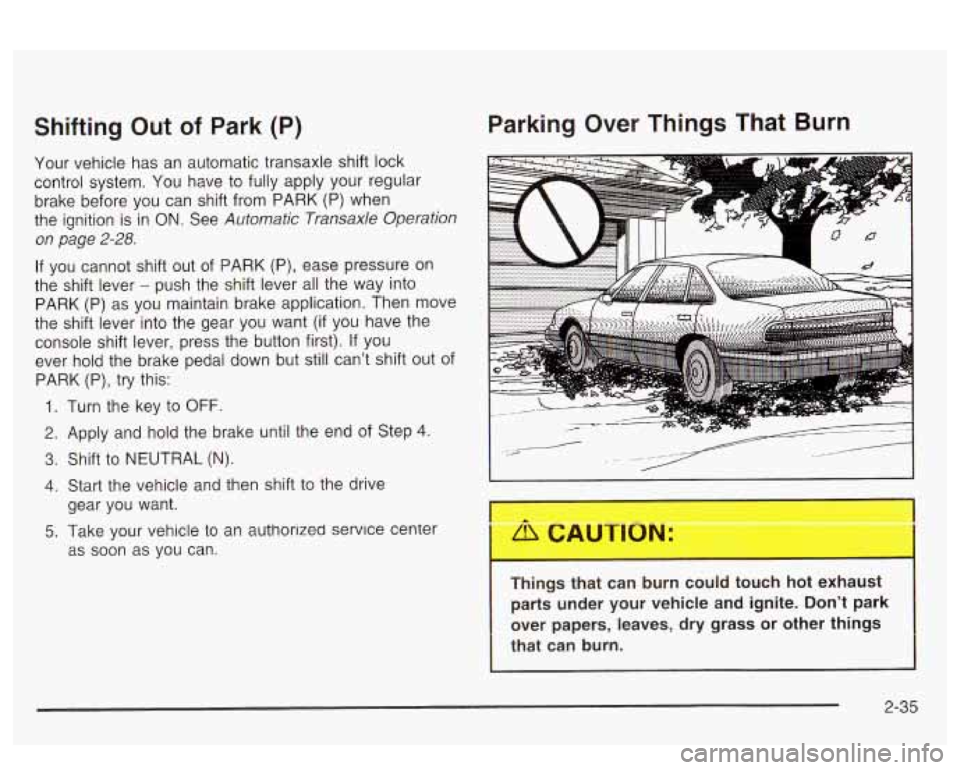
Parking Over Things That Burn
5. Take your vehicle to an authorlzed service center
as soon as you can.
Things that can burn could touch hot exhaust
parts under your vehicle and ignite. Don’t park
over papers, leaves, dry grass or other things
that can burn.
2-35
Page 105 of 418
Onstar@ System
Onstar@ uses global positioning system (GPS) satellite
technology, wireless communications, and state
of
the art call centers to provide you with a wide range of
safety, security, information and convenience services.
An Onstar@ subscription plan is included in the price
of your vehicle. You can easily upgrade or extend your
Onstar@ services to meet your personal needs.
A complete Onstar@ user’s guide and the terms and
conditions of the Onstar@ Subscription Service
Agreement are included in your Onstar@’-equipped
vehicle’s glove
box literature. For more information, visit
www.onstar.com, contact Onstar@ at
1 -888-4-ONSTAR
(1-888-466-7827), or press the blue Onstar@ button
to speak to an Onstar@ advisor 24 hours
a day, 7 days
a week.
OnStaP Services
Onstar@ provides a number of service plans to closely
meet your needs. Some of the services currently
provided by Onstar@ are:
Automatic Notification
of Air Bag Deployment
Emergency Services
Roadside Assistance Stolen Vehicle Tracking
AccidentAssist
Remote Door Unlock
Remote Diagnostics
Onstar@ MED-NET (Requires separate activation
and annual fee on some plans)
Online and Personal Concierge Services
Route Support
RideAssist
Information and Convenience Services
2-40
Page 106 of 418
Onstar@ Personal Calling
With Onstar@ Personal Calling, you have a safer way to
stay connected while driving. It’s a hands-free wireless
phone that’s integrated into your vehicle.
You can place
calls nationwide using voice-activated dialing with no
contracts, no roaming charges and no access fees.
To find out more about Onstar@ Personal Calling, refer
to the Onstar@ owner’s guide in your vehicle’s glove
box, or call Onstar@ at 1-888-4-0NSTAR
(1 -888-466-7827).
Onstar@ Virtual Advisor
With Onstar@ Virtual Advisor you can listen to your
favorite news, entertainment and information topics,
such as traffic and weather reports, stock quotes
and sports scores. You listen to your e-mail through
your vehicle’s speakers, and reply with your hands on
the wheel and your eyes on the road.
A completed Subscription Service Agreement is required
prior to delivery
of Onstar@ services and prepaid
calling minutes are also required for Onstar@ Personal
Calling and Onstar@ Virtual Advisor use. Terms and
conditions of the Subscription Service Agreement can
be
found at www.onstar.com.
2-41
Page 107 of 418
HomeLink@ Transmitter
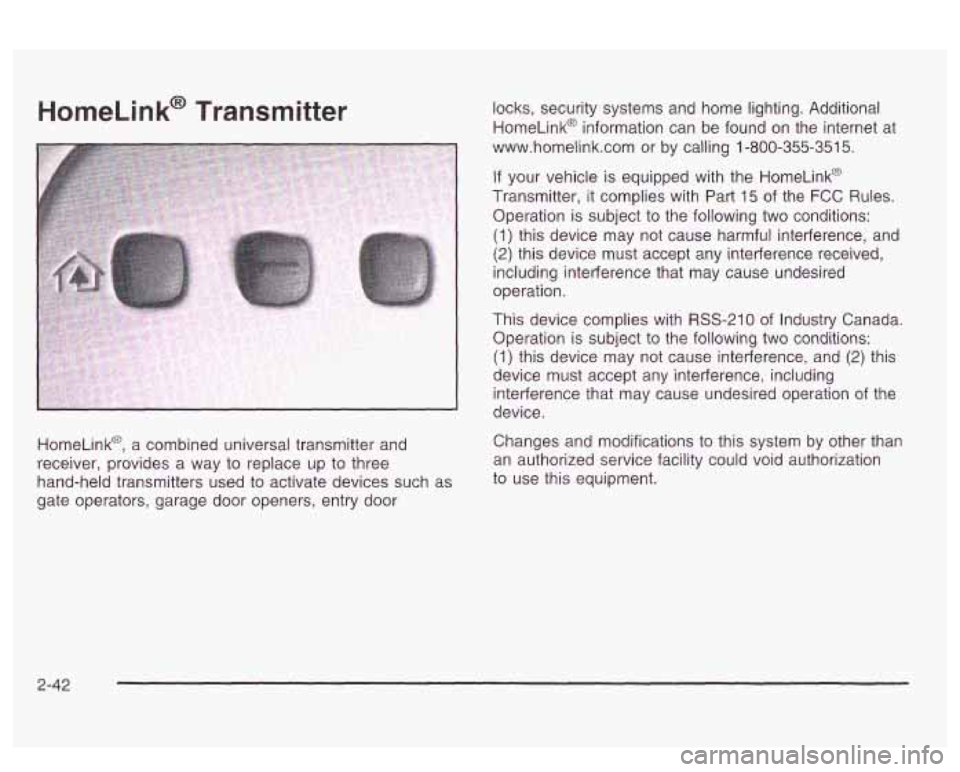
HomeLink@, a combined universal transmitter and
receiver, provides a way to replace up to three
hand-held transmitters used to activate devices such
as
gate operators, garage door openers, entry door locks, security
systems and home lighting. Additional
HomeLink@ information can be found on the internet at
www.homelink.com or by calling 1-800-355-351
5.
If your vehicle is equipped with the Homelink@
Transmitter, it complies with Part
15 of the FCC Rules.
Operation is subject to the following two conditions:
(1) this device may not cause harmful interference, and
(2) this device must accept any interference received,
including interference that may cause undesired
operation.
This device complies with RSS-210 of Industry Canada.
Operation is subject to the following
two conditions:
(1) this device may not cause interference, and (2) this
device must accept any interference, including
interference that may cause undesired operation of the
device.
Changes and modifications to this system by other than
an authorized service facility could void authorization
to use this equipment.
2-42
Page 135 of 418
Inadvertent Power Battery Saver
This feature is designed to protect your vehicle’s battery
against drainage from the interior lamps, trunk lamp,
glove box lamp or cigarette lighters. When the ignition is
turned
off, the power to these features will automatically
turn
off after 10 minutes. Power will be restored for
an additional
10 minutes if any door is opened, the trunk
is opened or the courtesy lamps are turned on. To
restore power back to the cigarette lighters the ignition
must be turned back to
ON.
Battery Load Management
The battery load management feature is designed to
monitor the vehicle’s electrical load and determine when
the battery is in a heavy discharge condition. During
times of high electrical loading, the engine may idle at
higher revolutions per minute (rpm) than normal to
make sure the battery charges. High electrical loads
may occur when several
of the following are on:
headlamps, high beams, fog lamps, rear window
defogger, fan on high speed, heated seats and engine
cooling fans.
If your vehicle’s battery remains in a heavy discharge
condition for a long period of time, the fan, rear
defogger, heated seats and heated mirrors will be
disabled and the DIC will display BATTERY SAVER
ACTIVE. This can happen either under long periods of
idling or low speed driving with high electrical loading,
or in the event of a charging system fault.
Monitor the battery voltage when in the BATTERY
SAVER ACTIVE mode.
If the voltmeter remains in the shaded area (below
11 volts) when driving then have the charging
system serviced immediately.
If the voltage increases above 12 volts then the
battery needs to be recharged.
Try driving on
the highway with as few electrical accessories on
as possible.
3-20
Page 155 of 418
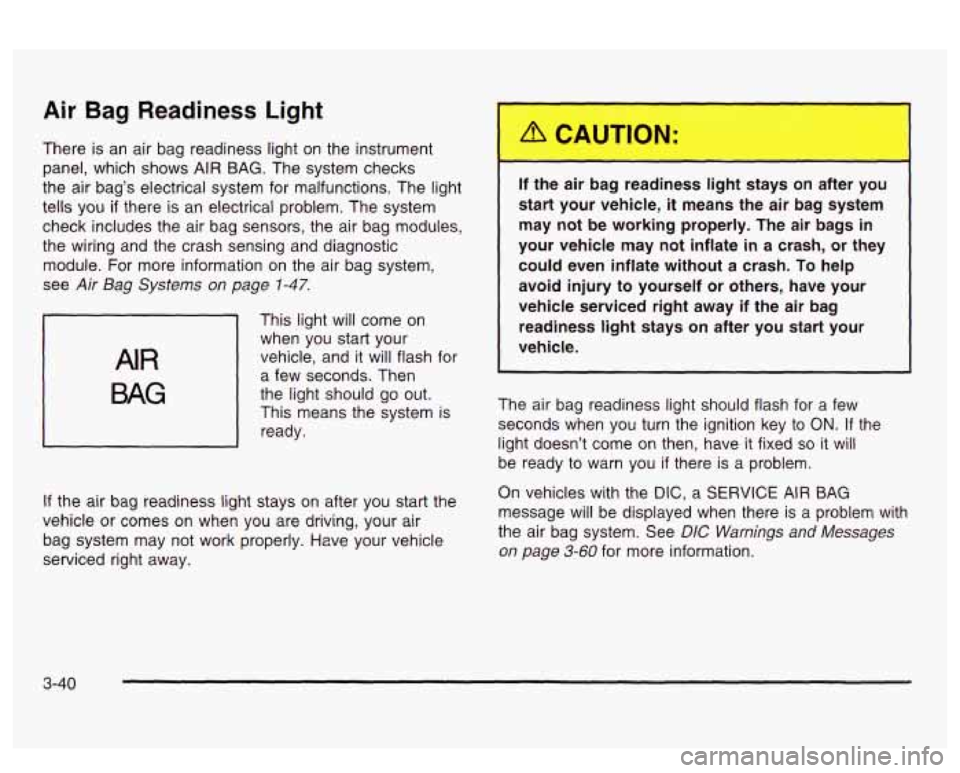
Air Bag Readiness Light
There is an air bag readiness light on the instrument
panel, which shows
AIR BAG. The system checks
the air bag’s electrical system for malfunctions. The light
tells you
if there is an electrical problem. The system
check includes the air bag sensors, the air bag modules,
the wiring and the crash sensing and diagnostic
module. For more information on the air bag system,
see
Air Bag Systems on page 1-47.
AIR
BAG
This light will come on
when you start your
vehicle, and it will flash for
a few seconds. Then
the light should go out.
This means the system is
ready.
If the air bag readiness light stays on after you start the
vehicle or comes on when you are driving, your air
bag system may not work properly. Have your vehicle
serviced right away. If the air
I ~ 3 reac ess IiL ~ :ays on after
you
start your vehicle,
it means the air bag system
may not be working properly. The air bags in
your vehicle may not inflate
in a crash, or they
could even inflate without a crash.
To help
avoid injury
to yourself or others, have your
vehicle serviced right away if the air bag
readiness
light stays on after you start your
vehicle.
The air bag readiness light should flash for a few
seconds when you turn the ignition key to
ON. If the
light doesn’t come
on then, have it fixed so it will
be ready to warn you if there is a problem.
On vehicles with the
DIC, a SERVICE AIR BAG
message will be displayed when there is a problem with
the air bag system. See
DIC Warnings and Messages
on page 3-60 for more information.
3-40
Page 156 of 418
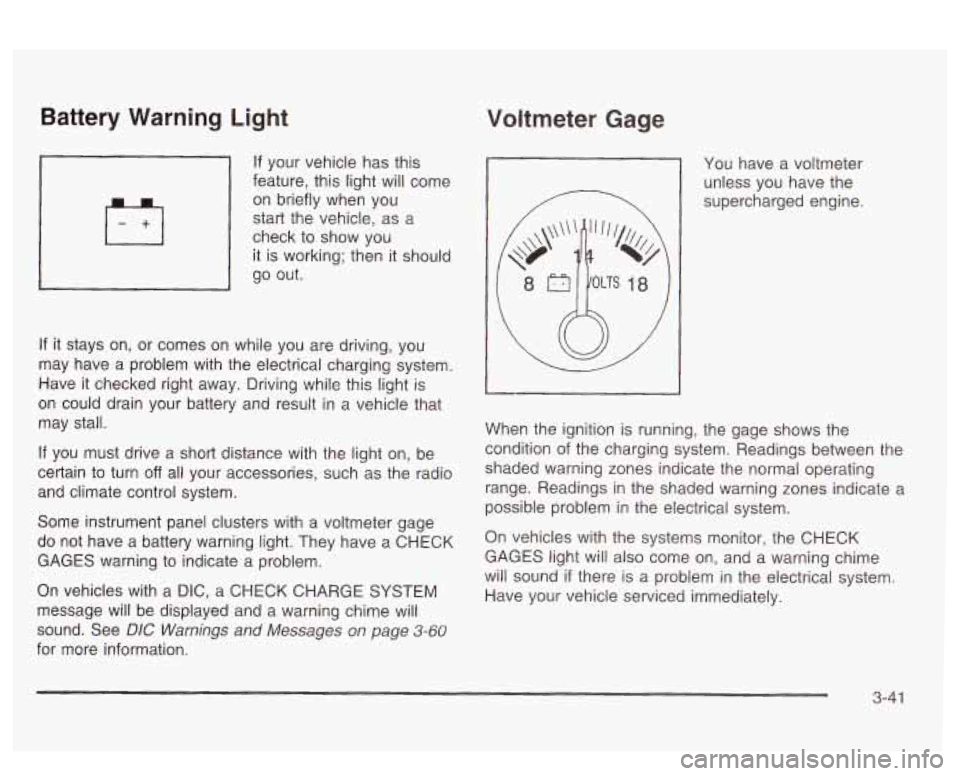
Battery Warning Light
If your vehicle has this
feature, this light will come
on briefly when you
start the vehicle, as a
check to show you
it is working; then it should
go out.
If it stays on, or comes on while you are driving, you
may have a problem with the electrical charging system.
Have
it checked right away. Eriving while this light is
on could drain your battery and result in a vehicle that
may stall.
If you must drive a short distance with the light on, be
certain to turn
off all your accessories, such as the radio
and climate control system.
Some instrument panel clusters with a voltmeter gage
do not have a battery warning light. They have a CHECK
GAGES warning to indicate a problem.
On vehicles with a DIC, a CHECK CHARGE SYSTEM
message will be displayed and a warning chime will
sound. See
DIC Warnings and Messages on page 3-60
for more information.
Voltmeter Gage
You have a voltmeter
unless you have the
supercharged engine.
When the ignition is running, the gage shows the
condition
of the charging system. Readings between the
shaded warning zones indicate the normal operating
range. Readings in the shaded warning zones indicate a
possible problem in the electrical system.
On vehicles with the systems monitor, the CHECK
GAGES light will also come on, and a warning chime
will sound
if there is a problem in the electrical system.
Have your vehicle serviced immediately.
3-41
Page 157 of 418
On vehicles with a DIC, a CHECK CHARGE SYSTEM
message will be displayed and a warning chime will
sound
if there is a problem in the electrical system. Have
your vehicle serviced immediately. See
DIC Warnings
and Messages on page
3-60 for more information.
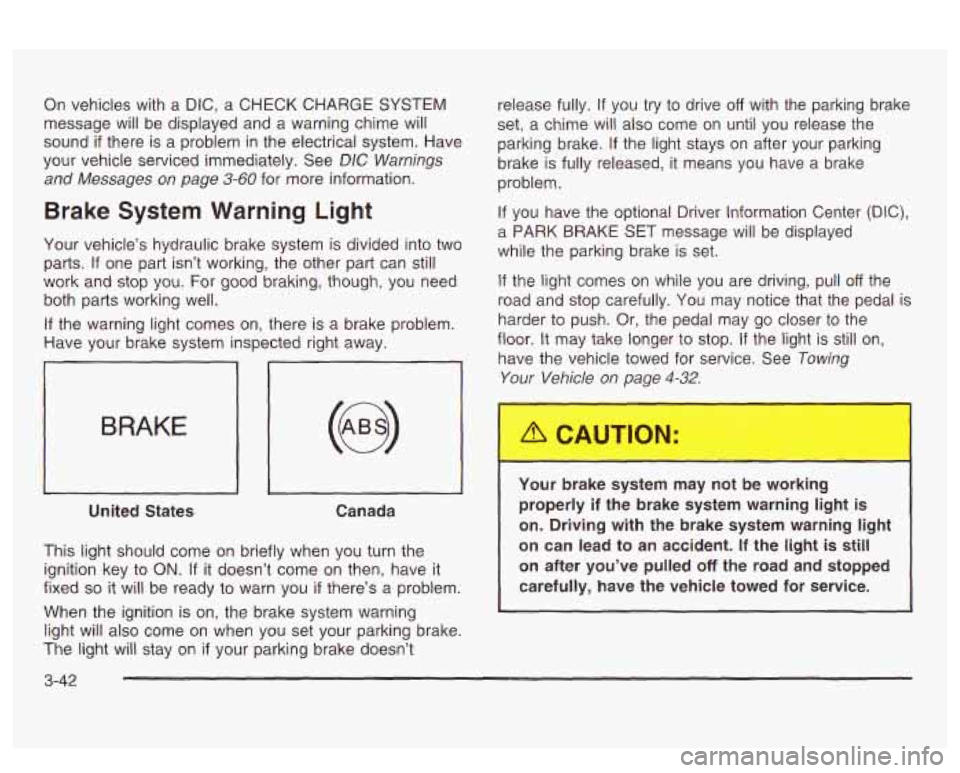
Brake System Warning Light
Your vehicle’s hydraulic brake system is divided into two
parts.
If one part isn’t working, the other part can still
work and stop you. For good braking, though, you need
both parts working well.
If the warning light comes on, there is a brake problem.
Have your brake system inspected right away.
iL
BRAKE
United States Canada
This light should come on briefly when you turn the
ignition key to
ON. If it doesn’t come on then, have it
fixed
so it will be ready to warn you if there’s a problem.
When the ignition is on, the brake system warning
light will also come on when you set your parking brake.
The light will stay on
if your parking brake doesn’t release fully.
If you
try to drive off with the parking brake
set,
a chime will also come on until you release the
parking brake.
If the light stays on after your parking
brake is fully released, it means you have a brake
problem.
If you have the optional Driver Information Center (DIC),
a PARK BRAKE SET message will be displayed
while the parking brake is set.
If the light comes on while you are driving, pull off the
road and stop carefully. You may notice that the pedal is
harder to push. Or, the pedal may go closer to the
floor.
It may take longer to stop. If the light is still on,
have the vehicle towed for service. See
Towing
Your Vehicle on page 4-32.
Your brake system may not be working
properly
if the brake system warning light is
on. Driving with the brake system warning light
on can lead to an accident.
If the light is still
on after you’ve pulled
off the road and stopped
carefully, have the vehicle towed for service.
I
3-42
Page 158 of 418
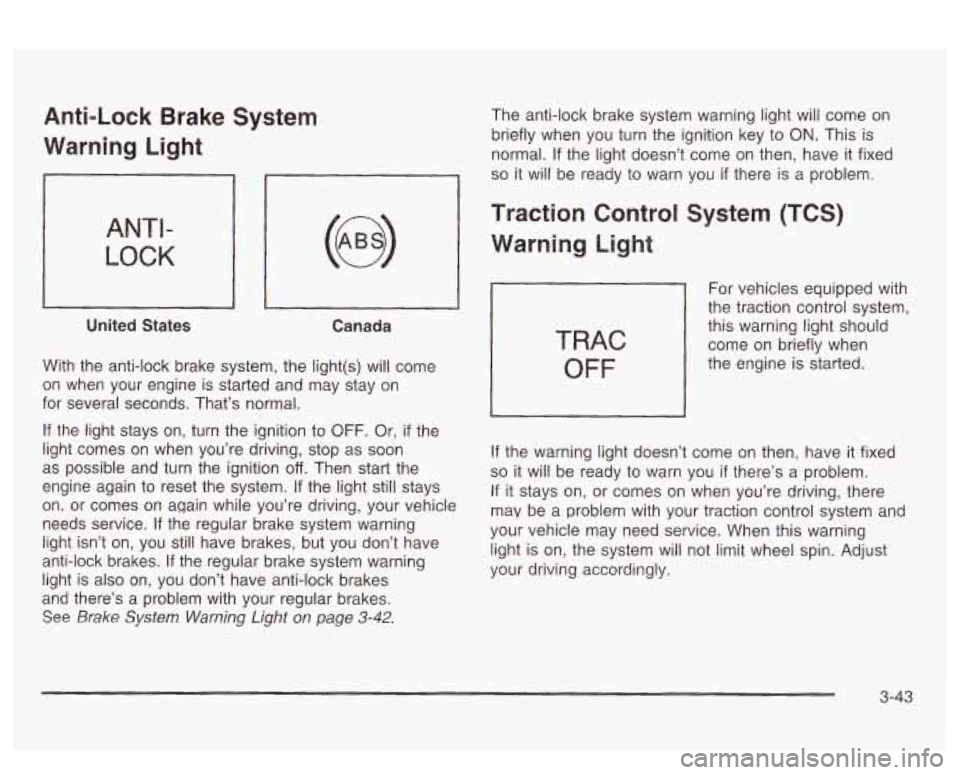
Anti-Lock Brake System
Warning Light
ANTI-
LOCK
United States Canada
With the anti-lock brake system, the light(s) will come
on when your engine
is starled and x2y stay on
for several seconds. That’s normal.
If the light stays on, turn the ignition to OFF. Or, if the
light comes on when you’re driving, stop as soon
as possible and turn the ignition
off. Then start the
engine again to reset the system.
If the light still stays
on. or comes on again while you’re driving, your vehicle
needs service. If the regular brake system warning
light isn’t on, you still have brakes, but
you don’t have
anti-lock brakes. If the regular brake system warning
light is also on, you don’t have anti-lock brakes
and there’s a problem with your regular brakes.
See Brake System Warning Light on page 3-42.
The anti-lock brake system warning light will come on
briefly when you turn the ignition key to
ON. This is
normal.
If the light doesn’t come on then, have it fixed
so it will be ready to warn you if there is a problem.
Traction Control System (TCS)
Warning Light
TRAC
OFF
For vehicles equipped with
the traction control system,
this warning light should
come on briefly when
the engine is started.
If the warning light doesn’t come on then, have it fixed
so it will be ready to warn you if there’s a problem.
If it stays on, or comes on when you’re driving, there
may be a problem with your traction control system and
your vehicle may need service. When this warning
light is on, the system will not limit wheel spin. Adjust
your driving accordingly.
3-43
Page 159 of 418
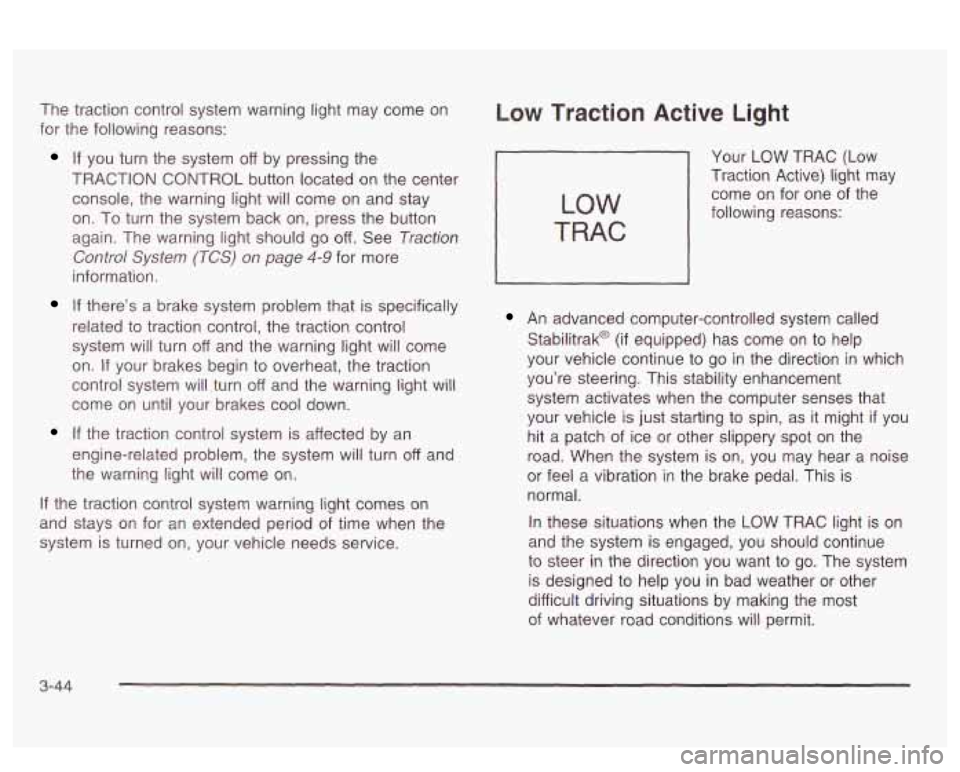
The traction control system warning light may come on
for the following reasons:
If you turn the system off by pressing the
TRACTION CONTROL button located on the center
console, the warning light will come on and stay
on.
To turn the system back on, press the button
again. The warning light should go
off. See Traction
Control System (TCS) on page 4-9 for more
information.
If there’s a brake system problem that is specifically
related
to traction control, the traction control
system will turn
off and the warning light will come
on.
If your brakes begin to overheat, the traction
control system will turn
off and the warning light will
come on until your brakes cool down.
If the traction control system is affected by an
engine-related problem, the system will turn off and
the warning light will come on.
If the traction control system warning light comes on
and stays on for an extended period of time when the
system
is turned on, your vehicle needs service.
Low Traction Active Light
LOW
TRAC
Your LOW TRAC (Low
Traction Active) light may
come on for one of the
following reasons:
An advanced computer-controlled system called
Stabilitrak@
(if equipped) has come on to help
your vehicle continue
to go in the direction in which
you’re steering. This stability enhancement
system activates when the computer senses that
your vehicle is just starting
to spin, as it might if you
hit a patch of ice or other slippery spot on the
road. When the system is on, you may hear a noise
or feel
a vibration in the brake pedal. This is
normal.
In these situations when the
LOW TRAC light is on
and the system is engaged, you should continue
to steer in the direction you want
to go. The system
is designed to help you in bad weather or other
difficult driving situations by making the most
of whatever road conditions will permit.
3-44