ABS PONTIAC G3 2010 Owners Manual
[x] Cancel search | Manufacturer: PONTIAC, Model Year: 2010, Model line: G3, Model: PONTIAC G3 2010Pages: 368, PDF Size: 3.94 MB
Page 4 of 368
Safety Warnings and Symbols
Warning messages found on vehicle labels and in this
manual describe hazards and what to do to avoid or
reduce them.
Dangerindicates a hazard with a high level of risk
which will result in serious injury or death.
Warning orCaution indicates a hazard that could result
in injury or death.
{WARNING:
These mean there is something that could hurt
you or other people.
Notice: This means there is something that could
result in property or vehicle damage. This would not
be covered by the vehicle's warranty.
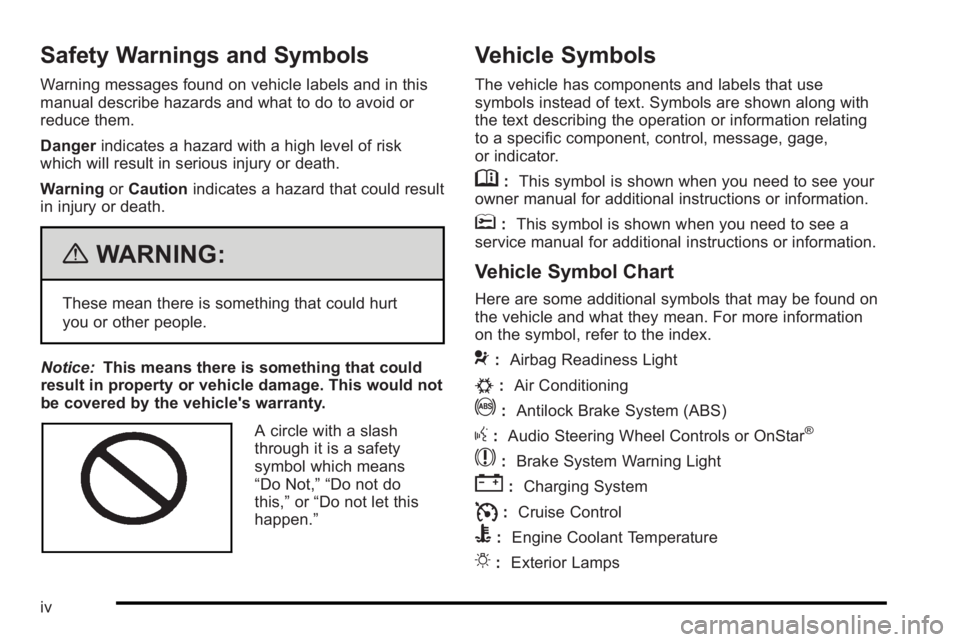
A circle with a slash
through it is a safety
symbol which means
“Do Not,” “Do not do
this,” or“Do not let this
happen.”
Vehicle Symbols
The vehicle has components and labels that use
symbols instead of text. Symbols are shown along with
the text describing the operation or information relating
to a specific component, control, message, gage,
or indicator.
M: This symbol is shown when you need to see your
owner manual for additional instructions or information.
*: This symbol is shown when you need to see a
service manual for additional instructions or information.
Vehicle Symbol Chart
Here are some additional symbols that may be found on
the vehicle and what they mean. For more information
on the symbol, refer to the index.
9: Airbag Readiness Light
#:Air Conditioning
!:Antilock Brake System (ABS)
g:Audio Steering Wheel Controls or OnStar®
$: Brake System Warning Light
":Charging System
I:Cruise Control
B: Engine Coolant Temperature
O:Exterior Lamps
iv
Page 143 of 368

Section 4 Instrument Panel
Instrument Panel Overview. . . . . . . . . . . . . . . . . . . . . . . .4-3
Hazard Warning Flashers . . . . . . . . . . . . . . . . . . . . . . . 4-3
Horn . . . . . . . . . . . . . . . . . . . . . . . . . . . . . . . . . . . . . . . . . . . . 4-3
Tilt Wheel . . . . . . . . . . . . . . . . . . . . . . . . . . . . . . . . . . . . . . . 4-3
Turn Signal/Multifunction Lever . . . . . . . . . . . . . . . . . . 4-4
Turn and Lane-Change Signals . . . . . . . . . . . . . . . . . 4-4
Headlamp High/Low-Beam Changer . . . . . . . . . . . . 4-5
Flash-to-Pass . . . . . . . . . . . . . . . . . . . . . . . . . . . . . . . . . . . 4-5
Windshield Wipers . . . . . . . . . . . . . . . . . . . . . . . . . . . . . . 4-6
Windshield Washer . . . . . . . . . . . . . . . . . . . . . . . . . . . . . 4-7
Rear Window Wiper/Washer . . . . . . . . . . . . . . . . . . . . 4-7
Cruise Control . . . . . . . . . . . . . . . . . . . . . . . . . . . . . . . . . . 4-8
Exterior Lamps . . . . . . . . . . . . . . . . . . . . . . . . . . . . . . . . . 4-11
Daytime Running Lamps (DRL) . . . . . . . . . . . . . . . . 4-11
Fog Lamps . . . . . . . . . . . . . . . . . . . . . . . . . . . . . . . . . . . . 4-12
Instrument Panel Brightness . . . . . . . . . . . . . . . . . . . 4-12
Dome Lamp . . . . . . . . . . . . . . . . . . . . . . . . . . . . . . . . . . . 4-13
Inadvertent Power Battery Saver . . . . . . . . . . . . . . . 4-13
Accessory Power Outlet(s) . . . . . . . . . . . . . . . . . . . . . 4-13
Ashtray(s) and Cigarette Lighter . . . . . . . . . . . . . . . 4-14
Clock . . . . . . . . . . . . . . . . . . . . . . . . . . . . . . . . . . . . . . . . . . 4-15 Climate Controls
. . . . . . . . . . . . . . . . . . . . . . . . . . . . . . . . . . 4-15
Climate Control System . . . . . . . . . . . . . . . . . . . . . . . . 4-15
Outlet Adjustment . . . . . . . . . . . . . . . . . . . . . . . . . . . . . . 4-18
Passenger Compartment Air Filter . . . . . . . . . . . . . 4-18
Warning Lights, Gages, and Indicators . . . . . . . . . .4-20
Instrument Panel Cluster . . . . . . . . . . . . . . . . . . . . . . . 4-21
Speedometer and Odometer . . . . . . . . . . . . . . . . . . . 4-22
Trip Odometer . . . . . . . . . . . . . . . . . . . . . . . . . . . . . . . . . 4-22
Tachometer . . . . . . . . . . . . . . . . . . . . . . . . . . . . . . . . . . . . 4-22
Safety Belt Reminders . . . . . . . . . . . . . . . . . . . . . . . . . 4-23
Airbag Readiness Light . . . . . . . . . . . . . . . . . . . . . . . . 4-23
Passenger Airbag Status Indicator . . . . . . . . . . . . . 4-24
Charging System Light . . . . . . . . . . . . . . . . . . . . . . . . 4-25
Up-Shift Light . . . . . . . . . . . . . . . . . . . . . . . . . . . . . . . . . . 4-26
Brake System Warning Light . . . . . . . . . . . . . . . . . . . 4-26
Antilock Brake System (ABS) Warning Light . . . 4-27
Hold Mode Light . . . . . . . . . . . . . . . . . . . . . . . . . . . . . . . 4-27
Engine Coolant Temperature Gage . . . . . . . . . . . . 4-28
Tire Pressure Light . . . . . . . . . . . . . . . . . . . . . . . . . . . . 4-28
Malfunction Indicator Lamp . . . . . . . . . . . . . . . . . . . . 4-29
4-1
Page 169 of 368

When the ignition is on, the brake system warning light
will also come on when the parking brake is set. The
light will stay on if the parking brake does not fully
release. If it stays on after the parking brake is fully
released, it means there is a brake problem.
If the light comes on while driving, carefully pull off the
road and stop. The pedal may be harder to push or may
go closer to the floor. It may take longer to stop. If the
light is still on, have the vehicle towed for service.
SeeTowing Your Vehicle on page 5‑25.
Antilock Brake System (ABS)
Warning Light
For vehicles with the
Antilock Brake System
(ABS), this light comes on
briefly when the engine is
started.
If the light stays on, turn the ignition to LOCK/OFF or if
the light comes on, stop as soon as possible and turn
the ignition off. Then start the engine again to reset the
system. If the light still stays on, or comes on again while driving, the vehicle needs service. See your
dealer/retailer. If the regular brake system warning light
is not on, the brakes will still work, but the antilock
brakes will not work. If the regular brake system
warning light is also on, the antilock brakes will not
work and there is a problem with the regular brakes.
See
Brake System Warning Light on page 4‑26.
The ABS warning light will come on briefly when the
ignition is turned to ON/RUN. This is normal. If the light
does not come on then, have it fixed so it will be ready
to warn if there is a problem.
Hold Mode Light
If the vehicle has this
feature, this light comes
on when the hold mode
is active.
If the HOLD mode light flashes, have the vehicle
checked. See “Hold Mode”underAutomatic
Transmission Operation
on page 3‑22for more
information.
4-27
Page 180 of 368
To use Automatic Store:1. Press and hold AST to use Auto Store mode.
2. Press the pushbutton below the ON tab on the radio display.
3. Automatic Store searches for radio stations with a strong signal and automatically set presets A1 and
A2 with new stations.
4. After all stations are set, press the pushbutton below the arrow tab on the radio display to return
to the main radio screen
To reset the automatically stored radio stations, press
and hold AST. Then press the pushbutton below the
RESE tab on the radio display. If no stations are stored
on preset pages A1 and A2, the RESE option does not
appear in the radio display. When the Automatic Store
function is used, any stations that were previously set
will be deleted and replaced with new stations.
Storing a Radio Station
Drivers are encouraged to set up radio station favorites
while the vehicle is in P (Park). Tune to favorite stations
using the pushbuttons, favorites button, and steering
wheel controls. See Defensive Driving on page 5‑2.
A maximum of 36 stations can be programmed as
favorites using the six pushbuttons positioned below the
radio station frequency labels and by using the radio
favorites page button (FAV button). Press the FAV button to go through up to six pages of favorites,
each having six favorite stations available per page.
If Automatic Store is used, then four pages of favorites
are available. Each page of favorites can contain any
combination of AM, FM, or XM™
(if equipped) stations.
To store a station as a favorite:
1. Tune in the desired station.
2. Press and release the FAV button to display the page where the station is to be stored.
3. Press and hold one of the six numbered pushbuttons until a beep sounds. When the
pushbutton is pressed and released, the station
that was set will return.
4. Repeat the Steps 1 through 3 for each radio station to be stored as a favorite.
To setup the number of favorites pages: 1. Press and hold FAV until the radio setup menu displays.
2. Select the desired number of favorites pages by pressing the pushbutton located below the
displayed page numbers.
3. Press FAV to return to the original main radio screen showing the radio station frequency tabs
and to begin the process of programming favorites
for the chosen amount of numbered pages.
4-38
Page 182 of 368
Adjusting the Fade
To adjust the fade:1. Press SOUND.
2. Press the pushbutton below the Fad tab on the display.
3. Turn
Oto adjust the setting.
4. The settings are saved after five seconds.
Setting the EQ
SOUND (Equalization) : Press to select an
equalization setting.
Setting the EQ
To set the EQ:
1. Press SOUND.
2. Press the pushbutton below the P.EQ tab on the display. The Pop, Rock, Ctry, Voice, Jazz, Clas
tabs appear on the display.
3. Press the pushbutton below the desired selection to set the EQ. Pressing the same pushbutton again
cancels the EQ setting.
XM Satellite Radio Service
XM is a satellite radio service that is based in the
48 contiguous United States and 10 Canadian
provinces. XM Satellite Radio has a wide variety
of programming and commercial-free music,
coast-to-coast, and in digital-quality sound. A service
fee is required to receive the XM service. For more
information, contact XM at www.xmradio.com or call
1-800-929-2100 in the U.S. and www.xmradio.ca or
call 1-877-438-9677 in Canada.
Radio Messages for XM Only
See XM Radio Messageson page 4‑51later in this
section for further detail.
Using the Auxiliary Input Jack
The radio system has a 3.5 mm (1/8 in) auxiliary input
jack located on the lower right side of the faceplate.
This is not an audio output; do not plug headphones
into the 3.5 mm (1/8 in) auxiliary input jack. An external
audio device such as an iPod
®, laptop computer,
MP3 player, CD changer, etc. can be connected to the
3.5 mm (1/8 in) auxiliary input jack for use as another
audio source.
4-40
Page 185 of 368
Storing a Radio Station
Drivers are encouraged to set up radio station favorites
while the vehicle is in P (Park). Tune to favorite stations
using the pushbuttons, favorites button, and steering
wheel controls. SeeDefensive Driving on page 5‑2.
A maximum of 36 stations can be programmed as
favorites using the six pushbuttons positioned below the
radio station frequency labels and by using the radio
favorites page button (FAV button). Press the FAV
button to go through up to six pages of favorites,
each having six favorite stations available per page.
If Automatic Store is used, then four pages of favorites
are available. Each page of favorites can contain any
combination of AM, FM, or XM™ (if equipped) stations.
To store a station as a favorite:
1. Tune in the desired station.
2. Press and release the FAV button to display the page where the station is to be stored.
3. Press and hold one of the six numbered pushbuttons until a beep sounds. When the
pushbutton is pressed and released, the station
that was set will return.
4. Repeat the Steps 1 through 3 for each radio station to be stored as a favorite. To setup the number of favorites pages:
1. Press and hold FAV until the radio setup menu displays.
2. Select the desired number of favorites pages by pressing the pushbutton located below the
displayed page numbers.
3. Press FAV to return to the original main radio screen showing the radio station frequency tabs
and to begin the process of programming favorites
for the chosen amount of numbered pages.
Setting the Tone (Bass/Mid/Treble)
SOUND (Bass/Mid/Treble) : Press to adjust the bass,
midrange, or treble.
Adjusting the Bass
To adjust the bass:
1. Press SOUND.
2. Press the pushbutton below the Bass tab on the display.
3. Turn
Oto adjust the setting.
4. The settings are saved after five seconds.
4-43
Page 187 of 368

Setting the EQ
SOUND (Equalization) :Press to select an
equalization setting.
Setting the EQ
To set the EQ:
1. Press SOUND.
2. Press the pushbutton below the P.EQ tab on the display. The Pop, Rock, Ctry, Voice, Jazz, Clas
tabs appear on the display.
3. Press the pushbutton below the desired selection to set the EQ. Pressing the same pushbutton again
cancels the EQ setting.
XM Satellite Radio Service
XM is a satellite radio service that is based in the
48 contiguous United States and 10 Canadian
provinces. XM Satellite Radio has a wide variety
of programming and commercial-free music,
coast-to-coast, and in digital-quality sound. A service
fee is required to receive the XM service. For more
information, contact XM at www.xmradio.com or call
1-800-929-2100 in the U.S. and www.xmradio.ca or
call 1-877-438-9677 in Canada.
Radio Messages for XM Only
See XM Radio Messageson page 4‑51later in this
section for further detail.
Playing a CD
Insert a CD partway into the slot, label side up. The
player pulls it in and the CD begins playing. A CD can
be loaded while the ignition is in the OFF position.
When the CD is inserted, CDP appears on the display.
As the CD is loading, LOADING appears on the display.
As each new track starts to play, the track number
displays.
If the ignition or radio is turned off with a CD in the
player, it will stay in the player. When a CD is in the
player and the ignition is in the ON/RUN position, the
radio must be turned on before the CD will start playing.
When the ignition and radio are turned on, the CD will
start playing where it stopped, if it was the last selected
audio source.
The CD player can play the smaller 8 cm (3 in) single
CDs with an adapter ring. Full-size CDs and the smaller
CDs are loaded in the same manner.
[TUNE (Next Track): Press[TUNE to go to the
next track. The track number will appear on the display.
The player will continue moving forward through the CD
with each press of
[TUNE.
4-45
Page 197 of 368
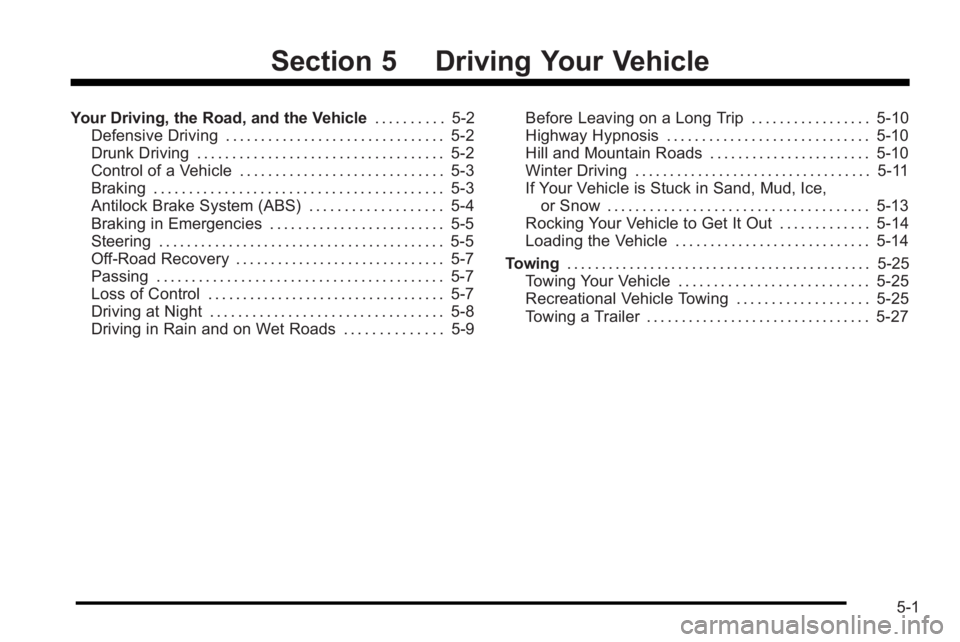
Section 5 Driving Your Vehicle
Your Driving, the Road, and the Vehicle. . . . . . . . . .5-2
Defensive Driving . . . . . . . . . . . . . . . . . . . . . . . . . . . . . . . 5-2
Drunk Driving . . . . . . . . . . . . . . . . . . . . . . . . . . . . . . . . . . . 5-2
Control of a Vehicle . . . . . . . . . . . . . . . . . . . . . . . . . . . . . 5-3
Braking . . . . . . . . . . . . . . . . . . . . . . . . . . . . . . . . . . . . . . . . . 5-3
Antilock Brake System (ABS) . . . . . . . . . . . . . . . . . . . 5-4
Braking in Emergencies . . . . . . . . . . . . . . . . . . . . . . . . . 5-5
Steering . . . . . . . . . . . . . . . . . . . . . . . . . . . . . . . . . . . . . . . . . 5-5
Off-Road Recovery . . . . . . . . . . . . . . . . . . . . . . . . . . . . . . 5-7
Passing . . . . . . . . . . . . . . . . . . . . . . . . . . . . . . . . . . . . . . . . . 5-7
Loss of Control . . . . . . . . . . . . . . . . . . . . . . . . . . . . . . . . . . 5-7
Driving at Night . . . . . . . . . . . . . . . . . . . . . . . . . . . . . . . . . 5-8
Driving in Rain and on Wet Roads . . . . . . . . . . . . . . 5-9 Before Leaving on a Long Trip . . . . . . . . . . . . . . . . . 5-10
Highway Hypnosis . . . . . . . . . . . . . . . . . . . . . . . . . . . . . 5-10
Hill and Mountain Roads . . . . . . . . . . . . . . . . . . . . . . . 5-10
Winter Driving . . . . . . . . . . . . . . . . . . . . . . . . . . . . . . . . . . 5-11
If Your Vehicle is Stuck in Sand, Mud, Ice,
or Snow . . . . . . . . . . . . . . . . . . . . . . . . . . . . . . . . . . . . . 5-13
Rocking Your Vehicle to Get It Out . . . . . . . . . . . . . 5-14
Loading the Vehicle . . . . . . . . . . . . . . . . . . . . . . . . . . . . 5-14
Towing . . . . . . . . . . . . . . . . . . . . . . . . . . . . . . . . . . . . . . . . . . . . 5-25
Towing Your Vehicle . . . . . . . . . . . . . . . . . . . . . . . . . . . 5-25
Recreational Vehicle Towing . . . . . . . . . . . . . . . . . . . 5-25
Towing a Trailer . . . . . . . . . . . . . . . . . . . . . . . . . . . . . . . . 5-27
5-1
Page 200 of 368

The brakes might not have time to cool between hard
stops. The brakes will wear out much faster with a lot
of heavy braking. Keeping pace with the traffic and
allowing realistic following distances eliminates a lot
of unnecessary braking. That means better braking
and longer brake life.
If the engine ever stops while the vehicle is being
driven, brake normally but do not pump the brakes.
If the brakes are pumped, the pedal could get harder
to push down. If the engine stops, there will still be
some power brake assist but it will be used when the
brake is applied. Once the power assist is used up,
it can take longer to stop and the brake pedal will be
harder to push.
Adding non‐dealer/non‐retailer accessories can affect
vehicle performance. SeeAccessories and
Modifications on page 6‑3.
Antilock Brake System (ABS)
The vehicle might have the Antilock Brake
System (ABS), an advanced electronic braking
system that helps prevent a braking skid.
If the vehicle has ABS,
this warning light comes
on briefly when the
vehicle is started.
The warning light is on the instrument panel cluster.
See Antilock Brake System (ABS) Warning Light
on
page 4‑27.
Let us say the road is wet and you are driving safely.
Suddenly, an animal jumps out in front of you. You slam
on the brakes and continue braking. Here is what
happens with ABS:
A computer senses that the wheels are slowing down.
If one of the wheels is about to stop rolling, the
computer will separately work the brakes at each wheel.
ABS can change the brake pressure to each wheel, as
required, faster than any driver could. This can help the
driver steer around the obstacle while braking hard.
As the brakes are applied, the computer keeps
receiving updates on wheel speed and controls braking
pressure accordingly.
5-4
Page 201 of 368

Remember: ABS does not change the time needed to
get a foot up to the brake pedal or always decrease
stopping distance. If you get too close to the vehicle in
front of you, there will not be enough time to apply the
brakes if that vehicle suddenly slows or stops. Always
leave enough room up ahead to stop, even with ABS.
Using ABS
Do not pump the brakes. Just hold the brake pedal
down firmly and let antilock work. A slight brake pedal
pulsation might be felt or some noise might be heard,
but this is normal.
Braking in Emergencies
At some time, nearly every driver gets into a situation
that requires hard braking.
If the vehicle has ABS, it allows the driver to steer and
brake at the same time. However, if the vehicle does
not have ABS, the first reaction—to hit the brake pedal
hard and hold it down —might be the wrong thing to do.
The wheels can stop rolling. Once they do, the vehicle
cannot respond to the driver's steering. Momentum will
carry it in whatever direction it was headed when the
wheels stopped rolling. That could be off the road, into
the very thing the driver was trying to avoid, or into
traffic. If the vehicle does not have ABS, use a
“squeeze”
braking technique. This gives maximum braking while
maintaining steering control. Do this by pushing on the
brake pedal with steadily increasing pressure.
In an emergency, you will probably want to squeeze the
brakes hard without locking the wheels. If you hear or
feel the wheels sliding, ease off the brake pedal. This
helps retain steering control. With ABS, it is different.
See Antilock Brake System (ABS) on page 5‑4.
In many emergencies, steering can help more than
even the very best braking.
Steering
Power Steering
If power steering assist is lost because the engine stops
or the system is not functioning, the vehicle can be
steered but it will take more effort.
Steering Tips
It is important to take curves at a reasonable speed.
Traction in a curve depends on the condition of the tires
and the road surface, the angle at which the curve is
banked, and vehicle speed. While in a curve, speed is
the one factor that can be controlled.
5-5