ESP PONTIAC G5 2008 User Guide
[x] Cancel search | Manufacturer: PONTIAC, Model Year: 2008, Model line: G5, Model: PONTIAC G5 2008Pages: 388, PDF Size: 2.22 MB
Page 201 of 388
If your vehicle is in cruise control while TCS begins to
limit wheel spin, the cruise control will automatically
disengage. When road conditions allow you to safely
use it again, the cruise control can be re-engaged. See
Turn Signal/Multifunction Lever on page 3-7.
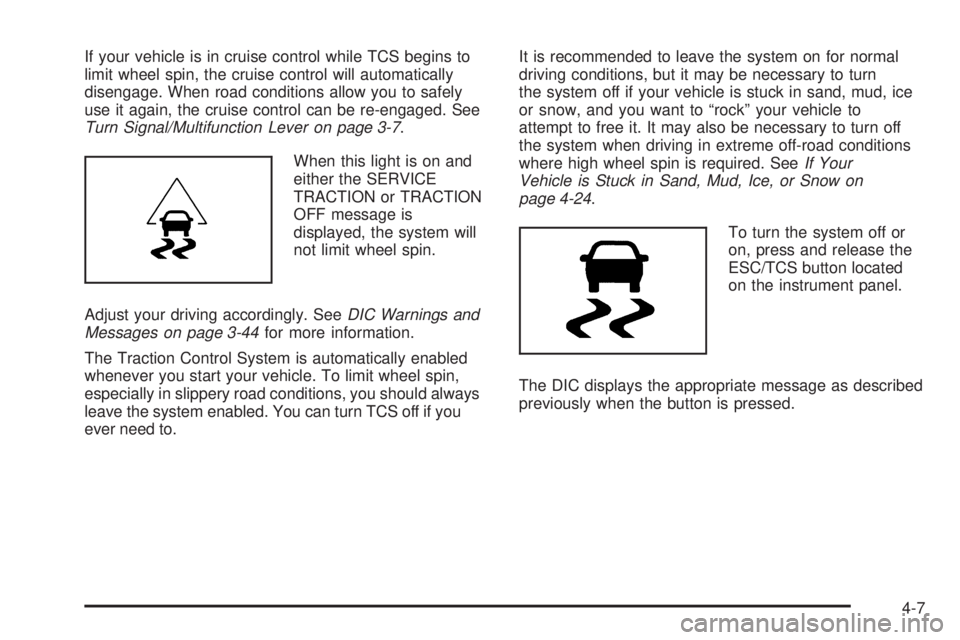
When this light is on and
either the SERVICE
TRACTION or TRACTION
OFF message is
displayed, the system will
not limit wheel spin.
Adjust your driving accordingly. SeeDIC Warnings and
Messages on page 3-44for more information.
The Traction Control System is automatically enabled
whenever you start your vehicle. To limit wheel spin,
especially in slippery road conditions, you should always
leave the system enabled. You can turn TCS off if you
ever need to.It is recommended to leave the system on for normal
driving conditions, but it may be necessary to turn
the system off if your vehicle is stuck in sand, mud, ice
or snow, and you want to “rock” your vehicle to
attempt to free it. It may also be necessary to turn off
the system when driving in extreme off-road conditions
where high wheel spin is required. SeeIf Your
Vehicle is Stuck in Sand, Mud, Ice, or Snow on
page 4-24.
To turn the system off or
on, press and release the
ESC/TCS button located
on the instrument panel.
The DIC displays the appropriate message as described
previously when the button is pressed.
4-7
Page 203 of 388
Enhanced Traction System (ETS)
Your vehicle may have an Enhanced Traction System
(ETS) that limits wheel spin. This is especially useful in
slippery road conditions. The system operates only if it
senses that one or both of the front wheels are spinning
or beginning to lose traction. When this happens, the
system reduces engine power and may also upshift the
transmission to limit wheel spin. You may feel or hear the
system working, but this is normal.
If your vehicle has ETS, there is not an ESC/TCS button
on the instrument panel. To turn the system off, shift to
LOW (L) or REVERSE (R). There is more information
about how to turn the system off later in this section.
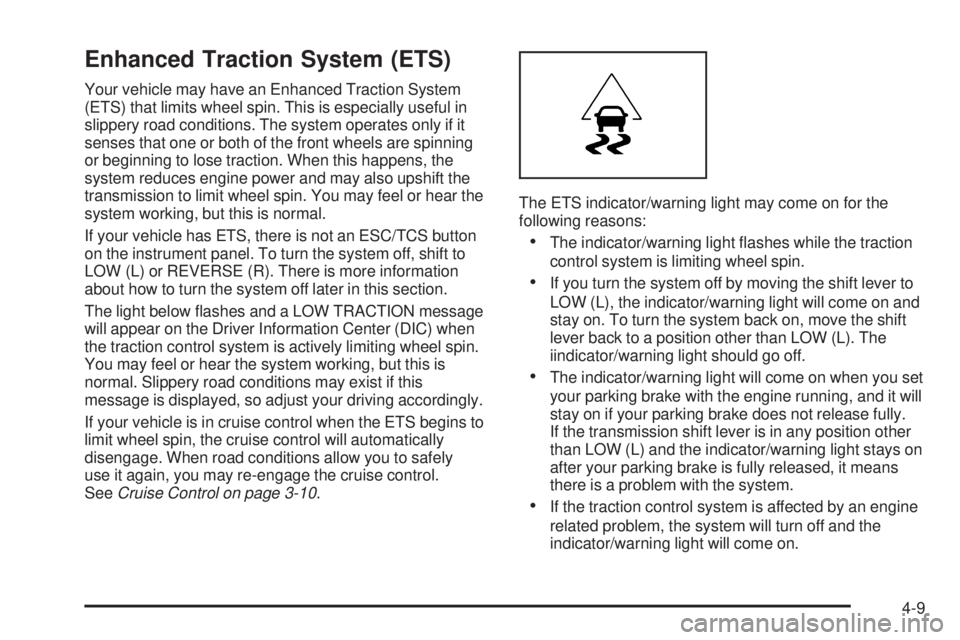
The light below ashes and a LOW TRACTION message
will appear on the Driver Information Center (DIC) when
the traction control system is actively limiting wheel spin.
You may feel or hear the system working, but this is
normal. Slippery road conditions may exist if this
message is displayed, so adjust your driving accordingly.
If your vehicle is in cruise control when the ETS begins to
limit wheel spin, the cruise control will automatically
disengage. When road conditions allow you to safely
use it again, you may re-engage the cruise control.
SeeCruise Control on page 3-10.The ETS indicator/warning light may come on for the
following reasons:
The indicator/warning light ashes while the traction
control system is limiting wheel spin.
If you turn the system off by moving the shift lever to
LOW (L), the indicator/warning light will come on and
stay on. To turn the system back on, move the shift
lever back to a position other than LOW (L). The
iindicator/warning light should go off.
The indicator/warning light will come on when you set
your parking brake with the engine running, and it will
stay on if your parking brake does not release fully.
If the transmission shift lever is in any position other
than LOW (L) and the indicator/warning light stays on
after your parking brake is fully released, it means
there is a problem with the system.
If the traction control system is affected by an engine
related problem, the system will turn off and the
indicator/warning light will come on.
4-9
Page 204 of 388
If the ETS indicator/warning light comes on and stays on
for an extended period of time when the transmission
shift lever is in any position other than LOW (L), your
vehicle may need service.
When this light is on solid, the system will not limit wheel
spin. Adjust your driving accordingly.
Check your DIC messaging to determine whether it is
because of the driver turning off the system, or that the
system may not be working properly and your vehicle
requires service. When this light is turned on, either the
SERVICE TRACTION or TRACTION OFF message will
be displayed.
SEE DIC Warnings and Messages for more information
on the messages associated with this light.
To limit wheel spin, especially in slippery road conditions,
you should always leave the ETS on. But you can turn the
system off if you prefer.
To turn the system off, shift to LOW (L) or REVERSE (R).
When you turn the system off, the ETS indicator/warning
light and message will come on and stay on and
TRACTION OFF message will be displayed when the
gear shift is in LOW (L). The indicator/warning light and
message will not come on when the gear shift is in
REVERSE (R). If the ETS is limiting wheel spin when
you shift to LOW (L) or REVERSE (R) to turn the system
off, the indicator/warning light will come on in LOW (L).
But the system won’t turn off right away. It will wait until
there’s no longer a current need to limit wheel spin.See DIC Warning and Messages for more information on
the messages associated with this light.
You can turn the system back on at any time by shifting to
AUTOMATIC OVERDRIVE (D) or INTERMEDIATE (I).
The ETS indicator/warning light should go off.
Adding non-dealer/non-retailer accessories can affect
your vehicle’s performance. SeeAccessories and
Modifications on page 5-3for more information.
Electronic Stability Control (ESC)
Your vehicle may have an Electronic Stability Control
(ESC) system which combines antilock brake, and
traction and stability control systems that help the driver
maintain directional control of the vehicle in most
driving conditions.
When the vehicle is started and begins to move, the
system performs several diagnostic checks to ensure
there are no problems. You may hear or feel the system
working. This is normal and does not mean there is a
problem with your vehicle. The system should initialize
before the vehicle reaches 20 mph (32 km/h).
If the system fails to turn on or activate, the ESC/TCS
light comes on, and the ESC OFF and/or SERVICE ESC
message displays.
4-10
Page 205 of 388
For more information, seeDriver Information Center
(DIC) on page 3-42andElectronic Stability Control
(ESC)/Traction Control System (TCS) Indicator/Warning
Light on page 3-35.
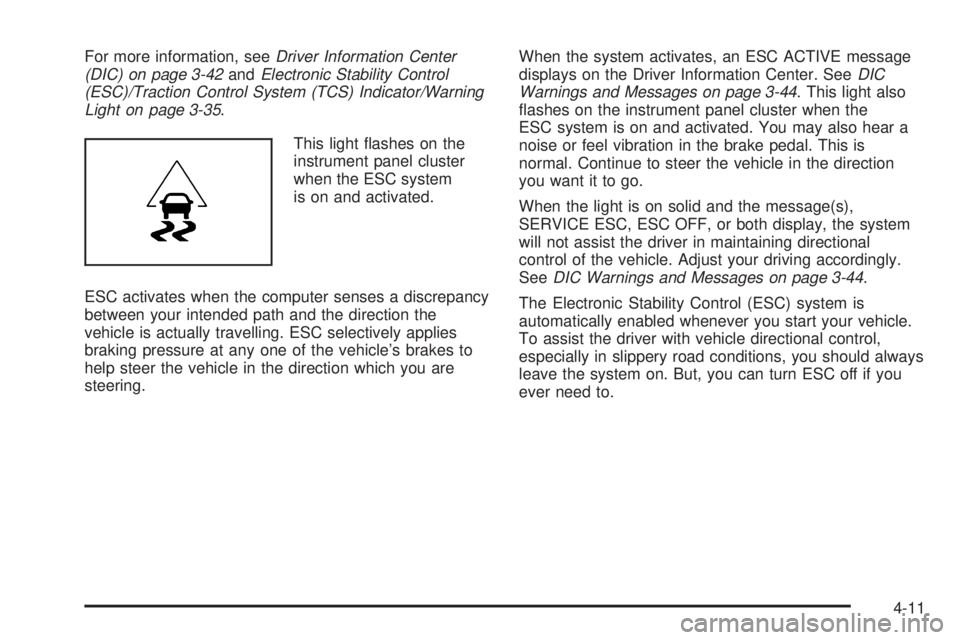
This light ashes on the
instrument panel cluster
when the ESC system
is on and activated.
ESC activates when the computer senses a discrepancy
between your intended path and the direction the
vehicle is actually travelling. ESC selectively applies
braking pressure at any one of the vehicle’s brakes to
help steer the vehicle in the direction which you are
steering.When the system activates, an ESC ACTIVE message
displays on the Driver Information Center. SeeDIC
Warnings and Messages on page 3-44. This light also
ashes on the instrument panel cluster when the
ESC system is on and activated. You may also hear a
noise or feel vibration in the brake pedal. This is
normal. Continue to steer the vehicle in the direction
you want it to go.
When the light is on solid and the message(s),
SERVICE ESC, ESC OFF, or both display, the system
will not assist the driver in maintaining directional
control of the vehicle. Adjust your driving accordingly.
SeeDIC Warnings and Messages on page 3-44.
The Electronic Stability Control (ESC) system is
automatically enabled whenever you start your vehicle.
To assist the driver with vehicle directional control,
especially in slippery road conditions, you should always
leave the system on. But, you can turn ESC off if you
ever need to.
4-11
Page 210 of 388
Skidding
In a skid, a driver can lose control of the vehicle.
Defensive drivers avoid most skids by taking reasonable
care suited to existing conditions, and by not overdriving
those conditions. But skids are always possible.
The three types of skids correspond to your vehicle’s
three control systems. In the braking skid, the wheels
are not rolling. In the steering or cornering skid, too
much speed or steering in a curve causes tires to slip
and lose cornering force. And in the acceleration skid,
too much throttle causes the driving wheels to spin.
A cornering skid is best handled by easing your foot off
the accelerator pedal.
If you have the Enhanced Traction System (ETS),
remember: It helps to avoid only the acceleration skid.
SeeEnhanced Traction System (ETS) on page 4-9.
If you do not have the Enhanced Traction System, or if
the system is off, then an acceleration skid is also best
handled by easing your foot off the accelerator pedal.
If your vehicle starts to slide, ease your foot off the
accelerator pedal and quickly steer the way you want
the vehicle to go. If you start steering quickly enough,
your vehicle may straighten out. Always be ready
for a second skid if it occurs.Of course, traction is reduced when water, snow, ice,
gravel, or other material is on the road. For safety, you
will want to slow down and adjust your driving to these
conditions. It is important to slow down on slippery
surfaces because stopping distance will be longer and
vehicle control more limited.
While driving on a surface with reduced traction, try
your best to avoid sudden steering, acceleration,
or braking, including reducing vehicle speed by shifting
to a lower gear. Any sudden changes could cause
the tires to slide. You may not realize the surface is
slippery until your vehicle is skidding. Learn to recognize
warning clues — such as enough water, ice, or packed
snow on the road to make a mirrored surface — and
slow down when you have any doubt.
If you have the Antilock Brake System (ABS),
remember: It helps avoid only the braking skid. If you do
not have ABS, then in a braking skid, where the
wheels are no longer rolling, release enough pressure
on the brakes to get the wheels rolling again. This
restores steering control. Push the brake pedal down
steadily when you have to stop suddenly. As long as the
wheels are rolling, you will have steering control.
4-16
Page 211 of 388
Driving at Night
Night driving is more dangerous than day driving because
some drivers are likely to be impaired — by alcohol or
drugs, with night vision problems, or by fatigue.
Night driving tips include:
Drive defensively.
Do not drink and drive.
Reduce headlamp glare by adjusting the inside
rearview mirror.
Slow down and keep more space between you and
other vehicles because your headlamps can only
light up so much road ahead.
Watch for animals.
When tired, pull off the road.
Do not wear sunglasses.
Avoid staring directly into approaching headlamps.
Keep the windshield and all glass on your vehicle
clean — inside and out.
Keep your eyes moving, especially during turns or
curves.
No one can see as well at night as in the daytime.
But, as we get older, these differences increase.
A 50-year-old driver might need at least twice as much
light to see the same thing at night as a 20-year-old.
Driving in Rain and on Wet Roads
Rain and wet roads can reduce vehicle traction
and affect your ability to stop and accelerate. Always
drive slower in these types of driving conditions
and avoid driving through large puddles and
deep-standing or owing water.
{CAUTION:
Wet brakes can cause crashes. They might not
work as well in a quick stop and could cause
pulling to one side. You could lose control of
the vehicle.
After driving through a large puddle of water
or a car/vehicle wash, lightly apply the brake
pedal until the brakes work normally.
Flowing or rushing water creates strong
forces. Driving through owing water could
cause your vehicle to be carried away. If this
happens, you and other vehicle occupants
could drown. Do not ignore police warnings
and be very cautious about trying to drive
through owing water.
4-17
Page 217 of 388
{CAUTION:
Snow can trap exhaust gases under your
vehicle. This can cause deadly CO (carbon
monoxide) gas to get inside. CO could
overcome you and kill you. You cannot see it
or smell it, so you might not know it is in your
vehicle. Clear away snow from around the base
of your vehicle, especially any that is blocking
the exhaust pipe. And check around again from
time to time to be sure snow does not collect
there.
Open a window just a little on the side of the
vehicle that is away from the wind. This will help
keep CO out.Run the engine only as long as you must. This saves
fuel. When you run the engine, make it go a little faster
than just idle. That is, push the accelerator slightly. This
uses less fuel for the heat that you get and it keeps the
battery charged. You will need a well-charged battery to
restart the vehicle, and possibly for signaling later on with
the headlamps. Let the heater run for a while.
Then, shut the engine off and close the window almost
all the way to preserve the heat. Start the engine again
and repeat this only when you feel really uncomfortable
from the cold. But do it as little as possible. Preserve the
fuel as long as you can. To help keep warm, you can get
out of the vehicle and do some fairly vigorous exercises
every half hour or so until help comes.
4-23
Page 230 of 388
Driving with a Trailer
Towing a trailer requires a certain amount of experience.
Before setting out for the open road, you will want to
get to know your rig. Acquaint yourself with the feel of
handling and braking with the added weight of the trailer.
And always keep in mind that the vehicle you are
driving is now a good deal longer and not nearly as
responsive as your vehicle is by itself.
Before you start, check all trailer hitch parts and
attachments, safety chains, electrical connector, lamps,
tires and mirror adjustment. If the trailer has electric
brakes, start your vehicle and trailer moving and then
apply the trailer brake controller by hand to be sure
the brakes are working. This lets you check your
electrical connection at the same time.
During your trip, check occasionally to be sure that the
load is secure, and that the lamps and any trailer
brakes are still working.
Following Distance
Stay at least twice as far behind the vehicle ahead as
you would when driving your vehicle without a trailer.
This can help you avoid situations that require
heavy braking and sudden turns.
Passing
You will need more passing distance up ahead when
you are towing a trailer. And, because the vehicle
is a good deal longer, you will need to go much farther
beyond the passed vehicle before you can return to
your lane.
Backing Up
Hold the bottom of the steering wheel with one hand.
Then, to move the trailer to the left, just move that hand
to the left. To move the trailer to the right, move your
hand to the right. Always back up slowly and, if possible,
have someone guide you.
4-36
Page 233 of 388
When You Are Ready to Leave After
Parking on a Hill
1. Apply your regular brakes and hold the pedal down
while you:
Start your engine.
Shift into a gear.
Release the parking brake.
2. Let up on the brake pedal.
3. Drive slowly until the trailer is clear of the chocks.
4. Stop and have someone pick up and store the
chocks.
Maintenance When Trailer Towing
Your vehicle will need service more often when you are
pulling a trailer. SeeScheduled Maintenance on
page 6-4for more on this. Things that are especially
important in trailer operation are automatic transmission
uid (do not overll), engine oil, drive belt, cooling system
and brake system.
Each of these is covered in this manual, and the Index
will help you nd them quickly. If you are trailering,
it is a good idea to review this information before you
start your trip.
Check periodically to see that all hitch nuts and bolts
are tight.
Engine Cooling When Trailer Towing
Your cooling system may temporarily overheat during
severe operating conditions. SeeEngine Overheating on
page 5-22.
4-39
Page 287 of 388
GAWR RR:Gross Axle Weight Rating for the rear
axle. SeeLoading Your Vehicle on page 4-25.
Intended Outboard Sidewall
:The side of
an asymmetrical tire, that must always face
outward when mounted on a vehicle.
Kilopascal (kPa)
:The metric unit for air pressure.
Light Truck (LT-Metric) Tire
:A tire used on
light duty trucks and some multipurpose passenger
vehicles.
Load Index
:An assigned number ranging from
1 to 279 that corresponds to the load carrying
capacity of a tire.
Maximum Ination Pressure
:The maximum air
pressure to which a cold tire can be inated.
The maximum air pressure is molded onto the
sidewall.
Maximum Load Rating
:The load rating for a tire
at the maximum permissible ination pressure
for that tire.
Maximum Loaded Vehicle Weight
:The sum of
curb weight, accessory weight, vehicle capacity
weight, and production options weight.Normal Occupant Weight
:The number of
occupants a vehicle is designed to seat multiplied
by 150 lbs (68 kg). SeeLoading Your Vehicle
on page 4-25.
Occupant Distribution
:Designated seating
positions.
Outward Facing Sidewall
:The side of an
asymmetrical tire that has a particular side that
faces outward when mounted on a vehicle.
The side of the tire that contains a whitewall, bears
white lettering, or bears manufacturer, brand,
and/or model name molding that is higher
or deeper than the same moldings on the other
sidewall of the tire.
Passenger (P-Metric) Tire
:A tire used on
passenger cars and some light duty trucks and
multipurpose vehicles.
Recommended Ination Pressure
:Vehicle
manufacturer’s recommended tire ination
pressure as shown on the tire placard.
SeeInflation - Tire Pressure on page 5-55and
Loading Your Vehicle on page 4-25.
5-53