warning PONTIAC G5 2008 Owner's Manual
[x] Cancel search | Manufacturer: PONTIAC, Model Year: 2008, Model line: G5, Model: PONTIAC G5 2008Pages: 388, PDF Size: 2.22 MB
Page 152 of 388
Engine Coolant Temperature
Warning Light
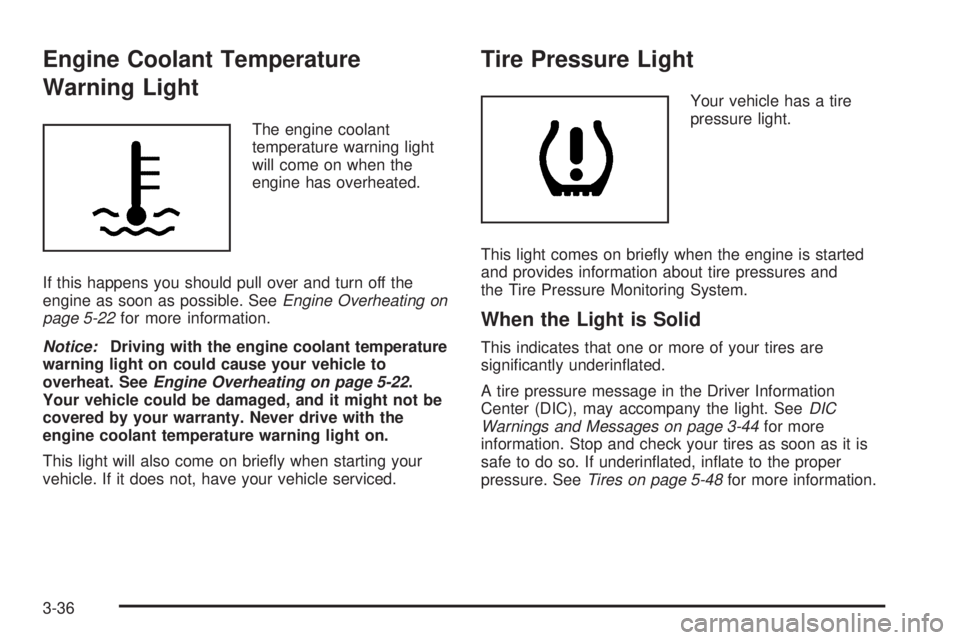
The engine coolant
temperature warning light
will come on when the
engine has overheated.
If this happens you should pull over and turn off the
engine as soon as possible. SeeEngine Overheating on
page 5-22for more information.
Notice:Driving with the engine coolant temperature
warning light on could cause your vehicle to
overheat. SeeEngine Overheating on page 5-22.
Your vehicle could be damaged, and it might not be
covered by your warranty. Never drive with the
engine coolant temperature warning light on.
This light will also come on briey when starting your
vehicle. If it does not, have your vehicle serviced.
Tire Pressure Light
Your vehicle has a tire
pressure light.
This light comes on briey when the engine is started
and provides information about tire pressures and
the Tire Pressure Monitoring System.
When the Light is Solid
This indicates that one or more of your tires are
signicantly underinated.
A tire pressure message in the Driver Information
Center (DIC), may accompany the light. SeeDIC
Warnings and Messages on page 3-44for more
information. Stop and check your tires as soon as it is
safe to do so. If underinated, inate to the proper
pressure. SeeTires on page 5-48for more information.
3-36
Page 158 of 388
Driver Information Center (DIC)
Your vehicle has a Driver Information Center (DIC).
The DIC display gives you the status of many of your
vehicle’s systems. The DIC is also used to display driver
personalization menu modes and warning/status
messages. All messages will appear in the DIC display,
located at the bottom of the instrument panel cluster.
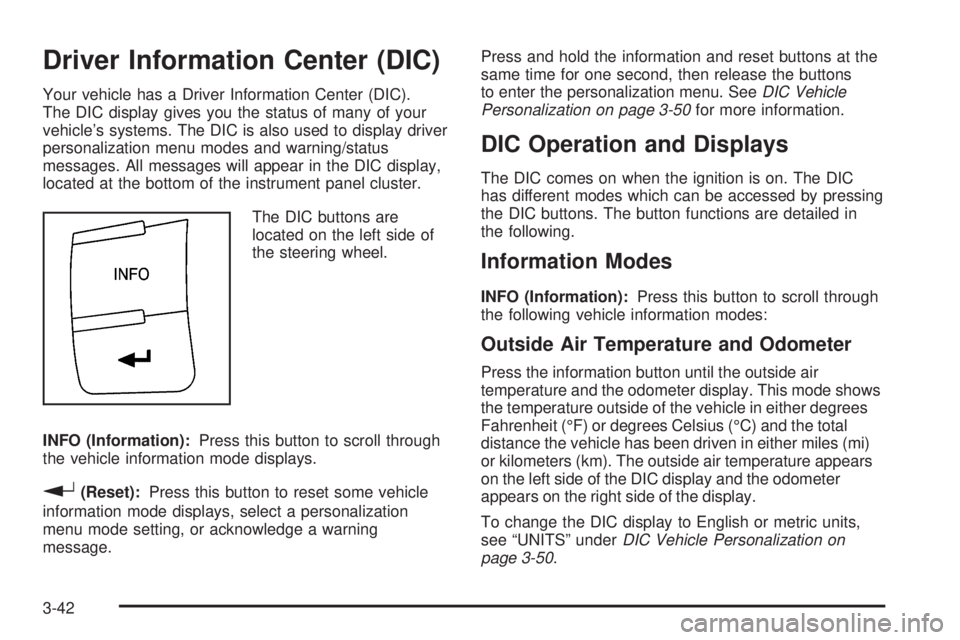
The DIC buttons are
located on the left side of
the steering wheel.
INFO (Information):Press this button to scroll through
the vehicle information mode displays.
r(Reset):Press this button to reset some vehicle
information mode displays, select a personalization
menu mode setting, or acknowledge a warning
message.Press and hold the information and reset buttons at the
same time for one second, then release the buttons
to enter the personalization menu. SeeDIC Vehicle
Personalization on page 3-50for more information.
DIC Operation and Displays
The DIC comes on when the ignition is on. The DIC
has different modes which can be accessed by pressing
the DIC buttons. The button functions are detailed in
the following.
Information Modes
INFO (Information):Press this button to scroll through
the following vehicle information modes:
Outside Air Temperature and Odometer
Press the information button until the outside air
temperature and the odometer display. This mode shows
the temperature outside of the vehicle in either degrees
Fahrenheit (°F) or degrees Celsius (°C) and the total
distance the vehicle has been driven in either miles (mi)
or kilometers (km). The outside air temperature appears
on the left side of the DIC display and the odometer
appears on the right side of the display.
To change the DIC display to English or metric units,
see “UNITS” underDIC Vehicle Personalization on
page 3-50.
3-42
Page 160 of 388
OIL LIFE
Press the information button until OIL LIFE displays.
The engine oil life system shows an estimate of the oil’s
remaining useful life. It shows 100% when the system
is reset after an oil change. It alerts you to change the oil
on a schedule consistent with your driving conditions.
In addition to the engine oil life system monitoring the
oil life, additional maintenance is recommended in
the Maintenance Schedule in this manual. SeeEngine
Oil on page 5-13andScheduled Maintenance on
page 6-4.
Always reset the engine oil life system after an oil
change. See “How to Reset the Engine Oil Life System”
underEngine Oil Life System on page 5-16.
COOLANT
Press the information button until COOLANT displays.
This mode shows the temperature of the engine coolant
in either degrees Fahrenheit (°F) or degrees Celsius (°C).
Tire Pressure
The pressure for each tire can be viewed in the DIC.
The tire pressure is shown in either pounds per square
inch (psi) or kilopascals (kPa). Press the information
button until LF ## PSI (kPa) ## RF displays for the
front tires. Press the information button again until
LR ## PSI (kPa) ## RR displays for the rear tires.If a low tire pressure condition is detected by the system
while driving, a message advising you to check the tire
pressure appears in the display. SeeInflation - Tire
Pressure on page 5-55andDIC Warnings and Messages
on page 3-44for more information.
DIC Warnings and Messages
These messages appear if there is a problem detected
in one of your vehicle’s systems.
A message clears when the vehicle’s condition is no
longer present. To acknowledge a message and clear it
from the display, press and hold any of the DIC buttons.
If the condition is still present, the warning message
comes back on the next time the vehicle is turned
off and back on. With most messages, a warning chime
sounds when the message displays. Your vehicle
may have other warning messages.
AUTO (Automatic) LIGHTS OFF
This message displays if the automatic headlamp
system is disabled with the headlamp switch.
AUTO (Automatic) LIGHTS ON
This message displays if the automatic headlamp
system is enabled with the headlamp switch.
3-44
Page 161 of 388
BRAKE FLUID
This message displays, while the ignition is on, when
the brake uid level is low. The brake system warning
light on the instrument panel cluster also comes on.
SeeBrake System Warning Light on page 3-33for more
information. Have the brake system serviced by your
dealer/retailer as soon as possible.
CHANGE OIL SOON
This message displays when the life of the engine oil
has expired and it should be changed.
When this message is acknowledged and cleared from
the display, the engine oil life system must still be
reset separately. SeeEngine Oil Life System on
page 5-16andScheduled Maintenance on page 6-4for
more information.
CHECK GAS CAP
This message displays if the fuel cap has not been fully
tightened. Recheck the fuel cap to make sure that it
is on properly. A few driving trips with the cap properly
installed should turn the message off.
CHECK TIRE PRESS (Pressure)
This message displays when the pressure in one or
more of the vehicle’s tires needs to be checked. If a tire
pressure message appears on the DIC, stop as soonas you can. Have the tire pressures checked and set to
those shown on the Tire Loading Information label.
SeeTires on page 5-48,Loading Your Vehicle on
page 4-25, andInflation - Tire Pressure on page 5-55.
The DIC also shows the tire pressure values. See
DIC Operation and Displays on page 3-42. If the tire
pressure is low, the low tire pressure warning light
comes on. SeeTire Pressure Light on page 3-36.
COOLING MODE ON
This message may display on some vehicles. Under
severe conditions, hot ambient temperatures, steep
grades, and towing, your vehicle may experience more
transmission shifting. This is temporary and normal
under these conditions. This does not require engine or
transmission service.
CRUISE ENGAGED
This message displays when the cruise control system
is active. SeeCruise Control on page 3-10for more
information.
DOOR AJAR
This message displays if one or more of the vehicle’s
doors are not closed properly. Make sure that the
door(s) are closed completely.
3-45
Page 162 of 388
ENGINE DISABLED
This message displays if the starting of the engine is
disabled. Have your vehicle serviced by your
dealer/retailer immediately.
ENG (Engine) PWR (Power) REDUCED
This message displays to inform you that the vehicle
has reduced engine power to avoid damaging the
engine. Reduced engine power can affect the vehicle’s
ability to accelerate. If this message is on, but there
is no reduction in performance, proceed to your
destination. The performance may be reduced the next
time the vehicle is driven. The vehicle may be driven
at a reduced speed while this message is on, but
acceleration and speed may be reduced. Anytime this
message stays on, the vehicle should be taken to
your dealer/retailer for service as soon as possible.
ESC (Electronic Stability Control) ACTIVE
If your vehicle has Electronic Stability Control (ESC),
this message displays and the ESC/TCS light on
the instrument panel cluster ashes when ESC is
assisting you with directional control of the vehicle.
You may feel or hear the system working and see this
message displayed in the DIC. Slippery road conditions
may exist when this message is displayed, so adjust
your driving accordingly. This message may stay on for
a few seconds after ESC stops assisting you withdirectional control of the vehicle. This is normal when
the system is operating. SeeElectronic Stability
Control (ESC) on page 4-10andElectronic Stability
Control (ESC)/Traction Control System (TCS)
Indicator/Warning Light on page 3-35for more
information.
ESC (Electronic Stability Control)
NOT READY
If your vehicle has Electronic Stability Control (ESC),
this message may display briey after starting the
vehicle if the system’s sensors are not yet calibrated.
The system is not functional until the message
stops displaying. Adjust your driving accordingly. When
the message is no longer displayed, the system is
functional. SeeElectronic Stability Control (ESC) on
page 4-10for more information.
ESC (Electronic Stability Control) OFF
If your vehicle has Electronic Stability Control (ESC),
this message displays and the ESC/TCS light on
the instrument panel cluster comes on solid when ESC
is turned off. Adjust your driving accordingly. See
Electronic Stability Control (ESC) on page 4-10and
Electronic Stability Control (ESC)/Traction Control
System (TCS) Indicator/Warning Light on page 3-35for
more information.
3-46
Page 163 of 388
ICE POSSIBLE
This message displays when the outside air temperature
is cold enough to create icy road conditions. Adjust
your driving accordingly.
KEY FOB BATT (Battery) LOW
This message displays if the Remote Keyless Entry
(RKE) transmitter battery is low. Replace the battery in
the transmitter. See “Battery Replacement” under
Remote Keyless Entry (RKE) System Operation on
page 2-4.
LEARN COMPLETE
On vehicles without the Remote Keyless Entry (RKE)
system, this message displays when the Tire Pressure
Monitor System (TPMS) has completed the tire
learning process. SeeTire Pressure Monitor System on
page 5-56for more information.
LOW FUEL
This message displays when your vehicle is low on fuel.
Rell the fuel tank as soon as possible. SeeFuel
Gage on page 3-41,Fuel on page 5-5, andFilling the
Tank on page 5-8for more information.
LOW TRACTION
If your vehicle has the Enhanced Traction System (ETS)
or Traction Control System (TCS), this message
displays and the ETS light or the ESC/TCS light on the
instrument panel cluster ashes when the system is
actively limiting wheel spin. Slippery road conditions may
exist if this message is displayed, so adjust your
driving accordingly. This message stays on for a few
seconds after the system stops limiting wheel spin.
SeeEnhanced Traction System (ETS) on page 4-9or
Traction Control System (TCS) on page 4-6and
Enhanced Traction System Warning Light on page 3-34
orElectronic Stability Control (ESC)/Traction Control
System (TCS) Indicator/Warning Light on page 3-35for
more information.
PARKING BRAKE
This message displays if the parking brake is left
engaged. SeeParking Brake on page 2-32for more
information.
POWER STEERING
This message displays if a problem has been detected
with the electric power steering. Have your vehicle
serviced by your dealer/retailer immediately.
3-47
Page 164 of 388
SERVICE AIR BAG
This message displays when there is a problem with the
airbag system. Have your vehicle serviced by your
dealer/retailer immediately.
SERVICE ESC (ELECTRONIC STABILITY
CONTROL)
If your vehicle has Electronic Stability Control (ESC),
this message displays and a chime sounds if there has
been a problem detected with ESC. The ESC/TCS
light also appears on the instrument panel cluster. This
light stays on solid as long as the detected problem
remains present. When this message displays, the
system is not working. Adjust your driving accordingly.
SeeElectronic Stability Control (ESC) on page 4-10and
Electronic Stability Control (ESC)/Traction Control
System (TCS) Indicator/Warning Light on page 3-35for
more information.
If this message turns on while you are driving, pull off
the road as soon as possible and stop carefully.
Try resetting the system by turning the ignition off and
then back on. If this message still stays on or turns back
on again while you are driving, your vehicle needs
service. Have the ESC inspected by your dealer/retailer
as soon as possible.
SERVICE TRACTION
If your vehicle has the Enhanced Traction System (ETS)
or Traction Control System (TCS), this message
displays and a chime sounds when the system is not
functioning properly. The ETS light or the ESC/TCS light
also appears on the instrument panel cluster. This
light stays on solid as long as the detected problem
remains present. When this message displays, the
system is not working. Adjust your driving accordingly.
SeeEnhanced Traction System (ETS) on page 4-9
orTraction Control System (TCS) on page 4-6
andEnhanced Traction System Warning Light on
page 3-34orElectronic Stability Control (ESC)/Traction
Control System (TCS) Indicator/Warning Light on
page 3-35for more information. Have the system
serviced by your dealer/retailer as soon as possible.
3-48
Page 165 of 388
SVC (Service) TIRE MONITOR
This message displays if a part on the Tire Pressure
Monitor System (TPMS) is not working properly. The tire
pressure light also ashes and then remains on during
the same ignition cycle. SeeTire Pressure Light on
page 3-36. Several conditions may cause this message
to appear. SeeTire Pressure Monitor Operation on
page 5-58for more information. If the warning comes on
and stays on, there may be a problem with the TPMS.
See your dealer/retailer.
TIRE LEARN ON
On vehicles without the Remote Keyless Entry (RKE)
system, this message displays when the Tire Pressure
Monitor System (TPMS) is re-learning the tire
positions on your vehicle. The tire positions must be
re-learned after rotating the tires or after replacing a
tire or sensor. SeeTire Inspection and Rotation
on page 5-62,Tire Pressure Monitor System on
page 5-56, andInflation - Tire Pressure on page 5-55
for more information.
TRACTION OFF
If your vehicle has the Enhanced Traction System (ETS)
or Traction Control System (TCS), this message
displays and the ETS light or the ESC/TCS light on the
instrument panel cluster comes on solid when the
system is turned off. Adjust your driving accordingly.
SeeEnhanced Traction System (ETS) on page 4-9or
Traction Control System (TCS) on page 4-6and
Enhanced Traction System Warning Light on page 3-34
orElectronic Stability Control (ESC)/Traction Control
System (TCS) Indicator/Warning Light on page 3-35for
more information.
TRUNK AJAR
This message displays when the trunk is not closed
completely. Make sure that the trunk is closed
completely. SeeTrunk on page 2-12.
3-49
Page 167 of 388
TIRE LEARN?
This mode is available on vehicles without the Remote
Keyless Entry (RKE) system. After rotating the tires
or after replacing a tire or sensor, the Tire Pressure
Monitor System (TPMS) must re-learn the tire positions.
To re-learn the tire positions, seeTire Pressure
Monitor System on page 5-56. SeeTire Inspection and
Rotation on page 5-62andDIC Warnings and
Messages on page 3-44for more information.
REMOTE START
If your vehicle has remote start, this feature allows
remote start to be turned off or on. Remote start allows
you to start the engine from outside of the vehicle
using your Remote Keyless Entry (RKE) transmitter.
When REMOTE START appears on the display, press
and hold the reset button for at least one second to
scroll through the available settings:
OFF:The remote start feature will be disabled.
ON (default):The remote start feature will be enabled.
SeeRemote Vehicle Start on page 2-6for more
information.
To select a setting and move on to the next feature,
press the information button while the desired setting is
displayed on the DIC.
LOCK HORN
If your vehicle has Remote Keyless Entry (RKE), this
feature, which allows the vehicle’s horn to chirp
every time the lock button on the RKE transmitter is
pressed, can be enabled or disabled. When LOCK
HORN appears on the display, press and hold the reset
button for at least one second to scroll through the
available settings:
OFF (default):The horn will not chirp on the rst press
of the lock button on the RKE transmitter. The horn
will still chirp on the second press.
ON:The horn will chirp on the rst press of the lock
button on the RKE transmitter.
SeeRemote Keyless Entry (RKE) System Operation on
page 2-4for more information.
To select a setting and move on to the next feature,
press the information button while the desired setting is
displayed on the DIC.
3-51
Page 198 of 388
Braking
SeeBrake System Warning Light on page 3-33.
Braking action involves perception time and reaction
time. First, you have to decide to push on the brake
pedal. That is perception time. Then you have to bring
up your foot and do it. That is reaction time.
Average reaction time is about three-fourths of a
second. But that is only an average. It might be less
with one driver and as long as two or three seconds or
more with another. Age, physical condition, alertness,
coordination, and eyesight all play a part. So do alcohol,
drugs, and frustration. But even in three-fourths of a
second, a vehicle moving at 60 mph (100 km/h) travels
66 feet (20 m). That could be a lot of distance in an
emergency, so keeping enough space between your
vehicle and others is important.
And, of course, actual stopping distances vary greatly
with the surface of the road, whether it is pavement
or gravel; the condition of the road, whether it is wet,
dry, or icy; tire tread; the condition of the brakes; the
weight of the vehicle; and the amount of brake force
applied.Avoid needless heavy braking. Some people drive in
spurts — heavy acceleration followed by heavy
braking — rather than keeping pace with traffic. This is
a mistake. The brakes might not have time to cool
between hard stops. The brakes will wear out much
faster if you do a lot of heavy braking. If you keep pace
with the traffic and allow realistic following distances,
you will eliminate a lot of unnecessary braking.
That means better braking and longer brake life.
If your vehicle’s engine ever stops while you are driving,
brake normally but do not pump the brakes. If you do,
the pedal could get harder to push down. If the
engine stops, you will still have some power brake
assist. But you will use it when you brake. Once the
power assist is used up, it can take longer to stop and
the brake pedal will be harder to push.
Adding non-dealer/non-retailer accessories can affect
your vehicle’s performance. SeeAccessories and
Modifications on page 5-3.
4-4