instrument panel PONTIAC G6 2006 Service Manual
[x] Cancel search | Manufacturer: PONTIAC, Model Year: 2006, Model line: G6, Model: PONTIAC G6 2006Pages: 416, PDF Size: 2.66 MB
Page 229 of 416
If you do not have anti-lock brakes, use a “squeeze”
braking technique. This will give you maximum braking
while maintaining steering control. You can do this
by pushing on the brake pedal with steadily increasing
pressure.
In an emergency, you will probably want to squeeze the
brakes hard without locking the wheels. If you hear or
feel the wheels sliding, ease off the brake pedal.
This will help you retain steering control. If you do have
anti-lock brakes, it is different. SeeAnti-Lock Brake
System (ABS) on page 4-7.
In many emergencies, steering can help you more than
even the very best braking.
Traction Control System (TCS)
Your vehicle may have a Traction Control System (TCS)
that limits wheel spin. This is especially useful in slippery
road conditions. The system operates only if it senses
that one or both of the front wheels are spinning or
beginning to lose traction. When this happens, the
system reduces engine power and may also upshift the
transaxle to limit wheel spin. Also, the traction control
system activates the appropriate corner brakes to gain
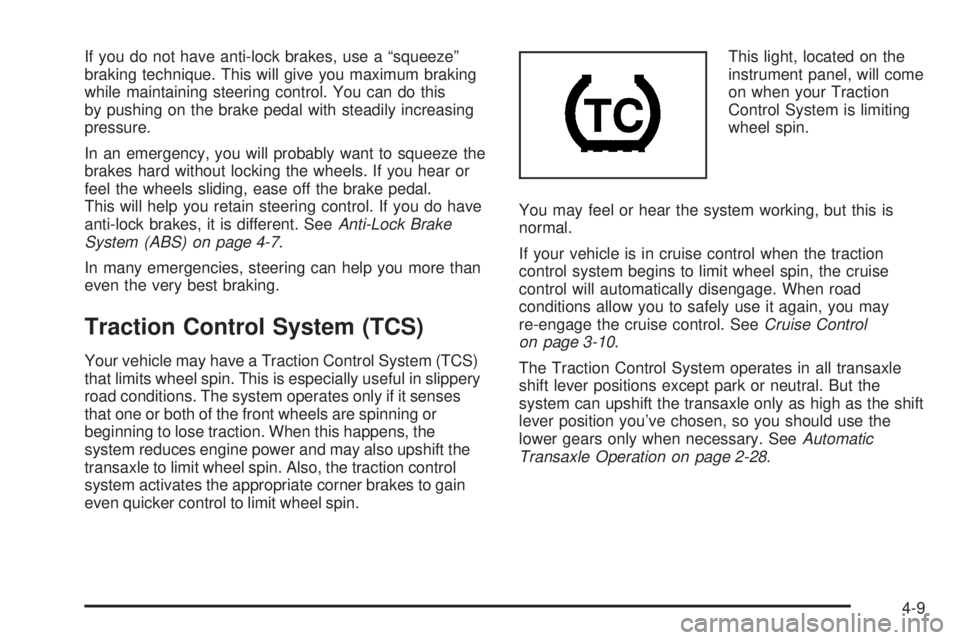
even quicker control to limit wheel spin.This light, located on the
instrument panel, will come
on when your Traction
Control System is limiting
wheel spin.
You may feel or hear the system working, but this is
normal.
If your vehicle is in cruise control when the traction
control system begins to limit wheel spin, the cruise
control will automatically disengage. When road
conditions allow you to safely use it again, you may
re-engage the cruise control. SeeCruise Control
on page 3-10.
The Traction Control System operates in all transaxle
shift lever positions except park or neutral. But the
system can upshift the transaxle only as high as the shift
lever position you’ve chosen, so you should use the
lower gears only when necessary. SeeAutomatic
Transaxle Operation on page 2-28.
4-9
Page 230 of 416
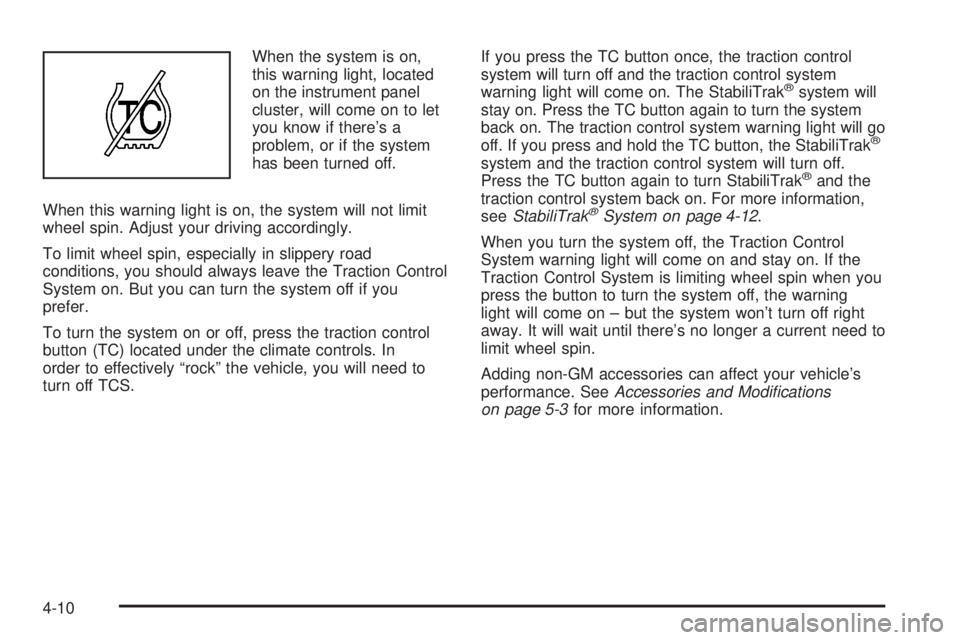
When the system is on,
this warning light, located
on the instrument panel
cluster, will come on to let
you know if there’s a
problem, or if the system
has been turned off.
When this warning light is on, the system will not limit
wheel spin. Adjust your driving accordingly.
To limit wheel spin, especially in slippery road
conditions, you should always leave the Traction Control
System on. But you can turn the system off if you
prefer.
To turn the system on or off, press the traction control
button (TC) located under the climate controls. In
order to effectively “rock” the vehicle, you will need to
turn off TCS.If you press the TC button once, the traction control
system will turn off and the traction control system
warning light will come on. The StabiliTrak
®system will
stay on. Press the TC button again to turn the system
back on. The traction control system warning light will go
off. If you press and hold the TC button, the StabiliTrak
®
system and the traction control system will turn off.
Press the TC button again to turn StabiliTrak®and the
traction control system back on. For more information,
seeStabiliTrak
®System on page 4-12.
When you turn the system off, the Traction Control
System warning light will come on and stay on. If the
Traction Control System is limiting wheel spin when you
press the button to turn the system off, the warning
light will come on – but the system won’t turn off right
away. It will wait until there’s no longer a current need to
limit wheel spin.
Adding non-GM accessories can affect your vehicle’s
performance. SeeAccessories and Modications
on page 5-3for more information.
4-10
Page 231 of 416
Enhanced Traction System (ETS)
Your vehicle may have an Enhanced Traction System
(ETS) that limits wheel spin. This is especially useful in
slippery road conditions. The system operates only if
it senses that one or both of the front wheels are
spinning or beginning to lose traction. When this
happens, the system reduces engine power and may
also upshift the transaxle to limit wheel spin.
This light, located on the
instrument panel, will come
on when your Enhanced
Traction System is
limiting wheel spin.
You may feel or hear the system working, but this is
normal.
If your vehicle is in cruise control when the enhanced
traction system begins to limit wheel spin, the cruise
control will automatically disengage. When road
conditions allow you to safely use it again, you may
re-engage the cruise control. SeeCruise Control
on page 3-10.The Enhanced Traction System operates in all transaxle
shift lever positions except park, neutral or reverse.
But the system can upshift the transaxle only as high as
the shift lever position you’ve chosen, so you should
use the lower gears only when necessary. See
Automatic Transaxle Operation on page 2-28.
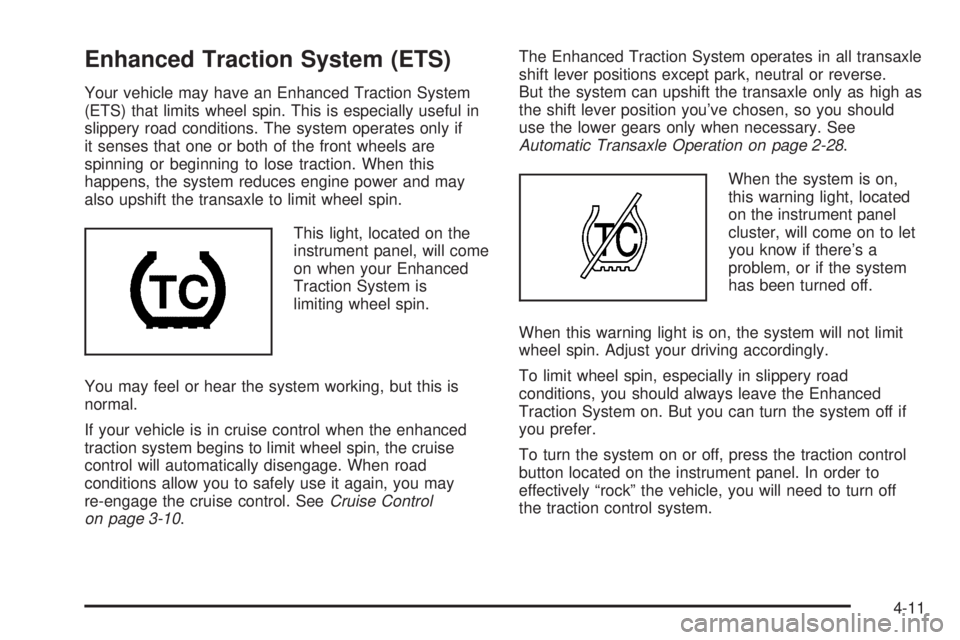
When the system is on,
this warning light, located
on the instrument panel
cluster, will come on to let
you know if there’s a
problem, or if the system
has been turned off.
When this warning light is on, the system will not limit
wheel spin. Adjust your driving accordingly.
To limit wheel spin, especially in slippery road
conditions, you should always leave the Enhanced
Traction System on. But you can turn the system off if
you prefer.
To turn the system on or off, press the traction control
button located on the instrument panel. In order to
effectively “rock” the vehicle, you will need to turn off
the traction control system.
4-11
Page 232 of 416
When you turn the system off, the Enhanced Traction
System warning light will come on and stay on. If
the Enhanced Traction System is limiting wheel spin
when you press the button to turn the system off,
the warning light will come on – but the system won’t
turn off right away. It will wait until there’s no longer
a current need to limit wheel spin.
You can turn the system back on at any time by
pressing the button again. The Enhanced Traction
System warning light should go off.
StabiliTrak®System
Your vehicle may be equipped with a vehicle stability
enhancement system called StabiliTrak®.Itisan
advanced computer controlled system that assists you
with directional control of the vehicle in difficult
driving conditions.
StabiliTrak
®activates when the computer senses a
discrepancy between your intended path and the
direction the vehicle is actually traveling. StabiliTrak
®
selectively applies braking pressure at any one of
the vehicle’s brakes to help steer the vehicle in the
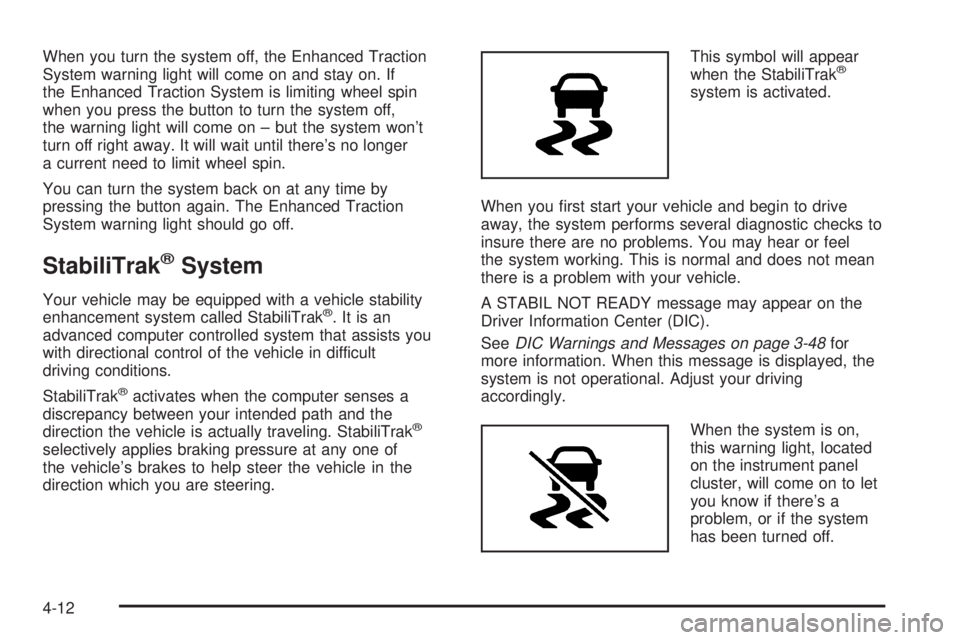
direction which you are steering.This symbol will appear
when the StabiliTrak
®
system is activated.
When you rst start your vehicle and begin to drive
away, the system performs several diagnostic checks to
insure there are no problems. You may hear or feel
the system working. This is normal and does not mean
there is a problem with your vehicle.
A STABIL NOT READY message may appear on the
Driver Information Center (DIC).
SeeDIC Warnings and Messages on page 3-48for
more information. When this message is displayed, the
system is not operational. Adjust your driving
accordingly.
When the system is on,
this warning light, located
on the instrument panel
cluster, will come on to let
you know if there’s a
problem, or if the system
has been turned off.
4-12
Page 265 of 416
Following Distance
Stay at least twice as far behind the vehicle ahead as
you would when driving your vehicle without a trailer.
This can help you avoid situations that require
heavy braking and sudden turns.
Passing
You will need more passing distance up ahead when you
are towing a trailer. And, because you’re a good deal
longer, you’ll need to go much farther beyond the passed
vehicle before you can return to your lane.
Backing Up
Hold the bottom of the steering wheel with one hand.
Then, to move the trailer to the left, just move that hand
to the left. To move the trailer to the right, move your
hand to the right. Always back up slowly and, if possible,
have someone guide you.
Making Turns
Notice:Making very sharp turns while trailering
could cause the trailer to come in contact with the
vehicle. Your vehicle could be damaged. Avoid
making very sharp turns while trailering.
When you are turning with a trailer, make wider turns than
normal. Do this so your trailer will not strike soft
shoulders, curbs, road signs, trees or other objects. Avoid
jerky or sudden maneuvers. Signal well in advance.
Turn Signals When Towing a Trailer
When you tow a trailer, your vehicle may need a
different turn signal asher and/or extra wiring. Check
with your dealer. The arrows on your instrument
panel will ash whenever you signal a turn or lane
change. Properly hooked up, the trailer lamps will also
ash, telling other drivers you are about to turn,
change lanes or stop.
When towing a trailer, the arrows on your instrument
panel will ash for turns even if the bulbs on the trailer
are burned out. Thus, you may think drivers behind
you are seeing your signal when they are not. It
is important to check occasionally to be sure the trailer
bulbs are still working.
4-45
Page 270 of 416
Windshield Wiper Blade Replacement..............5-56
Tires..............................................................5-57
Tire Sidewall Labelling...................................5-59
Tire Terminology and Denitions.....................5-62
Ination - Tire Pressure.................................5-64
Tire Inspection and Rotation...........................5-66
When It Is Time for New Tires.......................5-67
Buying New Tires.........................................5-68
Different Size Tires and Wheels......................5-69
Uniform Tire Quality Grading..........................5-70
Wheel Alignment and Tire Balance..................5-71
Wheel Replacement......................................5-72
Tire Chains..................................................5-73
If a Tire Goes Flat........................................5-74
Changing a Flat Tire.....................................5-74
Removing the Spare Tire and Tools................5-76
Removing the Flat Tire and Installing
the Spare Tire..........................................5-78
Storing a Flat or Spare Tire and Tools............5-83
Compact Spare Tire......................................5-86
Appearance Care............................................5-87
Cleaning the Inside of Your Vehicle.................5-88
Fabric/Carpet...............................................5-89
Leather.......................................................5-90
Instrument Panel, Vinyl, and Other
Plastic Surfaces........................................5-90Care of Safety Belts......................................5-91
Weatherstrips...............................................5-91
Washing Your Vehicle...................................5-91
Cleaning Exterior Lamps/Lenses.....................5-91
Finish Care..................................................5-92
Windshield and Wiper Blades.........................5-92
Aluminum Wheels.........................................5-93
Tires...........................................................5-93
Sheet Metal Damage.....................................5-94
Finish Damage.............................................5-94
Underbody Maintenance................................5-94
Chemical Paint Spotting.................................5-94
Vehicle Care/Appearance Materials..................5-95
Vehicle Identication......................................5-96
Vehicle Identication Number (VIN).................5-96
Service Parts Identication Label.....................5-96
Electrical System............................................5-97
Add-On Electrical Equipment..........................5-97
Windshield Wiper Fuses................................5-97
Power Windows and Other Power Options.......5-97
Fuses.........................................................5-97
Instrument Panel Fuse Block..........................5-98
Engine Compartment Fuse Block...................5-100
Rear Compartment Fuse Block.....................5-102
Capacities and Specications........................5-105
Section 5 Service and Appearance Care
5-2
Page 279 of 416
Hood Release
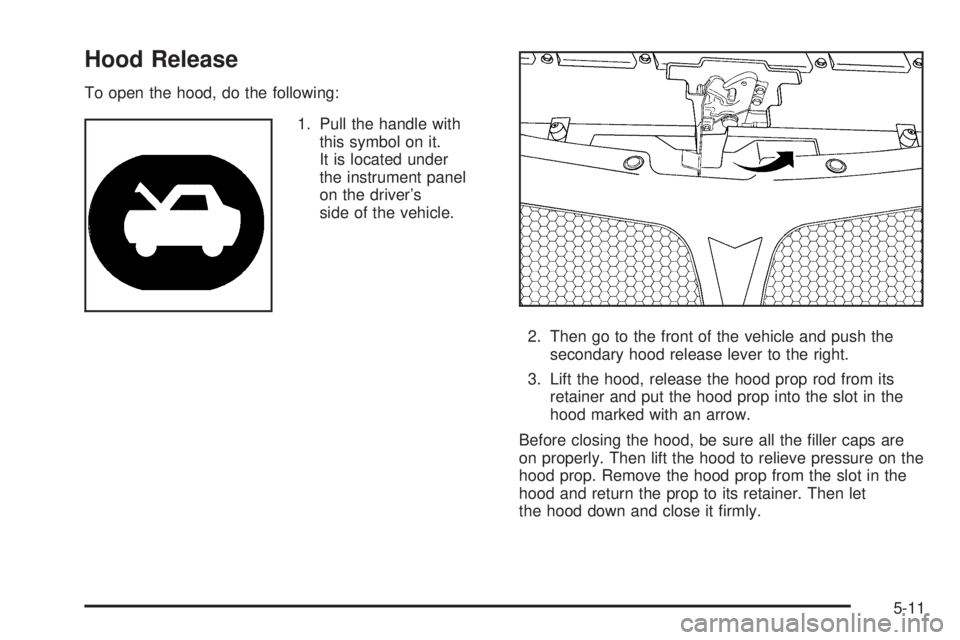
To open the hood, do the following:
1. Pull the handle with
this symbol on it.
It is located under
the instrument panel
on the driver’s
side of the vehicle.
2. Then go to the front of the vehicle and push the
secondary hood release lever to the right.
3. Lift the hood, release the hood prop rod from its
retainer and put the hood prop into the slot in the
hood marked with an arrow.
Before closing the hood, be sure all the ller caps are
on properly. Then lift the hood to relieve pressure on the
hood prop. Remove the hood prop from the slot in the
hood and return the prop to its retainer. Then let
the hood down and close it rmly.
5-11
Page 298 of 416
Adding Coolant
If you need more coolant, add the proper DEX-COOL®
coolant mixture at the surge tank, but only when the
engine is cool. If the surge tank is empty, a special ll
procedure is necessary. SeeEngine Overheating
on page 5-30andCooling System on page 5-32.
{CAUTION:
You can be burned if you spill coolant on hot
engine parts. Coolant contains ethylene glycol,
and it will burn if the engine parts are hot
enough. Do not spill coolant on a hot engine.
When replacing the pressure cap, make sure it is
hand-tight and fully seated.
Coolant Surge Tank Pressure Cap
Notice:If the pressure cap is not tightly installed,
coolant loss and possible engine damage may
occur. Be sure the cap is properly and tightly
secured.
Engine Overheating
You will nd an engine coolant temperature gage on
your vehicle’s instrument panel. SeeEngine Coolant
Temperature Gage on page 3-40.
In addition, you will nd a LOW COOLANT message
displayed in the Driver Information Center (DIC).
SeeDIC Warnings and Messages on page 3-48.
5-30
Page 358 of 416
Leather
A soft cloth dampened with water may be used to
remove dust. If a more thorough cleaning is necessary,
a soft cloth dampened with a mild soap solution can
be used. Allow the leather to dry naturally. Do not use
heat to dry. Never use steam to clean leather. Never
use spot lifters or spot removers on leather. Many
commercial leather cleaners and coatings that are sold
to preserve and protect leather may permanently
change the appearance and feel of your leather and are
not recommended. Do not use silicone or wax-based
products, or those containing organic solvents to clean
your vehicle’s interior because they can alter the
appearance by increasing the gloss in a non-uniform
manner. Never use shoe polish on your leather.
Instrument Panel, Vinyl, and Other
Plastic Surfaces
A soft cloth dampened with water may be used to
remove dust. If a more thorough cleaning is necessary,
a clean soft cloth dampened with a mild soap solution
can be used to gently remove dust and dirt. Never use
spot lifters or removers on plastic surfaces. Many
commercial cleaners and coatings that are sold to
preserve and protect soft plastic surfaces may
permanently change the appearance and feel of your
interior and are not recommended. Do not use silicone
or wax-based products, or those containing organic
solvents to clean your vehicle’s interior because
they can alter the appearance by increasing the gloss in
a non-uniform manner.
Some commercial products may increase gloss on your
instrument panel. The increase in gloss may cause
annoying reections in the windshield and even make it
difficult to see through the windshield under certain
conditions.
5-90
Page 364 of 416
Vehicle Identication
Vehicle Identication Number (VIN)
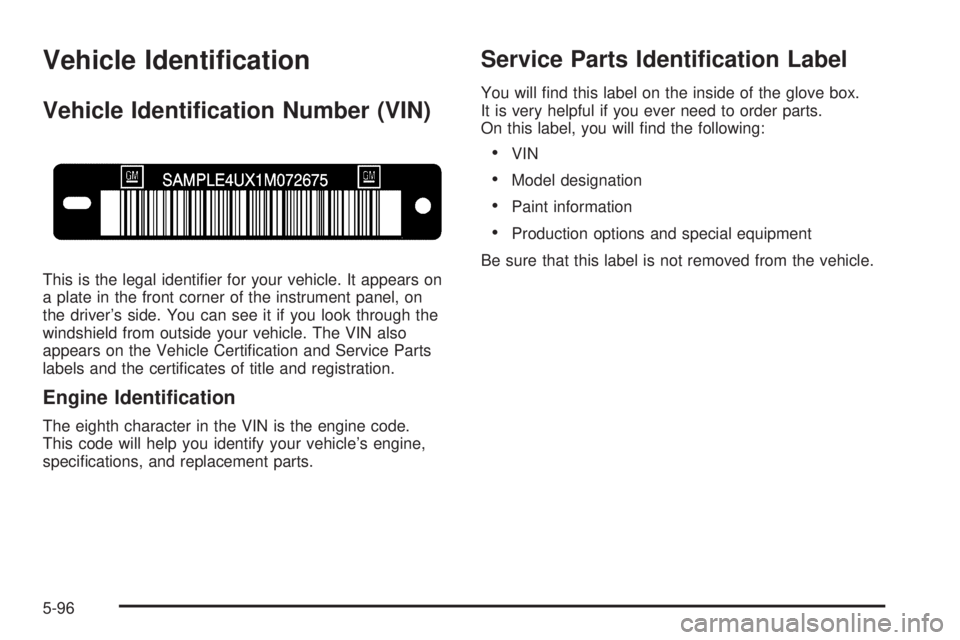
This is the legal identier for your vehicle. It appears on
a plate in the front corner of the instrument panel, on
the driver’s side. You can see it if you look through the
windshield from outside your vehicle. The VIN also
appears on the Vehicle Certication and Service Parts
labels and the certicates of title and registration.
Engine Identication
The eighth character in the VIN is the engine code.
This code will help you identify your vehicle’s engine,
specications, and replacement parts.
Service Parts Identication Label
You will nd this label on the inside of the glove box.
It is very helpful if you ever need to order parts.
On this label, you will nd the following:
VIN
Model designation
Paint information
Production options and special equipment
Be sure that this label is not removed from the vehicle.
5-96