change wheel PONTIAC G6 2007 Owners Manual
[x] Cancel search | Manufacturer: PONTIAC, Model Year: 2007, Model line: G6, Model: PONTIAC G6 2007Pages: 486, PDF Size: 2.78 MB
Page 93 of 486
Adding Equipment to Your
Airbag-Equipped Vehicle
Q:Is there anything I might add to the front
or sides of the vehicle that could keep the
airbags from working properly?
A:Yes. If you add things that change your
vehicle’s frame, bumper system, height,
front end or side sheet metal, they may keep
the airbag system from working properly.
Also, the airbag system may not work properly
if you relocate any of the airbag sensors. If
you have any questions about this, you should
contact Customer Assistance before you
modify your vehicle. The phone numbers and
addresses for Customer Assistance are in
Step Two of the Customer Satisfaction
Procedure in this manual. SeeCustomer
Satisfaction Procedure on page 450.
Q:Because I have a disability, I have to get
my vehicle modied. How can I nd out
whether this will affect my airbag system?
A:Changing or moving any parts of the
front seats, safety belts, the airbag sensing
and diagnostic module, steering wheel,
instrument panel, ceiling headliner, ceiling and
pillar garnish trim, roof-mounted airbag
modules, or airbag wiring can affect the
operation of the airbag system. If you have
questions, call Customer Assistance. The
phone numbers and addresses for Customer
Assistance are in Step Two of the Customer
Satisfaction Procedure in this manual.
SeeCustomer Satisfaction Procedure on
page 450.
93
Page 127 of 486
Adjustable Throttle and Brake Pedal
(Automatic Transaxle)
If your vehicle has this feature, you can change
the position of the throttle and brake pedals.
This feature is designed for shorter drivers, since
the pedals cannot move farther away from the
standard position, but can move rearward
for better pedal reach.
The vehicle must be in PARK (P) or have the
ignition off for this feature to operate. If the system
senses unusually high resistance while the pedals
are being adjusted, such as a driver’s foot pushing
the brake pedal, it is designed to disable the switch.
Remove the obstruction and try to adjust the pedals
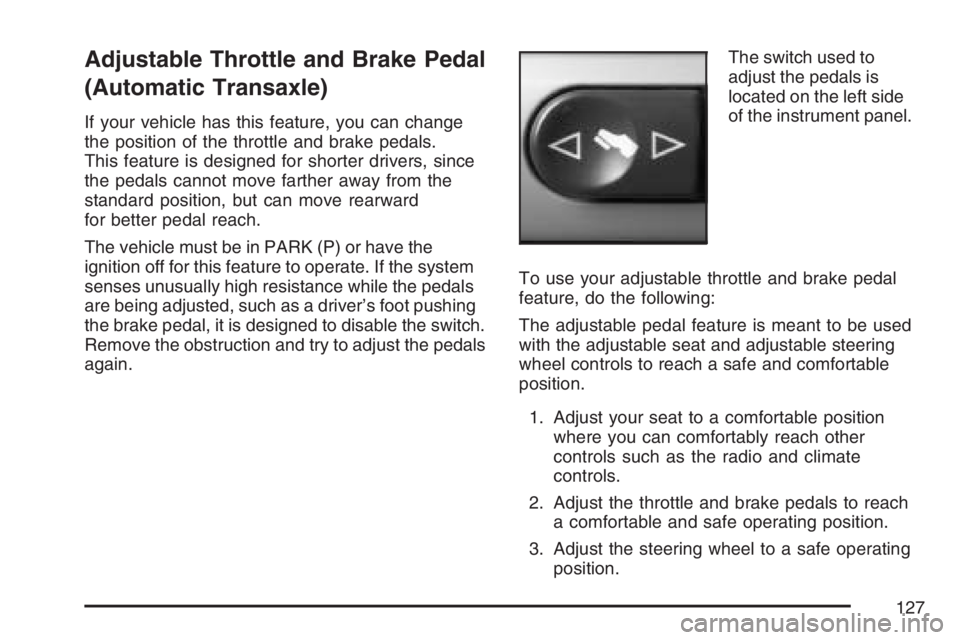
again.The switch used to
adjust the pedals is
located on the left side
of the instrument panel.
To use your adjustable throttle and brake pedal
feature, do the following:
The adjustable pedal feature is meant to be used
with the adjustable seat and adjustable steering
wheel controls to reach a safe and comfortable
position.
1. Adjust your seat to a comfortable position
where you can comfortably reach other
controls such as the radio and climate
controls.
2. Adjust the throttle and brake pedals to reach
a comfortable and safe operating position.
3. Adjust the steering wheel to a safe operating
position.
127
Page 161 of 486
Instrument Panel Overview........................ 164
Hazard Warning Flashers.......................... 166
Other Warning Devices............................. 166
Horn.......................................................... 167
Tilt Wheel.................................................. 167
Turn Signal/Multifunction Lever.................. 168
Turn and Lane-Change Signals................. 168
Headlamp High/Low-Beam Changer.......... 169
Flash-to-Pass............................................ 169
Windshield Wipers..................................... 169
Windshield Washer.................................... 171
Cruise Control........................................... 171
Headlamps................................................ 174
Headlamps on Reminder........................... 175
Headlamps Off in PARK (P)...................... 175
Delayed Headlamps.................................. 176
Daytime Running Lamps (DRL)................. 176
Automatic Headlamp System..................... 177
Fog Lamps................................................ 178
Instrument Panel Brightness...................... 178
Courtesy Lamps........................................ 178
Dome Lamp.............................................. 179
Entry/Exit Lighting...................................... 179
Parade Dimming........................................ 180Overhead Console Reading Lamps........... 180
Trunk Lamp............................................... 180
Battery Run-Down Protection..................... 181
Accessory Power Outlet(s)........................ 181
Climate Controls......................................... 182
Climate Control System............................. 182
Automatic Climate Control System............. 187
Outlet Adjustment...................................... 191
Warning Lights, Gages, and Indicators..... 192
Instrument Panel Cluster........................... 193
Speedometer and Odometer...................... 194
Trip Odometer........................................... 194
Tachometer............................................... 194
Safety Belt Reminder Light........................ 195
Passenger Safety Belt Reminder Light....... 195
Airbag Readiness Light............................. 196
Passenger Airbag Status Indicator............. 197
Charging System Light.............................. 199
Brake System Warning Light..................... 199
Anti-Lock Brake System Warning Light...... 200
Traction Control System (TCS)
Warning Light........................................ 201
Traction Control System Active Light......... 201
Section 3 Instrument Panel
161
Page 169 of 486
If a bulb is burned out, replace it to help avoid an
accident. If the arrows don’t go on at all when
you signal a turn, check for burned-out bulbs and
then check the fuse. SeeFuses on page 415.
Headlamp High/Low-Beam Changer
To change the headlamps from low beam to
high beam, push the turn signal/multifunction lever
away from you.
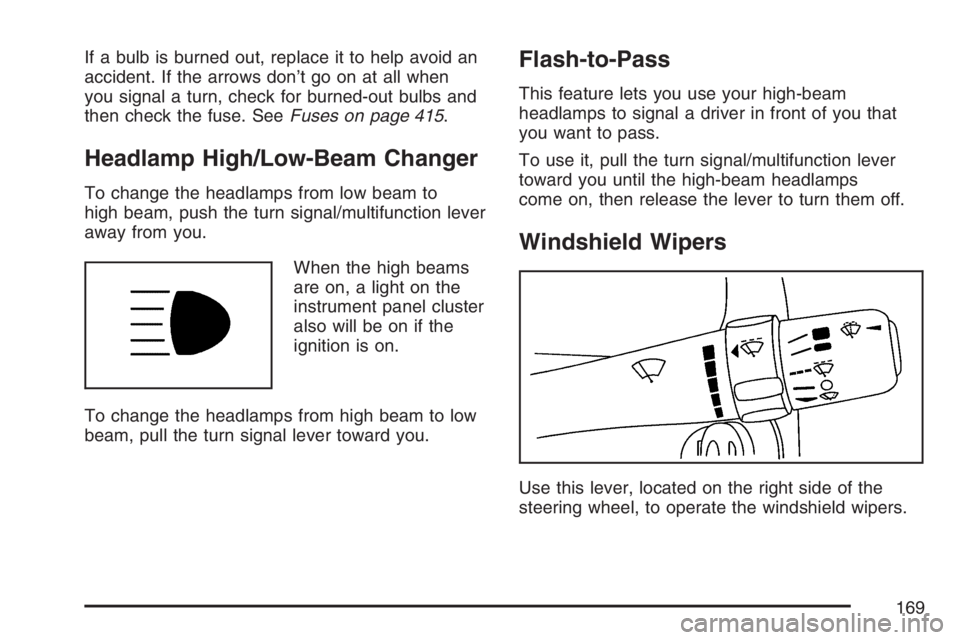
When the high beams
are on, a light on the
instrument panel cluster
also will be on if the
ignition is on.
To change the headlamps from high beam to low
beam, pull the turn signal lever toward you.
Flash-to-Pass
This feature lets you use your high-beam
headlamps to signal a driver in front of you that
you want to pass.
To use it, pull the turn signal/multifunction lever
toward you until the high-beam headlamps
come on, then release the lever to turn them off.
Windshield Wipers
Use this lever, located on the right side of the
steering wheel, to operate the windshield wipers.
169
Page 171 of 486
Windshield Washer
To wash your windshield, press the button at the
end of the lever until the washers begin.
{CAUTION:
In freezing weather, do not use your
washer until the windshield is warmed.
Otherwise the washer uid can form ice
on the windshield, blocking your vision.
When you release the button, the washers will
stop, but the wipers will continue to wipe for about
three times or will resume the speed you were
using before.
Cruise Control
If your vehicle has cruise control, you can maintain
a speed of about 25 mph (40 km/h) or more
without keeping your foot on the accelerator. This
can really help on long trips. Cruise control
does not work at speeds below 25 mph (40 km/h).
{CAUTION:
Cruise control can be dangerous where
you cannot drive safely at a steady speed.
So, do not use your cruise control on
winding roads or in heavy traffic.
Cruise control can be dangerous on
slippery roads. On such roads, fast
changes in tire traction can cause
excessive wheel slip, and you could lose
control. Do not use cruise control on
slippery roads.
171
Page 260 of 486
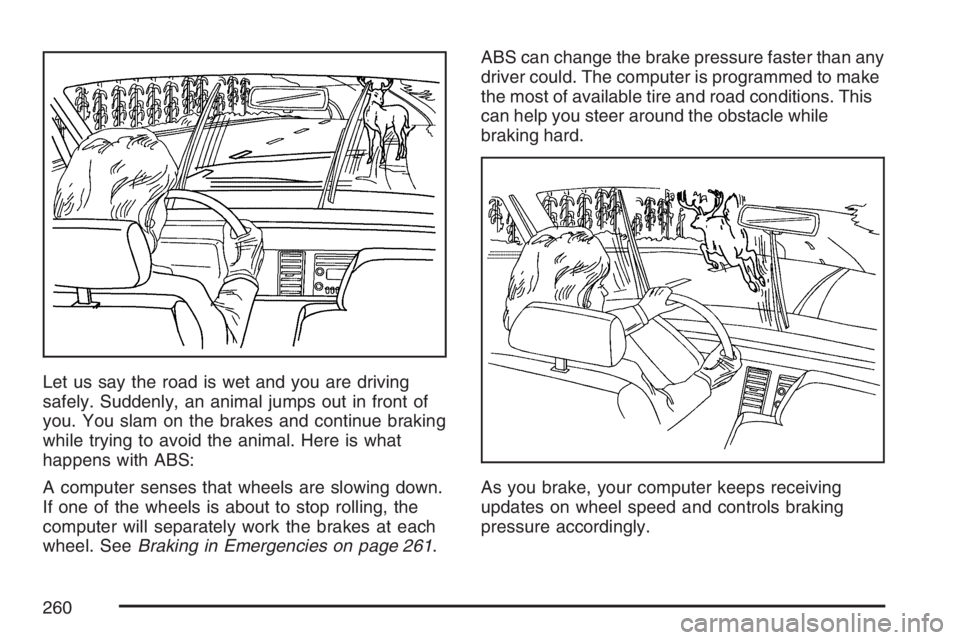
Let us say the road is wet and you are driving
safely. Suddenly, an animal jumps out in front of
you. You slam on the brakes and continue braking
while trying to avoid the animal. Here is what
happens with ABS:
A computer senses that wheels are slowing down.
If one of the wheels is about to stop rolling, the
computer will separately work the brakes at each
wheel. SeeBraking in Emergencies on page 261.ABS can change the brake pressure faster than any
driver could. The computer is programmed to make
the most of available tire and road conditions. This
can help you steer around the obstacle while
braking hard.
As you brake, your computer keeps receiving
updates on wheel speed and controls braking
pressure accordingly.
260
Page 261 of 486
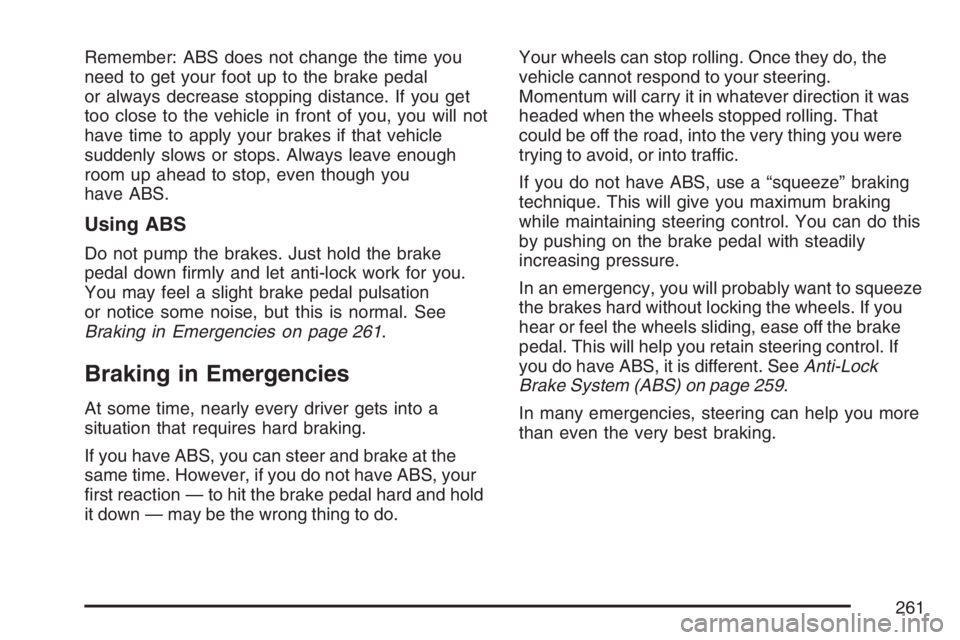
Remember: ABS does not change the time you
need to get your foot up to the brake pedal
or always decrease stopping distance. If you get
too close to the vehicle in front of you, you will not
have time to apply your brakes if that vehicle
suddenly slows or stops. Always leave enough
room up ahead to stop, even though you
have ABS.
Using ABS
Do not pump the brakes. Just hold the brake
pedal down rmly and let anti-lock work for you.
You may feel a slight brake pedal pulsation
or notice some noise, but this is normal. See
Braking in Emergencies on page 261.
Braking in Emergencies
At some time, nearly every driver gets into a
situation that requires hard braking.
If you have ABS, you can steer and brake at the
same time. However, if you do not have ABS, your
rst reaction — to hit the brake pedal hard and hold
it down — may be the wrong thing to do.Your wheels can stop rolling. Once they do, the
vehicle cannot respond to your steering.
Momentum will carry it in whatever direction it was
headed when the wheels stopped rolling. That
could be off the road, into the very thing you were
trying to avoid, or into traffic.
If you do not have ABS, use a “squeeze” braking
technique. This will give you maximum braking
while maintaining steering control. You can do this
by pushing on the brake pedal with steadily
increasing pressure.
In an emergency, you will probably want to squeeze
the brakes hard without locking the wheels. If you
hear or feel the wheels sliding, ease off the brake
pedal. This will help you retain steering control. If
you do have ABS, it is different. SeeAnti-Lock
Brake System (ABS) on page 259.
In many emergencies, steering can help you more
than even the very best braking.
261
Page 266 of 486

Steering
Electric Power Steering
If your vehicle has the electric power steering
system and the engine stalls while you are driving,
the power steering assist system will continue to
operate until you are able to stop your vehicle. If
you lose power steering assist because the electric
power steering system is not functioning, you can
steer, but it will take more effort.
If you turn the steering wheel in either direction
several times until it stops, or hold the steering
wheel in the stopped position for an extended
amount of time, you may notice a reduced amount
of power steering assist. The normal amount of
power steering assist should return shortly after a
few normal steering movements.
The electric power steering system does not
require regular maintenance. If you suspect
steering system problems, contact your dealer for
service repairs. SeeDIC Warnings and Messages
on page 212.
Hydraulic Power Steering
If your vehicle has the hydraulic power steering
system and you lose power steering assist
because the engine stops or the power steering
system is not functioning, you can steer, but it will
take much more effort.
Steering Tips
It is important to take curves at a reasonable
speed.
A lot of the “driver lost control” accidents
mentioned on the news happen on curves.
Here is why:
Experienced driver or beginner, each of us is
subject to the same laws of physics when driving on
curves. The traction of the tires against the road
surface makes it possible for the vehicle to change
its path when you turn the front wheels. If there is
no traction, inertia will keep the vehicle going in the
same direction. If you have ever tried to steer a
vehicle on wet ice, you will understand this.
266
Page 272 of 486
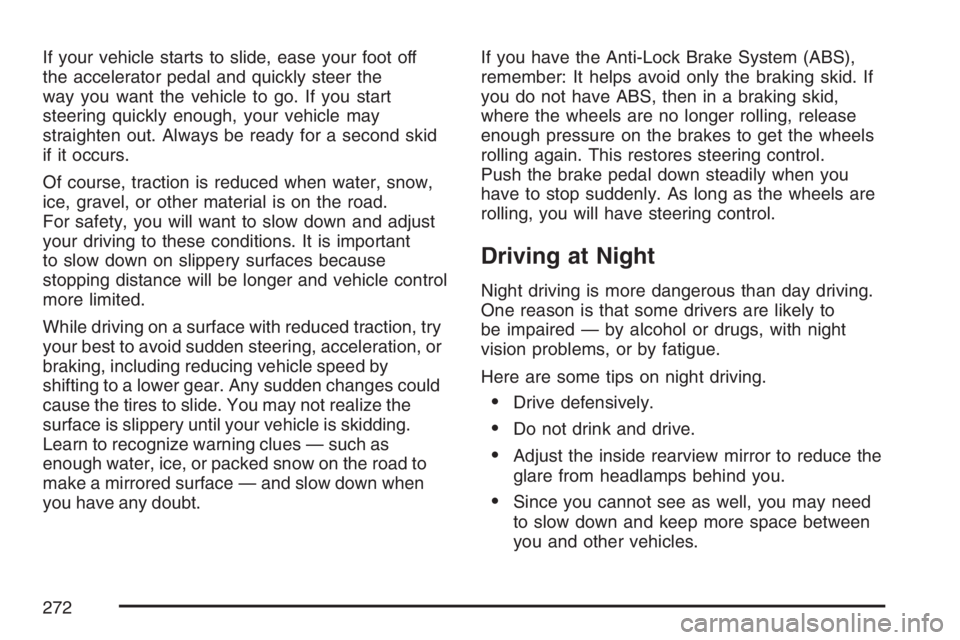
If your vehicle starts to slide, ease your foot off
the accelerator pedal and quickly steer the
way you want the vehicle to go. If you start
steering quickly enough, your vehicle may
straighten out. Always be ready for a second skid
if it occurs.
Of course, traction is reduced when water, snow,
ice, gravel, or other material is on the road.
For safety, you will want to slow down and adjust
your driving to these conditions. It is important
to slow down on slippery surfaces because
stopping distance will be longer and vehicle control
more limited.
While driving on a surface with reduced traction, try
your best to avoid sudden steering, acceleration, or
braking, including reducing vehicle speed by
shifting to a lower gear. Any sudden changes could
cause the tires to slide. You may not realize the
surface is slippery until your vehicle is skidding.
Learn to recognize warning clues — such as
enough water, ice, or packed snow on the road to
make a mirrored surface — and slow down when
you have any doubt.If you have the Anti-Lock Brake System (ABS),
remember: It helps avoid only the braking skid. If
you do not have ABS, then in a braking skid,
where the wheels are no longer rolling, release
enough pressure on the brakes to get the wheels
rolling again. This restores steering control.
Push the brake pedal down steadily when you
have to stop suddenly. As long as the wheels are
rolling, you will have steering control.
Driving at Night
Night driving is more dangerous than day driving.
One reason is that some drivers are likely to
be impaired — by alcohol or drugs, with night
vision problems, or by fatigue.
Here are some tips on night driving.
Drive defensively.
Do not drink and drive.
Adjust the inside rearview mirror to reduce the
glare from headlamps behind you.
Since you cannot see as well, you may need
to slow down and keep more space between
you and other vehicles.
272
Page 288 of 486

Rocking Your Vehicle to Get It Out
First, turn the steering wheel left and right.
That will clear the area around the front wheels.
If your vehicle has a traction system, you
should turn your traction system off. SeeTraction
Control System (TCS) on page 262,Enhanced
Traction System (ETS) on page 263,or
StabiliTrak
®System on page 265. Then shift back
and forth between REVERSE (R) and a forward
gear, or with a manual transaxle, between
FIRST (1) or SECOND (2) and REVERSE (R),
spinning the wheels as little as possible. Release
the accelerator pedal while you shift, and press
lightly on the accelerator pedal when the transaxle
is in gear. By slowly spinning the wheels in the
forward and reverse directions, you will cause
a rocking motion that may free your vehicle. If that
does not get your vehicle out after a few tries, it
may need to be towed out. If your vehicle
does need to be towed out, seeTowing Your
Vehicle on page 293.
Loading Your Vehicle
It is very important to know how much weight your
vehicle can carry. This weight is called the vehicle
capacity weight and includes the weight of all
occupants, cargo and all nonfactory-installed
options. Two labels on your vehicle show how much
weight it may properly carry, the Tire and Loading
Information label and the Certication label.
{CAUTION:
Do not load your vehicle any heavier than
the Gross Vehicle Weight Rating (GVWR),
or either the maximum front or rear Gross
Axle Weight Rating (GAWR). If you do,
parts on your vehicle can break, and it
can change the way your vehicle handles.
These could cause you to lose control
and crash. Also, overloading can shorten
the life of your vehicle.
288