audio PONTIAC G8 2008 User Guide
[x] Cancel search | Manufacturer: PONTIAC, Model Year: 2008, Model line: G8, Model: PONTIAC G8 2008Pages: 334, PDF Size: 2.99 MB
Page 130 of 334
The rear auxiliary input connector is
located on the back of the radio.
See your dealer/retailer for
more information about this feature.
To disable the rear auxiliary input
on the radio with a single CD player:
1. Press the volume knob to
enter the Option Menu, AUDIO is
highlighted.
2. Turn the volume knob until
REAR AUX highlights.
3. Press the volume knob to enter
the REAR AUX setting.
4. Turn the volume knob to turn the
rear auxiliary input ON or OFF.
5. Press the volume knob to save
and exit the setting.
6. Select the BACK option or wait
eight seconds to exit the menu.To disable the rear auxiliary input on
the radio with a six-disc CD player:
1. Press the MENU knob to enter
the Option Menu, Audio is
highlighted.
2. Turn the MENU knob until Rear
AUX highlights.
3. Press the MENU knob to enter
the Rear AUX setting.
4. Turn the MENU knob to turn the
rear auxiliary input On or Off.
5. Press the MENU knob to save
and exit the setting.
6. Select the Back option or wait
eight seconds to exit the menu.AUX (Auxiliary):Press AUX to
switch between the front and
rear AUX input jack.
Press the AUX button to start audio
playback from the portable audio
player that is connected to the front
AUX input jack, if this was the
last source.
Volume:Turn to increase or
decrease the volume of the portable
player. Additional volume
adjustments to the portable device
may be needed.
BAND:Press to listen to the radio
when a portable audio device is
playing.
6-14 Infotainment
2008 - Pontiac G8 Owner Manual
Page 133 of 334
Speed Dependent Volume (SDV):
The SDV system automatically
adjusts the radio volume to
compensate for driving noise.
The SDV system can only be
adjusted while the radio is on.
As the speed of the vehicle
increases or decreases, the radio
volume increases or decreases.
The SDV adjustment range for the
radio with a single CD player is
between OFF and CUR 6, and the
adjustment range for the radio
with a six-disc CD player is
between 0 and 5.
To adjust the SDV setting on the
radio with a single CD player:
1. Press the volume knob to enter
the Options Menu.
2. Turn the volume knob until AUD
SETUP (audio setup) highlights.
3. Press the volume knob to enter
the AUD SETUP menu.4. Turn the volume knob until SD
VOLUME (speed dependent
volume) highlights.
5. Press the volume knob to enter
the SD VOLUME settings.
6. Turn the volume knob to adjust
the SD VOLUME setting.
7. Press the volume knob to save
and exit the setting.
8. Select the BACK option or wait
eight seconds to exit the menu.
To adjust the SDV setting on
the radio with a six-disc CD player:
1. Press the MENU knob to
enter the Options Menu.
2. Turn the MENU knob until Audio
Setup highlights.
3. Press the MENU knob to enter
the Audio Setup menu.
4. Turn the MENU knob until Speed
Vol (speed volume) highlights.
5. Press the MENU knob to enter
the Speed Vol settings.6. Turn the MENU knob to adjust
the Speed Vol setting.
7. Press the MENU knob to save
and exit the setting.
8. Select the BACK option or wait
eight seconds to exit the menu.
Dynamic Distortion Limiter (DDL):
The DDL system limits the amount
of audio distortion that can be heard.
The DDL system can only be
adjusted while the radio is on.
When the distortion level reaches a
preset limit, the radio automatically
reduces the volume until the
distortion is reduced. The DDL
adjustment range is between OFF
and CUR 3.
To adjust the DDL setting on the
radio with a single CD player:
1. Press the volume knob to enter
the Options Menu and the
option for AUDIO highlights.
2. Turn the volume knob until AUD
SETUP highlights.
Infotainment 6-17
2008 - Pontiac G8 Owner Manual
Page 134 of 334
3. Press the volume knob to enter
the AUD SETUP menu.
4. Turn the volume knob until DDL
highlights.
5. Press the volume knob to enter
the DDL setting.
6. Turn the volume knob to adjust
the DDL setting.
7. Press the volume knob to save
and exit the setting.
8. Select the BACK option or wait
eight seconds to exit the menu.
To adjust the DDL setting on
the radio with a six-disc CD player:
1. Press the MENU knob to
enter the Options Menu.
2. Turn the MENU knob until Audio
Setup highlights.
3. Press the MENU knob to enter
the Audio Setup menu.
4. Turn the MENU knob until DDL
highlights.5. Press the MENU knob to enter
the DDL setting.
6. Turn the MENU knob to change
the DDL setting.
7. Press the MENU knob to save
and exit the setting.
8. Select the BACK option or wait
eight seconds to exit the menu.
Conrmation Beeps:Conrmation
beeps are used to indicate various
actions by the radio. The beeps can
only be turned on or off on the
radio with a six-disc CD player while
it is on. The conrmation beep
options are:
On:The radio beeps when storing
radio a station, inserting or to
removing a CD, or when the LOAD
ALL or the EJECT ALL functions
have started.
CD Only:The radio beeps when
inserting or removing a CD.
Off:The radio does not beep.To change the options for the beeps:
1. Press the MENU knob to enter
the Options Menu.
2. Turn the MENU knob until Audio
Setup highlights.
3. Press the MENU knob to enter
the Audio Setup menu.
4. Turn the MENU knob until Beeps
highlights.
5. Press the MENU knob to enter
the Beeps setting.
6. Turn the MENU knob to change
the Beeps setting.
7. Press the MENU knob to save
and exit the setting.
8. Select the BACK option or wait
eight seconds to exit the menu.
6-18 Infotainment
2008 - Pontiac G8 Owner Manual
Page 135 of 334
Personal Identity Memories
(Radio with Six-Disc CD
Player)
Personal Identity Memories are
coded to the vehicle’s keys. Only
two keys can be coded. The settings
are stored by the vehicle and are
unique to each key.
For the audio system, the following
settings are individually memorized
by the key system and become
unique to the particular key:
Radio On or Off.
Last used volume level.
Last used source (FM, AM,
or CD).
Radio station presets.
Bass and treble settings.
Speaker balance and fade
settings.
Additional features such as SDV
settings, Beeps, DDL settings,
display priority settings, and tuner
seek sensitivity.
Equalizer and boost settings,
if the radio has this feature.
CD track and disc settings.
Radio memory presets that are
stored for the rst time, are
automatically stored for both
personal identity keys. If the presets
are changed later by using a
different personal identity key, they
become specic for that key only.
Independent Tone Memories
The radio is equipped with
Independent Tone Memories.
Bass and Treble settings are stored
independently for FM, AM, and CD.
After all independent tone memories
have been stored for the rst
ignition key, different settings can
be stored for the second ignition key
using the same procedure.
Using an MP3
MP3 CD-R / CD-RW Disc
MP3 Format
Only the radio with a six-disc CD
player can play MP3 CD’s.
The MP3 player is able to read and
play a maximum of:
50 folders.
11 folders in depth
50 playlists
10 sessions
255 les
All items over the maximum are
ignored.
Infotainment 6-19
2008 - Pontiac G8 Owner Manual
Page 136 of 334
To record an MP3 disc:
Record the MP3 les onto a
CD-R or CD-RW disc.
Record playlists with an .m3u
or .wpl extension.
Do not mix standard audio and
MP3 les on the same disc.
Record the entire disc at once.
Finalize the disc when recording
an MP3 disc with multiple
sessions.
Root Directory
The root directory is treated as a
folder. All .mp3 les in the root
directory are accessed before
folders in the root directory.
Empty Directory or Folder
Empty folders and directories will
not show on the display. The system
will ignore empty directories and
folders and advance to the next
directory or folder that has .mp3
les in it.No Folder
On a CD that contains only .mp3
les in the root directory the
next and previous folder functions
do not work.
On a CD that contains playlists
and .mp3 les, the next and
previous folder functions search
playlists rst and then search
.mp3 les in the root folder.
Order of Play
Tracks are played in the following
order for CDs that have playlists:
1. The rst track in the rst playlist
and then continues sequentially
through all tracks in each
playlist
2. When the last track of the last
playlist has played, play restarts
from the rst track of the
rst playlist.Tracks are played in the following
order for CDs that do not have
playlists:
1. Play starts with the rst le in the
root directory.
2. After all les from the root
directory have played, les in the
folders will play.
3. After playing the last le from the
last folder, play restarts with the
rst le in the root directory.
File System and Naming
The radio shows track names that
are shorter than 39 characters,
names that are longer will be
shortened. The radio will show the
track name as:
The song name that is in the
ID3 tag.
The le name without the le
extension if the song name is
not in the ID3 tag.
6-20 Infotainment
2008 - Pontiac G8 Owner Manual
Page 137 of 334
Preprogrammed Playlists
Playlists are accessed before les
or folders in the root directory.
Preprogrammed playlists created by
WinAmp™, MusicMatch™, or
Real Jukebox™ software can be
accessed and are treated as special
folders containing compressed
audio song les.
Playing an MP3
The MP3 player cannot play the
smaller 3 inch (8 cm) single
CDs with an adapter ring.
To play an MP3 CD:
1. Press CD if an MP3 disc is
already in the player.
2. Refer toRadio(s) on page 6-3
for information on how to load
discs if the CD player is empty.MP3 CD Display:To change the
MP3 CD display, press the softkey
under the label Display Mode until
the desired display is shown.
The MP3 CD display modes are:
Normal mode with folder number,
track number, and elapsed time.
Folder and song info mode with
folder number, track number,
folder name and song name.
Folder name and song name can
only be displayed when the
appropriate data is stored on the
CD MP3 ID tag.
Artist and song info mode with
folder number, track number,
artist name, and song name.
Artist name and song name can
only be displayed when the
appropriate data is stored on the
CD MP3 ID tag.
Song info mode with folder
number, track number, and
folder name.RANDOM:Select to hear the tracks
in random order. The random
modes are RDM IN DISC (random
in disc) or RDM IN FOLDER
(random in folder).
To use RANDOM:
1. Press the softkey below the
Random label to display the
different random modes.
2. Press the softkey below RDM IN
DISC or RDM IN FOLDER.
3. Press
lto go to the next track.
4. Press
gto go to the previous
track.
5. Press the softkey below the
active random mode to cancel
the random mode.
Infotainment 6-21
2008 - Pontiac G8 Owner Manual
Page 139 of 334
l(Forward):Press to go to the
next track or press
lmultiple times
until the desired track is reached.
g(Reverse):Press to go back to
the start of the current track or
press
gmultiple times until
the desired track is reached.
Theft-Deterrent Feature
The radio has an electronically
coded security system that links the
radio to the vehicle. When the
ignition is off, a ashing red light on
the upper left side of the radio
indicates the security system is on.
If the radio is moved to a different
vehicle, it will not operate and
Security Lockout Active displays.
Contact your dealer/retailer to
unlock the radio.
Audio Steering Wheel
Controls
The vehicle has audio steering
wheel controls.
Some audio controls can be
adjusted at the steering wheel.
Several functions of the audio
system can be operated with the
audio remote control buttons and the
rotary control wheel.
SRCE (Source):Press to select
between FM1, FM2, AM, CD, Front
AUX (auxiliary), or Rear AUX.
QR(Scroll Wheel Control):
Push to select the next disc in the
changer.
Turn the scroll wheel up or down to:
Select the next or previous
preset radio station.
Select the next or previous track.
%(Voice In):Press to interact
with the OnStar®system.
{(Call End):Press to end an
OnStar®phone call.
+−(Scroll Wheel Control):Turn
the scroll wheel control up or
down to increase or decrease the
volume. Press to mute the audio
system, press again to turn
the sound back on.
Infotainment 6-23
2008 - Pontiac G8 Owner Manual
Page 151 of 334
A (LOCK/OFF):This is the only
position from which you can remove
the key. This locks the steering
wheel, ignition and automatic
transmission.
On vehicles with an automatic
transmission, the shift lever must be
in P (Park) to turn the ignition
switch to the LOCK/OFF position.
The ignition switch can bind in
the LOCK/OFF position with your
wheels turned off center. If this
happens, move the steering wheel
from right to left while turning the
key to ACC/ACCESSORY. If this
doesn’t work, then the vehicle needs
service.
B (ACC/ACCESSORY):This
position provides power to some
of the electrical accessories.
It unlocks the steering wheel and
ignition. The transmission is
also unlocked in this position
on automatic transmission
vehicles. To move the key from
ACC/ACCESSORY to LOCK/OFF,
push in the key and then turn it
to LOCK/OFF.C (ON/RUN):The ignition switch
stays in this position when the
engine is running. This position can
be used to operate the electrical
accessories, including the ventilation
fan and 12 volt power outlet, as
well as to display some warning and
indicator lights.
The battery could be drained
if you leave the key in the
ACC/ACCESSORY or ON/RUN
position with the engine off.
You may not be able to start the
vehicle if the battery is allowed
to drain for an extended period
of time.
D (START):This position starts the
engine. When the engine starts,
release the key. The ignition switch
will return to ON/RUN for normal
driving.
A warning tone will sound when the
driver door is opened when the
ignition is still in ACC/ACCESSORY
and the key is in the ignition.Retained Accessory
Power (RAP)
These vehicle accessories may be
used for up to 10 minutes after
the engine is turned off.
Audio System
Power Windows
The power windows will continue to
work for up to 10 minutes or until
any door is opened. The radio
will work when the key is in ON/RUN
or ACC/ACCESSORY. Once the
key is turned from ON/RUN to
LOCK/OFF, the radio will continue
to work for 10 minutes or until
the driver’s door is opened.
Driving and Operating 8-3
2008 - Pontiac G8 Owner Manual
Page 325 of 334
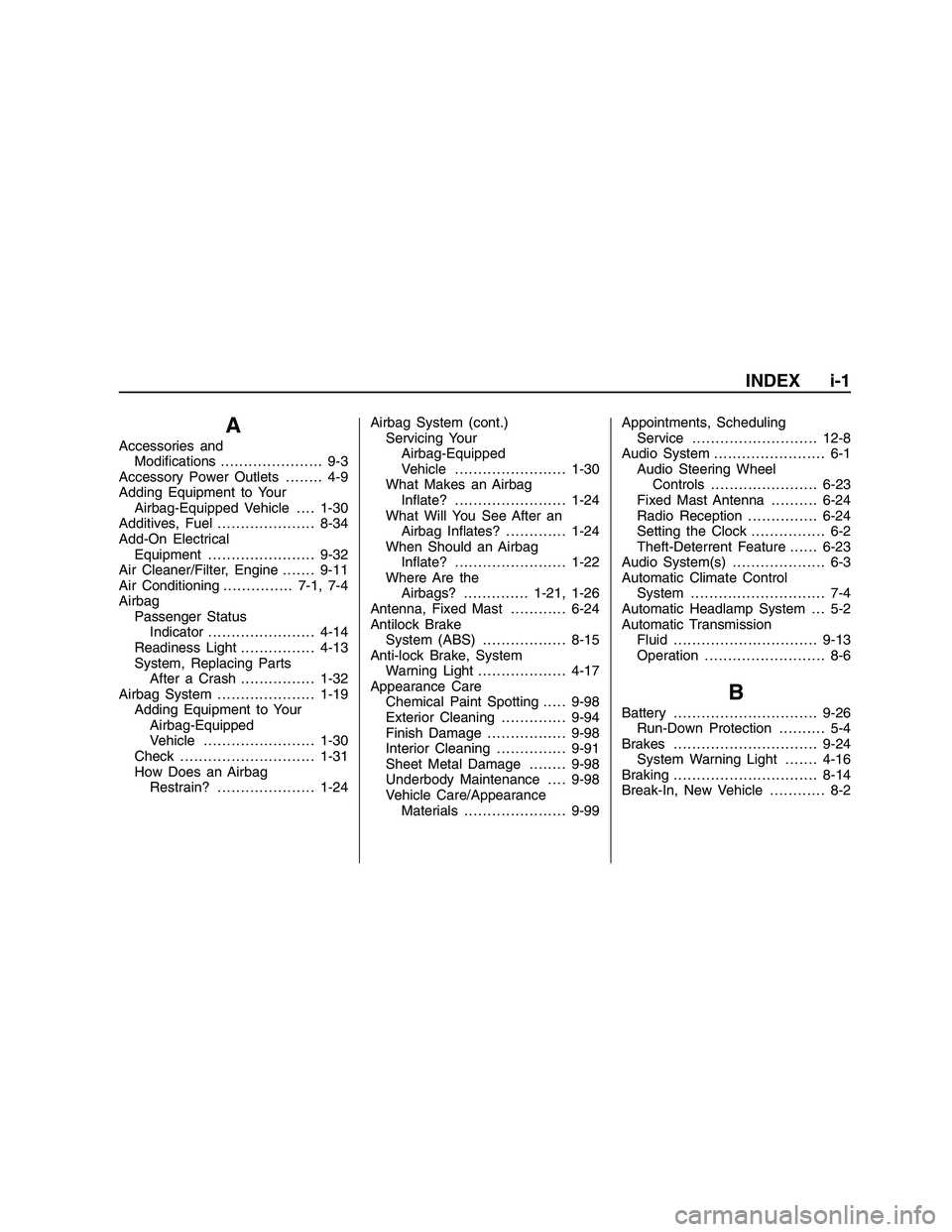
A
Accessories and
Modications...................... 9-3
Accessory Power Outlets........ 4-9
Adding Equipment to Your
Airbag-Equipped Vehicle . . . . 1-30
Additives, Fuel.....................8-34
Add-On Electrical
Equipment .......................9-32
Air Cleaner/Filter, Engine .......9-11
Air Conditioning...............7-1, 7-4
Airbag
Passenger Status
Indicator .......................4-14
Readiness Light . ...............4-13
System, Replacing Parts
After a Crash . ...............1-32
Airbag System.....................1-19
Adding Equipment to Your
Airbag-Equipped
Vehicle . .......................1-30
Check . . . . .........................1-31
How Does an Airbag
Restrain?.....................1-24Airbag System (cont.)
Servicing Your
Airbag-Equipped
Vehicle........................1-30
What Makes an Airbag
Inate?........................1-24
What Will You See After an
Airbag Inates? . ............1-24
When Should an Airbag
Inate?........................1-22
Where Are the
Airbags?..............1-21, 1-26
Antenna, Fixed Mast . ...........6-24
Antilock Brake
System (ABS)..................8-15
Anti-lock Brake, System
Warning Light...................4-17
Appearance Care
Chemical Paint Spotting.....9-98
Exterior Cleaning . . ............9-94
Finish Damage.................9-98
Interior Cleaning . . .............9-91
Sheet Metal Damage........9-98
Underbody Maintenance....9-98
Vehicle Care/Appearance
Materials......................9-99
Appointments, Scheduling
Service . ..........................12-8
Audio System . . ...................... 6-1
Audio Steering Wheel
Controls .......................6-23
Fixed Mast Antenna ..........6-24
Radio Reception . . .............6-24
Setting the Clock . . . . . . .......... 6-2
Theft-Deterrent Feature . . . . . . 6-23
Audio System(s) . . . ................. 6-3
Automatic Climate Control
System ............................. 7-4
Automatic Headlamp System . . . 5-2
Automatic Transmission
Fluid...............................9-13
Operation . . . ....................... 8-6
B
Battery...............................9-26
Run-Down Protection . . . . . . . . . . 5-4
Brakes...............................9-24
System Warning Light . . . . . . . 4-16
Braking...............................8-14
Break-In, New Vehicle............ 8-2
INDEX i-1
2008 - Pontiac G8 Owner Manual
Page 332 of 334
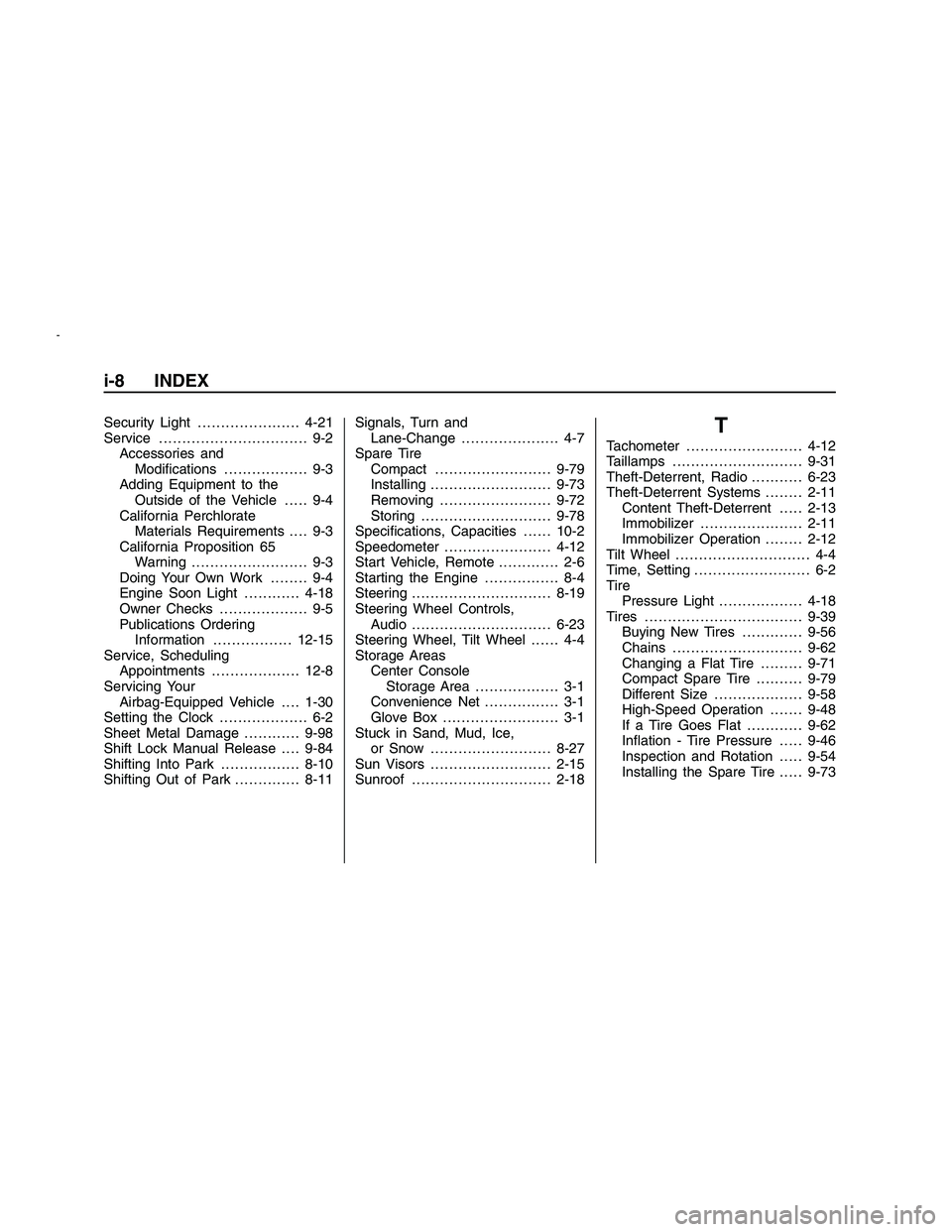
Security Light . . ....................4-21
Service . . . . ............................ 9-2
Accessories and
Modications.................. 9-3
Adding Equipment to the
Outside of the Vehicle..... 9-4
California Perchlorate
Materials Requirements . . . . 9-3
California Proposition 65
Warning . . . . . . . . . ................ 9-3
Doing Your Own Work........ 9-4
Engine Soon Light............4-18
Owner Checks . . ................. 9-5
Publications Ordering
Information . . . ..............12-15
Service, Scheduling
Appointments . . . ................12-8
Servicing Your
Airbag-Equipped Vehicle . . . . 1-30
Setting the Clock . . ................. 6-2
Sheet Metal Damage............9-98
Shift Lock Manual Release . . . . 9-84
Shifting Into Park . . ...............8-10
Shifting Out of Park ..............8-11Signals, Turn and
Lane-Change . .................... 4-7
Spare Tire
Compact.........................9-79
Installing..........................9-73
Removing........................9-72
Storing............................9-78
Specications, Capacities......10-2
Speedometer.......................4-12
Start Vehicle, Remote............. 2-6
Starting the Engine................ 8-4
Steering . . . . ..........................8-19
Steering Wheel Controls,
Audio . . . . ..........................6-23
Steering Wheel, Tilt Wheel...... 4-4
Storage Areas
Center Console
Storage Area.................. 3-1
Convenience Net................ 3-1
Glove Box......................... 3-1
Stuck in Sand, Mud, Ice,
or Snow..........................8-27
Sun Visors..........................2-15
Sunroof . . . . ..........................2-18T
Tachometer .........................4-12
Taillamps . ...........................9-31
Theft-Deterrent, Radio . . .........6-23
Theft-Deterrent Systems........2-11
Content Theft-Deterrent .....2-13
Immobilizer . . ....................2-11
Immobilizer Operation........2-12
Tilt Wheel . ............................ 4-4
Time, Setting . . ....................... 6-2
Tire
Pressure Light..................4-18
Tires..................................9-39
Buying New Tires . ............9-56
Chains . ...........................9-62
Changing a Flat Tire.........9-71
Compact Spare Tire ..........9-79
Different Size . . . . ...............9-58
High-Speed Operation . . . . . . . 9-48
If a Tire Goes Flat ............9-62
Ination - Tire Pressure .....9-46
Inspection and Rotation .....9-54
Installing the Spare Tire .....9-73
i-8 INDEX
2008 - Pontiac G8 Owner Manual