instrument panel PONTIAC G8 2008 Owner's Manual
[x] Cancel search | Manufacturer: PONTIAC, Model Year: 2008, Model line: G8, Model: PONTIAC G8 2008Pages: 334, PDF Size: 2.99 MB
Page 101 of 334
Underspeed Chime
If an OverSpeed warning appeared
and the vehicle’s speed drops
below the set value, you will hear a
chime. The underspeed chime
can be turned on or off through the
vehicle customization. SeeDIC
Vehicle Customization on page 4-32
for more information.
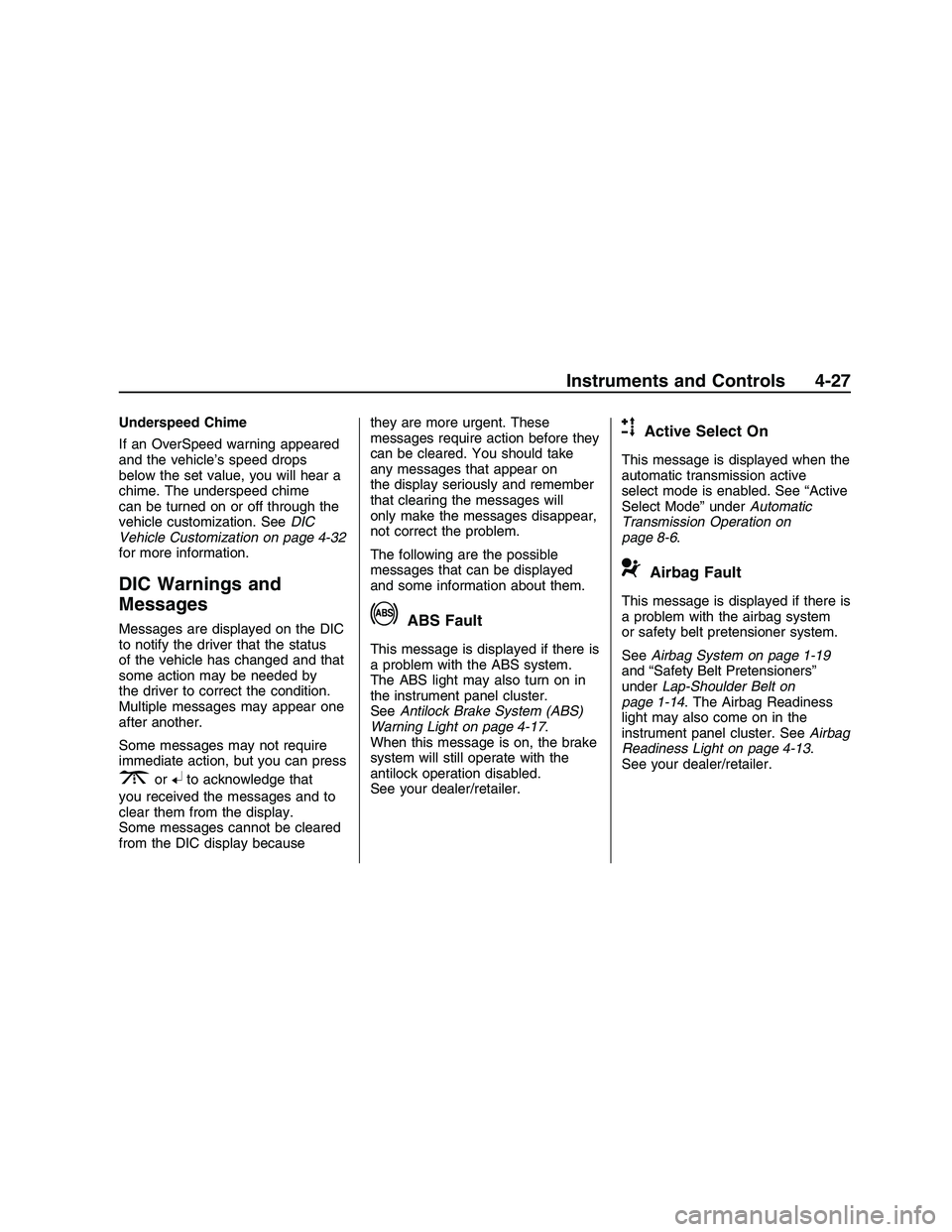
DIC Warnings and
Messages
Messages are displayed on the DIC
to notify the driver that the status
of the vehicle has changed and that
some action may be needed by
the driver to correct the condition.
Multiple messages may appear one
after another.
Some messages may not require
immediate action, but you can press
3or8to acknowledge that
you received the messages and to
clear them from the display.
Some messages cannot be cleared
from the DIC display becausethey are more urgent. These
messages require action before they
can be cleared. You should take
any messages that appear on
the display seriously and remember
that clearing the messages will
only make the messages disappear,
not correct the problem.
The following are the possible
messages that can be displayed
and some information about them.
!ABS Fault
This message is displayed if there is
a problem with the ABS system.
The ABS light may also turn on in
the instrument panel cluster.
SeeAntilock Brake System (ABS)
Warning Light on page 4-17.
When this message is on, the brake
system will still operate with the
antilock operation disabled.
See your dealer/retailer.
uActive Select On
This message is displayed when the
automatic transmission active
select mode is enabled. See “Active
Select Mode” underAutomatic
Transmission Operation on
page 8-6.
9Airbag Fault
This message is displayed if there is
a problem with the airbag system
or safety belt pretensioner system.
SeeAirbag System on page 1-19
and “Safety Belt Pretensioners”
underLap-Shoulder Belt on
page 1-14. The Airbag Readiness
light may also come on in the
instrument panel cluster. SeeAirbag
Readiness Light on page 4-13.
See your dealer/retailer.
Instruments and Controls 4-27
2008 - Pontiac G8 Owner Manual
Page 102 of 334
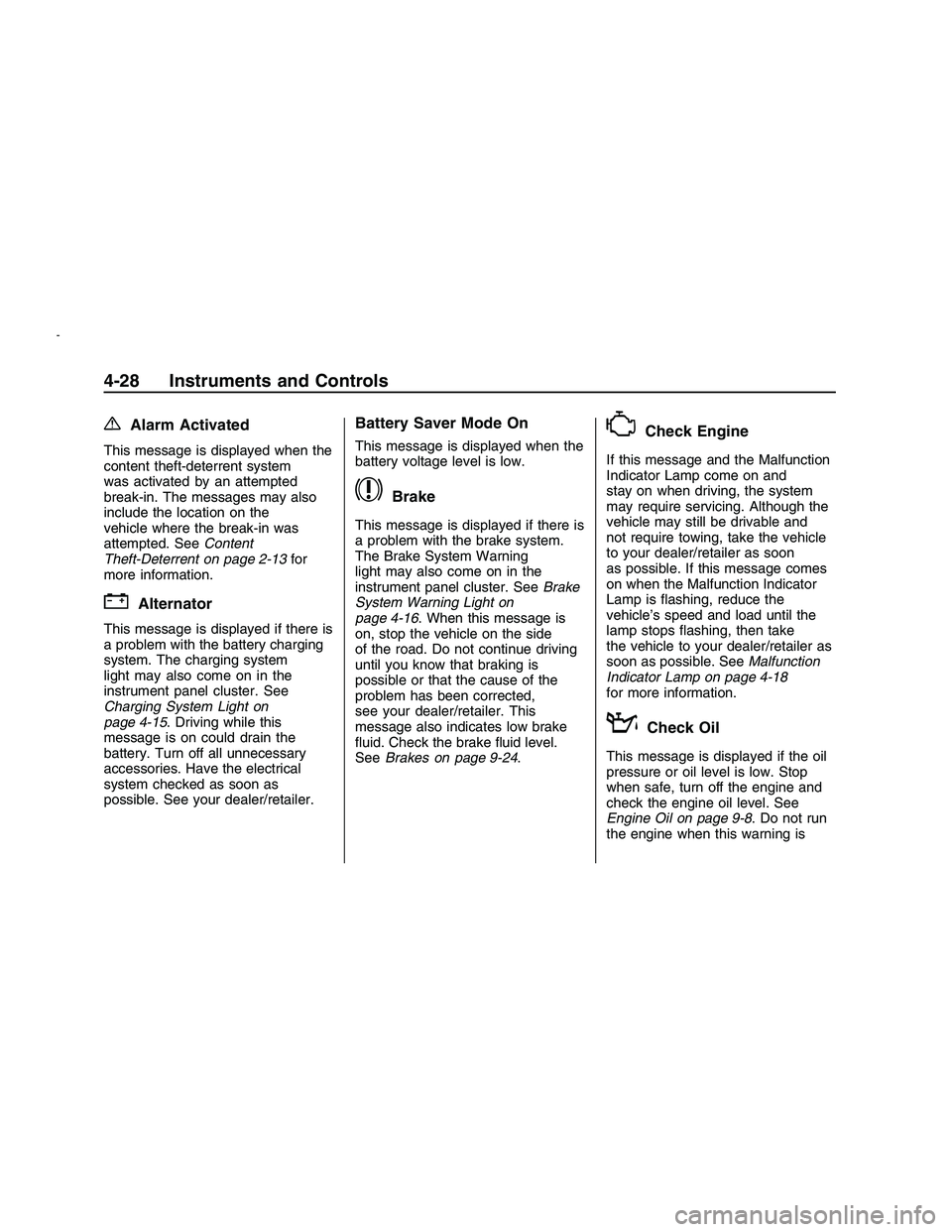
{Alarm Activated
This message is displayed when the
content theft-deterrent system
was activated by an attempted
break-in. The messages may also
include the location on the
vehicle where the break-in was
attempted. SeeContent
Theft-Deterrent on page 2-13for
more information.
"Alternator
This message is displayed if there is
a problem with the battery charging
system. The charging system
light may also come on in the
instrument panel cluster. See
Charging System Light on
page 4-15. Driving while this
message is on could drain the
battery. Turn off all unnecessary
accessories. Have the electrical
system checked as soon as
possible. See your dealer/retailer.
Battery Saver Mode On
This message is displayed when the
battery voltage level is low.
$Brake
This message is displayed if there is
a problem with the brake system.
The Brake System Warning
light may also come on in the
instrument panel cluster. SeeBrake
System Warning Light on
page 4-16. When this message is
on, stop the vehicle on the side
of the road. Do not continue driving
until you know that braking is
possible or that the cause of the
problem has been corrected,
see your dealer/retailer. This
message also indicates low brake
uid. Check the brake uid level.
SeeBrakes on page 9-24.
*Check Engine
If this message and the Malfunction
Indicator Lamp come on and
stay on when driving, the system
may require servicing. Although the
vehicle may still be drivable and
not require towing, take the vehicle
to your dealer/retailer as soon
as possible. If this message comes
on when the Malfunction Indicator
Lamp is ashing, reduce the
vehicle’s speed and load until the
lamp stops ashing, then take
the vehicle to your dealer/retailer as
soon as possible. SeeMalfunction
Indicator Lamp on page 4-18
for more information.
:Check Oil
This message is displayed if the oil
pressure or oil level is low. Stop
when safe, turn off the engine and
check the engine oil level. See
Engine Oil on page 9-8. Do not run
the engine when this warning is
4-28 Instruments and Controls
2008 - Pontiac G8 Owner Manual
Page 103 of 334
illuminated. If the oil level is normal,
have the system checked at your
dealer/retailer.
You can press
3or8to
acknowledge that you received the
message, but
:Check Oil will
continue to appear in the bottom of
the DIC display until the vehicle
has been serviced.
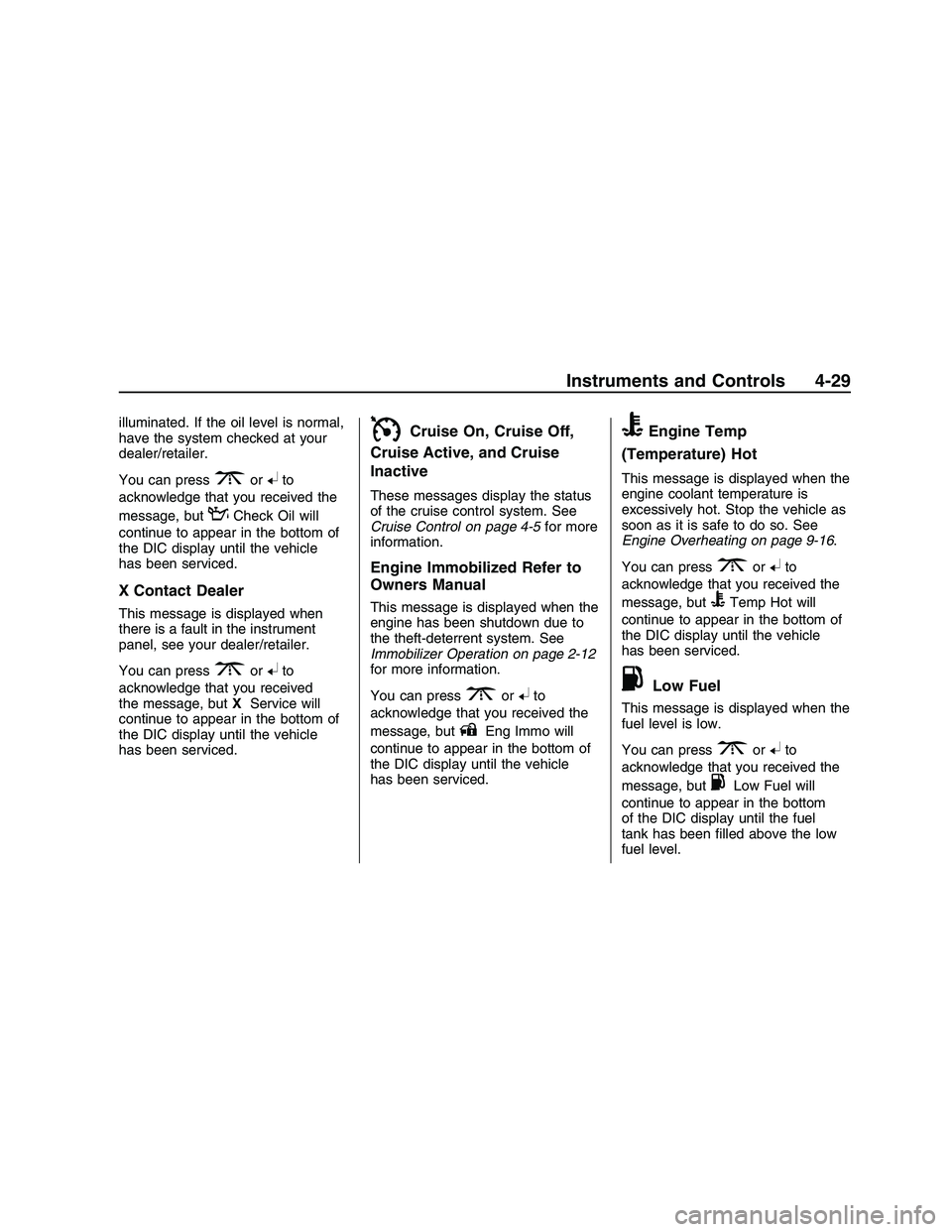
X Contact Dealer
This message is displayed when
there is a fault in the instrument
panel, see your dealer/retailer.
You can press
3or8to
acknowledge that you received
the message, butXService will
continue to appear in the bottom of
the DIC display until the vehicle
has been serviced.
ICruise On, Cruise Off,
Cruise Active, and Cruise
Inactive
These messages display the status
of the cruise control system. See
Cruise Control on page 4-5for more
information.
Engine Immobilized Refer to
Owners Manual
This message is displayed when the
engine has been shutdown due to
the theft-deterrent system. See
Immobilizer Operation on page 2-12
for more information.
You can press
3or8to
acknowledge that you received the
message, but
AEng Immo will
continue to appear in the bottom of
the DIC display until the vehicle
has been serviced.
BEngine Temp
(Temperature) Hot
This message is displayed when the
engine coolant temperature is
excessively hot. Stop the vehicle as
soon as it is safe to do so. See
Engine Overheating on page 9-16.
You can press
3or8to
acknowledge that you received the
message, but
BTemp Hot will
continue to appear in the bottom of
the DIC display until the vehicle
has been serviced.
.Low Fuel
This message is displayed when the
fuel level is low.
You can press
3or8to
acknowledge that you received the
message, but
.Low Fuel will
continue to appear in the bottom
of the DIC display until the fuel
tank has been lled above the low
fuel level.
Instruments and Controls 4-29
2008 - Pontiac G8 Owner Manual
Page 113 of 334
Lighting
Lighting
Exterior Lamps Controls.....5-1
Daytime Running
Lamps (DRL)....................5-2
Automatic Headlamp
System.............................5-2
Fog Lamps.........................5-3
Instrument Panel
Brightness.........................5-3
Dome Lamp(s)....................5-4
Perimeter Lighting...............5-4
Reading Lamps..................5-4
Battery Run-Down
Protection.........................5-4
Lighting
Exterior Lamps Controls
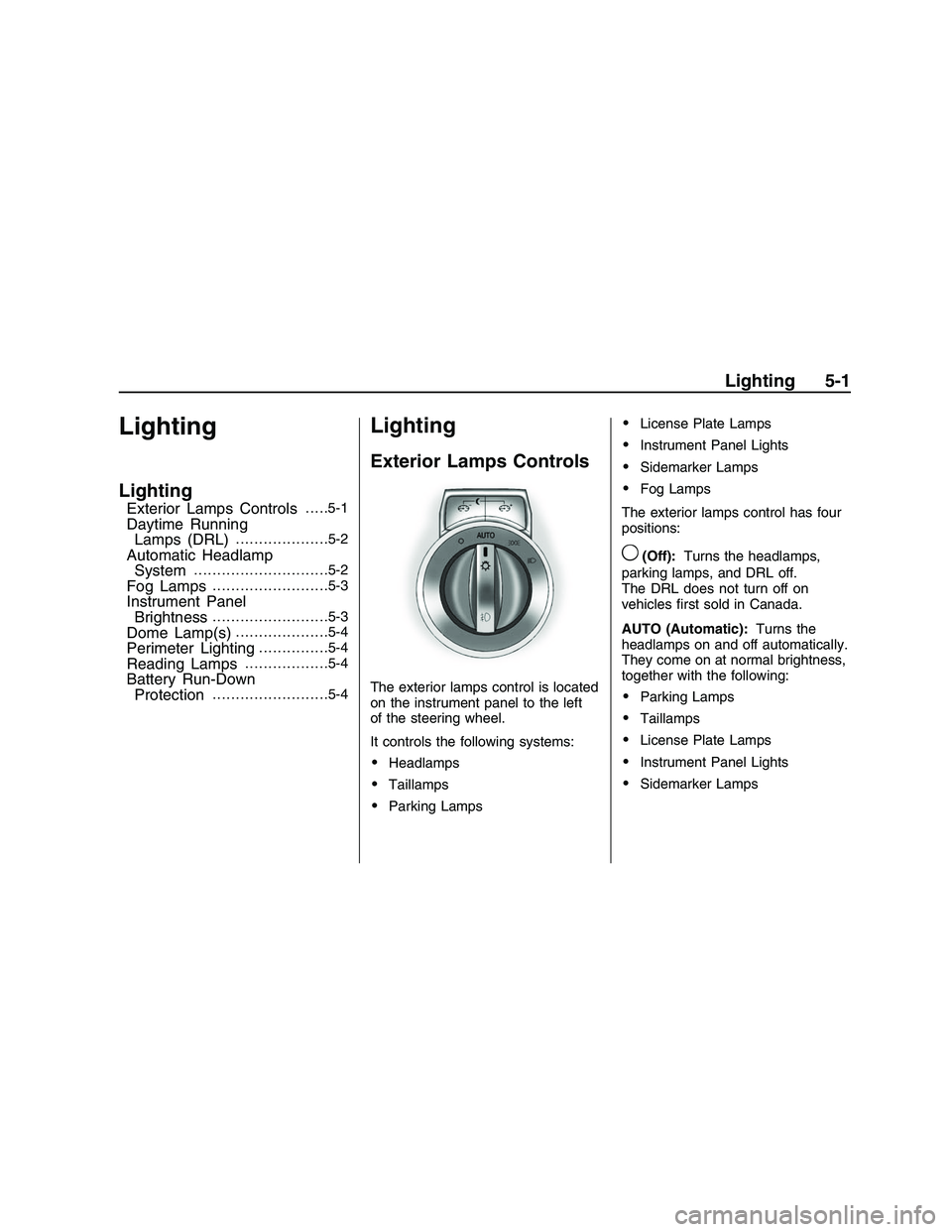
The exterior lamps control is located
on the instrument panel to the left
of the steering wheel.
It controls the following systems:
Headlamps
Taillamps
Parking Lamps
License Plate Lamps
Instrument Panel Lights
Sidemarker Lamps
Fog Lamps
The exterior lamps control has four
positions:
9(Off):Turns the headlamps,
parking lamps, and DRL off.
The DRL does not turn off on
vehicles rst sold in Canada.
AUTO (Automatic):Turns the
headlamps on and off automatically.
They come on at normal brightness,
together with the following:
Parking Lamps
Taillamps
License Plate Lamps
Instrument Panel Lights
Sidemarker Lamps
Lighting 5-1
2008 - Pontiac G8 Owner Manual
Page 114 of 334
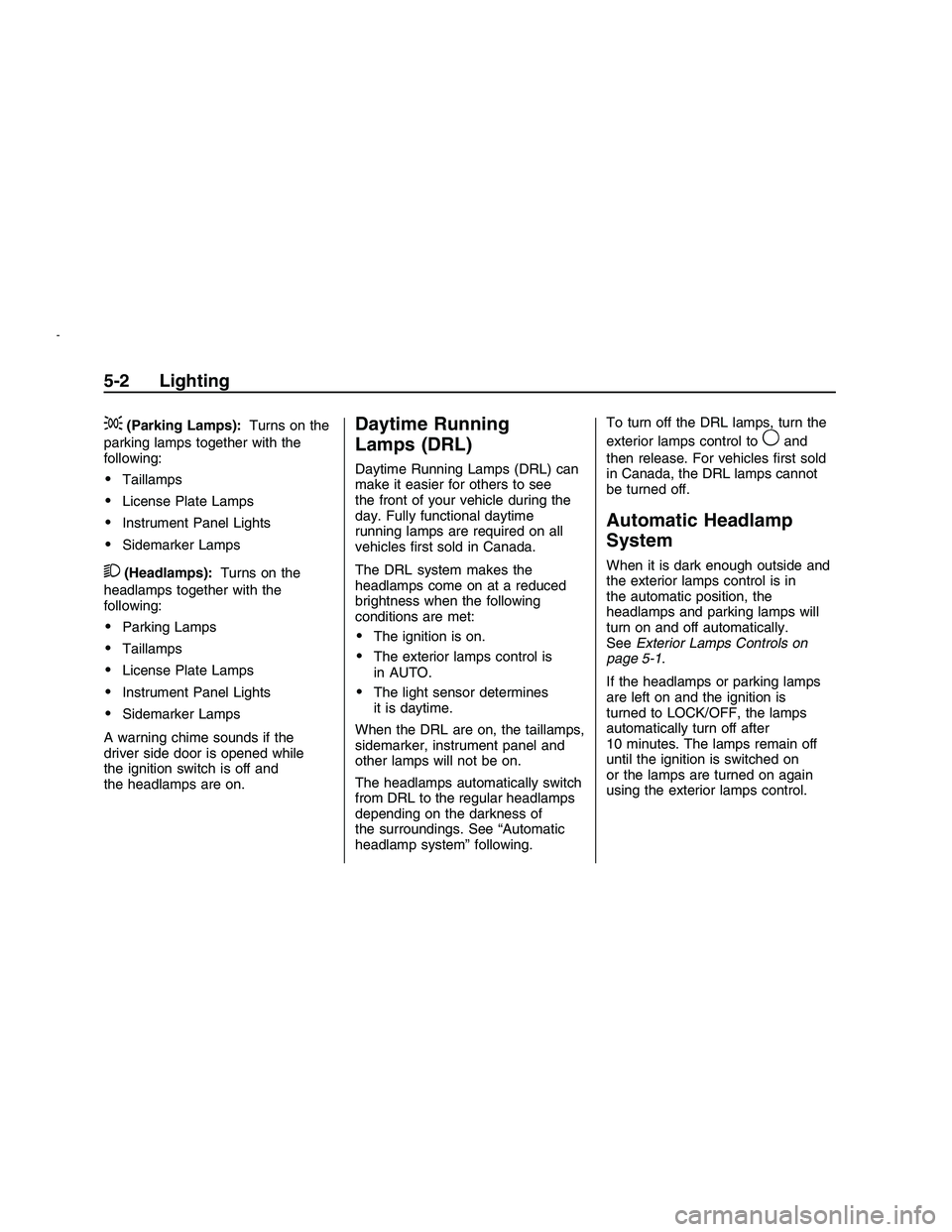
;(Parking Lamps):Turns on the
parking lamps together with the
following:
Taillamps
License Plate Lamps
Instrument Panel Lights
Sidemarker Lamps
2(Headlamps):Turns on the
headlamps together with the
following:
Parking Lamps
Taillamps
License Plate Lamps
Instrument Panel Lights
Sidemarker Lamps
A warning chime sounds if the
driver side door is opened while
the ignition switch is off and
the headlamps are on.
Daytime Running
Lamps (DRL)
Daytime Running Lamps (DRL) can
make it easier for others to see
the front of your vehicle during the
day. Fully functional daytime
running lamps are required on all
vehicles rst sold in Canada.
The DRL system makes the
headlamps come on at a reduced
brightness when the following
conditions are met:
The ignition is on.
The exterior lamps control is
in AUTO.
The light sensor determines
it is daytime.
When the DRL are on, the taillamps,
sidemarker, instrument panel and
other lamps will not be on.
The headlamps automatically switch
from DRL to the regular headlamps
depending on the darkness of
the surroundings. See “Automatic
headlamp system” following.To turn off the DRL lamps, turn the
exterior lamps control to
9and
then release. For vehicles rst sold
in Canada, the DRL lamps cannot
be turned off.
Automatic Headlamp
System
When it is dark enough outside and
the exterior lamps control is in
the automatic position, the
headlamps and parking lamps will
turn on and off automatically.
SeeExterior Lamps Controls on
page 5-1.
If the headlamps or parking lamps
are left on and the ignition is
turned to LOCK/OFF, the lamps
automatically turn off after
10 minutes. The lamps remain off
until the ignition is switched on
or the lamps are turned on again
using the exterior lamps control.
5-2 Lighting
2008 - Pontiac G8 Owner Manual
Page 115 of 334
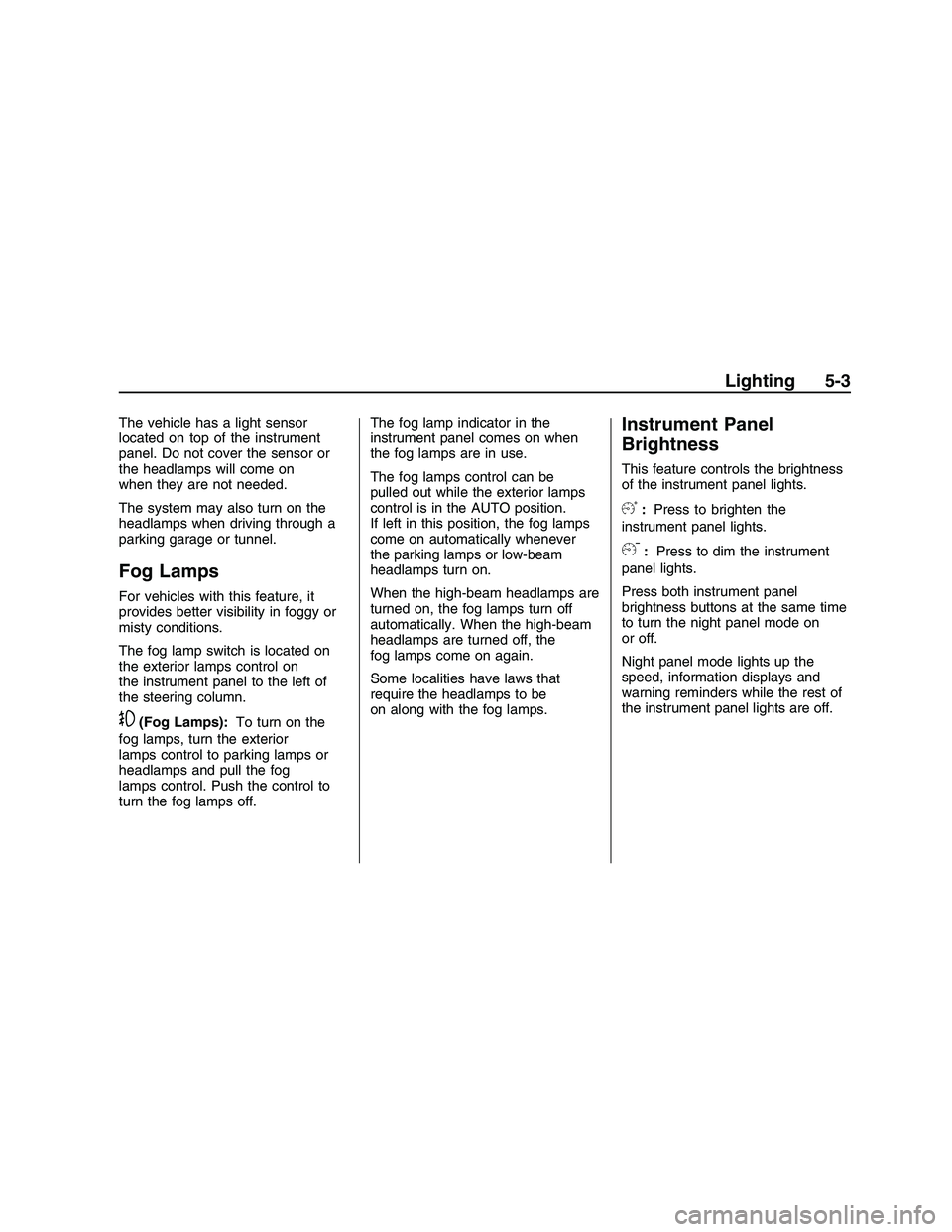
The vehicle has a light sensor
located on top of the instrument
panel. Do not cover the sensor or
the headlamps will come on
when they are not needed.
The system may also turn on the
headlamps when driving through a
parking garage or tunnel.
Fog Lamps
For vehicles with this feature, it
provides better visibility in foggy or
misty conditions.
The fog lamp switch is located on
the exterior lamps control on
the instrument panel to the left of
the steering column.
-(Fog Lamps):To turn on the
fog lamps, turn the exterior
lamps control to parking lamps or
headlamps and pull the fog
lamps control. Push the control to
turn the fog lamps off.The fog lamp indicator in the
instrument panel comes on when
the fog lamps are in use.
The fog lamps control can be
pulled out while the exterior lamps
control is in the AUTO position.
If left in this position, the fog lamps
come on automatically whenever
the parking lamps or low-beam
headlamps turn on.
When the high-beam headlamps are
turned on, the fog lamps turn off
automatically. When the high-beam
headlamps are turned off, the
fog lamps come on again.
Some localities have laws that
require the headlamps to be
on along with the fog lamps.
Instrument Panel
Brightness
This feature controls the brightness
of the instrument panel lights.
6:Press to brighten the
instrument panel lights.
f:Press to dim the instrument
panel lights.
Press both instrument panel
brightness buttons at the same time
to turn the night panel mode on
or off.
Night panel mode lights up the
speed, information displays and
warning reminders while the rest of
the instrument panel lights are off.
Lighting 5-3
2008 - Pontiac G8 Owner Manual
Page 142 of 334
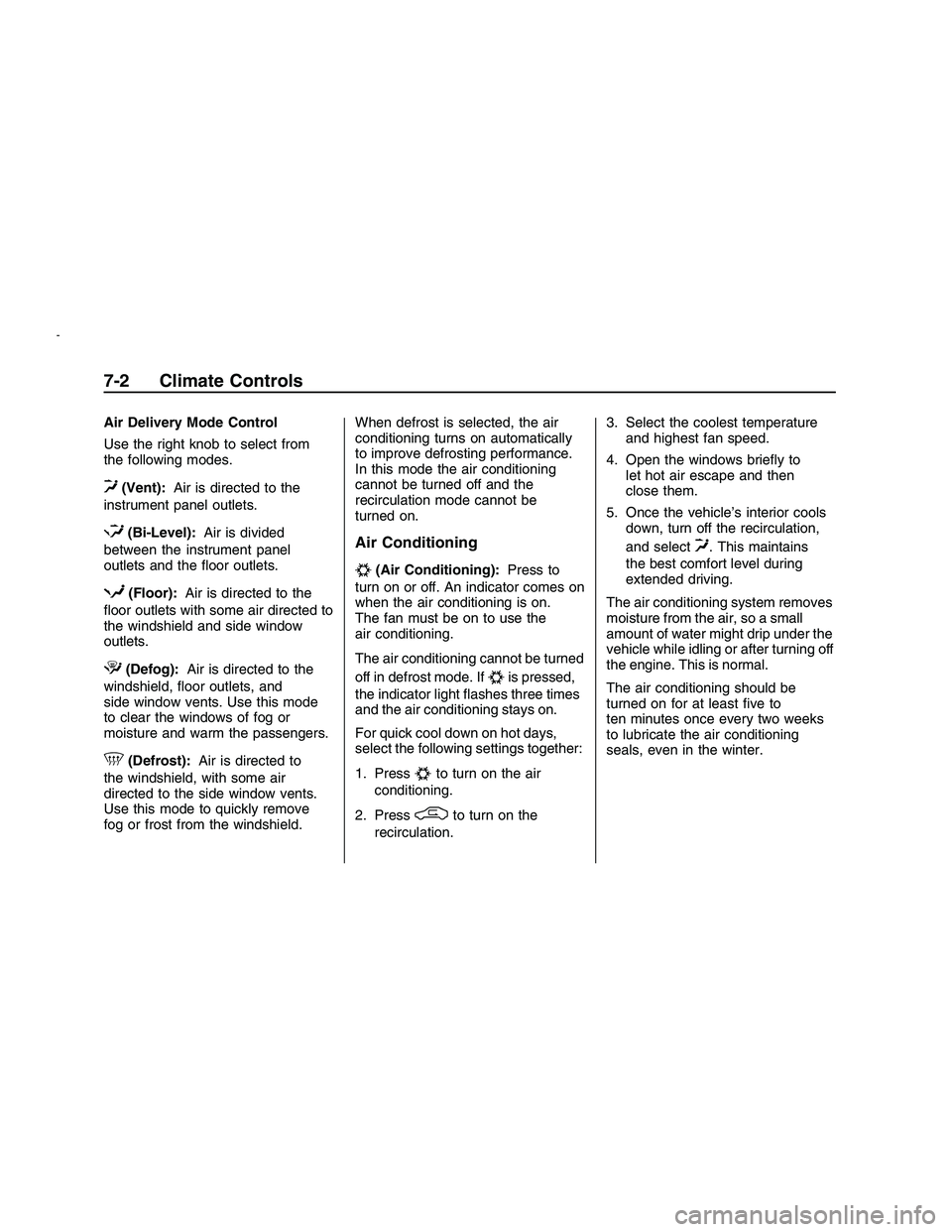
Air Delivery Mode Control
Use the right knob to select from
the following modes.
0(Vent):Air is directed to the
instrument panel outlets.
1(Bi-Level):Air is divided
between the instrument panel
outlets and the oor outlets.
d(Floor):Air is directed to the
oor outlets with some air directed to
the windshield and side window
outlets.
4(Defog):Air is directed to the
windshield, oor outlets, and
side window vents. Use this mode
to clear the windows of fog or
moisture and warm the passengers.
5(Defrost):Air is directed to
the windshield, with some air
directed to the side window vents.
Use this mode to quickly remove
fog or frost from the windshield.When defrost is selected, the air
conditioning turns on automatically
to improve defrosting performance.
In this mode the air conditioning
cannot be turned off and the
recirculation mode cannot be
turned on.
Air Conditioning
#(Air Conditioning):Press to
turn on or off. An indicator comes on
when the air conditioning is on.
The fan must be on to use the
air conditioning.
The air conditioning cannot be turned
off in defrost mode. If
#is pressed,
the indicator light ashes three times
and the air conditioning stays on.
For quick cool down on hot days,
select the following settings together:
1. Press
#to turn on the air
conditioning.
2. Press
/to turn on the
recirculation.3. Select the coolest temperature
and highest fan speed.
4. Open the windows briey to
let hot air escape and then
close them.
5. Once the vehicle’s interior cools
down, turn off the recirculation,
and select
0. This maintains
the best comfort level during
extended driving.
The air conditioning system removes
moisture from the air, so a small
amount of water might drip under the
vehicle while idling or after turning off
the engine. This is normal.
The air conditioning should be
turned on for at least ve to
ten minutes once every two weeks
to lubricate the air conditioning
seals, even in the winter.
7-2 Climate Controls
2008 - Pontiac G8 Owner Manual
Page 144 of 334
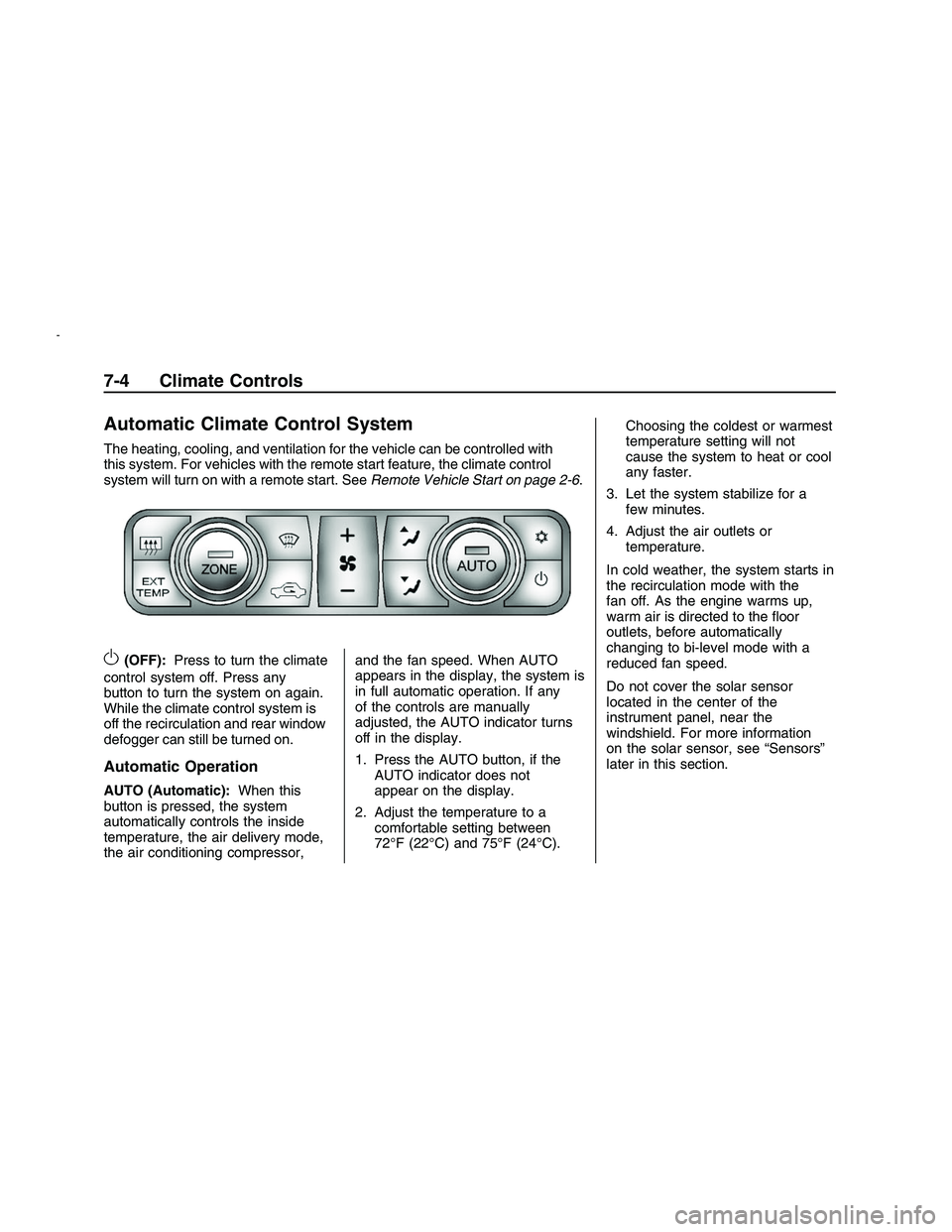
Automatic Climate Control System
The heating, cooling, and ventilation for the vehicle can be controlled with
this system. For vehicles with the remote start feature, the climate control
system will turn on with a remote start. SeeRemote Vehicle Start on page 2-6.
O(OFF):Press to turn the climate
control system off. Press any
button to turn the system on again.
While the climate control system is
off the recirculation and rear window
defogger can still be turned on.
Automatic Operation
AUTO (Automatic): When this
button is pressed, the system
automatically controls the inside
temperature, the air delivery mode,
the air conditioning compressor, and the fan speed. When AUTO
appears in the display, the system is
in full automatic operation. If any
of the controls are manually
adjusted, the AUTO indicator turns
off in the display.
1. Press the AUTO button, if the
AUTO indicator does not
appear on the display.
2. Adjust the temperature to a comfortable setting between
72°F (22°C) and 75°F (24°C). Choosing the coldest or warmest
temperature setting will not
cause the system to heat or cool
any faster.
3. Let the system stabilize for a few minutes.
4. Adjust the air outlets or temperature.
In cold weather, the system starts in
the recirculation mode with the
fan off. As the engine warms up,
warm air is directed to the oor
outlets, before automatically
changing to bi-level mode with a
reduced fan speed.
Do not cover the solar sensor
located in the center of the
instrument panel, near the
windshield. For more information
on the solar sensor, see “Sensors”
later in this section.
7-4 Climate Controls
2008 - Pontiac G8 Owner Manual
Page 146 of 334
Select from the following modes:
0(Vent):Air is directed to the
instrument panel outlets.
1(Bi-Level):Air is divided
between the instrument panel
outlets and the oor outlets. Cooler
air is directed to the upper outlets
and warmer air to the oor outlets.
d(Floor):Air is directed to
the oor outlets with some air
directed to the outer instrument
panel, windshield and side window
outlets.
4(Defog):Air is directed to the
windshield, oor and side window
outlets. Use this mode to clear
the windows of fog or moisture and
warm the passengers.
5(Defrost):Press to turn the
defrost on or off. The
5indicator
appears in the display. A portion of
the air is directed to the windshield,
with some air directed to the side
window vents.When defrost is selected, the air
conditioning turns on automatically to
improve defrosting performance. In
this mode the air conditioning cannot
be turned off and the recirculation
mode cannot be turned on.
Air Conditioning
#(Air Conditioning):Press to
turn the air conditioning system on or
off. The
#appears in the display
when the air conditioning is on.
When the air conditioning is turned
off
#OFF appears in the display.
The air conditioning cannot be turned
off in defrost mode. If
#is pressed,
the indicator light ashes three times
and the air conditioning stays on.
For quick cool down on hot days,
open the windows to let the hot air to
escape. After a few minutes, close
the windows so the system will work
more effectively.The air conditioning system removes
moisture from the air, so a small
amount of water might drip under the
vehicle while idling or after turning off
the engine. This is normal.
The air conditioning might
automatically turn off during heavy
acceleration or towing with your
vehicle, but the
#will still display.
Recirculation
/(Recirculation):Press to
change the air intake between
recirculated air and outside air.
An indicator light comes when the
recirculation is activated.
The recirculation mode recycles
interior air and is not recommended
for extended use. If it is used for
a long period of time, the system
automatically lets some fresh air into
the vehicle for ventilation.
7-6 Climate Controls
2008 - Pontiac G8 Owner Manual
Page 147 of 334
Do not use the recirculation mode if
occupants are smoking.
The recirculation mode cannot be
turned on in defrost mode. If
/is
pressed, the indicator light ashes
three times and recirculation
stays off.
Pollution Mode:Press and hold
the
/button for four seconds to
turn the pollution mode on or off.
When it is activated, Pollution Mode
Activated appears in the display.
When it is turned off, Pollution Mode
Inactive appears in the display.
This mode can be set when
the vehicle speed is less than
9 mph (15 km/h). Recirculation will
automatically turn on to help
prevent exhaust fumes from entering
the vehicle in slow moving traffic.
Rear Window Defogger
The rear window defogger uses a
warming grid to remove fog or
frost from the rear window. It only
works when the ignition is in
ON/RUN.
The rear window defogger will only
work when the ignition is in ON/RUN.
+(Rear Window Defogger):
Press to turn the rear window
defogger on or off. The
+indicator
appears in the display. The rear
window defogger turns off
automatically if it is left on.
Notice:Do not use anything
sharp on the inside of the rear
window. If you do, you could cut
or damage the warming grid, and
the repairs would not be covered
by the vehicle warranty. Do not
attach a temporary vehicle
license, tape, a decal or anything
similar to the defogger grid.
EXT TEMP
EXT TEMP (Exterior Temperature):
Press EXT TEMP to show the
temperature outside the vehicle or
the normal display.
Pressing any other climate control
button will change the display from
showing the outside temperature to
showing the normal display.
The units for the EXT TEMP can be
displayed in °F or °C. SeeDIC
Vehicle Customization on page 4-32.
Sensors
The climate control system uses
three different sensors to maintain
the desired temperature. The solar
sensor is located on the instrument
panel, near the windshield. The
interior temperature sensor is
located on the instrument panel
near the steering wheel and the
outside temperature sensor is
in front of the radiator.
Climate Controls 7-7
2008 - Pontiac G8 Owner Manual