instrument cluster PONTIAC G8 2008 Owners Manual
[x] Cancel search | Manufacturer: PONTIAC, Model Year: 2008, Model line: G8, Model: PONTIAC G8 2008Pages: 334, PDF Size: 2.99 MB
Page 25 of 334
{CAUTION
Airbags plus lap-shoulder belts
offer the best protection for
adults, but not for young
children and infants. Neither
the vehicle’s safety belt system
nor its airbag system is
designed for them. Young
children and infants need the
protection that a child restraint
system can provide. Always
secure children properly in
your vehicle. To read how, see
Older Children on page 1-32or
Infants and Young Children on
page 1-34.
There is an airbag readiness light
on the instrument panel cluster,
which shows the airbag symbol.
The system checks the airbag
electrical system for malfunctions.
The light tells you if there is an
electrical problem. SeeAirbag
Readiness Light on page 4-13for
more information.
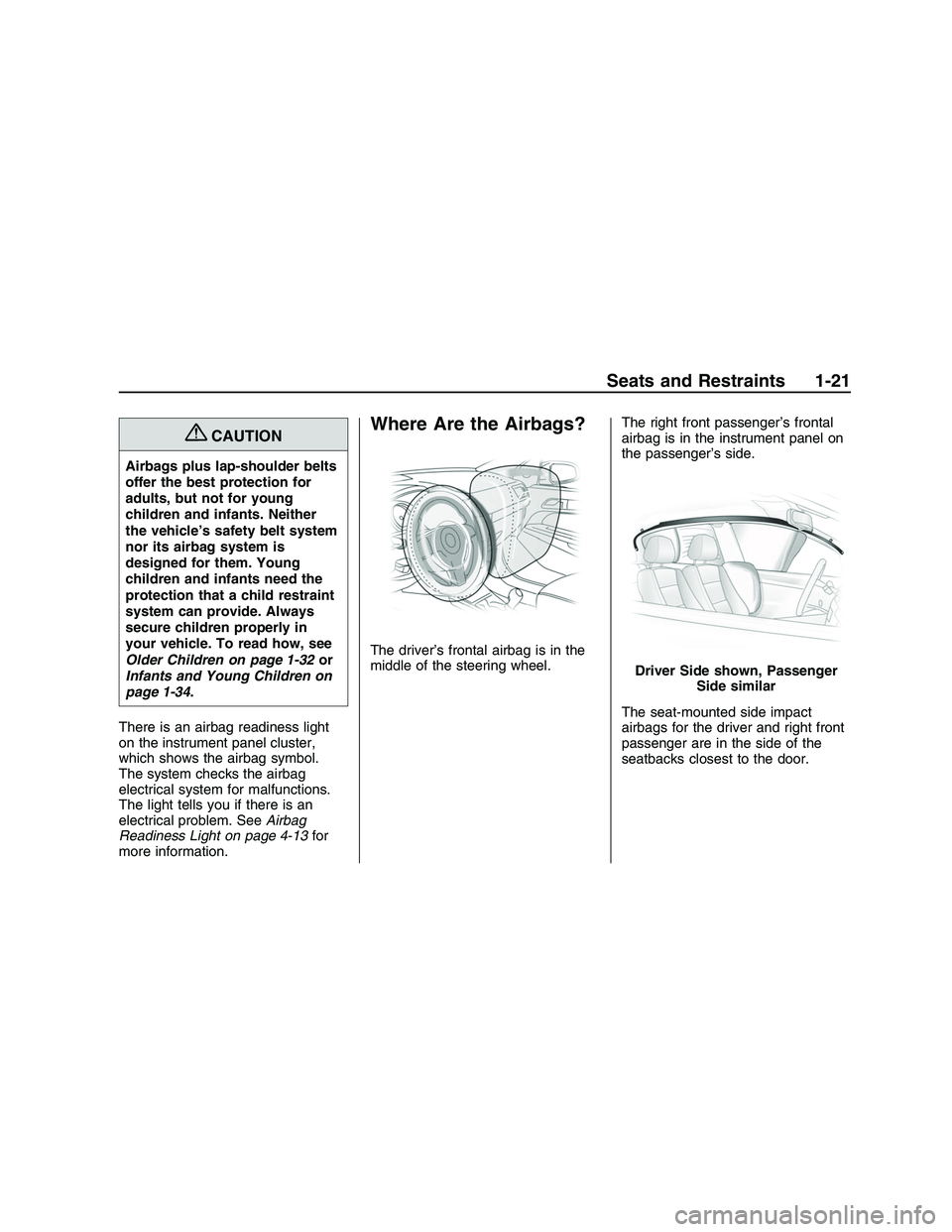
Where Are the Airbags?
The driver’s frontal airbag is in the
middle of the steering wheel.The right front passenger’s frontal
airbag is in the instrument panel on
the passenger’s side.
The seat-mounted side impact
airbags for the driver and right front
passenger are in the side of the
seatbacks closest to the door.
Driver Side shown, Passenger
Side similar
Seats and Restraints 1-21
2008 - Pontiac G8 Owner Manual
Page 33 of 334
{CAUTION
If the airbag readiness light in
the instrument panel cluster
ever comes on and stays on, it
means that something may be
wrong with the airbag system.
If this ever happens, have the
vehicle serviced promptly,
because an adult-size person
sitting in the right front
passenger’s seat may not have
the protection of the airbag(s).
SeeAirbag Readiness Light on
page 4-13for more on this,
including important safety
information.A thick layer of additional material,
such as a blanket or cushion, or
aftermarket equipment such as seat
covers, seat heaters, and seat
massagers can affect how well the
passenger sensing system
operates. We recommend that you
not use seat covers or other
aftermarket equipment other than
any that GM has approved for your
specic vehicle. SeeAdding
Equipment to Your Airbag-Equipped
Vehicle on page 1-30for more
information about modications
that can affect how the system
operates.The passenger sensing system may
suppress the airbag deployment
when liquid soaks into the seat.
If this happens, the off indicator in
the passenger airbag status
indicator and the airbag readiness
light on the instrument panel
will be lit. The system should
resume normal operation after the
seat is allowed to dry. If the
system operates incorrectly after
the seat has dried, have your
dealer/retailer check the system.
{CAUTION
Stowing of articles under the
passenger seat or between the
passenger seat cushion and
seatback may interfere with the
proper operation of the
passenger sensing system.
Seats and Restraints 1-29
2008 - Pontiac G8 Owner Manual
Page 75 of 334
Instruments and
Controls
Instrument Panel
Overview
Instrument Panel
Overview...........................4-2
Hazard Warning
Flashers............................4-4
Horn...................................4-4
Tilt Wheel...........................4-4
Turn Signal/Multifunction
Lever................................4-4
Cruise Control....................4-5
Turn and Lane-Change
Signals.............................4-7
Headlamp High/
Low-Beam Changer..........4-7
Windshield Wipers..............4-8
Windshield Washer.............4-8
Accessory Power
Outlet(s)............................4-9
Warning Lights, Gages,
and Indicators
Warning Lights, Gages,
and Indicators.................4-10
Instrument Panel Cluster. . .4-11
Speedometer....................4-12
Tachometer.......................4-12
Safety Belt Reminders......4-12
Airbag Readiness Light.....4-13
Passenger Airbag Status
Indicator..........................4-14
Voltmeter Gage.................4-15
Charging System Light......4-15
Brake System Warning
Light................................4-16
Antilock Brake System
(ABS) Warning Light.......4-17
Engine Coolant
Temperature Gage..........4-17
Tire Pressure Light...........4-18
Malfunction
Indicator Lamp................4-18
Security Light....................4-21
Fog Lamp Light................4-21
Highbeam On Light...........4-21
Daytime Running Lamps
(DRL) Indicator Light. . . . . . .4-21
Door Ajar Light.................4-21
Oil Pressure Gage............4-22
Fuel Gage........................4-22
Driver Information
Center (DIC)
Driver Information
Center (DIC)...................4-23
DIC Operation and
Displays..........................4-23
DIC Warnings and
Messages........................4-27
DIC Vehicle
Customization..................4-32
OnStar®System
OnStar®System................4-36
Instruments and Controls 4-1
2008 - Pontiac G8 Owner Manual
Page 77 of 334
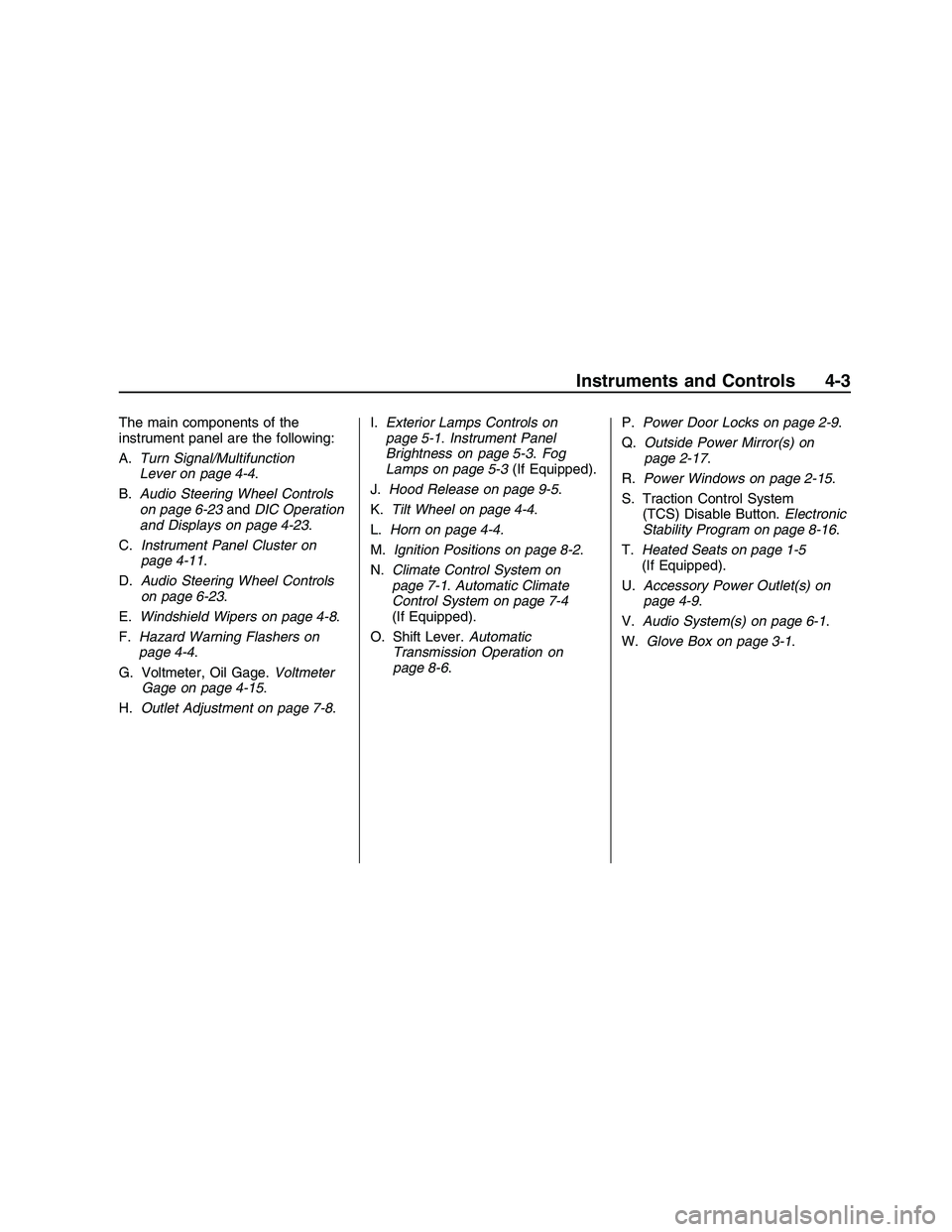
The main components of the
instrument panel are the following:
A.Turn Signal/Multifunction
Lever on page 4-4 .
B. Audio Steering Wheel Controls
on page 6-23 andDIC Operation
and Displays on page 4-23 .
C. Instrument Panel Cluster on
page 4-11 .
D. Audio Steering Wheel Controls
on page 6-23 .
E. Windshield Wipers on page 4-8 .
F. Hazard Warning Flashers on
page 4-4 .
G. Voltmeter, Oil Gage. Voltmeter
Gage on page 4-15 .
H. Outlet Adjustment on page 7-8 .I.
Exterior Lamps Controls on
page 5-1 .Instrument Panel
Brightness on page 5-3 .Fog
Lamps on page 5-3 (If Equipped).
J. Hood Release on page 9-5.
K. Tilt Wheel on page 4-4 .
L. Horn on page 4-4.
M. Ignition Positions on page 8-2 .
N. Climate Control System on
page 7-1 .Automatic Climate
Control System on page 7-4
(If Equipped).
O. Shift Lever. Automatic
Transmission Operation on
page 8-6 . P.
Power Door Locks on page 2-9 .
Q. Outside Power Mirror(s) on
page 2-17 .
R. Power Windows on page 2-15 .
S. Traction Control System (TCS) Disable Button. Electronic
Stability Program on page 8-16 .
T. Heated Seats on page 1-5
(If Equipped).
U. Accessory Power Outlet(s) on
page 4-9 .
V. Audio System(s) on page 6-1 .
W. Glove Box on page 3-1 .
Instruments and Controls 4-3
2008 - Pontiac G8 Owner Manual
Page 79 of 334
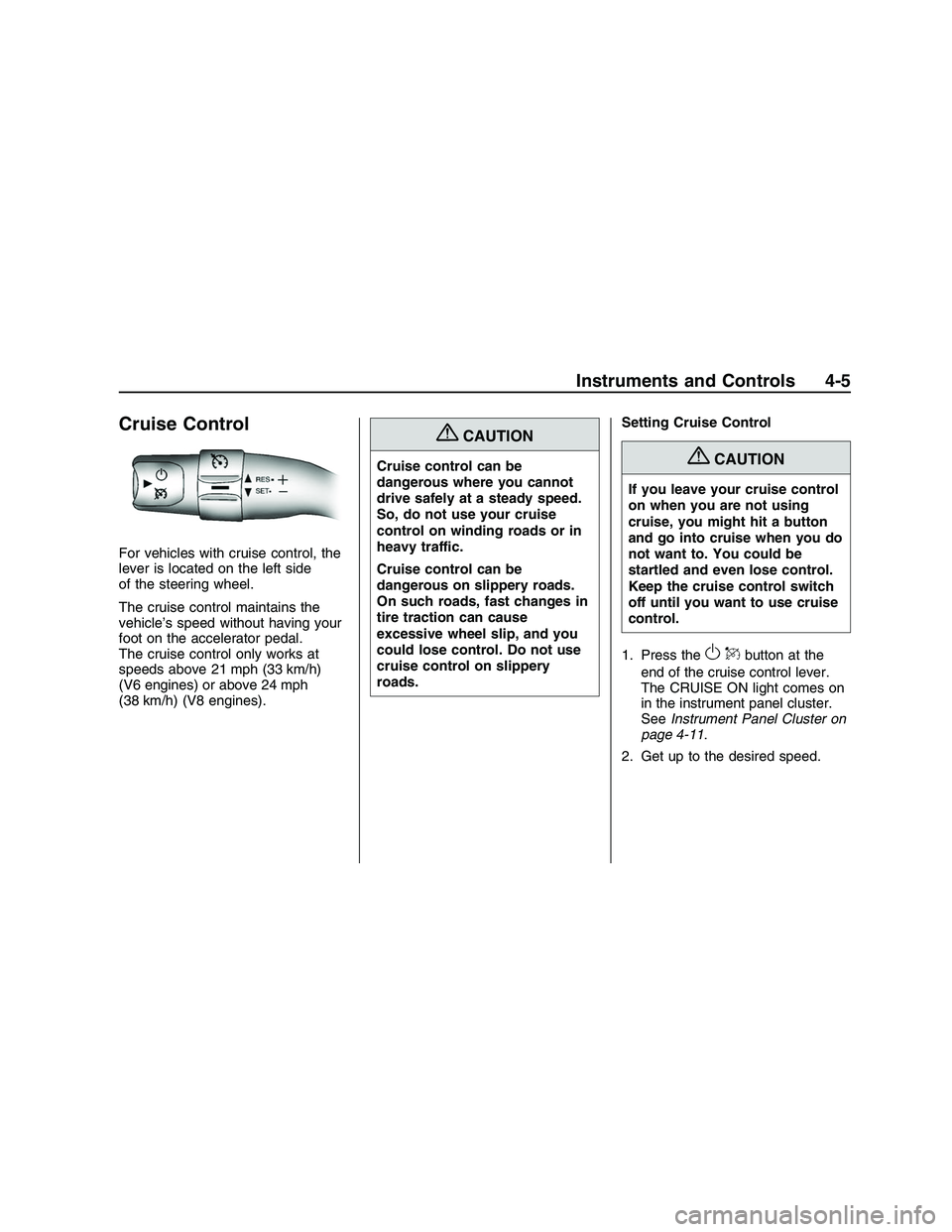
Cruise Control
For vehicles with cruise control, the
lever is located on the left side
of the steering wheel.
The cruise control maintains the
vehicle’s speed without having your
foot on the accelerator pedal.
The cruise control only works at
speeds above 21 mph (33 km/h)
(V6 engines) or above 24 mph
(38 km/h) (V8 engines).
{CAUTION
Cruise control can be
dangerous where you cannot
drive safely at a steady speed.
So, do not use your cruise
control on winding roads or in
heavy traffic.
Cruise control can be
dangerous on slippery roads.
On such roads, fast changes in
tire traction can cause
excessive wheel slip, and you
could lose control. Do not use
cruise control on slippery
roads.Setting Cruise Control{CAUTION
If you leave your cruise control
on when you are not using
cruise, you might hit a button
and go into cruise when you do
not want to. You could be
startled and even lose control.
Keep the cruise control switch
off until you want to use cruise
control.
1. Press the
OQbutton at the
end of the cruise control lever.
The CRUISE ON light comes on
in the instrument panel cluster.
SeeInstrument Panel Cluster on
page 4-11.
2. Get up to the desired speed.
Instruments and Controls 4-5
2008 - Pontiac G8 Owner Manual
Page 80 of 334
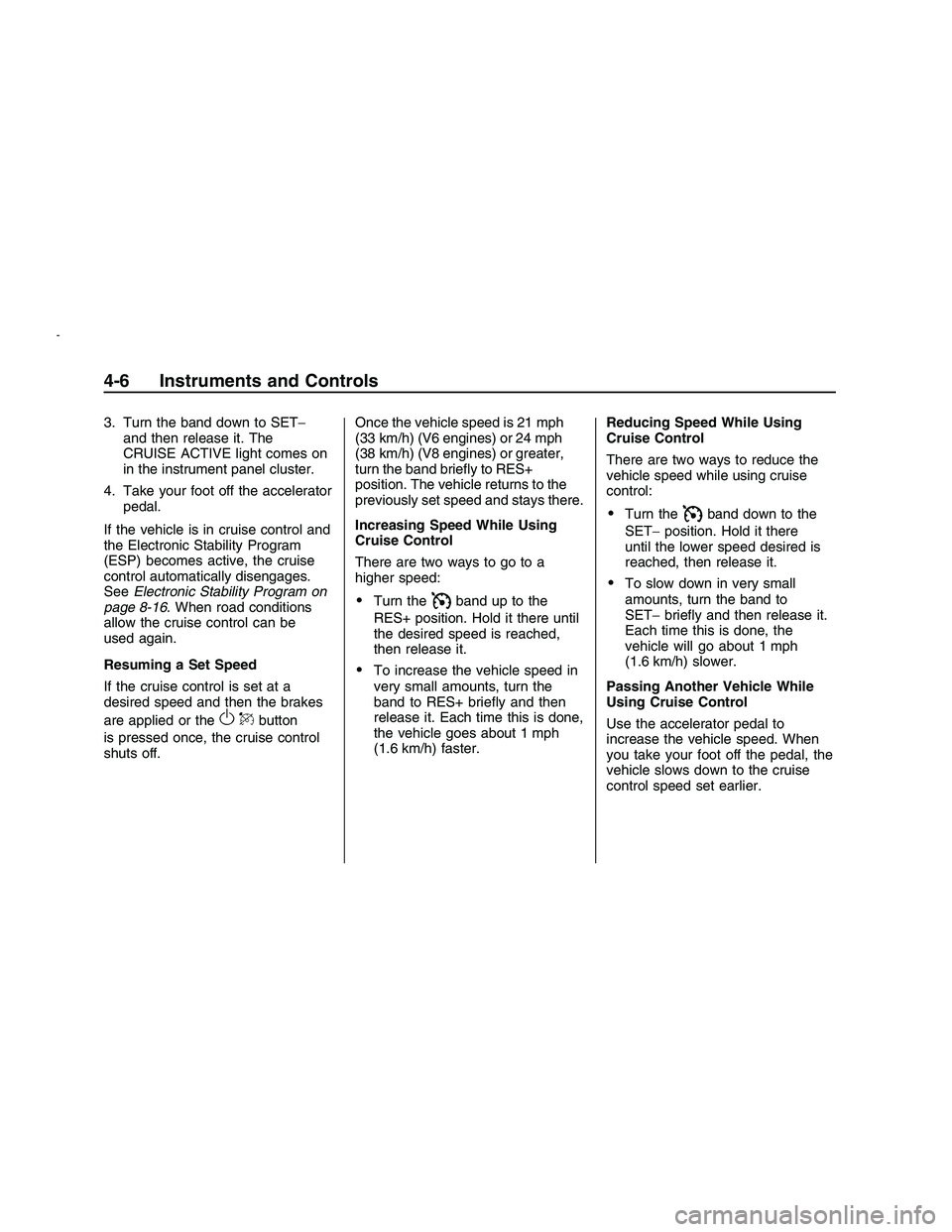
3. Turn the band down to SET−
and then release it. The
CRUISE ACTIVE light comes on
in the instrument panel cluster.
4. Take your foot off the accelerator
pedal.
If the vehicle is in cruise control and
the Electronic Stability Program
(ESP) becomes active, the cruise
control automatically disengages.
SeeElectronic Stability Program on
page 8-16. When road conditions
allow the cruise control can be
used again.
Resuming a Set Speed
If the cruise control is set at a
desired speed and then the brakes
are applied or the
OQbutton
is pressed once, the cruise control
shuts off.Once the vehicle speed is 21 mph
(33 km/h) (V6 engines) or 24 mph
(38 km/h) (V8 engines) or greater,
turn the band briey to RES+
position. The vehicle returns to the
previously set speed and stays there.
Increasing Speed While Using
Cruise Control
There are two ways to go to a
higher speed:
Turn theIband up to the
RES+ position. Hold it there until
the desired speed is reached,
then release it.
To increase the vehicle speed in
very small amounts, turn the
band to RES+ briey and then
release it. Each time this is done,
the vehicle goes about 1 mph
(1.6 km/h) faster.Reducing Speed While Using
Cruise Control
There are two ways to reduce the
vehicle speed while using cruise
control:
Turn theIband down to the
SET−position. Hold it there
until the lower speed desired is
reached, then release it.
To slow down in very small
amounts, turn the band to
SET−briey and then release it.
Each time this is done, the
vehicle will go about 1 mph
(1.6 km/h) slower.
Passing Another Vehicle While
Using Cruise Control
Use the accelerator pedal to
increase the vehicle speed. When
you take your foot off the pedal, the
vehicle slows down to the cruise
control speed set earlier.
4-6 Instruments and Controls
2008 - Pontiac G8 Owner Manual
Page 81 of 334
Using Cruise Control on Hills
How well the cruise control works on
hills depends upon the vehicle
speed, load, and the steepness of
the hills.
When going up steep hills, you
might have to step on the
accelerator pedal to maintain the
vehicle speed.
When going downhill, you might
have to brake or shift to a lower gear
to keep the vehicle speed down.
When the brakes are applied
the cruise control is turned off.
Ending Cruise Control
Step lightly on the brake pedal.
When the cruise control is
deactivated, the CRUISE
INACTIVE message appears in
the instrument panel cluster.
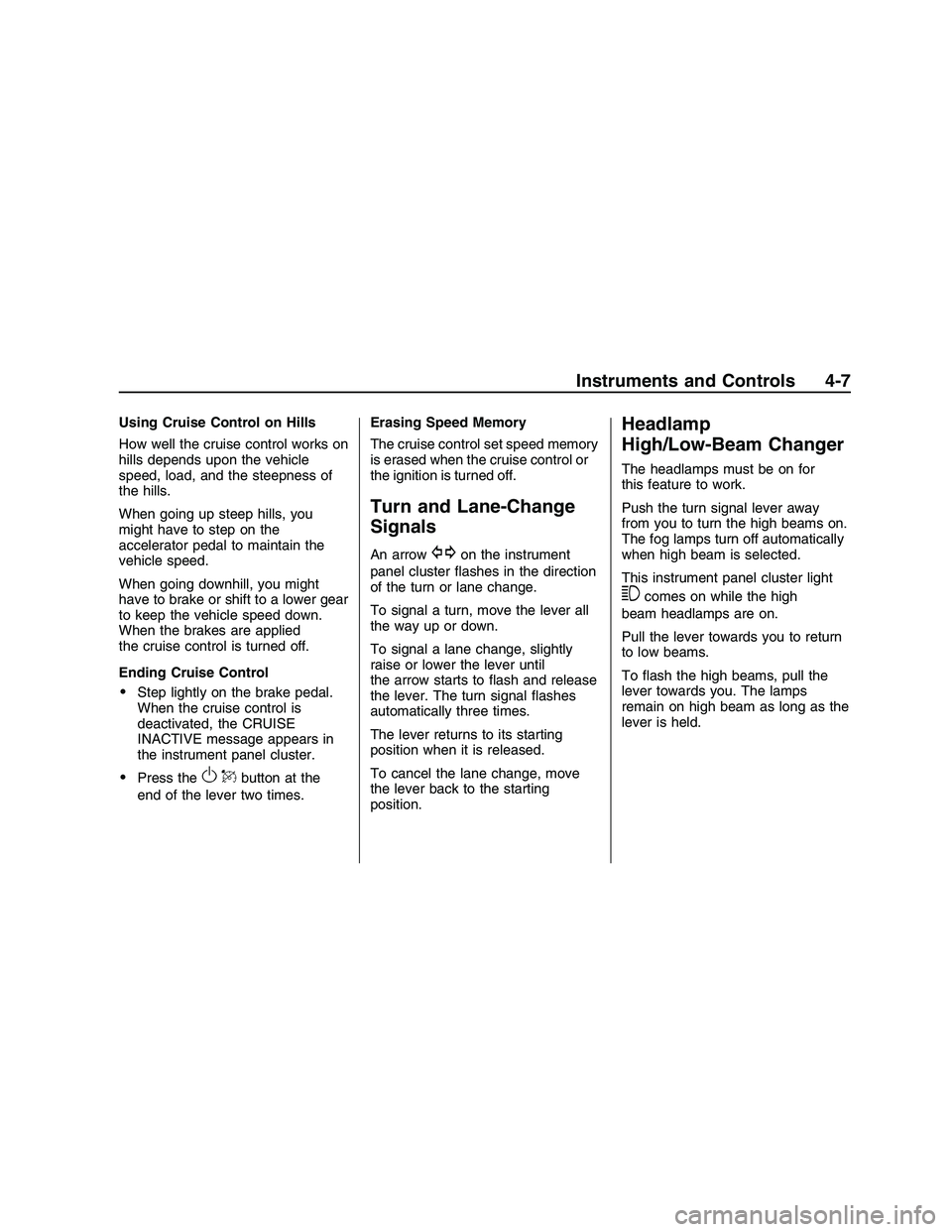
Press theOQbutton at the
end of the lever two times.Erasing Speed Memory
The cruise control set speed memory
is erased when the cruise control or
the ignition is turned off.
Turn and Lane-Change
Signals
An arrowGon the instrument
panel cluster ashes in the direction
of the turn or lane change.
To signal a turn, move the lever all
the way up or down.
To signal a lane change, slightly
raise or lower the lever until
the arrow starts to ash and release
the lever. The turn signal ashes
automatically three times.
The lever returns to its starting
position when it is released.
To cancel the lane change, move
the lever back to the starting
position.
Headlamp
High/Low-Beam Changer
The headlamps must be on for
this feature to work.
Push the turn signal lever away
from you to turn the high beams on.
The fog lamps turn off automatically
when high beam is selected.
This instrument panel cluster light
3comes on while the high
beam headlamps are on.
Pull the lever towards you to return
to low beams.
To ash the high beams, pull the
lever towards you. The lamps
remain on high beam as long as the
lever is held.
Instruments and Controls 4-7
2008 - Pontiac G8 Owner Manual
Page 85 of 334
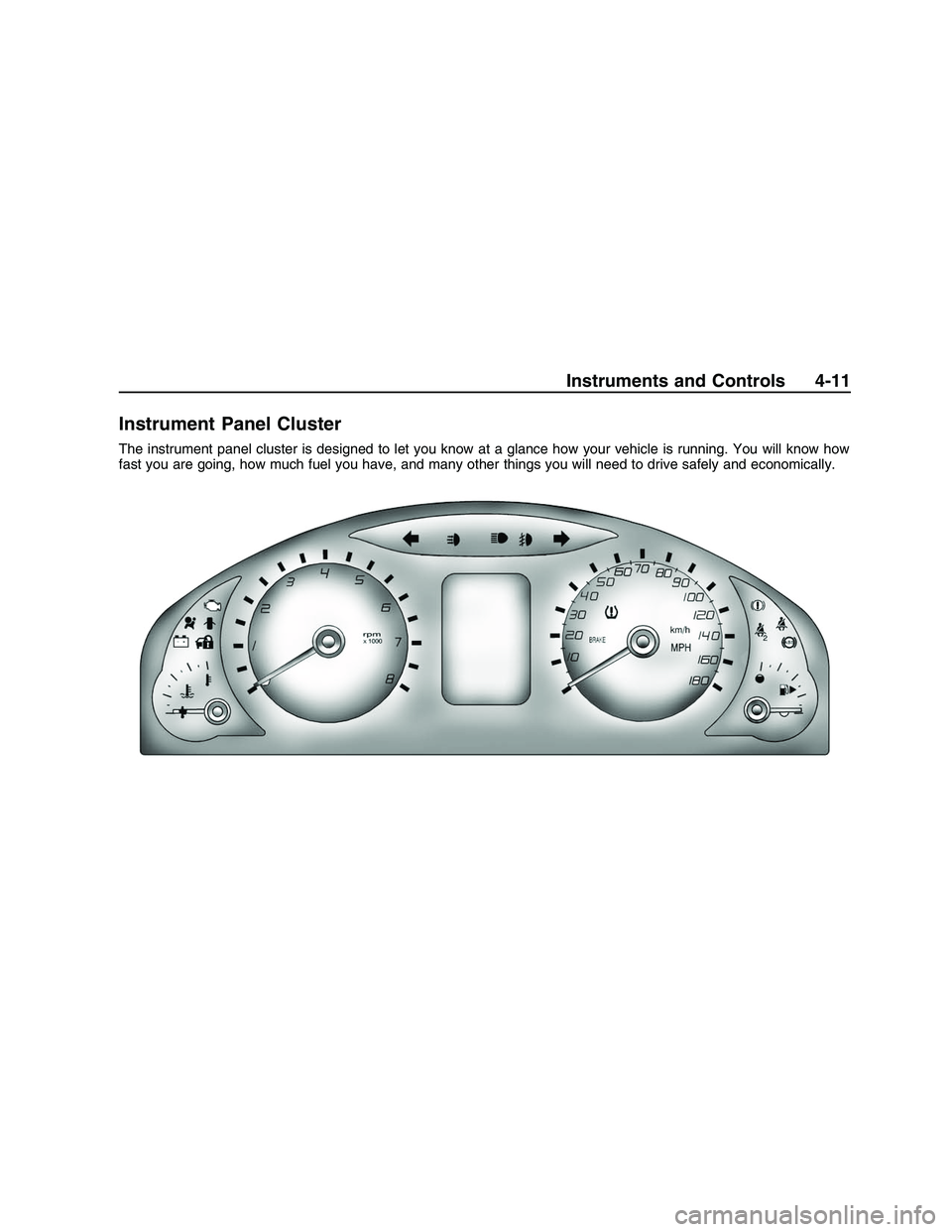
Instrument Panel Cluster
The instrument panel cluster is designed to let you know at a glance how your vehicle is running. You will know how
fast you are going, how much fuel you have, and many other things you will need to drive safely and economically.
Instruments and Controls 4-11
2008 - Pontiac G8 Owner Manual
Page 89 of 334
{CAUTION
Even though the passenger
sensing system is designed to
turn off the right front
passenger’s frontal airbag if the
system detects a rear-facing
child restraint, no system is
fail-safe, and no one can
guarantee that an airbag will
not deploy under some unusual
circumstance, even though it is
turned off. We recommend that
rear-facing child restraints be
secured in the rear seat, even if
the airbag is off.
If the word OFF or the off symbol is
lit on the passenger airbag status
indicator, it means that the
passenger sensing system has
turned off the right front passenger
frontal airbag. SeePassenger
Sensing System on page 1-26for
more information, including
important safety information.If, after several seconds, both status
indicator lights remain on, or if
there are no lights at all, there may
be a problem with the lights or
the passenger sensing system. See
your dealer/retailer for service.
{CAUTION
If the airbag readiness light in
the instrument panel cluster
ever comes on and stays on, it
means that something may be
wrong with the airbag system.
If this ever happens, have the
vehicle serviced promptly,
because an adult-size person
sitting in the right front
passenger’s seat may not have
the protection of the airbag(s).
SeeAirbag Readiness Light on
page 4-13for more on this,
including important safety
information.
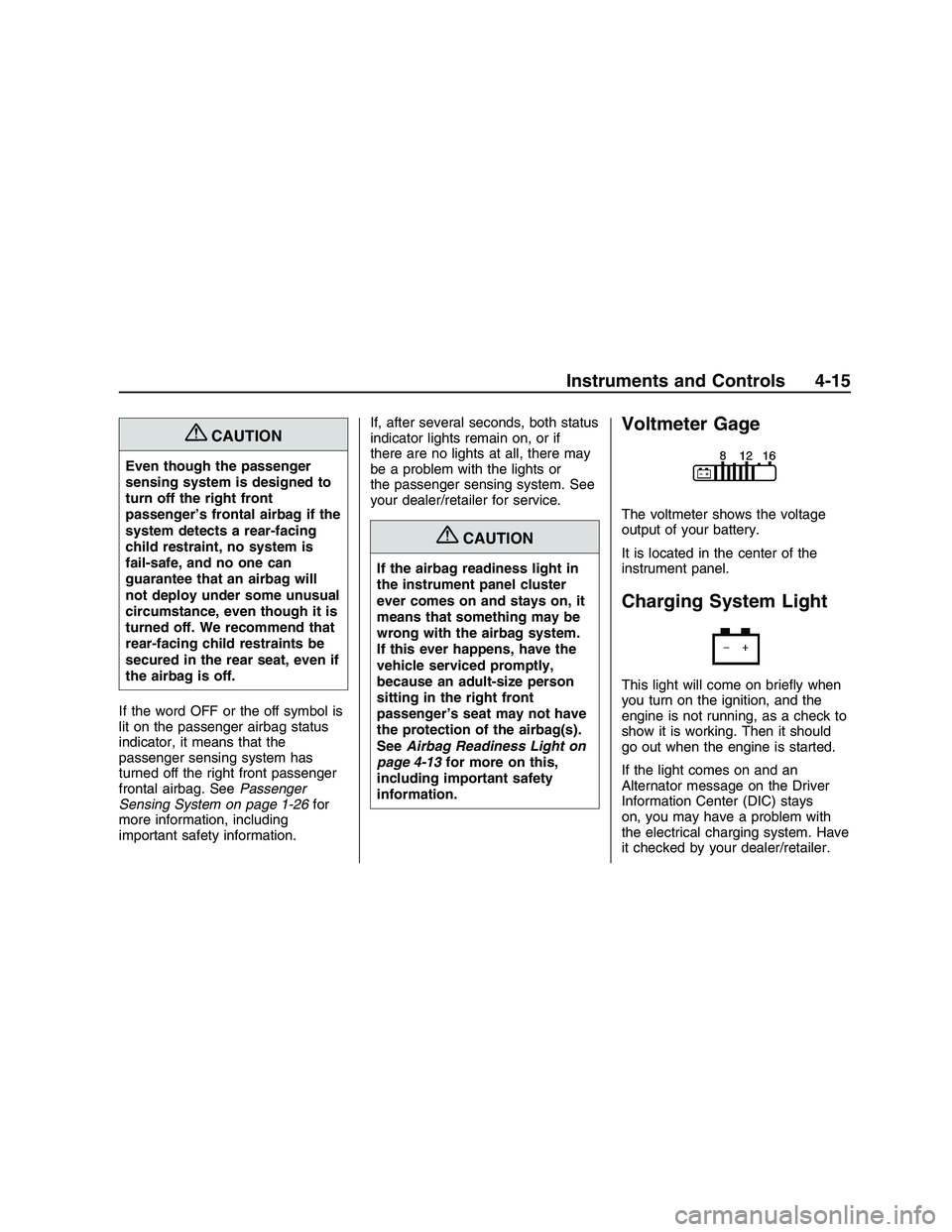
Voltmeter Gage
The voltmeter shows the voltage
output of your battery.
It is located in the center of the
instrument panel.
Charging System Light
This light will come on briey when
you turn on the ignition, and the
engine is not running, as a check to
show it is working. Then it should
go out when the engine is started.
If the light comes on and an
Alternator message on the Driver
Information Center (DIC) stays
on, you may have a problem with
the electrical charging system. Have
it checked by your dealer/retailer.
Instruments and Controls 4-15
2008 - Pontiac G8 Owner Manual
Page 97 of 334
Driver Information
Center (DIC)
The DIC displays information about
your vehicle. It also displays warning
messages if a system problem is
detected. The DIC also allows some
features to be customized. SeeDIC
Vehicle Customization on page 4-32
for more information. All messages
will appear in the DIC display located
in the center of the instrument panel
cluster.
When the ignition is turned on, a
vehicle system check is performed
and the status is shown on the
DIC display. If there are no warnings
or service reminders, the display
shows a series of welcome screens.
When the ignition is turned off,
the odometer appears on the display
for a short period of time unless a
service reminder is active. Active
service reminders are displayed for
10 seconds before the odometer
appears. The odometer will
reappear on the display when the
driver door is opened. For moreinformation on the warnings and
messages seeDIC Warnings
and Messages on page 4-27.DIC Operation and
Displays
The DIC has different displays
which can be accessed by pressing
the DIC buttons located on the
left side of the steering wheel. The
DIC displays trip, fuel, vehicle
system information, and warning
messages if a system problem
is detected.
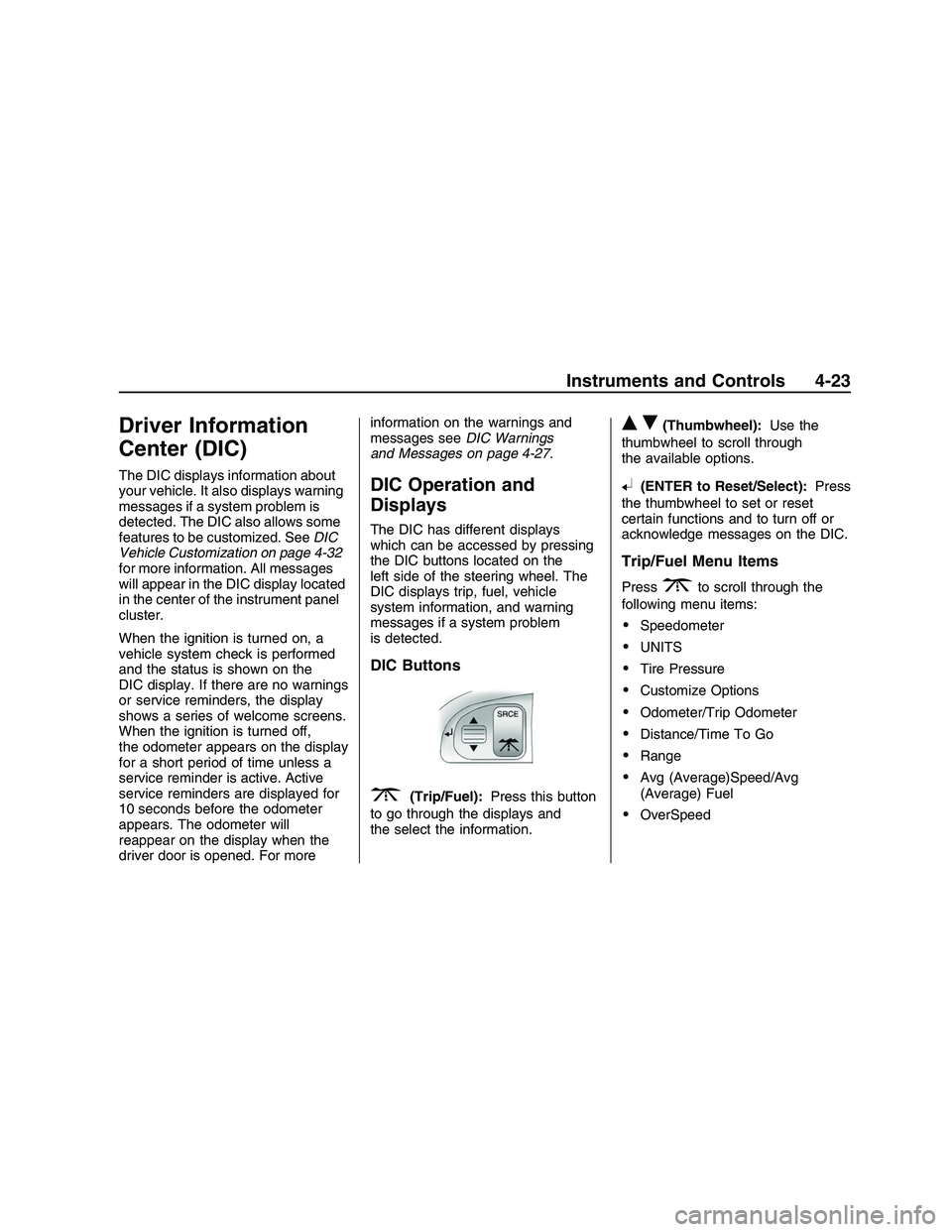
DIC Buttons
3(Trip/Fuel):Press this button
to go through the displays and
the select the information.
QR(Thumbwheel):Use the
thumbwheel to scroll through
the available options.
8(ENTER to Reset/Select):Press
the thumbwheel to set or reset
certain functions and to turn off or
acknowledge messages on the DIC.
Trip/Fuel Menu Items
Press3to scroll through the
following menu items:
Speedometer
UNITS
Tire Pressure
Customize Options
Odometer/Trip Odometer
Distance/Time To Go
Range
Avg (Average)Speed/Avg
(Average) Fuel
OverSpeed
Instruments and Controls 4-23
2008 - Pontiac G8 Owner Manual