ignition PONTIAC GRAND-AM 1993 Owner's Manual
[x] Cancel search | Manufacturer: PONTIAC, Model Year: 1993, Model line: GRAND-AM, Model: PONTIAC GRAND-AM 1993Pages: 306, PDF Size: 15.39 MB
Page 95 of 306
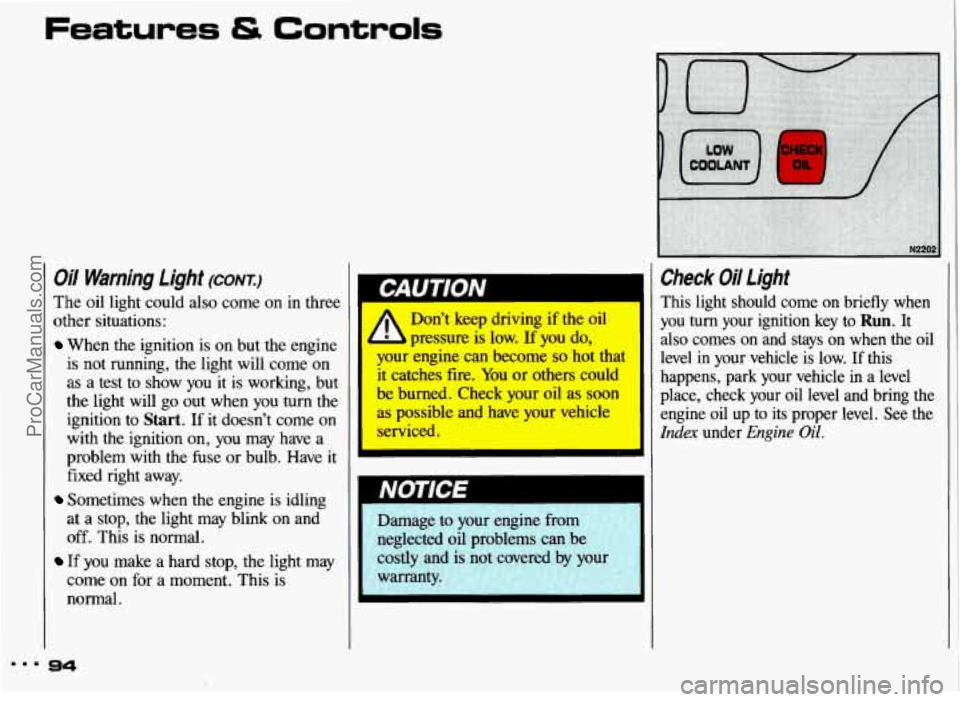
Oil Warning Light (CONT.)
The oil light could also come on in three
other situations:
When the ignition is on but the engine
is not running, the light will come on
as a test to show you it is working, but
the light will
go out when you turn the
ignition to
Start. If it doesn’t come on
with the ignition on, you may have a
problem with the fuse or bulb. Have
it
fixed right away.
Sometimes when the engine is idling
at a stop, the light may blink on and
off. This is normal.
If you make a hard stop, the light may
come on for a moment. This is
normal.
I
Don’t keep driving if the oil
your engine can become so hot that
it catches fire. You or others could
’ ; burned. Check your oil as soon
ab possible and have your vehicle
serviced.
E pressure is low. If you do,
‘CHECK I
OIL
,4-;, Damage to your engine from
;; neglected oil problems can be
,’: costly and is not covered -1 by your
i:.. warranty. , 1.
I
1
Check Oil Light
This light should come on briefly when
you
turn your ignition key to Run. It
also comes on and stays on when the oil
level in your vehicle is low. If this
happens, park your vehicle
in a level
place, check your
oil level and bring the
engine
oil up to its proper level. See the
Index under Engine Oil.
ProCarManuals.com
Page 96 of 306
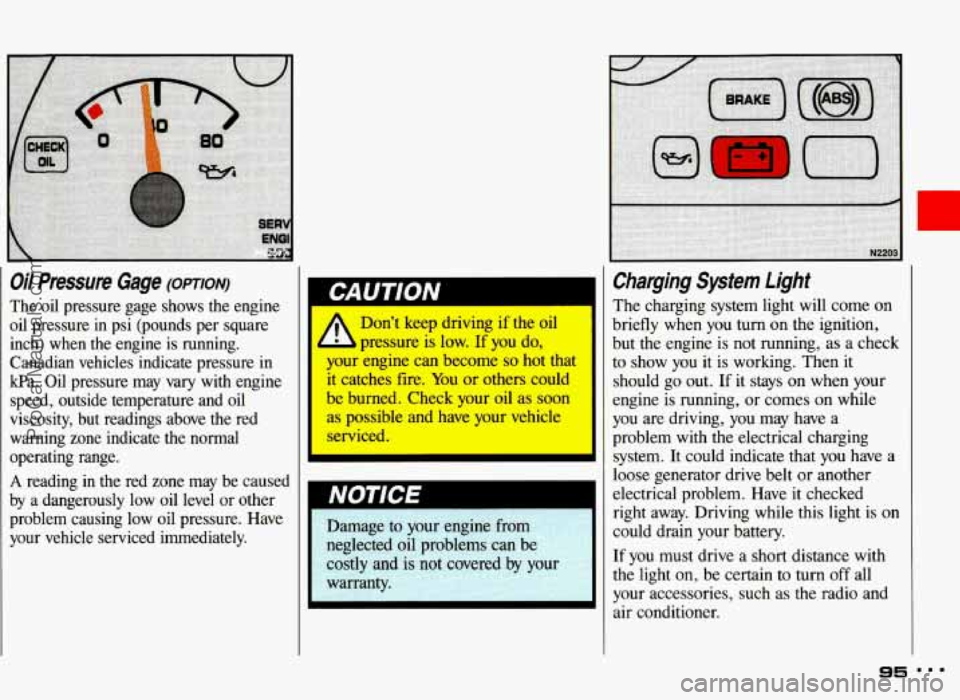
Oil Pressure Gage (omrorv)
The oil pressure gage shows the engine
oil pressure in psi (pounds per square
inch) when the engine is running.
Canadian vehicles indicate pressure in
kPa. Oil pressure may vary with engine
speed, outside temperature and
oil
viscosity, but readings above the red warning zone indicate the normal
operating range.
A reading in the red zone may be caused
by a dangerously low oil level
or other
problem causing low oil pressure. Have
your vehicle serviced immediately.
A
Don’t keep driving if the oil
pressure is low.
If you do,
your engine can become
so hot that
it catches fire. You or others could
be burned. Check your oil as soon
as possible and have your vehicle
serviced.
Charging System Light
The charging system light will come on
briefly when you
turn on the ignition,
but the engine is not running, as a check
to show you it is working. Then it
should go out.
If it stays on when your
engine is running, or comes on while
you are driving, you may have a
problem with the electrical charging
system. It could indicate that
you have a
loose generator drive belt or another
electrical problem. Have it checked
right away. Driving while this light is on
could drain your battery.
If you must drive a short distance with
the light on, be certain to
turn off all
your accessories, such as the radio and
air conditioner.
95
ProCarManuals.com
Page 97 of 306
Features & Controls
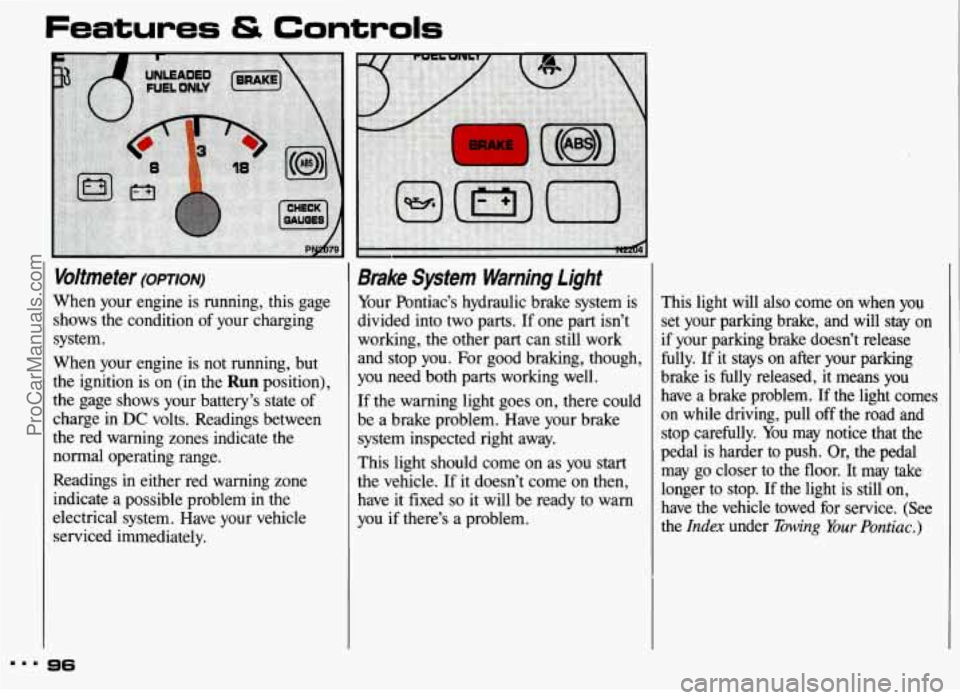
Voltmeter (omoN)
When your engine is running, this gage
shows the condition of your charging
system.
When your engine is not running, but
the ignition is on (in the
Run position),
the gage shows your battery’s state of
charge in
DC volts. Readings between
the red warning zones indicate the
normal operating range.
Readings in either red warning zone
indicate a possible problem in the
electrical system. Have your vehicle
serviced immediately.
Brake System Warning Light
Your Pontiac’s hydraulic brake system is
divided into two parts. If one part isn’t
working, the other part can still work
and stop you. For good braking, though,
you need both parts working well.
If the warning light goes on, there could
be a brake problem. Have your brake
system inspected right away.
This light should come on as you start
the vehicle. If it doesn’t come
on then,
have it fixed
so it will be ready to warn
you if there’s a problem, This
light will
also come on when you
set your parking brake, and will stay on if your parking brake doesn’t release
fully. If it stays on after your parking
brake is
fully released, it means you
have a brake problem.
If the light comes
on while driving, pull off the road and
stop carefully. You may notice that the
pedal is harder to push. Or, the pedal
may
go closer to the floor. It may take
longer to stop. If the light is still on,
have the vehicle towed for service. (See
the
Index under Bwing Your Pontiac.)
m.. 96
ProCarManuals.com
Page 99 of 306
Features tS Controls
!
-
Shift Light (MANUAL TRANSAXLE)
This light comes on when you need to
shift to the next higher gear. See the
Index under Manual Transaxle.
98
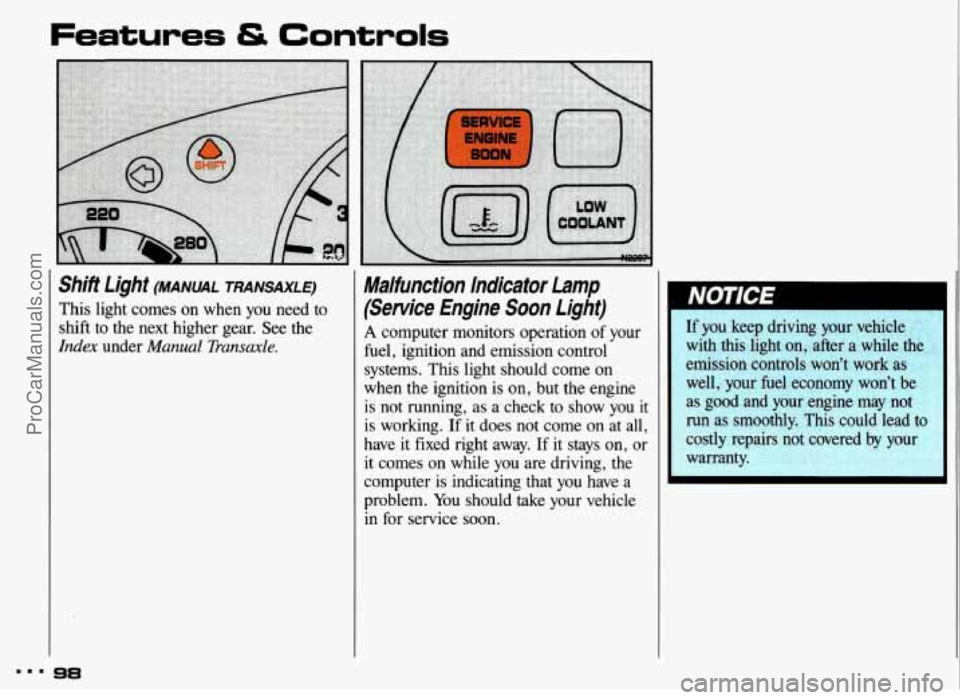
Malfunction Indicator Lamp
(Service Engine Soon Light)
A computer monitors operation of your
fuel, ignition and emission control
systems. This light should come on
when the ignition is on, but the engine
is not running, as a check to show you
it
is working. If it does not come on at all,
have it fixed right away.
If it stays on, or
it comes on while you are driving, the
computer is indicating that
you have a
problem. You should take your vehicle
in for service soon.
If you keep driving your vehicle
with this light on, after a while the
emission controls won’t work as
well, your fuel economy won’t be
as good and your engine may not
run as smoothly. This could lead to
costly repairs not covered by your
warranty.
ProCarManuals.com
Page 106 of 306
I
Defogging Windows with
Air Conditioning System
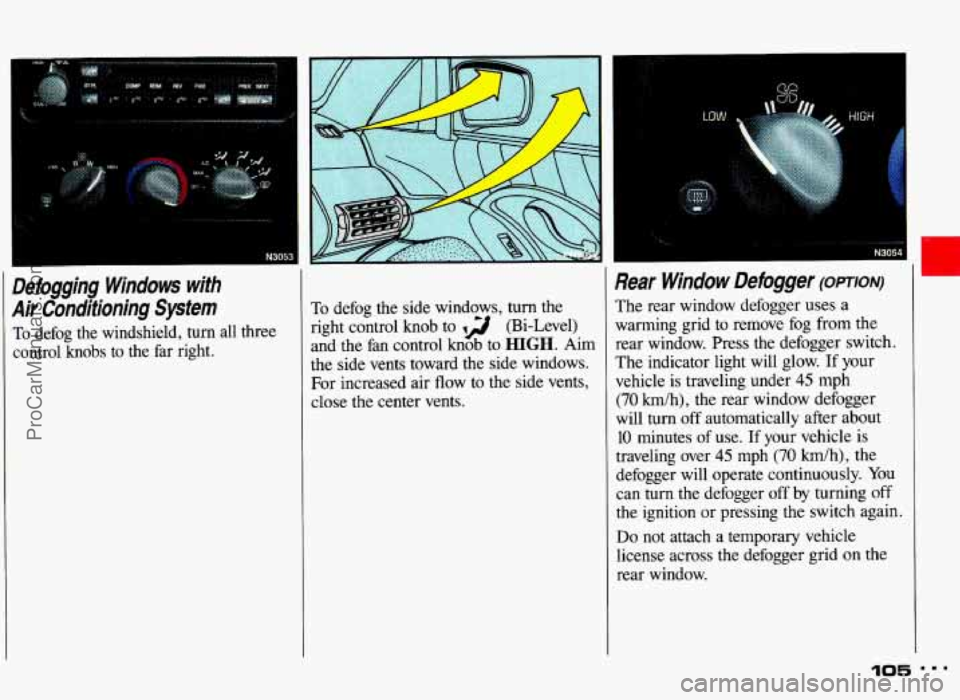
To defog the windshield, turn all three
control knobs to the far right. To defog
the side windows, turn the
right control knob to 12 (Bi-Level)
and the fan control knob to
HIGH. Aim
the side vents toward the side windows.
For increased air flow to the side vents,
close the center vents.
Rear Window Defogger (OPTION)
The rear window defogger uses a
warming grid to remove fog from the
rear window. Press
the defogger switch.
The indicator light will glow.
If your
vehicle is traveling under
45 mph
(70 kmlh), the rear window defogger
will turn off automatically after about
10 minutes of use. If your vehicle is
traveling over
45 mph (70 km/h), the
defogger will operate continuously. You
can
turn the defogger off by turning off
the ignition or pressing the switch again.
Do not attach a temporary vehicle
license across the defogger grid
on the
rear window.
105 ...
................. * N3054
ProCarManuals.com
Page 108 of 306
Audio Systems
The following pages describe the audio systems available for your Pontiac, and how
to get the best performance from them. Please read about the system in your
vehicle.
Hearing damage from loud noise is almost undetectable until it is too
- late. Your hearing can adapt to higher volumes of sound. Sound that
I st IS normal can be loud and harmful to your hearing. Take precautio\
ns by
1
adjusting the volume control on your radio to a safe sound le\
vel before your
hearing adapts
to it.
1 To help avoid hearing loss or damage:
I
1. Adjust the volume control to the lowest setting.
2. Increase volume slowly until you hear comfortably and clearly.
Before you add any sound equipment to your vehicle-like a tape player,
CB
radio, mobile telephone or two-way radio-be sure you can add what you
want.
If you can, it's very important to do it properly. Added sound equipment
may interfere with the operation of your vehicle's engine, Delco@ radio or
other systems, and even damage them. And, your vehicle's systems may
interfere with
the operation of sound equipment that has been added
improperly.
So, before adding sound equipment, check with your dealer and be sure to
check federal rules covering mobile radio and telephone units.
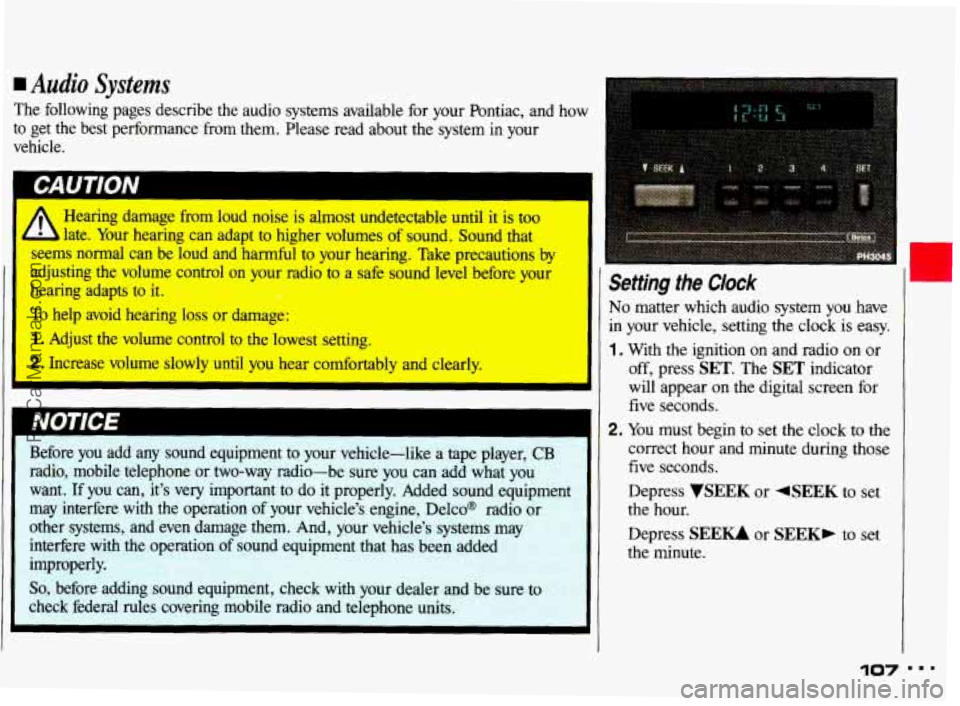
Setting the Clock
No matter which audio system you have
in your vehicle, setting the clock is easy.
1 , With the ignition on and radio on or
off, press SET. The SET indicator
will appear on the digital screen for
five seconds.
2. You must begin to set the clock to the
correct hour and minute during those
five seconds.
Depress
VSEEK or 4SEEK to set
the hour.
Depress
SEEU or SEEK, to set
the minute.
107 " '
ProCarManuals.com
Page 109 of 306
Comfort Controls & Audio Systems
AM!FM Stereo Radio
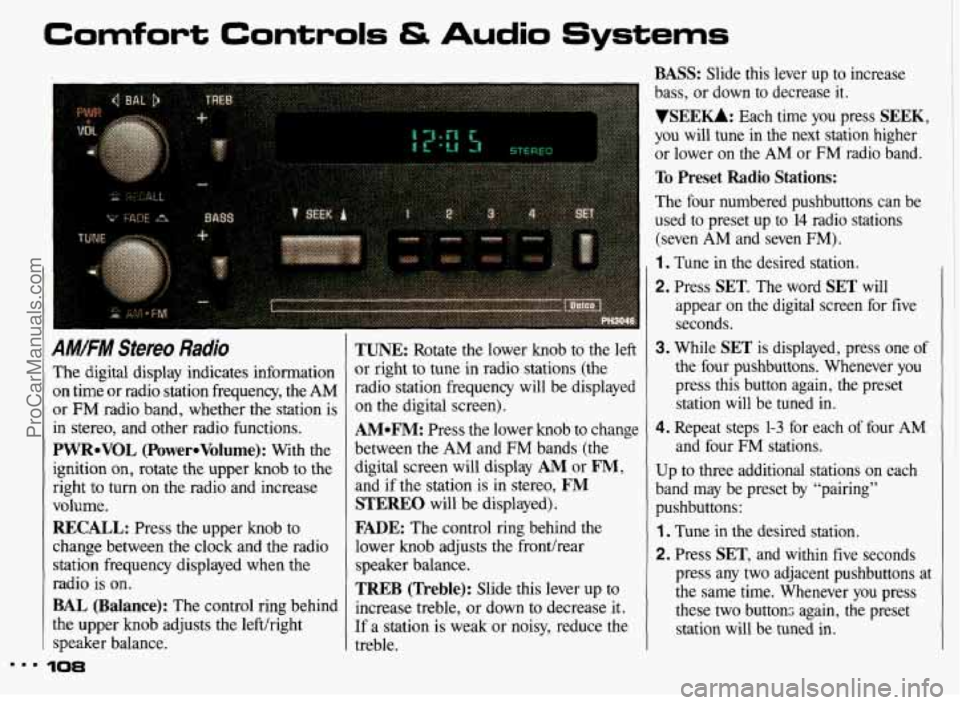
The digital display indicates information
on time or radio station frequency, the AM
or FM radio band, whether the station is
in stereo, and other radio functions.
PWReVOL (PowereVolume): With the
ignition
on, rotate the upper knob to the
right to turn on the radio and increase
volume.
RECALL: Press the upper knob to
change between the clock and the radio
station frequency displayed when the
radio is on.
BAL (Balance): The control ring behind
the upper knob adjusts the left/right
speaker balance.
10%
TUNE: Rotate the lower knob to the left
or right to tune in radio stations (the
radio station frequency will be displayed
on the digital screen).
AMeFM: Press the lower knob to change
between
the AM and FM bands (the
digital screen will display
AM or FM,
and if the station is in stereo, FM
STEREO will be displayed).
FADE: The control ring behind the
lower knob adjusts the fronthear
speaker balance.
TREB (Treble): Slide this lever up to
increase treble, or down to decrease it.
If a station is weak or noisy, reduce the
treble.
BASS: Slide this lever up to increase
bass, or down to decrease
it.
VSEEKk Each time you press SEEK,
you will tune in the next station higher
or lower on the
AM or FM radio band.
To Preset Radio Stations:
The four numbered pushbuttons can be
used to preset
up to 14 radio stations
(seven
AM and seven FM).
1. Tune in the desired station.
2. Press SET. The word SET will
appear on the digital screen for five seconds.
3. While SET is displayed, press one of
the four pushbuttons. Whenever you
press this button again, the preset
station will be tuned in.
4. Repeat steps 1-3 for each of four AM
and four FM stations.
Up
to three additional stations on each
band may be preset by “pairing”
pushbuttons:
1. Tune in the desired station.
2. Press SET, and within five seconds
press any two adjacent pushbuttons at
the same time. Whenever you press
these two buttons again, the preset station will be tuned
in.
ProCarManuals.com
Page 110 of 306
AM/FM Stereo Radio with
Cassette Tape Player (OPTION)
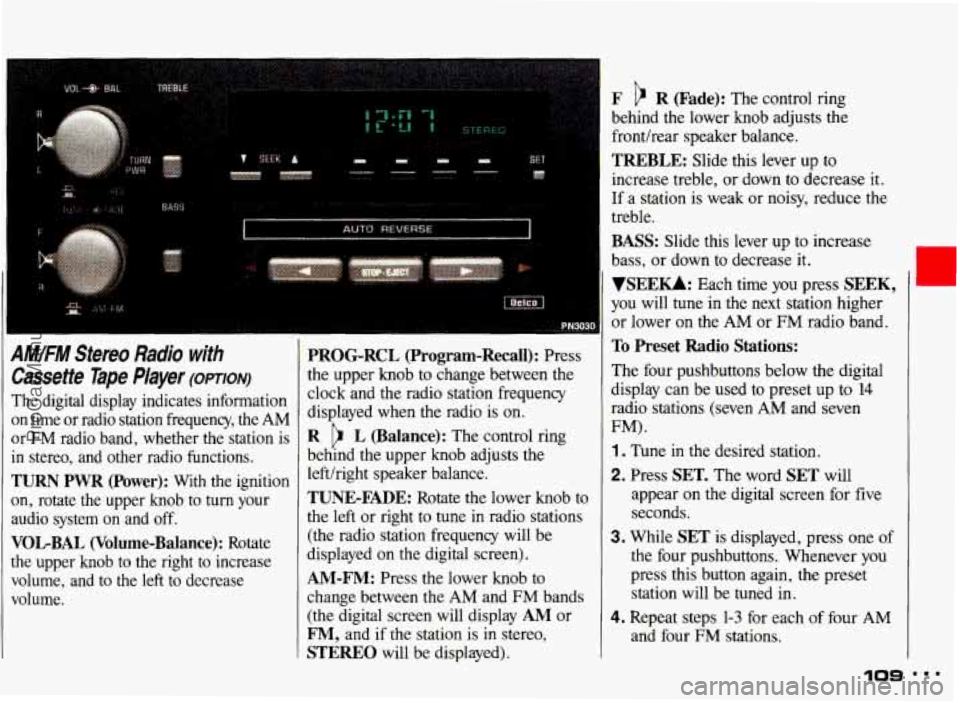
The digital display indicates information
on time or radio station frequency, the AM
or
FM radio band, whether the station is
in stereo, and other radio functions.
TURN PWR (Power): With the ignition
on, rotate the upper knob to turn your
audio system on and off.
VOLBAL (Volume-Balance): Rotate
the upper knob to the right to increase
volume, and to the left to decrease.
volume.
PROG-RCL (Program-Recall): Press
the upper knob
to change between the
clock and the radio station frequency
displayed when the radio is
on.
R L (Balance): The control ring
behind the upper knob adjusts the
lefthight speaker balance.
TUNE-FADE: Rotate the lower knob to
the
left or right to tune in radio stations
(the radio station frequency will be
displayed on
the digital screen).
AM-FM: Press the lower knob to
change between the AM and FM bands
(the digital screen will display
AM or
F", and if the station is in stereo,
STEREO will be displayed).
F R (Fade): The control ring
behind the lower knob adjusts the
fronthear speaker balance.
TREBLE: Slide this lever up to
increase treble, or down to decrease it.
If a station is weak or noisy, reduce the
treble.
BASS: Slide this lever up to increase
bass, or down to decrease it.
VSEE-: Each time you press SEEK,
you will tune in the next station higher
or lower on the AM
or FM radio band.
To Preset Radio Stations:
The four pushbuttons below the digital
display can be used to preset up
to 14
radio stations (seven AM and seven
FM).
1 . Tune in the desired station.
2. Press SET. The word SET will
appear
on the digital screen for five
seconds.
3. While SET is displayed, press one of
the four pushbuttons. Whenever you
press this button again, the preset
station will be tuned
in.
4. Repeat steps 1-3 for each of four AM
and four
FM stations,
109
ProCarManuals.com
Page 112 of 306
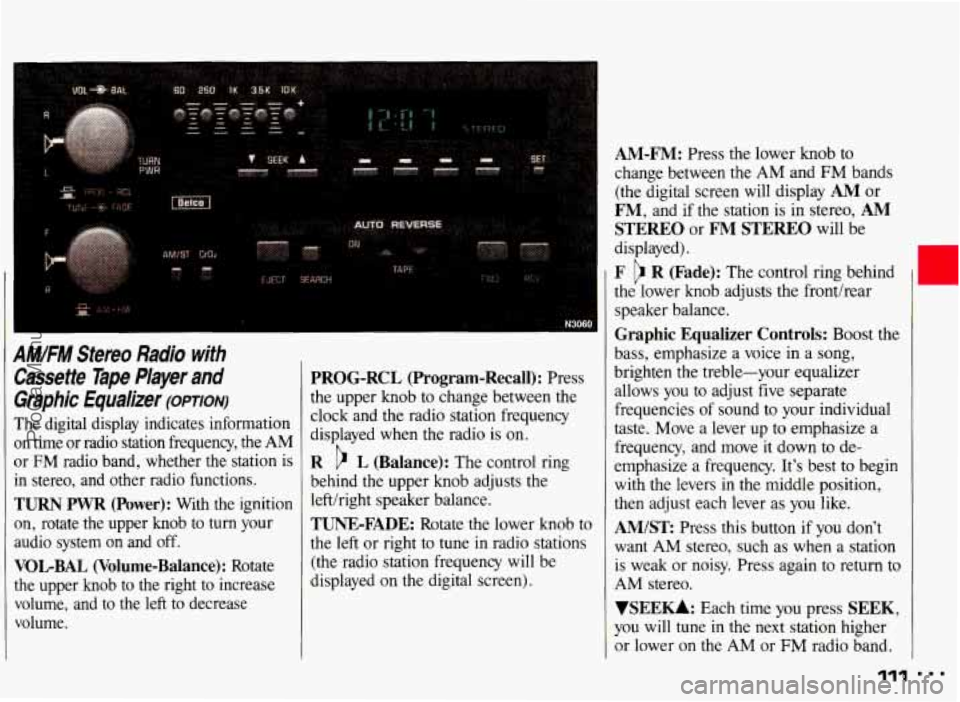
AM/FM Stereo Radio with
Cassetfe Tape Player
and
Graphic Equalizer (omoiv)
The digital display indicates information
on time or radio station frequency, the
AM
or FM radio band, whether the station is
in stereo, and other radio functions.
TURN PWR (Power): With the ignition
on, rotate the upper knob to
turn your
audio system on and off.
VOLBAL (Volume-Balance): Rotate
the upper knob to the right to increase
volume, and
to the left to decrease
volume.
PROG-RCL (Program-Recall): Press
the upper knob to change between the
clock and the radio station frequency
displayed when the radio is on.
R c> L (Balance): The control ring
behind the upper
knob adjusts the
lefthight speaker balance.
TUNE-FADE: Rotate the lower knob to
the left
or right to tune in radio stations
(the radio station frequency will be
displayed on the digital screen).
AM-FM: Press the lower knob to
change between the
AM and FM bands
(the digital screen will display
AM or
FM, and if the station is in stereo, AM
STEREO or FM STEREO will be
displayed).
F R (Fade): The control ring behind
the lower knob adjusts the fronthear
speaker balance.
Graphic Equalizer Controls: Boost the
bass, emphasize a voice in a song,
brighten the treble-your equalizer
allows
you to adjust five separate
frequencies
of sound to your individual
taste. Move a lever up
to emphasize a
frequency, and move
it down to de-
emphasize a frequency. It's best to begin
with the levers in the middle position,
then adjust each lever as you like.
AM/ST Press this button if you don't
want
AM stereo, such as when a station
is weak or noisy. Press again
to return to
AM stereo.
VSEEU: Each time you press SEEK,
you will tune in the next station higher
or lower on the AM or FM radio band.
'111
ProCarManuals.com
Page 114 of 306
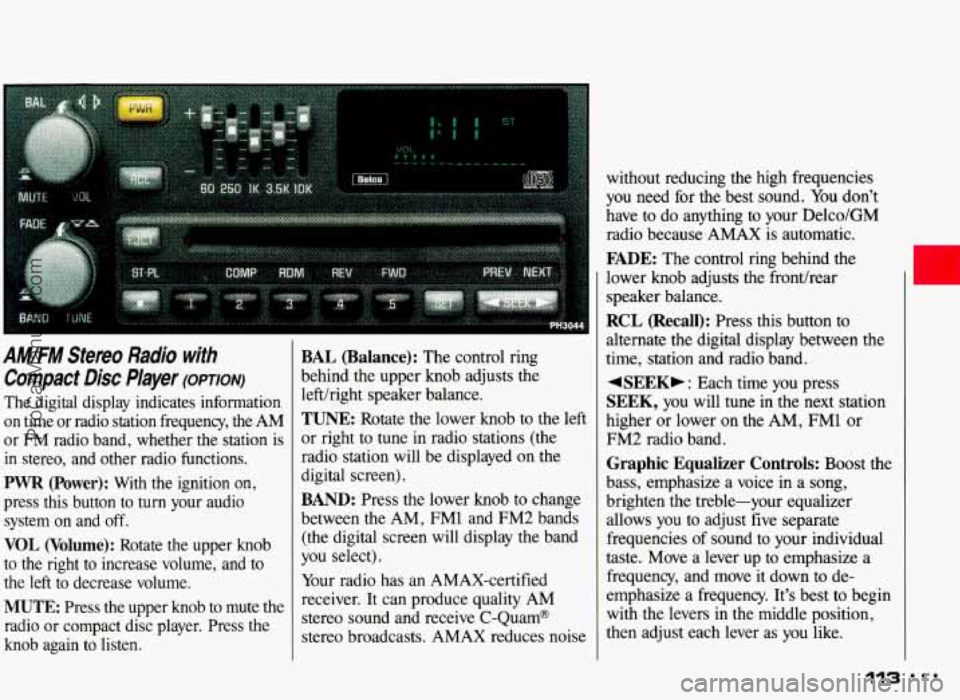
A M/FM Stereo Radio with
Compact Disc Player (opTIoN)
The digital display indicates information
on time or radio station frequency, the AM
or FM radio band, whether the station is
in stereo, and other radio functions.
PWR (Power): With the ignition on,
press this button to
turn your audio
system on and off.
VOL (Volume): Rotate the upper knob
to the right to increase volume, and to
the left to decrease volume.
MUTE: Press the upper knob to mute the
radio or compact disc player. Press the
knob again to listen.
BAL (Balance): The control ring
behind the upper knob adjusts the
lefthight speaker balance.
TUNE: Rotate the lower knob to the left
or right to tune in radio stations (the have to
do anything to your Delco/GM
radio because AMAX is automatic.
FADE: The control ring behind the
lower knob adjusts
the fronthear
speaker balance.
RCL (Recall): Press this button to
alternate the digital display between the
time, station and radio band.
4SEEKb : Each time you press
SEEK, you will tune in the next station
higher or lower on the AM, FM1
or
FM2 radio band.
BAND: Press the lower knob to change
between the AM, FM1 and FM2 bands
(the digital screen will display the band
you select).
Your radio has an AMAX-certified
receiver. It can produce quality AM
stereo sound and receive C-Quam@
stereo broadcasts. AMAX reduces noise brighten
ihe treble-your equali&r
allows you to adjust five separate
frequencies of sound to your individual
taste. Move a lever up to emphasize
a
frequency, and move it down to de-
emphasize a frequency. It’s best to begin
with the levers in the middle position,
then adjust each lever as
you like.
113 ...
ProCarManuals.com