instrument panel PONTIAC GRAND-AM 1994 Owners Manual
[x] Cancel search | Manufacturer: PONTIAC, Model Year: 1994, Model line: GRAND-AM, Model: PONTIAC GRAND-AM 1994Pages: 274, PDF Size: 15.01 MB
Page 16 of 274
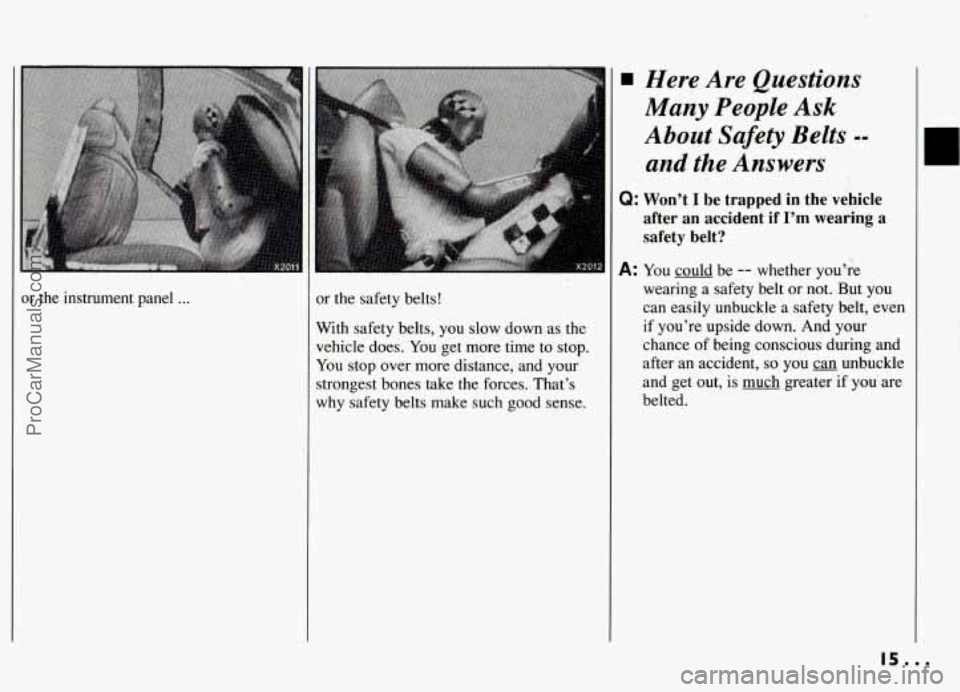
or the instrument panel ... or the safety belts!
With safety belts, you slow down as the
vehicle does. You get more time to stop.
You stop over more distance, and your
strongest bones take the forces. That’s
why safety belts make such good sense.
Here Are Questions
Many People Ask
About Safety Belts
--
and the Answers
Q: Won’t I be trapped in the vehicle
after an accident if
I’m wearing a
safety belt?
A: You could be -- whether you’re
wearing a safety belt or not. But you
can easily unbuckle a safety belt, even
if you’re upside down. And your
chance of being conscious during and
after an accident,
so you can unbuckle
and get out, is much greater
if you are
belted.
ProCarManuals.com
Page 46 of 274
...
dele you can learn about the many
tandard and optional features on our Pontiac. and information on
tarting. shifting and braking
. Also
!xplained are the instrument panel
nd the warning systems that tell you
’ everything is working properly ..
ind what to do if you have a problem .
Part 2
Features & Controls
Keys ..... ....................................................... 46
DoorLocks ........................................................ 47
Keyless Entry System
............................................... 50
GloveBox ........................................................ 54
Ignitionswitch
..................................................... 55
StartingYourEngine ................................................ 56
Engine Coolant Heater (Engine Block Heater) ............................ 58
Shifting the Automatic Transaxle ...................................... 59
Shifting the Five-Speed Manual Transaxle ............................... 64
Shifting Into Park (Automatic Transaxle) ................................ 67
Windows
......................................................... 72
Turn Signal/Multifunction Lever ....................................... 73
CruiseControl
..................................................... 74
Lightcontrols
..................................................... 77
Battery Rundown Protection
.......................................... 80
Windshield Wipers .................................................. 81
Windshield Washer ................................................. 82
Mirrors ........................................................... 82
SunVisors ........................................................ 84
Instrumentpanel ................................................... 88
Warning Lights, Gages and Indicators ................................... 93
ParkingBrake ...................................................... 66
45.0.
ProCarManuals.com
Page 56 of 274
LOCK
ACCESSORY
I Ignition Switch-
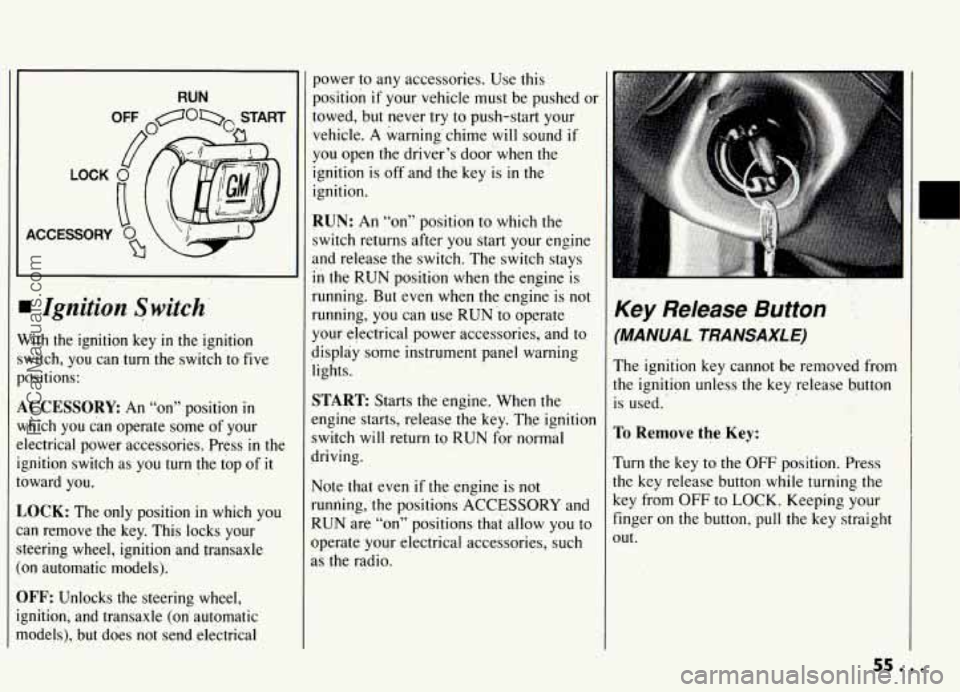
Vith the ignition key in the ignition
witch, you can
turn the switch ‘to five
ositions:
,CCESSORE An “on” position in
lhich you can operate some of your
lectrical power accessories. Press
in the
;nition switch as you turn the top of
it
)ward you.
,OCK: The only position in which you
!n remove the key. This locks your
:cering wheel, ignition and transaxle
~n automatic models).
IFF: Unlocks the steering wheel,
;nition, and transaxle (on’ automatic
todels), but.does not send electrical
power to any accessories. Use this
position if your vehicle must be pushed or
towed, but never try
to push-start your
vehicle.
A warning’chime will sound if
you open the driver’s door when the
ignition is off and the key is in the
ignition.
RUN: An “on” position to which the
switch returns after you start your engine
and release the switch. The switch stays
in the RUN position when the engine is
running. But ‘even when the engine is not
running, you can use RUN io operate
your electrical power accessories,
and to
display
some instrument panel warning
lights.
START: Starts the engine. When the
engine starts, release the key. The ignition
switch
will return to RUN for normal
driving.
Note that even if the engine is not
running, ‘the positions
ACCESSORY and
RUN are “on” positions that allow you to
operate your electrical accessories, such
as the radio.
,.
Key Release Button
‘MANUAL TRANSAXLE)
The ignition key cannot be removed from
he ignition unless.the key release button
s used.
ro Remwe the Key:
rum the key to the OFF position. Press
he key release button while turning
the
Ley from OFF to LOCK. Keeping your
inger on
the button, pull the key straight
)Ut.
sa...
ProCarManuals.com
Page 57 of 274
Features & Controls
Key Release Button
(MANUAL TRANSAXLE) (CONT.)
NOTICE:
If your key seems stuck in LOCK
and you can’t turn it, be sure it is all
the.way in. If
it is, then turn the
steering wheel left and right while
you
turn the key hard. But turn the
key only
with your hand. Using a
tool to force
it could break the key
or the ignition switch.
If none of this
works, then your vehicle needs
service.
Starting Your Engine
Engines start differently. The 8th digit of
your Vehicle Identification Number (VIN)
shows
the code letter or number for your
engine. You
will find the VIN at the top
left
of your instrument panel. (See
”Vehicle Identification Number”
in the
Index.) Follow the proper steps to start
the engine.
Automatic transaxle
Move your shift lever to PARK (P) or
NEUTRAL (N). Your engine won’t start
in any other position -- that’s a safety
feature. To restart when you’re already
.EUTRAL (N) only.
Don’t try to shift to PARK (P) if
your Pontiac is moving. If you do,
you could damage the transaxle.
Shift to PARK (P) only when your
vehicle
is stopped.
Manual transaxle
Hold the clutch pedal to the floor, then
shift your gear selector to neutral while
starting the engine. Your vehicle won’t
start
if the clutch pedal is not all the way
down
-- that’s a safety feature.
Both Transaxles
To Start Your 2.3 Liter EnEine
(Codes
3. D or A):
1. Without pushing the accelerator pedal,
turn your ignition key to START.
When the engine starts, let
go of the
key. The idle speed
will go down as
your engine gets warm.
NOTICE:
Holding your key in START for
longer than
15 seconds at a time will
cause your battery to be drained
much sooner. And the excessive
heat can damage your starter motor.
ProCarManuals.com
Page 74 of 274
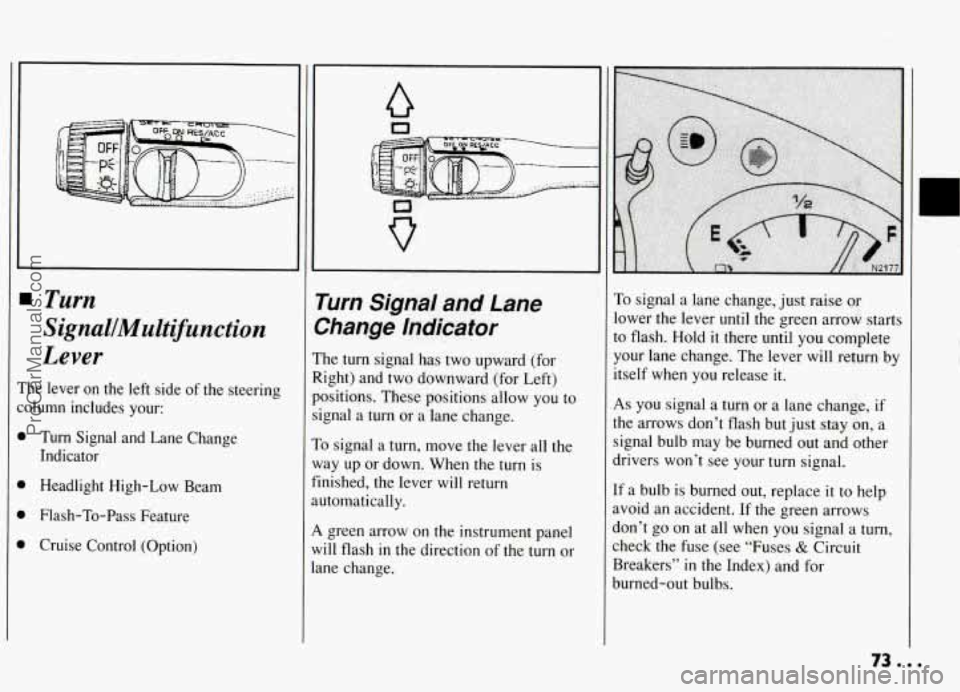
Turn
SignalJMultifunction
Lever
‘he lever on the left side of the steering
olumn includes your:
1 Turn Signal and Lane Change
Indicator
Headlight High-Low Beam
Flash-To-Pass Feature
Cruise Control (Option)
a
Turn Sl’na! and Lane
>hange Indicator ..
he turn signal has two upward (for
.ight) and two downward (for Left)
ositiuns. These positions allow you to
.gnal a
turn or a lane change.
o signal a turn, move the lever all the
lay up or down. When the
turn is
nished, the lever will return
ltomatically.
. green arrow on the instrument panel
,ill flash in the direction
of the turn or
.ne change.
To signal a lane change, just raise cnr
lower the lever until the green arrow starts
to flash. Hold
it there until you complete
your lane change. The lever will return by
itself when you release
it.
As you signal a turn or a lane change, if
the arrows don’t flash but just stay on, a
signal bulb may be burned out and other
drivers won’t see your turn signal.
If a bulb is burned out, replace it to help
avoid an accident. If the green arrows
don’t
go on at all when you signal a turn,
check the fuse (see “Fuses
& Circuit
Breakers”
in the Index) and for
burned-out bulbs.
ProCarManuals.com
Page 78 of 274
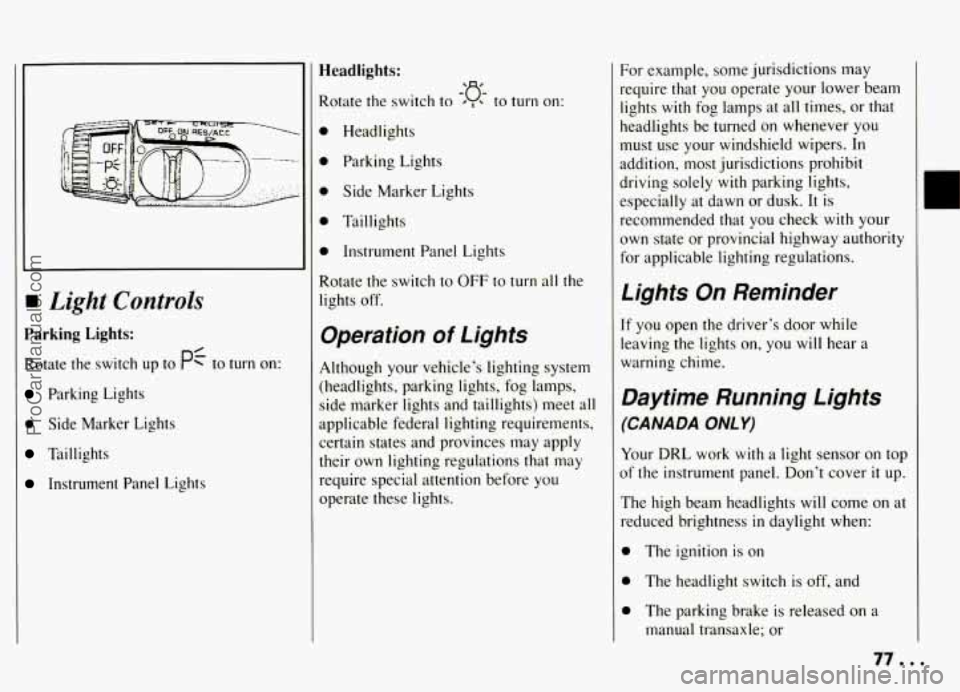
rn Light Controls
Parking Lights:
Rotate the switch up to PC to turn on:
Parking Lights
0 Side Marker Lights
Taillights
Instrument Panel Lights
Headlights:
Rotate the switch to ’ , to turn on:
0 Headlights
0 Parking Lights
0 Side Marker Lights
0 Taillights
0 Instrument Panel Lights
Rotate the switch
to OFF to turn all the
lights off.
-‘a-
Operation of Lights
Although your vehicle’s lighting system
(headlights, parking lights, fog lamps,
side marker lights and taillights)
meet all
applicable federal lighting requirements,
certain states and provinces may apply
their own lighting regulations that may
require special attention before you
operate these lights.
For example, some jurisdictions may
require that you operate your lower beam
lights with fog lamps at all times, or that
headlights be turned
on whenever you
must use your windshield wipers.
In
addition, most jurisdictions prohibit
driving solely with parking lights,
especially at dawn or dusk.
It is
recommended that you check with your
own state or provincial highway authority
for applicable lighting regulations.
Lights On Reminder
If you open the driver’s door while
leaving the lights
on, you will hear a
warning chime.
Daytime Running Lights
(CANADA ONLY)
Your DRL work with a light sensor on top
of the instrument panel. Don’t cover
it up.
The high beam headlights will come
on at
reduced brightness in daylight when:
0 The ignition is on
0 The headlight switch is off, and
0 The parking brake is released on a
manual transaxle; or
77 a I
ProCarManuals.com
Page 79 of 274
Features & Controls
Daytime Running Lights
(CANADA ONLY) (CONT.)
The shift lever is shifted out of PARK
(P) or NEUTRAL (N) on an automatic
transaxle.
At dusk, the exterior lights and headlights
will come on automatically. At dawn, the
exterior lights will go out and the high
beams will change to the reduced
brightness of DRL again (if the headlight
switch is off).
Of course, you may still turn on the
headlights any time you need to.
To idle your vehicle with the DRL off, set
the parking brake
on a manual transaxle
or put the vehicle
in PARK (P) or
NEUTRAL
(N) on an automatic
transaxle, while the ignition is in the OFF
or LOCK position. Then start the vehicle.
The DRL will stay off until
you release
the parking brake on a manual transaxle
or shift out of PARK (P) or NEUTRAL
(N) on an automatic transaxle.
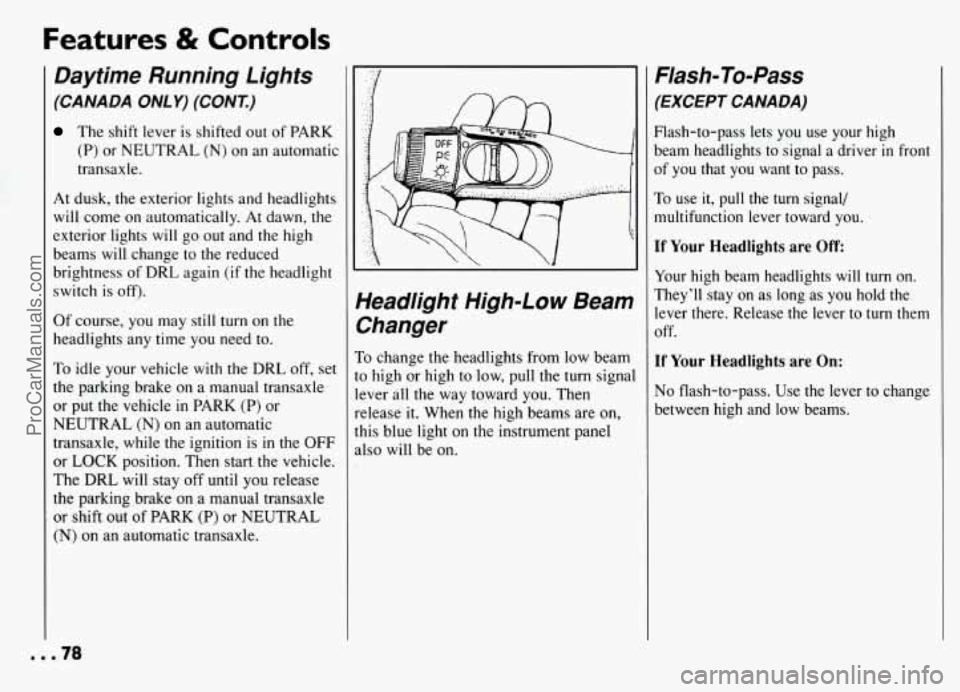
Yeadlight High-Low Beam
%anger
To change the headlights from low beam
o high or high to low, pull the turn signal
ever all the way toward you. Then
elease it. When the high beams are on,
his blue light on the instrument panel
dso will be on.
Flash-To-Pass
(EXCEPT CANADA)
Flash-to-pass lets you use your high
beam headlights to signal a driver
in front
of you that you want to pass.
To use it, pull the turn signal/
multifunction lever toward you.
If Your Headlights are Off
Your high beam headlights will turn on.
They’ll stay on as long as you hold the
lever there. Release the lever to turn them
off.
If Your Headlights are On:
No flash-to-pass. Use the lever to change
between high and low beams.
mm.78
ProCarManuals.com
Page 80 of 274
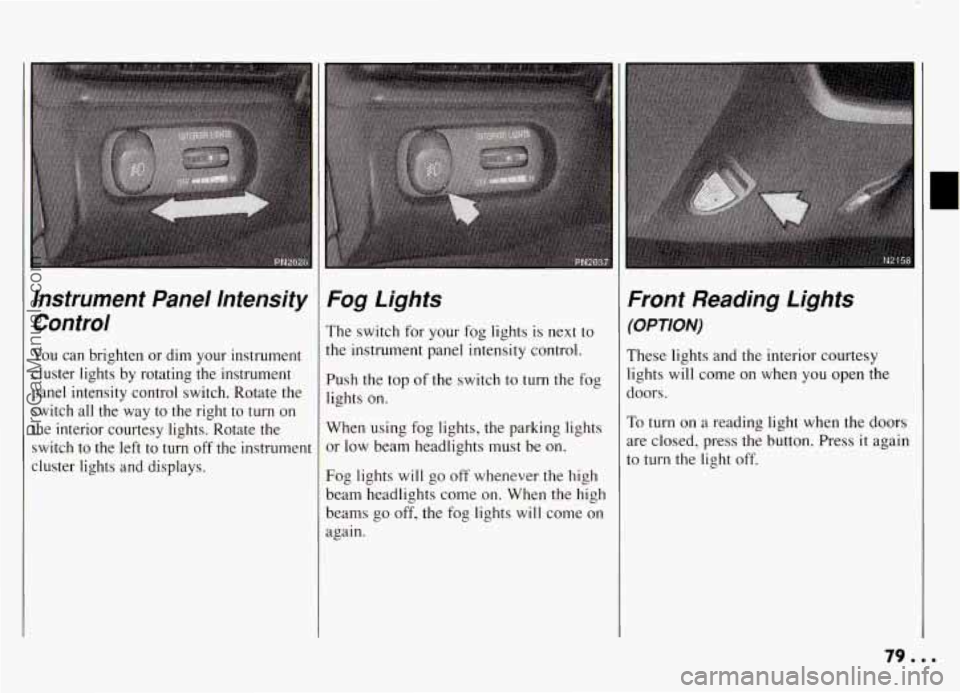
Instrument Panel Intensity Control
You can brighten or dim your instrument
cluster lights by rotating the instrument
panel intensity control switch. Rotate the switch all the way to the right to turn on
the interior courtesy lights. Rotate the
switch to the left to turn
off the instrument
cluster lights and displays.
Fog Lights
The switch for your fog lights is next to
the instrument panel intensity control.
Push the top of the switch to turn the fog
lights on.
When using fog lights, the parking lights
or low beam headlights must be on.
Fog lights will go off whenever the high
beam headlights come on. When the high
beams go off, the fog lights will come on
again.
Front Reading Lights
(OPTION)
These lights and the interior courtesy
lights will come on when
you open the
doors.
To turn on a reading light when the doors
are closed, press the button. Press it again
to turn the light off.
79.8.
ProCarManuals.com
Page 86 of 274
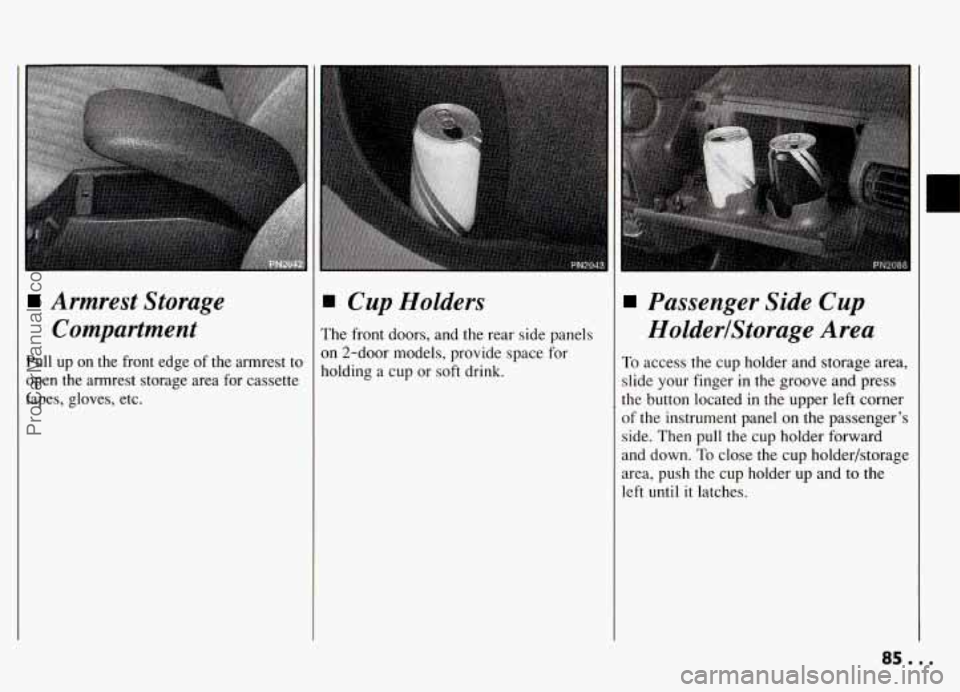
Armrest Storage
Compartment
Pull up on the front edge of the armrest to
open the armrest storage area for cassette
tapes, gloves, etc.
I Cup Holders
'he front doors, and the rear side panels
In 2-door models, provide space for
lolding a cup or soft drink.
Passenger Side Cup
HolderlStorage Area
To access the cup holder and storage area,
slide your finger in the groove and press
the button located in the upper left corner
of the instrument panel on the passenger's
side. Then pull the cup holder forward
and down.
To close the cup holder/storage
area, push the cup holder up and
to the
left until
it latches.
85...
ProCarManuals.com
Page 90 of 274
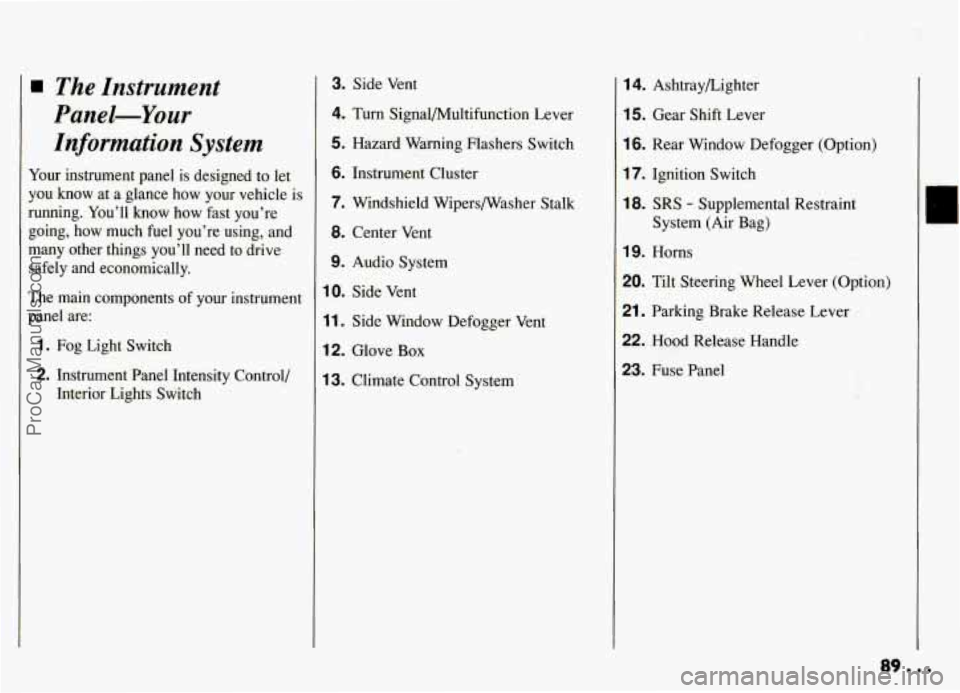
The Instrument
Panel-Your Information System
Your instrument panel is designed to let
you know at a glance how
your vehicle is
running. You’ll know how fast you’re
going, how much fuel you’re using, and
many other things you’ll need to drive
safely and economically.
The main components of your instrument
panel are:
1. Fog Light Switch
2. Instrument Panel Intensity Control,’
Interior Lights Switch
3. Side Vent
4. Turn Signal/Multifunction Lever
5. Hazard Warning Flashers Switch
6. Instrument Cluster
7. Windshield Wipersmasher Stalk
8. Center Vent
9. Audio System
10. Side Vent
11. Side Window Defogger Vent
12. Glove Box
13. Climate Control System
14. Ashtraybighter
15. Gear Shift Lever
16. Rear Window Defogger (Option)
17. Ignition Switch
18. SRS - Supplemental Restraint
System (Air Bag)
19. Horns
20. Tilt Steering Wheel Lever (Option)
21. Parking Brake Release Lever
22. Hood Release Handle
23. Fuse Panel
ProCarManuals.com