change time PONTIAC GRAND AM 1997 Owners Manual
[x] Cancel search | Manufacturer: PONTIAC, Model Year: 1997, Model line: GRAND AM, Model: PONTIAC GRAND AM 1997Pages: 371, PDF Size: 18.14 MB
Page 3 of 371

WUB PONTIAC
GENERAL MOTORS, GM, the GM Emblem,
PONTIAC, the PONTIAC Emblem and the name
GRAND AM are registered trademarks of General
Motors Corporation.
This manual includes the latest information at the time it
was printed. We reserve the right to make changes in the
product after that time without further notice. For
vehicles first sold in Canada, substitute the name
“General Motors
of Canada Limited” for Pontiac
Division whenever it appears
___ this manual.
Please keep this manual in your Pontiac,
so it will be
there if you ever need it when you’re on the road. If you
sell the vehicle, please leave this manual in it
so the new
owner can use it.
Litho in
U.S.A.
Part No. 10273369 B First Edition
WE SUPPORT
VOLUNTARY TECHNICIAN
CERTIFICATION THROUGH
National Institute for
AUTOMOTIVE
SERVICE
EXCELLENCE
We support voluntary
technician certification.
For Canadian Owners Who Prefer a
French Language Manual:
Aux propriktaires canadiens: Vous pouvez vous
procurer un exemplaire de ce guide en franqais chez
votre concessionaire ou au:
DGN Marketing Services Ltd.
1500 Bonhill Rd.
Mississauga, Ontario L5T 1C7
@Copyright General Motors Corporation
1996
All Rights Reserved
ii
Page 62 of 371

Keyless Entry System (If Equipped)
If your Pontiac has this option, you can lock and unlock
your doors or unlock your trunk from about
3 feet (1 m)
up to
30 feet (9 m) away using the remote keyless entry
transmitter supplied with your vehicle.
In addition, the system illuminates the interior lamps for
a set period of time. The Keyless Entry System consists
of a receiver, which is located in the vehicle, and two
hand-held transmitters.
Your Keyless Entry System
operates on a radio
frequency subject to Federal
Communications Commission (FCC) Rules
and with Industry and
Science Canada.
This device complies with
Part 15 of the FCC Rules.
Operation is subject to the following two conditions:
(1) this device may not cause harmful interference,
and
(2) this device must accept any interference
received, including interference that may cause
undesired operation.
This device complies with RSS-210 of Industry and Science
Canada. Operation is subject to the following two conditions:
(1) this device may not cause interference, and (2) this device
must accept any interference received, including interference
that may cause undesired operation of the device.
Changes
or modifications to this system by other than an
authorized service facility could void authorization to
use this equipment.
This system has a range of about
3 feet (1 m) up to
30 feet (9 m). At times you may notice a decrease
in range. This
is normal for any keyless entry system.
If the transmitter does not work or
if you have to
stand closer to your vehicle for the transmitter to
work,
try this:
Check to determine if battery replacement or
resynchronization
is necessary. See the instructions
that follow.
Check the distance. You may be too far from your
vehicle. You may need to stand closer during rainy
or snowy weather.
Check the location. Other vehicles or objects may be
blocking the signal. Take a few steps to the left or right,
hold the transmitter higher and
try again.
or a qualified technician for service.
If you’re still having trouble, see your Pontiac dealer
Page 64 of 371

Battery Replacement
Under normal use, the battery in your key chain
transmitter should last about two years.
You can tell the battery is weak if the transmitter won’t
work at the normal range in any location.
If you have to
get close to your vehicle before the transmitter works,
it’s probably time to change the battery.
NOTICE:
When replacing the battery, use care not to touch
any of the circuitry. Static from your body
transferred to these surfaces may damage
the transmitter.
To replace the battery in the Keyless Entry System:
1. Use a small coin or flathead screwdriver to separate
the bottom half from the top half
of the transmitter. 2.
3.
4.
Remove the
battery and replace it with the new one,
Make sure the positive.
(+) side of the battery faces
down. Use one 3 volt, CR2032,
or equivalent,
type battery.
Put the two halves back together.
Make sure the
cover is on tightly,
so water won’t get in.
Check the operation of the transmitter with your
vehicle. If the transmitter does not work, try
synchronizing the transmitter with the receiver.
2-9
Page 72 of 371
Starting Your 2.4 Liter Engine
1. Without pushing the accelerator pedal, turn your
ignition key to
START. When the engine starts, let
go of the key. The idle speed will go down as your
engine gets warm.
NOTICE:
-. ~~
Holding your key in START for longer than
15 seconds at a time will cause your battery to be
drained much sooner. And the excessive heat can
damage your starter motor.
2. If it doesn’t start right away, and if the weather is
very cold (below
-20” F or -29” C), push the
accelerator pedal about one-quarter of the way down
while you turn the key to START.
Do this until the
engine starts, As soon as it does, let go
of the key.
3. If your engine still won’t start (or starts but then
stops), it could be flooded with too much gasoline.
Try pushing your accelerator pedal all the way to the
floor and holding it there as you hold the key in
START for about three seconds. This clears the extra
gasoline from the engine. If the vehicle starts briefly
but then stops again, do the same thing, but this time
keep the pedal about one-quarter of the way down
for five or six seconds.
NOTICE:
Your engine is designed to work with the
electronics in your vehicle. If you add electrical
parts or accessories, you could change the way
the engine operates. Before adding electrical equipment, check with your dealer.
If you don’t,
your engine might not perform properly.
If you ever have to have your vehicle towed, see
the part of this manual
that tells how to do it
without damaging your vehicle. See “Towing
Your Vehicle” in the Index.
2-17
Page 73 of 371
Starting Your 3100 Engine
1. Without pushing the accelerator pedal, turn your
ignition key
to START. When the engine starts, let
go
of the key. The idle speed will go down as your
engine gets warm.
NOTICE:
Holding your key in START for longer than
15 seconds at a time will cause your battery to be
drained much sooner. And the excessive heat can
damage your starter motor.
2. If your engine won’t start (or starts but then stops), it
could be flooded with too much gasoline. Try
pushing your accelerator pedal
all the way to the
floor and holding it there as
you hold the key in
START for up to 15 seconds. This clears the extra
gasoline from the engine.
NOTICE:
Your engine is designed to work with the
electronics in your vehicle.
If you add electrical
parts or accessories, you could change the way
the engine operates. Before adding electrical
equipment, check with your dealer.
If you don’t,
your engine might not perform properly.
If you ever have to have your vehicle towed, see
the part
of this manual that tells how to do it
without damaging your vehicle, See “Towing
Your Vehicle” in the Index,
2-18
Page 91 of 371
Turn and Lane Change Signals
The turn signal has two upward (for right) and two
downward (for left) positions. These positions allow you
to signal a turn or a lane change.
To signal a turn, move the lever all the way up or down.
When the turn is finished, the lever will return
automatically.
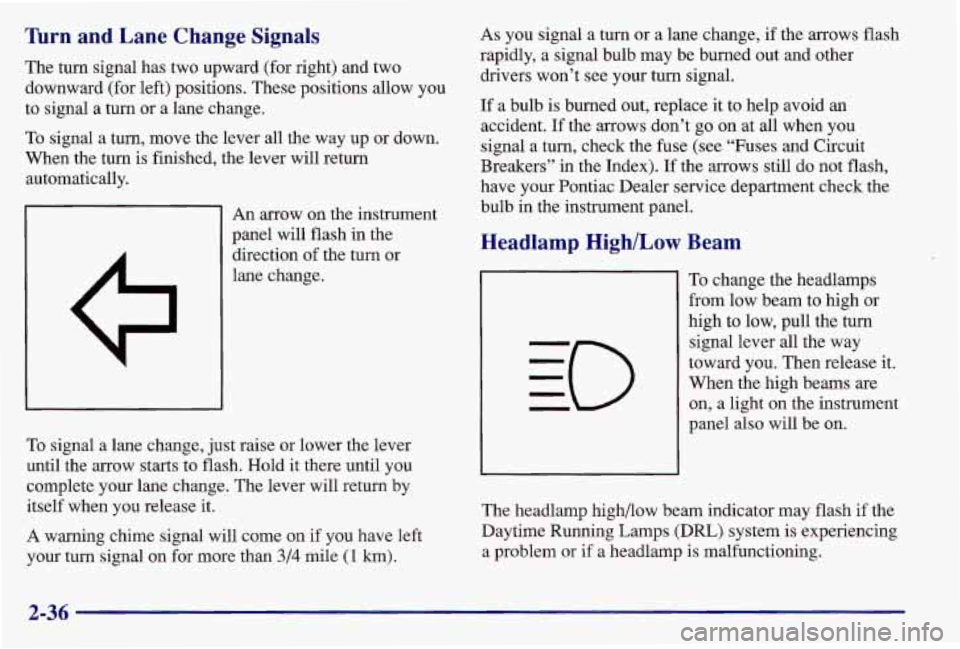
An arrow on the instrument
panel will flash in the
direction of the turn or
lane change.
To signal a lane change, just raise or lower the lever
until the arrow starts to flash. Hold it there until you
complete your lane change. The lever will return by
itself when you release it.
A warning chime signal will come on
if you have left
your turn signal on for more than
3/4 mile (1 km).
As you signal a turn or a lane change, if the arrows flash
rapidly, a signal bulb may be burned out and other
drivers won’t see your turn signal.
If a bulb is burned out, replace it to help avoid an
accident. If the arrows don’t go on at all when you
signal a turn, check the fuse (see “Fuses and Circuit
Breakers” in the Index). If the arrows still do not flash,
have your Pontiac Dealer service department check the
bulb in the instrument panel.
Headlamp High/Low Beam
To change the headlamps
from low beam to high or
high to low, pull the turn
signal lever all the way
toward you. Then release it.
When the high beams are
on, a light on the instrument
panel
also will be on.
The headlamp high/low beam indicator may flash
if the
Daytime Running Lamps (DRL) system is experiencing
a problem
or if a headlamp is malfunctioning.
2-36
Page 127 of 371
Comfort Controls
With this system, you can control the ventilation and
heating
in your vehicle.
Your vehicle also has the flow-through ventilation
system described later in this section.
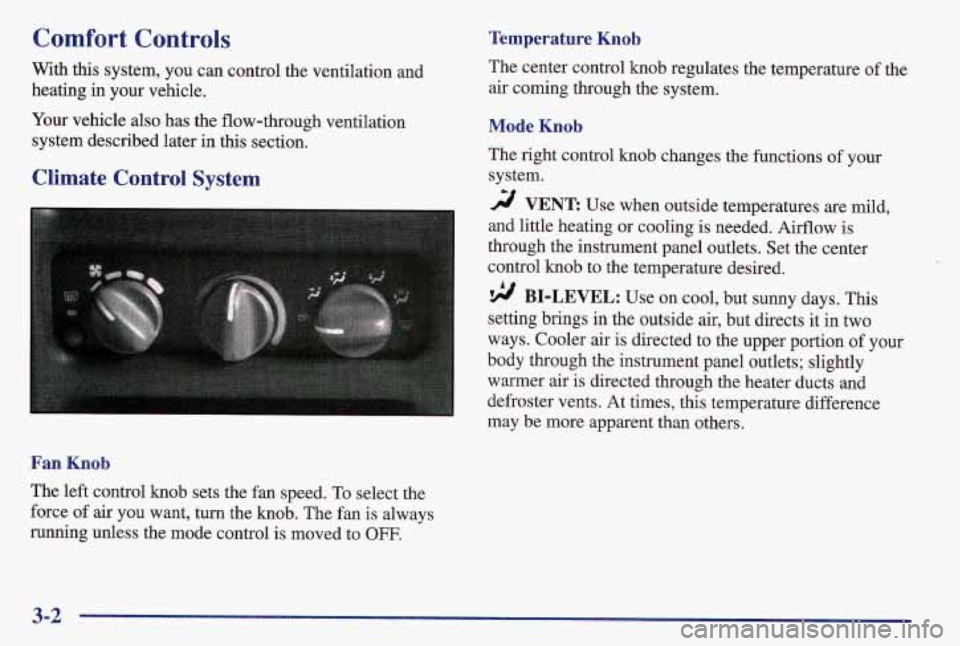
Climate Control System
Fan Knob
The left control knob sets the fan speed. To select the
force of air you want, turn the knob. The fan is always
running unless the mode control is moved to
OFF.
Temperature Knob
The center control knob regulates the temperature of the
air coming through the system.
Mode Knob
The right control knob changes the functions of your
system.
2 VENT Use when outside temperatures are mild,
and little heating or cooling is needed. Airflow is
through the instrument panel outlets. Set the center
control knob to the temperature desired.
9 BI-LEVEL: Use on cool, but sunny days. This
setting brings in the outside air, but directs
it in two
ways. Cooler air
is directed to the upper portion of your
body through the instrument panel outlets; slightly
warmer air is directed through the heater ducts and
defroster vents. At times, this temperature difference
may be more apparent than others.
3-2
Page 129 of 371
Mode Knob
The right control knob changes the functions of your
system.
MAX: Use for maximum cooling. This setting
recirculates much of the air inside your vehicle. It
maximizes your air conditioner’s performance and your
vehicle’s fuel economy.
A/C: Use for normal cooling on hot days. This setting
cools outside air and directs it through the instrument
panel outlets.
9 BI-LEVEL: Use on cool, but sunny days. This
setting brings in the outside air, but directs it in two
ways. Cooler air is directed to the upper portion
of your
body through the instrument panel outlets, but slightly
warmer air is directed through the heater ducts and
defroster vents. At times, this temperature difference
may be more apparent than others.
2 VENT Use when outside temperatures are mild,
and little heating or cooling is needed. Airflow is
through the instrument panel outlets. Set the center
control knob to the temperature desired.
‘!A HEATER: This setting brings heated air through
the heater ducts, and some through the windshield
defroster vents.
If you have the optional engine coolant heater (engine
block heater) and use it during cold weather,
0°F
(- 18 O C) or lower, your heating system will more quickly
provide heat because the engine coolant is already
warmed. See “Engine Coolant Heater” in the Index.
9 BLEND: This setting divides airflow equally
between the heater ducts and the windshield defroster
vents.
DEFROST This setting directs air through the
windshield defroster vents located on top of the
instrument panel.
3-4
Page 144 of 371
RDM (3): Press this button to hear the tracks in random. Remote Cassette Tape Player (If Equipped)
rather than sequential, order. The display will show
RDM. Press RDM again to turn
off random play. Playing a Cassette Tape
REV (5): Press and hold this button to quickly reverse
within a track. Release it to play the passage. You will
hear sound at a reduced volume. The display will show
elapsed time.
FWD (6): Press and hold this button to quickly advance
within a track. You will hear sound at a reduced volume.
The display will show elapsed time.
RECALL: Press this button to see what track is
currently playing. Press RECALL again within
five
seconds to see how long the track has been playing.
When a new track starts to play, the track number will
also appear. Press RECALL a third time and the time
of
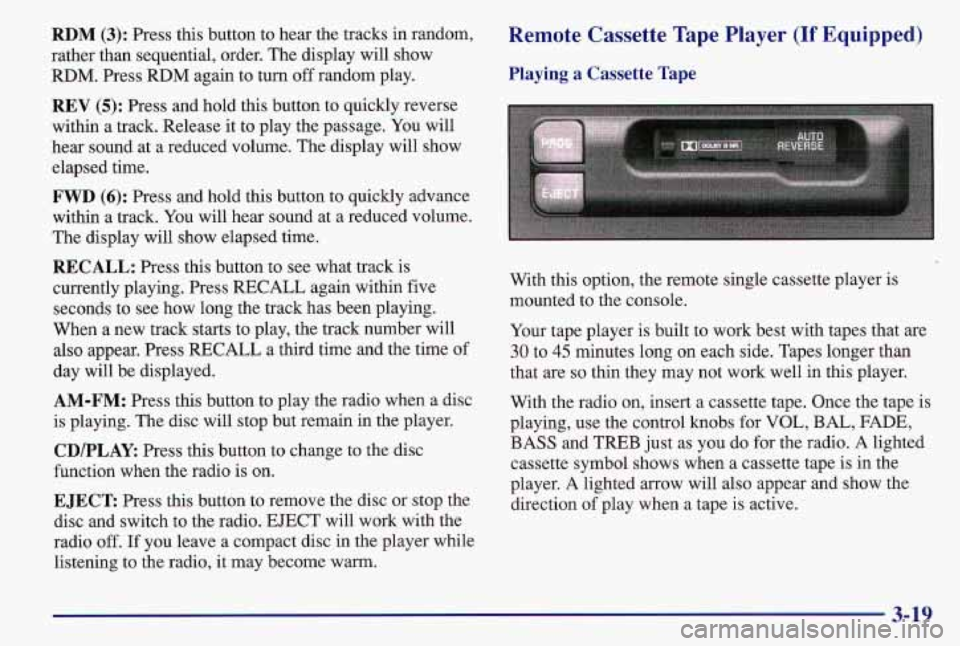
day will be displayed. With this option,
the remote single cassette player is
mounted to the console.
Your tape player is built to work best with tapes that are
30 to 45 minutes long on each side. Tapes longer than
that are
so thin they may not work well in this player.
AM-FM: Press this button to play the radio when a disc With the rad\
io on, insert a cassette tape. Once the tape is
is playing. The disc will stop but remain in the player. playing, use the con\
trol knobs for VOL, BAL,
FADE,
CD/PLAY Press this button to change to the disc BASS and
TREB just as you do for the radio. A lighted
function when the radio is on. cassette symbol shows when a cassette tape is
in the
player. A lighted arrow will also appear and show the
EJECT Press this button to remove the disc or stop the direction of play when a tape is active,
disc and switch to the radio. EJECT will work with the
radio
off. If you leave a compact disc in the player while
listening to the radio, it may become warm.
3-19
Page 160 of 371
As you brake, your computer keeps receiving updates on
wheel speed and controls braking pressure accordingly.
Remember: Anti-lock doesn’t change the time you need
to get your foot up to the brake pedal or always decrease
stopping distance. If you get too close
to the vehicle in
front of you, you won’t have time to apply your brakes
if that vehicle suddenly slows or stops. Always leave
enough room up ahead to
stop, even though you have
anti-lock brakes.
Using Anti-Lock
Don’t pump the brakes. Just hold the brake pedal down
and let anti-lock work for you. You may feel the system
working, or you may notice some noise, but this is normal.
Enhanced Traction System (If Equipped)
If your vehicle has the optional four-speed automatic
transaxle, it also has an Enhanced Traction System
(ETS) that limits wheel spin. This is especially useful in
slippery road conditions. The system operates only
if it
senses that one or both
of the front wheels are spinning
or beginning to lose traction. When this happens, the
system reduces engine power and may also upshift the
transaxle to limit wheel spin.
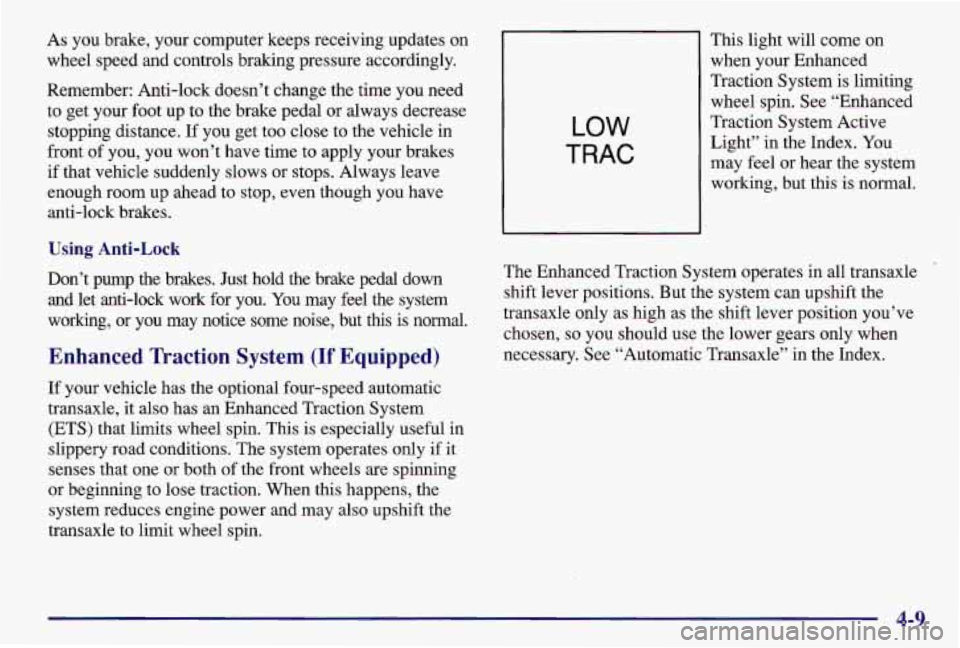
LOW
TRAC
This light will come on
when your Enhanced
Traction System is limiting
wheel spin. See “Enhanced
Traction System Active Light” in the Index.
You
may feel or hear the system
working, but this is normal.
The Enhanced Traction System operates in all transaxle shift lever positions. But the system can upshift the
transaxle only as high
as the shift lever position you’ve
chosen,
so you should use the lower gears only when
necessary. See “Automatic Transaxle” in the Index.
4-9