warning light PONTIAC GRAND AM 2003 Owner's Manual
[x] Cancel search | Manufacturer: PONTIAC, Model Year: 2003, Model line: GRAND AM, Model: PONTIAC GRAND AM 2003Pages: 354, PDF Size: 16.3 MB
Page 206 of 354
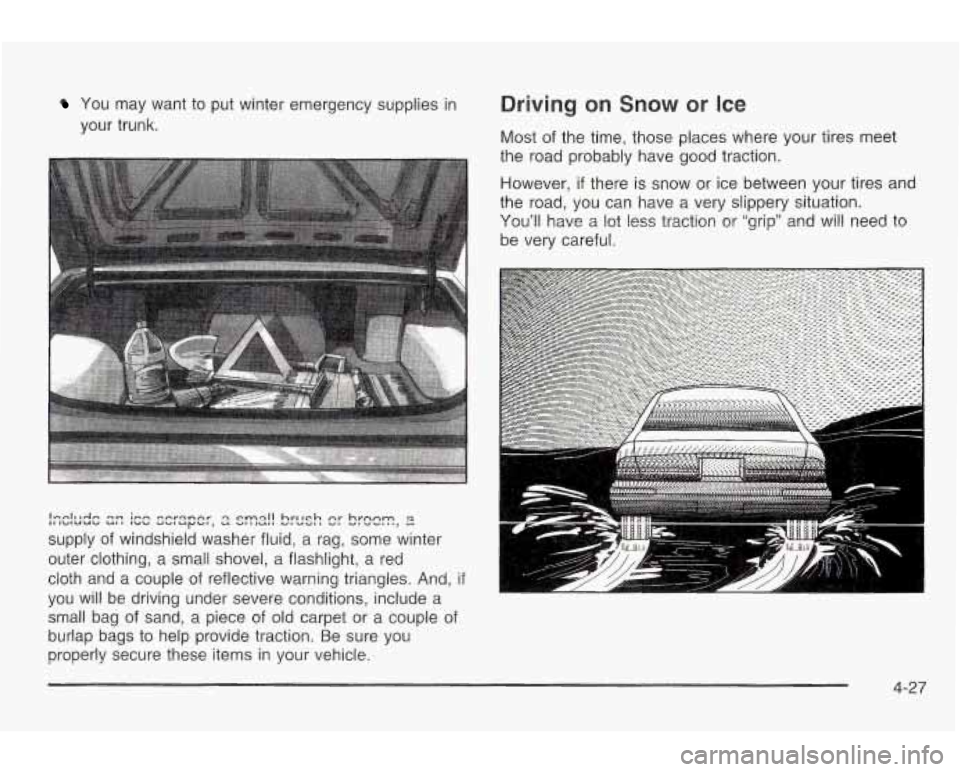
You may want to put winter emergency supplies in
your trunk.
lnrrlulrln In ;fin corqnnr ‘3 rrn~ll hrlrrh 5: hrnnm IIIk.dIUUC/ ut, lrrb duluyb,, u VlllUll U,UY, I u,v..,,n, u
supply of windshield washer fluid, a rag, some winter
outer clothing, a small shovel, a flashlight, a red
cloth and a couple of reflective warning triangles. And,
if
you will be driving under severe conditions, include a
small bag of sand, a piece of old carpet or a couple of
burlap bags to help provide traction. Be sure you
properly secure these items in your vehicle.
Driving on Snow or Ice
Most of the time, those places where your tires meet
the road probably have good traction.
However,
if there is snow or ice between your tires and
the road, you can have a very slippery situation.
You’ll have a lot less traction or “grip” and will need to
be very careful.
4-27
Page 243 of 354
How to Reset the Change Oil Light
The GM Oil Life SystemTM calculates when to change
your engine oil and filter based on vehicle use. Anytime
your oil is changed, reset the system
so it can
calculate when the next oil change is required.
If a
situation occurs where you change your oil prior
to a
CHANGE OIL light being turned on, reset the system.
After changing the engine oil, the system must be reset.
To reset the oil life indicator, do the following steps:
1. With the ignition key in ON (a short time after
turning
off the engine), press the RESET button
located in the driver’s side instrument panel
fuse block. See “Instrument Panel Fuse Block”
under
Fuses and Circuit Breakers on page 5-81.
2. When the CHANGE OIL light starts to flash, press
and hold the RESET button again.
The reset is complete when you hear the chimes and
the CHANGE OIL light goes out.
If your vehicle is equipped with a 2.2L L4 ECOTEC
engine, it has a unique oil filter element. When
reinstalling the filter cap do not exceed
18 Ib ft (25 N*m ).
Inspect the condition of the O-ring and replace if
damaged.
What to Do with Used Oil
Used engine oil contains certain elements that may be
unhealthy for your skin and could even cause cancer.
Don’t let used oil stay on your skin for very long. Clean
your skin and nails with soap and water, or a
good
hand cleaner. Wash or properly dispose of clothing or
rags containing used engine oil. See the manufacturer’s
warnings about the use and disposal of oil products.
Used oil can be a threat
to the environment. If you
change your own oil, be sure to drain all the oil from the
filter before disposal. Never dispose of oil by putting it
in the trash, pouring it on the ground, into sewers, or into
streams or bodies of water. Instead, recycle it by
taking it to a place that collects used oil. If you have a
problem properly disposing of your used oil, ask
your dealer, a service station or a local recycling center
for help.
See your dealer for additional information.
5-20
Page 247 of 354
A 50/50 mixture of clean, drinkable water and
DEX-COOL@ coolant will:
Give freezing protection down to -34°F (-37°C).
Give boiling protection up to 265°F (129°C).
Protect against rust and corrosion.
Help keep the proper engine temperature.
Let the warning lights and gages work as they
should.
Notice: When adding coolant, it is important that
you use only DEX-COOL@ (silicate-free) coolant.
If coolant other than DEX-COOL
is added to
the system, premature engine, heater core or radiator corrosion may result.
In addition, the engine
coolant will require change sooner
-- at 30,000 miles
(50,000 km) or 24 months, whichever occurs first.
Damage caused by the use of coolant other
than DEX-COOL@ is not covered by your new vehicle
warranty.
What to Use
Use a mixture of one-half clean, drinkable water and
one-half DEX-COOL@ coolant which won’t damage
aluminum
parts. If you use this coolant mixture,
you don’t need to add anything else.
Adding only plain water to your cooling
system can be dangerous. Plain water, or
some other liquid such as alcohol, can boil
before the proper coolant mixture will. Your
vehicle’s coolant warning system is set for the
proper coolant mixture. With plain water or the
wrong mixture, your engine could get too hot
but you wouldn’t get the overheat warning.
Your engine could catch fire and you or others could be burned. Use a
50/50 mixture of clean,
drinkable water and the proper coolant.
Notice: If you use an improper coolant mixture,
your engine could overheat and be badly damaged.
The repair cost wouldn’t be covered by your
warranty.
Too much water in the mixture can freeze
and crack the engine, radiator, heater core and
other parts.
5-24
Page 249 of 354
L
LOW
COOLANT
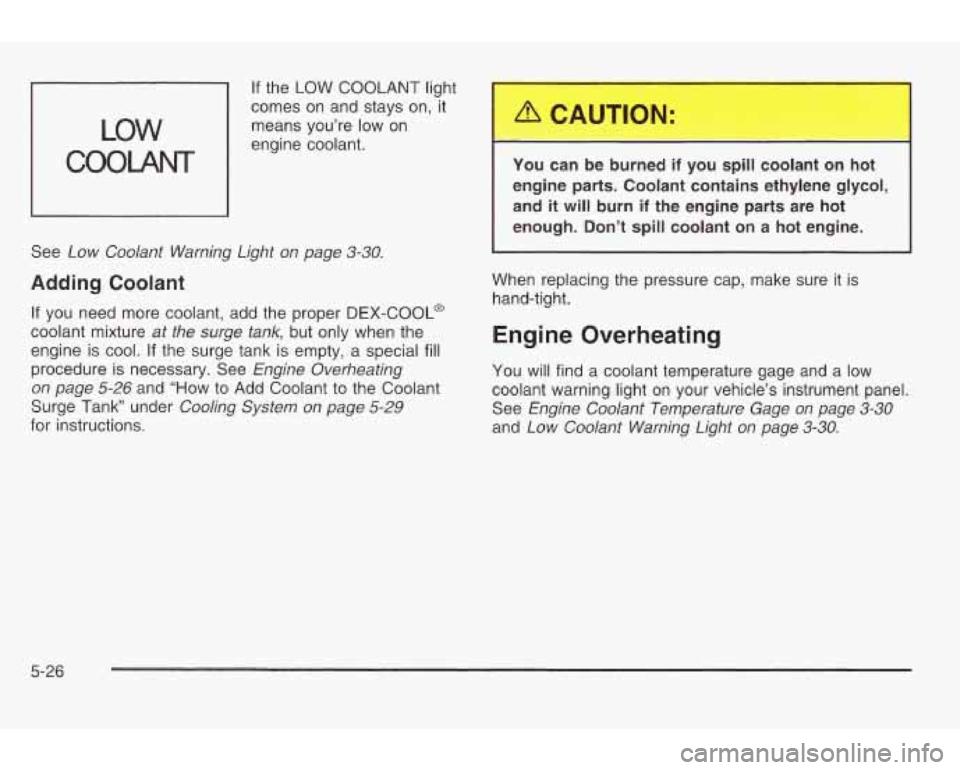
If the LOW COOLANT light r-
-
comes on and stays on, it
means you’re low on
engine coolant.
See
Low Coolant Warning Light on page 3-30.
Adding Coolant
If you need more coolant, add the proper DEX-COOL@
coolant mixture
at the surge tank, but only when the
engine is cool.
If the surge tank is empty, a special fill
procedure is necessary. See Engine Overheating
on page
5-26 and “How to Add Coolant to the Coolant
Surge Tank under
Cooling System on page 5-29
for instructions. You can
be burned
if you spill coolant on hot
engine parts. Coolant contains ethylene glycol,
and it
will burn if the engine parts are hot
enough. Don’t spill coolant on a hot engine.
1
When replacing the pressure cap, make sure it is
hand-tight.
Engine Overheating
You will find a coolant temperature gage and a low
coolant warning light on your vehicle’s instrument panel.
See
Engine Coolant Temperature Gage on page 3-30
and Low Coolant Warning Light on page 3-30.
5-26
Page 251 of 354
If No Steam Is Coming From Your
Engine
An overheat warning, along with a low coolant light, can indicate a serious problem. See
Low Coolant Warning
Light on page
3-30.
If you get an engine overheat warning with no low
coolant light, but see or hear no steam, the problem may
not be too serious. Sometimes the engine can get a
little too hot when you:
Climb a long hill on a hot day.
Stop after high-speed driving.
Idle for long periods in traffic.
Tow a trailer. If
you get the overheat warning with no sign
of steam,
try this for a minute or
so:
1. In heavy traffic, let the engine idle in NEUTRAL (N)
while stopped. If it is safe to do so, pull off the road,
shift to PARK
(P) or NEUTRAL (N) and let the
engine idle.
2. Turn on your heater to full hot at the highest fan
speed and open the window as necessary.
If you no longer have the overheat warning, you can
drive. Just to be safe, drive slower for about
10 minutes.
If the warning doesn’t come back on, you can drive
normally.
If the warning continues, pull over, stop, and park your
vehicle right away.
If there’s still no sign of steam, you can idle the engine
for three minutes while you’re parked. If you still
have the warning,
turn off the engine and get everyone
out
of the vehicle until it cools down.
You may decide not to lift the hood but to get service
help right away.
5-28
Page 260 of 354
How to Check Power Steering Fluid
Turn the key off, let the engine compartment cool down,
wipe the cap and the top of the reservoir clean, then
unscrew the cap and wipe the dipstick with a clean rag.
Replace the cap and completely tighten it. Then
remove the cap again and look at the fluid level on the
dipstick.
The level should be at the
FULL COLD mark. If
necessary, add only enough fluid to bring the level up to
the mark.
What to Use
To determine what kind of fluid to use, see Part D:
Recommended Fluids and lubricants on page 6- 15.
Always use the proper fluid. Failure to use the proper
fluid can cause leaks and damage hoses and seals.
Windshield Washer Fluid
What to Use
When you need windshield washer fluid, be sure to read
the manufacturer's instructions before use. If you
will
be operating your vehicle in an area where the
temperature may fall below freezing, use a fluid that has
sufficient protection against freezing. See
Engine
Compartment Overview on page
5-12 for reservoir
location.
Adding Washer Fluid
.1. ,- 5 * -,
LOW
Your vehicle has a low
washer fluid telltale that
will come on in the
instrument panel cluster
when the washer fluid
is low.
See
low Washer Fluid Warning light on page 3-36 for
more information.
5-37
Page 263 of 354
BRAKE
United States Canada
When your brake fluid falls to a low level, your brake
warning light will come on. See
Brake System Warning
Light on page
3-26.
What to Add
When you do need brake fluid, use only DOT-3 brake
fluid. Use new brake fluid from a sealed container
only. See
Part D: Recommended Fluids and Lubricants
on page
6- 15.
Always clean the brake fluid reservoir cap and the area
around the cap before removing it. This will help
keep dirt from entering the reservoir.
With the wrong kind of fluid in your brake
system, your brakes may not work well, or
they may not even work at all. This could
cause
a crash. Always use the proper brake
fluid.
Notice:
Using the wrong fluid can badly damage brake
system parts. For example, just
a few drops of
mineral-based oil, such as engine oil, in your
brake system can damage brake system parts
so badly that they’ll have to be replaced.
Don’t let someone put in the wrong kind of fluid.
If you spill brake fluid on your vehicle’s painted
surfaces, the paint finish can be damaged. Be
careful not to spill brake fluid on your vehicle.
If you do, wash it off immediately. See
“Appearance Care” in the Index.
5-40
Page 264 of 354
Brake Wear
The GT Series has four-wheel disc brakes and the SE
Series has front disc brakes and rear drum brakes.
Disc brake pads have built-in wear indicators that make
a high-pitched warning sound when the brake pads
are worn and new pads are needed. The sound
may come and go or be heard all the time your vehicle
is moving (except when you are pushing on the
brake pedal firmly).
A CAUTION:
-
The brake wear warning sound means that
soon your brakes won’t work well. That could
lead to an accident. When you hear the brake
wear warning sound, have your vehicle
serviced.
Notice: Continuing to drive with worn-out brake
pads could result in costly brake repair.
Some driving conditions or climates may cause a brake
squeal when the brakes are first applied or lightly
applied. This does not mean something is wrong with
your brakes.
Properly torqued wheel nuts are necessary to help
prevent brake pulsation. When tires are rotated, inspect
brake pads for wear and evenly tighten wheel nuts in
the proper sequence to
GM torque specifications.
If you have rear drum brakes, they don’t have wear
indicators, but
if you ever hear a rear brake rubbing
noise, have the rear brake linings inspected immediately.
Also, the rear brake drums should be removed and
inspected each time the tires are removed for rotation or
changing. When you have the front brake pads
replaced, have the rear brakes inspected, too.
Brake linings should always be replaced as complete
axle sets.
See
Brake System Inspection on page 6-14.
5-4 1
Page 340 of 354
A
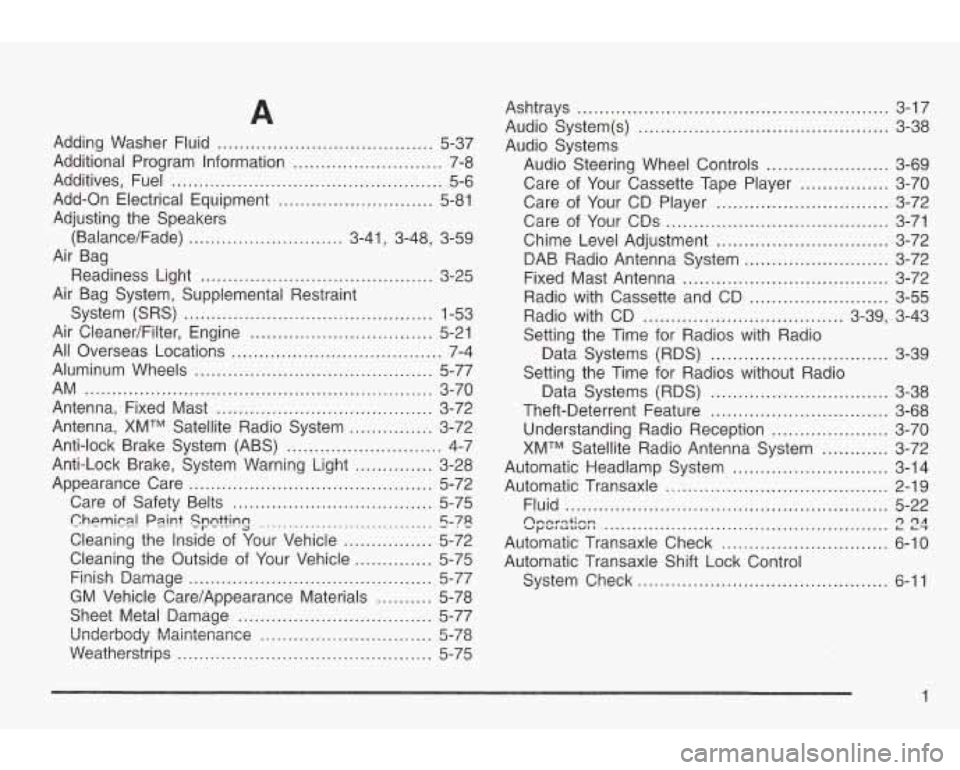
Adding Washer Fluid ....................................... 5-37
Additional Program Information
........................... 7-8
Additives, Fuel
................................................. 5-6
Add-On Electrical Equipment
............................ 5-81
Adjusting the Speakers
(Balance/Fade)
............................ 3-41 ~ 3-48, 3-59
Air Bag
Readiness Light
.......................................... 3-25
Air Bag System, Supplemental Restraint
System (SRS)
............................................. 1-53
Air CleanedFilter, Engine ................................. 5-21
All Overseas Locations ...................................... 7-4
Aluminum Wheels
........................................... 5-77
Antenna, Fixed Mast
....................................... 3-72
Antenna, XMTM Satellite Radio System
............... 3-72
Anti-lock Brake System (ABS)
............................ 4-7
Anti-Lock Brake, System Warning Light
.............. 3-28
Appearance Care
............................................ 5-72
Care
of Safety Belts .................................... 5-75
Cleaning the Inside
of Your Vehicle ................ 5-72
Finish Damage
............................................ 5-77
AM
............................................................... 3-70
ChPMim! Psi nt SFQttinCJ ............................... 5-78
Cleaning the Outside
of Your Vehicle .............. 5-75
GM Vehicle Care/Appearance Materials
.......... 5-78
Sheet Metal Damage
................................... 5-77
Underbody MaiGtenanee
............................... 5-78
Weatherstrips .............................................. 5-75 Ashtrays
........................................................ 3-17
Audio System(s)
............................................. 3-38
Audio Systems
Audio Steering Wheel Controls
...................... 3-69
Care
of Your Cassette Tape Player ................ 3-70
Care of Your CD Player
............................... 3-72
Care of Your CDs
........................................ 3-71
Chime Level Adjustment
............................... 3-72
DAB Radio Antenna System
.......................... 3-72
Fixed Mast Antenna
..................................... 3-72
Radio with Cassette and CD
......................... 3-55
Radio with CD
.................................... 3-39, 3-43
Setting the Time for Radios with Radio
Data Systems (RDS)
................................ 3-39
Setting the Time for Radios without Radio
Data Systems (RDS)
................................ 3-38
Theft-Deterrent Feature
................................ 3-68
Understanding Radio Reception
..................... 3-70
XMTM Satellite Radio Antenna System
............ 3-72
Automatic Headlamp System
............................ 3-14
Automatic Transaxle
........................................ 2-19
Fluid
.......................................................... 5-22
Automatic Transaxle Check
.............................. 6-10
Automatic Transaxle Shift Lock Control
System Check
............................................. 6-11
Annrqtinn vy- IULIVII 1 L-r r) r)A ...................................................
1
Page 341 of 354
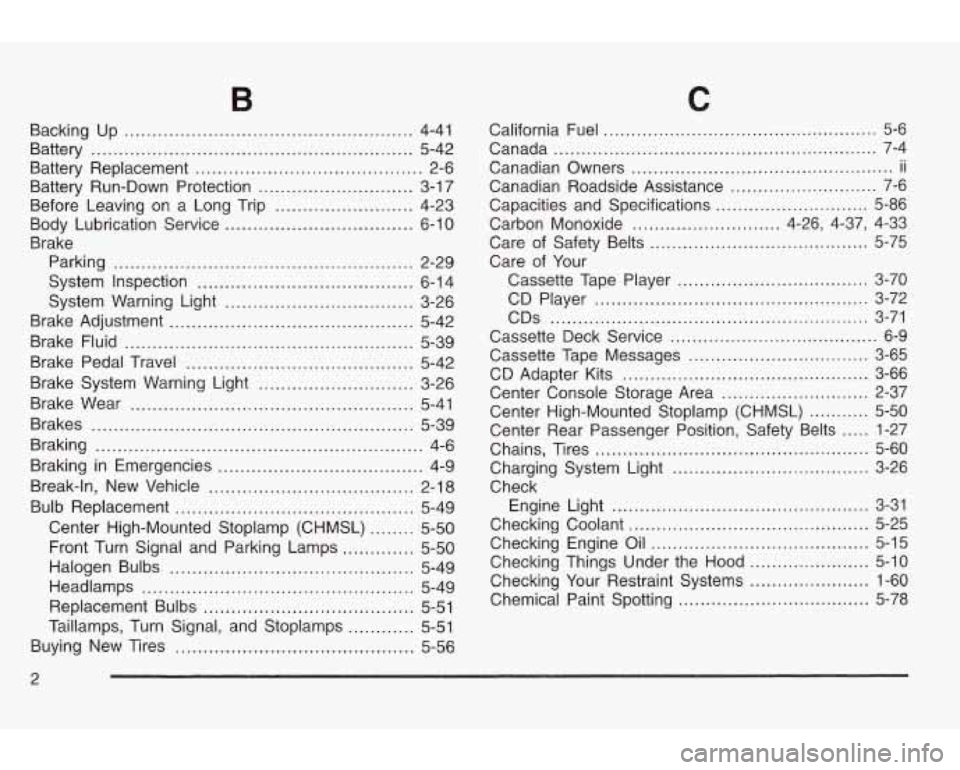
Backing Up .................................................... 4-41
Battery
.......................................................... 5-42
Battery Replacement
......................................... 2-6
Battery Run-Down Protection
............................ 3-1 7
Before Leaving on a Long Trip
......................... 4-23
Body Lubrication Service
.................................. 6-10
Brake Parking
...................................................... 2-29
System Inspection
....................................... 6-1 4
System Warning Light
.................................. 3-26
Brake Adjustment
............................................ 5-42
Brake Fluid
.................................................... 5-39
Brake Pedal Travel
......................................... 5-42
Brake System Warning Light
............................ 3-26
Brake Wear
................................................... 5-41
Brakes .......................................................... 5-39
Braking
........................................................... 4-6
Braking in Emergencies
..................................... 4-9
Break-in, New Vehicle
..................................... 2-18
Bulb Replacement
........................................... 5-49
Center High-Mounted Stoplamp (CHMSL)
........ 5-50
Front Turn Signal and Parking Lamps
............. 5-50
Halogen Bulbs ............................................ 5-49
Replacement Bulbs ...................................... 5-51
Buying New Tires
........................................... 5-56
Headlamps
................................................. 5-49
Taillamps, Turn Signal, and Stoplamps
............ 5-51
C
California Fuel .................................................. 5-6
Canada
........................................................... 7-4
Canadian Owners
................................................ ii
Canadian Roadside Assistance ........................... 7-6
Capacities and Specifications
............................ 5-86
Carbon Monoxide
........................... 4-26, 4-37, 4-33
Care of Safety Belts
........................................ 5-75
Care of Your
Cassette Tape Player
................................... 3-70
CDS
.......................................................... 3-71
Cassette Deck Service ...................................... 6-9
Cassette Tape Messages
................................. 3-65
Center Console Storage Area
........................... 2-37
Center High-Mounted Stoplamp (CHMSL)
........... 5-50
Center Rear Passenger Position, Safety Belts
..... 1-27
Chains, Tires
.................................................. 5-60
Charging System Light
.................................... 3-26
Check
Checking Coolant
............................................ 5-25
Checking Engine Oil ........................................ 5-15
Checking Things Under the Hood
...................... 5-10
Checking Your Restraint Systems ...................... 1-60
Chemical Paint Spotting
................................... 5-78
CD Player
.................................................. 3-72
CD Adapter Kits
............................................. 3-66
Engine Light
............................................... 3-31
2