buttons PONTIAC GRAND AM 2004 User Guide
[x] Cancel search | Manufacturer: PONTIAC, Model Year: 2004, Model line: GRAND AM, Model: PONTIAC GRAND AM 2004Pages: 364, PDF Size: 2.48 MB
Page 170 of 364
If you wish to play large numbers of files, folders,
playlists, or sessions minimize the length of the file,
folder, or playlist name. You can also play an MP3 CD
that was recorded using no file folders. The system
can support up to 11 folders in depth, though, keep the
depth of the folders to a minimum in order to keep
down the complexity and confusion in trying to locate a
particular folder during playback. If a CD contains
more than the maximum of 50 folders, 50 playlists,
10 sessions, and 255 files the player will let you access
and navigate up to the maximum, but all items over
the maximum will be ignored.
Root Directory
The root directory will be treated as a folder. If the root
directory has compressed audio files, the directory
will be displayed as F1 ROOT. All files contained directly
under the root directory will be accessed prior to any
root directory folders. However, playlists (Px) will always
be accessed before root folders or files.
Empty Directory or Folder
If a root directory or a folder exists somewhere in the
file structure that contains only folders/subfolders and no
compressed files directly beneath them, the player will
advance to the next folder in the file structure that
contains compressed audio files and the empty folder
will not be displayed or numbered.
No Folder
When the CD contains only compressed files, the files will
be located under the root folder. The next and previous
folder functions will have no function on a CD that was
recorded without folders or playlists. When displaying the
name of the folder the radio will display ROOT.
When the CD contains only playlists and compressed
audio files, but no folders, all files will be located under
the root folder. The folder down and the folder up
buttons will search playlists (Px) first and then go to the
root folder. When the radio displays the name of the
folder the radio will display ROOT.
Order of Play
Tracks will be played in the following order:
•Play will begin from the first track in the first playlist
and will continue sequentially through all tracks in
each playlist. When the last track of the last playlist
has been played, play will continue from the first
track of the first playlist.
•If the CD does not contain any playlists, then play will
begin from the first track under the root directory.
When all tracks from the root directory have been
played, play will continue from files according to their
numerical listing. After playing the last track from the
last folder, play will begin again at the first track of
the first folder or root directory.
3-64
Page 175 of 364
Audio Steering Wheel Controls
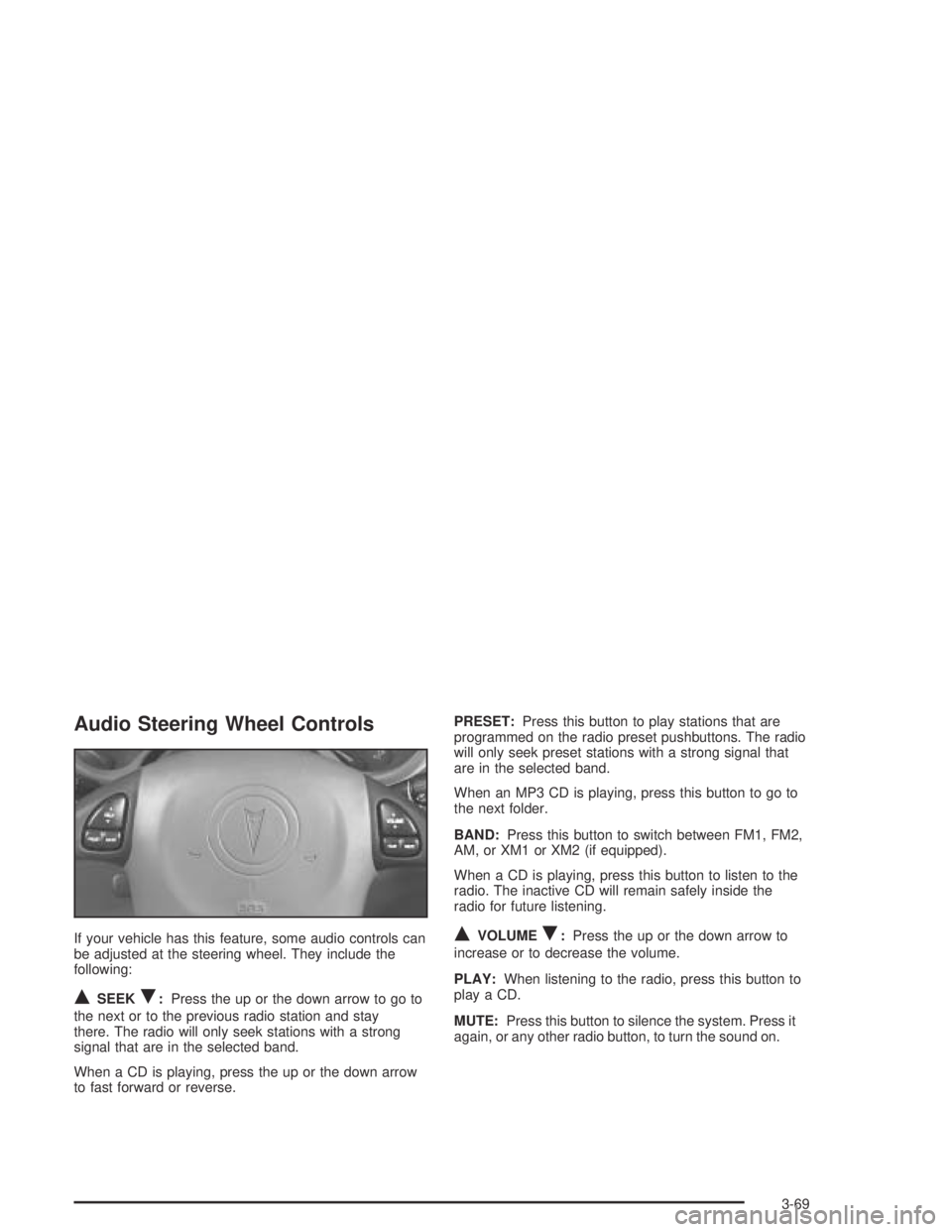
If your vehicle has this feature, some audio controls can
be adjusted at the steering wheel. They include the
following:
QSEEKR:Press the up or the down arrow to go to
the next or to the previous radio station and stay
there. The radio will only seek stations with a strong
signal that are in the selected band.
When a CD is playing, press the up or the down arrow
to fast forward or reverse.PRESET:Press this button to play stations that are
programmed on the radio preset pushbuttons. The radio
will only seek preset stations with a strong signal that
are in the selected band.
When an MP3 CD is playing, press this button to go to
the next folder.
BAND:Press this button to switch between FM1, FM2,
AM, or XM1 or XM2 (if equipped).
When a CD is playing, press this button to listen to the
radio. The inactive CD will remain safely inside the
radio for future listening.
QVOLUMER:Press the up or the down arrow to
increase or to decrease the volume.
PLAY:When listening to the radio, press this button to
play a CD.
MUTE:Press this button to silence the system. Press it
again, or any other radio button, to turn the sound on.
3-69