warning light PONTIAC GRAND PRIX 2003 User Guide
[x] Cancel search | Manufacturer: PONTIAC, Model Year: 2003, Model line: GRAND PRIX, Model: PONTIAC GRAND PRIX 2003Pages: 378, PDF Size: 17.64 MB
Page 150 of 378
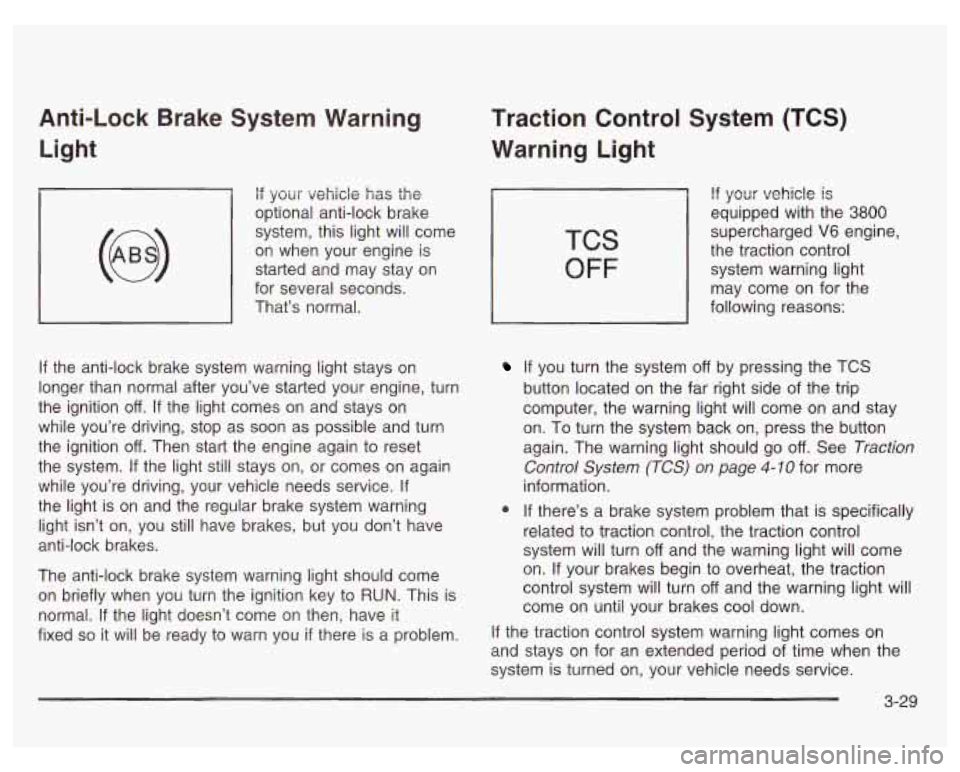
Anti-Lock Brake System Warning Light
if your vehicle has the
optional anti-lock brake
system, this light will come
on when your engine is
started and may stay on
for several seconds.
That’s normal.
If the anti-lock brake system warning light stays on
longer than normal after you’ve started your engine, turn
the ignition
off. If the light comes on and stays on
while you’re driving, stop as soon as possible and turn
the ignition
off. Then start the engine again to reset
the system.
If the light still stays on, or comes on again
while you’re driving, your vehicle needs service.
If
the light is on and the regular brake system warning
light isn’t on, you still have brakes, but you don’t have
anti-lock brakes.
The anti-lock brake system warning light should come
on briefly when you turn the ignition key to
RUN. This is
normal.
If the light doesn’t come on then, have it
fixed
so it will be ready to warn you if there is a problem.
Traction Control System (TCS)
Warning Light
TCS
OFF
If your vehicle is
equipped with the 3800
supercharged V6 engine,
the traction control
system warning light
may come on for the
following reasons:
If you turn the system off by pressing the TCS
button located on the far right side of the trip
computer, the warning light will come on and stay
on. To turn the system back on, press the button
again. The warning light should go
off. See Traction
Control System (TCS) on page
4-10 for more
information.
@ If there’s a brake system problem that is specifically
related to traction control, the traction control
system will turn
off and the warning light will come
on. If your brakes begin to overheat, the traction
control system will turn
off and the warning light will
come on until your brakes cool down.
If the traction control system warning light comes on
and stays on for an extended period of time when the
system
is turned on, your vehicle needs service.
3-29
Page 151 of 378
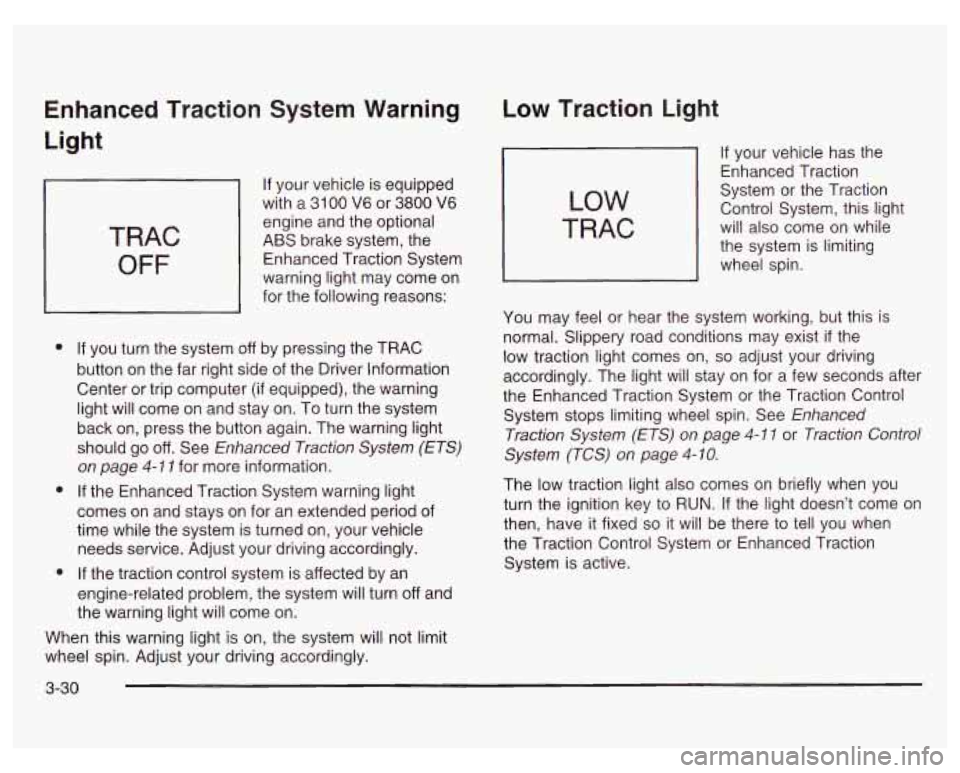
Enhanced Traction System Warning
Light
TRAC
OFF
If your vehicle is equipped
with a
31 00 V6 or 3800 V6
engine and the optional
ABS brake system, the
Enhanced Traction System
warning light may come on
for the following reasons:
e
e
e
If you turn the system off by pressing the TRAC
button on the far right side of the Driver Information
Center or trip computer (if equipped), the warning
light will come on and stay on. To turn the system
back on, press the button again. The warning light
should go
off. See Enhanced Traction System (ETS)
on page 4-1 1 for more information.
If the Enhanced Traction System warning light
comes on and stays on for an extended period of
time while the system is turned on, your vehicle
needs service. Adjust your driving accordingly.
If the traction control system is affected by an
engine-related problem, the system will turn off and
the warning light will come on.
When this warning light is on, the system will not limit
wheel spin. Adjust your driving accordingly.
Low Traction Light
LOW
TRAC
If your vehicle has the
Enhanced Traction
System or the Traction
Control System, this light
will also come on while
the system is limiting
wheel spin.
You may feel or hear the system working, but this is
normal. Slippery road conditions may exist
if the
low traction light comes on,
so adjust your driving
accordingly. The light will stay on for a few seconds after
the Enhanced Traction System or the Traction Control
System stops limiting wheel spin. See Enhanced
Traction System
(ETS) on page 4-1 1 or Traction Control
System (TCS) on page
4- 10.
The low traction light also comes on briefly when you
turn the ignition key to RUN. If the light doesn’t come on
then, have it fixed so it will be there to tell you when
the Traction Control System or Enhanced Traction
System is active.
3-30
Page 152 of 378

Engine Coolant Temperature
Warning Light
TEMP
This light tells goti ihai
the engine coolant has
overheated or the
radiator cooling fan is
not working.
If you have been operating the vehicle under normal
driving conditions, you should pull
of the road, stop the
vehicle and turn
off the engine as soon as possible.
See Engine Overheating on page
5-33.
Engine Coolant Temperature Gage
United States
19
Canada
Your vehicle has a gage that shows the engine coolant
temperature.
If the gage pointer moves into the
shaded area, the engine is too hot.
That reading means the same thing as the warning
light. It means that the engine coolant has overheated.
If you have been operating the vehicle under normal
conditions, you should pull
off the road, stop the vehicle,
and turn
off the engine as soon as possible.
See Engine Overheating
on page 5-33.
3-31
Page 158 of 378
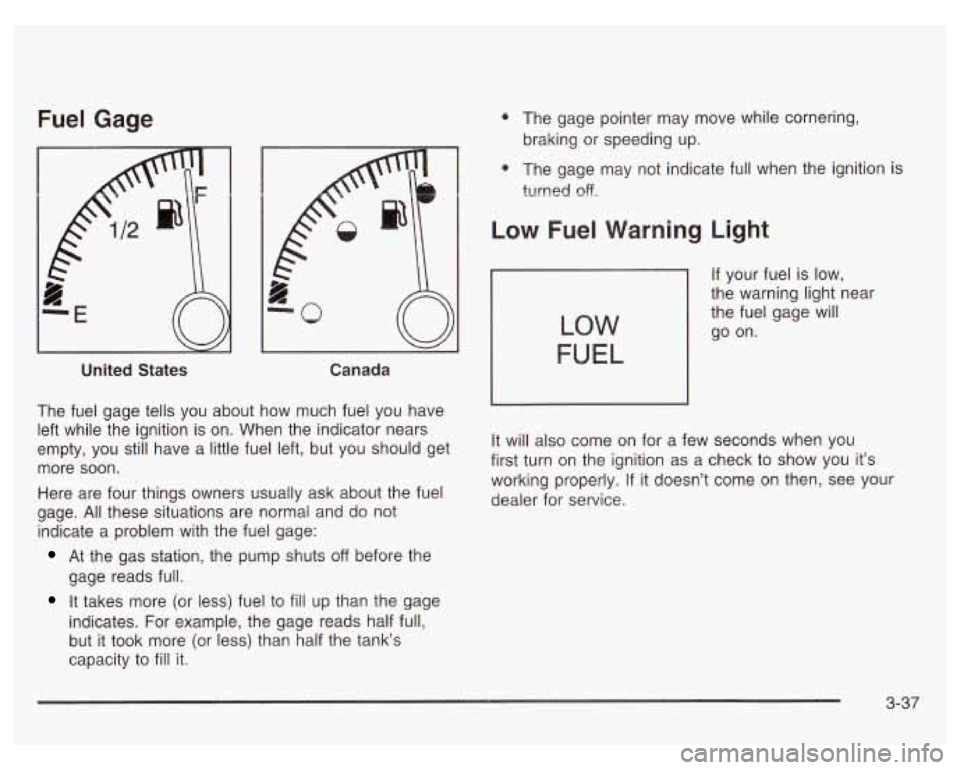
Fuel Gage
United States Canada
The fuel gage tells you about how much fuel you have
left while the ignition is on. When the indicator nears
empty, you still have a little fuel left, but you should get
more soon.
Here are four things owners usually ask about the fuel
gage.
All these situations are normal and do not
indicate a problem with the fuel gage:
At the gas station, the pump shuts off before the
gage reads full.
It takes more (or less) fuel to fill up than the gage
indicates. For example, the gage reads half full,
but it took more (or less) than half the tank‘s
capacity to
fill it.
0 The gage pointer may move while cornering,
braking or speeding up.
0 The gage may not indicate full when the ignition i?
turned off.
Low Fuel Warning Light
If your fuel is low,
the warning light near
the fuel gage will
go on.
LOW
FUEL
It will also come on for a few seconds when you
first turn on the ignition as a check to show you it’s
working properly.
If it doesn’t come on then, see your
dealer for service.
3-37
Page 160 of 378

The Driver Information Center (DIC) gives you important
safety and maintenance facts. When you turn the
ignition on, all of the DIC lights illuminate for a few
seconds. After this, the DIC will begin working.
Functions
__ (Door Ajar): If one of the doors is ajar, this light
will appear next to that door on the vehicle outline.
CHANGE OIL SOON: This light will appear when the
system indicates that it’s time for an oil change. The
system predicts remaining oil life using data from length
of drives, coolant temperature, engine rpm and
vehicle speed. It alerts you to change the oil on a
schedule consistent with the vehicle’s driving conditions.
After changing the oil, the system must be reset. See
How to Reset the GM
Oil Life SystemTM under
Engine
Oil on page 5- 18.
e LOW: This light will come on when the ignition is
on and the fluid in the washer fluid container is low.
AJAR: This light alerts you that the trunk is not
fully closed.
LOW TRAC (Low Traction): If your vehicle is equipped
with anti-lock brakes, this light will come on when the
enhanced traction system is limiting wheel spin. See Enhanced Traction System (ETS) on page 4-
I I or
Low Traction Light on page 3-30.
TRAC OFF (Traction Off): If your vehicle is equipped
with anti-lock brakes, this light lets you know that
the enhanced traction system has been disabled and
will not limit wheel spin. See Enhanced Traction System
Warning Light
on page 3-30 or Low Traction Light on
page 3-30.
TRAC (Traction): If the vehicle has anti-lock brakes
and the enhanced traction system, you will have a
disable button on the far right side of the DIC.
The enhanced traction system is automatically activated
when you turn the ignition on. This button will
activate/deactivate the system. If you need to disable
the system, such
as when you are stuck and are rocking
the vehicle back and forth, push this button. See If
You Are Stuck: in Sand, Mud, Ice or Snow on
page 4-32.
3-39
Page 164 of 378
DOOR AJAR: If one of the doors is left ajar, a light will
appear next to that door on the vehicle outline.
BOOST GAGE: If you have the 3800 V6 supercharged
engine, this gage will show the amount
of boost the
engine is receiving.
TRUNK AJAR: If the trunk is not fully closed, the trunk
area will light up on the vehicle outline.
LOW TRAC (Low Traction): This light will come on
when the enhanced traction system (3100 or 3800
V6 engine) or the traction control system (3800
supercharged V6 engine) is limiting wheel spin.
See Traction Control System (TCS)
on page 4- IO,
Enhanced Traction System (ETS) on page 4- 1 I
and Low Traction Light on page 3-30.
TRAC OFF (Traction Off) or TCS OFF (Traction
Control System
Off): This light lets you know that the
enhanced traction system (31
00 or 3800 V6 engine) or the
traction control system (3800 supercharged
V6 engine) has been disabled and will not limit wheel
spin. See Traction Control System (TCS) Warning Light
on page 3-29, Enhanced Traction System Warning Light
on page 3=30 and Low Trxti=n Light a1 page 3-38.
TRAC (Traction) or TCS (Traction Control
System):
If the vehicle has the enhanced traction
system (3100 or 3800 V6 engine) or the traction control
system (3800 supercharged V6 engine), you will
have a disable button on the far right side of the trip
computer. The enhanced traction system and traction
control system are automatically activated when you turn
the ignition on. This button will activate/deactivate the
system.
If you need to disable the system, such as when
you are stuck and are rocking the vehicle back and
forth, push this button. See If
You Are Stuck: In Sand,
Mud, Ice or Snow on page 4-32.
3-43
Page 188 of 378
And, of course, actual stopping distances vary greatly
with the surface of the road (whether it’s pavement
or gravel); the condition of the road (wet, dry, icy);
tire tread; the condition of your brakes; the weight of the
vehicle and the amount of brake force applied.
Avoid needless heavy braking. Some people drive in
spurts
- heavy acceleration followed by heavy
braking
- rather than keeping pace with traffic. This is
a mistake. Your brakes may not have time
to cool
between hard stops. Your brakes will wear out much
faster
if you do a lot of heavy braking. If you keep pace
with the traffic and allow realistic following distances,
you will eliminate a lot of unnecessary braking.
That means better braking and longer brake life.
If your engine ever stops while you’re driving, brake
normally but don’t pump your brakes.
If you do,
the pedal may get harder to push down. If your engine
stops, you will still have some power brake assist.
But you will use it when you brake. Once the power
assist is used up, it may take longer to stop and
the brake pedal will be harder to push.
Anti-lock Brake System (ABS)
Your vehicle may have anti-lock brakes. ABS is an
advanced electronic braking system that will help
prevent a braking skid.
If your vehicle has anti-lock
brakes, this warning light
on the instrument panel will
come on briefly when
you start your vehicle.
When you start your engine, or when you begin to
drive away, your anti-lock brake system will check itself.
You may hear a momentary motor or clicking noise
while this test is going on, and you may even notice that
your brake pedal moves or pulses a little.
This is normal.
4-7
Page 191 of 378
Traction Control System (TCS)
If your vehicle has the 3800 supercharged V6 engine it
has a traction control system that limits wheel spin.
This is especially useful in slippery road conditions. The
system operates only
if it senses that one or both of
the front wheels are spinning or beginning to lose
traction. When this happens, the system works the front
brakes and reduces engine power to limit wheel spin.
LOW
TRAC
This light will come on
when your traction control
system is limiting wheel
spin. See Traction Control
System (TCS) Warning
Light on page 3-29.
You may feel or hear the system working, but this
is normal.
If your vehicle is in cruise control when the traction
control system begins to limit wheel spin, the cruise
control will automatically disengage. When road
conditions allow you to safely use it again, you may
reengage the cruise control. See “Cruise Control” under
Turn SignaVMultifunction Lever on page 3-5.
TCS
OFF
This light should come on
briefly when you start the
engine.
If it stays on or
comes on while you
are driving, there is a
problem with your traction
control system.
See Traction Control System (TCS) Warning Light on
page 3-29. When this warning light
is on, the system will
not limit wheel spin. Adjust your driving accordingly.
The traction control system automatically comes
on whenever you start your vehicle.
To limit wheel spin,
especially in slippery road conditions, you should
always leave the system on. But you can turn the
traction control system
off if you ever need to. You
should turn the system
off if your vehicle ever gets stuck
in sand, mud or snow and rocking the vehicle is
required. See “Rocking Your Vehicle to Get It Out”
under
If You Are Stuck: In Sand, Mud, Ice or Snow
on page
4-32.
4-1 0
Page 192 of 378
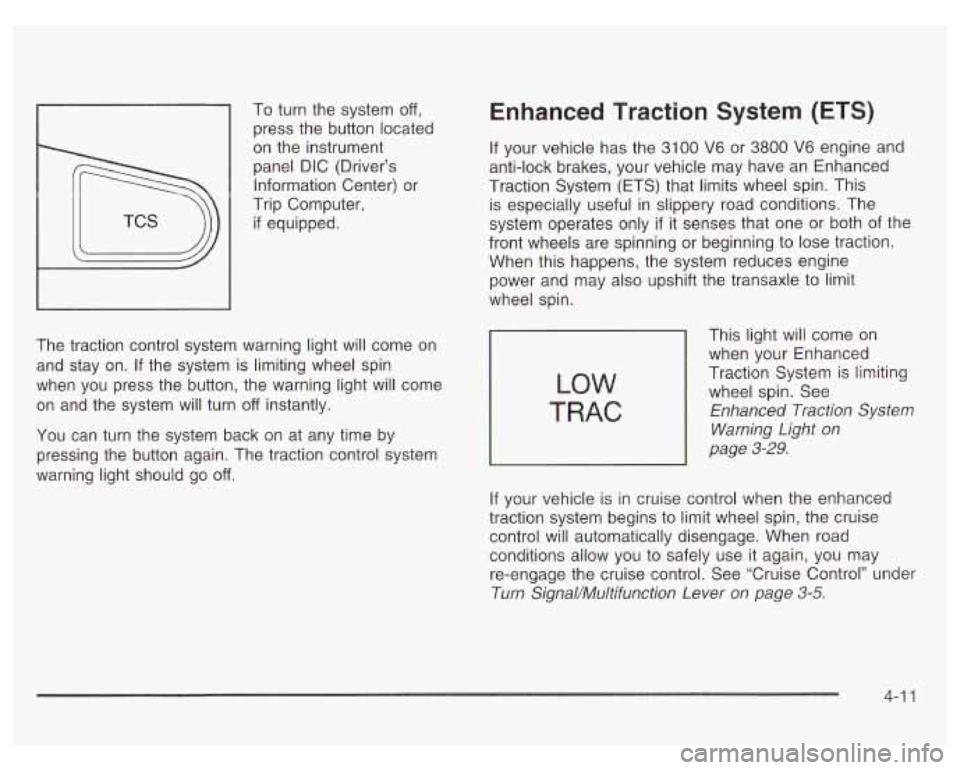
1 press the button located
To
turn the system
off,
on the instrument
panel DIC (Driver’s
Information Center) or
Trip Computer,
if equipped.
The traction control system warning light will come on
and stay on. If the system is limiting wheel spin
when you press the button, the warning light will come
on and the system will turn
off instantly.
You can turn the system back on at any time by
pressing the button again. The traction control system
warning light should go
off.
Enhanced Traction System (ETS)
If your vehicle has the 3100 V6 or 3800 V6 engine and
anti-lock brakes, your vehicle may have an Enhanced
Traction System (ETS) that limits wheel spin. This
is especially useful in slippery road conditions. The
system operates only
if it senses that one or both of the
front wheels are spinning or beginning to lose traction.
When this happens, the system reduces engine
power and may also upshift the transaxle to limit
wheel spin.
LOW
TRAC
This light will come on
when your Enhanced
Traction System is limiting
wheel spin. See
Enhanced Traction System
Warning Light
on
page 3-29.
If your vehicle is in cruise control when the enhanced
traction system begins to limit wheel spin, the cruise
control will automatically disengage. When road conditions allow you to safely use
it again, you may
re-engage the cruise control. See ‘Cruise Control’’ under
Turn Signal/Multifunction Lever
on page 3-5.
4-1 1
Page 193 of 378
The Enhanced Traction System operates in all transaxle
shift lever positions. But the system can upshift the
transaxle only as high as the shift lever position you’ve
chosen,
so you should use the lower gears only
when necessary. See Automatic Transaxle Operation
on page
2-24.
TRAC
OFF
This TRAC OFF
warning light will come
on to let you know
if
there’s a problem.
See Enhanced Traction System Warning Light on
page
3-30. When this warning light is on, the system will
not limit wheel spin. Adjust your driving accordingly.
To limit wheel spin, especially in slippery road
conditions, you should always leave the Enhanced
Traction System on. But you can turn the system
off if
you ever need to. You should turn the system off if your
vehicle ever gets stuck in sand, mud or snow and
rocking the vehicle is required. See “Rocking Your
Vehicle To Get It Out” under If
You Are Stuck: In Sand,
Mud, Ice or Snow on page 4-32.
To turn the system on or
off, press the TCS button
on the far right end of
the Driver Information
Center (DIG) or the
trip computer
(if equipped).
When you turn the system
off, the Enhanced Traction
System warning light will come on and stay on.
If the Enhanced Traction System is limiting wheel spin
when you press the button to turn the system
off,
the warning light will come on and the system will turn
off right away.
You can turn the system back on at any time by
pressing the button again. The Enhanced Traction
System warning light should go
off.
4-1 2