light PONTIAC GRAND PRIX 2003 Owners Manual
[x] Cancel search | Manufacturer: PONTIAC, Model Year: 2003, Model line: GRAND PRIX, Model: PONTIAC GRAND PRIX 2003Pages: 378, PDF Size: 17.64 MB
Page 2 of 378
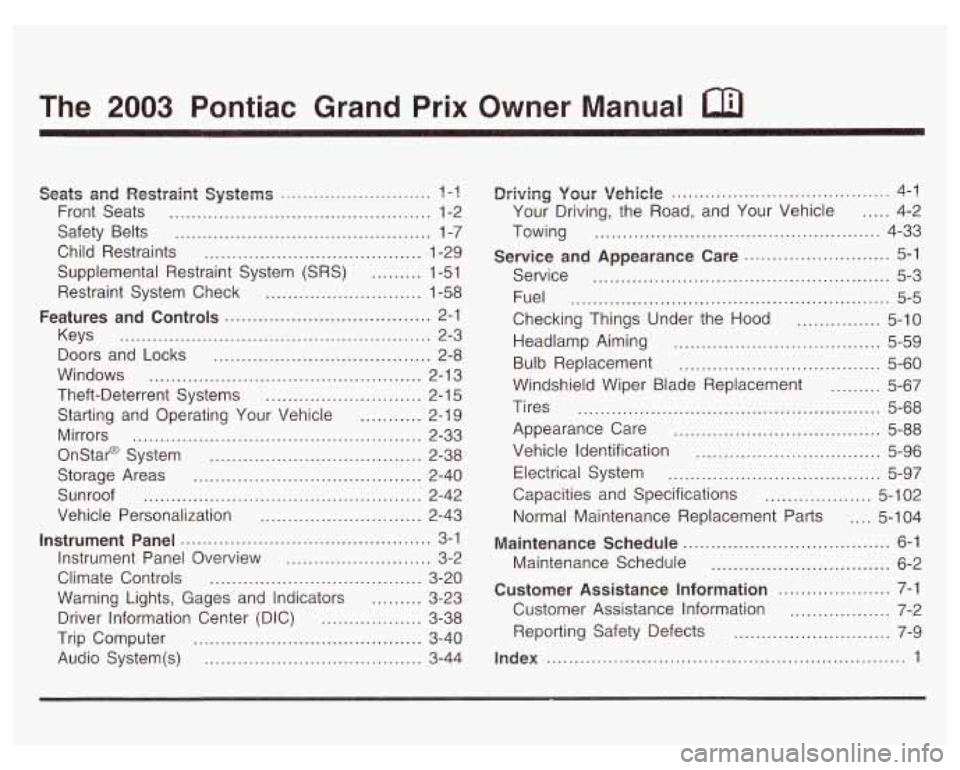
The 2003 Pontiac Grand Prix Owner Manual a
Seats and Restpaint Systems ........................... ? -1
Front Seats ............................................... 1-2
Safety Belts
.............................................. 1-7
Child Restraints
....................................... 1-29
Supplemental Restraint System
(SRS) ......... 1-51
Restraint System Check
............................ 1-58
Keys
........................................................ 2-3
Doors and Locks
....................................... 2-8
Windows
................................................. 2-1 3
Theft-Deterrent Systems
............................ 2-1 5
Starting and Operating Your Vehicle
........... 2-19
Mirrors
.................................................... 2-33
Onstar@ System
...................................... 2-38
Storage Areas
......................................... 2-40
Sunroof
.................................................. 2-42
Vehicle Personalization
............................. 2-43
Instrument Panel Overview
.......................... 3-2
Climate Controls
...................................... 3-20
Warning Lights, Gages and Indicators
......... 3-23
Driver Information Center (DIC)
.................. 3-38
Trip Computer
......................................... 3-40
Audio System(s)
....................................... 3-44
Features and Controls ..................................... 2-1
Instrument Panel ............................................. 3-1
~rivingi yoerr Vehicle ....................................... 4-1
Your Driving, the Road, and Your Vehicle
..... 4-2
Towing
................................................... 4-33
Service
..................................................... 5-3
Fuel
......................................................... 5-5
Checking Things Under the Hood
............... 5-10
Headlamp Aiming
..................................... 5-59
Bulb Replacement
.................................... 5-60
Windshield Wiper Blade Replacement
......... 5-67
Tires
...................................................... 5-68
Appearance Care
..................................... 5-88
Vehicle Identification
................................. 5-96
Electrical System
...................................... 5-97
Capacities and Specifications
................... 5-1 02
Normal Maintenance Replacement Parts .... 5-1 04
Maintenance Schedule ........................... ,6-1 ..
Maintenance Schedule ................................ 6-2
Customer Assistance Information .................... 7-1
Customer Assistance Information
.................. 7-2
Service and Appearance Care .......................... 5-1
Reporting Safety Defects
......................... 7-9
Index ........................................ ..... 1
Page 5 of 378
Vehicle Damage Warnings
Also, in this book you will find these notices:
Notice: These mean there is something that could
damage your vehicle.
A notice will tell you about something that can damage
your vehicle. Many times, this damage would not be
covered by your warranty, and it could be costly.
But the notice will tell you what to do to help avoid the
damage.
When you read other manuals, you might see
CAUTION and NOTICE warnings in different colors
or
in different words.
You’ll also see warning labels
on your vehicle. They
use the same words, CAUTION or NOTICE.
Vehicle Symbols
Your vehicle has components and labels that use
symbols instead of text. Symbols, used on your vehicle,
are shown along with the text describing the operation
or information relating to a specific component, control,
message, gage or indicator.
If you need help figuring out a specific name of a
component, gage or indicator reference the following
topics:
Seats and Restraint Systems in Section 1
Features and Controls in Section 2
Instrument Panel Overview in Section 3
Climate Controls in Section 3
Warning Lights, Gages and Indicators in Section 3
Audio System(s) in Section 3
Engine Compartment Overview in Section 5
iv
Page 14 of 378
Safety Belts
Safety Belts: They Are for Everyone
This part of the manual tells you how to use safety
belts properly.
It also tells you some things you should
not do with safety belts.
Don’t let anyone ride where he or she can’t
wear a safety belt properly. If you are
in a
crash and you’re not wearing a safety belt,
your injuries can be much worse. You can
hit
things inside the vehicle or be ejected from it.
You can be seriously injured or killed. In the
same crash, you might not be, if you are
buckled
up. Always fasten your safety belt,
and check that your passengers’ belts are
fastened properly too.
I
It is extremely dangerous to E*.-- .n a cargo
area, inside or outside of a vehicle.
In a
collision, people riding
in these areas are more
likely to be seriously injured or killed. Do not
~ allow people to ride in any area of your vehicle
~ that is not equipped with seats and safety
belts. Be sure everyone
in your vehicle is in a
seat and using a safety belt properly.
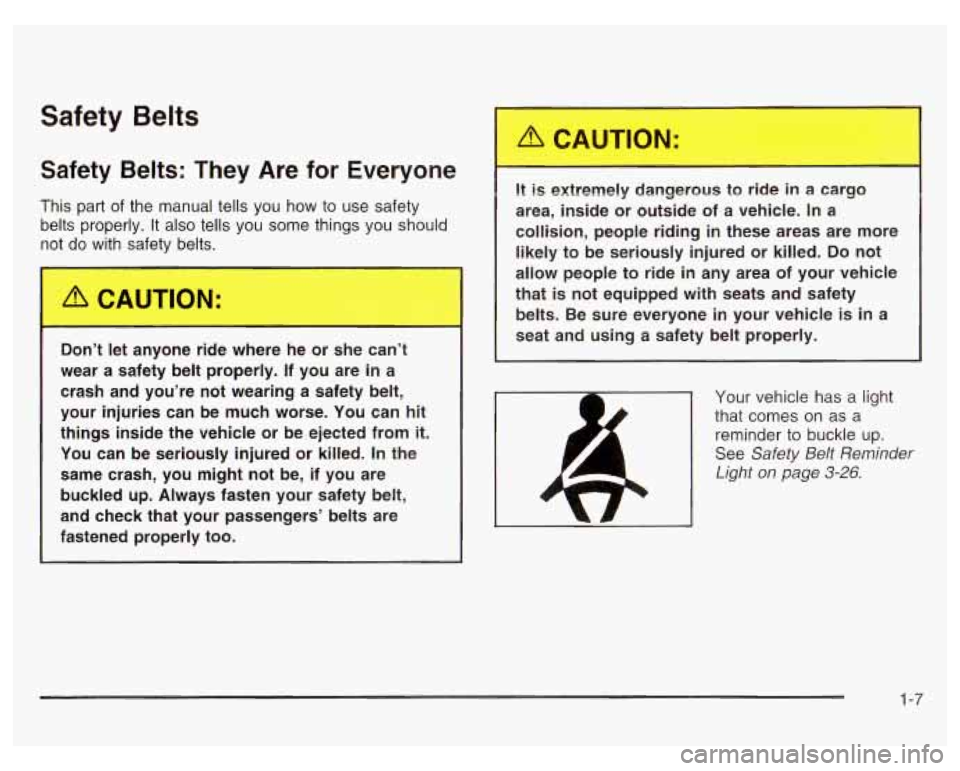
Your vehicle has a light
that comes on as a
reminder to buckle up.
See Safety
Belt Reminder
Light on page
3-26.
1-7
Page 20 of 378
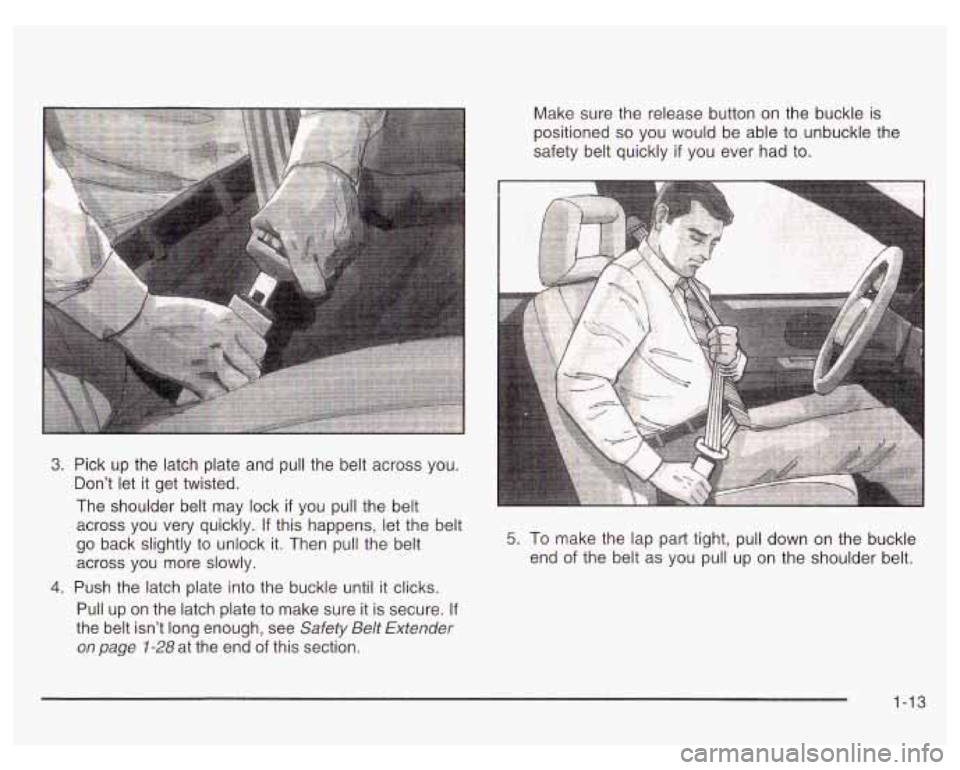
Make sure the release button on the buckle is
positioned
so you would be able to unbuckle the
safety belt quickly
if you ever had to.
3. Pick up the latch plate and pull the belt across you.
Don’t let it get twisted.
The shoulder belt may lock
if you pull the belt
across you very quickly.
If this happens, let the belt
go back slightly to unlock it. Then pull the belt
across you more slowly.
4. Push the latch plate into the buckle until it clicks.
Pull up on the latch plate to make sure it is secure.
If
the belt isn’t long enough, see Safety Belt Extender
on page 1-28 at the end of this section.
5. To make the lap part tight, pull down on the buckle
end
of the belt as you pull up on the shoulder belt.
1-13
Page 30 of 378
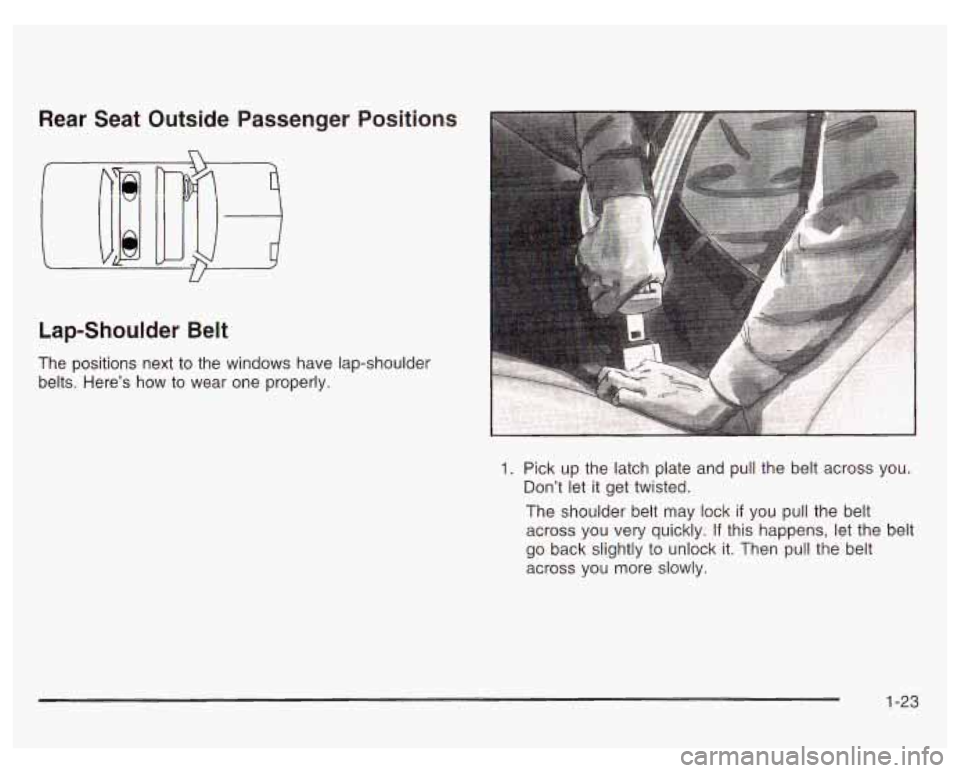
Rear Seat Outside Passenger
Lap-Shoulder Belt Positions
The positions next
to the windows have lap-shoulder
belts. Here’s
how to wear one properly.
Pick up the latch plate and pull the belt across you.
Don’t let it get twisted.
The shoulder belt may lock
if you pull the belt
across you very quickly.
If this happens, let the belt
go back slightly to unlock it. Then pull the belt
across you more slowly.
1-23
Page 60 of 378

I SRS AIR BAG
I
L
United States
L
Canada
There is a air bag readiness light on the instrument
panel, which shows
SRS AIR BAG or the air bag
symbol.
The system checks the air bag electrical system for
malfunctions. The light tells you
if there is an electrical
problem. See Air Bag Readiness Light
on page 3-26
for more information.
Where Are the Air Bags?
The driver’s air bag is in the middle of the steering
wheel.
1-53
Page 65 of 378
Restraint System Check
Checking Your Restraint Systems
Now and then, make sure the safety belt reminder light
and all your belts, buckles, latch plates, retractors
and anchorages are working properly. Look for any other
loose or damaged safety belt system parts. If you see
anything that might keep a safety belt system from doing
its job, have it repaired.
Torn or frayed safety belts may not protect you in a
crash. They can rip apart under impact forces. If a belt
is torn or frayed, get a new one right away.
Also
look for any opened or broken air bag covers, and
have them repaired or replaced. (The air bag system
does not need regular maintenance.)
Replacing Restraint System Parts
After a Crash
A crash can damag he restrain . :ems in
your vehicle.
A damaged restraint system may
not properly protect the person using
it,
resulting in serious injury or even death in a
crash.
To help make sure your restraint
systems are working properly after a crash,
have them inspected and any necessary
replacements made as
soon as possible.
1-58
Page 69 of 378
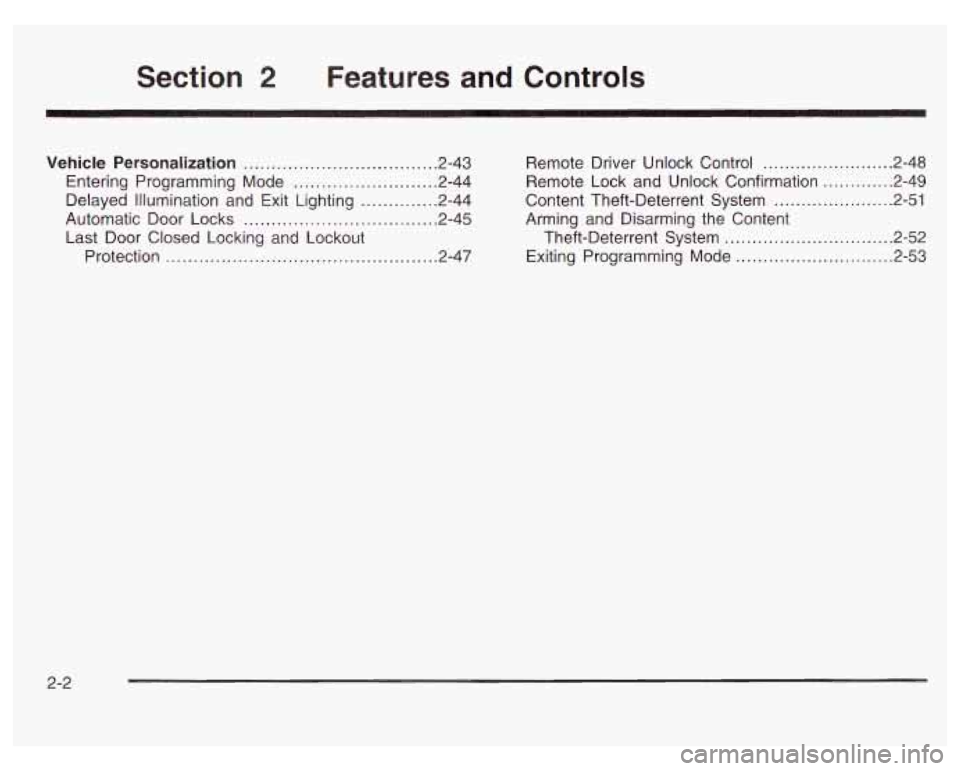
Section 2 Features and Controls
Vehicle Personalization ................................... 2.43
Entering Programming Mode
.......................... 2-44
Delayed illumination and Exit Lighting
.............. 2-44
Automatic Door Locks
................................... 2-45
Last Door Closed Locking and Lockout
Protection
................................................. 2-47 Remote Driver
Unlock Control
........................ 2.48
Remote Lock and Unlock Confirmation
............ -2-49
Content Theft-Deterrent System
.............. , ... -2-51
Arming and Disarming the Content
Theft-Deterrent System
............................... 2.52
Exiting Programming Mode
......................... 2.53
2-2
Page 79 of 378
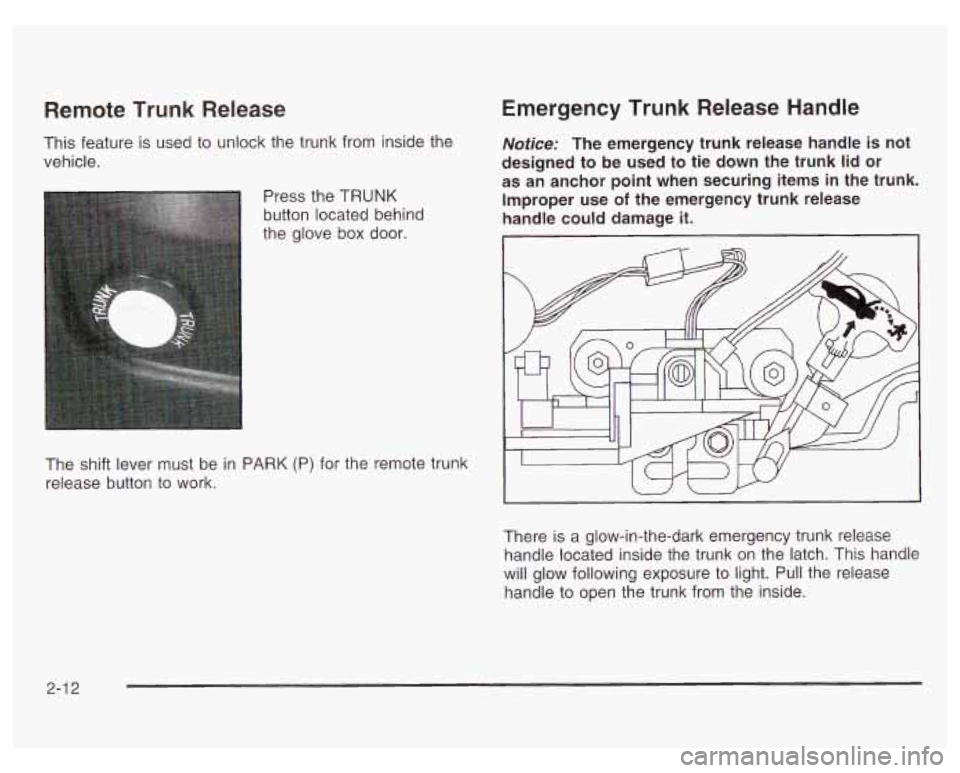
Remote Trunk Release
This feature is used to unlock the trunk from inside the
vehicle.
Press the TRUNK
button located behind
the glove box door.
Emergency Trunk Release Handle
Notice: The emergency trunk release handle is not
designed to be used to tie down the trunk lid or
as an anchor point when securing items in the trunk.
Improper use
of the emergency trunk release
handle could damage it.
I
The shift lever must be in PARK (P) for the remote trunk
release button to work.
There is a glow-in-the-dark emergency trunk release
handle located inside the trunk on the latch. This handle
will glow following exposure to light. Pull the release
handle to open the trunk from the inside.
2-1 2
Page 81 of 378
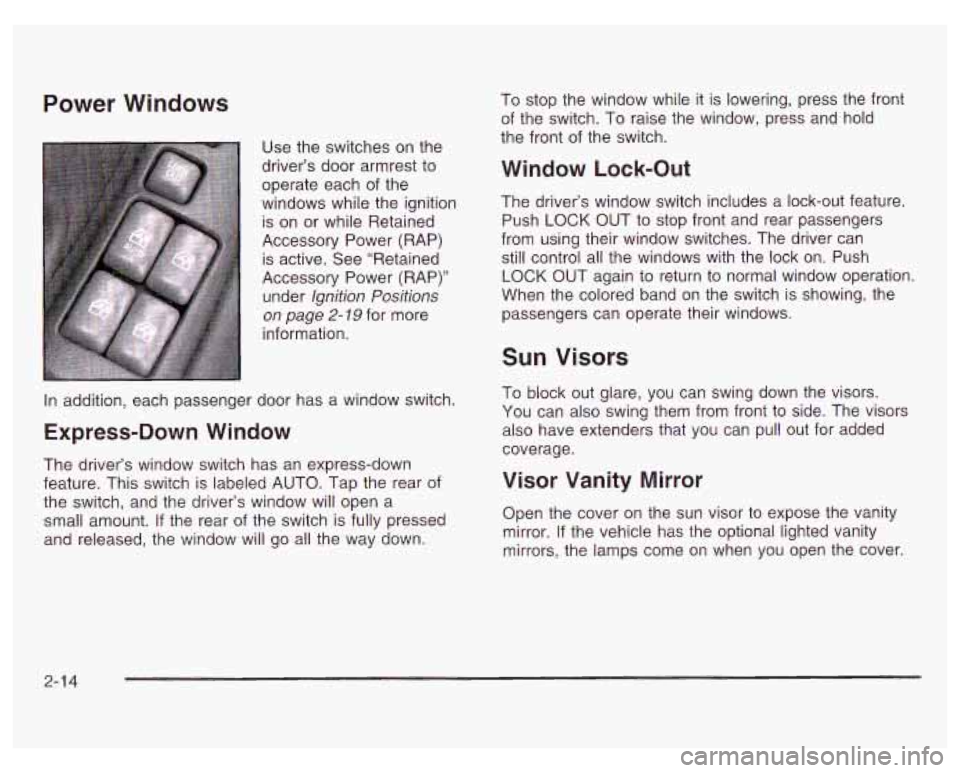
Power Windows
Use the switches on the
driver’s door armrest to
operate each of the
windows while the ignition
is on or while Retained
Accessory Power (RAP) is active. See “Retained
Accessory Power (RAP)”
under Ignition Positions
on page 2- 79 for more
information. To
stop the window while it is lowering, press the front
of the switch. To raise the window, press and hold
the front of the switch.
Window Lock-Out
The driver’s window switch includes a lock-out feature.
Push
LOCK OUT to stop front and rear passengers
from using their window switches. The driver can
still control all the windows with the lock on. Push
LOCK OUT again to return to normal window operation.
When the colored band on the switch is showing, the
passengers can operate their windows.
In addition, each passenger door has a window switch.
Express-Down Window
The driver’s window switch has an express-down
feature. This switch is labeled AUTO. Tap the rear of
the switch, and the driver’s window will open a
small amount.
If the rear of the switch is fully pressed
and released, the window will go all the way down.
Sun Visors
To block out glare, you can swing down the visors.
You can also swing them from front
to side. The visors
also have extenders that you can pull out for added
coverage.
Visor Vanity Mirror
Open the cover on the sun visor to expose the vanity
mirror. If the vehicle has the optional lighted vanity
mirrors, the lamps come on when you open the cover.
2-1 4