ABS PONTIAC GRAND PRIX 2004 Owners Manual
[x] Cancel search | Manufacturer: PONTIAC, Model Year: 2004, Model line: GRAND PRIX, Model: PONTIAC GRAND PRIX 2004Pages: 432, PDF Size: 2.99 MB
Page 102 of 432
Assist Handles
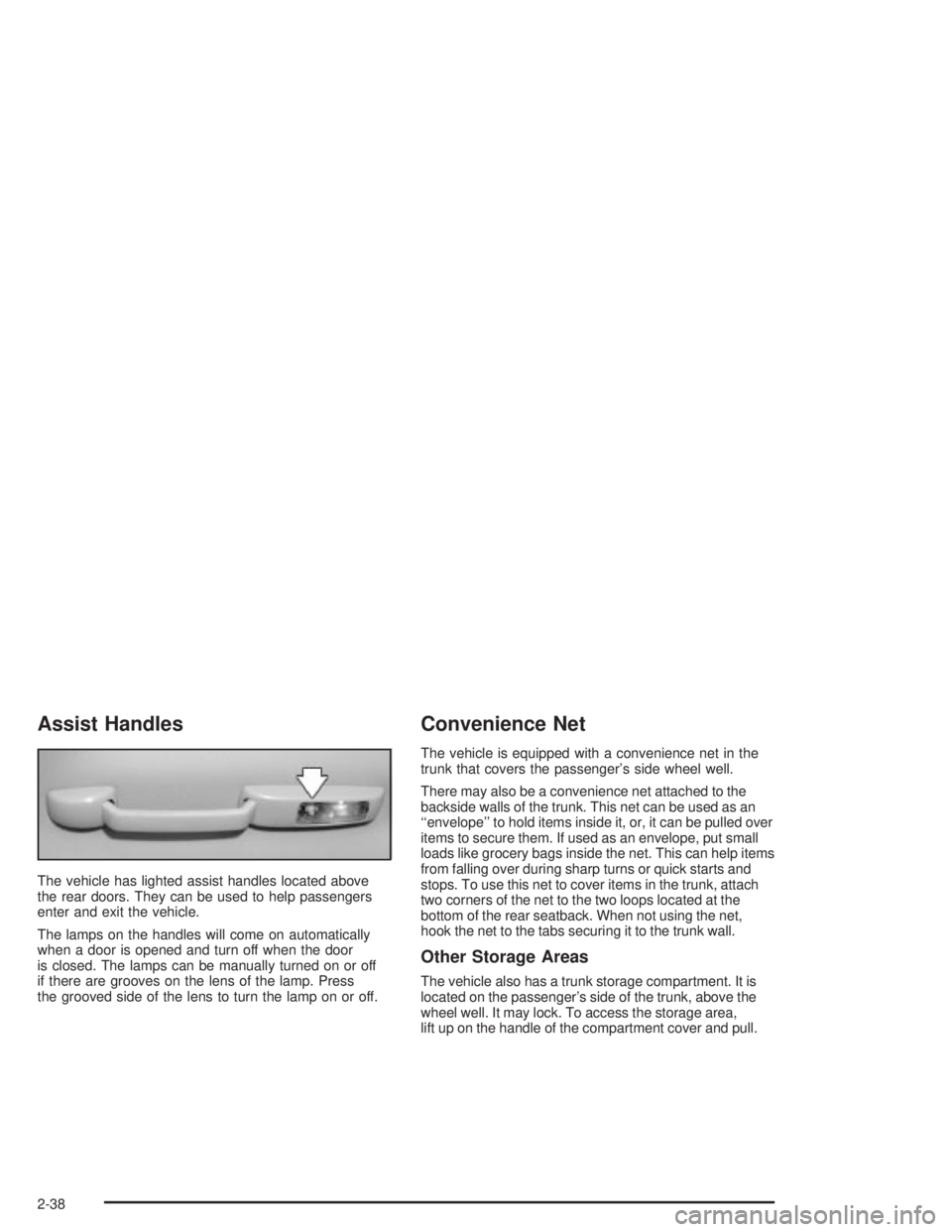
The vehicle has lighted assist handles located above
the rear doors. They can be used to help passengers
enter and exit the vehicle.
The lamps on the handles will come on automatically
when a door is opened and turn off when the door
is closed. The lamps can be manually turned on or off
if there are grooves on the lens of the lamp. Press
the grooved side of the lens to turn the lamp on or off.
Convenience Net
The vehicle is equipped with a convenience net in the
trunk that covers the passenger's side wheel well.
There may also be a convenience net attached to the
backside walls of the trunk. This net can be used as an
``envelope'' to hold items inside it, or, it can be pulled over
items to secure them. If used as an envelope, put small
loads like grocery bags inside the net. This can help items
from falling over during sharp turns or quick starts and
stops. To use this net to cover items in the trunk, attach
two corners of the net to the two loops located at the
bottom of the rear seatback. When not using the net,
hook the net to the tabs securing it to the trunk wall.
Other Storage Areas
The vehicle also has a trunk storage compartment. It is
located on the passenger's side of the trunk, above the
wheel well. It may lock. To access the storage area,
lift up on the handle of the compartment cover and pull.
2-38
Page 141 of 432
Anti-Lock Brake System Warning
Light
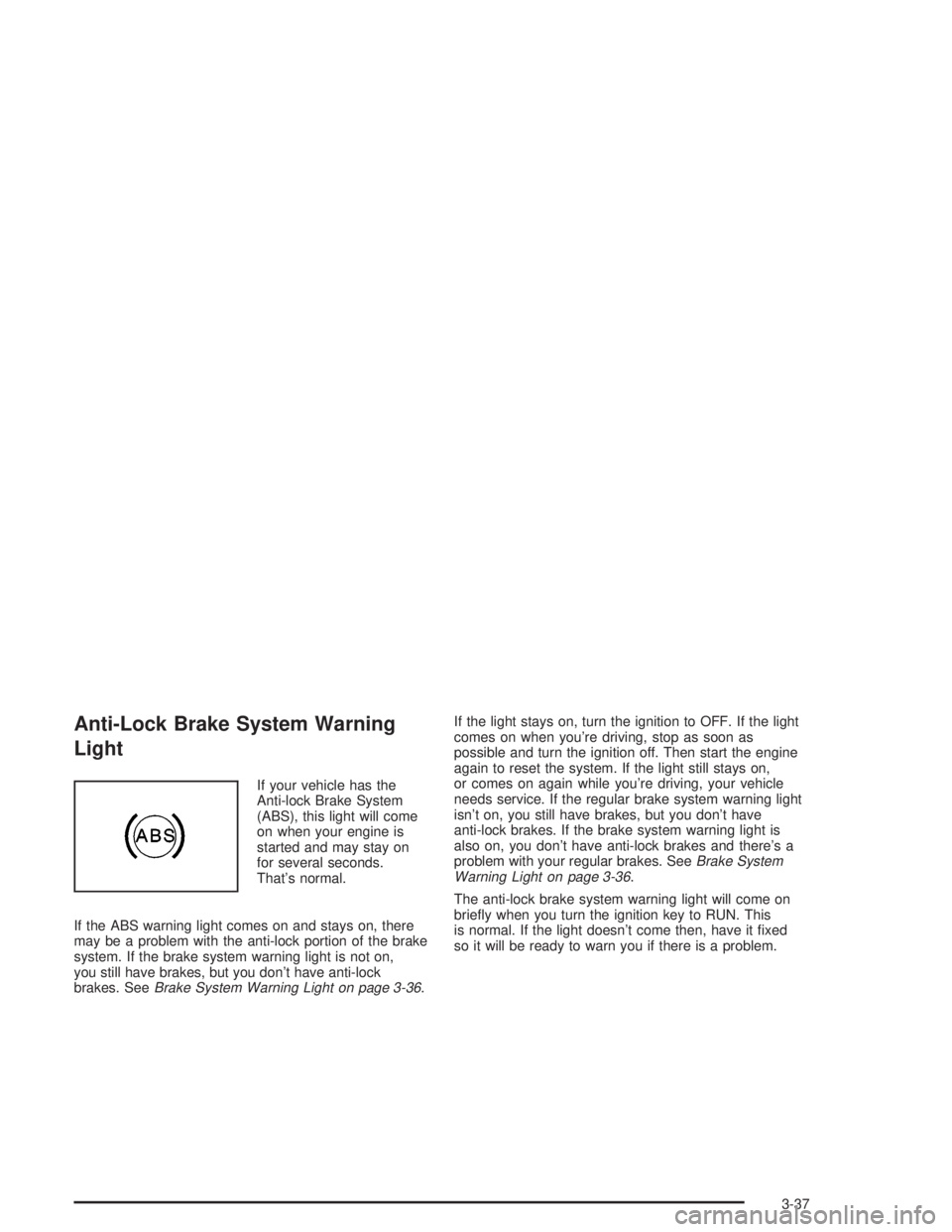
If your vehicle has the
Anti-lock Brake System
(ABS), this light will come
on when your engine is
started and may stay on
for several seconds.
That's normal.
If the ABS warning light comes on and stays on, there
may be a problem with the anti-lock portion of the brake
system. If the brake system warning light is not on,
you still have brakes, but you don't have anti-lock
brakes. See
Brake System Warning Light on page 3-36.If the light stays on, turn the ignition to OFF. If the light
comes on when you're driving, stop as soon as
possible and turn the ignition off. Then start the engine
again to reset the system. If the light still stays on,
or comes on again while you're driving, your vehicle
needs service. If the regular brake system warning light
isn't on, you still have brakes, but you don't have
anti-lock brakes. If the brake system warning light is
also on, you don't have anti-lock brakes and there's a
problem with your regular brakes. See
Brake System
Warning Light on page 3-36.
The anti-lock brake system warning light will come on
brie¯y when you turn the ignition key to RUN. This
is normal. If the light doesn't come then, have it ®xed
so it will be ready to warn you if there is a problem.
3-37
Page 152 of 432

ENGINE OIL MONITOR SYSTEM:This menu lets you
reset the engine oil monitor system for the vehicle.
See ªWhen to Change Engine Oil (GM Oil LIfe System)º
under
Engine Oil on page 5-16.
To reset the engine oil monitor system use the following
procedure:
1. Press the set/reset button after an oil change to
reset the engine oil monitor system. The
con®rmation, ENGINE OIL MONITOR HAS BEEN
RESET, will appear on the next screen.
2. Press the options button again to advance to the
next screen.
Tire In¯ation Monitor System:If the vehicle has ABS,
this menu lets you set the tire in¯ation monitor system.
See ªTire In¯ation Monitor Systemº under
In¯ation ± Tire
Pressure on page 5-69for more information.
To set or reset the tire in¯ation monitor system, use the
following procedure:
1. Press the set/reset button to reset the tire in¯ation
monitor system.TIRE INFLATION HAS BEEN SET
will appear on the next screen to con®rm this
system has been set.
2. Press the options button again to advance to the
next screen.
Select the set/reset button to return to the main (date)
screen.PERSONAL PROGRAMMING MODE:This menu
lets you customize the time the exterior and interior
lamps are left on, and, when the automatic door locks
are activated after the vehicle is turned off and the doors
are closed. These adjustments can only be made
while the vehicle is in PARK (P). Press the set/reset
button to display the ®rst screen.
Personal Programming Mode Screens
Press the options button to access these modes:
EXTERIOR LIGHTING DELAY:This screen lets you
turn this feature off, or lets you select the number
of seconds the headlamps, sidelamps and taillamps, fog
lamps and back-up lamps are turned on after the key
is removed from the ignition or the vehicle is unlocked
using the remote keyless entry transmitter.
If OFF is selected, the exterior lamps will not turn on.
If a time delay is selected, the lamps will turn on
(for the time selected), when the key is removed from
the ignition, or when the vehicle is unlocked using
the remote keyless entry transmitter.
To program this mode use the following procedure:
1. Press and release the set/reset button to scroll to
the selection you want to program. Choose from
OFF or 15, 30, 60 or 90 seconds.
2. Press the options button again to advance to the
next screen.
3-48
Page 162 of 432

ENGINE OIL MONITOR SYSTEM:This menu lets you
reset the engine oil monitor system for the vehicle.
See ªWhen to Change Engine Oil (GM Oil LIfe System)º
under
Engine Oil on page 5-16.
To reset the engine oil monitor system use the following
procedure:
1. Press the set/reset button to reset the engine oil
monitor system. The con®rmation, ENGINE OIL
MONITOR HAS BEEN RESET, will appear on the
next screen.
2. Press the options button again to advance to the
next screen.
Tire In¯ation Monitor System:If the vehicle has ABS,
this menu lets you set the tire in¯ation monitor system.
See ªTire In¯ation Monitor Systemº under
In¯ation ± Tire
Pressure on page 5-69for more information.
To set or reset the tire in¯ation monitor system use the
following procedures:
1. Press the set/reset button to reset the tire in¯ation
monitor system. TIRE INFLATION HAS BEEN SET
will appear on the next screen to con®rm this
system has been set.
2. Press the options button again to advance to the
next screen.
Select the set/reset button to return to the main
(date) screen.COMPASS CALIBRATION MODE:
Setting the Compass
The compass is self-calibrating, which eliminates the
need to manually set the compass.
However, under certain circumstances, such as during a
long distance cross-country trip, it will be necessary
to compensate for compass variance and reset the zone
through the DIC.
Compass variance is the difference between earth's
magnetic north and true geographic north. If not
adjusted to account for compass variance, the compass
in your vehicle could give you false readings.
In order to do this, you will have to set or calibrate the
compass to the variance zone in which you are located.
3-58
Page 172 of 432
CHECK TIRE PRESSURE
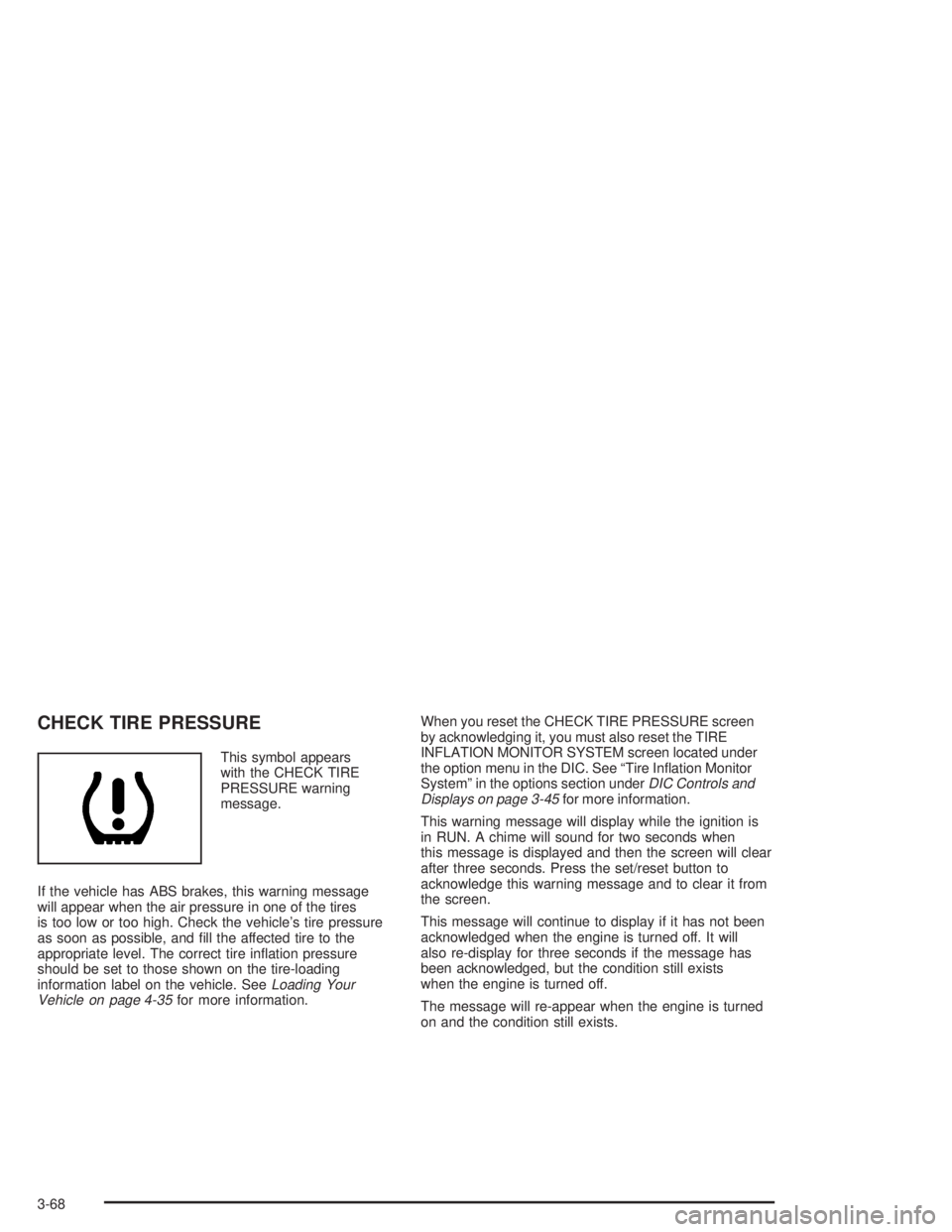
This symbol appears
with the CHECK TIRE
PRESSURE warning
message.
If the vehicle has ABS brakes, this warning message
will appear when the air pressure in one of the tires
is too low or too high. Check the vehicle's tire pressure
as soon as possible, and ®ll the affected tire to the
appropriate level. The correct tire in¯ation pressure
should be set to those shown on the tire-loading
information label on the vehicle. See
Loading Your
Vehicle on page 4-35for more information.When you reset the CHECK TIRE PRESSURE screen
by acknowledging it, you must also reset the TIRE
INFLATION MONITOR SYSTEM screen located under
the option menu in the DIC. See ªTire In¯ation Monitor
Systemº in the options section under
DIC Controls and
Displays on page 3-45for more information.
This warning message will display while the ignition is
in RUN. A chime will sound for two seconds when
this message is displayed and then the screen will clear
after three seconds. Press the set/reset button to
acknowledge this warning message and to clear it from
the screen.
This message will continue to display if it has not been
acknowledged when the engine is turned off. It will
also re-display for three seconds if the message has
been acknowledged, but the condition still exists
when the engine is turned off.
The message will re-appear when the engine is turned
on and the condition still exists.
3-68
Page 184 of 432
RIGHT REAR TURN LAMP OUT
This warning message will appear when the
vehicle's right rear turn signal needs to be replaced.
See
Taillamps, Turn Signal, and Stoplamps on
page 5-64for bulb replacement procedures.
This warning message will display only while the ignition
is in RUN. Press the set/reset button to acknowledge
this warning message and to clear it from the screen.
This message will continue to display if it has not been
acknowledged when the engine is turned off. It will
also re-display for three seconds if the message has
been acknowledged, but the condition still exists
when the engine is turned off.
The message will re-appear when the engine is turned
on and the condition still exists.
SERVICE ABS SYSTEM
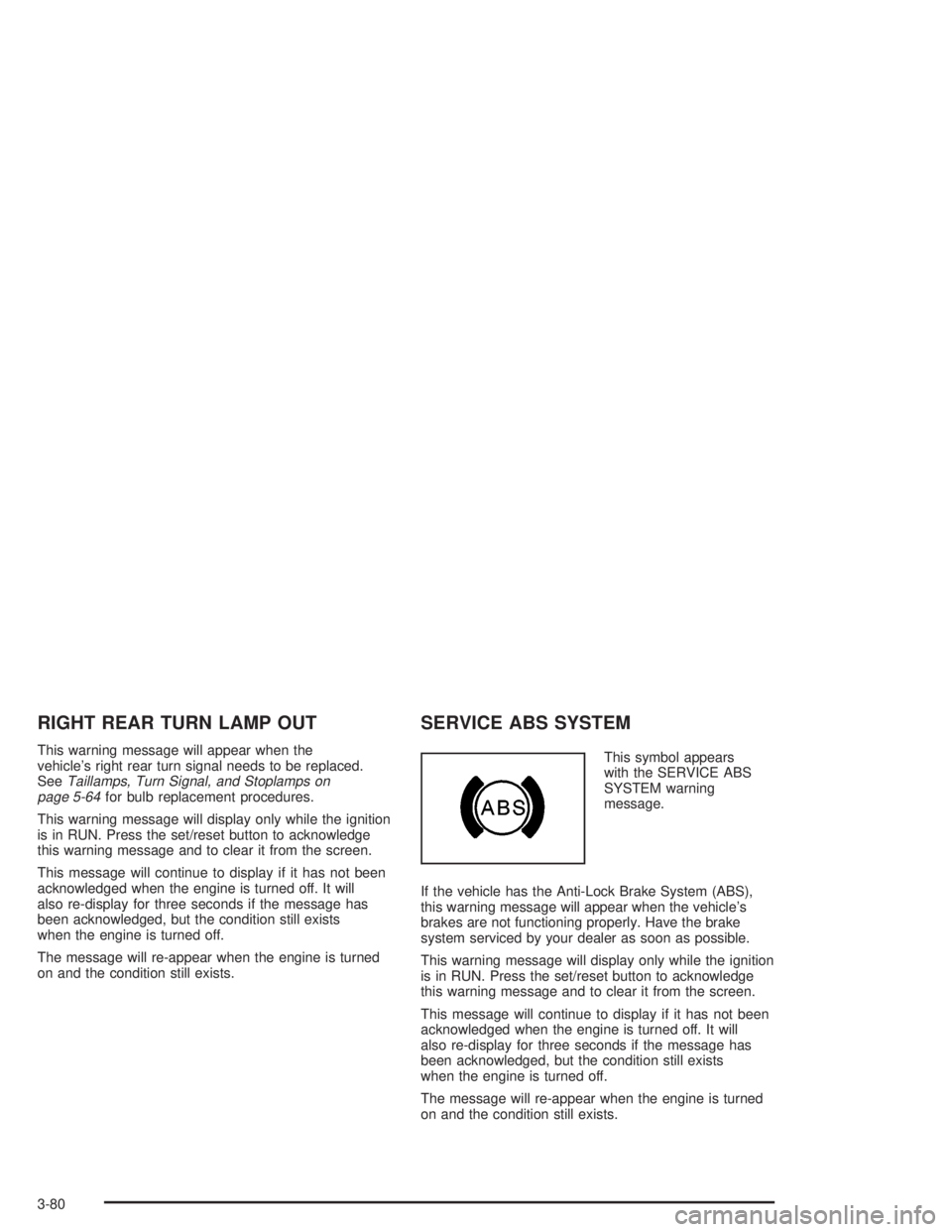
This symbol appears
with the SERVICE ABS
SYSTEM warning
message.
If the vehicle has the Anti-Lock Brake System (ABS),
this warning message will appear when the vehicle's
brakes are not functioning properly. Have the brake
system serviced by your dealer as soon as possible.
This warning message will display only while the ignition
is in RUN. Press the set/reset button to acknowledge
this warning message and to clear it from the screen.
This message will continue to display if it has not been
acknowledged when the engine is turned off. It will
also re-display for three seconds if the message has
been acknowledged, but the condition still exists
when the engine is turned off.
The message will re-appear when the engine is turned
on and the condition still exists.
3-80
Page 188 of 432
SERVICE VARIABLE EFFORT
STEERING
This symbol appears with
the SERVICE VARIABLE
EFFORT STEERING
warning message.
If the vehicle has Anti-Lock Brakes (ABS), it has the
variable steering effort system. This warning message
will display if this system is not functioning properly.
See
Steering on page 4-14for more information.
Have your system serviced by your dealer as soon
as possible.
This warning message will display only while the ignition
is in RUN. Press the set/reset button to acknowledge
this warning message and to clear it from the screen.
This message will continue to display if it has not been
acknowledged when the engine is turned off. It will
also re-display for three seconds if the message has
been acknowledged, but the condition still exists
when the engine is turned off.
The message will re-appear when the engine is turned
on and the condition still exists.
SERVICE VEHICLE SOON
This symbol appears with
the SERVICE VEHICLE
SOON warning message.
This warning message displays when a non-emissions
related malfunction occurs. Have the vehicle serviced
by your dealer as soon as possible.
This warning message will display only while the ignition
is in RUN. Press the set/reset button to acknowledge
this warning message and to clear it from the screen.
This message will continue to display if it has not been
acknowledged when the engine is turned off. It will
also re-display for three seconds if the message has
been acknowledged, but the condition still exists
when the engine is turned off.
The message will re-appear when the engine is turned
on and the condition still exists.
3-84
Page 243 of 432
Avoid needless heavy braking. Some people drive
in spurts Ð heavy acceleration followed by heavy
braking Ð rather than keeping pace with traffic. This is
a mistake. Your brakes may not have time to cool
between hard stops. Your brakes will wear out much
faster if you do a lot of heavy braking. If you keep pace
with the traffic and allow realistic following distances,
you will eliminate a lot of unnecessary braking.
That means better braking and longer brake life.
If your engine ever stops while you're driving, brake
normally but don't pump your brakes. If you do,
the pedal may get harder to push down. If your engine
stops, you will still have some power brake assist.
But you will use it when you brake. Once the power
assist is used up, it may take longer to stop and
the brake pedal will be harder to push.Anti-lock Brake System (ABS)
Your vehicle may have anti-lock brakes. ABS is an
advanced electronic braking system that will help
prevent a braking skid.
If your vehicle has anti-lock
brakes, this warning light
on the instrument panel
will come on brie¯y when
you start your vehicle.
When you start your engine, or when you begin to drive
away, your anti-lock brake system will check itself.
You may hear a momentary motor or clicking noise while
this test is going on, and you may even notice that
your brake pedal moves or pulses a little. This is normal.
4-7
Page 244 of 432
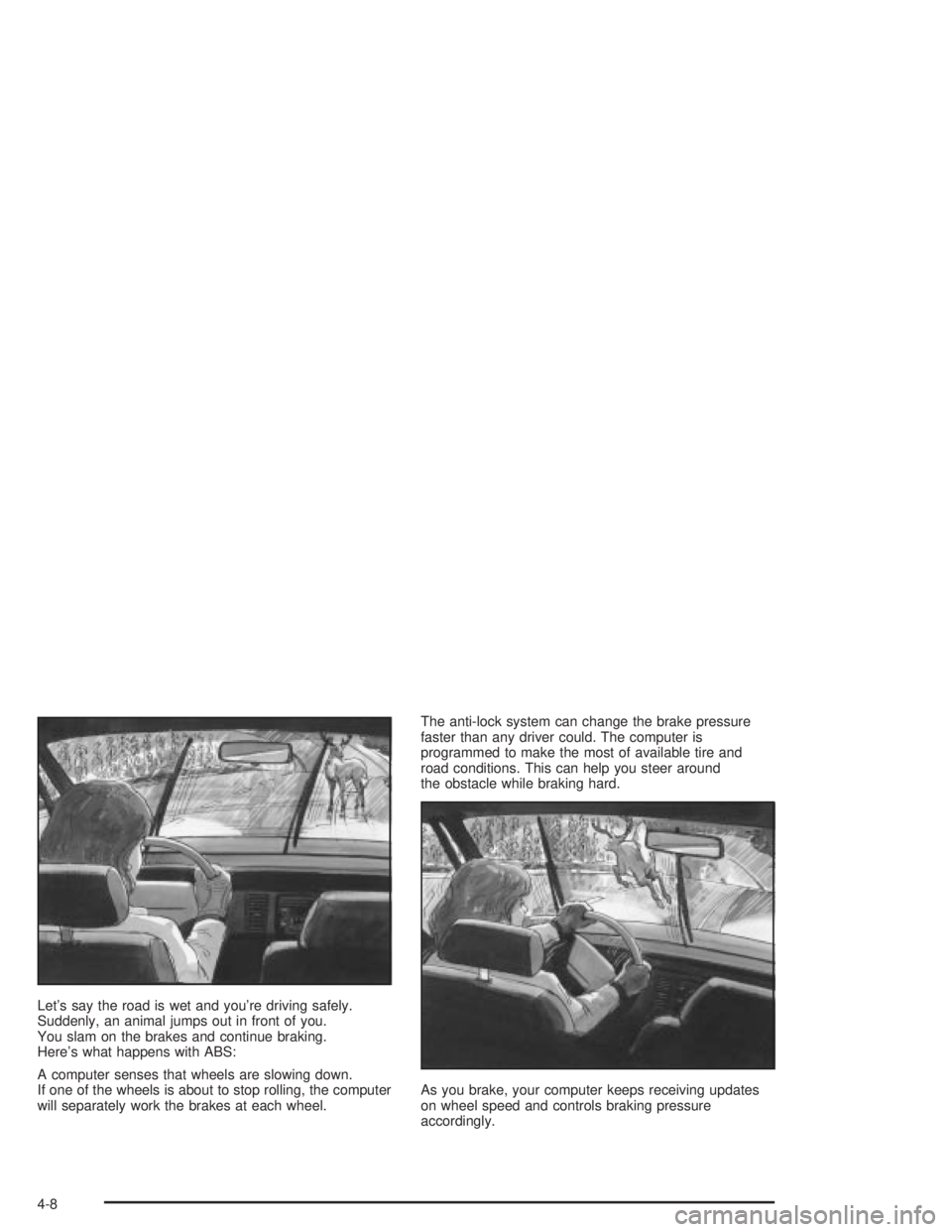
Let's say the road is wet and you're driving safely.
Suddenly, an animal jumps out in front of you.
You slam on the brakes and continue braking.
Here's what happens with ABS:
A computer senses that wheels are slowing down.
If one of the wheels is about to stop rolling, the computer
will separately work the brakes at each wheel.The anti-lock system can change the brake pressure
faster than any driver could. The computer is
programmed to make the most of available tire and
road conditions. This can help you steer around
the obstacle while braking hard.
As you brake, your computer keeps receiving updates
on wheel speed and controls braking pressure
accordingly.
4-8
Page 279 of 432
Parking on Hills
{CAUTION:
You really should not park your vehicle, with a
trailer attached, on a hill. If something goes
wrong, your rig could start to move. People
can be injured, and both your vehicle and the
trailer can be damaged.
But if you ever have to park your rig on a hill,
here's how to do it:
1. Apply your regular brakes, but don't shift into
PARK (P) yet.
2. Have someone place chocks under the trailer
wheels.
3. When the wheel chocks are in place, release the
regular brakes until the chocks absorb the load.
4. Reapply the regular brakes. Then apply your
parking brake, and then shift to PARK (P).
5. Release the regular brakes.
When You Are Ready to Leave After
Parking on a Hill
1. Apply your regular brakes and hold the pedal down
while you:
·start your engine,
·shift into a gear, and
·release the parking brake.
2. Let up on the brake pedal.
3. Drive slowly until the trailer is clear of the chocks.
4. Stop and have someone pick up and store the
chocks.
4-43