engine PONTIAC GRAND PRIX 2005 Repair Manual
[x] Cancel search | Manufacturer: PONTIAC, Model Year: 2005, Model line: GRAND PRIX, Model: PONTIAC GRAND PRIX 2005Pages: 444, PDF Size: 2.6 MB
Page 193 of 444
This message will continue to display if it has not been
acknowledged when the engine is turned off. It will
also re-display for three seconds if the message has
been acknowledged, but the condition still exists
when the engine is turned off.
If the condition still exists, the message will re-appear
when the engine is turned on.
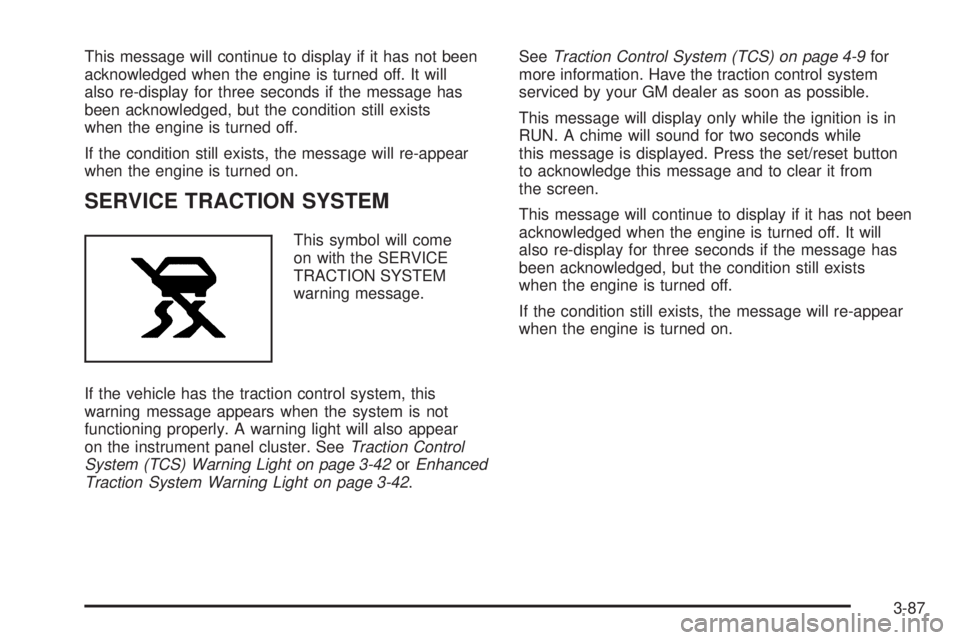
SERVICE TRACTION SYSTEM
This symbol will come
on with the SERVICE
TRACTION SYSTEM
warning message.
If the vehicle has the traction control system, this
warning message appears when the system is not
functioning properly. A warning light will also appear
on the instrument panel cluster. SeeTraction Control
System (TCS) Warning Light on page 3-42orEnhanced
Traction System Warning Light on page 3-42.SeeTraction Control System (TCS) on page 4-9for
more information. Have the traction control system
serviced by your GM dealer as soon as possible.
This message will display only while the ignition is in
RUN. A chime will sound for two seconds while
this message is displayed. Press the set/reset button
to acknowledge this message and to clear it from
the screen.
This message will continue to display if it has not been
acknowledged when the engine is turned off. It will
also re-display for three seconds if the message has
been acknowledged, but the condition still exists
when the engine is turned off.
If the condition still exists, the message will re-appear
when the engine is turned on.
3-87
Page 194 of 444
SERVICE VARIABLE EFFORT
STEERING
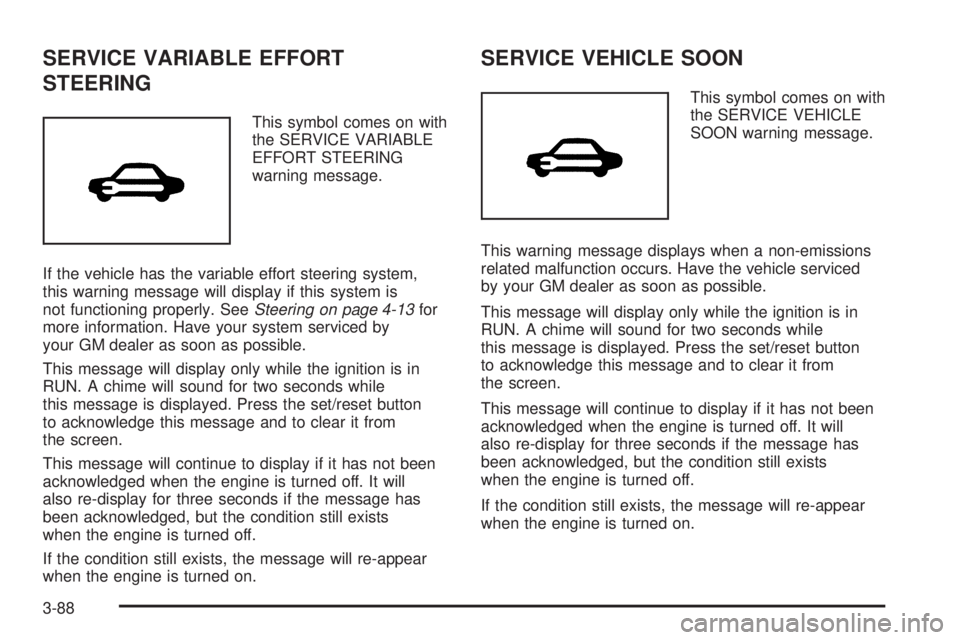
This symbol comes on with
the SERVICE VARIABLE
EFFORT STEERING
warning message.
If the vehicle has the variable effort steering system,
this warning message will display if this system is
not functioning properly. SeeSteering on page 4-13for
more information. Have your system serviced by
your GM dealer as soon as possible.
This message will display only while the ignition is in
RUN. A chime will sound for two seconds while
this message is displayed. Press the set/reset button
to acknowledge this message and to clear it from
the screen.
This message will continue to display if it has not been
acknowledged when the engine is turned off. It will
also re-display for three seconds if the message has
been acknowledged, but the condition still exists
when the engine is turned off.
If the condition still exists, the message will re-appear
when the engine is turned on.
SERVICE VEHICLE SOON
This symbol comes on with
the SERVICE VEHICLE
SOON warning message.
This warning message displays when a non-emissions
related malfunction occurs. Have the vehicle serviced
by your GM dealer as soon as possible.
This message will display only while the ignition is in
RUN. A chime will sound for two seconds while
this message is displayed. Press the set/reset button
to acknowledge this message and to clear it from
the screen.
This message will continue to display if it has not been
acknowledged when the engine is turned off. It will
also re-display for three seconds if the message has
been acknowledged, but the condition still exists
when the engine is turned off.
If the condition still exists, the message will re-appear
when the engine is turned on.
3-88
Page 196 of 444
STARTING DISABLED DUE TO
ELECTRONIC THROTTLE CONTROL
This warning message comes on when there is a
malfunction with the electronic throttle control which
prevents the vehicle from starting. Have the vehicle
serviced by your GM dealer.
This message will only appear while the ignition is in
RUN, and will not disappear until the problem is
resolved. A chime will sound for two seconds. This
message cannot be acknowledged.
STARTING DISABLED DUE TO
THEFT SYSTEM
This warning message comes on when the system
detects a malfunction in the content theft-deterrent
system and prevents the vehicle from starting.
This message will only appear while the ignition is
in RUN, and will not disappear until the problem
is resolved. A chime will sound for two seconds.
This message cannot be acknowledged.
THEFT SYSTEM NOT PROGRAMMED
This warning message comes on if the theft-deterrent
system has not been programmed through the DIC.
See “Personal Programming” under the options mode
inDIC Controls and Displays (Base Level DIC) on
page 3-49orDIC Controls and Displays (Uplevel DIC
with Trip Computer) on page 3-57for information on how
to set the theft-deterrent system.
This message will display only while the ignition is in
RUN. A chime will sound for two seconds while
this message is displayed. Press the set/reset button
to acknowledge this message and to clear it from
the screen.
This message will continue to display if it has not been
acknowledged when the engine is turned off. It will
also re-display for three seconds if the message has
been acknowledged, but the condition still exists
when the engine is turned off.
If the condition still exists, the message will re-appear
when the engine is turned on.
3-90
Page 198 of 444
Any of the following conditions may cause the traction
control system to turn off:
The traction control system is turned off by pressing
the TC (traction control) button located on the
center console. SeeTraction Control System (TCS)
on page 4-9orEnhanced Traction System (ETS)
on page 4-10for more information.
The battery is low.
There is a traction control system failure. See your
GM dealer for service.
TURN SIGNAL ON
This message will comes on if the vehicle is driven
for more than 0.75 mile (1.21 km) with one of the turn
signals on. It appears as a reminder to turn off the
turn signal.
This message only displays when the ignition is in RUN.
A chime will sound for two seconds and the message
will not disappear until the turn signal is manually turned
off, or a turn is completed.
Audio System(s)
Notice:Before adding any sound equipment to
your vehicle, like a tape player, CB radio, mobile
telephone, or two-way radio, make sure that it can
be added by checking with your dealer. Also,
check federal rules covering mobile radio and
telephone units. If sound equipment can be added,
it is very important to do it properly. Added
sound equipment may interfere with the operation
of your vehicle’s engine, radio, or other systems,
and even damage them. Your vehicle’s systems may
interfere with the operation of sound equipment
that has been added improperly.
Figure out which audio system is in your vehicle, nd
out what your audio system can do, and how to operate
all of its controls.
Your vehicle has a feature called Retained Accessory
Power (RAP). With RAP, the audio system can be
played even after the ignition is turned off. SeeRetained
Accessory Power (RAP) on page 2-22for more
information.
3-92
Page 248 of 444
Braking
Braking action involves perception time and
reaction time.
First, you have to decide to push on the brake pedal.
That is perception time. Then you have to bring up your
foot and do it. That is reaction time.
Average reaction time is about three-fourths of a
second. But that is only an average. It might be less
with one driver and as long as two or three seconds or
more with another. Age, physical condition, alertness,
coordination and eyesight all play a part. So do alcohol,
drugs and frustration. But even in three-fourths of a
second, a vehicle moving at 60 mph (100 km/h) travels
66 feet (20 m). That could be a lot of distance in an
emergency, so keeping enough space between
your vehicle and others is important.
And, of course, actual stopping distances vary greatly
with the surface of the road (whether it is pavement
or gravel); the condition of the road (wet, dry, icy); tire
tread; the condition of your brakes; the weight of
the vehicle and the amount of brake force applied.
Avoid needless heavy braking. Some people drive
in spurts — heavy acceleration followed by heavy
braking — rather than keeping pace with traffic. This
is a mistake. Your brakes may not have time to
cool between hard stops. Your brakes will wear
out much faster if you do a lot of heavy braking.If you keep pace with the traffic and allow realistic
following distances, you will eliminate a lot of
unnecessary braking. That means better braking and
longer brake life.
If your engine ever stops while you are driving, brake
normally but do not pump your brakes. If you do,
the pedal may get harder to push down. If your engine
stops, you will still have some power brake assist.
But you will use it when you brake. Once the power
assist is used up, it may take longer to stop and
the brake pedal will be harder to push.
Anti-Lock Brake System (ABS)
Your vehicle may have anti-lock brakes. ABS is an
advanced electronic braking system that will help
prevent a braking skid.
If your vehicle has anti-lock
brakes, this warning light
on the instrument panel will
come on briey when
you start your vehicle.
4-6
Page 249 of 444
When you start your engine, or when you begin to drive
away, your anti-lock brake system will check itself.
You may hear a momentary motor or clicking noise while
this test is going on, and you may even notice that
your brake pedal moves or pulses a little. This is normal.
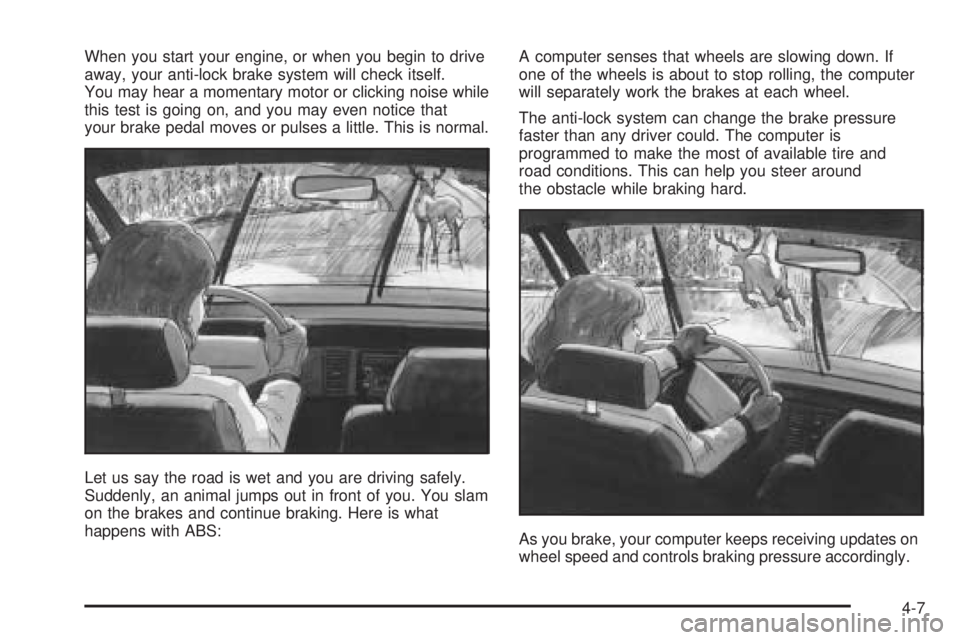
Let us say the road is wet and you are driving safely.
Suddenly, an animal jumps out in front of you. You slam
on the brakes and continue braking. Here is what
happens with ABS:A computer senses that wheels are slowing down. If
one of the wheels is about to stop rolling, the computer
will separately work the brakes at each wheel.
The anti-lock system can change the brake pressure
faster than any driver could. The computer is
programmed to make the most of available tire and
road conditions. This can help you steer around
the obstacle while braking hard.
As you brake, your computer keeps receiving updates on
wheel speed and controls braking pressure accordingly.
4-7
Page 251 of 444
Traction Control System (TCS)
If the vehicle has the 3800 Supercharged V6 engine, it
has a Traction Control System (TCS) that limits wheel
spin. This is especially useful in slippery road conditions.
The system operates only if it senses that one or both of
the front wheels are spinning or beginning to lose
traction. When this happens, the system works the front
brakes and reduces engine power to limit wheel spin.
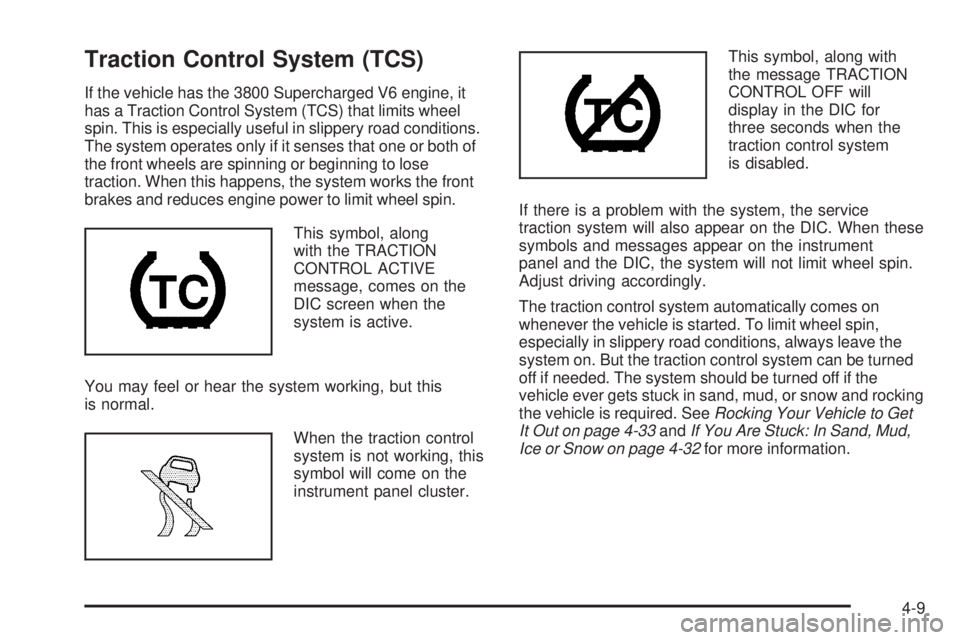
This symbol, along
with the TRACTION
CONTROL ACTIVE
message, comes on the
DIC screen when the
system is active.
You may feel or hear the system working, but this
is normal.
When the traction control
system is not working, this
symbol will come on the
instrument panel cluster.This symbol, along with
the message TRACTION
CONTROL OFF will
display in the DIC for
three seconds when the
traction control system
is disabled.
If there is a problem with the system, the service
traction system will also appear on the DIC. When these
symbols and messages appear on the instrument
panel and the DIC, the system will not limit wheel spin.
Adjust driving accordingly.
The traction control system automatically comes on
whenever the vehicle is started. To limit wheel spin,
especially in slippery road conditions, always leave the
system on. But the traction control system can be turned
off if needed. The system should be turned off if the
vehicle ever gets stuck in sand, mud, or snow and rocking
the vehicle is required. SeeRocking Your Vehicle to Get
It Out on page 4-33andIf You Are Stuck: In Sand, Mud,
Ice or Snow on page 4-32for more information.
4-9
Page 252 of 444
Press the traction
control button located
on the console to turn
the system off.
If the system is limiting wheel spin when the traction
control button is pressed, the system will turn off
instantly. Turn the system back on at any time by
pressing the button again.
If the vehicle is in cruise control when the traction
control system begins to limit wheel spin, the cruise
control will automatically disengage. When road
conditions allow safe use of it, the cruise control can be
used again. SeeCruise Control on page 3-10.Enhanced Traction System (ETS)
If the vehicle has the 3800 V6 engine and anti-lock
brakes, it may have an Enhanced Traction System
(ETS) that limits wheel spin. This is especially useful in
slippery road conditions. The system operates only if
it senses that one or both of the front wheels are
spinning or beginning to lose traction. When this
happens, the system reduces engine power and may
also upshift the transaxle to limit wheel spin.
This symbol comes on
the Driver Information
Center (DIC) when
the ETS is limiting
wheel spin.
If the vehicle is in cruise control when ETS begins to
limit wheel spin, the cruise control will automatically
disengage. When road conditions allow safe use of it,
the cruise control can be used again. SeeCruise Control
on page 3-10.
4-10
Page 255 of 444
Steering
Power Steering
If you lose power steering assist because the engine
stops or the system is not functioning, you can steer but
it will take much more effort.
Variable Effort Steering
If your vehicle has this steering system, the system
provides less steering effort for parking and when driving
at speeds below 20 mph (32 km/h). Steering effort will
increase at higher speeds for improved road feel.
Steering Tips
Driving on Curves
It is important to take curves at a reasonable speed.
A lot of the “driver lost control” accidents mentioned on
the news happen on curves. Here is why:
Experienced driver or beginner, each of us is subject
to the same laws of physics when driving on curves.
The traction of the tires against the road surface
makes it possible for the vehicle to change its path
when you turn the front wheels. If there is no traction,
inertia will keep the vehicle going in the same direction.
If you have ever tried to steer a vehicle on wet ice,
you will understand this.The traction you can get in a curve depends on the
condition of your tires and the road surface, the angle
at which the curve is banked, and your speed. While you
are in a curve, speed is the one factor you can control.
Suppose you are steering through a sharp curve.
Then you suddenly apply the brakes. Both control
systems — steering and braking — have to do their
work where the tires meet the road. Unless you
have four-wheel anti-lock brakes, adding the hard
braking can demand too much of those places.
You can lose control.
The same thing can happen if you are steering through
a sharp curve and you suddenly accelerate. Those
two control systems — steering and acceleration — can
overwhelm those places where the tires meet the
road and make you lose control. SeeTraction Control
System (TCS) on page 4-9orEnhanced Traction
System (ETS) on page 4-10.
What should you do if this ever happens? Ease up on
the brake or accelerator pedal, steer the vehicle the way
you want it to go, and slow down.
Speed limit signs near curves warn that you should
adjust your speed. Of course, the posted speeds
are based on good weather and road conditions. Under
less favorable conditions you will want to go slower.
4-13
Page 259 of 444
Skidding
In a skid, a driver can lose control of the vehicle.
Defensive drivers avoid most skids by taking reasonable
care suited to existing conditions, and by not overdriving
those conditions. But skids are always possible.
The three types of skids correspond to your vehicle’s
three control systems. In the braking skid, your wheels
are not rolling. In the steering or cornering skid, too
much speed or steering in a curve causes tires to slip
and lose cornering force. And in the acceleration
skid, too much throttle causes the driving wheels
to spin.
A cornering skid is best handled by easing your foot off
the accelerator pedal.
If you do not have the Enhanced Traction System or the
Traction Control System, or if the system is off, then
an acceleration skid is also best handled by easing your
foot off the accelerator pedal.
If your vehicle starts to slide, ease your foot off the
accelerator pedal and quickly steer the way you want
the vehicle to go. If you start steering quickly enough,
your vehicle may straighten out. Always be ready
for a second skid if it occurs.Of course, traction is reduced when water, snow, ice,
gravel, or other material is on the road. For safety, you
will want to slow down and adjust your driving to
these conditions. It is important to slow down on slippery
surfaces because stopping distance will be longer and
vehicle control more limited.
While driving on a surface with reduced traction, try
your best to avoid sudden steering, acceleration,
or braking, including engine braking by shifting to a
lower gear. Any sudden changes could cause the tires
to slide. You may not realize the surface is slippery
until your vehicle is skidding. Learn to recognize warning
clues — such as enough water, ice, or packed snow
on the road to make a mirrored surface — and
slow down when you have any doubt.
If you have the anti-lock braking system, remember: It
helps avoid only the braking skid. If you do not have
anti-lock, then in a braking skid, where the wheels are
no longer rolling, release enough pressure on the brakes
to get the wheels rolling again. This restores steering
control. Push the brake pedal down steadily when
you have to stop suddenly. As long as the wheels are
rolling, you will have steering control.
4-17