CD changer PONTIAC GRAND PRIX 2005 Owners Manual
[x] Cancel search | Manufacturer: PONTIAC, Model Year: 2005, Model line: GRAND PRIX, Model: PONTIAC GRAND PRIX 2005Pages: 444, PDF Size: 2.6 MB
Page 107 of 444
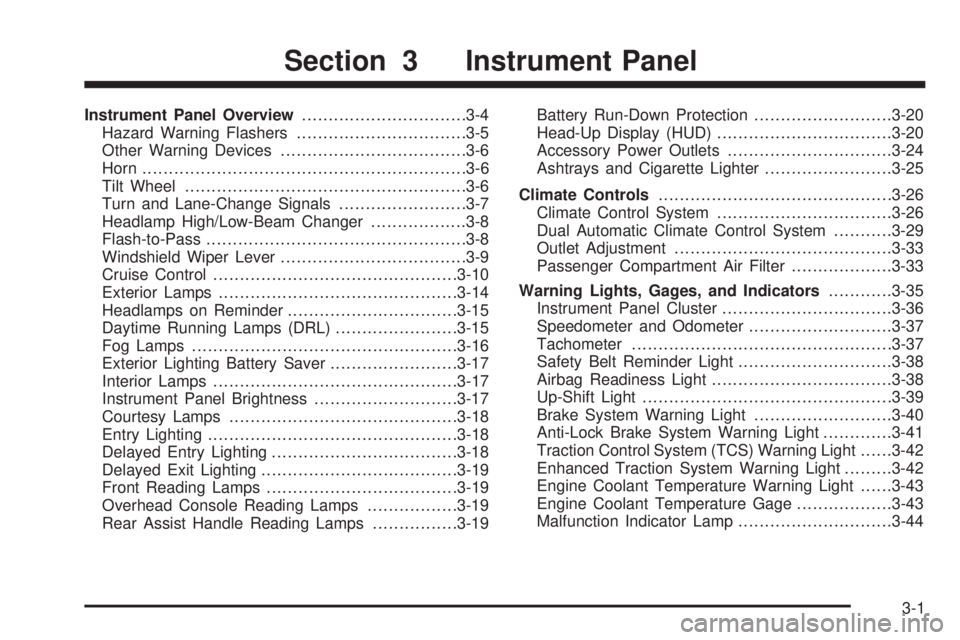
Instrument Panel Overview...............................3-4
Hazard Warning Flashers................................3-5
Other Warning Devices...................................3-6
Horn.............................................................3-6
Tilt Wheel.....................................................3-6
Turn and Lane-Change Signals........................3-7
Headlamp High/Low-Beam Changer..................3-8
Flash-to-Pass.................................................3-8
Windshield Wiper Lever...................................3-9
Cruise Control..............................................3-10
Exterior Lamps.............................................3-14
Headlamps on Reminder................................3-15
Daytime Running Lamps (DRL).......................3-15
Fog Lamps..................................................3-16
Exterior Lighting Battery Saver........................3-17
Interior Lamps..............................................3-17
Instrument Panel Brightness...........................3-17
Courtesy Lamps...........................................3-18
Entry Lighting...............................................3-18
Delayed Entry Lighting...................................3-18
Delayed Exit Lighting.....................................3-19
Front Reading Lamps....................................3-19
Overhead Console Reading Lamps.................3-19
Rear Assist Handle Reading Lamps................3-19Battery Run-Down Protection..........................3-20
Head-Up Display (HUD).................................3-20
Accessory Power Outlets...............................3-24
Ashtrays and Cigarette Lighter........................3-25
Climate Controls............................................3-26
Climate Control System.................................3-26
Dual Automatic Climate Control System...........3-29
Outlet Adjustment.........................................3-33
Passenger Compartment Air Filter...................3-33
Warning Lights, Gages, and Indicators............3-35
Instrument Panel Cluster................................3-36
Speedometer and Odometer...........................3-37
Tachometer.................................................3-37
Safety Belt Reminder Light.............................3-38
Airbag Readiness Light..................................3-38
Up-Shift Light...............................................3-39
Brake System Warning Light..........................3-40
Anti-Lock Brake System Warning Light.............3-41
Traction Control System (TCS) Warning Light......3-42
Enhanced Traction System Warning Light.........3-42
Engine Coolant Temperature Warning Light......3-43
Engine Coolant Temperature Gage..................3-43
Malfunction Indicator Lamp.............................3-44
Section 3 Instrument Panel
3-1
Page 114 of 444

Headlamp High/Low-Beam Changer
Push forward on the exterior lamps control lever to
change the headlamps from low to high-beam. Pull the
lever back and then release it to change from high
to low-beam.
This symbol appears
on the instrument
panel cluster when the
high-beam lamps are on.
When the high-beam headlamps are on, the fog lamps
will not be on. If the vehicle is equipped with the
Head-Up-Display (HUD) an arrow will appear in the
HUD area indicating that the high-beams are on.
SeeHead-Up Display (HUD) on page 3-20for more
information.
Flash-to-Pass
This feature allows the use of the high-beam headlamps
to signal the driver in front of you that you want to pass.
Pull and hold the exterior lamps control lever to use this
feature. When this is done, the following will occur:
The high-beam headlamps will turn on, while
the headlamps are off, in low-beam, or in Daytime
Running Lamps (DRL) mode. They will stay on
as long as the lever is held in this position. Release
the lever to turn them off.
The headlamps will switch to low beam if the
headlamps had been in the high-beam mode.
To return to high-beam, push the lever.
If the vehicle is equipped with the Head-Up Display
(HUD), an arrow will appear on the display to indicate
that the high beams are on.
3-8
Page 154 of 444

Cruise Control Light
This light, if equipped,
comes on whenever you
set your cruise control.
The light will go out when the cruise control is turned off.
SeeCruise Control on page 3-10for more information.
Highbeam On Light
This light comes on
whenever the high-beam
headlamps are on.
See “Headlamp High/Low-Beam Changer” under
Exterior Lamps on page 3-14for additional information.
Fuel Gage
The fuel gage shows
about how much fuel
is left in the fuel tank
when the ignition is on.
When the indicator nears empty, there is still a little fuel
left, but you should get more soon.
Here are four things owners usually ask about the fuel
gage. All these situations are normal and do not
indicate a problem with the fuel gage:
At the gas station the pump shuts off before the
gage reads full.
It takes more or less fuel to ll up than the gage
indicates. For example, the gage reads half full, but it
took more or less than half the tank’s capacity to ll it.
The gage pointer may move while cornering, braking
or speeding up.
The gage may not indicate full when the ignition is
turned off.
3-48
Page 236 of 444
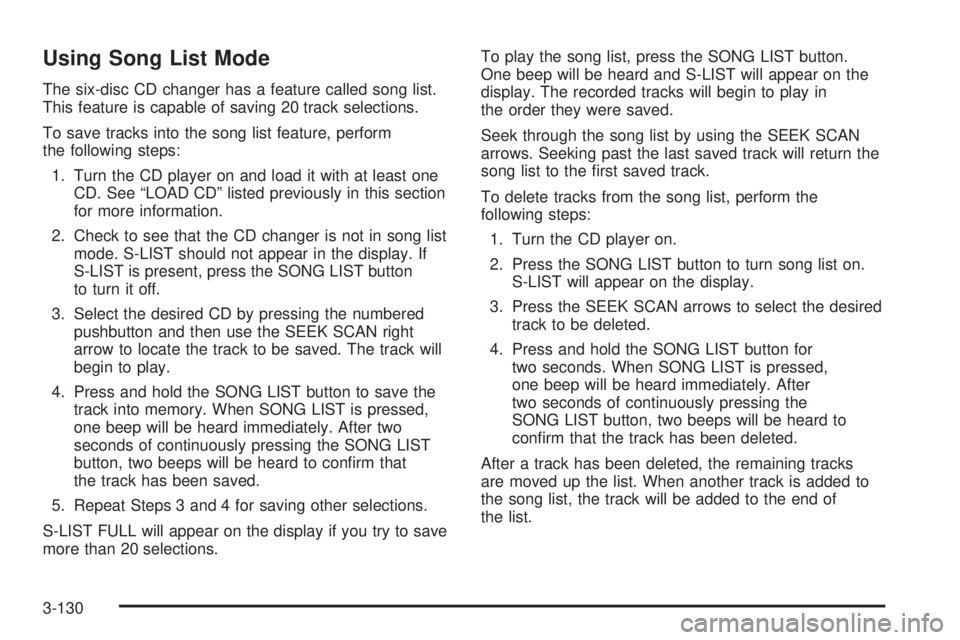
Using Song List Mode
The six-disc CD changer has a feature called song list.
This feature is capable of saving 20 track selections.
To save tracks into the song list feature, perform
the following steps:
1. Turn the CD player on and load it with at least one
CD. See “LOAD CD” listed previously in this section
for more information.
2. Check to see that the CD changer is not in song list
mode. S-LIST should not appear in the display. If
S-LIST is present, press the SONG LIST button
to turn it off.
3. Select the desired CD by pressing the numbered
pushbutton and then use the SEEK SCAN right
arrow to locate the track to be saved. The track will
begin to play.
4. Press and hold the SONG LIST button to save the
track into memory. When SONG LIST is pressed,
one beep will be heard immediately. After two
seconds of continuously pressing the SONG LIST
button, two beeps will be heard to conrm that
the track has been saved.
5. Repeat Steps 3 and 4 for saving other selections.
S-LIST FULL will appear on the display if you try to save
more than 20 selections.To play the song list, press the SONG LIST button.
One beep will be heard and S-LIST will appear on the
display. The recorded tracks will begin to play in
the order they were saved.
Seek through the song list by using the SEEK SCAN
arrows. Seeking past the last saved track will return the
song list to the rst saved track.
To delete tracks from the song list, perform the
following steps:
1. Turn the CD player on.
2. Press the SONG LIST button to turn song list on.
S-LIST will appear on the display.
3. Press the SEEK SCAN arrows to select the desired
track to be deleted.
4. Press and hold the SONG LIST button for
two seconds. When SONG LIST is pressed,
one beep will be heard immediately. After
two seconds of continuously pressing the
SONG LIST button, two beeps will be heard to
conrm that the track has been deleted.
After a track has been deleted, the remaining tracks
are moved up the list. When another track is added to
the song list, the track will be added to the end of
the list.
3-130
Page 436 of 444

H
Hazard Warning Flashers................................... 3-5
Head Restraints............................................... 1-6
Headlamp
Aiming.......................................................5-48
Headlamp Wiring...........................................5-103
Headlamps
Bulb Replacement.......................................5-50
Daytime Running Lamps...............................3-15
Flash-to-Pass............................................... 3-8
Front Turn Signal, Parking and Fog Lamps.....5-53
Halogen Bulbs............................................5-50
Headlamps and Sidemarker Lamps................5-51
High/Low Beam Changer................................ 3-8
On Reminder..............................................3-15
Headlamps and Sidemarker Lamps...................5-51
Head-Up Display (HUD)...................................3-20
Heated Seats................................................... 1-4
Heater...........................................................3-26
Heater...........................................................3-29
Highbeam On Light.........................................3-48
Highway Hypnosis...........................................4-25
Hill and Mountain Roads..................................4-26
Hood
Checking Things Under................................5-10
Release.....................................................5-10Horn............................................................... 3-6
How to Use This Manual...................................... ii
How to Wear Safety Belts Properly...................1-16
I
Ignition Positions.............................................2-22
Infants and Young Children, Restraints...............1-32
Ination -- Tire Pressure..................................5-64
Inator Kit, Tire...............................................5-74
Instrument Panel
Brightness..................................................3-17
Cluster.......................................................3-36
Overview..................................................... 3-4
Interior Lamps................................................3-17
J
Jump Starting.................................................5-43
K
Keyless Entry System....................................... 2-4
Keys............................................................... 2-2
6