traction control PONTIAC GRAND PRIX 2005 Owners Manual
[x] Cancel search | Manufacturer: PONTIAC, Model Year: 2005, Model line: GRAND PRIX, Model: PONTIAC GRAND PRIX 2005Pages: 444, PDF Size: 2.6 MB
Page 107 of 444
Instrument Panel Overview...............................3-4
Hazard Warning Flashers................................3-5
Other Warning Devices...................................3-6
Horn.............................................................3-6
Tilt Wheel.....................................................3-6
Turn and Lane-Change Signals........................3-7
Headlamp High/Low-Beam Changer..................3-8
Flash-to-Pass.................................................3-8
Windshield Wiper Lever...................................3-9
Cruise Control..............................................3-10
Exterior Lamps.............................................3-14
Headlamps on Reminder................................3-15
Daytime Running Lamps (DRL).......................3-15
Fog Lamps..................................................3-16
Exterior Lighting Battery Saver........................3-17
Interior Lamps..............................................3-17
Instrument Panel Brightness...........................3-17
Courtesy Lamps...........................................3-18
Entry Lighting...............................................3-18
Delayed Entry Lighting...................................3-18
Delayed Exit Lighting.....................................3-19
Front Reading Lamps....................................3-19
Overhead Console Reading Lamps.................3-19
Rear Assist Handle Reading Lamps................3-19Battery Run-Down Protection..........................3-20
Head-Up Display (HUD).................................3-20
Accessory Power Outlets...............................3-24
Ashtrays and Cigarette Lighter........................3-25
Climate Controls............................................3-26
Climate Control System.................................3-26
Dual Automatic Climate Control System...........3-29
Outlet Adjustment.........................................3-33
Passenger Compartment Air Filter...................3-33
Warning Lights, Gages, and Indicators............3-35
Instrument Panel Cluster................................3-36
Speedometer and Odometer...........................3-37
Tachometer.................................................3-37
Safety Belt Reminder Light.............................3-38
Airbag Readiness Light..................................3-38
Up-Shift Light...............................................3-39
Brake System Warning Light..........................3-40
Anti-Lock Brake System Warning Light.............3-41
Traction Control System (TCS) Warning Light......3-42
Enhanced Traction System Warning Light.........3-42
Engine Coolant Temperature Warning Light......3-43
Engine Coolant Temperature Gage..................3-43
Malfunction Indicator Lamp.............................3-44
Section 3 Instrument Panel
3-1
Page 116 of 444

About 30 seconds after the wipers are on, the
headlamps, taillamps, and instrument panel lighting will
come on, and the Driver Information Center (DIC)
back lighting will decrease to the night time mode. About
ten seconds after the wipers are turned off, all the
lamps will go back to the AUTO (Automatic) mode.
Windshield Washer
{CAUTION:
In freezing weather, do not use your washer
until the windshield is warmed. Otherwise the
washer uid can form ice on the windshield,
blocking your vision.
The windshield washer button is located at the end of
the windshield wiper lever.
K(Washer Fluid):Press this button to activate the
washer uid to spray onto the windshield. The wipers
will run for a few cycles to clear the windshield. For more
wash cycles, press and hold the button.If the vehicle is low on washer uid, the LOW WASHER
FLUID message will appear on the Driver Information
Center (DIC) display. See “LOW WASHER FLUID”
underDIC Warnings and Messages on page 3-69for
more information.
Cruise Control
{CAUTION:
Cruise control can be dangerous where you
cannot drive safely at a steady speed. So, do
not use your cruise control on winding roads
or in heavy traffic.
Cruise control can be dangerous on slippery
roads. On such roads, fast changes in tire
traction can cause needless wheel spinning,
and you could lose control. Do not use cruise
control on slippery roads.
3-10
Page 117 of 444
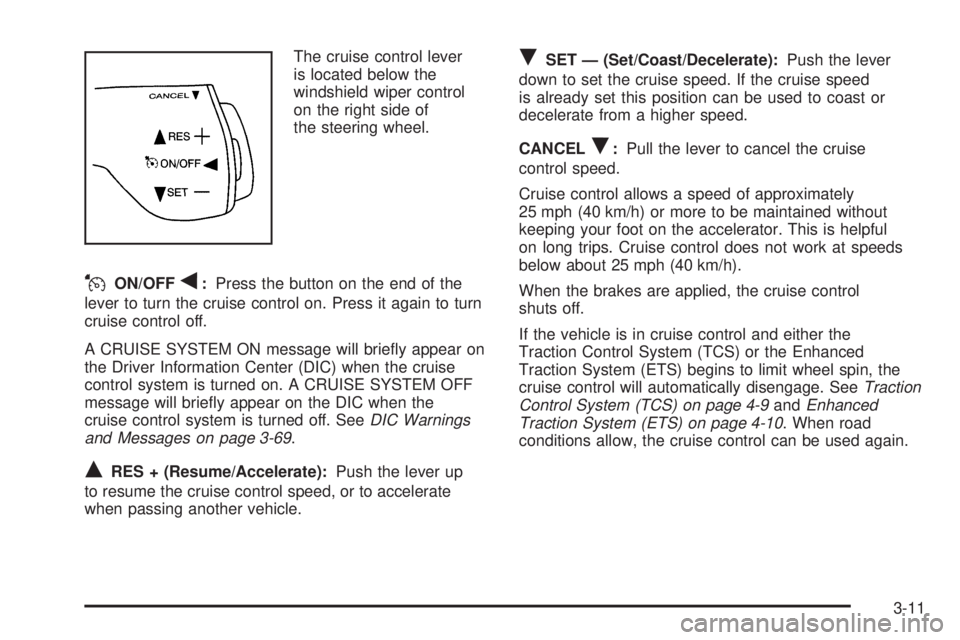
The cruise control lever
is located below the
windshield wiper control
on the right side of
the steering wheel.
JON/OFFq:Press the button on the end of the
lever to turn the cruise control on. Press it again to turn
cruise control off.
A CRUISE SYSTEM ON message will briey appear on
the Driver Information Center (DIC) when the cruise
control system is turned on. A CRUISE SYSTEM OFF
message will briey appear on the DIC when the
cruise control system is turned off. SeeDIC Warnings
and Messages on page 3-69.
QRES + (Resume/Accelerate):Push the lever up
to resume the cruise control speed, or to accelerate
when passing another vehicle.
RSET — (Set/Coast/Decelerate):Push the lever
down to set the cruise speed. If the cruise speed
is already set this position can be used to coast or
decelerate from a higher speed.
CANCEL
R:Pull the lever to cancel the cruise
control speed.
Cruise control allows a speed of approximately
25 mph (40 km/h) or more to be maintained without
keeping your foot on the accelerator. This is helpful
on long trips. Cruise control does not work at speeds
below about 25 mph (40 km/h).
When the brakes are applied, the cruise control
shuts off.
If the vehicle is in cruise control and either the
Traction Control System (TCS) or the Enhanced
Traction System (ETS) begins to limit wheel spin, the
cruise control will automatically disengage. SeeTraction
Control System (TCS) on page 4-9andEnhanced
Traction System (ETS) on page 4-10. When road
conditions allow, the cruise control can be used again.
3-11
Page 127 of 444
The HUD information can be displayed in one of three
languages, English, French, or Spanish. The
speedometer reading and other numerical values can
be displayed in either English or metric units.
The language selection and the units of measurement
are changed through the trip computer in the Driver
Information Center (DIC). See “Options” under
DIC Controls and Displays (Base Level DIC) on
page 3-49orDIC Controls and Displays (Uplevel DIC
with Trip Computer) on page 3-57.
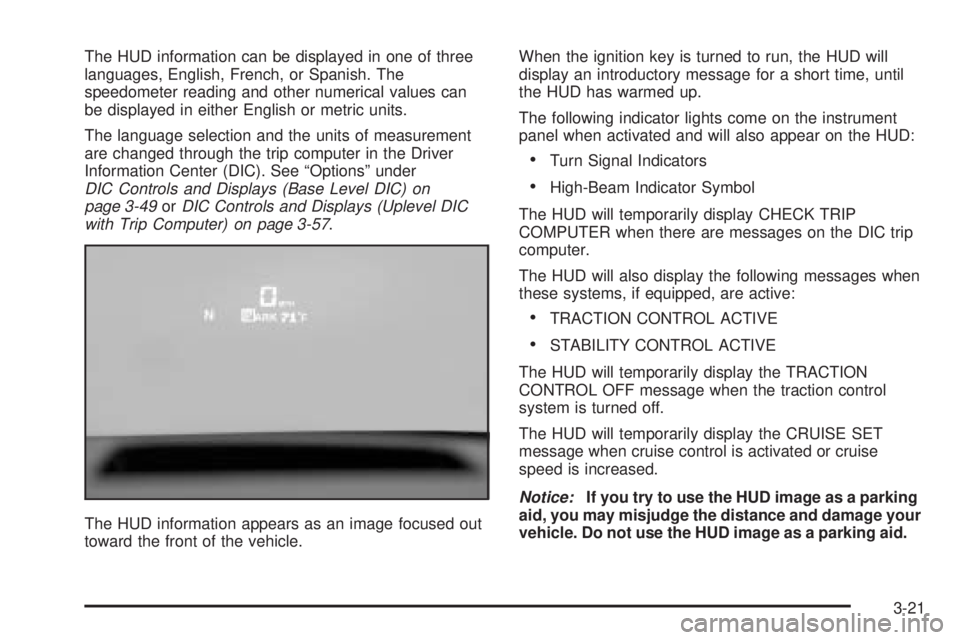
The HUD information appears as an image focused out
toward the front of the vehicle.When the ignition key is turned to run, the HUD will
display an introductory message for a short time, until
the HUD has warmed up.
The following indicator lights come on the instrument
panel when activated and will also appear on the HUD:
Turn Signal Indicators
High-Beam Indicator Symbol
The HUD will temporarily display CHECK TRIP
COMPUTER when there are messages on the DIC trip
computer.
The HUD will also display the following messages when
these systems, if equipped, are active:
TRACTION CONTROL ACTIVE
STABILITY CONTROL ACTIVE
The HUD will temporarily display the TRACTION
CONTROL OFF message when the traction control
system is turned off.
The HUD will temporarily display the CRUISE SET
message when cruise control is activated or cruise
speed is increased.
Notice:If you try to use the HUD image as a parking
aid, you may misjudge the distance and damage your
vehicle. Do not use the HUD image as a parking aid.
3-21
Page 148 of 444
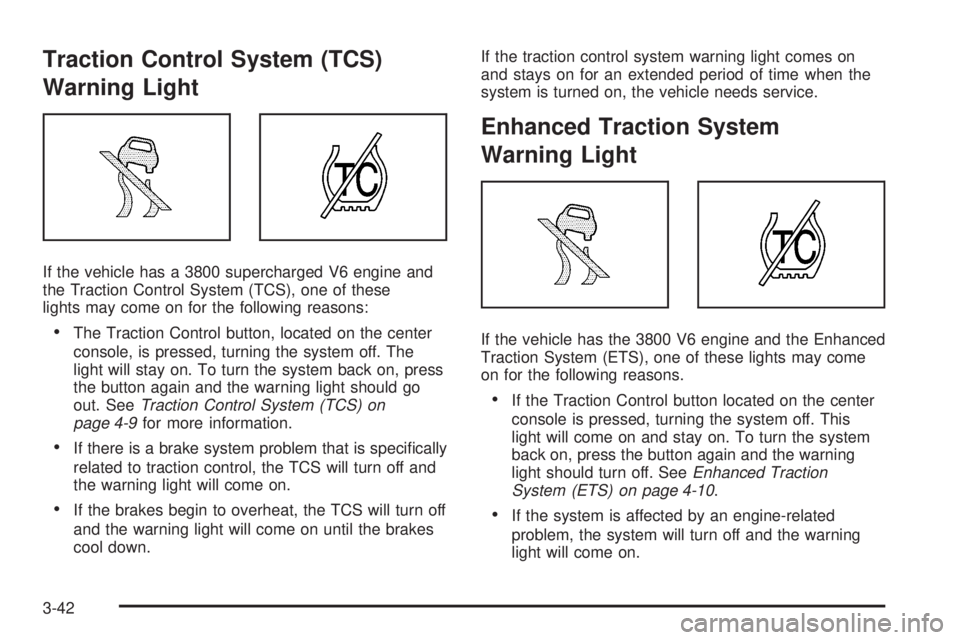
Traction Control System (TCS)
Warning Light
If the vehicle has a 3800 supercharged V6 engine and
the Traction Control System (TCS), one of these
lights may come on for the following reasons:
The Traction Control button, located on the center
console, is pressed, turning the system off. The
light will stay on. To turn the system back on, press
the button again and the warning light should go
out. SeeTraction Control System (TCS) on
page 4-9for more information.
If there is a brake system problem that is specically
related to traction control, the TCS will turn off and
the warning light will come on.
If the brakes begin to overheat, the TCS will turn off
and the warning light will come on until the brakes
cool down.If the traction control system warning light comes on
and stays on for an extended period of time when the
system is turned on, the vehicle needs service.
Enhanced Traction System
Warning Light
If the vehicle has the 3800 V6 engine and the Enhanced
Traction System (ETS), one of these lights may come
on for the following reasons.
If the Traction Control button located on the center
console is pressed, turning the system off. This
light will come on and stay on. To turn the system
back on, press the button again and the warning
light should turn off. SeeEnhanced Traction
System (ETS) on page 4-10.
If the system is affected by an engine-related
problem, the system will turn off and the warning
light will come on.
3-42
Page 192 of 444
SERVICE STABILITY SYSTEM
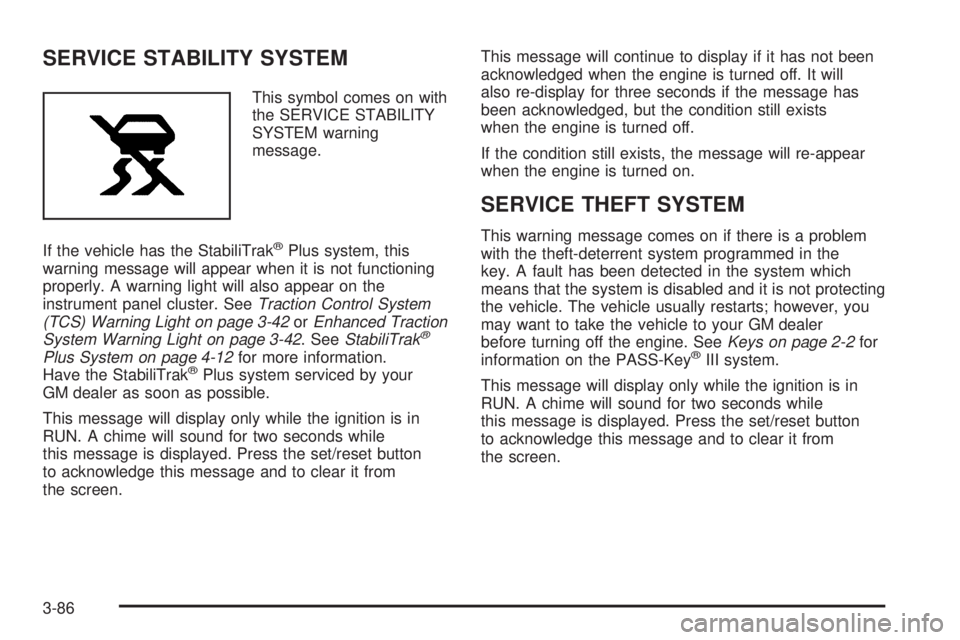
This symbol comes on with
the SERVICE STABILITY
SYSTEM warning
message.
If the vehicle has the StabiliTrak
®Plus system, this
warning message will appear when it is not functioning
properly. A warning light will also appear on the
instrument panel cluster. SeeTraction Control System
(TCS) Warning Light on page 3-42orEnhanced Traction
System Warning Light on page 3-42. SeeStabiliTrak
®
Plus System on page 4-12for more information.
Have the StabiliTrak®Plus system serviced by your
GM dealer as soon as possible.
This message will display only while the ignition is in
RUN. A chime will sound for two seconds while
this message is displayed. Press the set/reset button
to acknowledge this message and to clear it from
the screen.This message will continue to display if it has not been
acknowledged when the engine is turned off. It will
also re-display for three seconds if the message has
been acknowledged, but the condition still exists
when the engine is turned off.
If the condition still exists, the message will re-appear
when the engine is turned on.
SERVICE THEFT SYSTEM
This warning message comes on if there is a problem
with the theft-deterrent system programmed in the
key. A fault has been detected in the system which
means that the system is disabled and it is not protecting
the vehicle. The vehicle usually restarts; however, you
may want to take the vehicle to your GM dealer
before turning off the engine. SeeKeys on page 2-2for
information on the PASS-Key
®III system.
This message will display only while the ignition is in
RUN. A chime will sound for two seconds while
this message is displayed. Press the set/reset button
to acknowledge this message and to clear it from
the screen.
3-86
Page 193 of 444
This message will continue to display if it has not been
acknowledged when the engine is turned off. It will
also re-display for three seconds if the message has
been acknowledged, but the condition still exists
when the engine is turned off.
If the condition still exists, the message will re-appear
when the engine is turned on.
SERVICE TRACTION SYSTEM
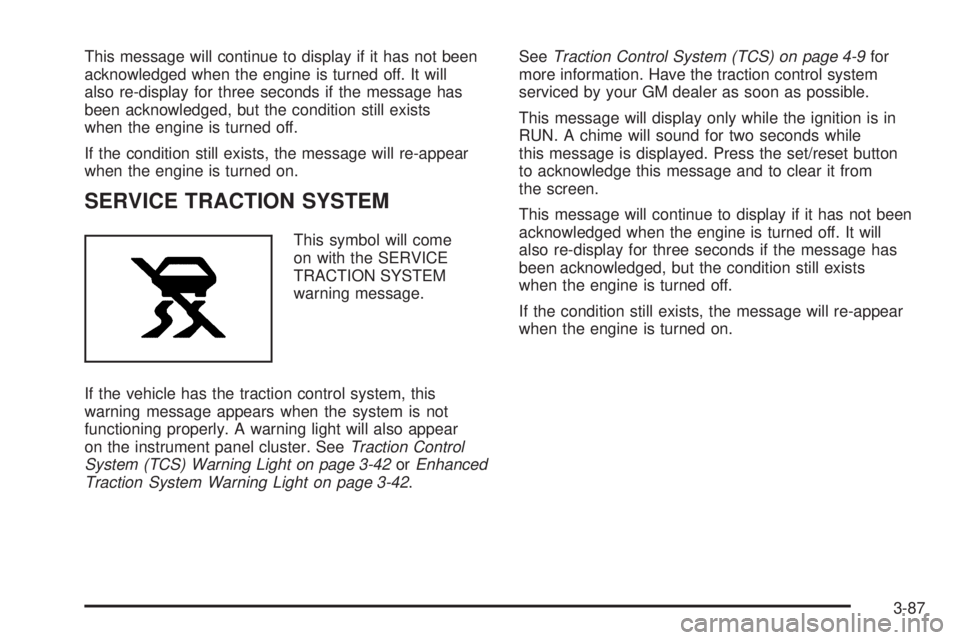
This symbol will come
on with the SERVICE
TRACTION SYSTEM
warning message.
If the vehicle has the traction control system, this
warning message appears when the system is not
functioning properly. A warning light will also appear
on the instrument panel cluster. SeeTraction Control
System (TCS) Warning Light on page 3-42orEnhanced
Traction System Warning Light on page 3-42.SeeTraction Control System (TCS) on page 4-9for
more information. Have the traction control system
serviced by your GM dealer as soon as possible.
This message will display only while the ignition is in
RUN. A chime will sound for two seconds while
this message is displayed. Press the set/reset button
to acknowledge this message and to clear it from
the screen.
This message will continue to display if it has not been
acknowledged when the engine is turned off. It will
also re-display for three seconds if the message has
been acknowledged, but the condition still exists
when the engine is turned off.
If the condition still exists, the message will re-appear
when the engine is turned on.
3-87
Page 195 of 444
STABILITY CONTROL ACTIVE
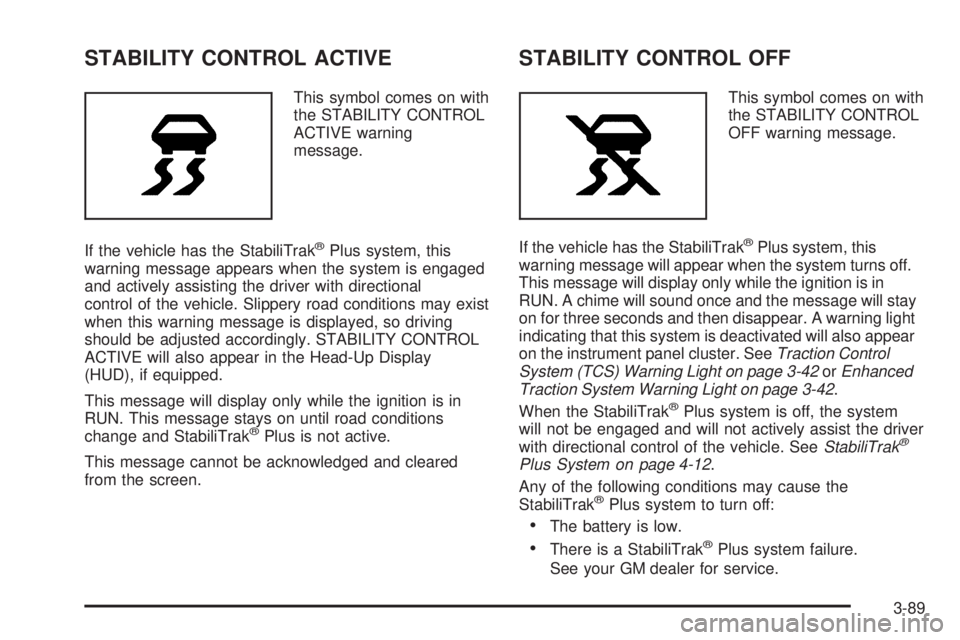
This symbol comes on with
the STABILITY CONTROL
ACTIVE warning
message.
If the vehicle has the StabiliTrak
®Plus system, this
warning message appears when the system is engaged
and actively assisting the driver with directional
control of the vehicle. Slippery road conditions may exist
when this warning message is displayed, so driving
should be adjusted accordingly. STABILITY CONTROL
ACTIVE will also appear in the Head-Up Display
(HUD), if equipped.
This message will display only while the ignition is in
RUN. This message stays on until road conditions
change and StabiliTrak
®Plus is not active.
This message cannot be acknowledged and cleared
from the screen.
STABILITY CONTROL OFF
This symbol comes on with
the STABILITY CONTROL
OFF warning message.
If the vehicle has the StabiliTrak
®Plus system, this
warning message will appear when the system turns off.
This message will display only while the ignition is in
RUN. A chime will sound once and the message will stay
on for three seconds and then disappear. A warning light
indicating that this system is deactivated will also appear
on the instrument panel cluster. SeeTraction Control
System (TCS) Warning Light on page 3-42orEnhanced
Traction System Warning Light on page 3-42.
When the StabiliTrak
®Plus system is off, the system
will not be engaged and will not actively assist the driver
with directional control of the vehicle. SeeStabiliTrak
®
Plus System on page 4-12.
Any of the following conditions may cause the
StabiliTrak
®Plus system to turn off:
The battery is low.
There is a StabiliTrak®Plus system failure.
See your GM dealer for service.
3-89
Page 197 of 444
TRACTION CONTROL ACTIVE
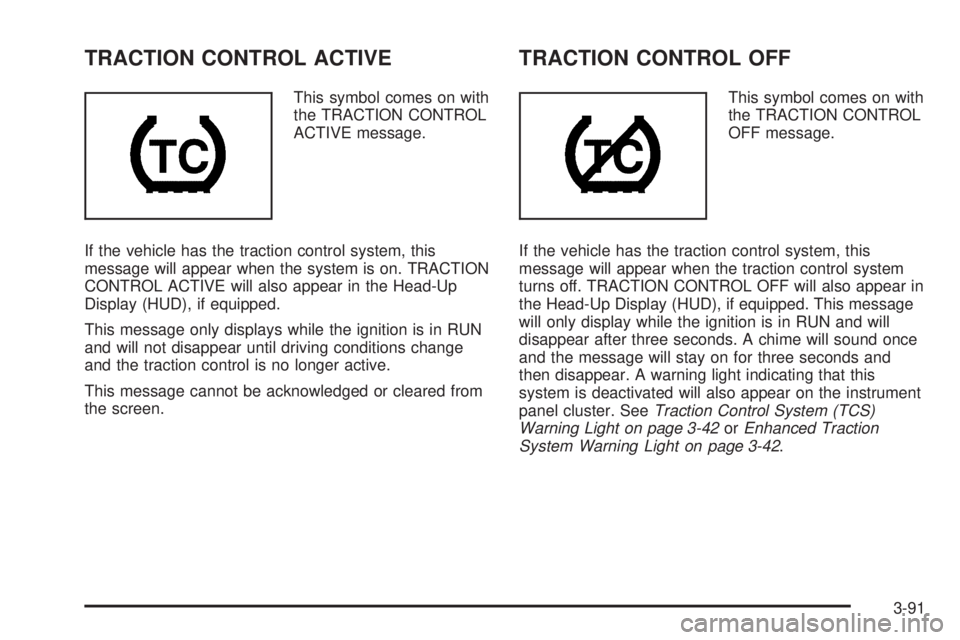
This symbol comes on with
the TRACTION CONTROL
ACTIVE message.
If the vehicle has the traction control system, this
message will appear when the system is on. TRACTION
CONTROL ACTIVE will also appear in the Head-Up
Display (HUD), if equipped.
This message only displays while the ignition is in RUN
and will not disappear until driving conditions change
and the traction control is no longer active.
This message cannot be acknowledged or cleared from
the screen.
TRACTION CONTROL OFF
This symbol comes on with
the TRACTION CONTROL
OFF message.
If the vehicle has the traction control system, this
message will appear when the traction control system
turns off. TRACTION CONTROL OFF will also appear in
the Head-Up Display (HUD), if equipped. This message
will only display while the ignition is in RUN and will
disappear after three seconds. A chime will sound once
and the message will stay on for three seconds and
then disappear. A warning light indicating that this
system is deactivated will also appear on the instrument
panel cluster. SeeTraction Control System (TCS)
Warning Light on page 3-42orEnhanced Traction
System Warning Light on page 3-42.
3-91
Page 198 of 444
Any of the following conditions may cause the traction
control system to turn off:
The traction control system is turned off by pressing
the TC (traction control) button located on the
center console. SeeTraction Control System (TCS)
on page 4-9orEnhanced Traction System (ETS)
on page 4-10for more information.
The battery is low.
There is a traction control system failure. See your
GM dealer for service.
TURN SIGNAL ON
This message will comes on if the vehicle is driven
for more than 0.75 mile (1.21 km) with one of the turn
signals on. It appears as a reminder to turn off the
turn signal.
This message only displays when the ignition is in RUN.
A chime will sound for two seconds and the message
will not disappear until the turn signal is manually turned
off, or a turn is completed.
Audio System(s)
Notice:Before adding any sound equipment to
your vehicle, like a tape player, CB radio, mobile
telephone, or two-way radio, make sure that it can
be added by checking with your dealer. Also,
check federal rules covering mobile radio and
telephone units. If sound equipment can be added,
it is very important to do it properly. Added
sound equipment may interfere with the operation
of your vehicle’s engine, radio, or other systems,
and even damage them. Your vehicle’s systems may
interfere with the operation of sound equipment
that has been added improperly.
Figure out which audio system is in your vehicle, nd
out what your audio system can do, and how to operate
all of its controls.
Your vehicle has a feature called Retained Accessory
Power (RAP). With RAP, the audio system can be
played even after the ignition is turned off. SeeRetained
Accessory Power (RAP) on page 2-22for more
information.
3-92