charging PONTIAC GRAND PRIX 2006 Owners Manual
[x] Cancel search | Manufacturer: PONTIAC, Model Year: 2006, Model line: GRAND PRIX, Model: PONTIAC GRAND PRIX 2006Pages: 472, PDF Size: 2.82 MB
Page 179 of 472
OIL LIFE REMAINING:Press the gages button until
OIL LIFE REMAINING is displayed. This screen
indicates the percentage of oil life in the vehicle’s engine
that has not degraded. SeeEngine Oil on page 5-16
for more information.
After the oil has been changed in the vehicle, reset the
ENGINE OIL MONITOR screen in the options menu.
To reset the engine oil monitor system, seeEngine Oil
Life System on page 5-19.
Press the gages button again to advance to the
next screen.
TRANSMISSION FLUID TEMP:This screen displays
this message along with the temperature (F° or C°)
of the transmission uid.
Press the gages button again to advance to the next
screen.
BATTERY:This screen displays the amount of volts
the battery is generating.
Your vehicle’s charging system regulates voltage based
on the state of the battery. The battery voltage may
uctuate when viewing this information on the DIC. This
is normal.
Press the gages button again to advance to the
next screen.ENGINE HOURS:This screen shows the number of
cumulative hours the engine has operated while the key
was in the RUN position. This screen cannot be reset.
Press the gages button to scroll to the next screen.
ENGINE BOOST:If the vehicle has the supercharged
engine, this screen will appear. It shows a graphic
that indicates the amount of boost the engine is
receiving.
Press the gages button again to scroll to the
next screen.
MAXIMUM Gs:If you have the GXP option, this screen
will appear. The DIC monitors and keeps track of the
maximum levels for acceleration, deceleration, and
lateral-acceleration achieved since the screen was last
reset. If you try to select this screen while the vehicle
is moving, the message MAXIMUM Gs NOT
AVAILABLE WHILE MOVING will display. To view the
maximum accelerations achieved since last reset,
you must bring the vehicle to a stop. Then the values
will be displayed. To reset the values to zero, press and
hold the set/reset button.
Press the gages button again to scroll to the
next screen.
3-61
Page 192 of 472
The CHANGE OIL SOON message is reset by
acknowledging the message. The ENGINE OIL
MONITOR SYSTEM screen under the options menu on
the DIC must also be reset. See “Engine Oil Monitor
System” in options underDIC Controls and Displays
(Base Level DIC) on page 3-52orDIC Controls
and Displays (Uplevel DIC with Trip Computer) on
page 3-60for more information.
This message will display while the ignition is in RUN.
Press the set/reset button to acknowledge this message
and to clear it from the screen.
This message will continue to display for three seconds
if it has not been acknowledged when the engine is
turned off. It will also re-display for three seconds if the
message has been acknowledged, but the condition
still exists when the engine is turned off.
If the condition still exists, the message will re-appear
when the engine is turned on.CHARGING SYSTEM FAILURE
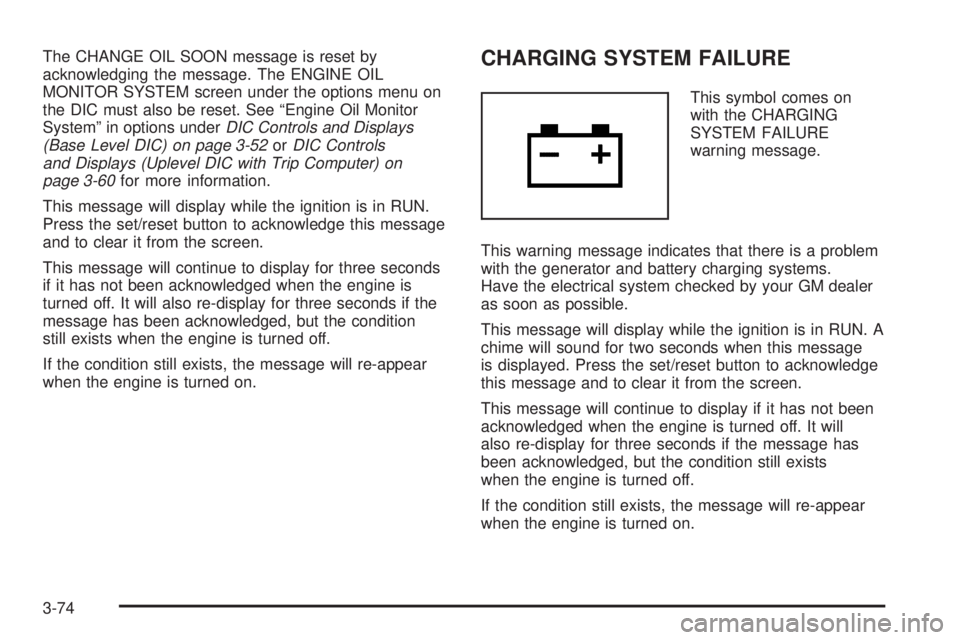
This symbol comes on
with the CHARGING
SYSTEM FAILURE
warning message.
This warning message indicates that there is a problem
with the generator and battery charging systems.
Have the electrical system checked by your GM dealer
as soon as possible.
This message will display while the ignition is in RUN. A
chime will sound for two seconds when this message
is displayed. Press the set/reset button to acknowledge
this message and to clear it from the screen.
This message will continue to display if it has not been
acknowledged when the engine is turned off. It will
also re-display for three seconds if the message has
been acknowledged, but the condition still exists
when the engine is turned off.
If the condition still exists, the message will re-appear
when the engine is turned on.
3-74