traction control PONTIAC GRAND PRIX 2008 User Guide
[x] Cancel search | Manufacturer: PONTIAC, Model Year: 2008, Model line: GRAND PRIX, Model: PONTIAC GRAND PRIX 2008Pages: 450, PDF Size: 2.64 MB
Page 203 of 450
Any of the following conditions may cause the
StabiliTrak®Plus system to turn off:
The StabiliTrak®Plus system on the GXP
option is manually turned off. SeeStabiliTrak®
Plus System on page 4-8for more information.
The battery is low.
There is a StabiliTrak®Plus system failure.
See your dealer/retailer for service.
STARTING DISABLED DUE TO
ELECTRONIC THROTTLE CONTROL
This message displays when there is a malfunction
with the electronic throttle control which prevents
the vehicle from starting. Have the vehicle serviced
by your dealer/retailer.
This message only appears while the ignition is in
ON/RUN, and will not disappear until the problem
is resolved. A chime sounds for two seconds.
This message cannot be acknowledged.
STARTING DISABLED DUE TO
THEFT SYSTEM
This message displays when the system detects a
malfunction in the content theft-deterrent system and
prevents the vehicle from starting.This message only appears while the ignition is in
ON/RUN, and will not disappear until the problem
is resolved. A chime sounds for two seconds.
This message cannot be acknowledged.
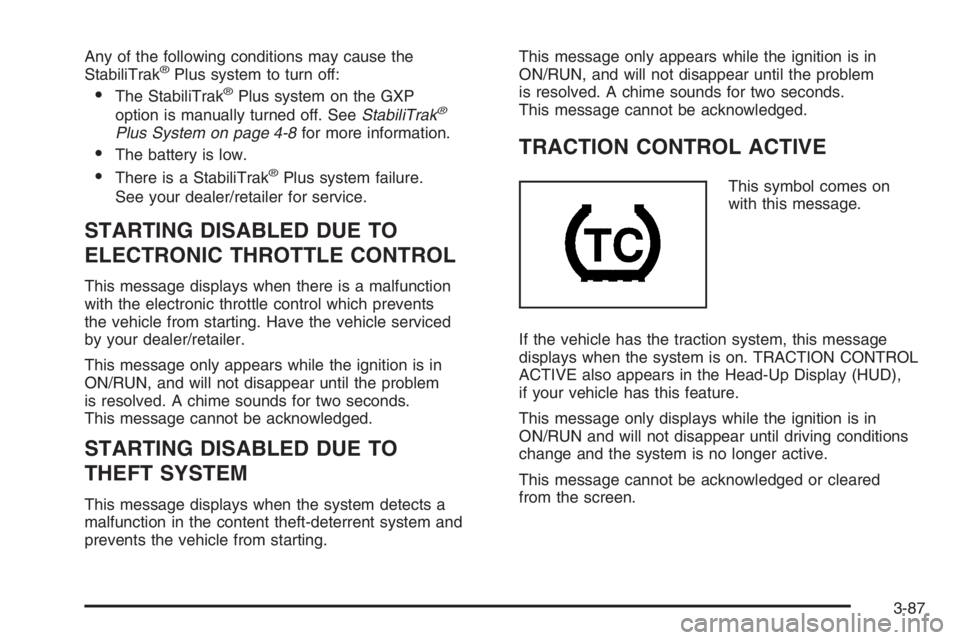
TRACTION CONTROL ACTIVE
This symbol comes on
with this message.
If the vehicle has the traction system, this message
displays when the system is on. TRACTION CONTROL
ACTIVE also appears in the Head-Up Display (HUD),
if your vehicle has this feature.
This message only displays while the ignition is in
ON/RUN and will not disappear until driving conditions
change and the system is no longer active.
This message cannot be acknowledged or cleared
from the screen.
3-87
Page 204 of 450
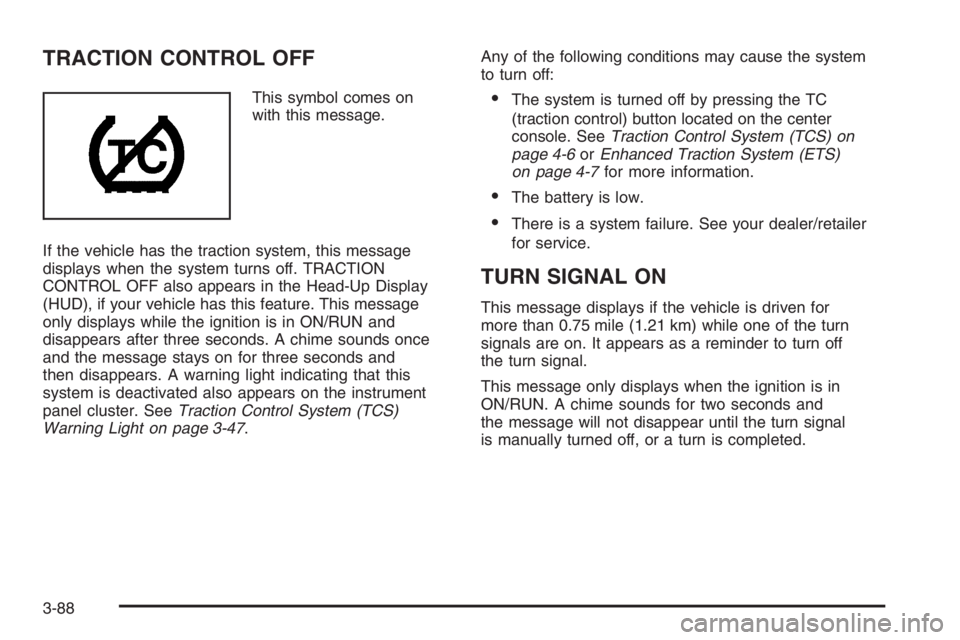
TRACTION CONTROL OFF
This symbol comes on
with this message.
If the vehicle has the traction system, this message
displays when the system turns off. TRACTION
CONTROL OFF also appears in the Head-Up Display
(HUD), if your vehicle has this feature. This message
only displays while the ignition is in ON/RUN and
disappears after three seconds. A chime sounds once
and the message stays on for three seconds and
then disappears. A warning light indicating that this
system is deactivated also appears on the instrument
panel cluster. SeeTraction Control System (TCS)
Warning Light on page 3-47.Any of the following conditions may cause the system
to turn off:The system is turned off by pressing the TC
(traction control) button located on the center
console. SeeTraction Control System (TCS) on
page 4-6orEnhanced Traction System (ETS)
on page 4-7for more information.
The battery is low.
There is a system failure. See your dealer/retailer
for service.
TURN SIGNAL ON
This message displays if the vehicle is driven for
more than 0.75 mile (1.21 km) while one of the turn
signals are on. It appears as a reminder to turn off
the turn signal.
This message only displays when the ignition is in
ON/RUN. A chime sounds for two seconds and
the message will not disappear until the turn signal
is manually turned off, or a turn is completed.
3-88
Page 210 of 450
Audio System(s)
Determine which radio your vehicle has and then read the
pages following to familiarize yourself with its features.
{CAUTION:
This system provides you with far greater
access to audio stations and song listings.
Giving extended attention to entertainment
tasks while driving can cause a crash and
you or others can be injured or killed. Always
keep your eyes on the road and your mind
on the drive — avoid engaging in extended
searching while driving.
Keeping your mind on the drive is important for
safe driving. SeeDefensive Driving on page 4-2.
Here are some ways in which you can help avoid
distraction while driving.
While your vehicle is parked:
Familiarize yourself with all of its controls.
Familiarize yourself with its operation.
Set up your audio system by presetting your
favorite radio stations, setting the tone, and
adjusting the speakers. Then, when driving
conditions permit, you can tune to your favorite
radio stations using the presets and steering wheel
controls if the vehicle has them.
Notice:Before adding any sound equipment to
your vehicle, such as an audio system, CD player,
CB radio, mobile telephone, or two-way radio, make
sure that it can be added by checking with your
dealer/retailer. Also, check federal rules covering
mobile radio and telephone units. If sound
equipment can be added, it is very important to do
it properly. Added sound equipment may interfere
with the operation of your vehicle’s engine, radio,
or other systems, and even damage them. Your
vehicle’s systems may interfere with the operation
of sound equipment that has been added.
Notice:The chime signals related to safety belts,
parking brake, and other functions of your vehicle
operate through the radio/entertainment system.
If that equipment is replaced or additional equipment
is added to your vehicle, the chimes may not
work. Make sure that replacement or additional
equipment is compatible with your vehicle before
installing it. SeeAccessories and Modifications
on page 5-3.
3-94
Page 235 of 450
Your Driving, the Road, and Your Vehicle..........4-2
Defensive Driving...........................................4-2
Drunk Driving.................................................4-2
Control of a Vehicle........................................4-3
Braking.........................................................4-3
Antilock Brake System (ABS)...........................4-4
Braking in Emergencies...................................4-5
Traction Control System (TCS).........................4-6
Enhanced Traction System (ETS).....................4-7
StabiliTrak
®Plus System.................................4-8
Steering......................................................4-10
Off-Road Recovery.......................................4-12
Passing.......................................................4-12
Loss of Control.............................................4-12Driving at Night............................................4-14
Driving in Rain and on Wet Roads..................4-14
Before Leaving on a Long Trip.......................4-15
Highway Hypnosis........................................4-16
Hill and Mountain Roads................................4-16
Winter Driving..............................................4-17
If Your Vehicle is Stuck in Sand, Mud, Ice,
or Snow...................................................4-21
Rocking Your Vehicle to Get It Out.................4-22
Loading Your Vehicle....................................4-22
Towing..........................................................4-27
Towing Your Vehicle.....................................4-27
Recreational Vehicle Towing...........................4-27
Towing a Trailer...........................................4-29
Section 4 Driving Your Vehicle
4-1
Page 237 of 450
For persons under 21, it is against the law in every
U.S. state to drink alcohol. There are good medical,
psychological, and developmental reasons for
these laws.
The obvious way to eliminate the leading highway
safety problem is for people never to drink alcohol
and then drive.
Medical research shows that alcohol in a person’s
system can make crash injuries worse, especially
injuries to the brain, spinal cord, or heart. This means
that when anyone who has been drinking — driver
or passenger — is in a crash, that person’s chance
of being killed or permanently disabled is higher than
if the person had not been drinking.
Control of a Vehicle
The following three systems help to control your vehicle
while driving — brakes, steering, and accelerator. At
times, as when driving on snow or ice, it is easy to ask
more of those control systems than the tires and road can
provide. Meaning, you can lose control of your vehicle.
SeeTraction Control System (TCS) on page 4-6and
Enhanced Traction System (ETS) on page 4-7.
Adding non-dealer/non-retailer accessories can affect
your vehicle’s performance. SeeAccessories and
Modifications on page 5-3.
Braking
SeeBrake System Warning Light on page 3-45.
Braking action involves perception time and reaction
time. First, you have to decide to push on the brake
pedal. That is perception time. Then you have to bring
up your foot and do it. That is reaction time.
Average reaction time is about three-fourths of a
second. But that is only an average. It might be less
with one driver and as long as two or three seconds or
more with another. Age, physical condition, alertness,
coordination, and eyesight all play a part. So do alcohol,
drugs, and frustration. But even in three-fourths of a
second, a vehicle moving at 60 mph (100 km/h) travels
66 feet (20 m). That could be a lot of distance in an
emergency, so keeping enough space between
your vehicle and others is important.
And, of course, actual stopping distances vary greatly
with the surface of the road, whether it is pavement or
gravel; the condition of the road, whether it is wet, dry, or
icy; tire tread; the condition of the brakes; the weight of
the vehicle; and the amount of brake force applied.
4-3
Page 240 of 450
Traction Control System (TCS)
If the vehicle has a 5.3L V8 engine, it has a Traction
Control System (TCS) that limits wheel spin. This
is especially useful in slippery road conditions. The
system operates only if it senses that one or both of the
front wheels are spinning or beginning to lose traction.
When this happens, the system works the front
brakes and reduces engine power to limit wheel spin.
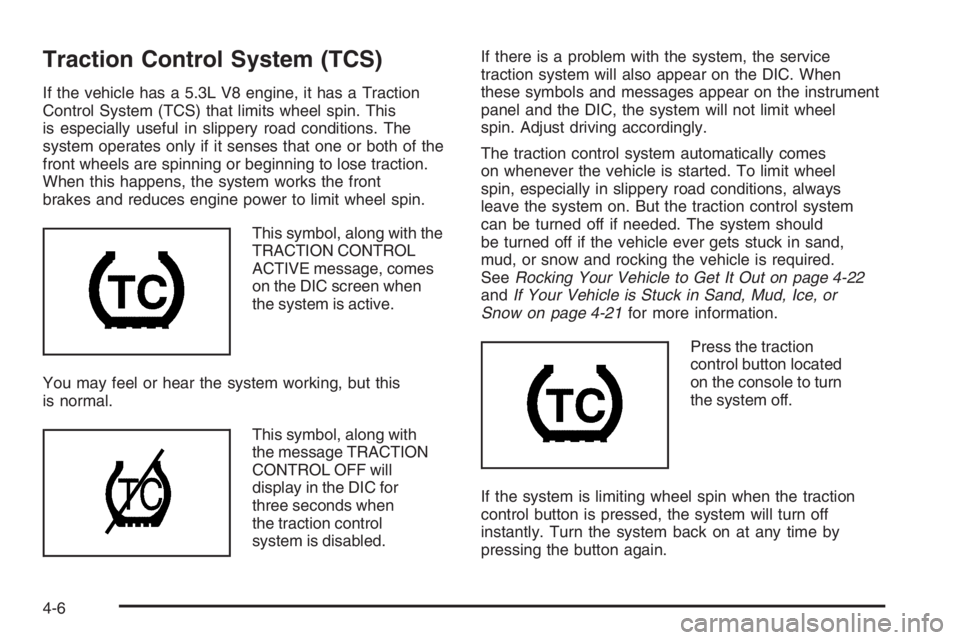
This symbol, along with the
TRACTION CONTROL
ACTIVE message, comes
on the DIC screen when
the system is active.
You may feel or hear the system working, but this
is normal.
This symbol, along with
the message TRACTION
CONTROL OFF will
display in the DIC for
three seconds when
the traction control
system is disabled.If there is a problem with the system, the service
traction system will also appear on the DIC. When
these symbols and messages appear on the instrument
panel and the DIC, the system will not limit wheel
spin. Adjust driving accordingly.
The traction control system automatically comes
on whenever the vehicle is started. To limit wheel
spin, especially in slippery road conditions, always
leave the system on. But the traction control system
can be turned off if needed. The system should
be turned off if the vehicle ever gets stuck in sand,
mud, or snow and rocking the vehicle is required.
SeeRocking Your Vehicle to Get It Out on page 4-22
andIf Your Vehicle is Stuck in Sand, Mud, Ice, or
Snow on page 4-21for more information.
Press the traction
control button located
on the console to turn
the system off.
If the system is limiting wheel spin when the traction
control button is pressed, the system will turn off
instantly. Turn the system back on at any time by
pressing the button again.
4-6
Page 241 of 450
If the vehicle is in cruise control when the traction
control system begins to limit wheel spin, the cruise
control will automatically disengage. When road
conditions allow safe use of it, the cruise control can
be used again. SeeCruise Control on page 3-12.
Adding non-GM accessories can affect your vehicle’s
performance. SeeAccessories and Modifications
on page 5-3for more information.
Enhanced Traction System (ETS)
If the vehicle has the 3.8L V6 engine and Antilock
brakes, it has an Enhanced Traction System (ETS)
that limits wheel spin. This is especially useful in
slippery road conditions. The system operates only
if it senses that one or both of the front wheels
are spinning or beginning to lose traction. When this
happens, the system reduces engine power and
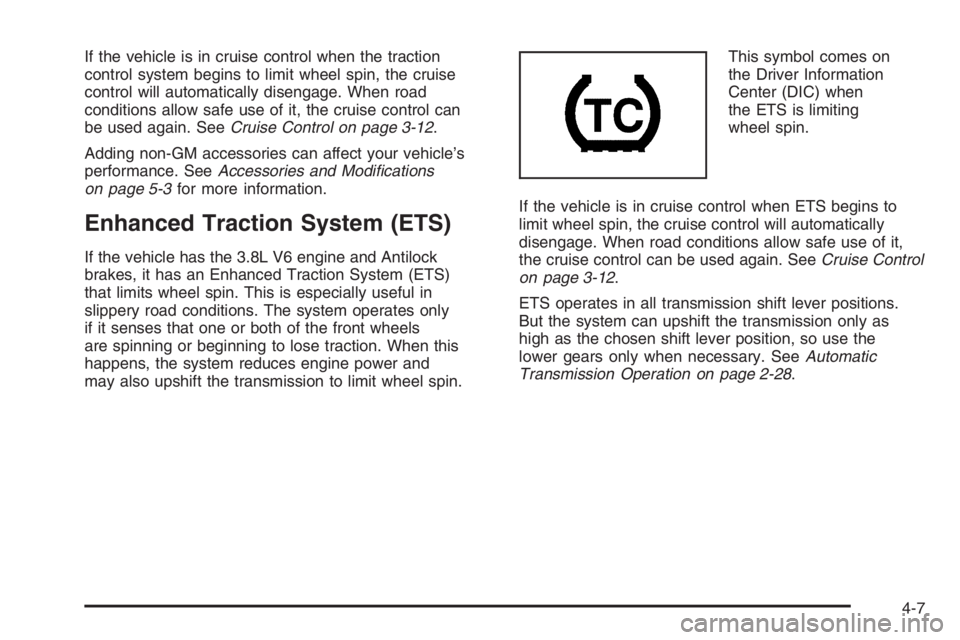
may also upshift the transmission to limit wheel spin.This symbol comes on
the Driver Information
Center (DIC) when
the ETS is limiting
wheel spin.
If the vehicle is in cruise control when ETS begins to
limit wheel spin, the cruise control will automatically
disengage. When road conditions allow safe use of it,
the cruise control can be used again. SeeCruise Control
on page 3-12.
ETS operates in all transmission shift lever positions.
But the system can upshift the transmission only as
high as the chosen shift lever position, so use the
lower gears only when necessary. SeeAutomatic
Transmission Operation on page 2-28.
4-7
Page 242 of 450
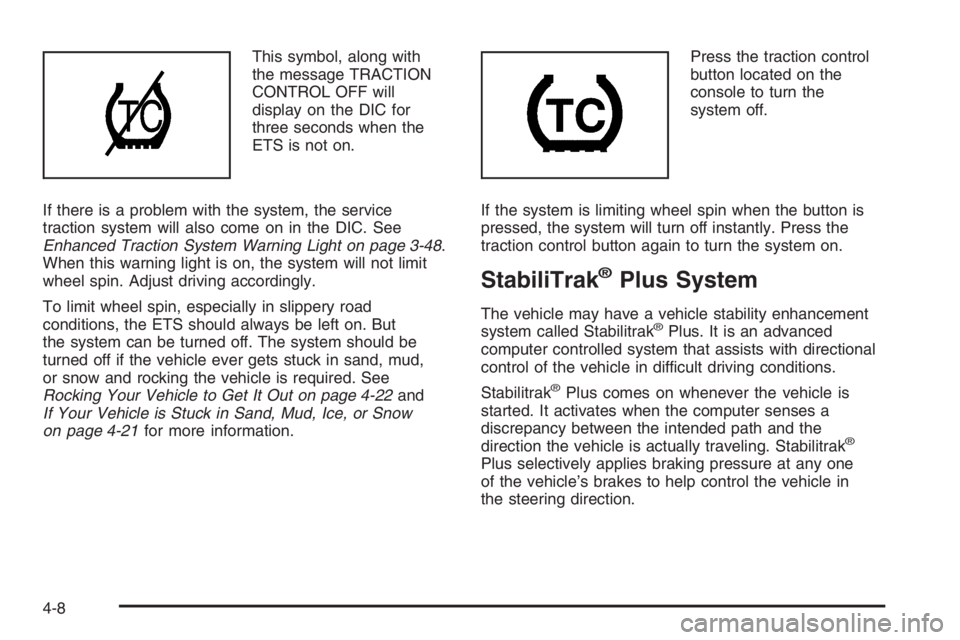
This symbol, along with
the message TRACTION
CONTROL OFF will
display on the DIC for
three seconds when the
ETS is not on.
If there is a problem with the system, the service
traction system will also come on in the DIC. See
Enhanced Traction System Warning Light on page 3-48.
When this warning light is on, the system will not limit
wheel spin. Adjust driving accordingly.
To limit wheel spin, especially in slippery road
conditions, the ETS should always be left on. But
the system can be turned off. The system should be
turned off if the vehicle ever gets stuck in sand, mud,
or snow and rocking the vehicle is required. See
Rocking Your Vehicle to Get It Out on page 4-22and
If Your Vehicle is Stuck in Sand, Mud, Ice, or Snow
on page 4-21for more information.Press the traction control
button located on the
console to turn the
system off.
If the system is limiting wheel spin when the button is
pressed, the system will turn off instantly. Press the
traction control button again to turn the system on.
StabiliTrak®Plus System
The vehicle may have a vehicle stability enhancement
system called Stabilitrak®Plus. It is an advanced
computer controlled system that assists with directional
control of the vehicle in difficult driving conditions.
Stabilitrak
®Plus comes on whenever the vehicle is
started. It activates when the computer senses a
discrepancy between the intended path and the
direction the vehicle is actually traveling. Stabilitrak
®
Plus selectively applies braking pressure at any one
of the vehicle’s brakes to help control the vehicle in
the steering direction.
4-8
Page 243 of 450
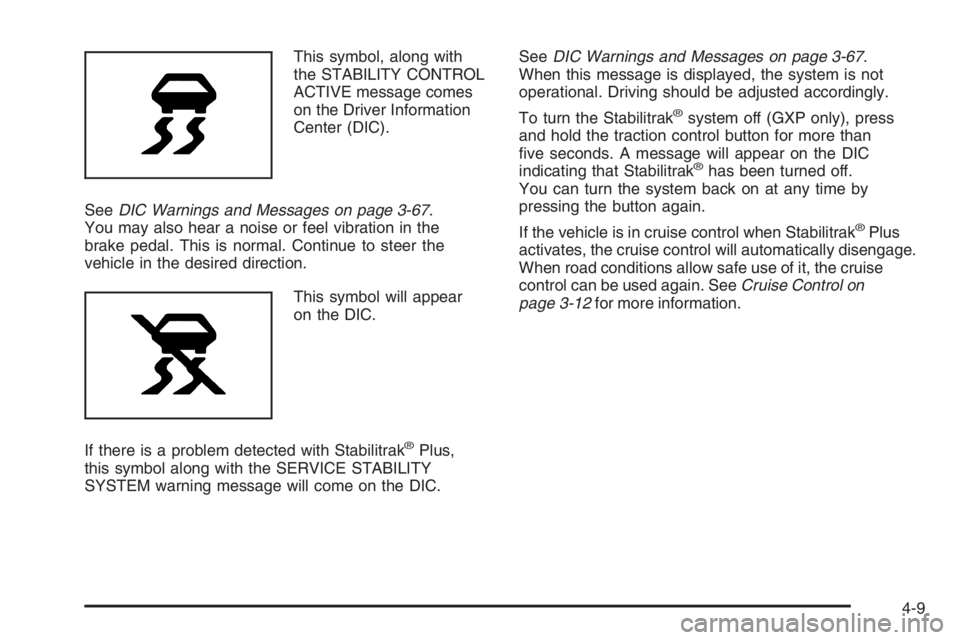
This symbol, along with
the STABILITY CONTROL
ACTIVE message comes
on the Driver Information
Center (DIC).
SeeDIC Warnings and Messages on page 3-67.
You may also hear a noise or feel vibration in the
brake pedal. This is normal. Continue to steer the
vehicle in the desired direction.
This symbol will appear
on the DIC.
If there is a problem detected with Stabilitrak
®Plus,
this symbol along with the SERVICE STABILITY
SYSTEM warning message will come on the DIC.SeeDIC Warnings and Messages on page 3-67.
When this message is displayed, the system is not
operational. Driving should be adjusted accordingly.
To turn the Stabilitrak
®system off (GXP only), press
and hold the traction control button for more than
ve seconds. A message will appear on the DIC
indicating that Stabilitrak
®has been turned off.
You can turn the system back on at any time by
pressing the button again.
If the vehicle is in cruise control when Stabilitrak
®Plus
activates, the cruise control will automatically disengage.
When road conditions allow safe use of it, the cruise
control can be used again. SeeCruise Control on
page 3-12for more information.
4-9
Page 244 of 450
Steering
Power Steering
If you lose power steering assist because the engine
stops or the system is not functioning, you can steer
but it will take much more effort.
Variable Effort Steering
If your vehicle has this steering system, the system
provides less steering effort for parking and when driving
at speeds below 20 mph (32 km/h). Steering effort will
increase at higher speeds for improved road feel.
Steering Tips
It is important to take curves at a reasonable speed.
A lot of the “driver lost control” accidents mentioned
on the news happen on curves. Here is why:
Experienced driver or beginner, each of us is subject
to the same laws of physics when driving on curves.
The traction of the tires against the road surface
makes it possible for the vehicle to change its path
when you turn the front wheels. If there is no traction,
inertia will keep the vehicle going in the same direction.
If you have ever tried to steer a vehicle on wet ice,
you will understand this.The traction you can get in a curve depends on the
condition of the tires and the road surface, the angle at
which the curve is banked, and your speed. While you
are in a curve, speed is the one factor you can control.
Suppose you are steering through a sharp curve.
Then you suddenly apply the brakes. Both control
systems — steering and braking — have to do their
work where the tires meet the road. Unless you have
antilock brakes, adding the hard braking can demand
too much of those places. You can lose control.
The same thing can happen if you are steering through
a sharp curve and you suddenly accelerate. Those
two control systems — steering and acceleration — can
overwhelm those places where the tires meet the
road and make you lose control. SeeTraction Control
System (TCS) on page 4-6orEnhanced Traction
System (ETS) on page 4-7.
What should you do if this ever happens? Ease up on
the brake or accelerator pedal, steer the vehicle the way
you want it to go, and slow down.
Speed limit signs near curves warn that you should
adjust your speed. Of course, the posted speeds
are based on good weather and road conditions. Under
less favorable conditions you will want to go slower.
If you need to reduce your speed as you approach
a curve, do it before you enter the curve, while the
front wheels are straight ahead.
4-10