auxiliary PONTIAC GRAND PRIX 2008 Owners Manual
[x] Cancel search | Manufacturer: PONTIAC, Model Year: 2008, Model line: GRAND PRIX, Model: PONTIAC GRAND PRIX 2008Pages: 450, PDF Size: 2.64 MB
Page 222 of 450
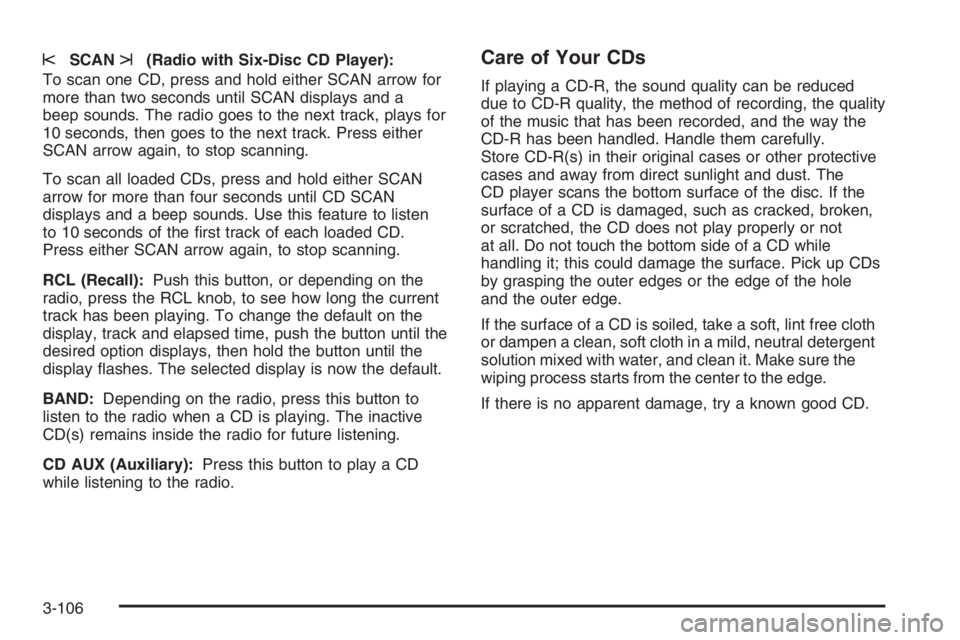
sSCANt(Radio with Six-Disc CD Player):
To scan one CD, press and hold either SCAN arrow for
more than two seconds until SCAN displays and a
beep sounds. The radio goes to the next track, plays for
10 seconds, then goes to the next track. Press either
SCAN arrow again, to stop scanning.
To scan all loaded CDs, press and hold either SCAN
arrow for more than four seconds until CD SCAN
displays and a beep sounds. Use this feature to listen
to 10 seconds of the rst track of each loaded CD.
Press either SCAN arrow again, to stop scanning.
RCL (Recall):Push this button, or depending on the
radio, press the RCL knob, to see how long the current
track has been playing. To change the default on the
display, track and elapsed time, push the button until the
desired option displays, then hold the button until the
display ashes. The selected display is now the default.
BAND:Depending on the radio, press this button to
listen to the radio when a CD is playing. The inactive
CD(s) remains inside the radio for future listening.
CD AUX (Auxiliary):Press this button to play a CD
while listening to the radio.Care of Your CDs
If playing a CD-R, the sound quality can be reduced
due to CD-R quality, the method of recording, the quality
of the music that has been recorded, and the way the
CD-R has been handled. Handle them carefully.
Store CD-R(s) in their original cases or other protective
cases and away from direct sunlight and dust. The
CD player scans the bottom surface of the disc. If the
surface of a CD is damaged, such as cracked, broken,
or scratched, the CD does not play properly or not
at all. Do not touch the bottom side of a CD while
handling it; this could damage the surface. Pick up CDs
by grasping the outer edges or the edge of the hole
and the outer edge.
If the surface of a CD is soiled, take a soft, lint free cloth
or dampen a clean, soft cloth in a mild, neutral detergent
solution mixed with water, and clean it. Make sure the
wiping process starts from the center to the edge.
If there is no apparent damage, try a known good CD.
3-106
Page 229 of 450
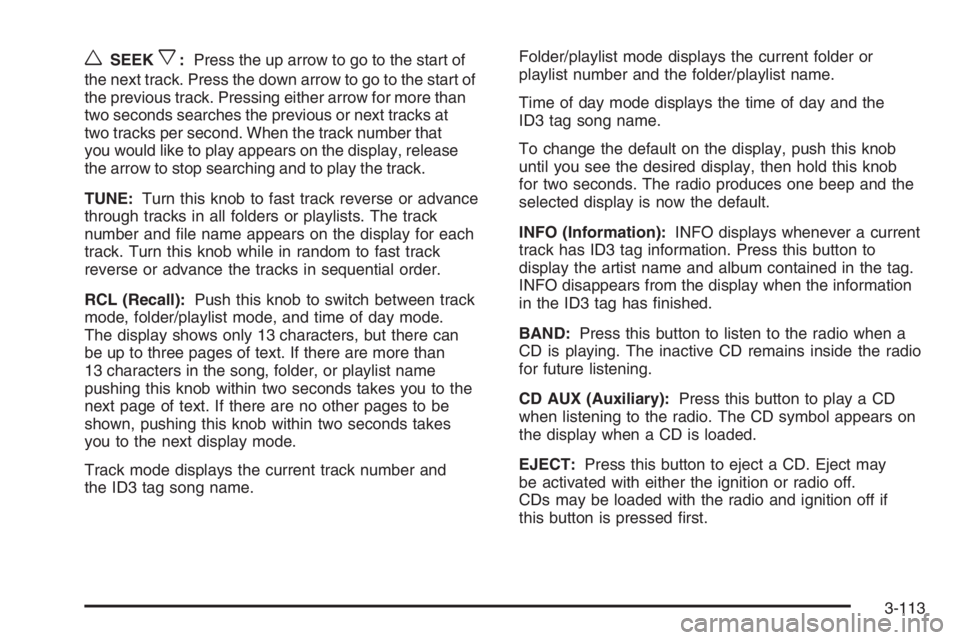
wSEEKx:Press the up arrow to go to the start of
the next track. Press the down arrow to go to the start of
the previous track. Pressing either arrow for more than
two seconds searches the previous or next tracks at
two tracks per second. When the track number that
you would like to play appears on the display, release
the arrow to stop searching and to play the track.
TUNE:Turn this knob to fast track reverse or advance
through tracks in all folders or playlists. The track
number and le name appears on the display for each
track. Turn this knob while in random to fast track
reverse or advance the tracks in sequential order.
RCL (Recall):Push this knob to switch between track
mode, folder/playlist mode, and time of day mode.
The display shows only 13 characters, but there can
be up to three pages of text. If there are more than
13 characters in the song, folder, or playlist name
pushing this knob within two seconds takes you to the
next page of text. If there are no other pages to be
shown, pushing this knob within two seconds takes
you to the next display mode.
Track mode displays the current track number and
the ID3 tag song name.Folder/playlist mode displays the current folder or
playlist number and the folder/playlist name.
Time of day mode displays the time of day and the
ID3 tag song name.
To change the default on the display, push this knob
until you see the desired display, then hold this knob
for two seconds. The radio produces one beep and the
selected display is now the default.
INFO (Information):INFO displays whenever a current
track has ID3 tag information. Press this button to
display the artist name and album contained in the tag.
INFO disappears from the display when the information
in the ID3 tag has nished.
BAND:Press this button to listen to the radio when a
CD is playing. The inactive CD remains inside the radio
for future listening.
CD AUX (Auxiliary):Press this button to play a CD
when listening to the radio. The CD symbol appears on
the display when a CD is loaded.
EJECT:Press this button to eject a CD. Eject may
be activated with either the ignition or radio off.
CDs may be loaded with the radio and ignition off if
this button is pressed rst.
3-113
Page 397 of 450
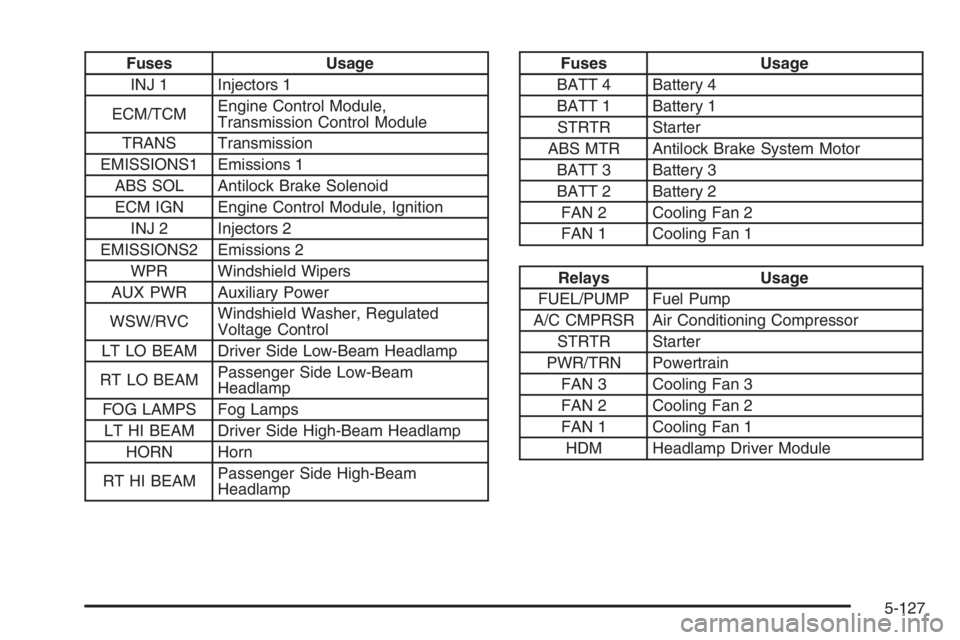
Fuses Usage
INJ 1 Injectors 1
ECM/TCMEngine Control Module,
Transmission Control Module
TRANS Transmission
EMISSIONS1 Emissions 1
ABS SOL Antilock Brake Solenoid
ECM IGN Engine Control Module, Ignition
INJ 2 Injectors 2
EMISSIONS2 Emissions 2
WPR Windshield Wipers
AUX PWR Auxiliary Power
WSW/RVCWindshield Washer, Regulated
Voltage Control
LT LO BEAM Driver Side Low-Beam Headlamp
RT LO BEAMPassenger Side Low-Beam
Headlamp
FOG LAMPS Fog Lamps
LT HI BEAM Driver Side High-Beam Headlamp
HORN Horn
RT HI BEAMPassenger Side High-Beam
HeadlampFuses Usage
BATT 4 Battery 4
BATT 1 Battery 1
STRTR Starter
ABS MTR Antilock Brake System Motor
BATT 3 Battery 3
BATT 2 Battery 2
FAN 2 Cooling Fan 2
FAN 1 Cooling Fan 1
Relays Usage
FUEL/PUMP Fuel Pump
A/C CMPRSR Air Conditioning Compressor
STRTR Starter
PWR/TRN Powertrain
FAN 3 Cooling Fan 3
FAN 2 Cooling Fan 2
FAN 1 Cooling Fan 1
HDM Headlamp Driver Module
5-127