service PONTIAC GTO 2004 User Guide
[x] Cancel search | Manufacturer: PONTIAC, Model Year: 2004, Model line: GTO, Model: PONTIAC GTO 2004Pages: 326, PDF Size: 2.24 MB
Page 126 of 326

Anti-Lock Brake System
Warning Light
To ensure that the warning
light is working, the symbol
is displayed for a short
time when the ignition is
turned to ON.
If the light doesn’t come on then, have it fixed so it will
be ready to warn you if there is a problem.
If there is a malfunction of the anti-lock brake system,
the symbol will illuminate and ABS Fault will appear
on the trip computer display. See your dealer for service.
The car’s brake system will still operate conventionally,
only the anti-lock operation is impaired.
The ABS Fault message will remain until the MODE
button on the trip computer is pressed, but the symbol
will remain until the problem is fixed.
Engine Coolant Temperature Gage
The temperature gage
shows the engine coolant
temperature when the
ignition is on.
If the gage pointer moves into the red area, the light
comes on and you hear a chime, your engine is too hot!
It means that your engine coolant has overheated.
If you have been operating your vehicle under normal
driving conditions, you should pull off the road, stop your
vehicle and turn off the engine as soon as possible.
3-28
Page 127 of 326

Malfunction Indicator Lamp
Check Engine Light
Your vehicle is equipped
with a computer which
monitors operation of the
fuel, ignition and emission
control systems.
This system is called OBD II (On-Board
Diagnostics-Second Generation) and is intended to
assure that emissions are at acceptable levels for the
life of the vehicle, helping to produce a cleaner
environment. The check engine light comes on to
indicate that there is a problem and service is required.
Malfunctions often will be indicated by the system
before any problem is apparent. This may prevent more
serious damage to your vehicle. This system is also
designed to assist your service technician in correctly
diagnosing any malfunction.Notice:If you keep driving your vehicle with this
light on, after a while, your emission controls
may not work as well, your fuel economy may not
be as good and your engine may not run as
smoothly. This could lead to costly repairs that may
not be covered by your warranty.
Notice:Modications made to the engine,
transmission, exhaust, intake or fuel system of your
vehicle or replacement tires that do not match
your vehicle’s original tires can affect your vehicle’s
emission controls and may cause this light to
come on. Modications to these systems could lead
to costly repairs not covered by your warranty.
This may also result in a failure to pass a required
Emission Inspection/Maintenance test.
This light should come on, as a check to show you it is
working, when the ignition is on and the engine is
not running. If the light does not come on, have it
repaired. This light will also come on during a
malfunction in one of two ways:
•Light Flashing— A misfire condition has been
detected. A misfire increases vehicle emissions
and may damage the emission control system on
your vehicle. Diagnosis and service may be
required.
•Light On Steady— An emission control system
malfunction has been detected on your vehicle.
Diagnosis and service may be required.
3-29
Page 128 of 326

If the Light is Flashing
The following may prevent more serious damage to
your vehicle:
•Reducing vehicle speed.
•Avoiding hard accelerations.
•Avoiding steep uphill grades.
•If you are towing a trailer, reduce the amount of
cargo being hauled as soon as it is possible.
If the light stops flashing and remains on steady, see “If
the Light Is On Steady” following.
If the light continues to flash, when it is safe to do so,
stop the vehicle.Find a safe place to park your vehicle.
Turn the key off, wait at least 10 seconds and restart
the engine. If the light remains on steady, see “If
the Light Is On Steady” following. If the light is still
flashing, follow the previous steps, and see your dealer
for service as soon as possible.
If the Light Is On Steady
You may be able to correct the emission system
malfunction by considering the following:
Did you recently put fuel into your vehicle?
If so, reinstall the fuel cap, making sure to fully install
the cap. SeeFilling Your Tank on page 5-7. The
diagnostic system can determine if the fuel cap has
been left off or improperly installed. A loose or missing
fuel cap will allow fuel to evaporate into the atmosphere.
A few driving trips with the cap properly installed
should turn the light off.
Did you just drive through a deep puddle of water?
If so, your electrical system may be wet. The condition
will usually be corrected when the electrical system
dries out. A few driving trips should turn the light off.
3-30
Page 130 of 326

Oil Pressure Light
If you have a low engine
oil pressure problem, a
Check Oil message in the
trip computer display
along with this symbol will
stay on after you start
your engine, or come on
when you are driving.
This indicates that your engine is not receiving enough
oil. The engine could be low on oil, or could have
some other oil problem. Have it fixed immediately.
When the ignition is on but the engine is not running,
the light will come on as a test to show you it is working,
but the light will go out when the engine is running. If
it doesn’t come on with the ignition on, you may have a
problem with the bulb. Have it fixed right away.{CAUTION:
Do not keep driving if the oil pressure is low. If
you do, your engine can become so hot that it
catches re. You or others could be burned.
Check your oil as soon as possible and have
your vehicle serviced.
Notice:Lack of proper engine oil maintenance may
damage the engine. The repairs would not be
covered by your warranty. Always follow the
maintenance schedule in this manual for changing
engine oil.
3-32
Page 131 of 326

Change Engine Oil Light
If the Service Engine Oil
message in the trip
computer is displayed
along with this symbol after
you start the engine, it
means that service
is required for your vehicle.
SeeScheduled Maintenance on page 6-4andEngine
Oil on page 5-13for more information.
Security Light
This light flashes when the
vehicle security system is
activated.
Fog Lamp Light
This light will come on
when the fog lamps are
in use.
The light will go out when the fog lamps are turned off.
SeeExterior Lamps on page 3-12for more information.
Highbeam On Light
This light will illuminate
when the headlamp high
beams are in use.
SeeTurn Signal/Multifunction Lever on page 3-5.
3-33
Page 132 of 326
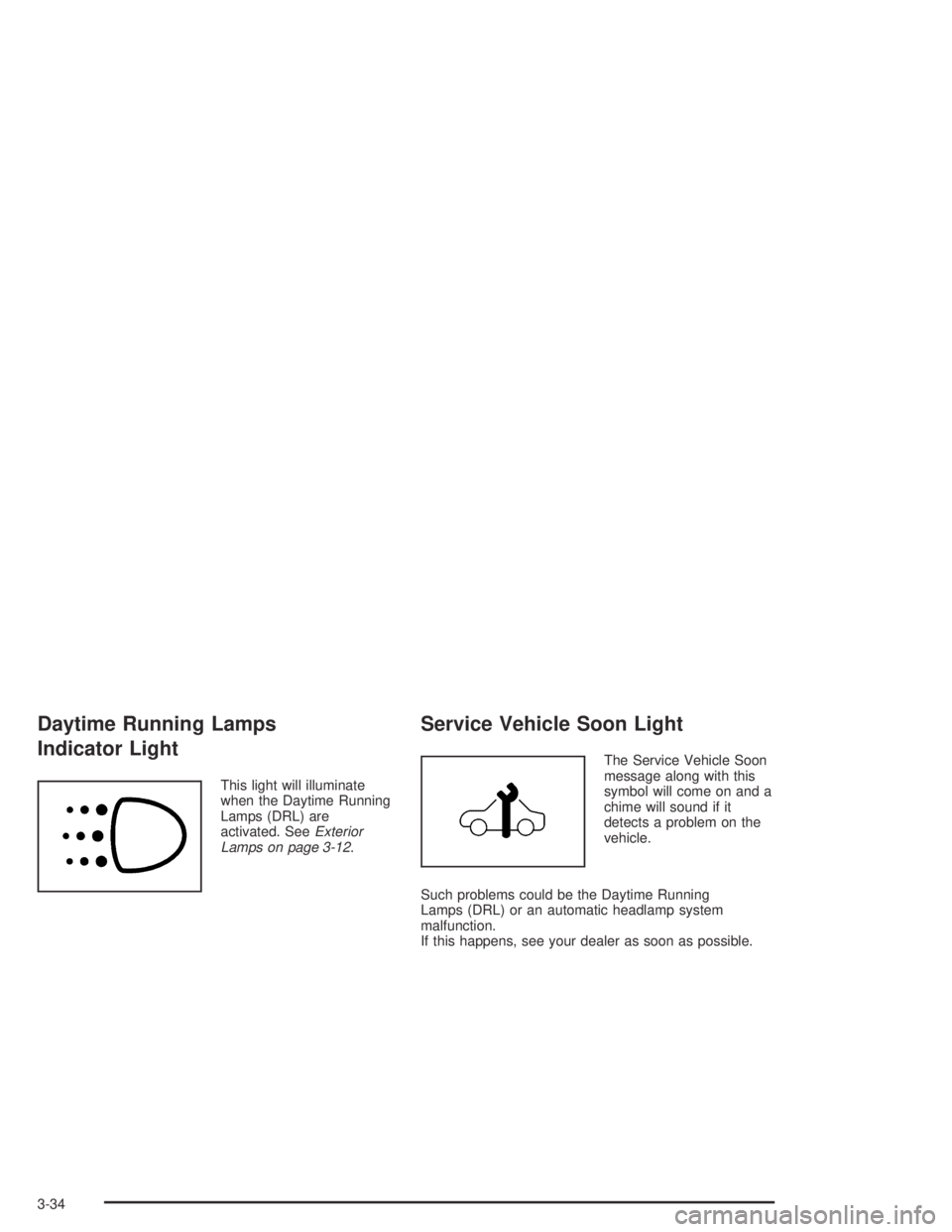
Daytime Running Lamps
Indicator Light
This light will illuminate
when the Daytime Running
Lamps (DRL) are
activated. SeeExterior
Lamps on page 3-12.
Service Vehicle Soon Light
The Service Vehicle Soon
message along with this
symbol will come on and a
chime will sound if it
detects a problem on the
vehicle.
Such problems could be the Daytime Running
Lamps (DRL) or an automatic headlamp system
malfunction.
If this happens, see your dealer as soon as possible.
3-34
Page 133 of 326
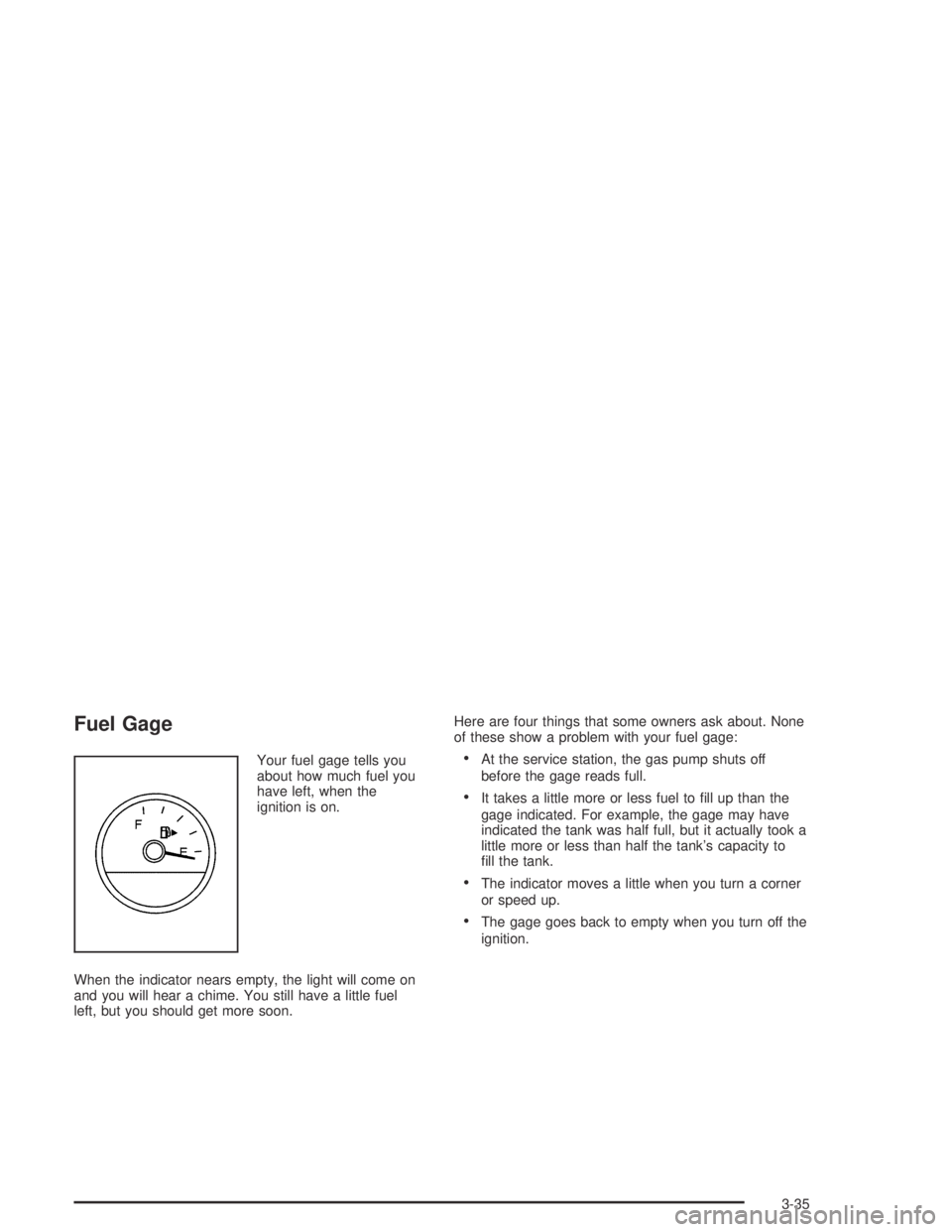
Fuel Gage
Your fuel gage tells you
about how much fuel you
have left, when the
ignition is on.
When the indicator nears empty, the light will come on
and you will hear a chime. You still have a little fuel
left, but you should get more soon.Here are four things that some owners ask about. None
of these show a problem with your fuel gage:•At the service station, the gas pump shuts off
before the gage reads full.
•It takes a little more or less fuel to fill up than the
gage indicated. For example, the gage may have
indicated the tank was half full, but it actually took a
little more or less than half the tank’s capacity to
fill the tank.
•The indicator moves a little when you turn a corner
or speed up.
•The gage goes back to empty when you turn off the
ignition.
3-35
Page 138 of 326
Trip A/B
When the Time to Arrival/Distance to Arrival/Fuel
Remaining set of windows are turned on, using vehicle
personalization, and are showing on the display,
hold the MODE button down for two seconds. Now,
instead of the Time to Arrival set of displays, the
trip computer shows Trip B details.
Press the MODE button to view your displays. You now
have two different sets of trip displays counting, your
original set of trip displays (labeled A while B is turned
on) and a new set of trip displays, labelled B. This is
useful on a long trip, as Trip B can be reset at the
beginning of the journey and then locked away
(by pressing the MODE button for two seconds when
Trip B is shown). Time to Arrival/Distance to
Arrival/Remaining Fuel will again be shown on the
display, but Trip B is still counting away in the
background and the original trip display can be used for
short distances during the journey. Trip B can be
viewed at any time by pressing the MODE button for
two seconds when Distance to Arrival is shown.
Trip A/B can also be enabled/disabled in vehicle
personalization, SeeVehicle Personalization on
page 2-32. If the Trip A and B function is selected,
the Average Speed and Average Fuel displays
indicate Trip A.
Trip Computer Notes:
•If the wrong buttons are accidentally pressed,
causing the window to show a display other
than normal, turn the ignition off then on again
when the vehicle is standing still.
•Several warning lights are linked to the trip
computer displays. SeeWarning Lights, Gages, and
Indicators on page 3-23.
•When the overspeed warning symbol is first shown,
the overspeed trip computer display is automatically
shown for 10 seconds. This is to show what your
pre-selected speed is and allow you to adjust
it if required. After 10 seconds, the trip computer
returns to its previous display.
•Some displays change the units of measurement
over time. For example, the Time to Arrival shows
hours only above 99 hours and 59 minutes,
and hours and minutes below. Time to Arrival also
shows 10 minute units above 2 hours, 5 minute
units below 2 hours and 1 minute units below
10 minutes.
•If the X symbol or a Service Error message is
shown in the display, it indicates a fault in the
trip computer and you should see your vehicle
dealer.
3-40
Page 150 of 326

Theft-Deterrent Feature
Your radio has an electronically coded security system.
The system recognizes the vehicle which your radio
has been installed. If the radio is kept in the vehicle, the
PIN should not be required, even if the battery or the
radio has been removed and reinstalled.
If the link between your vehicle and the radio is
disrupted, the radio will prompt you for a 4-digit PIN
code to be entered.
The PIN is supplied on your security card. As the pin is
the only means of enabling operation of the radio,
place the security card in a safe place. Do not leave the
security card in your glovebox. The PIN should also
be written down and kept with other important
documents.
If your security card is lost and the PIN is not recorded,
the PIN can be requested from your dealer, after
supplying proof of ownership. There may be a charge
for this service.
When the radio and vehicle are turned off, the blinking
red light indicates that your radio is armed.
Security Release Procedure
To type in your PIN code, do the following:
1. Turn the ignition to ACCESSORY.
2. Turn the radio on. CODE____will appear on the
display.
3. Use the preset buttons to enter the PIN code.
If the wrong PIN code is entered, the radio will display
CODE ERR WAIT.
After a few seconds, the radio will display
CODE 2____,indicating that this is the second
attempt. The correct code should now be entered.
After three attempts, the radio will display
LOCK OUT 1 HR. After 1 hour, the radio will allow
another three attempts to enter the PIN.
3-52
Page 163 of 326

When you turn the system off, a Traction Ctrl Off
message is displayed on the trip computer. After
two seconds, the display goes back to the original
trip computer display with a small TRAC OFF icon
on the right.
If the Traction Ctrl Off message does not display when
the button is pressed, or if it comes on during driving,
a problem is indicated in the system and traction control
is no longer operational. You should contact your
dealer for service.
Pressing the T/C button again or the next time the
ignition is turned on, will turn the system back on.
The Traction Ctrl On message is displayed on the trip
computer. After two seconds, the display goes back
to the original trip computer display.
Steering
Power Steering
If you lose power steering assist because the engine
stops or the system is not functioning, you can steer but
it will take much more effort.
Steering Tips
Driving on Curves
It is important to take curves at a reasonable speed.
A lot of the “driver lost control” accidents mentioned on
the news happen on curves. Here is why:
Experienced driver or beginner, each of us is subject to
the same laws of physics when driving on curves.
The traction of the tires against the road surface makes
it possible for the vehicle to change its path when
you turn the front wheels. If there is no traction, inertia
will keep the vehicle going in the same direction. If
you have ever tried to steer a vehicle on wet ice, you
will understand this.
The traction you can get in a curve depends on the
condition of your tires and the road surface, the angle at
which the curve is banked, and your speed. While
you are in a curve, speed is the one factor you
can control.
Suppose you are steering through a sharp curve.
Then you suddenly apply the brakes. Both control
systems — steering and braking — have to do their
work where the tires meet the road. Unless you
have four-wheel anti-lock brakes, adding the hard
braking can demand too much of those places.
You can lose control.
4-9