display PONTIAC PONTIAC 1996 Owners Manual
[x] Cancel search | Manufacturer: PONTIAC, Model Year: 1996, Model line: PONTIAC, Model: PONTIAC PONTIAC 1996Pages: 370, PDF Size: 17.69 MB
Page 80 of 370
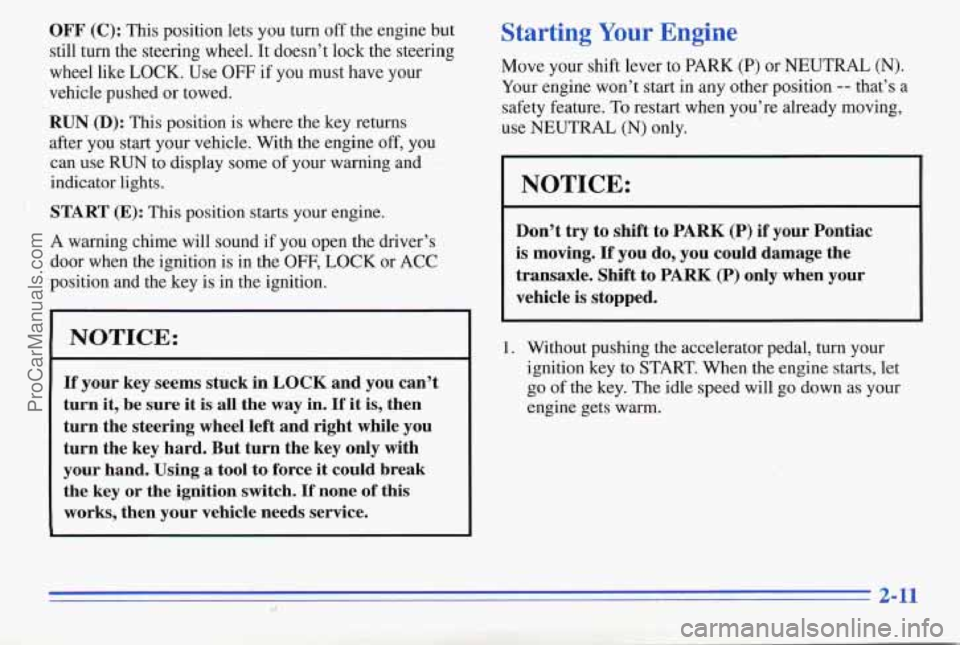
OFF (C): This position lets you turn off the engine but
still tuin the steering wheel. It doesn’t lock the steering
wheel like
LOCK. Use OFF if you must have your
vehcle pushed
or towed.
RUN (D): This position is where the key returns
after you start your vehicle. With the engine
off, you
can use
RUN to display some of your warning and
indicator lights.
: START (E): This position starts your engine.
A warning chime will sound
if you open the driver’s
door when the ignition is in the
OFF, LOCK or ACC
position and the key
is in the ignition.
NOTICE:
If your key seems stuck in LOCK and you can’t
turn it, be sure it
is all the way in. If it is, then
turn the steering wheel left and right while you
turn the key hard. But turn the key only with
your hand. Using
a tool to force it could break
the key or the ignition switch.
If none of this
works, then your vehicle needs service.
Starting Your Engine
Move your shift lever to PARK (P) or NEUTRAL (N).
Your engine won’t start in any other position -- that’s a
safety feature.
To restart when you’re already moving,
use
NEUTRAL (N) only.
NOTICE:
Don’t try to shift to PARK (P) if‘ your Pontiac
is moving.
If you do, you could damage the
transaxle. Shift to PARK
(P) only when your
vehicle is stopped.
1. Without pushing the accelerator pedal, turn your
ignition key
to START. When the engine starts, let
go of the key. The idle speed will go down as your
engine gets warm.
2-11
ProCarManuals.com
Page 114 of 370
Speedometer/Odometer
Your speedometer lets you see your speed in both miles
per hour (mph) and kilometers per hour
(M). Your
odometer shows how far your vehicle has been driven in
either miles (used in the United States) or in kilometers
(used in Canada).
Your Pontiac has a tamper-resistant odometer.
If you see
silver lines between the numbers, you’ll know someone
has probably tampered with it and the numbers may not
be correct.
YQU may wonder what happens if your-vehicle needs a
, new odometer installed. If the new one can be set to the
mileage total of the old odometer, then that will be done.
If it can’t, then it will be set at zero and a label must be
put on the driver’s door to show the old mileage reading ,
when the new odometer was installed.
Trip Odometer
Your trip odometer tells how far you have driven since
you last reset it.
To set it to zero, press the RESET
button on the right side of the instrument cluster.
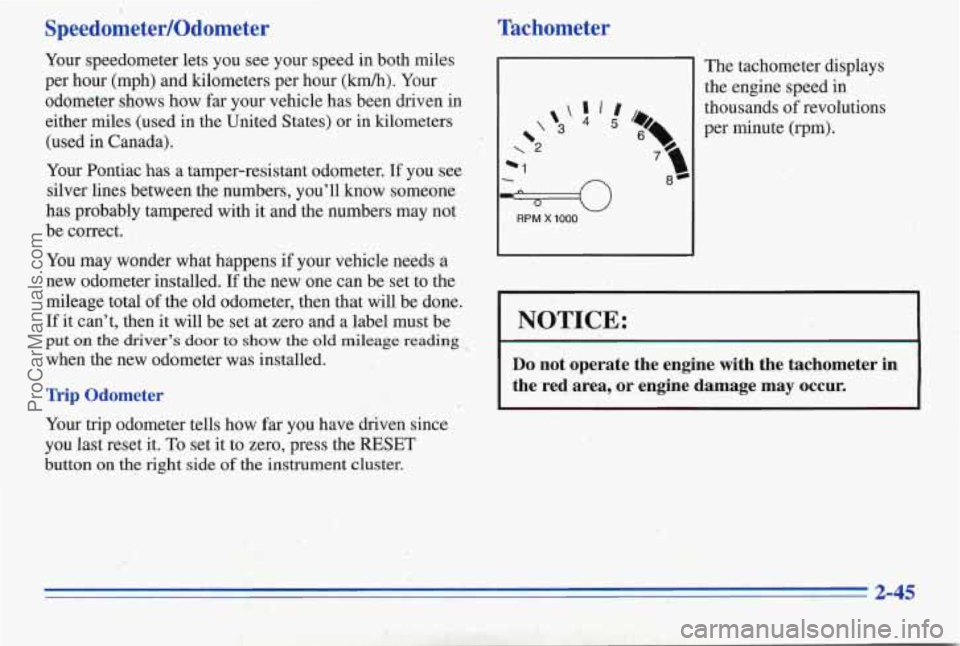
Tachometer
1
The tachometer displays
the engine speed
in
w
*1
RPM X 1000
thousands of revolutions
per minute (rpm).
I 1
NOTICE:
Do not operate the engine with the tachometer in
the red area, or engine damage may occur.
I I
2-45
ProCarManuals.com
Page 126 of 370

Low Fuel Light
Ill If your fuel is low, a light
LOW
FUEL
will come on and stay on
until you add fuel. It will
also
come on for a few
seconds when you first turn
on the ignition as
a check to
show you it's working. If it
doesn't come on then, have
it fixed.
Trip Calculator (Option)
b INSTECON
fi FMp b AVGECON 3 8:8 8:8.8 MVGMPH'F L/lOOh/h%
b TRIP b AVG SPEED
ELAPSED
b FUELUSED
RANGE
When you start your engine, the trip calculator will
display a mode. A lighted arrow shows which mode
is displayed.
INST ECON: Shows your fuel economy when you
select this mode. This display will update every second
and cannot be reset.
AVG ECON: Shows your average fuel economy since
you last reset this mode.
AVG SPEED: Shows your average speed since you last
reset
this mode. It counts anly the time the engine is
running. The display will be updated every three
seconds until you select another mode.
FUEL USED: Shows the total amount of fuel used
since you last reset this mode. The amount can be
displayed in gallons or liters.
RANGE: Shows how much farther you can travel with
the fuel you have before refueling.
I€ there is less than
one-eighth of a tank,
LOFUEL will be displayed. If
the fuel level
is low enough, LOFUEL will show on
the display in all modes. The message will flash for
60 seconds and then stay on until you add more fuel.
You can't reset RANGE mode. Range is updated
automatically when you reset AVG
ECON.
2-57
ProCarManuals.com
Page 127 of 370
EXT. TEMP: Shows the temperature outside your
vehicle. Temperature can be displayed in Fahrenheit or
Celsius. This mode can’t be reset.
TRIP: Shows how far you’ve driv’en since you last reset
this mode.
ELAPSED TIME: Shows how much time has passed
with the engine running since you last reset this mode.
Control Buttons
The trip calculator has three buttons that control
its functions.
MODE: Press this button to change the mode
being displayed.
EM: Press this button to change the display from
English to metric units or metric to English.
RESET: Press this button for one second to reset the
mode displayed.
If you push and hold RESET for more
than five seconds, all the modes will reset. You can’t
reset
INST ECON, RANGE or EXT. TEMP.
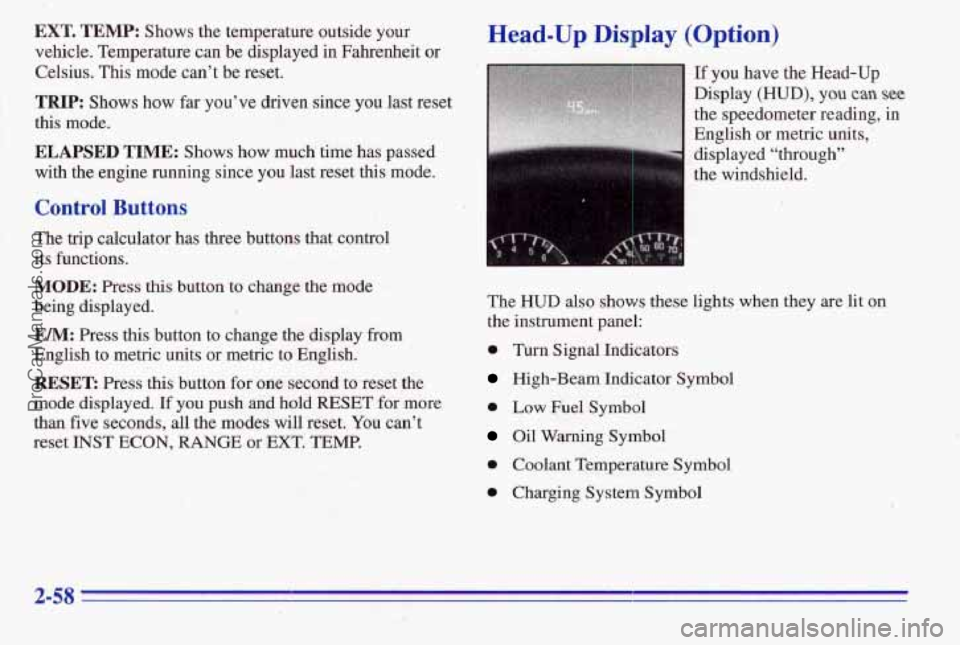
Head-Up Display (Option)
If you have the Head-Up
Display
(HUD), you can see
the speedometer reading, in
English or metric units,
’
displayed “through”
the windshield.
The
HUD also shows these lights when they are lit on
the instrument panel:
0 Turn Signal Indicators
High-Beam Indicator Symbol
0 Low Fuel Symbol
Oil Warning Symbol
0 Coolant Temperature Symbol
0 Charging System Symbol
ProCarManuals.com
Page 128 of 370

When you sit straight in your seat, the HUD image will
appear straight ahead near the front bumper.
When the ignition key is turned to RUN, all possible
HUD images will come on. Then the Head-Up Display
will operate normally.
NOTICE: ,
Although the HUD'image appears to be near the
front of the vehicle,
do not use it as a parking aid.
The HUD was not designed for that purpose. If you
try to use it that way, such as in a parking lot, you
may misjudge distance
and run into something.
To adjust the HUD so you can see it properly:
1.
2.
3.
4.
Start your engine and turn the HUD dial all the way up.
When the headlamps are off, the HUD image will
0 When the headlamps are on, the HUD image
Adjust your seat, if necessary, to a
comfortable position.
Press the top of the
IMAGE switch until the HUD
image stops moving. Then press the bottom
of the
switch until the image
is as low as possible, but in
full view.
Turn the HUD dial down until the HUD image
is no
brighter than necessary.
To turn the HUD off, turn
the HUD dial all the way down.
be
at a preset daytime brightness.
brightness is controlled by the dimmer control.
If the sun comes out, it becomes cloudy, or if you turn
on your headlamps, you may need to adjust the
HUD
brightness again. Polarizing sunglasses could make the
HUD image harder to see.
ProCarManuals.com
Page 129 of 370

I
If the HUD image is too or too high in
your field of view, it may take you more time to
see things you need to see when it’s’dark outside.
Be sure to keep the HUD image dim and placed
low in your field of view.. r. ’ ._ .. .
. :’ t _. .. . ,. : _I’
Push the EM button on the
trip calculator to switch the
speedometer from English
to metric
or metric to
English. If you don’t have
the
trip calculator, you can’t
change
the display,
Care of the Head-Up Display
Clean the inside of the windshield as needed to remove
any
dirt or film that reduces the sharpness or clarity of
the HUD image.
To clean the HUD, spray household glass cleaner on a
soft, clean cloth. Wipe the HUD lens gently, then dry it.
Do not spray cleaner directly on the lens because the
cleaner could leak into the unit.
2-68
ProCarManuals.com
Page 136 of 370
Do not attach anything like a temporary vehicle license
or decal across the defogger grid.
NOTICE:
Don’t use a razor blade or anything else sharp on
the inside of the rear window. If you do, you
could cut or damage the warming grid, and the
repairs wouldn’t be
covered by your warranty.
Audio Systems
Your Delco@ audio system has been designed to operate
easily and give years of listening pleasure. You will get
the most enjoyment out of it if you acquaint yourself
with’it first. Find out what your Delco system can do
and how to operate all its controls, to be sure you’re
getting the
most out of the advanced engineering that
went into it.
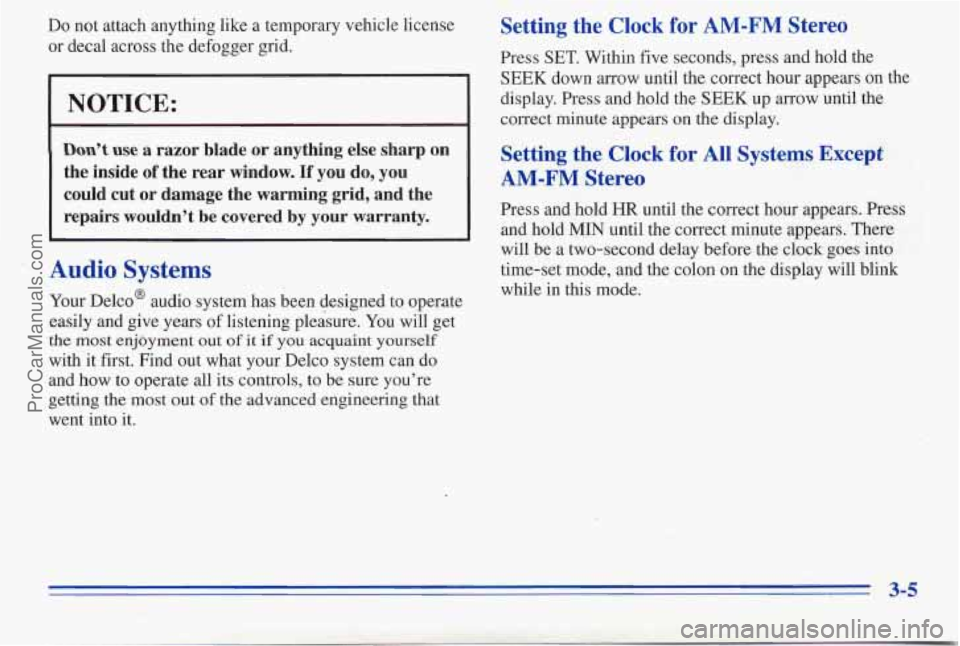
Setting the Clock for AM-FM Stereo
Press SET. Within five seconds, press and hold the
SEEK down arrow until the correct hour appears on the
display. Press and hold the
SEEK up arrow until the
correct minute appears on the display.
Setting the Clock for All Systems Except
AM-FM Stereo
Press and hold HR until the correct hour appears. Press
and hold
MIN until the correct minute appears. There
will be a two-second delay before the clock goes into
time-set mode, and the colon on the display will blink
while in this mode.
ProCarManuals.com
Page 137 of 370

SEEK: Press the up or down arrow to go to the next
higher or lower station.
PUSHBUTTONS: The four numbered pushbuttons let
you return to your favorite stations. You can set up to
14 stations (seven AM and seven FM).
1. Press AM-F;M to select the band.
2. Tune in the desired station.
3. Press SET;
Playing the Radio
VOLUME: Turn this knob to turn the system on or off.
Turn the knob clockwise to increase volume. Turn it
counterclockwise
to decrease volume.
RCL: Press the upper knob briefly to recall the station
being played or to display the clock.
Finding a Station
AM-F": Press the lower knob to get AM or FM. The
display shows
your selection.
TUNE: Turn the lower knob to choose radio stations.
4. Whenever you press the same buttons, the station
you set will return.
4. Within five seconds, press one of the four numbered
pushbuttons. Whenever
you press that numbered
pushbutton, the station
you set will return.
5. Repeat the steps for each pushbutton.
In addition to the four stations set as above, up to three
additional stations may be preset
on each band by
pressing two adjoining huttons at the same
time. Just:
1. Tune in the desired station.
2. Press SET.
3. Press any two adjoining pushbuttons at the same
time
(within five seconds).
3-6
ProCarManuals.com
Page 138 of 370

Setting the Tone
BASS: Slide the lever up or down to increase or
decrease bass.
TREB: Slide the lever up or down to increqse or
decrease treble. If a station is weak or noisy, slide the
lever down to reduce the noise.
Adjusting the Speakers
BALANCE: Turn the control behind the upper knob to
move the sound
to the left or right speakers. Use the
middle position to balance these speakers.
FADE: Turn the control behind the lower knob to move
the sound to the front or rear speakers. Use the middle
position to balance these speakers.
AM-FM Stereo with Cassette Tape Player
(Option)
Playing the Radio
VOL: Push this knob to turn the system on or off. Turn
it clockwise to increase volume and counterclockwise to
decrease volume.
RECALL: Press this button briefly to recall the station
being played
or to display the clock. If you press the
knob when the ignition is off, the clock will show for a
few seconds.
ProCarManuals.com
Page 139 of 370

Finding a
AM-FM: Press this button to get AM, FM1 or FM2.
The display shows your selection. If a cassette tape is
playing, press this button to play the radio.
TUNE: Press this knob lightly so it extends. Turn it to
choose radio stations. Push the knob back in when
you’re not using it.
SEEK: Press the up or down arrow to go to the next
higher or lower station.
PUSHBUTTONS: The six. numbered pushbuttons let
you return
to your favorite stations. You can set up to
18 stations (six AM, six FM1 and six FM2).
1.
2.
3.
4.
Press AM-FM to select the band.
Find the station you want
by using TUNE or SEEK.
Press and hold one of the six numbered buttons until
SET appears on the display. Whenever you press that
numbered button, the station you set will return.
Repeat the steps for each pushbutton.
the Tone
BASS: Slide the lever to the right or left to increase or
decrease bass.
TREBLE: Slide the lever to the right or left to increase
or decrease treble.
If a station is weak or noisy, slide the
lever down to reduce the noise.
Adjusting the Speakers
BAL: Press .this knob lightly so it extends. Turn this
knob to move the sound to the left or right speakers. Use
the middle position to balance these speakers. Push the
knob back in when you’re not using it.
FADE: Press this knob lightly so it extends. Turn this
knob to move the sound to the front
or rear speakers.
Use the middle position to balance these speakers. Push
the knob back in when you’re not using it.
3-8
ProCarManuals.com