AUX PONTIAC TORRENT 2007 User Guide
[x] Cancel search | Manufacturer: PONTIAC, Model Year: 2007, Model line: TORRENT, Model: PONTIAC TORRENT 2007Pages: 490, PDF Size: 2.71 MB
Page 256 of 490
Using the Auxiliary Input Jack(s)
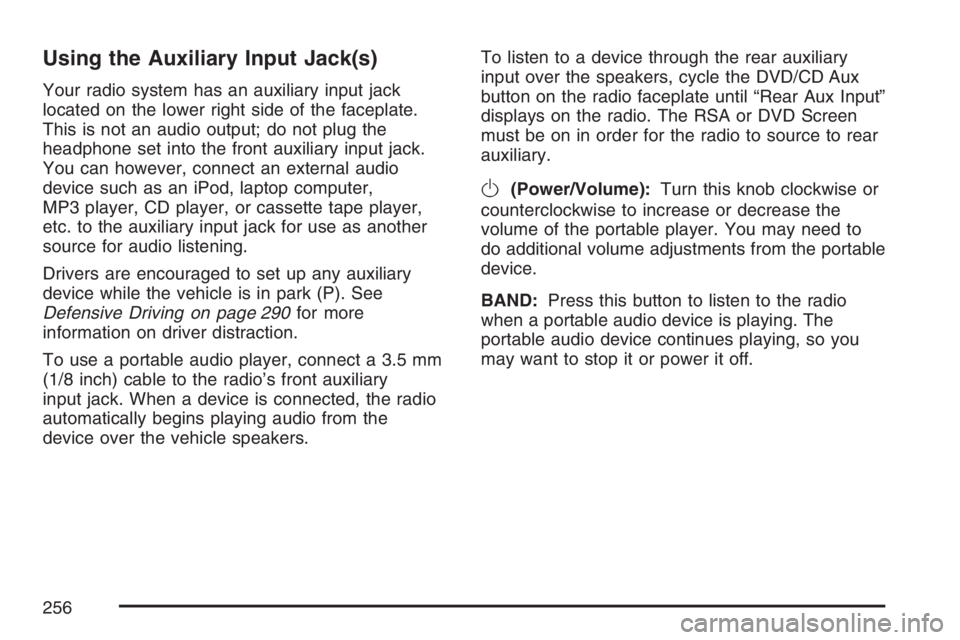
Your radio system has an auxiliary input jack
located on the lower right side of the faceplate.
This is not an audio output; do not plug the
headphone set into the front auxiliary input jack.
You can however, connect an external audio
device such as an iPod, laptop computer,
MP3 player, CD player, or cassette tape player,
etc. to the auxiliary input jack for use as another
source for audio listening.
Drivers are encouraged to set up any auxiliary
device while the vehicle is in park (P). See
Defensive Driving on page 290for more
information on driver distraction.
To use a portable audio player, connect a 3.5 mm
(1/8 inch) cable to the radio’s front auxiliary
input jack. When a device is connected, the radio
automatically begins playing audio from the
device over the vehicle speakers.To listen to a device through the rear auxiliary
input over the speakers, cycle the DVD/CD Aux
button on the radio faceplate until “Rear Aux Input”
displays on the radio. The RSA or DVD Screen
must be on in order for the radio to source to rear
auxiliary.
O(Power/Volume):Turn this knob clockwise or
counterclockwise to increase or decrease the
volume of the portable player. You may need to
do additional volume adjustments from the portable
device.
BAND:Press this button to listen to the radio
when a portable audio device is playing. The
portable audio device continues playing, so you
may want to stop it or power it off.
256
Page 257 of 490
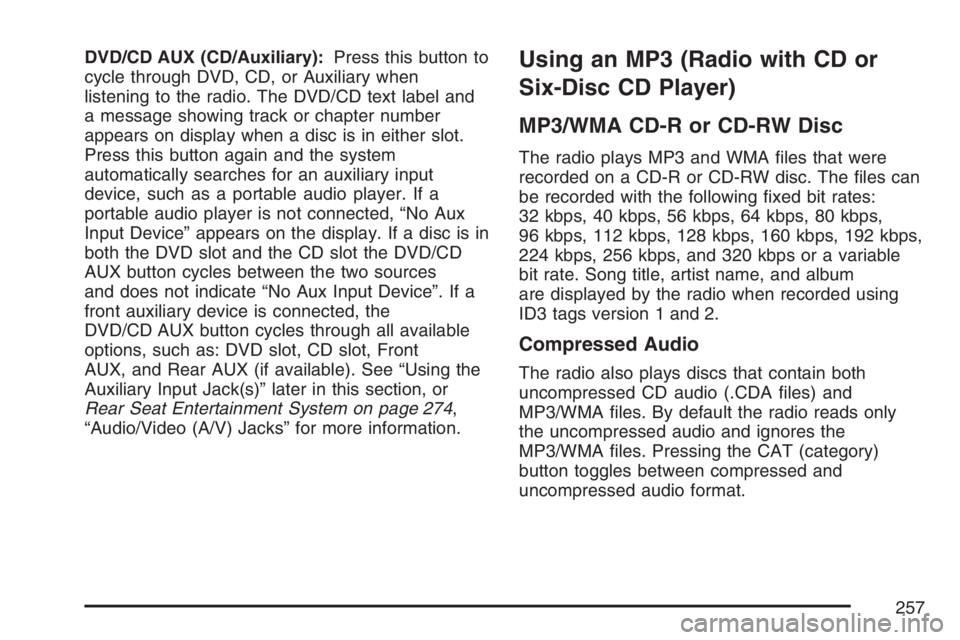
DVD/CD AUX (CD/Auxiliary):Press this button to
cycle through DVD, CD, or Auxiliary when
listening to the radio. The DVD/CD text label and
a message showing track or chapter number
appears on display when a disc is in either slot.
Press this button again and the system
automatically searches for an auxiliary input
device, such as a portable audio player. If a
portable audio player is not connected, “No Aux
Input Device” appears on the display. If a disc is in
both the DVD slot and the CD slot the DVD/CD
AUX button cycles between the two sources
and does not indicate “No Aux Input Device”. If a
front auxiliary device is connected, the
DVD/CD AUX button cycles through all available
options, such as: DVD slot, CD slot, Front
AUX, and Rear AUX (if available). See “Using the
Auxiliary Input Jack(s)” later in this section, or
Rear Seat Entertainment System on page 274,
“Audio/Video (A/V) Jacks” for more information.Using an MP3 (Radio with CD or
Six-Disc CD Player)
MP3/WMA CD-R or CD-RW Disc
The radio plays MP3 and WMA les that were
recorded on a CD-R or CD-RW disc. The les can
be recorded with the following xed bit rates:
32 kbps, 40 kbps, 56 kbps, 64 kbps, 80 kbps,
96 kbps, 112 kbps, 128 kbps, 160 kbps, 192 kbps,
224 kbps, 256 kbps, and 320 kbps or a variable
bit rate. Song title, artist name, and album
are displayed by the radio when recorded using
ID3 tags version 1 and 2.
Compressed Audio
The radio also plays discs that contain both
uncompressed CD audio (.CDA les) and
MP3/WMA les. By default the radio reads only
the uncompressed audio and ignores the
MP3/WMA les. Pressing the CAT (category)
button toggles between compressed and
uncompressed audio format.
257
Page 263 of 490
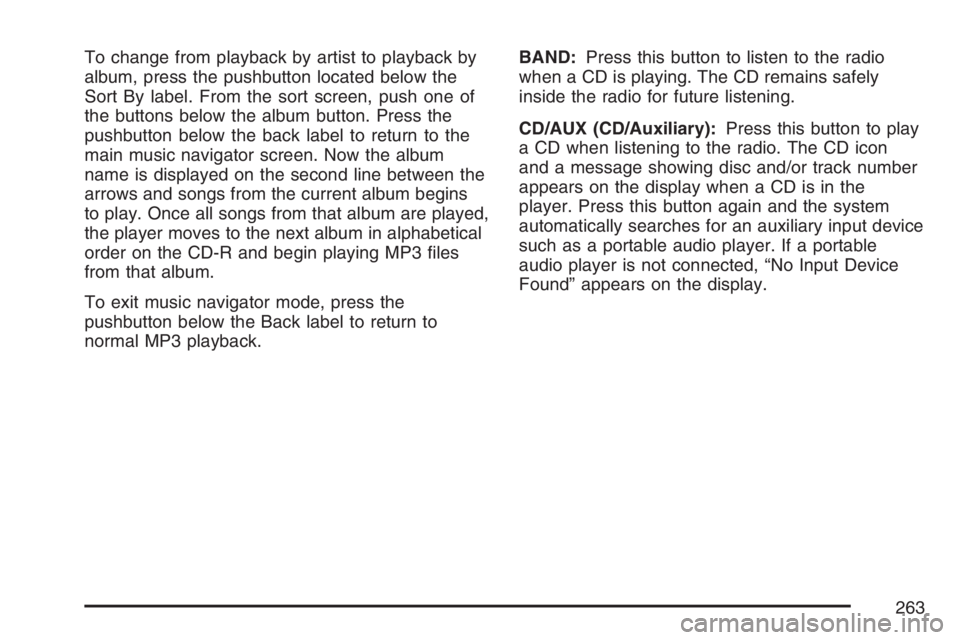
To change from playback by artist to playback by
album, press the pushbutton located below the
Sort By label. From the sort screen, push one of
the buttons below the album button. Press the
pushbutton below the back label to return to the
main music navigator screen. Now the album
name is displayed on the second line between the
arrows and songs from the current album begins
to play. Once all songs from that album are played,
the player moves to the next album in alphabetical
order on the CD-R and begin playing MP3 les
from that album.
To exit music navigator mode, press the
pushbutton below the Back label to return to
normal MP3 playback.BAND:Press this button to listen to the radio
when a CD is playing. The CD remains safely
inside the radio for future listening.
CD/AUX (CD/Auxiliary):Press this button to play
a CD when listening to the radio. The CD icon
and a message showing disc and/or track number
appears on the display when a CD is in the
player. Press this button again and the system
automatically searches for an auxiliary input device
such as a portable audio player. If a portable
audio player is not connected, “No Input Device
Found” appears on the display.
263
Page 271 of 490
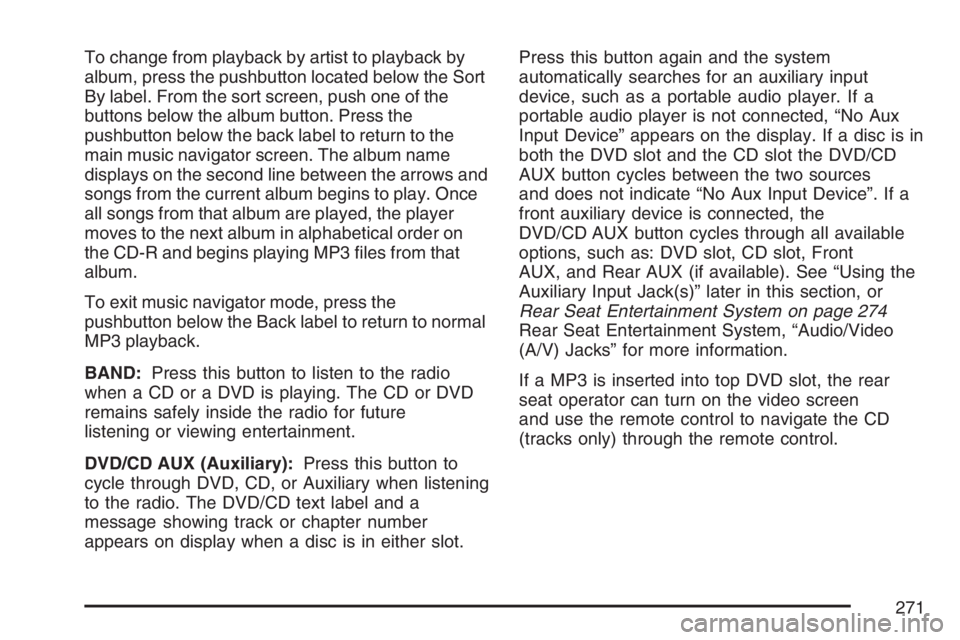
To change from playback by artist to playback by
album, press the pushbutton located below the Sort
By label. From the sort screen, push one of the
buttons below the album button. Press the
pushbutton below the back label to return to the
main music navigator screen. The album name
displays on the second line between the arrows and
songs from the current album begins to play. Once
all songs from that album are played, the player
moves to the next album in alphabetical order on
the CD-R and begins playing MP3 les from that
album.
To exit music navigator mode, press the
pushbutton below the Back label to return to normal
MP3 playback.
BAND:Press this button to listen to the radio
when a CD or a DVD is playing. The CD or DVD
remains safely inside the radio for future
listening or viewing entertainment.
DVD/CD AUX (Auxiliary):Press this button to
cycle through DVD, CD, or Auxiliary when listening
to the radio. The DVD/CD text label and a
message showing track or chapter number
appears on display when a disc is in either slot.Press this button again and the system
automatically searches for an auxiliary input
device, such as a portable audio player. If a
portable audio player is not connected, “No Aux
Input Device” appears on the display. If a disc is in
both the DVD slot and the CD slot the DVD/CD
AUX button cycles between the two sources
and does not indicate “No Aux Input Device”. If a
front auxiliary device is connected, the
DVD/CD AUX button cycles through all available
options, such as: DVD slot, CD slot, Front
AUX, and Rear AUX (if available). See “Using the
Auxiliary Input Jack(s)” later in this section, or
Rear Seat Entertainment System on page 274
Rear Seat Entertainment System, “Audio/Video
(A/V) Jacks” for more information.
If a MP3 is inserted into top DVD slot, the rear
seat operator can turn on the video screen
and use the remote control to navigate the CD
(tracks only) through the remote control.
271
Page 275 of 490
To enable Parental Control press and hold the
radio power button for more than 2 seconds. If on,
the radio and video screen will turn off. If a
DVD and/or CD is playing, it will be stopped.
A “padlock” icon or a text message may be
displayed on the radio display depending on which
radio you have, while Parental Control is on.
The radio can be turned back on with a single
press of the power button and used normally, but
the RSE system will remain in Parental Control.
To turn off Parental Control, press and hold
the radio power button for more than 2 seconds.
The video screen will return to the state they were
in before Parental Control was turned on. The
“padlock” icon will disappear from the radio
display.
Parental Control can also be turned off by inserting
or ejecting any disc, an ignition cycle, or pressing
the “play” icon on the radio DVD display menu.Headphones
The RSE includes two sets of wireless
headphones that are only dedicated to this
system. These headphones are used to listen to
the DVD radio or an auxiliary device connected to
the RCA jacks. The wireless headphones have
an ON/OFF switch and a volume control.
To use the headphones, turn the switch to ON.
An indicator light located on the headphones
will illuminate. If the light does not illuminate, the
batteries may need to be replaced. See “Battery
Replacement” later in this section for more
information. Switch the headphones to OFF when
not in use.
The infrared transmitters are located in the display
below the video screen. The headphones will
shut off automatically to save the battery power if
the RSE system and RSA are shut off or if the
headphones are out of range of the transmitters for
more than three minutes. If you move too far
forward or step out of the vehicle, the headphones
will lose the audio signal.
To adjust the volume on the headphones, use the
volume control located on the right side.
275
Page 277 of 490
Audio/Video (A/V) Jacks
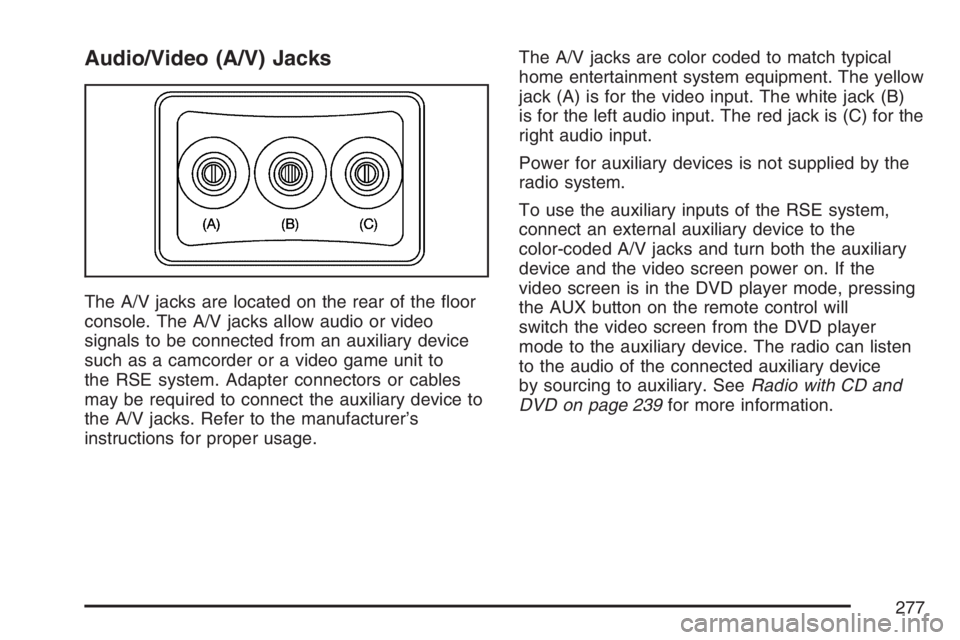
The A/V jacks are located on the rear of the oor
console. The A/V jacks allow audio or video
signals to be connected from an auxiliary device
such as a camcorder or a video game unit to
the RSE system. Adapter connectors or cables
may be required to connect the auxiliary device to
the A/V jacks. Refer to the manufacturer’s
instructions for proper usage.The A/V jacks are color coded to match typical
home entertainment system equipment. The yellow
jack (A) is for the video input. The white jack (B)
is for the left audio input. The red jack is (C) for the
right audio input.
Power for auxiliary devices is not supplied by the
radio system.
To use the auxiliary inputs of the RSE system,
connect an external auxiliary device to the
color-coded A/V jacks and turn both the auxiliary
device and the video screen power on. If the
video screen is in the DVD player mode, pressing
the AUX button on the remote control will
switch the video screen from the DVD player
mode to the auxiliary device. The radio can listen
to the audio of the connected auxiliary device
by sourcing to auxiliary. SeeRadio with CD and
DVD on page 239for more information.
277
Page 278 of 490
How to Change the RSE Video
Screen Settings
The screen display mode (normal, full, and zoom),
screen brightness, and setup menu language
can be changed from the on screen setup menu.
To change any feature, perform the following:
1. Press the display menu button on the remote
control.
2. Use the remote control menu navigation
arrows and the enter button to use the
setup menu.
3. Press the display menu button again to
remove the setup menu from the screen.
Audio Output
Audio from the DVD player or auxiliary inputs may
be heard through the following possible sources:
Wireless Headphones
Vehicle Speakers
Vehicle wired headphone jacks on the rear
seat audio system, if your vehicle has this
feature.
The RSE system will always transmit the audio
signal to the wireless headphones, if there is audio
available. See “Headphones” earlier in this
section for more information.
When a device is connected to the radio’s auxiliary
input jack, if your vehicle has this feature, or A/V
jacks, the rear seat passengers will be able to hear
audio from the auxiliary device through the wireless
or wired headphones. The front seat passengers
will be able to listen to playback from this device
through the vehicle speakers by selecting AUX as
the source on the radio.
278
Page 282 of 490
AUX (Auxiliary):Press this button to switch the
system between the DVD player and an auxiliary
source.
d(Camera):Press this button to change camera
angles on DVDs that have this feature when a
DVD is playing. The format and content of
this function will vary for each disc.
1 through 0 (Numeric Keypad):The numeric
keypad provides the capability of direct chapter or
track number selection.
\(Clear):Press this button within three seconds
after inputting a numeric selection, to clear all
numeric inputs.
}10 (Double Digit Entries):Press this button to
select chapter or track numbers greater than 9.
Press this button before inputting the number.
Battery Replacement
To change the remote control batteries, do the
following:
1. Remove the battery compartment door
located on the bottom of the remote control.
2. Replace the two AA batteries in the
compartment. Make sure that they are
installed correctly, using the diagram on the
inside of the battery compartment.
3. Close the battery door securely.
If the remote control is to be stored for a long
period of time, remove the batteries and keep them
in a cool, dry place.
282
Page 283 of 490
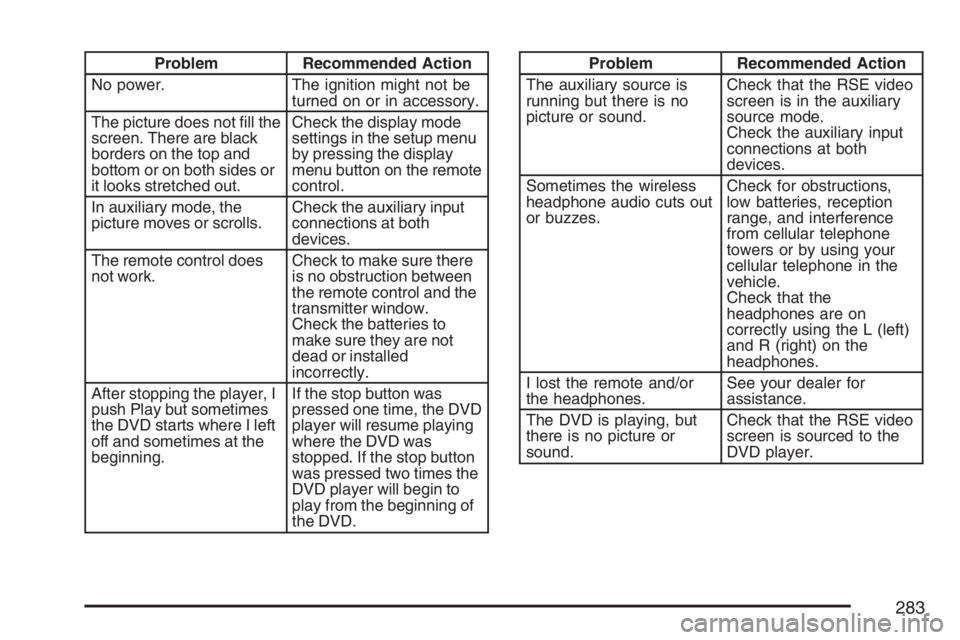
Problem Recommended Action
No power. The ignition might not be
turned on or in accessory.
The picture does not ll the
screen. There are black
borders on the top and
bottom or on both sides or
it looks stretched out.Check the display mode
settings in the setup menu
by pressing the display
menu button on the remote
control.
In auxiliary mode, the
picture moves or scrolls.Check the auxiliary input
connections at both
devices.
The remote control does
not work.Check to make sure there
is no obstruction between
the remote control and the
transmitter window.
Check the batteries to
make sure they are not
dead or installed
incorrectly.
After stopping the player, I
push Play but sometimes
the DVD starts where I left
off and sometimes at the
beginning.If the stop button was
pressed one time, the DVD
player will resume playing
where the DVD was
stopped. If the stop button
was pressed two times the
DVD player will begin to
play from the beginning of
the DVD.Problem Recommended Action
The auxiliary source is
running but there is no
picture or sound.Check that the RSE video
screen is in the auxiliary
source mode.
Check the auxiliary input
connections at both
devices.
Sometimes the wireless
headphone audio cuts out
or buzzes.Check for obstructions,
low batteries, reception
range, and interference
from cellular telephone
towers or by using your
cellular telephone in the
vehicle.
Check that the
headphones are on
correctly using the L (left)
and R (right) on the
headphones.
I lost the remote and/or
the headphones.See your dealer for
assistance.
The DVD is playing, but
there is no picture or
sound.Check that the RSE video
screen is sourced to the
DVD player.
283
Page 286 of 490
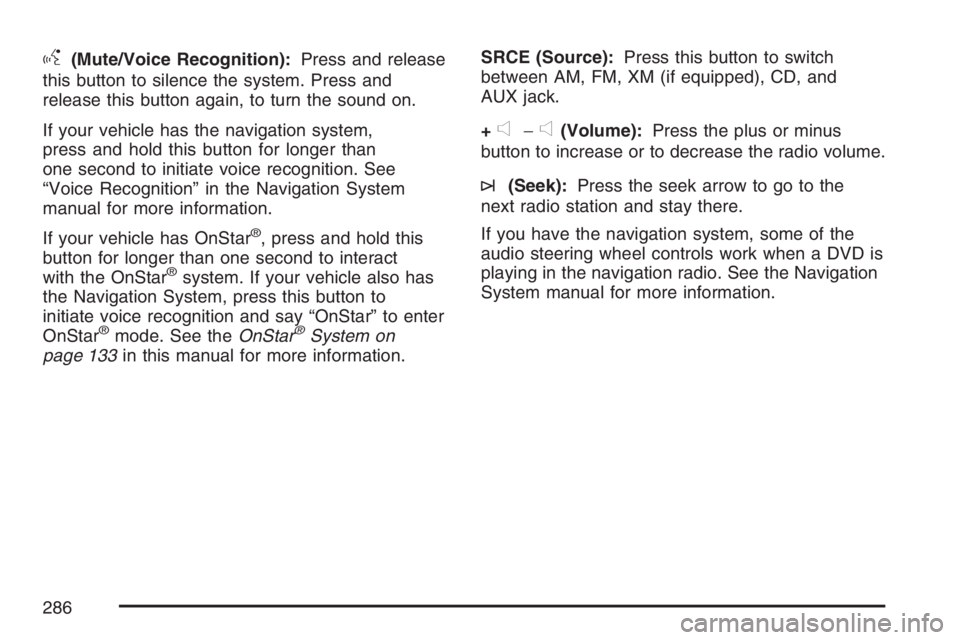
g(Mute/Voice Recognition):Press and release
this button to silence the system. Press and
release this button again, to turn the sound on.
If your vehicle has the navigation system,
press and hold this button for longer than
one second to initiate voice recognition. See
“Voice Recognition” in the Navigation System
manual for more information.
If your vehicle has OnStar
®, press and hold this
button for longer than one second to interact
with the OnStar
®system. If your vehicle also has
the Navigation System, press this button to
initiate voice recognition and say “OnStar” to enter
OnStar
®mode. See theOnStar®System on
page 133in this manual for more information.SRCE (Source):Press this button to switch
between AM, FM, XM (if equipped), CD, and
AUX jack.
+
e−e(Volume):Press the plus or minus
button to increase or to decrease the radio volume.
¨(Seek):Press the seek arrow to go to the
next radio station and stay there.
If you have the navigation system, some of the
audio steering wheel controls work when a DVD is
playing in the navigation radio. See the Navigation
System manual for more information.
286