service PONTIAC TORRENT 2007 Workshop Manual
[x] Cancel search | Manufacturer: PONTIAC, Model Year: 2007, Model line: TORRENT, Model: PONTIAC TORRENT 2007Pages: 490, PDF Size: 2.71 MB
Page 288 of 490
Care of Your CDs and DVDs
Handle CDs carefully. Store them in their original
cases or other protective cases and away from
direct sunlight and dust. The CD player scans the
bottom surface of the disc. If the surface of a
CD is damaged, such as cracked, broken,
or scratched, the CD does not play properly or not
at all. If the surface of a CD is soiled, take a
soft, lint free cloth or dampen a clean, soft cloth in
a mild, neutral detergent solution mixed with
water, and clean it. Make sure the wiping process
starts from the center to the edge.
Do not touch the bottom side of a CD while
handling it; this could damage the surface. Pick up
CDs by grasping the outer edges or the edge of
the hole and the outer edge.
Care of the CD and DVD Player
The use of CD lens cleaners for CDs is not
advised, due to the risk of contaminating the lens
of the CD optics with lubricants internal to the
CD mechanism.
Multi-Band Antenna
The multi-band antenna is located on the roof of
your vehicle. This type of antenna is used with
an AM/FM radio, and if your vehicle has the
OnStar
®and/or the XM™ Satellite Radio Service
System. Keep this antenna clear of snow and
ice build up for clear radio reception. If your vehicle
has a sunroof, the performance of the radio
system may be affected if the sunroof is open.
Loading items onto the roof of your vehicle
can interfere with the performance of the radio
system and, if your vehicle has this feature,
OnStar
®. Make sure the multi-band antenna is not
obstructed.
288
Page 298 of 490
The traction control system automatically comes
on whenever you start your vehicle. To limit wheel
spin, especially in slippery road conditions, you
should always leave the system on. But you
can turn the traction control system off if you ever
need to. You should turn the system off if your
vehicle ever gets stuck in sand, mud, ice or snow
and rocking the vehicle is required. SeeRocking
Your Vehicle to Get It Out on page 321.
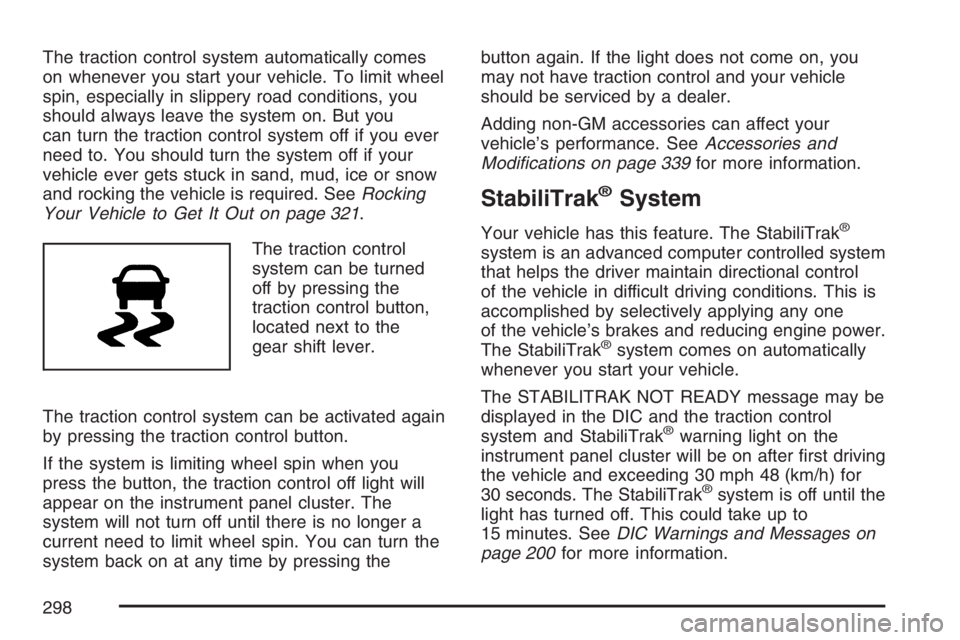
The traction control
system can be turned
off by pressing the
traction control button,
located next to the
gear shift lever.
The traction control system can be activated again
by pressing the traction control button.
If the system is limiting wheel spin when you
press the button, the traction control off light will
appear on the instrument panel cluster. The
system will not turn off until there is no longer a
current need to limit wheel spin. You can turn the
system back on at any time by pressing thebutton again. If the light does not come on, you
may not have traction control and your vehicle
should be serviced by a dealer.
Adding non-GM accessories can affect your
vehicle’s performance. SeeAccessories and
Modications on page 339for more information.
StabiliTrak®System
Your vehicle has this feature. The StabiliTrak®
system is an advanced computer controlled system
that helps the driver maintain directional control
of the vehicle in difficult driving conditions. This is
accomplished by selectively applying any one
of the vehicle’s brakes and reducing engine power.
The StabiliTrak
®system comes on automatically
whenever you start your vehicle.
The STABILITRAK NOT READY message may be
displayed in the DIC and the traction control
system and StabiliTrak
®warning light on the
instrument panel cluster will be on after rst driving
the vehicle and exceeding 30 mph 48 (km/h) for
30 seconds. The StabiliTrak
®system is off until the
light has turned off. This could take up to
15 minutes. SeeDIC Warnings and Messages on
page 200for more information.
298
Page 299 of 490
The traction control system and StabiliTrak®
warning light on the instrument panel cluster will
ash when the system is operating. You may also
feel or hear the system working. This is normal.
StabiliTrak
®can be turned off using the traction
control button. To disable StabiliTrak®, press and
hold the traction control button for ve seconds.
StabiliTrak
®can be activated again by pressing the
traction control button.
The SERVICE STABILITRAK message will be
displayed and the traction control system
and StabiliTrak
®warning light on the instrument
panel cluster will come on if there is a problem with
the system. When this light and the SERVICE
STABILITRAK message are on, the system is not
operational. Adjust your driving accordingly.
All-Wheel Drive (AWD) System
If your vehicle has all-wheel drive (AWD), the AWD
system operates automatically without any action
required by the driver. If the front drive wheels
begin to slip, the rear wheels will automatically
begin to drive the vehicle as required. Torque is
also applied to the rear wheels during launches.
There may be a slight engagement noise during
hard use but this is normal.
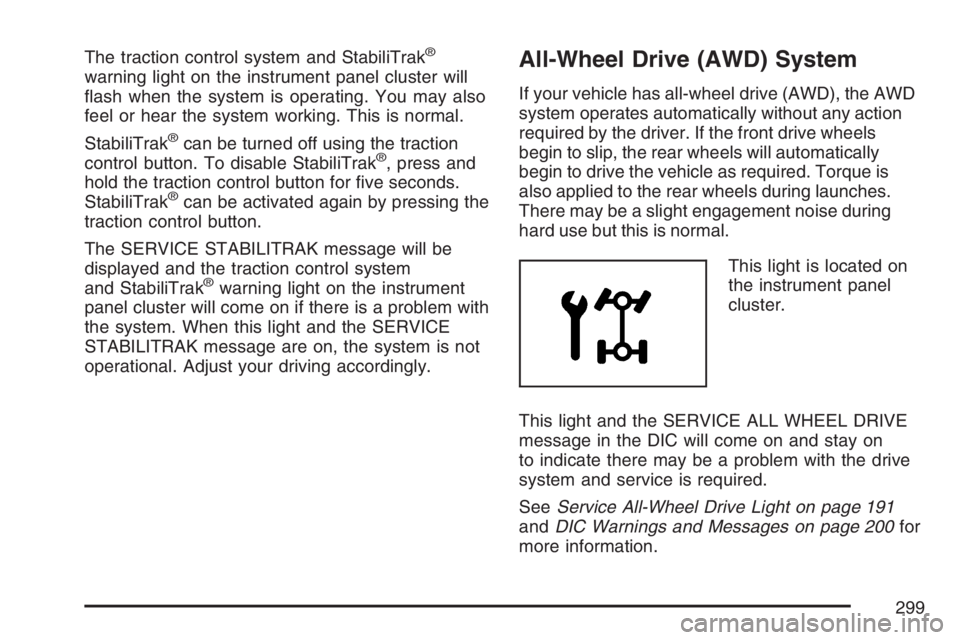
This light is located on
the instrument panel
cluster.
This light and the SERVICE ALL WHEEL DRIVE
message in the DIC will come on and stay on
to indicate there may be a problem with the drive
system and service is required.
SeeService All-Wheel Drive Light on page 191
andDIC Warnings and Messages on page 200for
more information.
299
Page 300 of 490
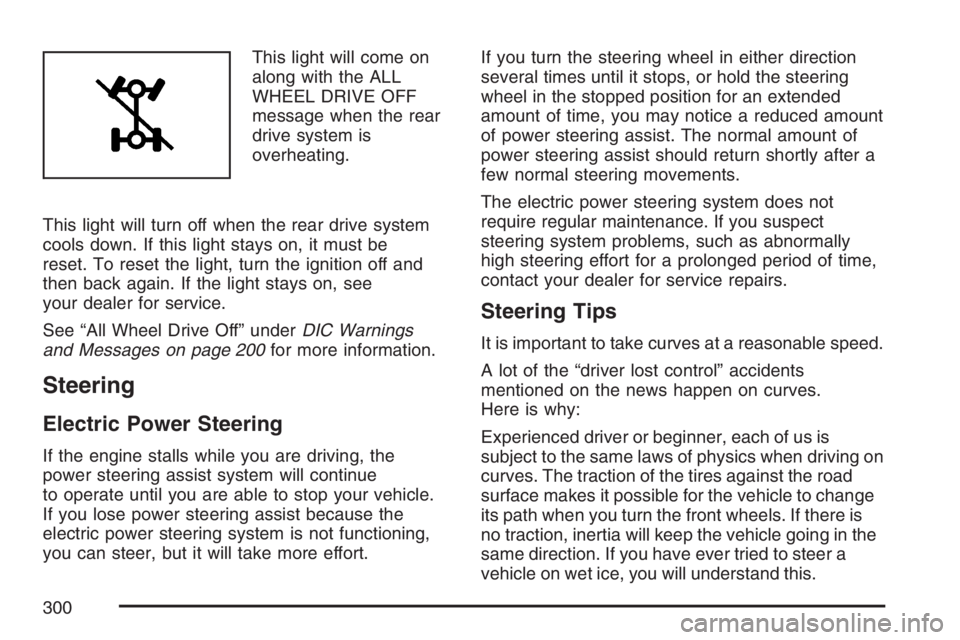
This light will come on
along with the ALL
WHEEL DRIVE OFF
message when the rear
drive system is
overheating.
This light will turn off when the rear drive system
cools down. If this light stays on, it must be
reset. To reset the light, turn the ignition off and
then back again. If the light stays on, see
your dealer for service.
See “All Wheel Drive Off” underDIC Warnings
and Messages on page 200for more information.
Steering
Electric Power Steering
If the engine stalls while you are driving, the
power steering assist system will continue
to operate until you are able to stop your vehicle.
If you lose power steering assist because the
electric power steering system is not functioning,
you can steer, but it will take more effort.If you turn the steering wheel in either direction
several times until it stops, or hold the steering
wheel in the stopped position for an extended
amount of time, you may notice a reduced amount
of power steering assist. The normal amount of
power steering assist should return shortly after a
few normal steering movements.
The electric power steering system does not
require regular maintenance. If you suspect
steering system problems, such as abnormally
high steering effort for a prolonged period of time,
contact your dealer for service repairs.
Steering Tips
It is important to take curves at a reasonable speed.
A lot of the “driver lost control” accidents
mentioned on the news happen on curves.
Here is why:
Experienced driver or beginner, each of us is
subject to the same laws of physics when driving on
curves. The traction of the tires against the road
surface makes it possible for the vehicle to change
its path when you turn the front wheels. If there is
no traction, inertia will keep the vehicle going in the
same direction. If you have ever tried to steer a
vehicle on wet ice, you will understand this.
300
Page 313 of 490
Once you are moving on the freeway, make
certain you allow a reasonable following distance.
Expect to move slightly slower at night.
When you want to leave the freeway, move to the
proper lane well in advance. If you miss your
exit, do not, under any circumstances, stop and
back up. Drive on to the next exit.
The exit ramp can be curved, sometimes quite
sharply. The exit speed is usually posted.
Reduce your speed according to your
speedometer, not to your sense of motion.
After driving for any distance at higher speeds,
you may tend to think you are going slower than
you actually are.
Before Leaving on a Long Trip
Make sure you are ready. Try to be well rested.
If you must start when you are not fresh — such as
after a day’s work — do not plan to make too
many miles that rst part of the journey. Wear
comfortable clothing and shoes you can easily
drive in.Is your vehicle ready for a long trip? If you keep it
serviced and maintained, it is ready to go. If it needs
service, have it done before starting out. Of course,
you will nd experienced and able service experts
in GM dealerships all across North America. They
will be ready and willing to help if you need it.
Here are some things you can check before a trip:
Windshield Washer Fluid:Is the reservoir
full? Are all windows clean inside and outside?
Wiper Blades:Are they in good shape?
Fuel, Engine Oil, Other Fluids:Have you
checked all levels?
Lamps:Are they all working? Are the lenses
clean?
Tires:They are vitally important to a safe,
trouble-free trip. Is the tread good enough
for long-distance driving? Are the tires
all inated to the recommended pressure?
Weather Forecasts:What is the weather
outlook along your route? Should you
delay your trip a short time to avoid a major
storm system?
Maps:Do you have up-to-date maps?
313
Page 314 of 490
Highway Hypnosis
Is there actually such a condition as highway
hypnosis? Or is it just plain falling asleep at the
wheel? Call it highway hypnosis, lack of
awareness, or whatever.
There is something about an easy stretch of road
with the same scenery, along with the hum of the
tires on the road, the drone of the engine, and the
rush of the wind against the vehicle that can make
you sleepy. Do not let it happen to you! If it does,
your vehicle can leave the road in less than a
second, and you could crash and be injured.
What can you do about highway hypnosis?
First, be aware that it can happen.
Then here are some tips:
Make sure your vehicle is well ventilated, with
a comfortably cool interior.
Keep your eyes moving. Scan the road ahead
and to the sides. Check your mirrors and your
instruments frequently.
If you get sleepy, pull off the road into a rest,
service, or parking area and take a nap, get
some exercise, or both. For safety, treat
drowsiness on the highway as an emergency.
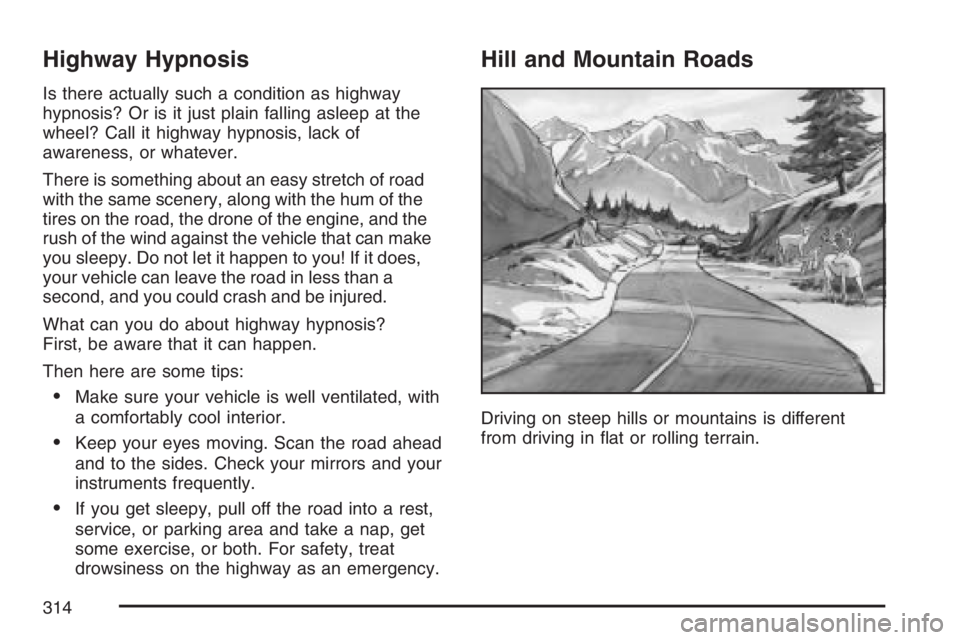
Hill and Mountain Roads
Driving on steep hills or mountains is different
from driving in at or rolling terrain.
314
Page 326 of 490
If you put things inside your vehicle — like
suitcases, tools, packages, or anything else — they
will go as fast as the vehicle goes. If you have to
stop or turn quickly, or if there is a crash, they will
keep going.
{CAUTION:
Things you put inside your vehicle can
strike and injure people in a sudden stop
or turn, or in a crash.
Put things in the cargo area of your
vehicle. Try to spread the weight
evenly.
Never stack heavier things, like
suitcases, inside the vehicle so that
some of them are above the tops of
the seats.
Do not leave an unsecured child
restraint in your vehicle.
When you carry something inside the
vehicle, secure it whenever you can.
Do not leave a seat folded down
unless you need to.
Towing
Towing Your Vehicle
Consult your dealer or a professional towing
service if you need to have your disabled vehicle
towed. SeeRoadside Assistance Program on
page 462.
If you want to tow your vehicle behind another
vehicle for recreational purposes (such as behind
a motorhome), see “Recreational Vehicle
Towing” following.
Recreational Vehicle Towing
Recreational vehicle towing means towing your
vehicle behind another vehicle – such as behind a
motorhome. The two most common types of
recreational vehicle towing are known as “dinghy
towing” (towing your vehicle with all four wheels
on the ground) and “dolly towing” (towing
your vehicle with two wheels on the ground and
two wheels up on a device known as a “dolly”).
With the proper preparation and equipment, many
vehicles can be towed in these ways. See
“Dinghy Towing” and “Dolly Towing,” following.
326
Page 335 of 490
3. When the wheel chocks are in place,
release the regular brakes until the chocks
absorb the load.
4. Reapply the regular brakes. Then apply your
parking brake, and then shift to PARK (P).
5. Release the regular brakes.
When You Are Ready to Leave After
Parking on a Hill
1. Apply your regular brakes and hold the pedal
down while you do the following:
Start your engine.
Shift into a gear.
Release the parking brake.
2. Let up on the brake pedal.
3. Drive slowly until the trailer is clear of
the chocks.
4. Stop and have someone pick up and
store the chocks.
Maintenance When Trailer Towing
Your vehicle will need service more often when
you are pulling a trailer. See the Maintenance
Schedule for more on this. Things that are
especially important in trailer operation are
automatic transaxle uid, engine oil, belts, cooling
system and brake system. Each of these is
covered in this manual, and the Index will help
you nd them quickly. If you are trailering, it is a
good idea to review these sections before you
start your trip.
Check periodically to see that all hitch nuts and
bolts are tight.
335
Page 337 of 490
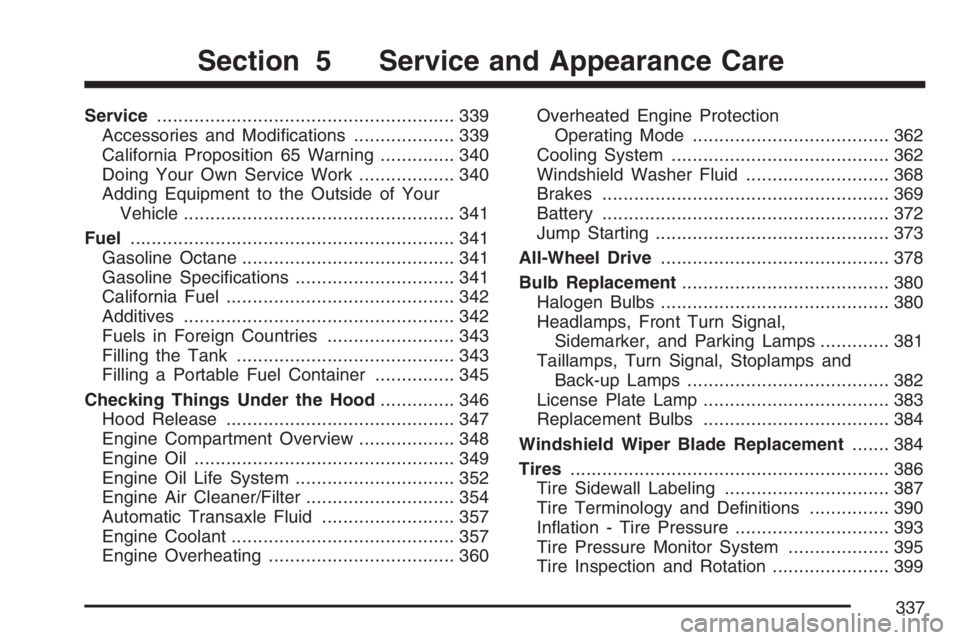
Service........................................................ 339
Accessories and Modications................... 339
California Proposition 65 Warning.............. 340
Doing Your Own Service Work.................. 340
Adding Equipment to the Outside of Your
Vehicle................................................... 341
Fuel............................................................. 341
Gasoline Octane........................................ 341
Gasoline Specications.............................. 341
California Fuel........................................... 342
Additives................................................... 342
Fuels in Foreign Countries........................ 343
Filling the Tank......................................... 343
Filling a Portable Fuel Container............... 345
Checking Things Under the Hood.............. 346
Hood Release........................................... 347
Engine Compartment Overview.................. 348
Engine Oil................................................. 349
Engine Oil Life System.............................. 352
Engine Air Cleaner/Filter............................ 354
Automatic Transaxle Fluid......................... 357
Engine Coolant.......................................... 357
Engine Overheating................................... 360Overheated Engine Protection
Operating Mode..................................... 362
Cooling System......................................... 362
Windshield Washer Fluid........................... 368
Brakes...................................................... 369
Battery...................................................... 372
Jump Starting............................................ 373
All-Wheel Drive........................................... 378
Bulb Replacement....................................... 380
Halogen Bulbs........................................... 380
Headlamps, Front Turn Signal,
Sidemarker, and Parking Lamps............. 381
Taillamps, Turn Signal, Stoplamps and
Back-up Lamps...................................... 382
License Plate Lamp................................... 383
Replacement Bulbs................................... 384
Windshield Wiper Blade Replacement....... 384
Tires............................................................ 386
Tire Sidewall Labeling............................... 387
Tire Terminology and Denitions............... 390
Ination - Tire Pressure............................. 393
Tire Pressure Monitor System................... 395
Tire Inspection and Rotation...................... 399
Section 5 Service and Appearance Care
337
Page 338 of 490
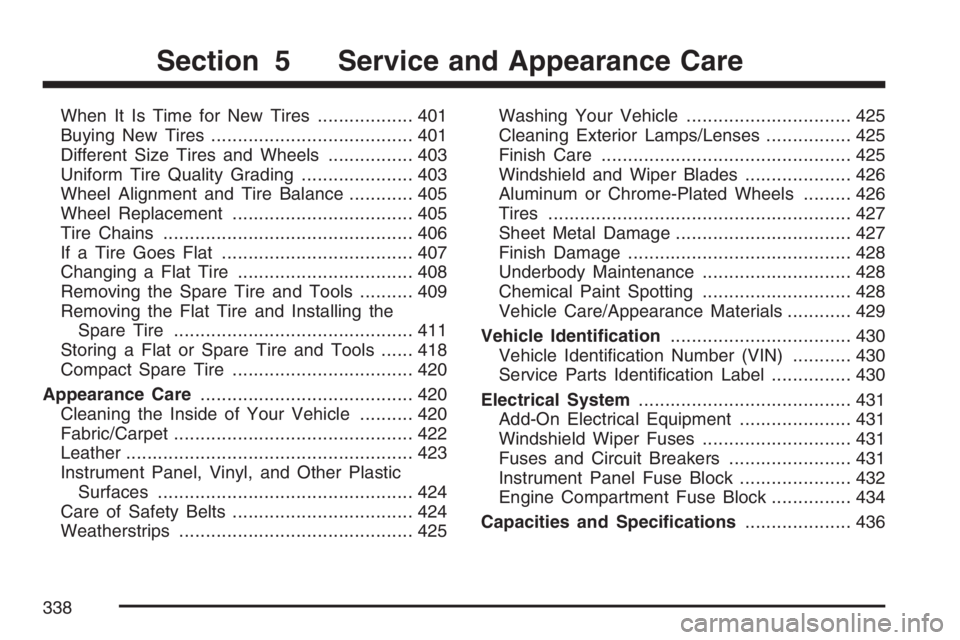
When It Is Time for New Tires.................. 401
Buying New Tires...................................... 401
Different Size Tires and Wheels................ 403
Uniform Tire Quality Grading..................... 403
Wheel Alignment and Tire Balance............ 405
Wheel Replacement.................................. 405
Tire Chains............................................... 406
If a Tire Goes Flat.................................... 407
Changing a Flat Tire................................. 408
Removing the Spare Tire and Tools.......... 409
Removing the Flat Tire and Installing the
Spare Tire............................................. 411
Storing a Flat or Spare Tire and Tools...... 418
Compact Spare Tire.................................. 420
Appearance Care........................................ 420
Cleaning the Inside of Your Vehicle.......... 420
Fabric/Carpet............................................. 422
Leather...................................................... 423
Instrument Panel, Vinyl, and Other Plastic
Surfaces................................................ 424
Care of Safety Belts.................................. 424
Weatherstrips............................................ 425Washing Your Vehicle............................... 425
Cleaning Exterior Lamps/Lenses................ 425
Finish Care............................................... 425
Windshield and Wiper Blades.................... 426
Aluminum or Chrome-Plated Wheels......... 426
Tires......................................................... 427
Sheet Metal Damage................................. 427
Finish Damage.......................................... 428
Underbody Maintenance............................ 428
Chemical Paint Spotting............................ 428
Vehicle Care/Appearance Materials............ 429
Vehicle Identication.................................. 430
Vehicle Identication Number (VIN)........... 430
Service Parts Identication Label............... 430
Electrical System........................................ 431
Add-On Electrical Equipment..................... 431
Windshield Wiper Fuses............................ 431
Fuses and Circuit Breakers....................... 431
Instrument Panel Fuse Block..................... 432
Engine Compartment Fuse Block............... 434
Capacities and Specications.................... 436
Section 5 Service and Appearance Care
338