power steering PONTIAC VIBE 2005 Owners Manual
[x] Cancel search | Manufacturer: PONTIAC, Model Year: 2005, Model line: VIBE, Model: PONTIAC VIBE 2005Pages: 374, PDF Size: 2.49 MB
Page 89 of 374

(B) ACC (ACCESSORY):This position operates some
of your electrical accessories, such as the radio, but
not the ventilation fan. It unlocks the steering wheel and
ignition. To move the key from ACC to LOCK, push in
the key and then turn it to LOCK.
(C) ON:This is the position the switch returns to after
you start your engine and release the switch. The switch
stays in the ON position when the engine is running.
But even when the ignition is not running, you can use
ON to operate your electrical accessories, including
the ventilation fan and 115 volt power outlet, and
to display some warning and indicator lights.
(D) START:This position starts the engine. When the
engine starts, release the key. The ignition switch
will return to ON for normal driving.
When the engine is not running, ACC and ON allow you
to operate some of your electrical accessories.
A warning tone will sound if you open the driver’s door
when the ignition is still in ACC or LOCK and the
key is in the ignition.Starting Your Engine
Automatic Transaxle
Move your shift lever to PARK (P) or NEUTRAL (N).
Your engine will not start in any other position — that is
a safety feature. To restart when you are already
moving, use NEUTRAL (N) only.
Notice:Shifting into PARK (P) with the vehicle
moving could damage the transaxle. Shift into
PARK (P) only when your vehicle is stopped.
Manual Transaxle
The shift lever should be in NEUTRAL and the parking
brake engaged. Hold the clutch pedal to the oor
and start the engine. Your vehicle will not start if the
clutch pedal is not all the way down — that is a
safety feature.
2-19
Page 104 of 374
Mirrors
Manual Rearview Mirror
While sitting in a comfortable driving position, adjust the
mirror so you can see clearly behind your vehicle. Grip the
mirror in the center to move it up or down and side to side.
The control at the bottom of the mirror is the day/night
feature that allows adjustment to the mirror so that the
glare of headlamps from behind is reduced. Pull the
control for night driving to reduce glare; push it to return
to the day position.
The mirror may have map lights beneath the mirror.
Push the lens to turn each light on or off.
Manual Rearview Mirror with OnStar®
The vehicle may have an inside rearview mirror with
OnStar®. See your GM dealer for more information
on the system and how to subscribe to OnStar®.
SeeOnStar®System on page 2-35for information
on the services OnStar®provides.
While sitting in a comfortable position, adjust the
mirror so you can see clearly behind your vehicle.
Grip the mirror in the center to move it up or down and
side to side. The control at the bottom of the mirror
is the day/night feature that allows adjustment to
the mirror so that the glare of headlamps from behind is
reduced. Move the control from left to right for day or
night conditions.
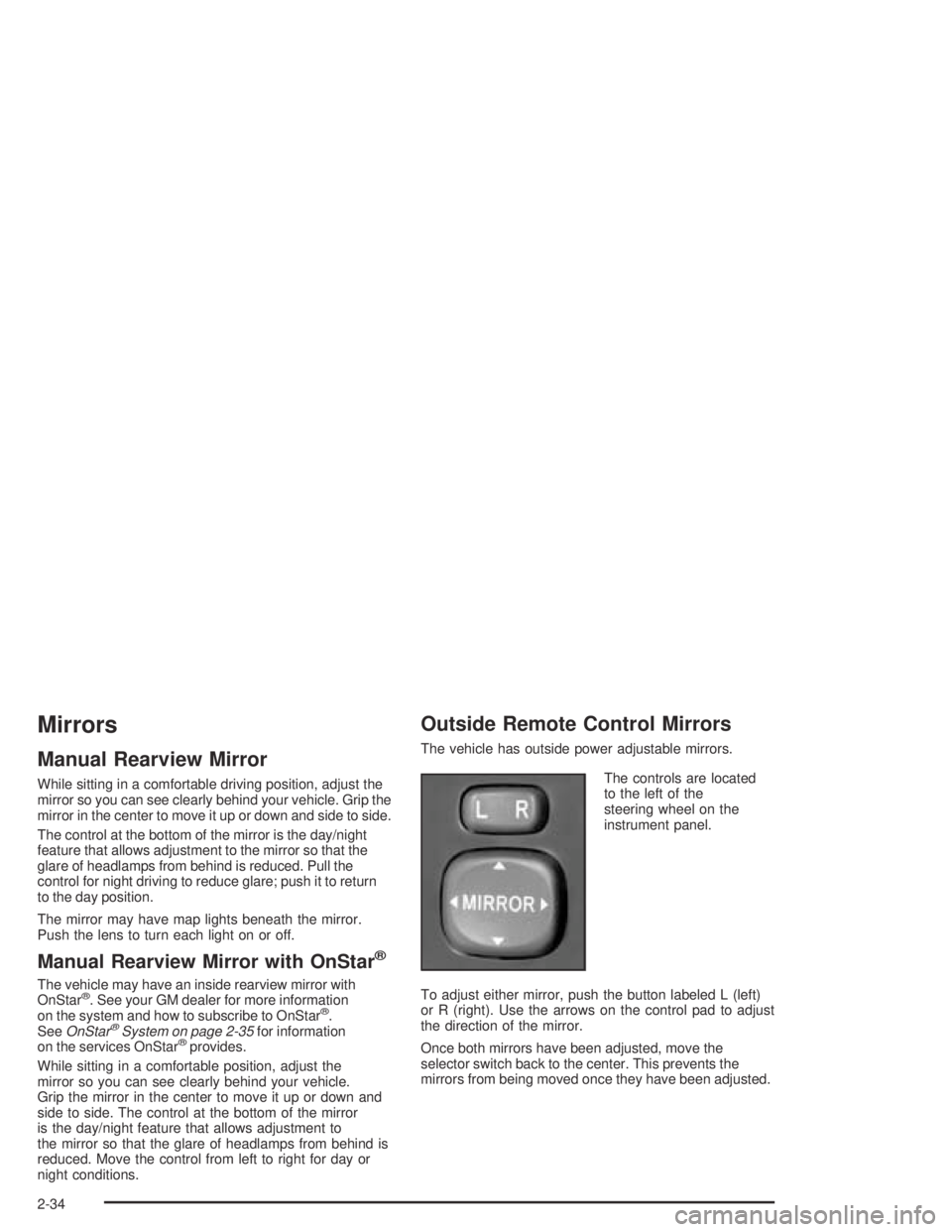
Outside Remote Control Mirrors
The vehicle has outside power adjustable mirrors.
The controls are located
to the left of the
steering wheel on the
instrument panel.
To adjust either mirror, push the button labeled L (left)
or R (right). Use the arrows on the control pad to adjust
the direction of the mirror.
Once both mirrors have been adjusted, move the
selector switch back to the center. This prevents the
mirrors from being moved once they have been adjusted.
2-34
Page 107 of 374
Storage Areas
Glove Box
Open the glove box by pulling the bottom of the handle
upward. Close the glove box with a rm push.
Cupholder(s)
There are two xed cupholders located in the console
area between the two front seats. There are also
two cupholders that fold out of the rear of the console
storage unit.
Coinholder(s)
Your instrument panel has a coinholder located to the
left of the steering wheel and on the center console near
the parking brake.
Instrument Panel Storage Area
There are storage compartments located on the
instrument panel in two places. They are below the
interior/instrument panel brightness dial and below the
shift lever. Pull the top of the door toward you to open it
or for the compartment below the shift lever, push the
button to open it.
Center Console Storage Area
A storage area is located in the console between the
seats. There may also be an accessory power
outlet located in the storage area.
To access the storage area, pull up the lock release
lever while raising the lid.
2-37
Page 116 of 374
Y. Power Outlet. SeePower Outlet 115 Volt Alternating
Current on page 3-18.
Z. Parking Brake. SeeParking Brake on page 2-28.
AA. Center Console Storage Area. SeeCenter Console
Storage Area on page 2-37.
AB. Glove Box. SeeGlove Box on page 2-37.
Hazard Warning Flashers
Your hazard warning ashers let you warn others. They
also let police know you have a problem. Your front
and rear turn signal lamps will ash on and off.
The hazard warning
asher button is located
near the center of the
instrument panel.
Your hazard warning ashers work no matter what
position your key is in, and even if the key is not in.Press the button to make the front and rear turn signal
lamps ash on and off. Press the button again to
turn the ashers off.
When the hazard warning ashers are on, your turn
signals will not work.
Other Warning Devices
If you carry reective triangles, you can set them up at
the side of the road about 300 feet (100 m) behind
your vehicle.
Horn
Press near or on the horn symbols on your steering
wheel pad to sound the horn.
3-6
Page 182 of 374
Control of a Vehicle
You have three systems that make your vehicle go where
you want it to go. They are the brakes, the steering, and
the accelerator. All three systems have to do their work at
the places where the tires meet the road.
Sometimes, as when you are driving on snow or ice,
it is easy to ask more of those control systems than the
tires and road can provide. That means you can lose
control of your vehicle.
Braking
Braking action involves perception time and
reaction time.
First, you have to decide to push on the brake pedal.
That is perception time. Then you have to bring up your
foot and do it. That is reaction time.
Average reaction time is about three-fourths of a
second. But that is only an average. It might be less
with one driver and as long as two or three seconds or
more with another. Age, physical condition, alertness,
coordination and eyesight all play a part. So do alcohol,
drugs and frustration. But even in three-fourths of a
second, a vehicle moving at 60 mph (100 km/h) travels
66 feet (20 m). That could be a lot of distance in an
emergency, so keeping enough space between
your vehicle and others is important.And, of course, actual stopping distances vary greatly
with the surface of the road (whether it is pavement
or gravel); the condition of the road (wet, dry, icy); tire
tread; the condition of your brakes; the weight of
the vehicle and the amount of brake force applied.
Avoid needless heavy braking. Some people drive in
spurts — heavy acceleration followed by heavy
braking — rather than keeping pace with traffic. This is
a mistake. Your brakes may not have time to cool
between hard stops. Your brakes will wear out much
faster if you do a lot of heavy braking. If you keep pace
with the traffic and allow realistic following distances,
you will eliminate a lot of unnecessary braking.
That means better braking and longer brake life.
If your engine ever stops while you are driving, brake
normally but do not pump your brakes. If you do,
the pedal may get harder to push down. If your engine
stops, you will still have some power brake assist.
But you will use it when you brake. Once the power
assist is used up, it may take longer to stop and
the brake pedal will be harder to push.
4-6
Page 185 of 374

Braking in Emergencies
At some time, nearly every driver gets into a situation
that requires hard braking.
If you have anti-lock, you can steer and brake at the
same time. However, if you do not have anti-lock, your
rst reaction — to hit the brake pedal hard and hold
it down — may be the wrong thing to do. Your wheels
can stop rolling. Once they do, the vehicle cannot
respond to your steering. Momentum will carry it in
whatever direction it was headed when the wheels
stopped rolling. That could be off the road, into the very
thing you were trying to avoid, or into traffic.
If you do not have anti-lock, use a “squeeze” braking
technique. This will give you maximum braking while
maintaining steering control. You can do this by pushing
on the brake pedal with steadily increasing pressure.
In an emergency, you will probably want to squeeze the
brakes hard without locking the wheels. If you hear or feel
the wheels sliding, ease off the brake pedal. This will
help you retain steering control. If youdohave anti-lock,
it is different. SeeAnti-Lock Brake System (ABS) on
page 4-7.
In many emergencies, steering can help you more than
even the very best braking.
Traction Control System (TCS)
Your vehicle may have a traction control system that
limits wheel spin. This is especially useful in slippery
road conditions. The system operates only if it senses
that one or both of the front wheels are spinning or
beginning to lose traction. When this happens,
the system works the front brakes and reduces engine
power to limit wheel spin.
You may feel or hear the system working, but this is
normal. Leave the system on during ordinary driving so
that it can operate when needed. When the ignition
is turned to ON, the system automatically turns on.
This light should come on
briey when you start the
engine. If it stays on or
comes on while you
are driving, there is a
problem with your traction
control system.
4-9
Page 187 of 374
Panic Brake Assist
Your vehicle has a panic brake assist system that
monitors the intention of the driver while braking. If the
system senses that the driver has applied hard/fast
pressure to the brake pedal, the system will generate
additional pressure, making it easier for the driver
to maintain brake application. When this happens the
brake pedal will feel easier to push. Just hold the brake
pedal down rmly and let the system work for you.
You may feel the brakes vibrate, or you may notice
some noise but this is normal. The brakes will return to
normal operation after the brake pedal has been
released.
The brake assist system becomes operational after the
vehicle has accelerated to a speed in excess of
approximately 6 mph (10 km/h). It stops operating when
the vehicle decelerates to a speed below approximately
3 mph (5 km/h).
All-Wheel Drive (AWD) System
If your vehicle has all-wheel drive (AWD), the AWD
system operates automatically without any action
required by the driver. If the front drive wheels begin to
slip, the rear wheels will automatically begin to drive
the vehicle as required. There may be a slight
engagement noise during hard use but this is normal.
Steering
Power Steering
If you lose power steering assist because the engine
stops or the system is not functioning, you can steer but
it will take much more effort.
4-11
Page 214 of 374
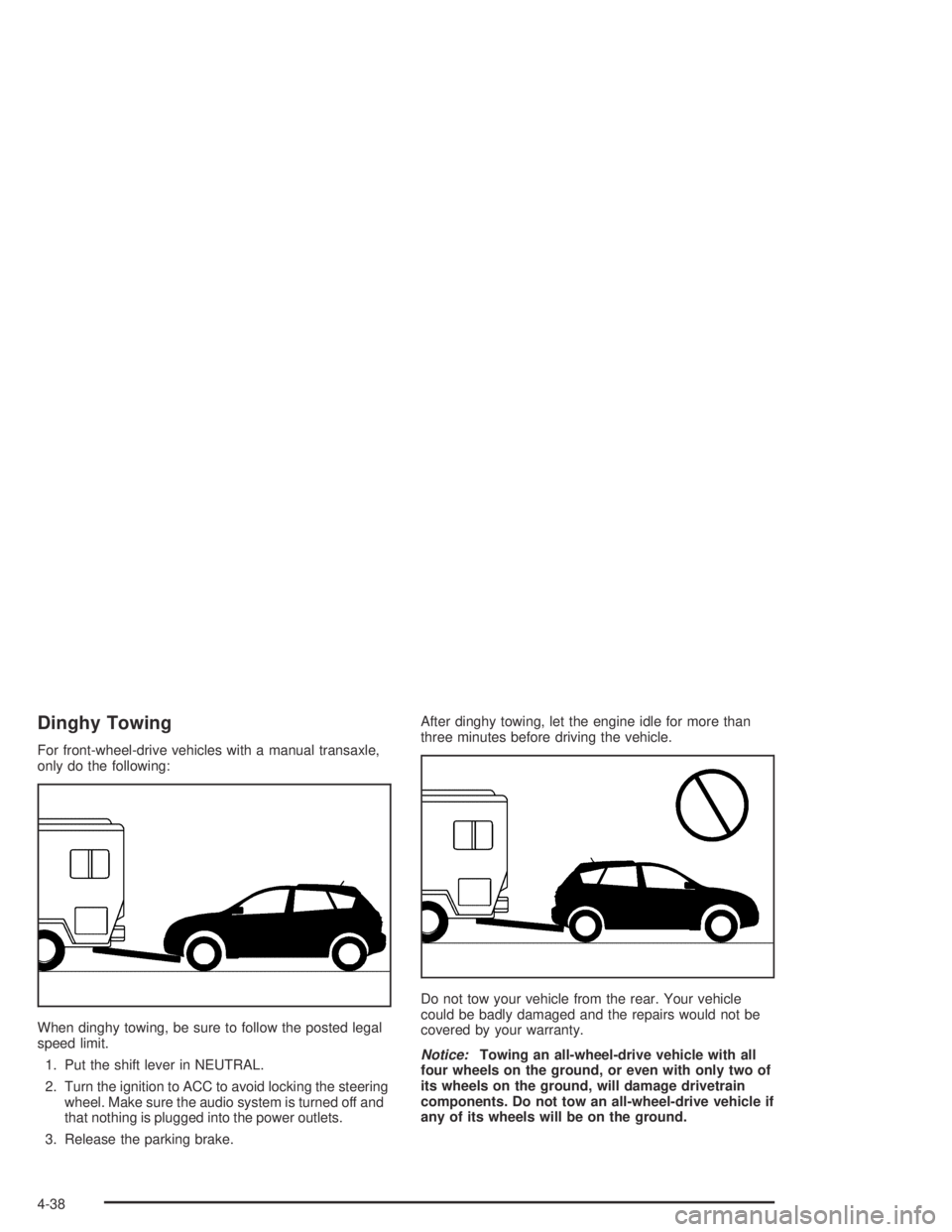
Dinghy Towing
For front-wheel-drive vehicles with a manual transaxle,
only do the following:
When dinghy towing, be sure to follow the posted legal
speed limit.
1. Put the shift lever in NEUTRAL.
2. Turn the ignition to ACC to avoid locking the steering
wheel. Make sure the audio system is turned off and
that nothing is plugged into the power outlets.
3. Release the parking brake.After dinghy towing, let the engine idle for more than
three minutes before driving the vehicle.
Do not tow your vehicle from the rear. Your vehicle
could be badly damaged and the repairs would not be
covered by your warranty.
Notice:Towing an all-wheel-drive vehicle with all
four wheels on the ground, or even with only two of
its wheels on the ground, will damage drivetrain
components. Do not tow an all-wheel-drive vehicle if
any of its wheels will be on the ground.
4-38
Page 223 of 374

Service............................................................5-3
Doing Your Own Service Work.........................5-4
Adding Equipment to the Outside of
Your Vehicle..............................................5-5
Fuel................................................................5-5
Gasoline Octane............................................5-5
Gasoline Specications....................................5-6
California Fuel...............................................5-6
Additives.......................................................5-6
Fuels in Foreign Countries...............................5-7
Filling Your Tank............................................5-7
Filling a Portable Fuel Container.......................5-9
Checking Things Under the Hood....................5-10
Hood Release..............................................5-10
Engine Compartment Overview.......................5-12
Engine Oil...................................................5-16
Engine Air Cleaner/Filter................................5-21
Automatic Transaxle Fluid..............................5-23
Manual Transaxle Fluid..................................5-26
Hydraulic Clutch...........................................5-27
Engine Coolant.............................................5-28
Radiator Pressure Cap..................................5-30
Engine Overheating.......................................5-30
Cooling System............................................5-32Power Steering Fluid.....................................5-37
Windshield Washer Fluid................................5-38
Brakes........................................................5-39
Battery........................................................5-42
Jump Starting...............................................5-43
All-Wheel Drive..............................................5-48
Bulb Replacement..........................................5-49
Halogen Bulbs..............................................5-49
Headlamps, Front Turn Signal, and
Parking Lamps..........................................5-49
Center High-Mounted Stoplamp (CHMSL).........5-51
Taillamps, Turn Signal, and Stoplamps............5-53
Back-Up Lamps............................................5-54
Replacement Bulbs.......................................5-55
Windshield Wiper Blade Replacement..............5-56
Tires..............................................................5-57
Tire Sidewall Labelling...................................5-58
Tire Terminology and Denitions.....................5-61
Ination - Tire Pressure.................................5-64
Tire Pressure Monitor System.........................5-65
Tire Inspection and Rotation...........................5-68
When It Is Time for New Tires.......................5-69
Buying New Tires.........................................5-70
Section 5 Service and Appearance Care
5-1
Page 235 of 374
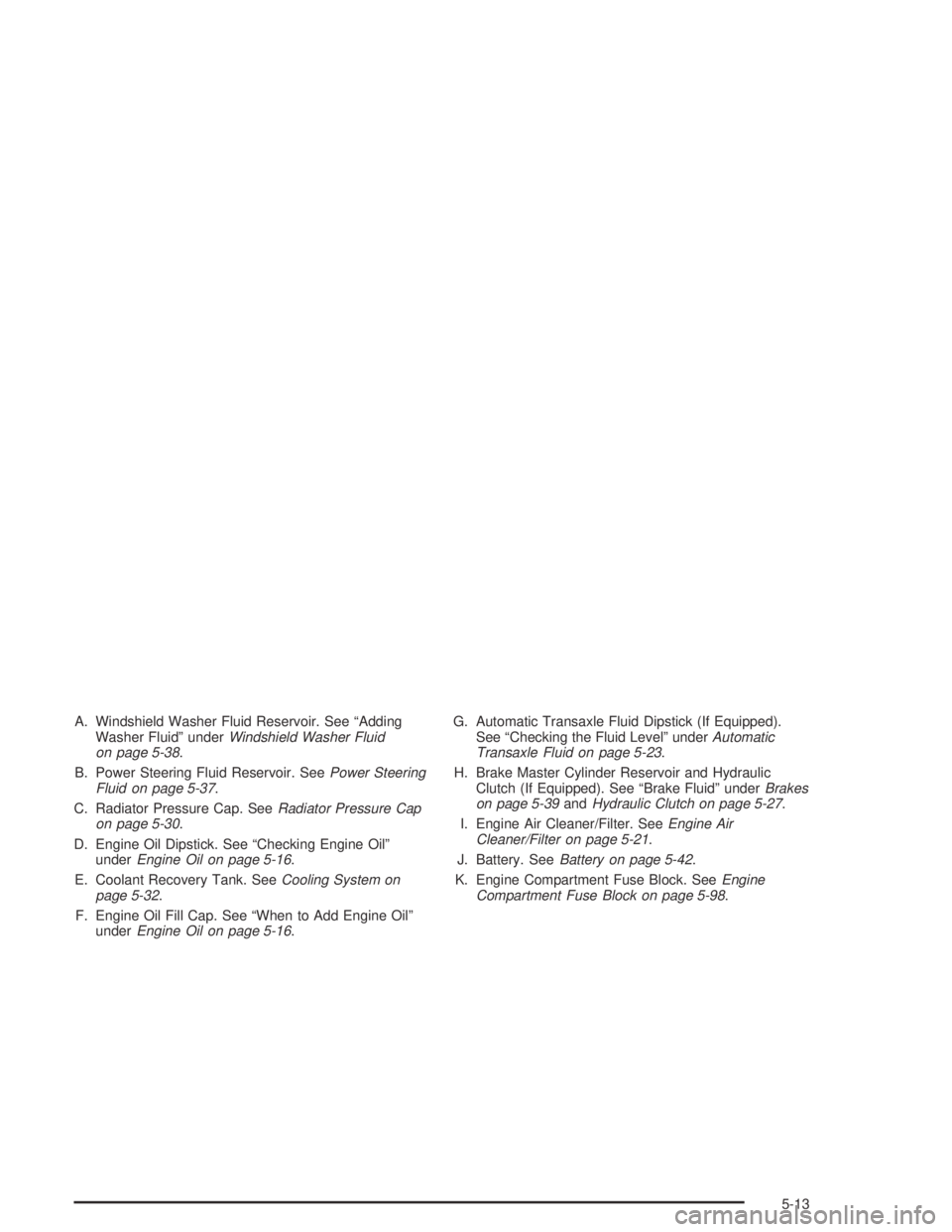
A. Windshield Washer Fluid Reservoir. See “Adding
Washer Fluid” underWindshield Washer Fluid
on page 5-38.
B. Power Steering Fluid Reservoir. SeePower Steering
Fluid on page 5-37.
C. Radiator Pressure Cap. SeeRadiator Pressure Cap
on page 5-30.
D. Engine Oil Dipstick. See “Checking Engine Oil”
underEngine Oil on page 5-16.
E. Coolant Recovery Tank. SeeCooling System on
page 5-32.
F. Engine Oil Fill Cap. See “When to Add Engine Oil”
underEngine Oil on page 5-16.G. Automatic Transaxle Fluid Dipstick (If Equipped).
See “Checking the Fluid Level” underAutomatic
Transaxle Fluid on page 5-23.
H. Brake Master Cylinder Reservoir and Hydraulic
Clutch (If Equipped). See “Brake Fluid” underBrakes
on page 5-39andHydraulic Clutch on page 5-27.
I. Engine Air Cleaner/Filter. SeeEngine Air
Cleaner/Filter on page 5-21.
J. Battery. SeeBattery on page 5-42.
K. Engine Compartment Fuse Block. SeeEngine
Compartment Fuse Block on page 5-98.
5-13