ignition PONTIAC VIBE 2006 Workshop Manual
[x] Cancel search | Manufacturer: PONTIAC, Model Year: 2006, Model line: VIBE, Model: PONTIAC VIBE 2006Pages: 388, PDF Size: 2.48 MB
Page 184 of 388

Playing a CD
If the ignition or radio is turned off, with a CD in the
player, it will stay in the player. When the ignition
or radio is turned on, the CD will start playing where it
stopped, if it was the last selected audio source.
When a CD is inserted, the CD symbol will appear on
the CD. As each new track starts to play, the track
number will appear on the display.
The CD player can play the smaller 3 inch (8 cm) single
CDs with an adapter ring. Full-size CDs and the
smaller CDs are loaded in the same manner.
If playing a CD-R, the sound quality may be reduced
due to CD-R quality, the method of recording, the quality
of the music that has been recorded, and the way the
CD-R has been handled. There may be an increase
in skipping, difficulty in nding tracks, and/or difficulty in
loading and ejecting. If these problems occur, check
the bottom surface of the CD. If the surface of the CD is
damaged, such as cracked, broken, or scratched, the
CD will not play properly. If the surface of the CD
is soiled, seeCare of Your CDs on page 3-78for
more information.
If there is no apparent damage, try a known good CD.Do not add any label to a CD, it could get caught in the
CD player. If a CD is recorded on a personal computer
and a description label is needed, try labeling the top of
the recorded CD with a marking pen instead.
Notice:If you add any label to a CD, insert more
than one CD into the slot at a time, or attempt
to play scratched or damaged CDs, you could
damage the CD player. When using the CD player,
use only CDs in good condition without any
label, load one CD at a time, and keep the CD player
and the loading slot free of foreign materials,
liquids, and debris.
If an error appears on the display, see “CD Messages”
later in this section.
LOAD CD
Z:Press the LOAD side of this button to
load CDs into the CD player. This CD player will
hold up to six CDs.
To insert one CD, do the following:
1. Turn the ignition on.
2. Press and release the LOAD button.
3. Wait for the indicator light, located to the right of the
slot, to turn green.
4. Load a CD. Insert the CD partway into the slot,
label side up. The player will pull the CD in.
3-72
Page 185 of 388
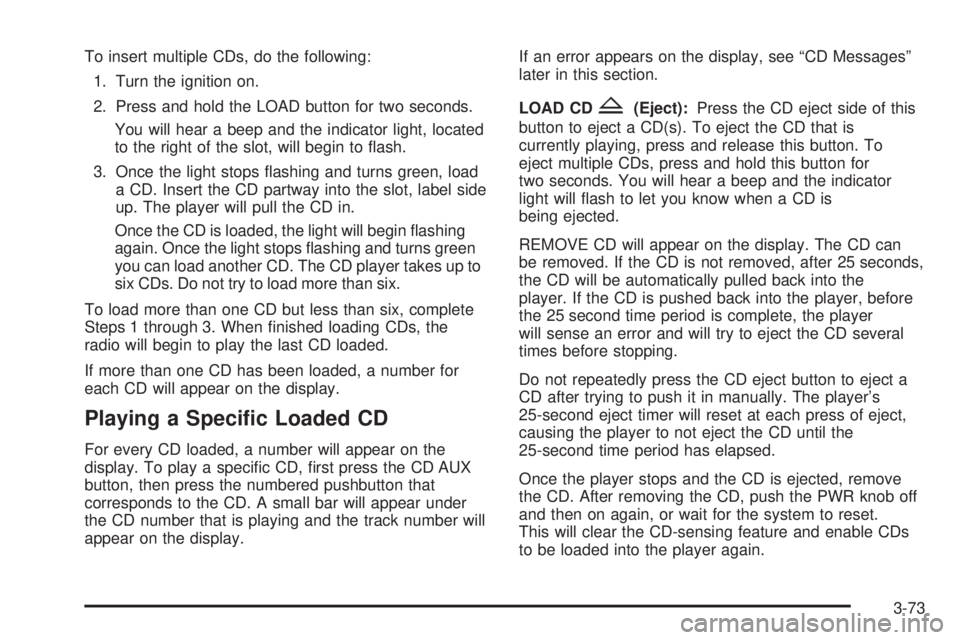
To insert multiple CDs, do the following:
1. Turn the ignition on.
2. Press and hold the LOAD button for two seconds.
You will hear a beep and the indicator light, located
to the right of the slot, will begin to ash.
3. Once the light stops ashing and turns green, load
a CD. Insert the CD partway into the slot, label side
up. The player will pull the CD in.
Once the CD is loaded, the light will begin ashing
again. Once the light stops ashing and turns green
you can load another CD. The CD player takes up to
six CDs. Do not try to load more than six.
To load more than one CD but less than six, complete
Steps 1 through 3. When nished loading CDs, the
radio will begin to play the last CD loaded.
If more than one CD has been loaded, a number for
each CD will appear on the display.
Playing a Specic Loaded CD
For every CD loaded, a number will appear on the
display. To play a specic CD, rst press the CD AUX
button, then press the numbered pushbutton that
corresponds to the CD. A small bar will appear under
the CD number that is playing and the track number will
appear on the display.If an error appears on the display, see “CD Messages”
later in this section.
LOAD CD
Z(Eject):Press the CD eject side of this
button to eject a CD(s). To eject the CD that is
currently playing, press and release this button. To
eject multiple CDs, press and hold this button for
two seconds. You will hear a beep and the indicator
light will ash to let you know when a CD is
being ejected.
REMOVE CD will appear on the display. The CD can
be removed. If the CD is not removed, after 25 seconds,
the CD will be automatically pulled back into the
player. If the CD is pushed back into the player, before
the 25 second time period is complete, the player
will sense an error and will try to eject the CD several
times before stopping.
Do not repeatedly press the CD eject button to eject a
CD after trying to push it in manually. The player’s
25-second eject timer will reset at each press of eject,
causing the player to not eject the CD until the
25-second time period has elapsed.
Once the player stops and the CD is ejected, remove
the CD. After removing the CD, push the PWR knob off
and then on again, or wait for the system to reset.
This will clear the CD-sensing feature and enable CDs
to be loaded into the player again.
3-73
Page 200 of 388
You may feel or hear the system working, but this is
normal. Leave the system on during ordinary driving so
that it can operate when needed. When the ignition
is turned to ON, the system automatically turns on.
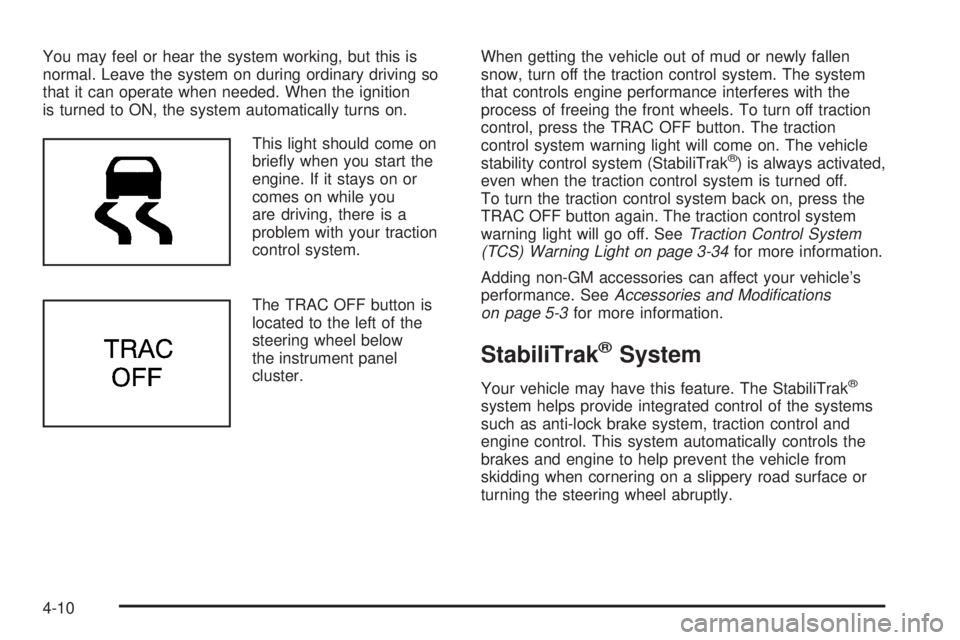
This light should come on
briey when you start the
engine. If it stays on or
comes on while you
are driving, there is a
problem with your traction
control system.
The TRAC OFF button is
located to the left of the
steering wheel below
the instrument panel
cluster.When getting the vehicle out of mud or newly fallen
snow, turn off the traction control system. The system
that controls engine performance interferes with the
process of freeing the front wheels. To turn off traction
control, press the TRAC OFF button. The traction
control system warning light will come on. The vehicle
stability control system (StabiliTrak
®) is always activated,
even when the traction control system is turned off.
To turn the traction control system back on, press the
TRAC OFF button again. The traction control system
warning light will go off. SeeTraction Control System
(TCS) Warning Light on page 3-34for more information.
Adding non-GM accessories can affect your vehicle’s
performance. SeeAccessories and Modications
on page 5-3for more information.
StabiliTrak®System
Your vehicle may have this feature. The StabiliTrak®
system helps provide integrated control of the systems
such as anti-lock brake system, traction control and
engine control. This system automatically controls the
brakes and engine to help prevent the vehicle from
skidding when cornering on a slippery road surface or
turning the steering wheel abruptly.
4-10
Page 215 of 388
{CAUTION:
Coasting downhill in NEUTRAL (N) or with the
ignition off is dangerous. Your brakes will have
to do all the work of slowing down. They could
get so hot that they would not work well. You
would then have poor braking or even none
going down a hill. You could crash. Always
have your engine running and your vehicle in
gear when you go downhill.
Know how to go down hills. The most important
thing to know is this: let your engine do some of
the slowing down. Shift to a lower gear when you go
down a steep or long hill.
Know how to go uphill. You may want to shift down
to a lower gear. The lower gears help cool your
engine and transaxle, and you can climb the
hill better.
Stay in your own lane when driving on two-lane
roads in hills or mountains. Do not swing wide
or cut across the center of the road. Drive at speeds
that let you stay in your own lane.
As you go over the top of a hill, be alert. There
could be something in your lane, like a stalled car or
an accident.
You may see highway signs on mountains that
warn of special problems. Examples are long
grades, passing or no-passing zones, a falling rocks
area, or winding roads. Be alert to these and take
appropriate action.
4-25
Page 228 of 388
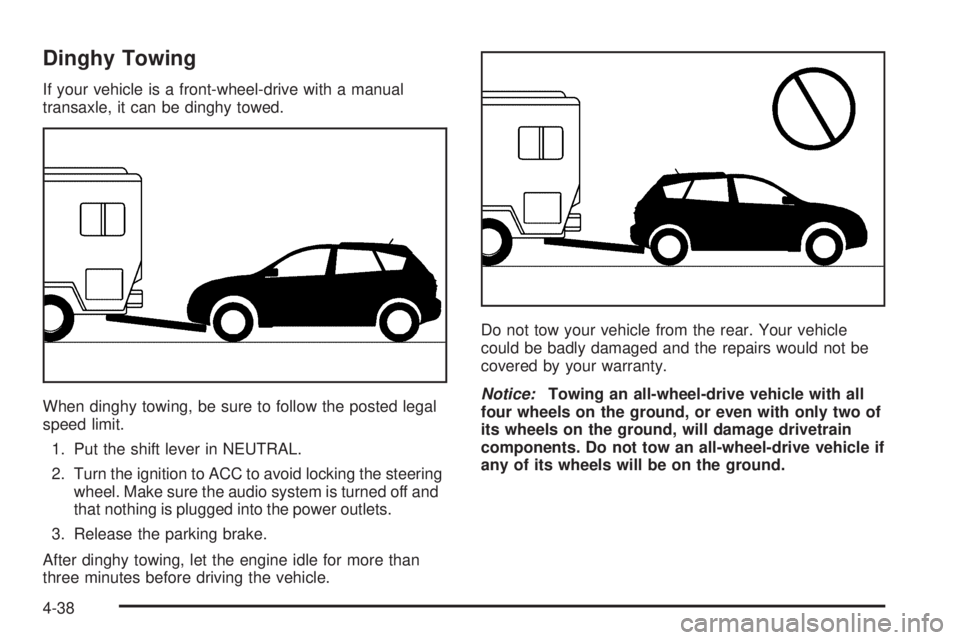
Dinghy Towing
If your vehicle is a front-wheel-drive with a manual
transaxle, it can be dinghy towed.
When dinghy towing, be sure to follow the posted legal
speed limit.
1. Put the shift lever in NEUTRAL.
2. Turn the ignition to ACC to avoid locking the steering
wheel. Make sure the audio system is turned off and
that nothing is plugged into the power outlets.
3. Release the parking brake.
After dinghy towing, let the engine idle for more than
three minutes before driving the vehicle.Do not tow your vehicle from the rear. Your vehicle
could be badly damaged and the repairs would not be
covered by your warranty.
Notice:Towing an all-wheel-drive vehicle with all
four wheels on the ground, or even with only two of
its wheels on the ground, will damage drivetrain
components. Do not tow an all-wheel-drive vehicle if
any of its wheels will be on the ground.
4-38
Page 278 of 388

Notice:If you leave your radio or other accessories
on during the jump starting procedure, they could
be damaged. The repairs would not be covered
by your warranty. Always turn off your radio and
other accessories when jump starting your vehicle.
3. Turn off the ignition on both vehicles. Unplug
unnecessary accessories plugged into the cigarette
lighter. Turn off the radio and all lamps that are
not needed. This will avoid sparks and help save
both batteries. And it could save the radio!
4. Open the hoods and locate the batteries. Find the
positive (+) and negative (−) terminal locations on
each vehicle. SeeEngine Compartment Overview
on page 5-12for more information on location.
{CAUTION:
An electric fan can start up even when the
engine is not running and can injure you. Keep
hands, clothing and tools away from any
underhood electric fan.
{CAUTION:
Using a match near a battery can cause battery
gas to explode. People have been hurt doing
this, and some have been blinded. Use a
ashlight if you need more light.
Be sure the battery has enough water. You do
not need to add water to the battery installed
in your new vehicle. But if a battery has ller
caps, be sure the right amount of uid is there.
If it is low, add water to take care of that rst.
If you don’t, explosive gas could be present.
Battery uid contains acid that can burn you.
Do not get it on you. If you accidentally get it
in your eyes or on your skin, ush the place
with water and get medical help immediately.
5-42
Page 296 of 388
Tire Pressure Monitor System
If your vehicle has this feature, it is designed to alert
you when the system detects a large change in
the pressure of one tire. The system cannot alert you
before you drive that a tire is low or at. You must begin
driving before the system will work properly. The
system works with the brake control system and is
designed to detect differences in the tire rotation speeds
that are caused by changes in tire pressure. The tire
pressure monitoring system does not replace normal tire
maintenance, seeTires on page 5-52,Tire Inspection
and Rotation on page 5-62andWhen It Is Time for New
Tires on page 5-64.
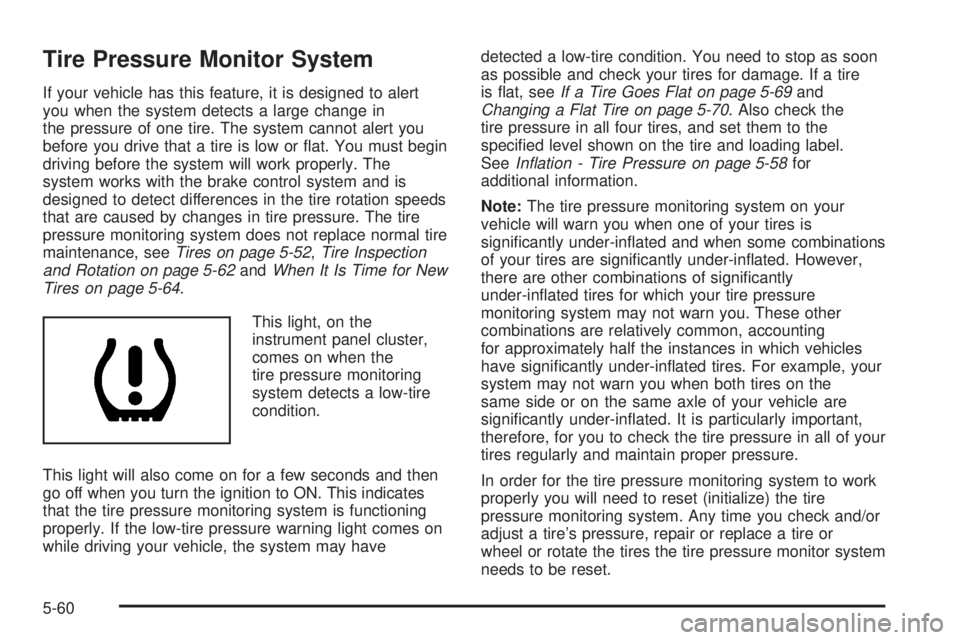
This light, on the
instrument panel cluster,
comes on when the
tire pressure monitoring
system detects a low-tire
condition.
This light will also come on for a few seconds and then
go off when you turn the ignition to ON. This indicates
that the tire pressure monitoring system is functioning
properly. If the low-tire pressure warning light comes on
while driving your vehicle, the system may havedetected a low-tire condition. You need to stop as soon
as possible and check your tires for damage. If a tire
is at, seeIf a Tire Goes Flat on page 5-69and
Changing a Flat Tire on page 5-70. Also check the
tire pressure in all four tires, and set them to the
specied level shown on the tire and loading label.
SeeInation - Tire Pressure on page 5-58for
additional information.
Note:The tire pressure monitoring system on your
vehicle will warn you when one of your tires is
signicantly under-inated and when some combinations
of your tires are signicantly under-inated. However,
there are other combinations of signicantly
under-inated tires for which your tire pressure
monitoring system may not warn you. These other
combinations are relatively common, accounting
for approximately half the instances in which vehicles
have signicantly under-inated tires. For example, your
system may not warn you when both tires on the
same side or on the same axle of your vehicle are
signicantly under-inated. It is particularly important,
therefore, for you to check the tire pressure in all of your
tires regularly and maintain proper pressure.
In order for the tire pressure monitoring system to work
properly you will need to reset (initialize) the tire
pressure monitoring system. Any time you check and/or
adjust a tire’s pressure, repair or replace a tire or
wheel or rotate the tires the tire pressure monitor system
needs to be reset.
5-60
Page 297 of 388
Do not reset (initialize) the system without rst correcting
the cause of the low-tire condition. If the system is
reset when the tire pressures are incorrect, the system
will not function properly and may not alert you when
a tire is low.
To reset (initialize) the system:
1. Park the vehicle at a safe place and apply the
parking brake. Turn the engine off.
2. Turn the ignition to ON with the engine off.
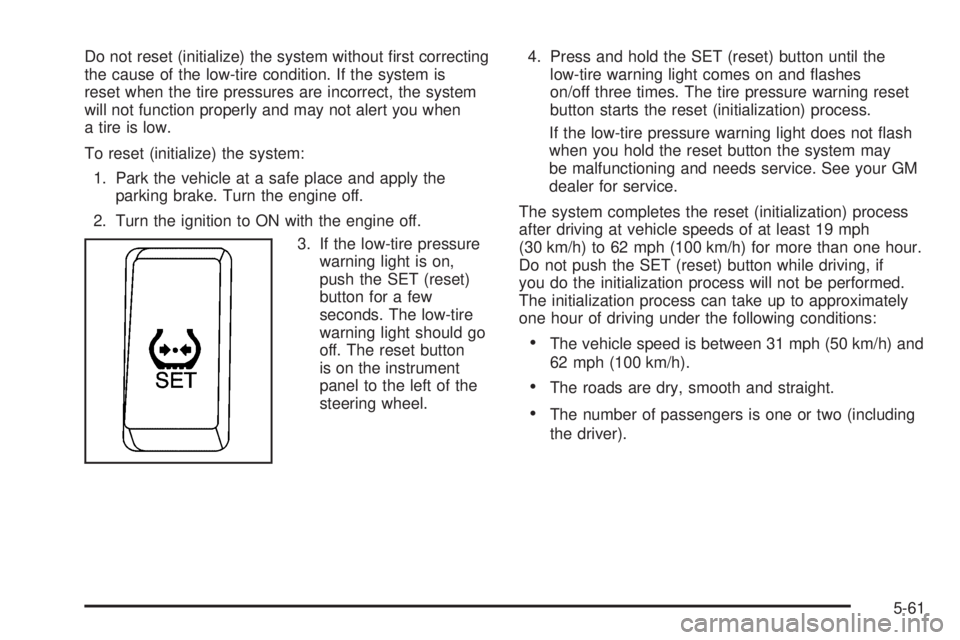
3. If the low-tire pressure
warning light is on,
push the SET (reset)
button for a few
seconds. The low-tire
warning light should go
off. The reset button
is on the instrument
panel to the left of the
steering wheel.4. Press and hold the SET (reset) button until the
low-tire warning light comes on and ashes
on/off three times. The tire pressure warning reset
button starts the reset (initialization) process.
If the low-tire pressure warning light does not ash
when you hold the reset button the system may
be malfunctioning and needs service. See your GM
dealer for service.
The system completes the reset (initialization) process
after driving at vehicle speeds of at least 19 mph
(30 km/h) to 62 mph (100 km/h) for more than one hour.
Do not push the SET (reset) button while driving, if
you do the initialization process will not be performed.
The initialization process can take up to approximately
one hour of driving under the following conditions:
The vehicle speed is between 31 mph (50 km/h) and
62 mph (100 km/h).
The roads are dry, smooth and straight.
The number of passengers is one or two (including
the driver).
5-61
Page 349 of 388

Starter Switch Check
{CAUTION:
When you are doing this inspection, the
vehicle could move suddenly. If the vehicle
moves, you or others could be injured.
1. Before you start, be sure you have enough room
around the vehicle.
2. Firmly apply both the parking brake and the regular
brake. SeeParking Brake on page 2-24.
Do not use the accelerator pedal, and be ready to
turn off the engine immediately if it starts.
3. On automatic transaxle vehicles, try to start the
engine in each gear. The vehicle should start only in
PARK (P) or NEUTRAL (N). If the vehicle starts in
any other position, your vehicle needs service.
On manual transaxle vehicles, put the shift lever
in NEUTRAL (N), push the clutch down halfway, and
try to start the engine. The vehicle should start
only when the clutch is pushed down all the way to
the oor. If the vehicle starts when the clutch
is not pushed all the way down, your vehicle
needs service.
Automatic Transaxle Shift Lock Control
System Check
{CAUTION:
When you are doing this inspection, the
vehicle could move suddenly. If the vehicle
moves, you or others could be injured.
1. Before you start, be sure you have enough room
around the vehicle. It should be parked on a level
surface.
2. Firmly apply the parking brake. SeeParking Brake
on page 2-24.
Be ready to apply the regular brake immediately
if the vehicle begins to move.
3. With the engine off, turn the ignition to ON, but do
not start the engine. Without applying the regular
brake, try to move the shift lever out of PARK (P)
with normal effort. If the shift lever moves out
of PARK (P), your vehicle needs service.
6-15
Page 350 of 388
Ignition Transaxle Lock Check
While parked, and with the parking brake set, try to turn
the ignition to LOCK in each shift lever position.
With an automatic transaxle, the ignition should turn
to LOCK only when the shift lever is in PARK (P).
With a manual transaxle, the ignition should turn to
LOCK only if you push the key in farther, while
turning it toward LOCK.
Parking Brake and Automatic Transaxle
Park (P) Mechanism Check
{CAUTION:
When you are doing this check, your vehicle
could begin to move. You or others could be
injured and property could be damaged.
Make sure there is room in front of your
vehicle in case it begins to roll. Be ready to
apply the regular brake at once should the
vehicle begin to move.Park on a fairly steep hill, with the vehicle facing
downhill. Keeping your foot on the regular brake,
set the parking brake.
To check the parking brake’s holding ability:
With the engine running and transaxle in
NEUTRAL (N), slowly remove foot pressure from
the regular brake pedal. Do this until the vehicle is
held by the parking brake only.
To check the PARK (P) mechanism’s holding
ability: With the engine running, shift to PARK (P).
Then release the parking brake followed by the
regular brake.
Underbody Flushing Service
At least every spring, use plain water to ush any
corrosive materials from the underbody. Take care to
clean thoroughly any areas where mud and other debris
can collect.
6-16