lights PONTIAC VIBE 2007 User Guide
[x] Cancel search | Manufacturer: PONTIAC, Model Year: 2007, Model line: VIBE, Model: PONTIAC VIBE 2007Pages: 432, PDF Size: 2.54 MB
Page 147 of 432
Daytime Running Lamps (DRL)
Daytime Running Lamps (DRL) can make it easier
for others to see the front of your vehicle during
the day. DRL can be helpful in many different
driving conditions, but they can be especially
helpful in the short periods after dawn and before
sunset. Fully functional daytime running lamps
are required on all vehicles rst sold in Canada.
The DRL system will make the headlamps
come on at a reduced brightness when the
following conditions are met:
The ignition is on with the engine running.
The exterior lamps switch is off.
The parking brake is released.
When the DRL are on, only the headlamps will be
on at a reduced brightness. The taillamps,
sidemarker and other lamps will not be on. The
instrument panel will not be lit up either.
When you turn the exterior lamp switch to the
headlamp position, the DRL will go off and
the headlamps will come on. The other lamps that
come on with the headlamps will also come on.When it begins to get dark, the headlamps will
automatically switch from DRL to the regular
headlamps. See “Automatic Headlamp System”
following.
When you turn the exterior lamp switch off, the
regular lamps will go off and the headlamps
will change to the reduced brightness of DRL
provided it is not dark outside. DRL also comes on
if only the parking lamps are being used.
Automatic Headlamp System
Your vehicle has an automatic light sensor on the
top left corner of the instrument panel, so be
sure it is not covered or the headlamps will be on
continuously.
When it is dark enough outside, the automatic
headlamp system will turn on the low-beam
headlamps at the normal brightness along with
other lamps such as the taillamps, sidemarker,
parking lamps and instrument panel lights. This is
indicated by the headlamp symbol on your
instrument panel cluster. SeeInstrument Panel
Cluster on page 159.
147
Page 148 of 432
If you are driving through a parking garage,
overcast weather, or a tunnel, the automatic
headlamp system may turn on the low-beam
headlamps at a normal brightness along with the
taillamps, sidemarker, parking lamps and the
instrument panel lights. The radio lights will be
dimmer, and the instrument panel cluster
lights may dim. There will be a delay before the
lights will turn on when starting the car at night.
Fog Lamps
-(Fog Lamps):Turn the band on the turn
signal/multifunction lever to the fog lamp symbol to
turn the fog lamps on. They will come on only
when the headlamps are on low beam.
Some localities have laws that require the
headlamps to be on along with the fog lamps.
Instrument Panel Brightness
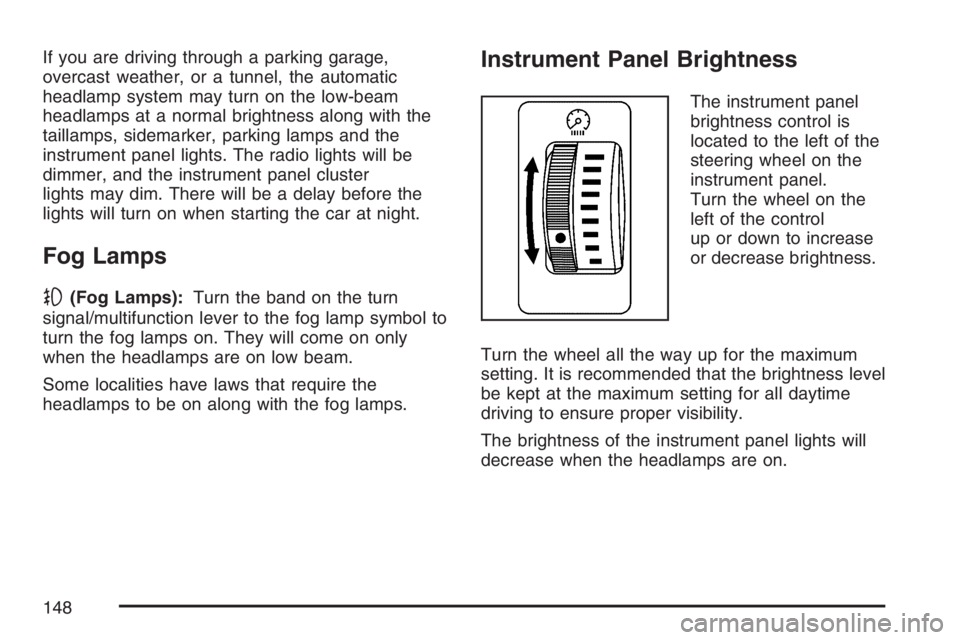
The instrument panel
brightness control is
located to the left of the
steering wheel on the
instrument panel.
Turn the wheel on the
left of the control
up or down to increase
or decrease brightness.
Turn the wheel all the way up for the maximum
setting. It is recommended that the brightness level
be kept at the maximum setting for all daytime
driving to ensure proper visibility.
The brightness of the instrument panel lights will
decrease when the headlamps are on.
148
Page 149 of 432
Interior Lamps Control
The interior lights control is located on the
overhead light. To change the interior lights
setting, slide the switch to one of the following
positions:
OFF:This position turns the light off.
ON:This position keeps the light on all the time.
Door:This position turns the light on when
any door, the liftgate or the liftglass is opened.
The light goes off when all the side doors,
the liftgate and the liftglass are closed.
Entry Lighting
While the interior lights control is in the door
position, the light will come on when any side door,
the liftgate or the liftglass is opened. After all the
doors, liftgate and liftglass are closed, and the key
is out of the ignition, in LOCK or ACC, the light
will remain on for about 15 seconds and then
go out except under the following conditions:
The ignition is turned to ACC or ON after all
the doors, the liftgate and the liftglass are
closed.
All the doors and liftgate are locked when the
liftglass is closed and the light is still on.
When any door is unlocked with the key or remote
keyless entry system transmitter, the light comes
on for 15 seconds, even if the door is not opened.
149
Page 158 of 432
Warning Lights, Gages, and
Indicators
This part describes the warning lights and gages
that may be on your vehicle. The pictures will
help you locate them.
Warning lights and gages can signal that
something is wrong before it becomes serious
enough to cause an expensive repair or
replacement. Paying attention to your warning
lights and gages could also save you or others
from injury.
Warning lights come on when there may be or is a
problem with one of your vehicle’s functions. As
you will see in the details on the next few
pages, some warning lights come on briey when
you start the engine just to let you know they’re
working. If you are familiar with this section,
you should not be alarmed when this happens.Gages can indicate when there may be or is a
problem with one of your vehicle’s functions.
Often gages and warning lights work together to
let you know when there’s a problem with
your vehicle.
When one of the warning lights comes on and
stays on when you are driving, or when one of
the gages shows there may be a problem, check
the section that tells you what to do about it.
Please follow this manual’s advice. Waiting to do
repairs can be costly and even dangerous. So
please get to know your warning lights and gages.
They are a big help.
158
Page 163 of 432
If the airbag readiness light stays on after you
start the vehicle or comes on when you are driving,
your airbag system may not work properly.
Have your vehicle serviced right away.
{CAUTION:
If the airbag readiness light stays on or
keeps ashing after you start your
vehicle, it means the airbag system and
safety belt pretension system may not be
working properly. The airbags in your
vehicle may not inate in a crash, or they
could even inate without a crash. To help
avoid injury to yourself or others, have
your vehicle serviced right away if the
airbag readiness light stays on after you
start your vehicle.
Passenger Airbag Status Indicator
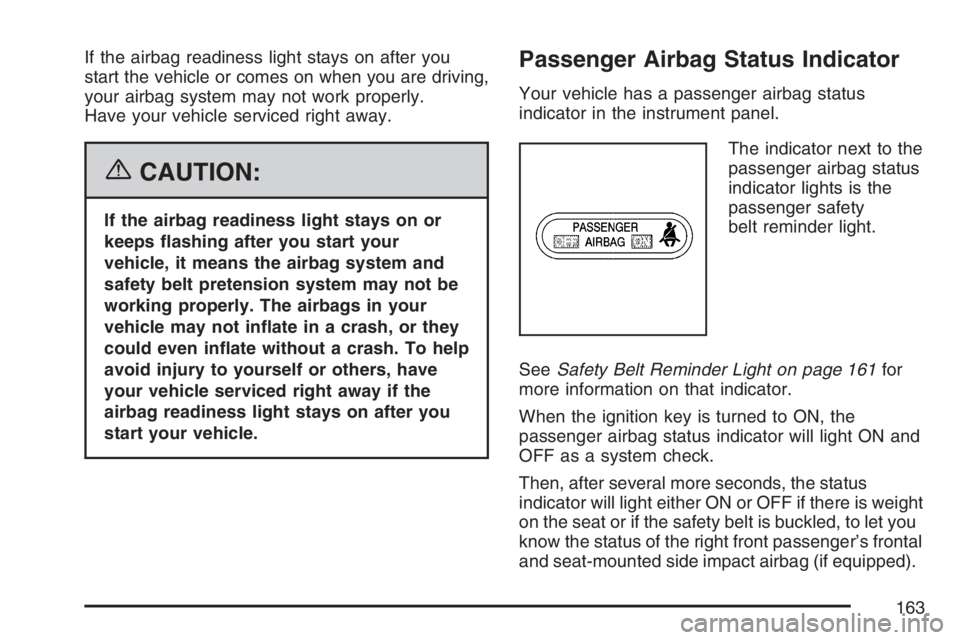
Your vehicle has a passenger airbag status
indicator in the instrument panel.
The indicator next to the
passenger airbag status
indicator lights is the
passenger safety
belt reminder light.
SeeSafety Belt Reminder Light on page 161for
more information on that indicator.
When the ignition key is turned to ON, the
passenger airbag status indicator will light ON and
OFF as a system check.
Then, after several more seconds, the status
indicator will light either ON or OFF if there is weight
on the seat or if the safety belt is buckled, to let you
know the status of the right front passenger’s frontal
and seat-mounted side impact airbag (if equipped).
163
Page 165 of 432
If the word OFF is lit on the passenger airbag status
indicator, it means that the passenger sensing
system has turned off the right front passenger’s
frontal airbag and seat-mounted side impact airbag
(if equipped). SeePassenger Sensing System on
page 74for information about the conditions that
may affect the airbag system and also important
safety information.
If, after several seconds, all status indicator lights
remain on, or if there are no lights at all, there
may be a problem with the lights or the passenger
sensing system. See your dealer for service.
{CAUTION:
If the off indicator and the airbag readiness
light ever come on together, it means that
something may be wrong with the airbag
system. If this ever happens, have the
vehicle serviced promptly, because an
adult-size person sitting in the right front
passenger seat may not have the
protection of an airbag. SeeAirbag
Readiness Light on page 162.
Charging System Light
This light comes on
briey when you turn on
the ignition, with the
engine not running, as a
check to show you it
is working.
It should go out when the engine starts. If it stays
on, or comes on while you are driving, you
may have a problem with the electrical charging
system. It could indicate that you have a loose
generator drive belt or another electrical problem.
Have it checked right away. Driving while this
light is on could drain your battery.
If you must drive a short distance with the
charging system light on, be certain to turn
off all your accessories, such as the radio and
air conditioner.
165
Page 174 of 432
Lights On Reminder
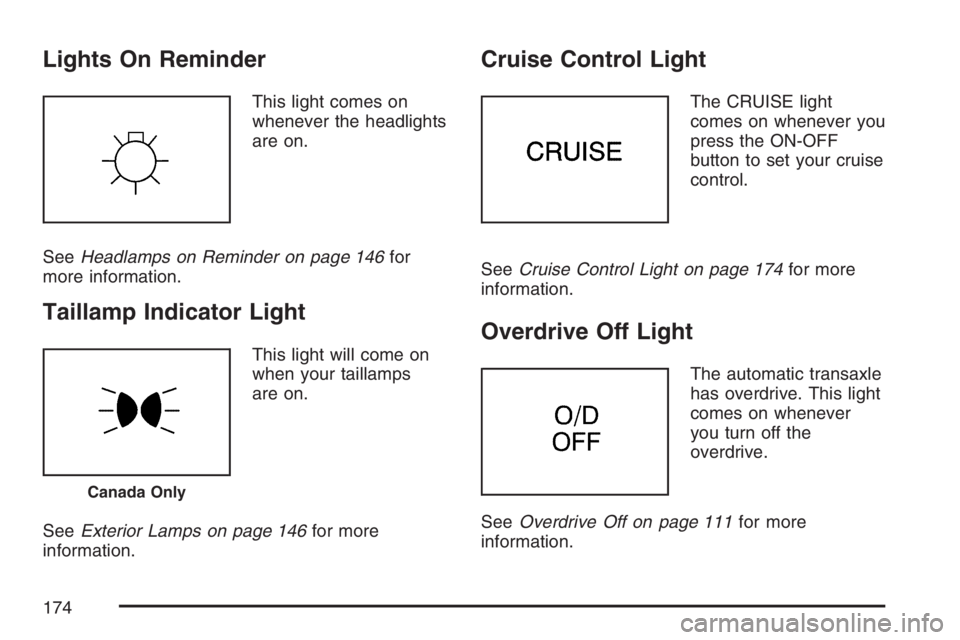
This light comes on
whenever the headlights
are on.
SeeHeadlamps on Reminder on page 146for
more information.
Taillamp Indicator Light
This light will come on
when your taillamps
are on.
SeeExterior Lamps on page 146for more
information.
Cruise Control Light
The CRUISE light
comes on whenever you
press the ON-OFF
button to set your cruise
control.
SeeCruise Control Light on page 174for more
information.
Overdrive Off Light
The automatic transaxle
has overdrive. This light
comes on whenever
you turn off the
overdrive.
SeeOverdrive Off on page 111for more
information.
Canada Only
174
Page 182 of 432
Setting the Tone (Bass/Treble)
TONE:Press and release this button until BASS,
MID (midrange), or TREB (treble) displays. The
SELECT LED indicator lights to show that the tone
control can be adjusted. Turn the SELECT knob
to increase or to decrease the tone. If a station is
weak or has static, decrease the treble.
To return all of the tone controls to the middle
position press and hold the TONE button
until FLAT displays.
EQ (Equalizer):Press this button to select
customized equalization settings.
Up to six customized equalization settings, can be
programmed, by performing the following steps:
1. Turn the radio on.
2. Use the TONE button and the SELECT knob
to create the equalization.
3. Press and hold the EQ button for two seconds.
SELECT EQ # displays and the EQ symbol
ashes.
4. Press EQ or turn the SELECT knob to select
the EQ number.5. Press and hold the EQ button to store the
equalization setting and the number. EQ
SAVED displays and a beep sounds.
6. Repeat the steps for the other EQ settings
and numbers.
EQ 5 has been programmed at the factory for use
with talk radio, but it can be set to a different tone.
Adjusting the Speakers (Balance/Fade)
BAL (Balance):To adjust the balance between
the right and the left speakers, press and release
this button until BAL (balance) displays. The
SELECT LED indicator lights to show that
the speakers can be adjusted. Turn the SELECT
knob to move the sound toward the right or
the left speakers.
FADE:To adjust the fade between the front and
the rear speakers, press and release this
button until FADE displays. The SELECT LED
indicator lights to show that the speakers can be
adjusted. Turn the SELECT knob to move the
sound toward the front or the rear speakers.
To return all speaker settings to the middle
position, press and hold the BAL FADE button
for two seconds.
182
Page 191 of 432
Setting the Tone
(Bass/Midrange/Treble)
TONE:Press and release this button until BASS,
MID (midrange), or TREB (treble) displays. The
SELECT LED indicator lights to show that the tone
control can be adjusted. Turn the SELECT knob
to increase or to decrease. If a station is weak
or has static, decrease the treble.
Pressing and holding the TONE button until FLAT
displays, returns all of the tone controls to the
middle position.
EQ (Equalizer):Press this button to select
customized bass, midrange, and treble
equalization settings.
Up to six customized equalization settings, can be
programmed on the six numbered pushbuttons,
by performing the following steps:
1. Turn the radio on.
2. Use the TONE button and the SELECT knob
to create the desired equalization.
3. Press and hold the EQ button for two seconds.
SELECT EQ # displays and the EQ symbol
ashes.4. Press EQ or turn the SELECT knob to select
the desired EQ number.
5. Press and hold the EQ button to store the
equalization setting and the number. A
beep sounds and EQ SAVED displays.
6. Repeat the steps for the other EQ settings
and numbers.
EQ 5 has been programmed at the factory for use
with talk radio, but it can be set to a different tone.
Adjusting the Speakers (Balance/Fade)
BAL (Balance):To adjust the balance between
the right and the left speakers, press and release
this button until BAL displays. The SELECT
LED indicator lights to show that the speakers can
be adjusted. Turn the SELECT knob to move
the sound toward the right or the left speakers.
FADE:To adjust the fade between the front and
the rear speakers, press and release this
button until FADE displays. The SELECT LED
indicator lights to show that the speakers can be
adjusted. Turn the SELECT knob to move the
sound toward the front or the rear speakers.
Pressing and holding the BAL FADE button for
two seconds returns all speaker settings to
the middle position.
191
Page 239 of 432
You can be temporarily blinded by approaching
headlamps. It can take a second or two, or
even several seconds, for your eyes to re-adjust
to the dark. When you are faced with severe glare,
as from a driver who does not lower the high
beams, or a vehicle with misaimed headlamps,
slow down a little. Avoid staring directly into
the approaching headlamps.
Keep the windshield and all the glass on your
vehicle clean — inside and out. Glare at night is
made much worse by dirt on the glass. Even
the inside of the glass can build up a lm caused
by dust. Dirty glass makes lights dazzle and
ash more than clean glass would, making the
pupils of your eyes contract repeatedly.
Remember that the headlamps light up far less of a
roadway when you are in a turn or curve. Keep your
eyes moving; that way, it is easier to pick out dimly
lighted objects. Just as the headlamps should be
checked regularly for proper aim, so should your
eyes be examined regularly. Some drivers suffer
from night blindness — the inability to see in dim
light — and are not even aware of it.Driving in Rain and on Wet Roads
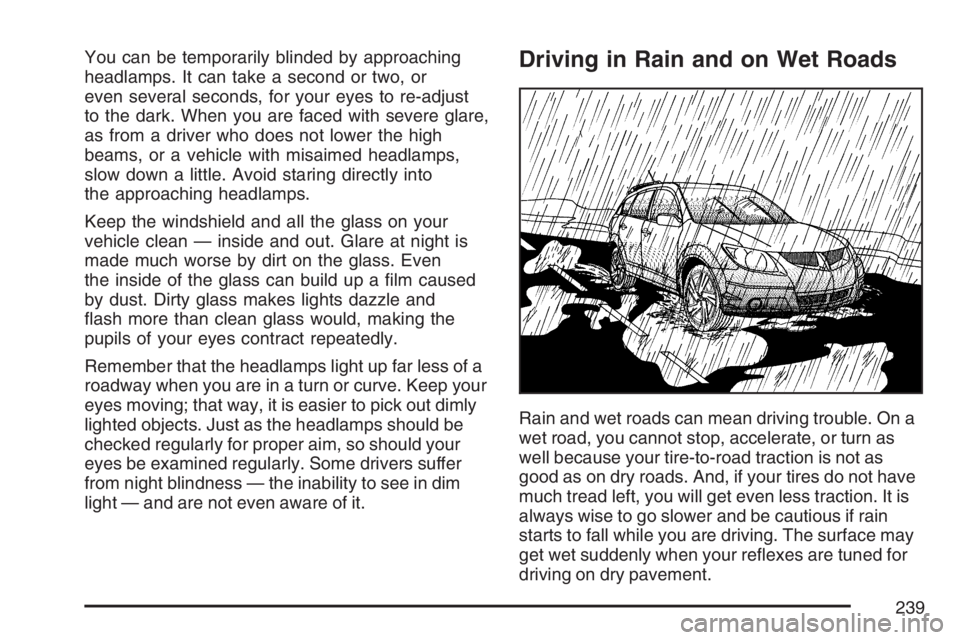
Rain and wet roads can mean driving trouble. On a
wet road, you cannot stop, accelerate, or turn as
well because your tire-to-road traction is not as
good as on dry roads. And, if your tires do not have
much tread left, you will get even less traction. It is
always wise to go slower and be cautious if rain
starts to fall while you are driving. The surface may
get wet suddenly when your reexes are tuned for
driving on dry pavement.
239