low oil pressure Ram 1500 2009 Owner's Manual
[x] Cancel search | Manufacturer: RAM, Model Year: 2009, Model line: 1500, Model: Ram 1500 2009Pages: 543, PDF Size: 7.75 MB
Page 230 of 543
CAUTION!
Driving with a hot engine cooling system could damage
your vehicle. If temperature gauge reads “H” pull over
and stop the vehicle. Idle the vehicle with the air
conditioner turned off until the pointer drops back into
the normal range. If the pointer remains on the “H” and
you hear continuous chimes, turn the engine off imme-
diately, and call an authorized dealership for service.
WARNING!
A hot engine cooling system is dangerous. You or others
could be badly burned by steam or boiling coolant. You
may want to call an authorized dealership for service if
your vehicle overheats. If you decide to look under the
hood yourself, see Section 7 of this manual. Follow the
warnings under the Cooling System Pressure Cap para-
graph.
5. Speedometer
The speedometer shows the vehicle speed in miles per
hour and/or kilometers per hour (mph/km/h).
6. 4 LOWThis light alerts the driver that the vehicle is in
the four-wheel drive LOW mode. The front and
rear driveshafts are mechanically locked to-
gether forcing the front and rear wheels to
rotate at the same speed. Low range provides a greater
gear reduction ratio to provide increased torque at the
wheels.
For more information on four-wheel drive operation and
proper use, refer to “Four-Wheel Drive Operation — If
Equipped” in section 5 of this manual.
228 UNDERSTANDING YOUR INSTRUMENT PANEL
Page 232 of 543
10. SERV (Service) 4WDThe SERV 4WD light monitors the electric shift
four-wheel drive system. If the SERV 4WD
light stays on or comes on during driving, it
means that the four-wheel drive system is not
functioning properly and that service is required.
For vehicles equipped with a premium cluster this indi-
cator will display in the Electronic Vehicle Information
Center (EVIC). Refer to ”Electronic Vehicle Information
Center (EVIC) — If Equipped” in this section for more
information.
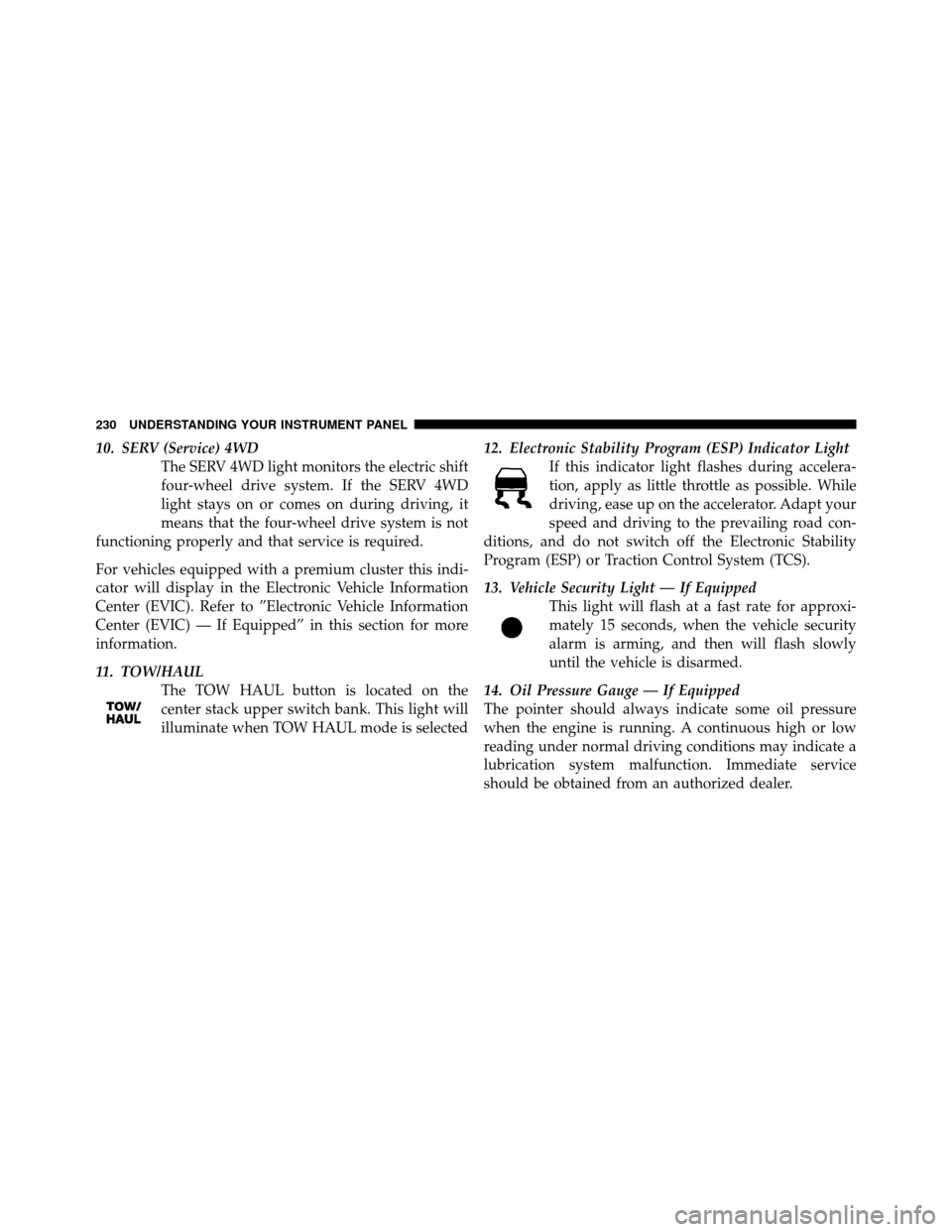
11. TOW/HAUL The TOW HAUL button is located on the
center stack upper switch bank. This light will
illuminate when TOW HAUL mode is selected 12. Electronic Stability Program (ESP) Indicator Light
If this indicator light flashes during accelera-
tion, apply as little throttle as possible. While
driving, ease up on the accelerator. Adapt your
speed and driving to the prevailing road con-
ditions, and do not switch off the Electronic Stability
Program (ESP) or Traction Control System (TCS).
13. Vehicle Security Light — If Equipped This light will flash at a fast rate for approxi-
mately 15 seconds, when the vehicle security
alarm is arming, and then will flash slowly
until the vehicle is disarmed.
14. Oil Pressure Gauge — If Equipped
The pointer should always indicate some oil pressure
when the engine is running. A continuous high or low
reading under normal driving conditions may indicate a
lubrication system malfunction. Immediate service
should be obtained from an authorized dealer.
230 UNDERSTANDING YOUR INSTRUMENT PANEL
Page 239 of 543
Operation of the Brake Warning Light can be checked by
turning the ignition switch from the OFF position to the
ON position. The light should illuminate for approxi-
mately two seconds. The light should then turn off unless
the parking brake is applied or a brake fault is detected.
If the light does not illuminate, have the light inspected
by an authorized dealer.
The light also will turn on when the parking brake is
applied with the ignition switch in the ON position.
NOTE:This light shows only that the parking brake is
applied. It does not show the degree of brake application.
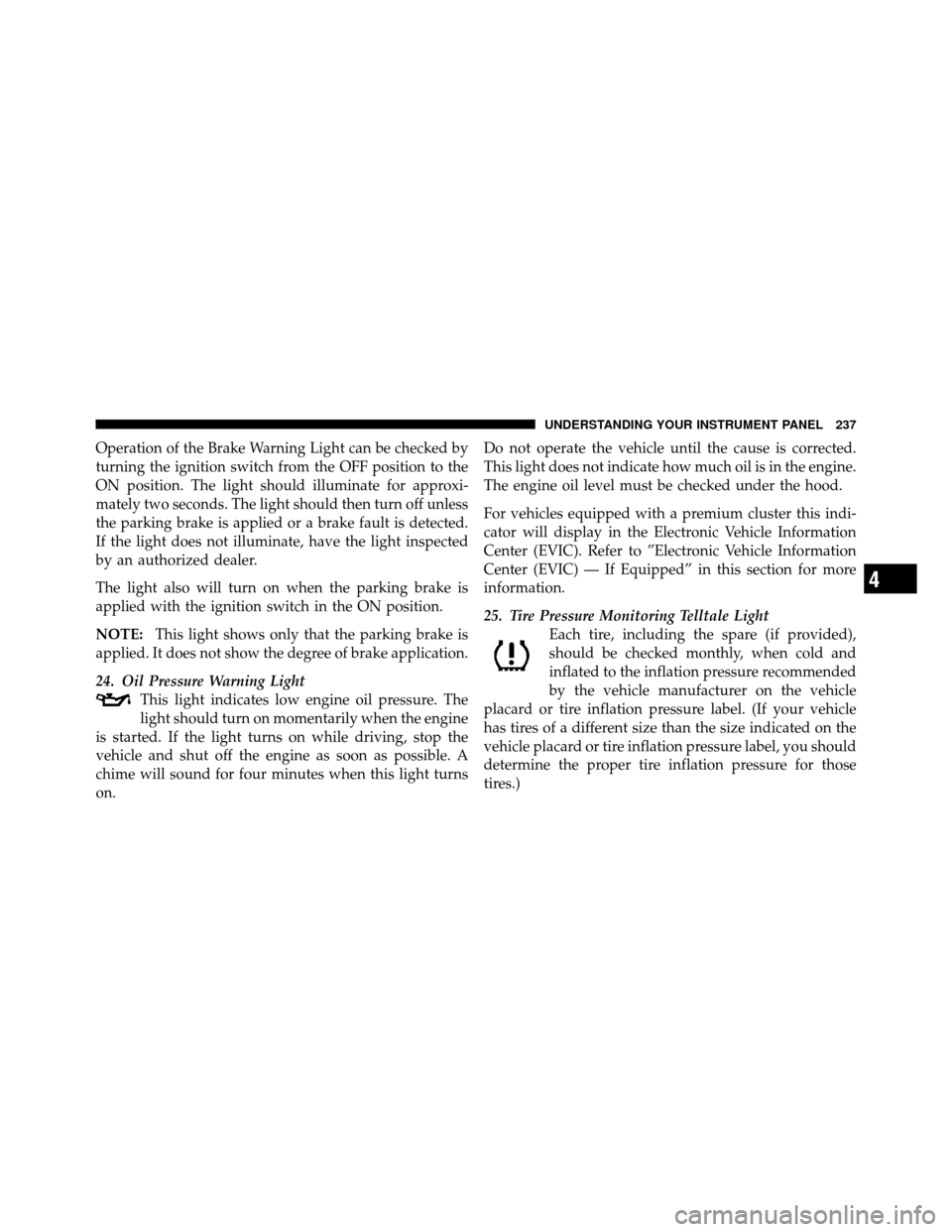
24. Oil Pressure Warning Light This light indicates low engine oil pressure. The
light should turn on momentarily when the engine
is started. If the light turns on while driving, stop the
vehicle and shut off the engine as soon as possible. A
chime will sound for four minutes when this light turns
on. Do not operate the vehicle until the cause is corrected.
This light does not indicate how much oil is in the engine.
The engine oil level must be checked under the hood.
For vehicles equipped with a premium cluster this indi-
cator will display in the Electronic Vehicle Information
Center (EVIC). Refer to ”Electronic Vehicle Information
Center (EVIC) — If Equipped” in this section for more
information.
25. Tire Pressure Monitoring Telltale Light
Each tire, including the spare (if provided),
should be checked monthly, when cold and
inflated to the inflation pressure recommended
by the vehicle manufacturer on the vehicle
placard or tire inflation pressure label. (If your vehicle
has tires of a different size than the size indicated on the
vehicle placard or tire inflation pressure label, you should
determine the proper tire inflation pressure for those
tires.)
4
UNDERSTANDING YOUR INSTRUMENT PANEL 237
Page 245 of 543
If jump starting is required, refer to “Jump Starting
Procedures” in section 6 of this manual.
33. Electronic Stability Program (ESP) Indicator Light
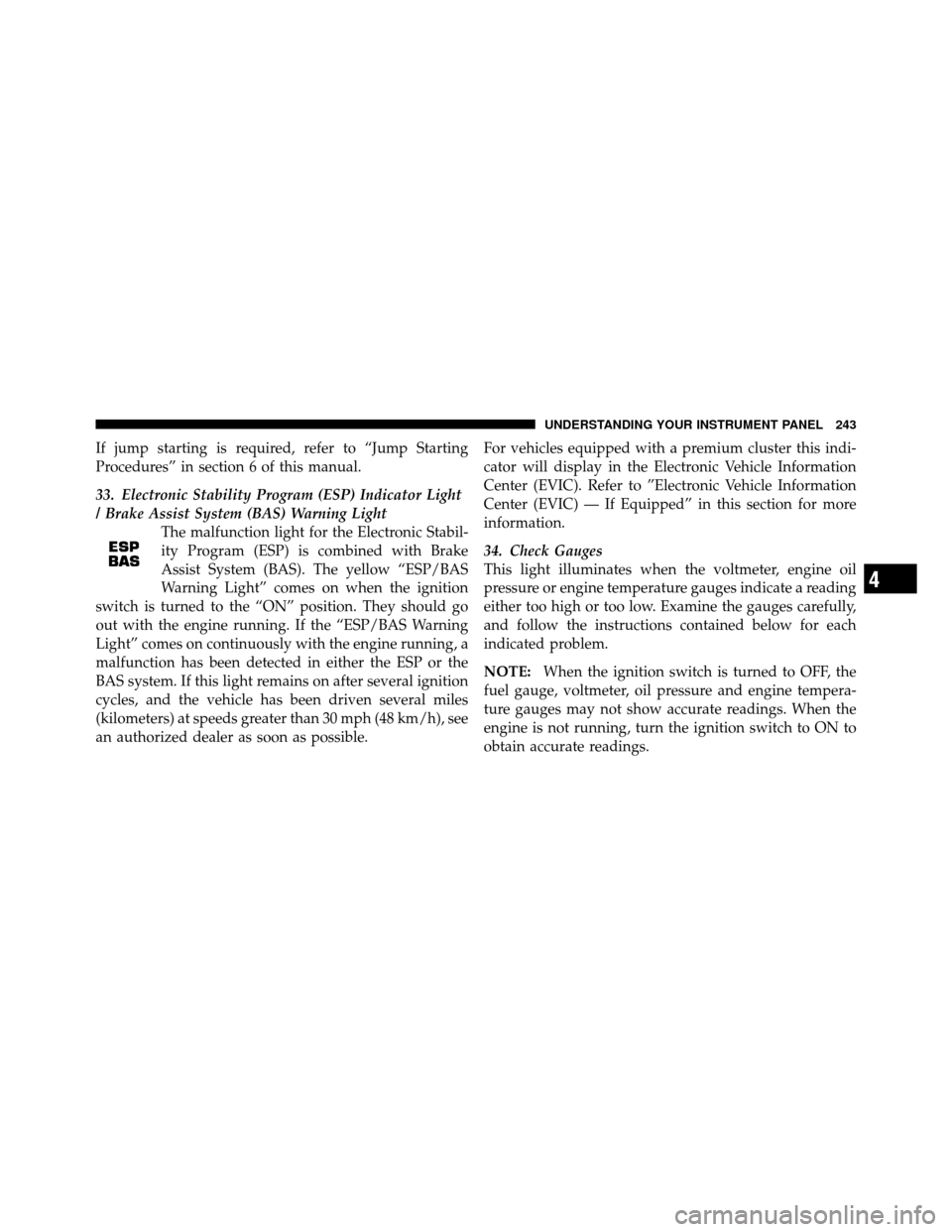
/ Brake Assist System (BAS) Warning LightThe malfunction light for the Electronic Stabil-
ity Program (ESP) is combined with Brake
Assist System (BAS). The yellow “ESP/BAS
Warning Light” comes on when the ignition
switch is turned to the “ON” position. They should go
out with the engine running. If the “ESP/BAS Warning
Light” comes on continuously with the engine running, a
malfunction has been detected in either the ESP or the
BAS system. If this light remains on after several ignition
cycles, and the vehicle has been driven several miles
(kilometers) at speeds greater than 30 mph (48 km/h), see
an authorized dealer as soon as possible. For vehicles equipped with a premium cluster this indi-
cator will display in the Electronic Vehicle Information
Center (EVIC). Refer to ”Electronic Vehicle Information
Center (EVIC) — If Equipped” in this section for more
information.
34. Check Gauges
This light illuminates when the voltmeter, engine oil
pressure or engine temperature gauges indicate a reading
either too high or too low. Examine the gauges carefully,
and follow the instructions contained below for each
indicated problem.
NOTE:
When the ignition switch is turned to OFF, the
fuel gauge, voltmeter, oil pressure and engine tempera-
ture gauges may not show accurate readings. When the
engine is not running, turn the ignition switch to ON to
obtain accurate readings.
4
UNDERSTANDING YOUR INSTRUMENT PANEL 243
Page 248 of 543
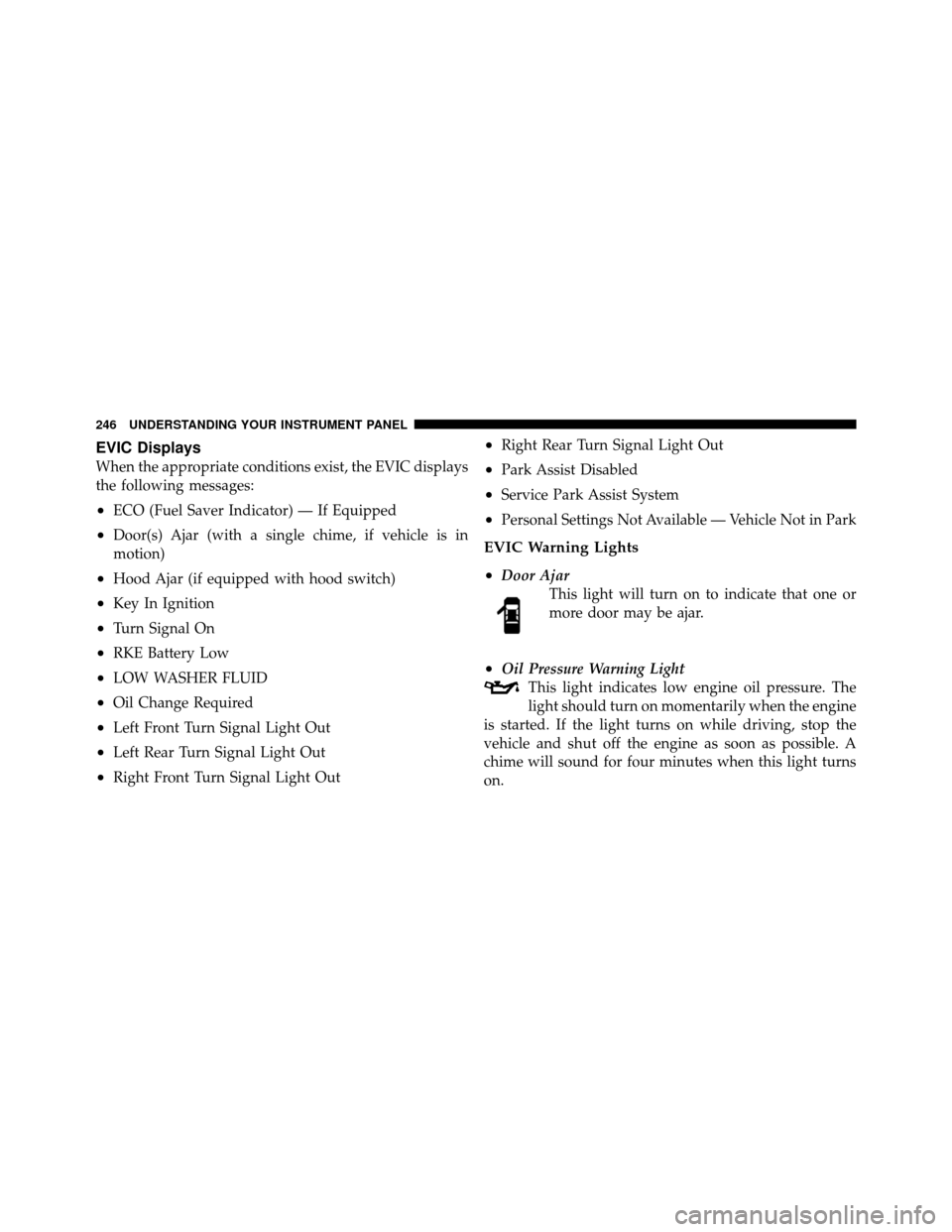
EVIC Displays
When the appropriate conditions exist, the EVIC displays
the following messages:
•ECO (Fuel Saver Indicator) — If Equipped
•Door(s) Ajar (with a single chime, if vehicle is in
motion)
•Hood Ajar (if equipped with hood switch)
•Key In Ignition
•Turn Signal On
•RKE Battery Low
•LOW WASHER FLUID
•Oil Change Required
•Left Front Turn Signal Light Out
•Left Rear Turn Signal Light Out
•Right Front Turn Signal Light Out
•Right Rear Turn Signal Light Out
•Park Assist Disabled
•Service Park Assist System
•Personal Settings Not Available — Vehicle Not in Park
EVIC Warning Lights
•
Door AjarThis light will turn on to indicate that one or
more door may be ajar.
•Oil Pressure Warning LightThis light indicates low engine oil pressure. The
light should turn on momentarily when the engine
is started. If the light turns on while driving, stop the
vehicle and shut off the engine as soon as possible. A
chime will sound for four minutes when this light turns
on.
246 UNDERSTANDING YOUR INSTRUMENT PANEL
Page 255 of 543
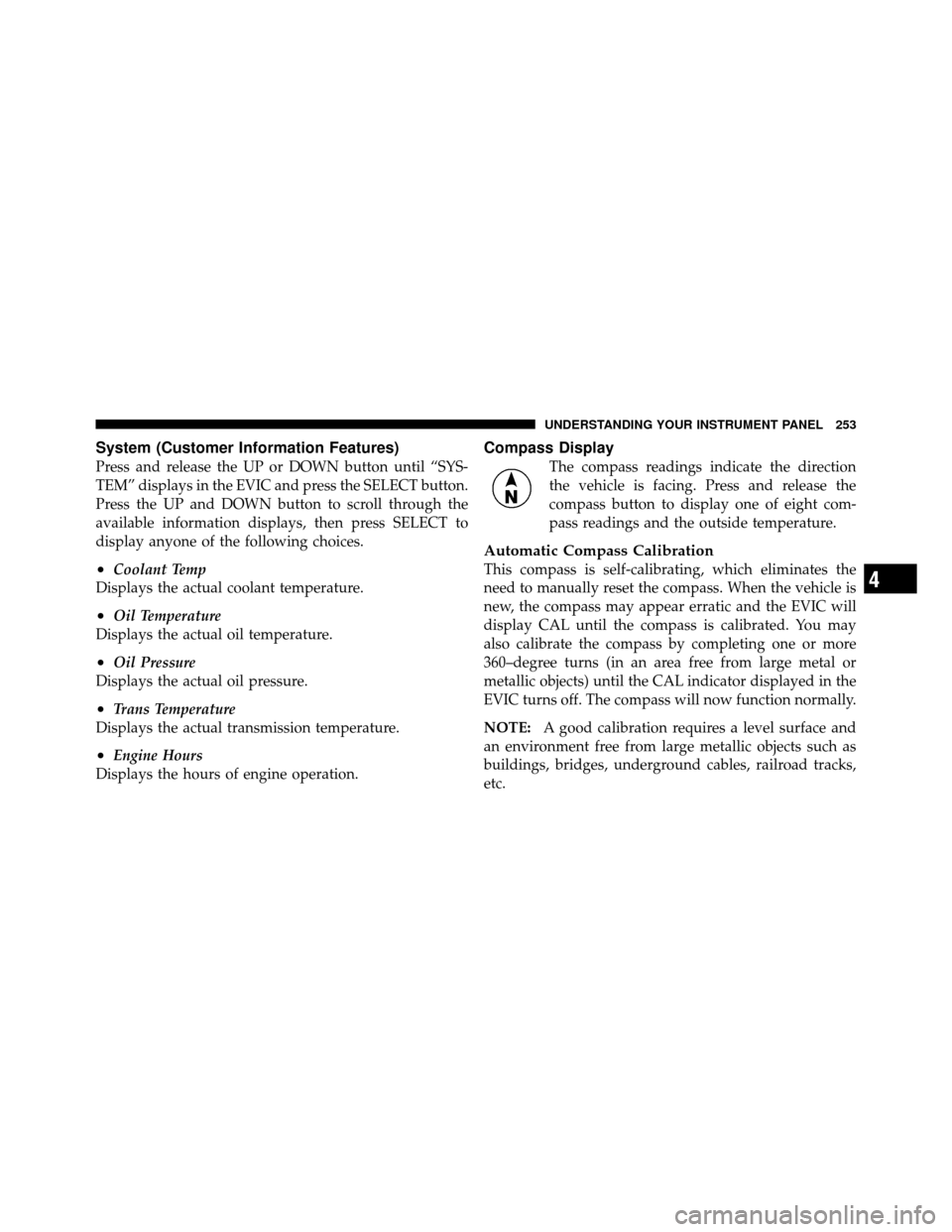
System (Customer Information Features)
Press and release the UP or DOWN button until “SYS-
TEM” displays in the EVIC and press the SELECT button.
Press the UP and DOWN button to scroll through the
available information displays, then press SELECT to
display anyone of the following choices.
•Coolant Temp
Displays the actual coolant temperature.
•Oil Temperature
Displays the actual oil temperature.
•Oil Pressure
Displays the actual oil pressure.
•Trans Temperature
Displays the actual transmission temperature.
•Engine Hours
Displays the hours of engine operation.
Compass Display
The compass readings indicate the direction
the vehicle is facing. Press and release the
compass button to display one of eight com-
pass readings and the outside temperature.
Automatic Compass Calibration
This compass is self-calibrating, which eliminates the
need to manually reset the compass. When the vehicle is
new, the compass may appear erratic and the EVIC will
display CAL until the compass is calibrated. You may
also calibrate the compass by completing one or more
360–degree turns (in an area free from large metal or
metallic objects) until the CAL indicator displayed in the
EVIC turns off. The compass will now function normally.
NOTE: A good calibration requires a level surface and
an environment free from large metallic objects such as
buildings, bridges, underground cables, railroad tracks,
etc.4
UNDERSTANDING YOUR INSTRUMENT PANEL 253
Page 378 of 543
Life of Tire
The service life of a tire is dependent upon varying
factors including, but not limited to:
•Driving style
•Tire pressure
•Distance driven
WARNING!
Tires and the spare tire should be replaced after six
years, regardless of the remaining tread. Failure to
follow this warning can result in sudden tire failure.
You could lose control and have an accident resulting
in serious injury or death.
Keep dismounted tires in a cool, dry place with as little
exposure to light as possible. Protect tires from contact
with oil, grease, and gasoline.
Replacement Tires
The tires on your new vehicle provide a balance of many
characteristics. They should be inspected regularly for
wear and correct cold tire inflation pressure. The manu-
facturer strongly recommends that you use tires equiva-
lent to the originals in size, quality and performance
when replacement is needed. (Refer to the paragraph on
“Tread Wear Indicators”). Refer to the “Tire and Loading
Information” placard for the size designation of your tire.
The service description and load identification will be
found on the original equipment tire. Failure to use
equivalent replacement tires may adversely affect the
safety, handling, and ride of your vehicle. We recommend
that you contact your original equipment or an autho-
rized tire dealer with any questions you may have on tire
specifications or capability.
376 STARTING AND OPERATING
Page 433 of 543
wheel nuts. To avoid the risk of forcing the vehicle off the
jack, do not fully tighten the wheel nuts until the vehicle
has been lowered.
6. Using the wheel wrench, finish tightening the wheel
nuts using a crisscross pattern. The correct wheel nut
tightness is 130 ft lbs (177 N·m) torque. If in doubt about
the correct tightness, have them checked with a torque
wrench by your authorized dealer or at a service station.
WARNING!
A loose tire or jack thrown forward in a collision or
hard stop could injure someone in the vehicle. Al-
ways stow the jack parts and the extra tire and wheel
in the places provided.
7. Install the wheel center cap and remove the wheel
blocks. Do not install chrome or aluminum wheel center
caps on the spare wheel. This may result in cap damage. 8. Lower the jack to its fully closed position. If the bottle
jack will not lower by turning the dial (thumbwheel) by
hand, it may be necessary to use the jack drive tube in
order to lower the jack. Stow the replaced tire, jack, and
tools as previously described.
9. Adjust the tire pressure when possible.
NOTE:
Do not oil wheel studs. For chrome wheels, do
not substitute with chrome plated wheel nuts.
Wheel Nuts
All wheel nuts should be tightened occasionally to elimi-
nate the possibility of wheel studs being sheared or the
bolt holes in the wheels becoming elongated. This is
especially important during the first few hundred miles/
kilometers of operation to allow the wheel nuts to
become properly set. All wheel nuts should first be firmly
seated against the wheel. The wheel nuts should then be
tightened to recommended torque. Tighten the wheel
nuts to final torque in increments. Progress around the6
WHAT TO DO IN EMERGENCIES 431
Page 451 of 543
CAUTION!
Overfilling or underfilling the crankcase will cause
oil aeration or loss of oil pressure. This could damage
your engine.
Change Engine Oil
Refer to the “Maintenance Schedule” in Section 8 for the
proper maintenance intervals.
Engine Oil Selection
For best performance and maximum protection under all
types of operating conditions, the manufacturer only
recommends engine oils that are API Certified and meet
the requirements of Chrysler Material Standard MS-6395.
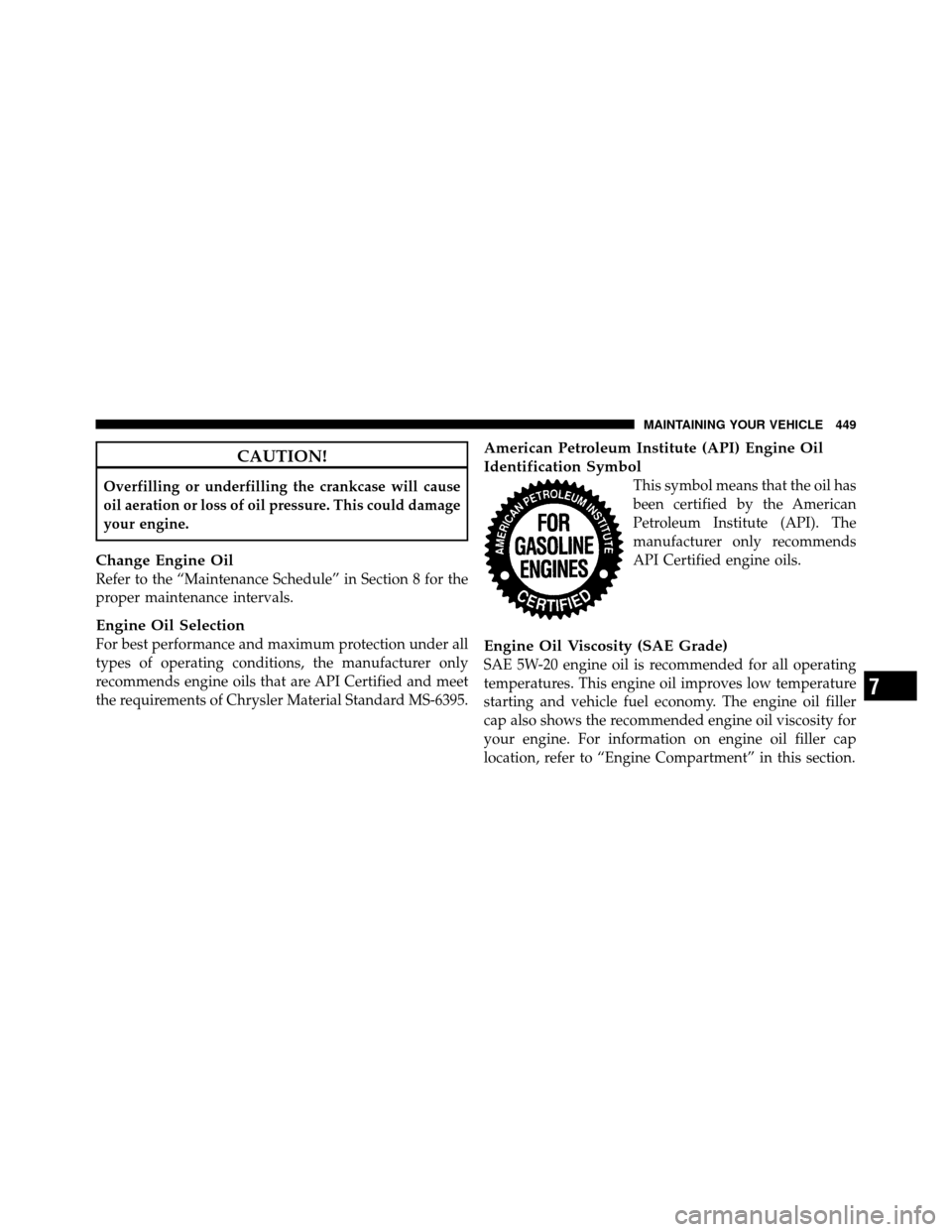
American Petroleum Institute (API) Engine Oil
Identification Symbol
This symbol means that the oil has
been certified by the American
Petroleum Institute (API). The
manufacturer only recommends
API Certified engine oils.
Engine Oil Viscosity (SAE Grade)
SAE 5W-20 engine oil is recommended for all operating
temperatures. This engine oil improves low temperature
starting and vehicle fuel economy. The engine oil filler
cap also shows the recommended engine oil viscosity for
your engine. For information on engine oil filler cap
location, refer to “Engine Compartment” in this section.
7
MAINTAINING YOUR VEHICLE 449
Page 495 of 543
NOTE:
•The oil change indicator message will not monitor the
time since the last oil change. Change your vehicle’s
oil if it has been six months since your last oil change
even if the oil change indicator message is NOT
illuminated.
•Change your engine oil more often if you drive your
vehicle off-road for an extended period of time.
•Under no circumstances should oil change intervals
exceed 6,000 miles (10,000 km) or six months, which-
ever comes first.
Your dealer will reset the oil change indicator message
after completing the scheduled oil change. If this sched-
uled oil change is performed by someone other than your
dealer, the message can be reset by referring to the steps
described under “Odometer/Trip Odometer” under “In-
strument Cluster Description” in Section 4 of this
manual. At Each Stop for Fuel
•Check the engine oil level about five minutes after a
fully warmed engine is shut off. Checking the oil level
while the vehicle is on level ground will improve the
accuracy of the oil level reading. Add oil only when
the level is at or below the ADD or MIN mark.
•Check the windshield washer solvent and add if
required.
Once a Month
•Check tire pressure and look for unusual wear or
damage.
•Inspect the battery and clean and tighten the terminals
as required.
•Check the fluid levels of the coolant reservoir, brake
master cylinder, power steering and transmission and
add as needed.
8
M A I
N T
E
N A
N CE
S
C
H E
D
U L
E
SMAINTENANCE SCHEDULES 493