ignition Ram 1500 2015 Diesel Supplement
[x] Cancel search | Manufacturer: RAM, Model Year: 2015, Model line: 1500, Model: Ram 1500 2015Pages: 347, PDF Size: 2.02 MB
Page 38 of 347
12. Park/Headlight ON Indicator — If EquippedThis indicator will illuminate when the park
lights or headlights are turned on.
13. Cargo Light The cargo light will illuminate when the cargo
light is activated by pressing the cargo light
button on the headlight switch.
14. Fuel Gauge
Shows level of fuel in tank when ignition switch is in the
ON/RUN position.
15. Vehicle Security Light — If Equipped This light will flash at a fast rate for approxi-
mately 15 seconds, when the vehicle security
alarm is arming, and then will flash slowly
until the vehicle is disarmed. 16. Tire Pressure Monitoring Telltale Light
Each tire, including the spare (if provided),
should be checked monthly when cold and in-
flated to the inflation pressure recommended by
the vehicle manufacturer on the vehicle placard
or tire inflation pressure label. (If your vehicle has tires of
a different size than the size indicated on the vehicle
placard or tire inflation pressure label, you should deter-
mine the proper tire inflation pressure for those tires.)
As an added safety feature, your vehicle has been
equipped with a Tire Pressure Monitoring System
(TPMS) that illuminates a low tire pressure telltale when
one or more of your tires is significantly under-inflated.
Accordingly, when the low tire pressure telltale illumi-
nates, you should stop and check your tires as soon as
possible, and inflate them to the proper pressure. Driving
on a significantly under-inflated tire causes the tire to
overheat and can lead to tire failure. Under-inflation also
36 UNDERSTANDING YOUR INSTRUMENT PANEL
Page 41 of 347
20. Driver Information Display (DID) Menu
Driver Information Display (DID) features an interactive
display of the main menu’s that is located in the instru-
ment cluster. For further information, refer to “Driver
Information Display (DID)” in this section.
21. Electronic Stability Control (ESC) OFF Indicator
Light — If EquippedThis light indicates that the Electronic Stability
Control (ESC) is in Partial Off or Full Off mode.
22. TOW/HAUL The TOW HAUL button is located on the center
stack upper switch bank. This light will illumi-
nate when TOW HAUL mode is selected. 23. Electronic Stability Control (ESC) Activation/
Malfunction Indicator Light — If Equipped
The “ESC Activation/Malfunction Indicator
Light” in the instrument cluster will come on
when the ignition switch is turned to the
ON/RUN position. It should go out with the
engine running. If the “ESC Activation/Malfunction In-
dicator Light” comes on continuously with the engine
running, a malfunction has been detected in the ESC
system. If this light remains on after several ignition
cycles, and the vehicle has been driven several miles
(kilometers) at speeds greater than 30 mph (48 km/h), see
your authorized dealer as soon as possible to have the
problem diagnosed and corrected.
3
UNDERSTANDING YOUR INSTRUMENT PANEL 39
Page 42 of 347
NOTE:
•The “ESC Off Indicator Light” and the “ESC
Activation/Malfunction Indicator Light” come on mo-
mentarily each time the ignition switch is turned to
ON/RUN.
• Each time the ignition is turned to ON/RUN, the ESC
system will be ON, even if it was turned off previously.
• The ESC system will make buzzing or clicking sounds
when it is active. This is normal; the sounds will stop
when ESC becomes inactive following the maneuver
that caused the ESC activation.
24. DEF Gauge
The DEF Gauge displays the actual level of Diesel
Exhaust Fluid in the DEF tank. Diesel Exhaust Fluid
(DEF) is required to maintain normal vehicle operation
and emissions compliance. More information is available
in the Electronic Vehicle Information (EVIC) or Driver Information Display (DID) section under the heading of
Diesel Exhaust Fluid (DEF) Warning Messages.
NOTE:
•
The gauge may take up to five seconds to update after
adding a gallon or more of Diesel Exhaust Fluid (DEF)
to the DEF tank. If you have a fault related to the DEF
system, the gauge may not update to the new level. See
your authorized dealer for service.
• The DEF gauge may also not immediately update after
a refill if the temperature of the DEF fluid is below 12F
(-11C). The DEF line heater will possibly warm up the
DEF fluid and allow the gauge to update after a period
of run time. Under very cold conditions, it is possible
that the gauge may not reflect the new fill level for
several drives.
40 UNDERSTANDING YOUR INSTRUMENT PANEL
Page 47 of 347
•Wait To Start Light
The “Wait To Start” telltale will illuminate for
approximately two seconds when the ignition is
turned to the RUN position. It’s duration may be longer
based on colder operating conditions. Vehicle will not
initiate start until telltale is out. Refer to “Starting Proce-
dures” in “Starting And Operating” for further
information.
NOTE: The “Wait To Start” telltale may not illuminate if
the intake manifold temperature is warm enough.
• Low Diesel Exhaust Fluid Light
This telltale will turn on to indicate the Diesel
Exhaust Fluid (DEF) is low. 6. EVIC Red Telltales
•
Door Ajar
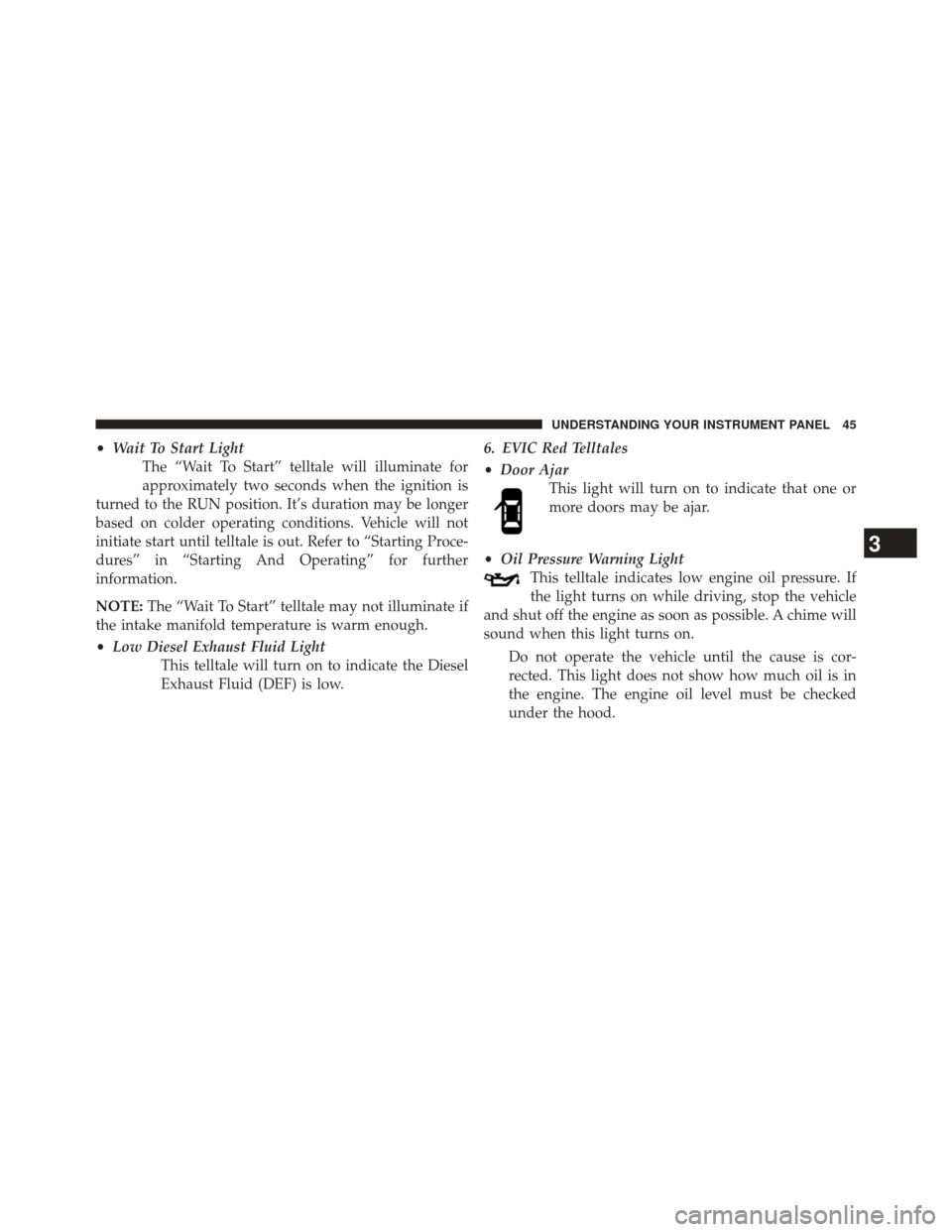
This light will turn on to indicate that one or
more doors may be ajar.
• Oil Pressure Warning Light
This telltale indicates low engine oil pressure. If
the light turns on while driving, stop the vehicle
and shut off the engine as soon as possible. A chime will
sound when this light turns on.
Do not operate the vehicle until the cause is cor-
rected. This light does not show how much oil is in
the engine. The engine oil level must be checked
under the hood.
3
UNDERSTANDING YOUR INSTRUMENT PANEL 45
Page 48 of 347
•Oil Temperature Warning Light
This telltale indicates engine oil temperature is
high. If the light turns on while driving, stop
the vehicle and shut off the engine as soon as
possible.
• Charging System Light
This light shows the status of the electrical charg-
ing system. If the light stays on or comes on while
driving, turn off some of the vehicle’s non-essential
electrical devices or increase engine speed (if at idle). If
the charging system light remains on, it means that the
vehicle is experiencing a problem with the charging
system. Obtain SERVICE IMMEDIATELY. See an autho-
rized dealer.
If jump starting is required, refer to “Jump Starting
Procedures” in “What To Do In Emergencies”. •
Electronic Throttle Control (ETC) Light
This light informs you of a problem with the
Electronic Throttle Control (ETC) system. The
light will come on when the ignition is first
turned ON and remain on briefly as a bulb
check. If the light does not come on during starting, have
the system checked by an authorized dealer.
If a problem is detected, the light will come on while
the engine is running. Cycle the ignition key when
the vehicle has completely stopped and the transmis-
sion is in the PARK position. The light should turn
off.
If the light remains lit with the engine running, your
vehicle will usually be drivable. However, see an
authorized dealer for service as soon as possible. If
the light is flashing when the engine is running,
immediate service is required. You may experience
reduced performance, an elevated/rough idle or en-
gine stall and your vehicle may require towing.
46 UNDERSTANDING YOUR INSTRUMENT PANEL
Page 50 of 347
The main display area will normally display the main
menu or the screens of a selected feature of the main
menu. The main display area also displays “pop up”
messages that consist of approximately 60 possible warn-
ing or information messages. These pop up messages fall
into several categories:
•Five Second Stored Messages
When the appropriate conditions occur, this type of
message takes control of the main display area for five
seconds and then returns to the previous screen. Most of
the messages of this type are then stored (as long as the
condition that activated it remains active) and can be
reviewed from the “Messages” main menu item. As long
as there is a stored message, an “i” will be displayed in
the EVIC’s compass/outside temp line. Examples of this
message type are “Right Front Turn Signal Lamp Out”
and “Low Tire Pressure”. •
Unstored Messages
This message type is displayed indefinitely or until the
condition that activated the message is cleared. Examples
of this message type are “Turn Signal On” (if a turn signal
is left on) and “Lights On” (if driver leaves the vehicle).
• Unstored Messages Until RUN
These messages deal primarily with the Remote Start
feature. This message type is displayed until the ignition
is in the RUN state. Examples of this message type are
“Remote Start Aborted - Door Ajar” and “Press Brake
Pedal and Push Button to Start”.
• Five Second Unstored Messages
When the appropriate conditions occur, this type of mes-
sage takes control of the main display area for five seconds
and then returns to the previous screen. An example of this
message type is “Automatic High Beams On”.
48 UNDERSTANDING YOUR INSTRUMENT PANEL
Page 56 of 347
•Exhaust System – Filter XX% Full Service Required See
Dealer
• Exhaust System – Regeneration In Process Exhaust
Filter XX% Full
• Exhaust System – Regeneration Completed
• Engine Will Not Restart in XXXX mi DEF Low Refill
Soon
• Engine Will Not Restart in XXXX mi Refill DEF
• Engine Will Not Restart Refill DEF
• Service DEF System See Dealer
• Incorrect DEF Detected See Dealer
• Engine Will Not Restart in XXX mi Service DEF See
Dealer
• Engine Will Not Restart Service DEF System See
DealerOil Life Reset
Your vehicle is equipped with an engine oil change
indicator system. The “Oil Change Required” message
will display in the EVIC after a single chime has sounded,
to indicate the next scheduled oil change interval. The
engine oil change indicator system is duty cycle based,
which means the engine oil change interval may fluctu-
ate, dependent upon your personal driving style.
NOTE: Use the steering wheel EVIC controls for the
following procedure(s).
Vehicles Equipped With Passive Entry
1. Without pressing the brake pedal, push the ENGINE START/STOP button and place the ignition to the
ON/RUN position (do not start the engine).
2. Push and release the DOWNarrow button to scroll
downward through the main menu to “Vehicle Info.”
54 UNDERSTANDING YOUR INSTRUMENT PANEL
Page 57 of 347
3. Push and release theRIGHTarrow button to access
the ”Vehicle Info” screen, then scroll UP or DOWN to
select “Oil Life.”
4. Push and hold the RIGHTarrow button to select
“Reset,” then push and release the Rightarrow button
to select “NO”or“YES” to reset the Oil Life to 100%.
5. Push and release the Uparrow button to exit the EVIC
screen.
Vehicles Not Equipped With Passive Entry
1. Without depressing the brake pedal, cycle the ignition to the ON/RUN position (do not start the engine).
2. Push and release the DOWNarrow button to scroll
downward through the main menu to “Vehicle Info.”
3. Push and release the RIGHTarrow button to access
the “Vehicle Info” screen then scroll UPorDOWN to
select “Oil Life.” 4. Push and hold the
RIGHTarrow button to select
“Reset,” then select “NO” or “YES” by pushing the
RIGHT arrow then push the RIGHTarrow button to
select reset of the Oil Life to 100%.
5. Push and release the Uparrow button to exit the EVIC
screen.
NOTE: If the indicator message illuminates when you
start the vehicle, the Oil Life indicator system did not
reset. If necessary, repeat this procedure.
Vehicle Information (Customer Information
Features)
Vehicle Information Submenus
• Battery Voltage
Displays the actual battery voltage.
• Fuel Filter Life
Displays the life of the fuel filter.
3
UNDERSTANDING YOUR INSTRUMENT PANEL 55
Page 62 of 347
•Unstored Messages
This message type is displayed indefinitely or until the
condition that activated the message is cleared. Examples
of this message type are “Turn Signal On” (if a turn signal
is left on) and “Lights On” (if driver leaves the vehicle).
• Unstored Messages Until RUN
These messages deal primarily with the Remote Start
feature. This message type is displayed until the ignition
is in the RUN state. Examples of this message type are
“Remote Start Aborted - Door Ajar” and “Press Brake
Pedal and Push Button to Start”.
• Five Second Unstored Messages
When the appropriate conditions occur, this type of
message takes control of the main display area for five
seconds and then returns to the previous screen. An
example of this message type is “Automatic High Beams
On”.Diesel Indicator Lights
This area will show reconfigurable amber telltales that
relate to your diesel. These telltales include:
NOTE: “Refer to your OM on DVD for additional telltale
information”
Water In Fuel Indicator Light
The “Water In Fuel Indicator Light” will illumi-
nate when there is water detected in the fuel
filters. If this light remains on, DO NOT start the
vehicle before you drain the water from the fuel
filters to prevent engine damage. Refer to “Maintenance
Procedures/Draining Fuel/Water Separator Filters” in
“Maintaining Your Vehicle” for further information.
Wait To Start Light
The “Wait To Start” telltale will illuminate for
approximately two seconds when the ignition is
60 UNDERSTANDING YOUR INSTRUMENT PANEL
Page 70 of 347
•Exhaust Service Required – See Dealer Now
• Exhaust System – Filter XX% Full Service Required See
Dealer
• Exhaust System – Regeneration In Process Exhaust
Filter XX% Full
• Exhaust System – Regeneration Completed
• Engine Will Not Restart in XXXX mi DEF Low Refill
Soon
• Engine Will Not Restart in XXXX mi Refill DEF
• Engine Will Not Restart Refill DEF
• Service DEF System See Dealer
• Incorrect DEF Detected See Dealer
• Engine Will Not Restart in XXX mi Service DEF See
Dealer •
Engine Will Not Restart Service DEF System See
Dealer
Oil Life Reset
Your vehicle is equipped with an engine oil change
indicator system. The “Oil Change Required” message
will flash in the DID display for approximately 10
seconds after a single chime has sounded, to indicate the
next scheduled oil change interval. The engine oil change
indicator system is duty cycle based, which means the
engine oil change interval may fluctuate, dependent
upon your personal driving style.
NOTE: Use the steering wheel DID controls for the
following procedure(s)
Vehicles Equipped With Passive Entry
1. Without Pushing the brake pedal, push the ENGINE START/STOP button and cycle the ignition to the
ON/RUN position (do not start the engine.)
68 UNDERSTANDING YOUR INSTRUMENT PANEL