instrument cluster Ram 1500 2015 User Guide
[x] Cancel search | Manufacturer: RAM, Model Year: 2015, Model line: 1500, Model: Ram 1500 2015Pages: 871, PDF Size: 24.83 MB
Page 210 of 871

•When you turn Front or Rear ParkSense® off, the
instrument cluster will display “FRONT PARKSENSE
OFF” or “REAR PARKSENSE OFF.” Furthermore,
once you turn Front or Rear ParkSense® off, it remains
off until you turn it on again, even if you cycle the
ignition key.
•When you move the shift lever to the REVERSE
position and Front or Rear ParkSense® is turned off,
the instrument cluster will display#FRONT
PARKSENSE OFF#or#REAR PARKSENSE OFF#mes-
sage for five seconds, followed by a car graphic with
#OFF#in the corresponding side. This car graphic will
be displayed for as long as the vehicle is in REVERSE.
•ParkSense®, when on, will reduce the volume of the
radio when it is sounding a tone.
•Clean the ParkSense® sensors regularly, taking care
not to scratch or damage them. The sensors must not
be covered with ice, snow, slush, mud, dirt or debris.
Failure to do so can result in the system not working
properly. The ParkSense® system might not detect an
obstacle behind or in front of the fascia/bumper, or it
could provide a false indication that an obstacle is
behind or in front of the fascia/bumper.
•Use the ParkSense® switch to turn the ParkSense®
system off if obstacles such as bicycle carriers, trailer
hitches, etc. are placed within 18 in (45 cm) from the
rear fascia/bumper. Failure to do so can result in the
system misinterpreting a close obstacle as a sensor
problem, causing the “PARKSENSE UNAVAILABLE
SERVICE REQUIRED” message to be displayed in the
instrument cluster.
•On vehicles equipped with a tailgate, ParkSense®
should be disabled when the tailgate is in the lowered
or open position. A lowered tailgate could provide a
false indication that an obstacle is behind the vehicle.
208 UNDERSTANDING THE FEATURES OF YOUR VEHICLE
Page 285 of 871
UNDERSTANDING YOUR INSTRUMENT PANEL
CONTENTS
!INSTRUMENT PANEL FEATURES..........286
!INSTRUMENT CLUSTER — MIDLINE (EVIC) . .287
!INSTRUMENT CLUSTER — PREMIUM (DID) . .288
!INSTRUMENT CLUSTER DESCRIPTIONS.....289
!ELECTRONIC VEHICLE INFORMATION
CENTER (EVIC).......................302
▫Electronic Vehicle Information Center (EVIC)
Displays — 3.5” Display................304
▫Oil Life Reset........................306
▫EVIC Messages.......................307
▫EVIC Red Telltales.....................312
▫EVIC Yellow Telltales...................314
▫EVIC White Telltales...................316
▫EVIC Selectable Menu Items.............317
!DRIVER INFORMATION DISPLAY (DID).....331
▫Driver Information Display (DID) Displays . . .333
▫Oil Life Reset........................335
▫DID Messages........................336
▫DID Red Telltales......................341
▫DID Yellow Telltales....................343
4
Page 288 of 871
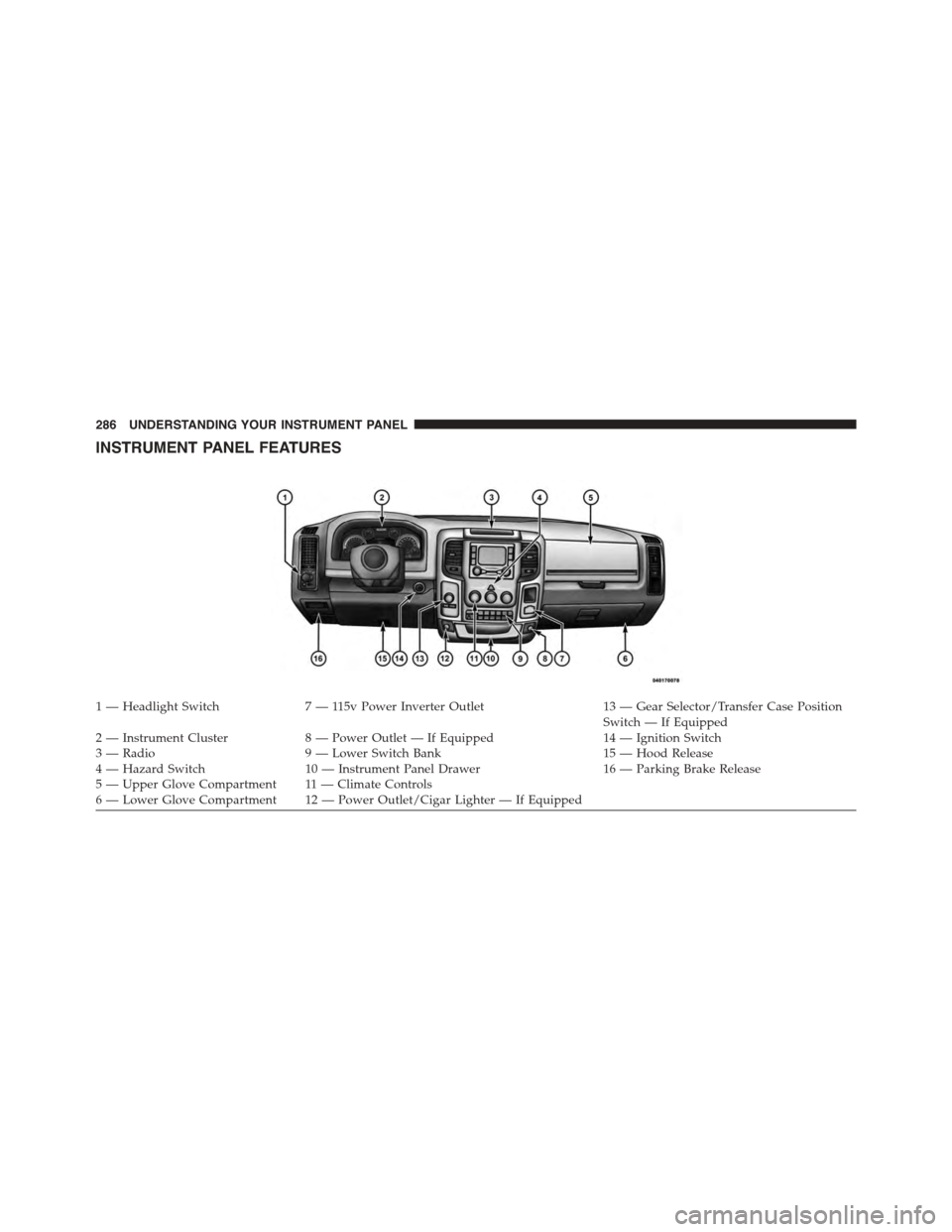
INSTRUMENT PANEL FEATURES
1 — Headlight Switch7 — 115v Power Inverter Outlet13 — Gear Selector/Transfer Case PositionSwitch — If Equipped2 — Instrument Cluster8 — Power Outlet — If Equipped14 — Ignition Switch3 — Radio9 — Lower Switch Bank15 — Hood Release4 — Hazard Switch10 — Instrument Panel Drawer16 — Parking Brake Release5—UpperGloveCompartment 11—ClimateControls6—LowerGloveCompartment 12—PowerOutlet/CigarLighter—IfEquipped
286 UNDERSTANDING YOUR INSTRUMENT PANEL
Page 289 of 871

INSTRUMENT CLUSTER — MIDLINE (EVIC)
Electronic Vehicle Information Display (EVIC)
4
UNDERSTANDING YOUR INSTRUMENT PANEL 287
Page 290 of 871

INSTRUMENT CLUSTER — PREMIUM (DID)
Driver Information Display (DID)
288 UNDERSTANDING YOUR INSTRUMENT PANEL
Page 291 of 871
INSTRUMENT CLUSTER DESCRIPTIONS
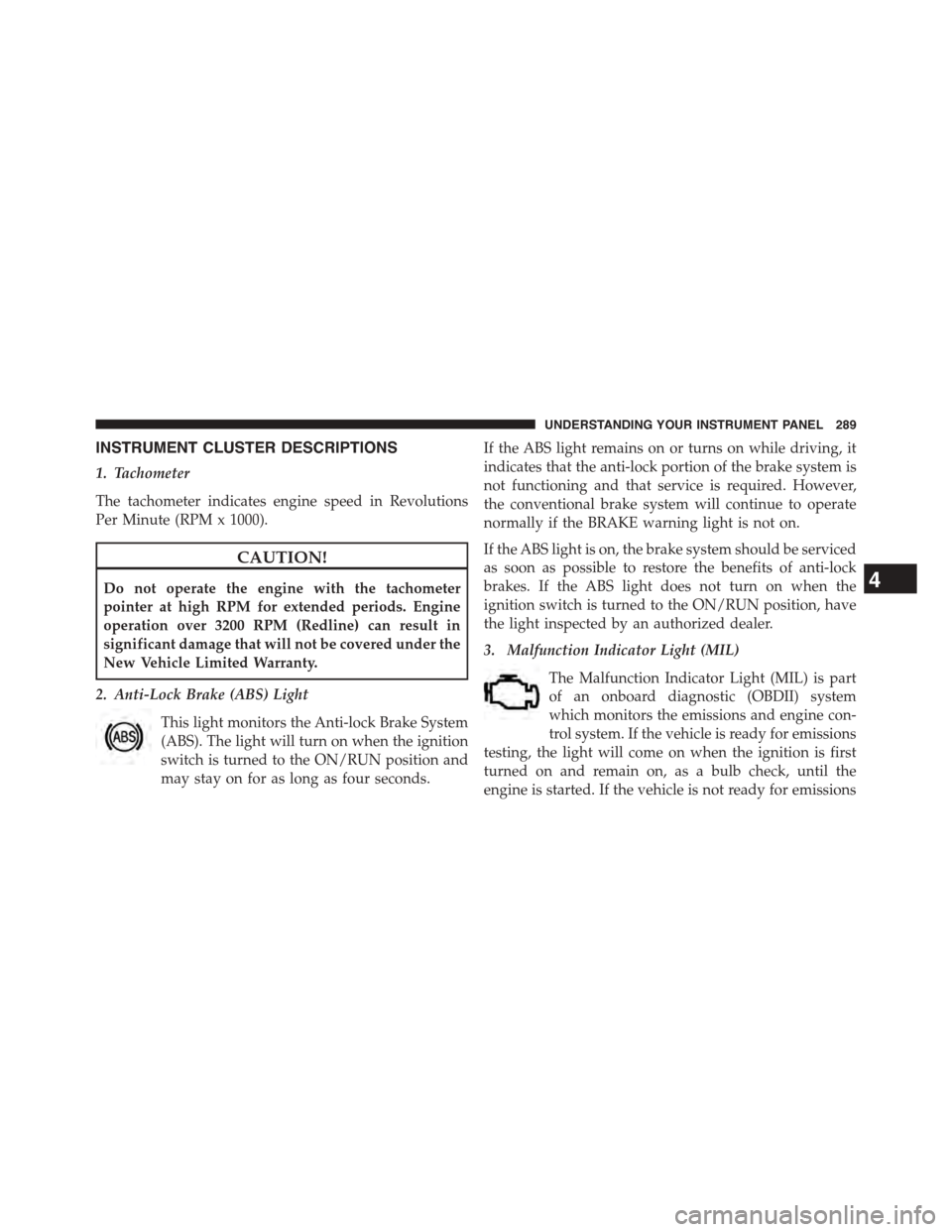
1. Tachometer
The tachometer indicates engine speed in Revolutions
Per Minute (RPM x 1000).
CAUTION!
Do not operate the engine with the tachometer
pointer at high RPM for extended periods. Engine
operation over 3200 RPM (Redline) can result in
significant damage that will not be covered under the
New Vehicle Limited Warranty.
2. Anti-Lock Brake (ABS) Light
This light monitors the Anti-lock Brake System
(ABS). The light will turn on when the ignition
switch is turned to the ON/RUN position and
may stay on for as long as four seconds.
If the ABS light remains on or turns on while driving, it
indicates that the anti-lock portion of the brake system is
not functioning and that service is required. However,
the conventional brake system will continue to operate
normally if the BRAKE warning light is not on.
If the ABS light is on, the brake system should be serviced
as soon as possible to restore the benefits of anti-lock
brakes. If the ABS light does not turn on when the
ignition switch is turned to the ON/RUN position, have
the light inspected by an authorized dealer.
3. Malfunction Indicator Light (MIL)
The Malfunction Indicator Light (MIL) is part
of an onboard diagnostic (OBDII) system
which monitors the emissions and engine con-
trol system. If the vehicle is ready for emissions
testing, the light will come on when the ignition is first
turned on and remain on, as a bulb check, until the
engine is started. If the vehicle is not ready for emissions
4
UNDERSTANDING YOUR INSTRUMENT PANEL 289
Page 298 of 871
CAUTION!
The TPMS has been optimized for the original
equipment tires and wheels. TPMS pressures and
warning have been established for the tire size
equipped on your vehicle. Undesirable system opera-
tion or sensor damage may result when using re-
placement equipment that is not of the same size,
type, and/or style. Aftermarket wheels can cause
sensor damage. Do not use tire sealant from a can or
balance beads if your vehicle is equipped with a
TPMS, as damage to the sensors may result.
NOTE:The TPMS telltale is also accompanied by a “Low
Tire” message in the odometer (Base Cluster), or in the
Electronic Vehicle Information Center (EVIC) screen in-
dicating “Low Tire” for EVIC enabled clusters.
17. Front Fog Light Indicator — If Equipped
This indicator will illuminate when the front
fog lights are on.
18. Electronic Vehicle Information Center (EVIC)/Driver
Information Display (DID)
The EVIC/DID features a driver-interactive display that
is located in the instrument cluster. For further informa-
tion, refer to “Electronic Vehicle Information Center
(EVIC” OR “/Driver Information Display (DID)” in
“Understanding Your Instrument Panel.”
19. Shift Lever Indicator
The Shift Lever Indicator is self-contained within the
instrument cluster. It displays the gear position of the
automatic transmission.
296 UNDERSTANDING YOUR INSTRUMENT PANEL
Page 299 of 871
NOTE:The highest available transmission gear is dis-
played in the lower right corner of the EVIC/DID
whenever the Electronic Range Select (ERS) feature is
active. Use the +/- selector on the shift lever to activate
ERS. Refer to “Automatic Transmission” in “Starting And
Operating” for further information.
20. Driver Information Display (DID) Menu
The Driver Information Display (DID) features a driver-
interactive display that is located in the instrument
cluster. For further information, refer to “Driver Informa-
tion Display (DID)” in “Understanding Your Instrument
Panel.”
21. Electronic Stability Control (ESC) OFF Indicator
Light — If Equipped
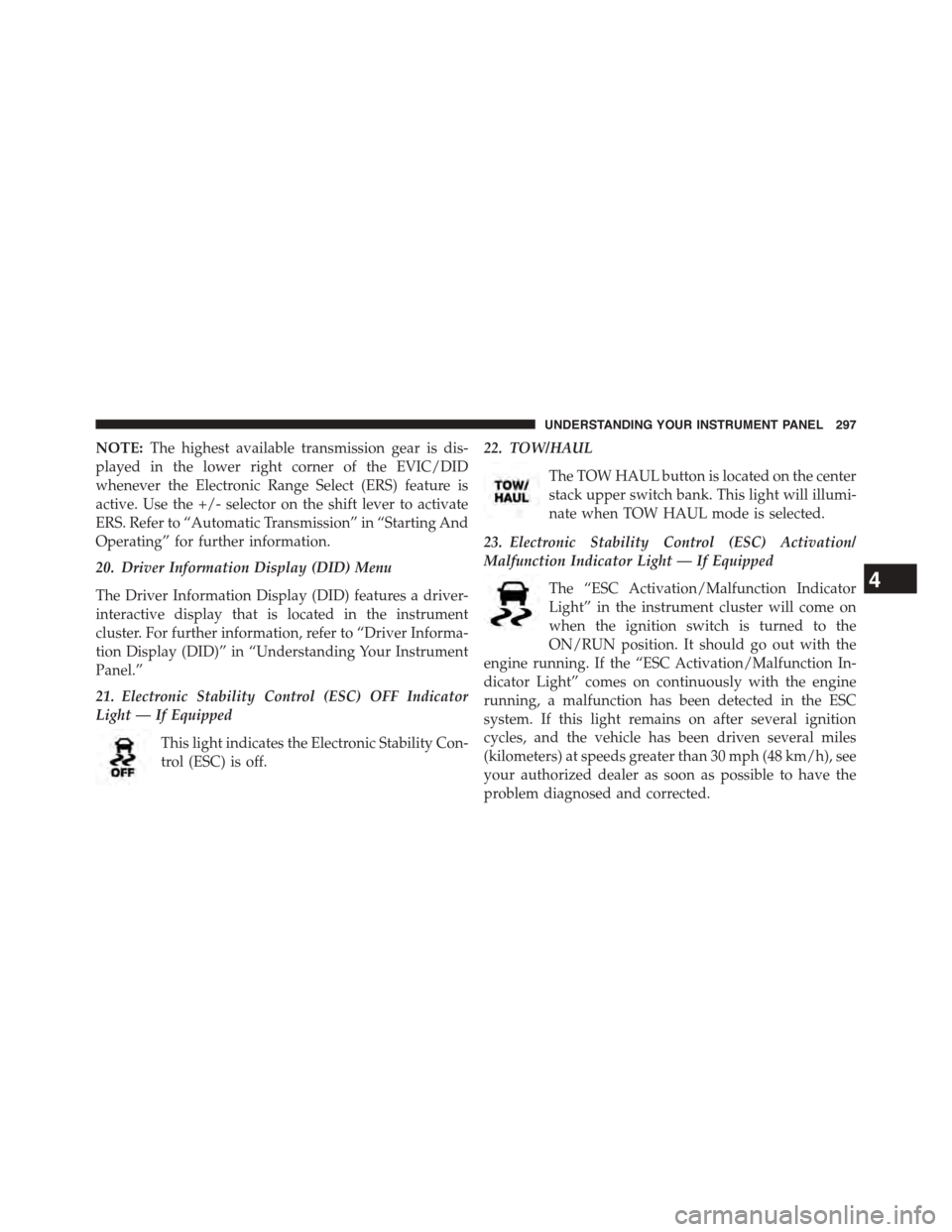
This light indicates the Electronic Stability Con-
trol (ESC) is off.
22. TOW/HAUL
The TOW HAUL button is located on the center
stack upper switch bank. This light will illumi-
nate when TOW HAUL mode is selected.
23. Electronic Stability Control (ESC) Activation/
Malfunction Indicator Light — If Equipped
The “ESC Activation/Malfunction Indicator
Light” in the instrument cluster will come on
when the ignition switch is turned to the
ON/RUN position. It should go out with the
engine running. If the “ESC Activation/Malfunction In-
dicator Light” comes on continuously with the engine
running, a malfunction has been detected in the ESC
system. If this light remains on after several ignition
cycles, and the vehicle has been driven several miles
(kilometers) at speeds greater than 30 mph (48 km/h), see
your authorized dealer as soon as possible to have the
problem diagnosed and corrected.
4
UNDERSTANDING YOUR INSTRUMENT PANEL 297
Page 304 of 871
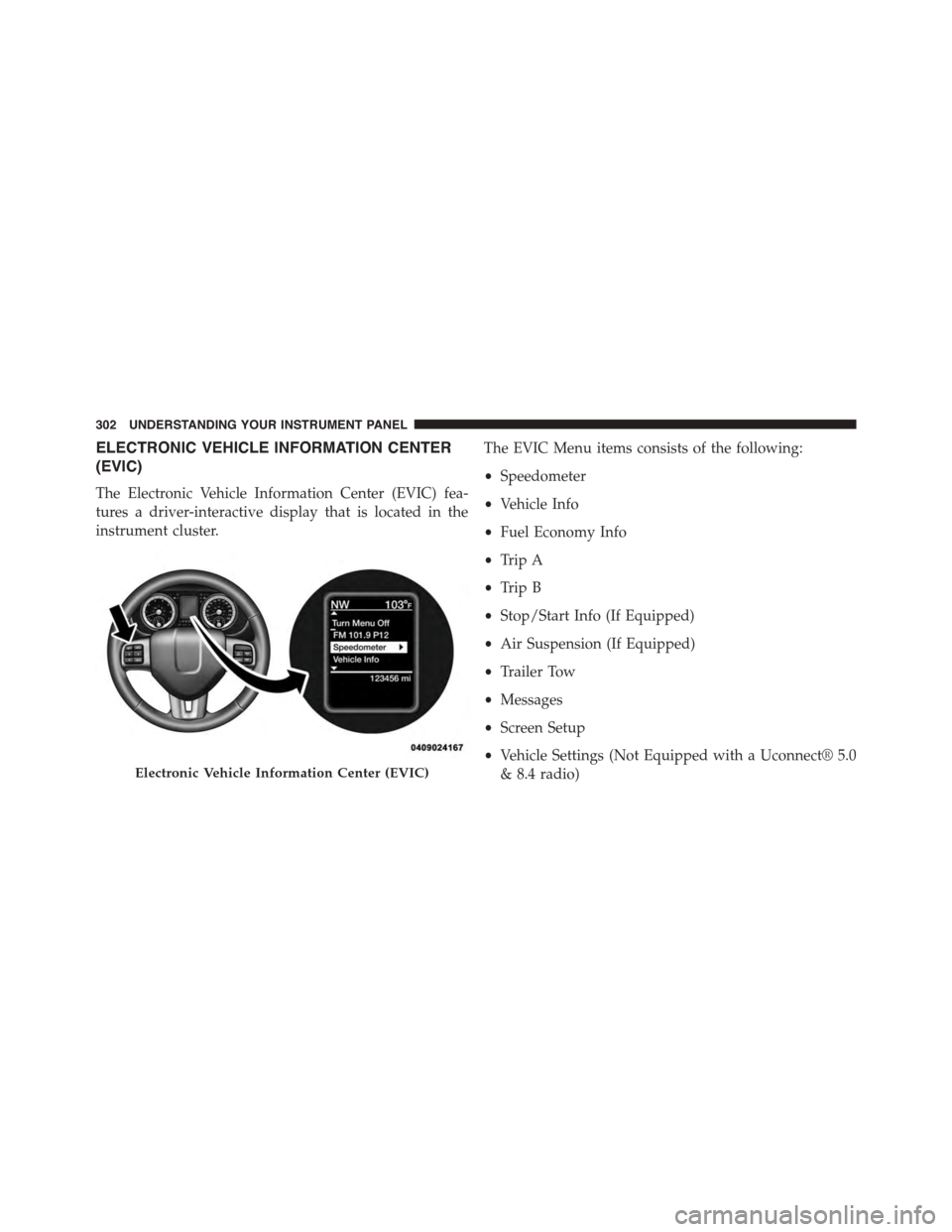
ELECTRONIC VEHICLE INFORMATION CENTER
(EVIC)
The Electronic Vehicle Information Center (EVIC) fea-
tures a driver-interactive display that is located in the
instrument cluster.
The EVIC Menu items consists of the following:
•Speedometer
•Vehicle Info
•Fuel Economy Info
•Trip A
•Trip B
•Stop/Start Info (If Equipped)
•Air Suspension (If Equipped)
•Trailer Tow
•Messages
•Screen Setup
•Vehicle Settings (Not Equipped with a Uconnect® 5.0
& 8.4 radio)Electronic Vehicle Information Center (EVIC)
302 UNDERSTANDING YOUR INSTRUMENT PANEL
Page 306 of 871

•LEFT Arrow Button
Push and release the LEFT arrow button to
return to the main menu, to exit the main menu
push and release the UP or DOWN arrow to
highlight Turn Menu Off, then push and re-
lease the RIGHT arrow.
Electronic Vehicle Information Center (EVIC)
Displays — 3.5” Display
The EVIC displays are located in the center portion of the
cluster and consists of seven sections:
304 UNDERSTANDING YOUR INSTRUMENT PANEL