instrument panel Ram 1500 2016 Diesel Supplement
[x] Cancel search | Manufacturer: RAM, Model Year: 2016, Model line: 1500, Model: Ram 1500 2016Pages: 338, PDF Size: 1.63 MB
Page 155 of 338

INSTRUMENT CLUSTER — PREMIUM (DID)
Premium DID Instrument Cluster — If Equipped
4
UNDERSTANDING YOUR INSTRUMENT PANEL 153
Page 156 of 338
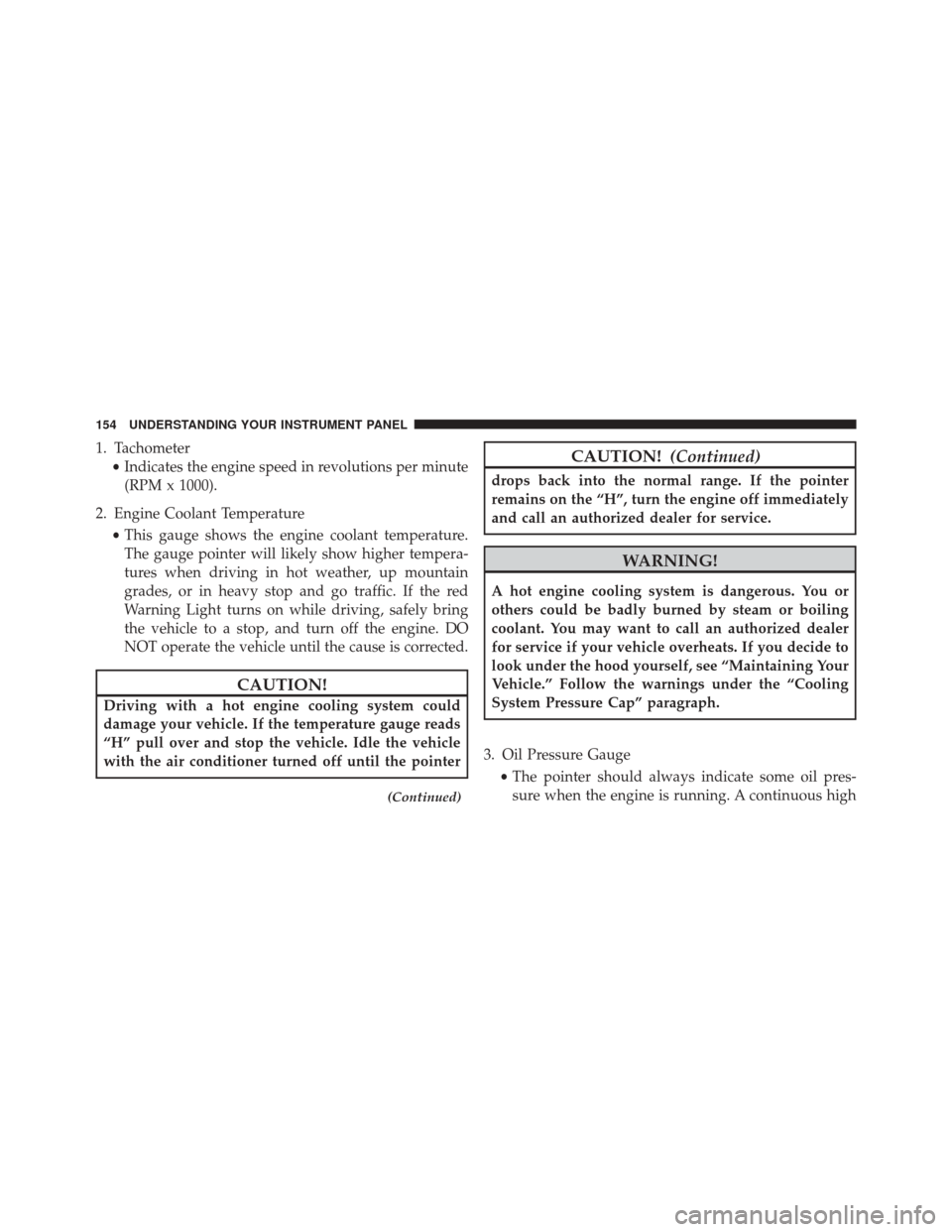
1. Tachometer•Indicates the engine speed in revolutions per minute
(RPM x 1000).
2. Engine Coolant Temperature •This gauge shows the engine coolant temperature.
The gauge pointer will likely show higher tempera-
tures when driving in hot weather, up mountain
grades, or in heavy stop and go traffic. If the red
Warning Light turns on while driving, safely bring
the vehicle to a stop, and turn off the engine. DO
NOT operate the vehicle until the cause is corrected.
CAUTION!
Driving with a hot engine cooling system could
damage your vehicle. If the temperature gauge reads
“H” pull over and stop the vehicle. Idle the vehicle
with the air conditioner turned off until the pointer
(Continued)
CAUTION! (Continued)
drops back into the normal range. If the pointer
remains on the “H”, turn the engine off immediately
and call an authorized dealer for service.
WARNING!
A hot engine cooling system is dangerous. You or
others could be badly burned by steam or boiling
coolant. You may want to call an authorized dealer
for service if your vehicle overheats. If you decide to
look under the hood yourself, see “Maintaining Your
Vehicle.” Follow the warnings under the “Cooling
System Pressure Cap” paragraph.
3. Oil Pressure Gauge •The pointer should always indicate some oil pres-
sure when the engine is running. A continuous high
154 UNDERSTANDING YOUR INSTRUMENT PANEL
Page 157 of 338
or low reading under normal driving conditions may
indicate a lubrication system malfunction. Immedi-
ate service should be obtained from an authorized
dealer.
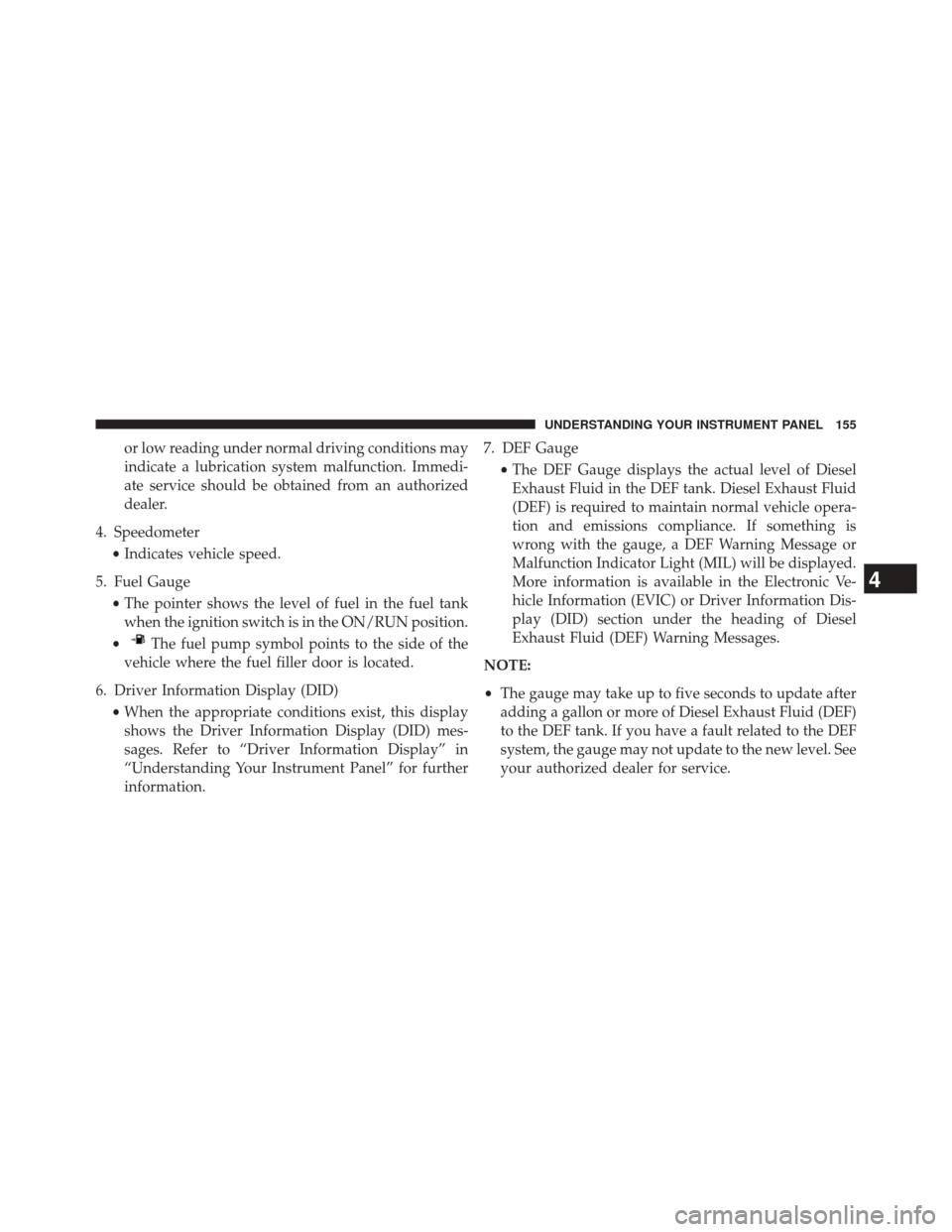
4. Speedometer •Indicates vehicle speed.
5. Fuel Gauge •The pointer shows the level of fuel in the fuel tank
when the ignition switch is in the ON/RUN position.
•
The fuel pump symbol points to the side of the
vehicle where the fuel filler door is located.
6. Driver Information Display (DID) •When the appropriate conditions exist, this display
shows the Driver Information Display (DID) mes-
sages. Refer to “Driver Information Display” in
“Understanding Your Instrument Panel” for further
information. 7. DEF Gauge
•The DEF Gauge displays the actual level of Diesel
Exhaust Fluid in the DEF tank. Diesel Exhaust Fluid
(DEF) is required to maintain normal vehicle opera-
tion and emissions compliance. If something is
wrong with the gauge, a DEF Warning Message or
Malfunction Indicator Light (MIL) will be displayed.
More information is available in the Electronic Ve-
hicle Information (EVIC) or Driver Information Dis-
play (DID) section under the heading of Diesel
Exhaust Fluid (DEF) Warning Messages.
NOTE:
• The gauge may take up to five seconds to update after
adding a gallon or more of Diesel Exhaust Fluid (DEF)
to the DEF tank. If you have a fault related to the DEF
system, the gauge may not update to the new level. See
your authorized dealer for service.
4
UNDERSTANDING YOUR INSTRUMENT PANEL 155
Page 158 of 338
•The DEF gauge may also not immediately update after
a refill if the temperature of the DEF fluid is below 12F
(-11C). The DEF line heater will possibly warm up the
DEF fluid and allow the gauge to update after a period
of run time. Under very cold conditions, it is possible
that the gauge may not reflect the new fill level for
several drives.
• Outside temperature can affect DEF consumption. In
cold conditions, 12° F (-11° C) and below, the DEF
gauge needle can stay on a fixed position and may not
move for extended periods of time. This is a normal
function of the system.WARNING AND INDICATOR LIGHTS
IMPORTANT: The warning / indicator lights switch on
in the instrument panel together with a dedicated mes-
sage and/or acoustic signal when applicable. These
indications are indicative and precautionary and as such
must not be considered as exhaustive and/or alternative
to the information contained in the Owner ’s Manual,
which you are advised to read carefully in all cases.
Always refer to the information in this chapter in the
event of a failure indication.
All active telltales will display first if applicable. The
system check menu may appear different based upon
equipment options and current vehicle status. Some
telltales are optional and may not appear.
156 UNDERSTANDING YOUR INSTRUMENT PANEL
Page 159 of 338
Yellow Telltale Indicator Lights
Wait To Start Light — If Equipped
Yellow TelltaleLight What It Means
Wait To Start Light
The “Wait To Start” telltale will illuminate for approximately two seconds when the ignition
is turned to the RUN position. It’s duration may be longer based on colder operating condi-
tions. Vehicle will not initiate start until telltale is out. Refer to “Starting Procedures” in
“Starting and Operating” for further information.
NOTE:
The “Wait To Start” telltale may not illuminate if the intake manifold temperature is
warm enough.
4
UNDERSTANDING YOUR INSTRUMENT PANEL 157
Page 160 of 338
Water in Fuel Indicator Light — If Equipped
Yellow TelltaleLight What It Means
Water in Fuel Indicator Light
The “Water In Fuel Indicator Light” will illuminate when there is water detected in the fuel
filters. If this light remains on, DO NOT start the vehicle before you drain the water from
the fuel filters to prevent engine damage. Refer to “Maintenance Procedures” in “Maintain-
ing Your Vehicle” for further information.
Low Diesel Exhaust Fluid (DEF) Indicator Light — If Equipped
Yellow Telltale
Light What It Means
Low Diesel Exhaust Fluid (DEF) Indicator Light
The Low Diesel Exhaust Fluid (DEF) Indicator will illuminate if the vehicle is low on Diesel
Exhaust Fluid (DEF). Refer to “Starting And Operating” for further information.
158 UNDERSTANDING YOUR INSTRUMENT PANEL
Page 161 of 338
ELECTRONIC VEHICLE INFORMATION CENTER
(EVIC)
The Electronic Vehicle Information Center (EVIC) fea-
tures a driver-interactive display that is located in the
instrument cluster.This system conveniently allows the driver to select a
variety of useful information by pushing the switches
mounted on the steering wheel.
Refer to “Electronic Vehicle Information Center – If
Equipped” in the Owner’s Manual for further informa-
tion.
Instrument Cluster Messages
When the appropriate conditions exist, the Instrument
Cluster Displays the following messages:
•
System Setup Unavailable – Vehicle Not in Park
• System Setup Unavailable – Vehicle in Motion
• Service Air Filter
• Perform Service
• Exhaust Filter XX% Full Safely Drive at Highway
Speeds To Remedy — If Equipped
Electronic Vehicle Information Center (EVIC)
4
UNDERSTANDING YOUR INSTRUMENT PANEL 159
Page 162 of 338
•Exhaust Filter Full – Power Reduced See Dealer — If
Equipped
• Exhaust Service Required – See Dealer Now — If
Equipped
• Exhaust System – Filter XX% Full Service Required See
Dealer — If Equipped
• Exhaust System – Regeneration In Process Exhaust
Filter XX% Full — If Equipped
• Exhaust System – Regeneration Completed — If
Equipped
• DEF Low Refill Soon
• Speed Limited to 5 MPH in XXX mi Refill DEF
• 5 MPH Max Speed on Restart, Long Idle or Refuel
Refill DEF
• 5 MPH Max Speed Refill DEF •
Service DEF System See Dealer
• 5 MPH Max Speed in XXX mi Service DEF System See
Dealer
• 5 MPH Max Speed on Restart, Long Idle or Refuel
Service DEF See Dealer
• 5 MPH Max Speed Service DEF System See Dealer
• Coolant Low
• Engine Power Reduced During Warmup
• Engine Power Reduced up to 30-sec During Warmup
• Engine Power Reduced up to 2-min During Warmup
• Active Airbox Service Required See Dealer
160 UNDERSTANDING YOUR INSTRUMENT PANEL
Page 163 of 338
Vehicle Information (Customer Information
Features)
Vehicle Information Submenus
•Battery Voltage
Displays the actual battery voltage.
• Fuel Filter Life
Displays the life of the fuel filter.
• Oil Pressure
Displays the actual oil pressure.
• Oil Temperature
Displays the actual oil temperature.
• Trans Temperature
Displays the actual transmission sump temperature. •
Coolant Temp
Displays the actual coolant temperature.
• Tire Pressure Monitor System
Displays the actual tire pressure.
• Engine Hours
Displays the actual engine hours.
Gauge Summary (Coolant Temp, Trans Temp, Oil Temp,
Oil Pressure)
4
UNDERSTANDING YOUR INSTRUMENT PANEL 161
Page 164 of 338
•UP Arrow Button
Push and release the UParrow button to scroll
upward through the main menu and sub-
menus (Fuel Economy, Trip A, Trip B, Audio,
Stored Messages, Screen Set Up). •
DOWN Arrow Button
Push and release the DOWNarrow button to
scroll downward through the main menu and
submenus (Fuel Economy, Trip A, Trip B, Au-
dio, Stored Messages, Screen Set Up).
• RIGHT Arrow Button
Push and release the RIGHTarrow button to
access/select the information screens or sub-
menu screens of a main menu item. Push and
hold the RIGHTarrow button for two seconds
to reset displayed/selected features that can be reset.
• LEFT Arrow Button
Push the LEFTarrow button to return to the
main menu from an info screen or submenu
item.
EVIC Controls
162 UNDERSTANDING YOUR INSTRUMENT PANEL