alarm Ram 1500 2016 User Guide
[x] Cancel search | Manufacturer: RAM, Model Year: 2016, Model line: 1500, Model: Ram 1500 2016Pages: 916, PDF Size: 7.55 MB
Page 37 of 916
How To Use Remote Start
All of the following conditions must be met before the
engine will remote start:
•Shift lever in PARK
•Doors closed
•Hood closed
•HAZARD switch off
•BRAKE switch inactive (brake pedal not pushed)
•Ignition key removed from ignition switch
•Battery at an acceptable charge level
•RKE PANIC button not pushed
•Fuel meets minimum requirement•System not disabled from previous remote start event
•Vehicle security alarm not active
WARNING!
•Do not start or run an engine in a closed garage or
confined area. Exhaust gas contains Carbon Mon-
oxide (CO) which is odorless and colorless. Carbon
Monoxide is poisonous and can cause serious in-
jury or death when inhaled.
•Keep Remote Keyless Entry (RKE) transmitters
away from children. Operation of the Remote Start
System, windows, door locks or other controls
could cause serious injury or death.
2
THINGS TO KNOW BEFORE STARTING YOUR VEHICLE 35
Page 39 of 916
To Exit Remote Start Mode Without Driving The
Vehicle
Push and release the REMOTE START button one time or
allow the engine to run for the entire 15-minute cycle.
NOTE:To avoid unintentional shut downs, the system
will disable the one time push of the REMOTE START
button for two seconds after receiving a valid Remote
Start request.
To Exit Remote Start Mode And Drive The Vehicle
Before the end of the 15-minute cycle, push and release
the UNLOCK button on the RKE transmitter to unlock
the doors and disarm the Vehicle Security Alarm System
(if equipped). Then, prior to the end of the 15-minute
cycle, cycle the ignition to the ON/RUN position.
Remote Start Comfort Systems — If Equipped
When Remote Start is activated, the heated steering
wheel and driver heated seat features will automatically
turn on in cold weather. In warm weather, the driver
vented seat feature will automatically turn on when the
remote start is activated. These features will stay on
through the duration of Remote Start or until the ignition
switch is turned to the ON/RUN position.
The Remote Start Comfort System can be activated and
deactivated through the Uconnect System. Refer to ”Cus-
tomer Programmable Features” in “Uconnect Settings” in
“Understanding Your Instrument Panel” for further in-
formation on Remote Start Comfort System operation.
2
THINGS TO KNOW BEFORE STARTING YOUR VEHICLE 37
Page 46 of 916
•If the vehicle is unlocked by Passive Entry and no door
is opened within 60 seconds, the vehicle will re-lock
and if equipped will arm the security alarm.
•The vehicles security alarm can be armed/disarmed
by pushing the passive entry key fob lock/unlock
buttons (if equipped).
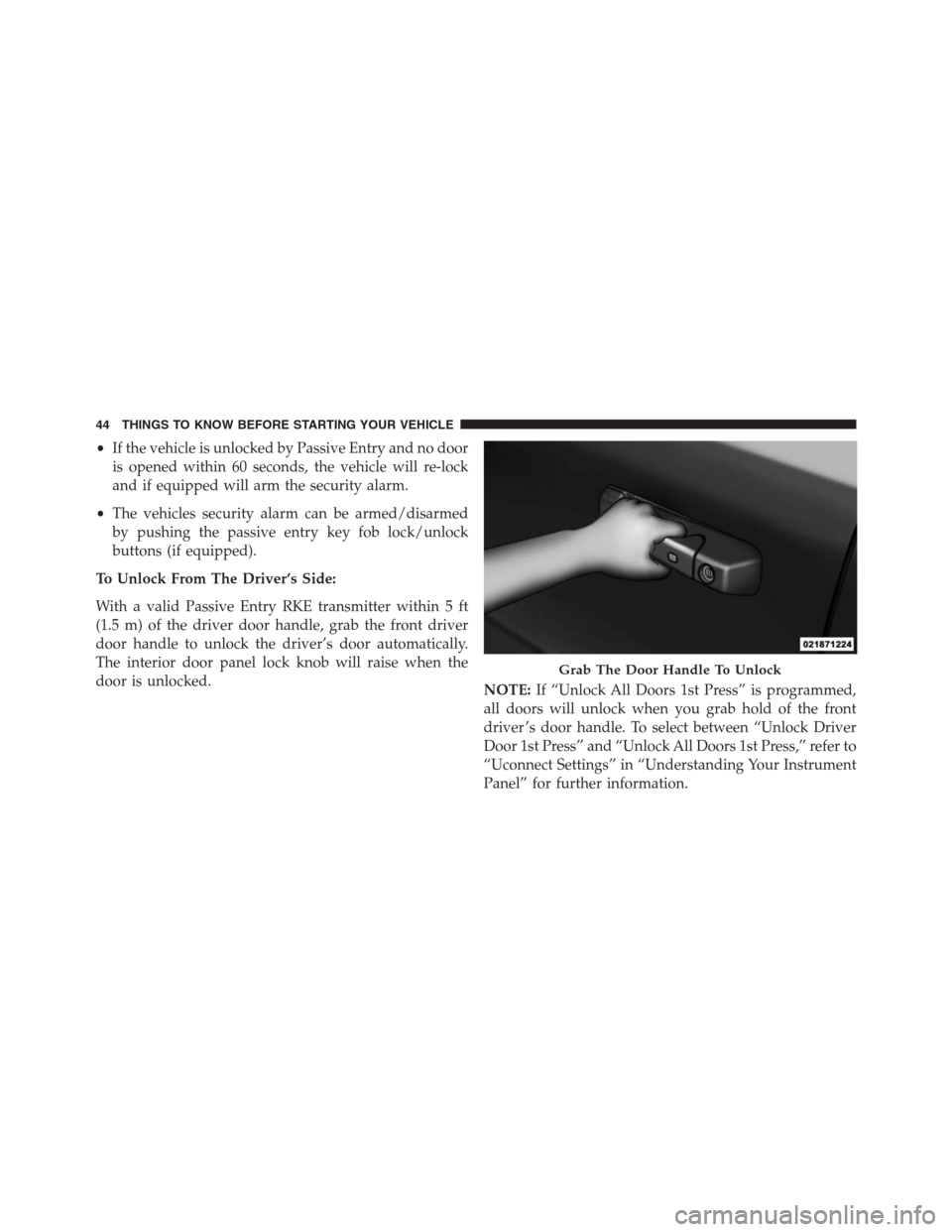
To Unlock From The Driver’s Side:
With a valid Passive Entry RKE transmitter within 5 ft
(1.5 m) of the driver door handle, grab the front driver
door handle to unlock the driver’s door automatically.
The interior door panel lock knob will raise when the
door is unlocked.
NOTE:If “Unlock All Doors 1st Press” is programmed,
all doors will unlock when you grab hold of the front
driver ’s door handle. To select between “Unlock Driver
Door 1st Press” and “Unlock All Doors 1st Press,” refer to
“Uconnect Settings” in “Understanding Your Instrument
Panel” for further information.
Grab The Door Handle To Unlock
44 THINGS TO KNOW BEFORE STARTING YOUR VEHICLE
Page 75 of 916
Because air bag sensors measure vehicle deceleration
over time, vehicle speed and damage by themselves are
not good indicators of whether or not an air bag should
have deployed.
Seat belts are necessary for your protection in all colli-
sions, and also are needed to help keep you in position,
away from an inflating air bag.
When the ORC detects a collision requiring the Ad-
vanced Front Air Bags, it signals the inflator units. A large
quantity of non-toxic gas is generated to inflate the
Advanced Front Air Bags.
The steering wheel hub trim cover and the upper right
side of the instrument panel separate and fold out of the
way as the air bags inflate to their full size. The Advanced
Front Air Bags fully inflate in less time than it takes to
blink your eyes. The air bags then quickly deflate while
helping to restrain the driver and front passenger.Knee Impact Bolsters
The Knee Impact Bolsters help protect the knees of the
driver and front passenger, and position the front occu-
pants for improved interaction with the Advanced Front
Air Bags.
WARNING!
•Do not drill, cut, or tamper with the knee impact
bolsters in any way.
•Do not mount any accessories to the knee impact
bolsters such as alarm lights, stereos, citizen band
radios, etc.
Supplemental Side Air Bags
Your vehicle is equipped with two types of side air bags:
1.Supplemental Seat-Mounted Side Air Bags (SABs):
Located in the outboard side of the front seats. The
2
THINGS TO KNOW BEFORE STARTING YOUR VEHICLE 73
Page 221 of 916
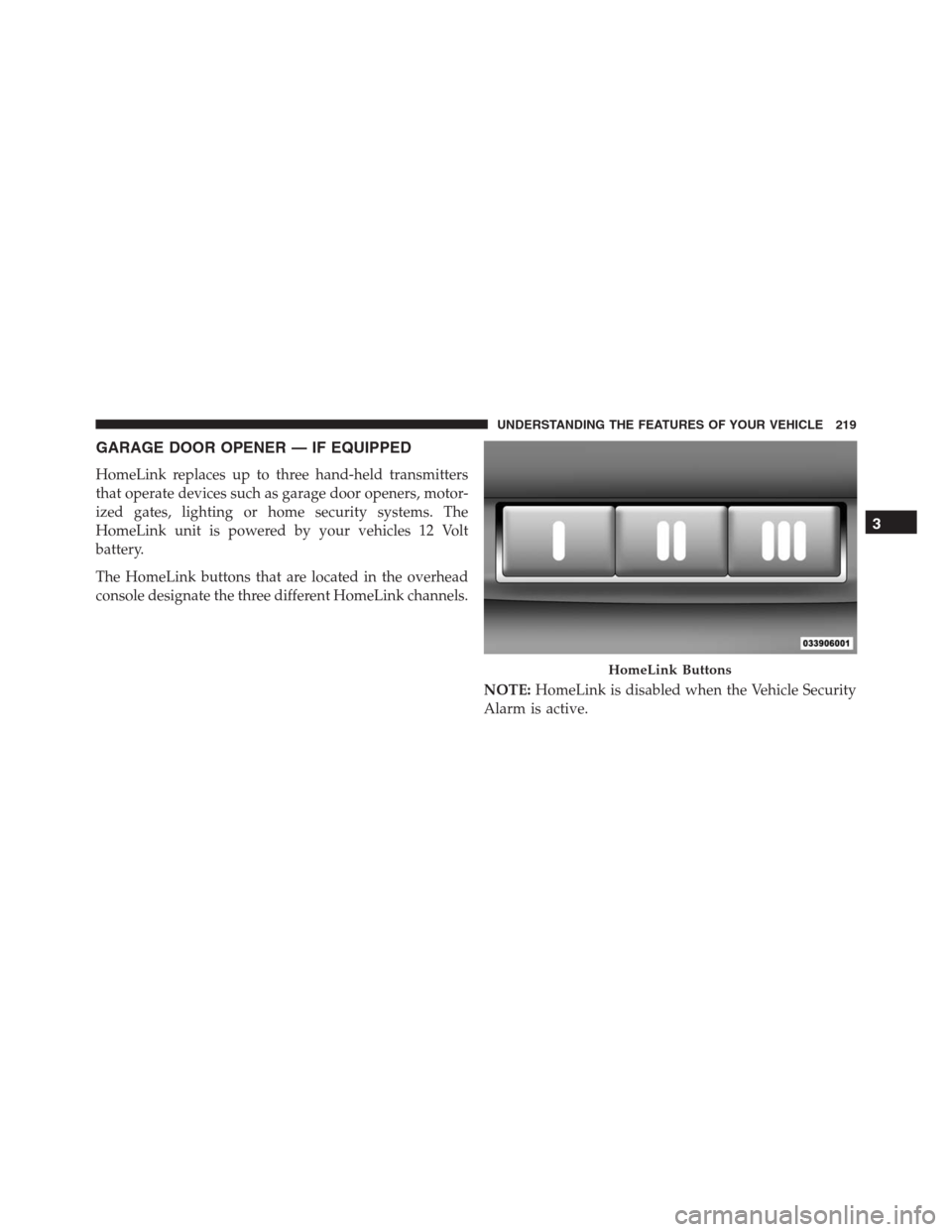
GARAGE DOOR OPENER — IF EQUIPPED
HomeLink replaces up to three hand-held transmitters
that operate devices such as garage door openers, motor-
ized gates, lighting or home security systems. The
HomeLink unit is powered by your vehicles 12 Volt
battery.
The HomeLink buttons that are located in the overhead
console designate the three different HomeLink channels.
NOTE:HomeLink is disabled when the Vehicle Security
Alarm is active.
HomeLink Buttons
3
UNDERSTANDING THE FEATURES OF YOUR VEHICLE 219
Page 229 of 916
Interactive Display (DID) will display “CLEARING
CHANNELS.” Release the buttons when the EVIC/DID
displays “CHANNELS CLEARED.”
The HomeLink Universal Transceiver is disabled when
the Vehicle Security Alarm is active.
Troubleshooting Tips
If you are having trouble programming HomeLink, here
are some of the most common solutions:
•Replace the battery in the Garage Door Opener hand-
held transmitter.
•Push the LEARN button on the Garage Door Opener
to complete the training for a Rolling Code.
•Did you unplug the device for programming and
remember to plug it back in?If you have any problems, or require assistance, please
call toll-free 1-800-355-3515 or, on the Internet at
HomeLink.com for information or assistance.
WARNING!
•Vehicle exhaust contains carbon monoxide, a dan-
gerous gas. Do not run your vehicle in the garage
while programming the transceiver. Exhaust gas
can cause serious injury or death.
•Your motorized door or gate will open and close
while you are programming the universal trans-
ceiver. Do not program the transceiver if people,
pets or other objects are in the path of the door or
gate. Only use this transceiver with a garage door
opener that has a “stop and reverse” feature as
required by Federal safety standards. This includes
most garage door opener models manufactured
(Continued)
3
UNDERSTANDING THE FEATURES OF YOUR VEHICLE 227
Page 304 of 916
Vehicle Security Warning Light — If Equipped
Red Telltale
LightWhat It Means
Vehicle Security Warning Light
This light will flash at a fast rate for approximately 15 seconds when the vehicle security
alarm is arming, and then will flash slowly until the vehicle is disarmed.
302 UNDERSTANDING YOUR INSTRUMENT PANEL
Page 461 of 916
Uconnect Access (8.4A/8.4AN)
WARNING!
ALWAYS obey traffic laws and pay attention to the
road. Some Uconnect Access services, including 9-1-1
and Assist, will NOT work without an operable 1X
(voice/data) or 3G (data) network connection.
NOTE:Your vehicle may be transmitting data as autho-
rized by the subscriber.
An included trial and/or subscription is required to take
advantage of the Uconnect Access services in the next
section of this guide. To register with Uconnect Access,
press the Apps button on the 8.4-inch touchscreen to get
started. Detailed registration instructions can be found
on the next page.
NOTE:Uconnect Access is available only on equipped
vehicles purchased within the continental United States,Alaska and Hawaii. Services can only be used where
coverage is available; see coverage map for details.
9-1-1 Call
Security Alarm Notification
Remote Door Lock/Unlock
Stolen Vehicle Assistance
Remote Vehicle Start**
Remote Horn and Lights
Yelp Search
Voice Texting
Roadside Assistance Call
WiFi Hotspot***
**If vehicle is equipped.
***Extra charges apply.
4
UNDERSTANDING YOUR INSTRUMENT PANEL 459
Page 894 of 916
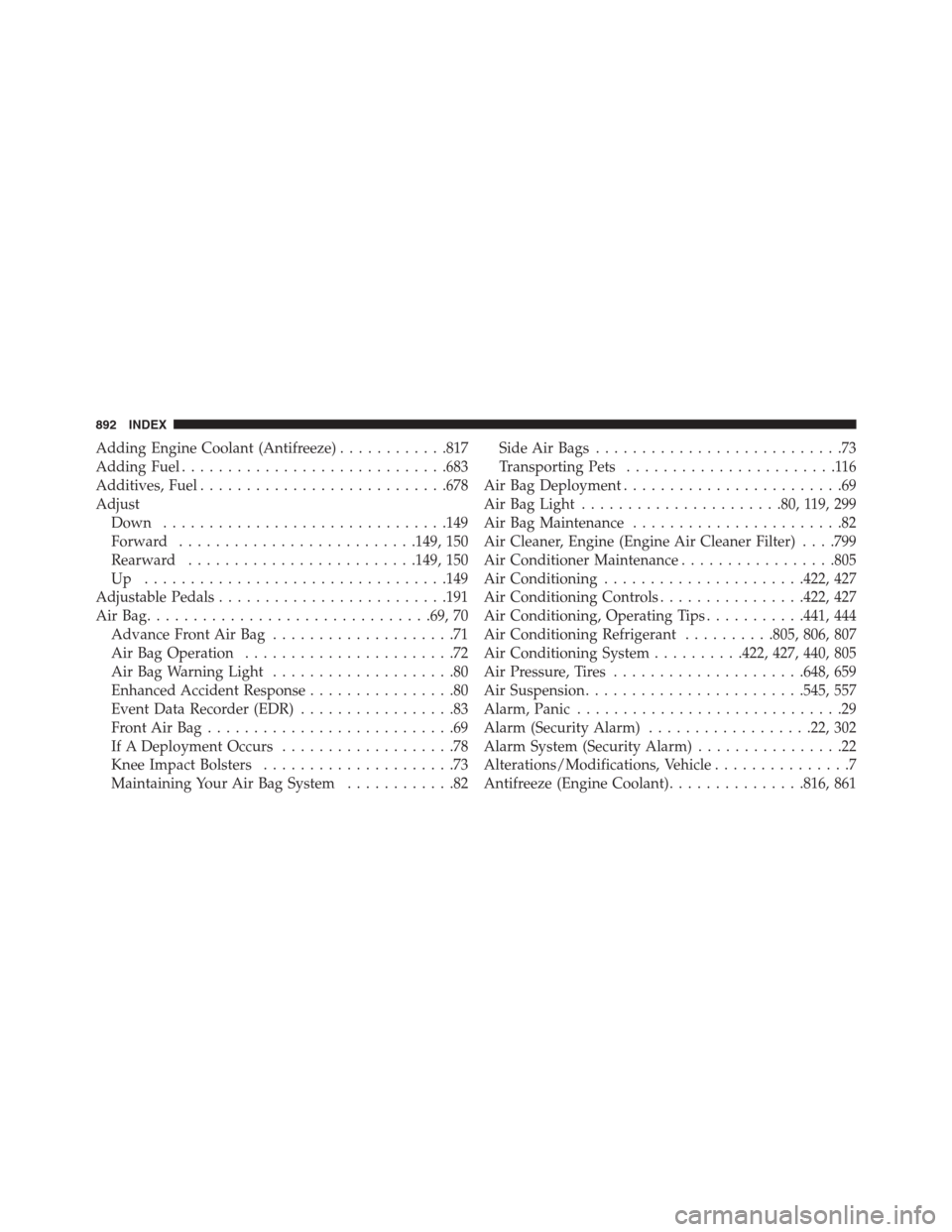
Adding Engine Coolant (Antifreeze)............817
Adding Fuel.............................683
Additives, Fuel...........................678
Adjust
Down...............................149
Forward..........................149, 150
Rearward.........................149, 150
Up .................................149
Adjustable Pedals.........................191
AirBag...............................69, 70
Advance Front Air Bag....................71
Air Bag Operation.......................72
Air Bag Warning Light....................80
Enhanced Accident Response................80
Event Data Recorder (EDR).................83
FrontAirBag...........................69
If A Deployment Occurs...................78
Knee Impact Bolsters.....................73
Maintaining Your Air Bag System............82Side Air Bags...........................73
Transporting Pets.......................116
Air Bag Deployment........................69
Air Bag Light......................80, 119, 299
Air Bag Maintenance.......................82
Air Cleaner, Engine (Engine Air Cleaner Filter). . . .799
Air Conditioner Maintenance.................805
Air Conditioning......................422, 427
Air Conditioning Controls................422, 427
Air Conditioning, Operating Tips...........441, 444
Air Conditioning Refrigerant..........805, 806, 807
Air Conditioning System..........422, 427, 440, 805
Air Pressure, Tires.....................648, 659
Air Suspension........................545, 557
Alarm, Panic.............................29
Alarm (Security Alarm)..................22, 302
Alarm System (Security Alarm)................22
Alterations/Modifications, Vehicle...............7
Antifreeze (Engine Coolant)...............816, 861
892 INDEX
Page 904 of 916
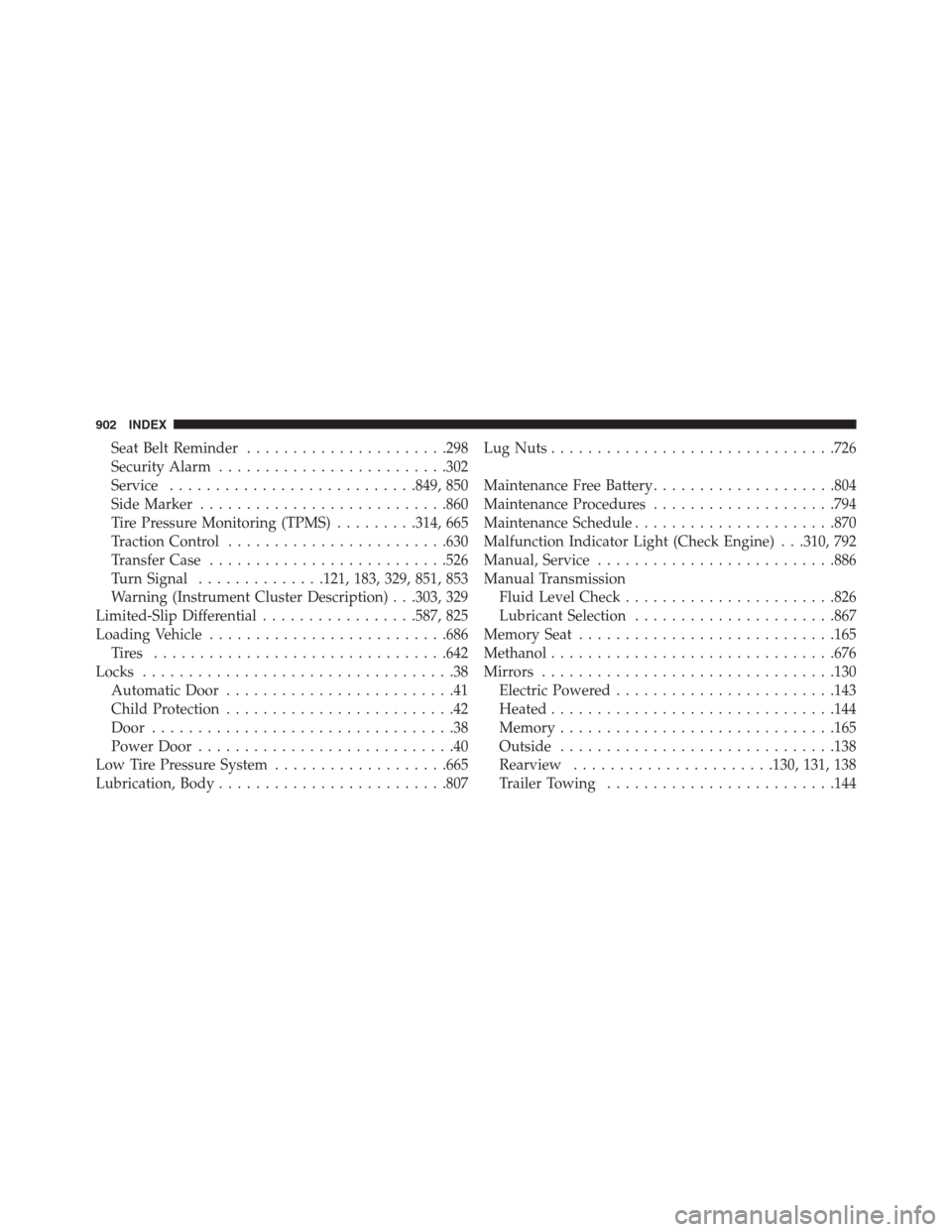
Seat Belt Reminder......................298
Security Alarm.........................302
Service...........................849, 850
Side Marker...........................860
Tire Pressure Monitoring (TPMS).........314, 665
Traction Control........................630
Transfer Case..........................526
Turn Signal..............121, 183, 329, 851, 853
Warning (Instrument Cluster Description) . . .303, 329
Limited-Slip Differential.................587, 825
Loading Vehicle..........................686
Tires ................................642
Locks..................................38
Automatic Door.........................41
Child Protection.........................42
Door.................................38
Power Door............................40
Low Tire Pressure System...................665
Lubrication, Body.........................807Lug Nuts...............................726
Maintenance Free Battery....................804
Maintenance Procedures....................794
Maintenance Schedule......................870
Malfunction Indicator Light (Check Engine) . . .310, 792
Manual, Service..........................886
Manual Transmission
Fluid Level Check.......................826
Lubricant Selection......................867
Memory Seat............................165
Methanol...............................676
Mirrors................................130
Electric Powered........................143
Heated...............................144
Memory..............................165
Outside..............................138
Rearview......................130, 131, 138
Trailer Towing.........................144
902 INDEX