transmission Ram 1500 2016 User Guide
[x] Cancel search | Manufacturer: RAM, Model Year: 2016, Model line: 1500, Model: Ram 1500 2016Pages: 916, PDF Size: 7.55 MB
Page 222 of 916
WARNING!
•Your motorized door or gate will open and close
while you are training the universal transceiver. Do
not train the transceiver if people, pets or other
objects are in the path of the door or gate. Only use
this transceiver with a garage door opener that has
a “stop and reverse” feature as required by Federal
safety standards. This includes most garage door
opener models manufactured after 1982. Do not use
a garage door opener without these safety features.
Call toll-free 1-800-355-3515 or, on the Internet at
www.HomeLink.com for safety information or as-
sistance.
•Vehicle exhaust contains carbon monoxide, a dan-
gerous gas. Do not run your vehicle in the garage
while training the transceiver. Exhaust gas can
cause serious injury or death.NOTE:Only use this transceiver with a garage door
opener that has a “stop and reverse” feature as required
by federal safety standards. This includes most garage
door opener models manufactured after 1982. Do not use
a garage door opener without these safety features. Call
toll-free 1-800-355-3515 or, on the Internet at HomeLink-
.com for safety information or assistance.
Before You Begin Programming HomeLink
Ensure your vehicle is parked outside of the garage
before you begin programming.
For efficient programming and accurate transmission of
the radio-frequency signal it is recommended that a new
battery be placed in the hand-held transmitter of the
device that is being programmed to the HomeLink
system.
To erase the channels place the ignition in the ON/RUN
position and push and hold the two outside HomeLink
buttons (I and III) for up to 20 seconds. The Electronic
220 UNDERSTANDING THE FEATURES OF YOUR VEHICLE
Page 227 of 916
3.Without releasing the buttonproceed with “Program-
ming A Non-Rolling Code” step 2 and follow all
remaining steps.
Canadian/Gate Operator Programming
For programming transmitters in Canada/United States
that require the transmitter signals to “time-out” after
several seconds of transmission.
Canadian radio frequency laws require transmitter sig-
nals to time-out (or quit) after several seconds of trans-
mission – which may not be long enough for HomeLink
to pick up the signal during programming. Similar to this
Canadian law, some U.S. gate operators are designed to
time-out in the same manner.
It may be helpful to unplug the device during the cycling
process to prevent possible overheating of the garage
door or gate motor.1. Turn the ignition switch to the ON/RUN position.
For vehicle’s equipped with Keyless Enter-N-Go, place
the ignition in the RUN position with the Engine ON.
2. Place the hand - held transmitter 1 to 3 inches (3 to 8
cm) away from the HomeLink button you wish to
program.
3. Push and hold the HomeLink button while you push
and release (“cycle”), your hand - held transmitter
every two seconds.
4. Continue to hold both buttons until the EVIC/DID
display changes from “CHANNEL # TRAINING” to
“CHANNEL # TRAINED,” then release both buttons.
NOTE:
•It may take up to 30 seconds or longer in some cases
for the channel to train.
•If the EVIC/DID displays “DID NOT TRAIN” repeat
from Step 2.3
UNDERSTANDING THE FEATURES OF YOUR VEHICLE 225
Page 305 of 916
Engine Temperature Warning Light
Red Warning
LightWhat It Means
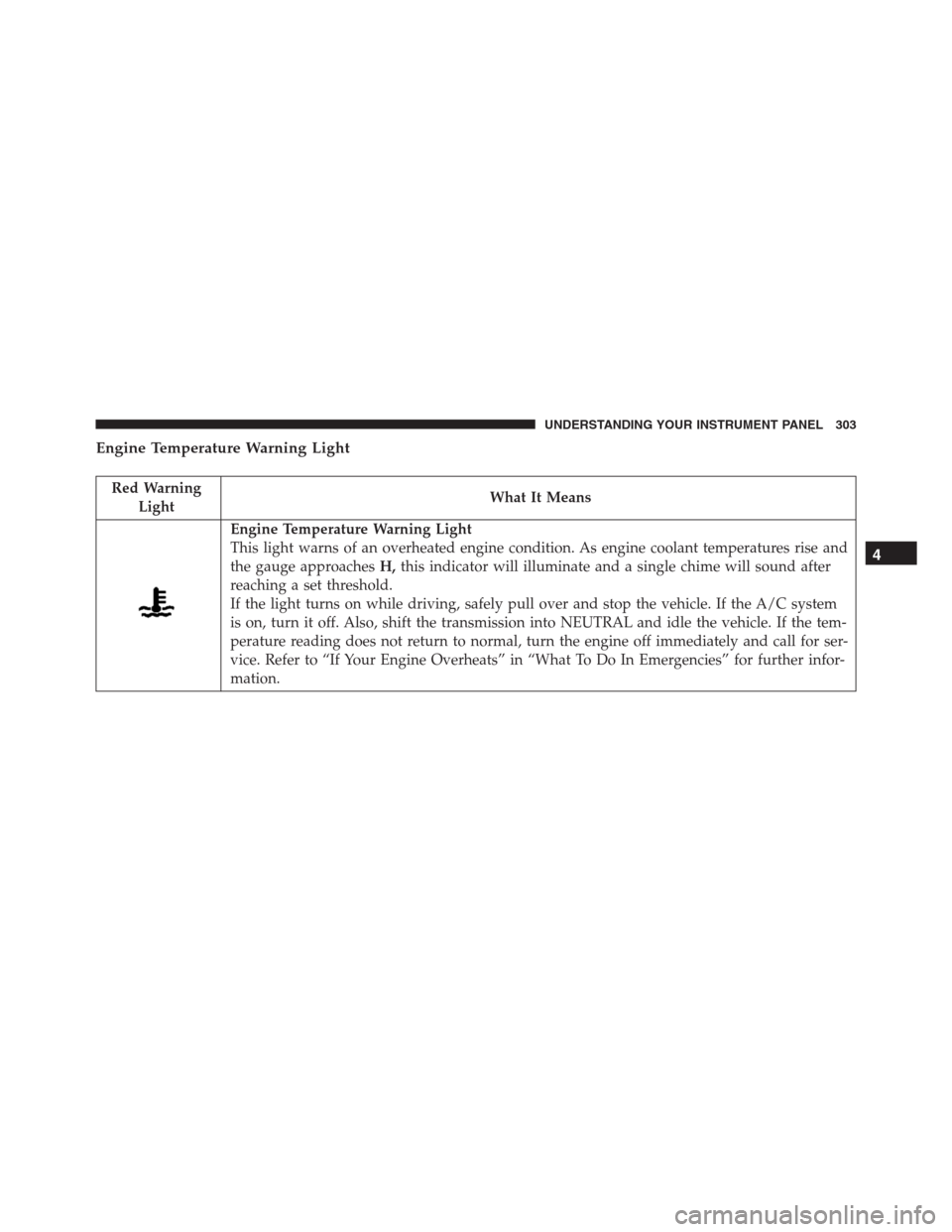
Engine Temperature Warning Light
This light warns of an overheated engine condition. As engine coolant temperatures rise and
the gauge approachesH,this indicator will illuminate and a single chime will sound after
reaching a set threshold.
If the light turns on while driving, safely pull over and stop the vehicle. If the A/C system
is on, turn it off. Also, shift the transmission into NEUTRAL and idle the vehicle. If the tem-
perature reading does not return to normal, turn the engine off immediately and call for ser-
vice. Refer to “If Your Engine Overheats” in “What To Do In Emergencies” for further infor-
mation.
4
UNDERSTANDING YOUR INSTRUMENT PANEL 303
Page 312 of 916
Yellow Telltale Indicator Lights
Engine Check/Malfunction Indicator Light (MIL)
Yellow Telltale
LightWhat It Means
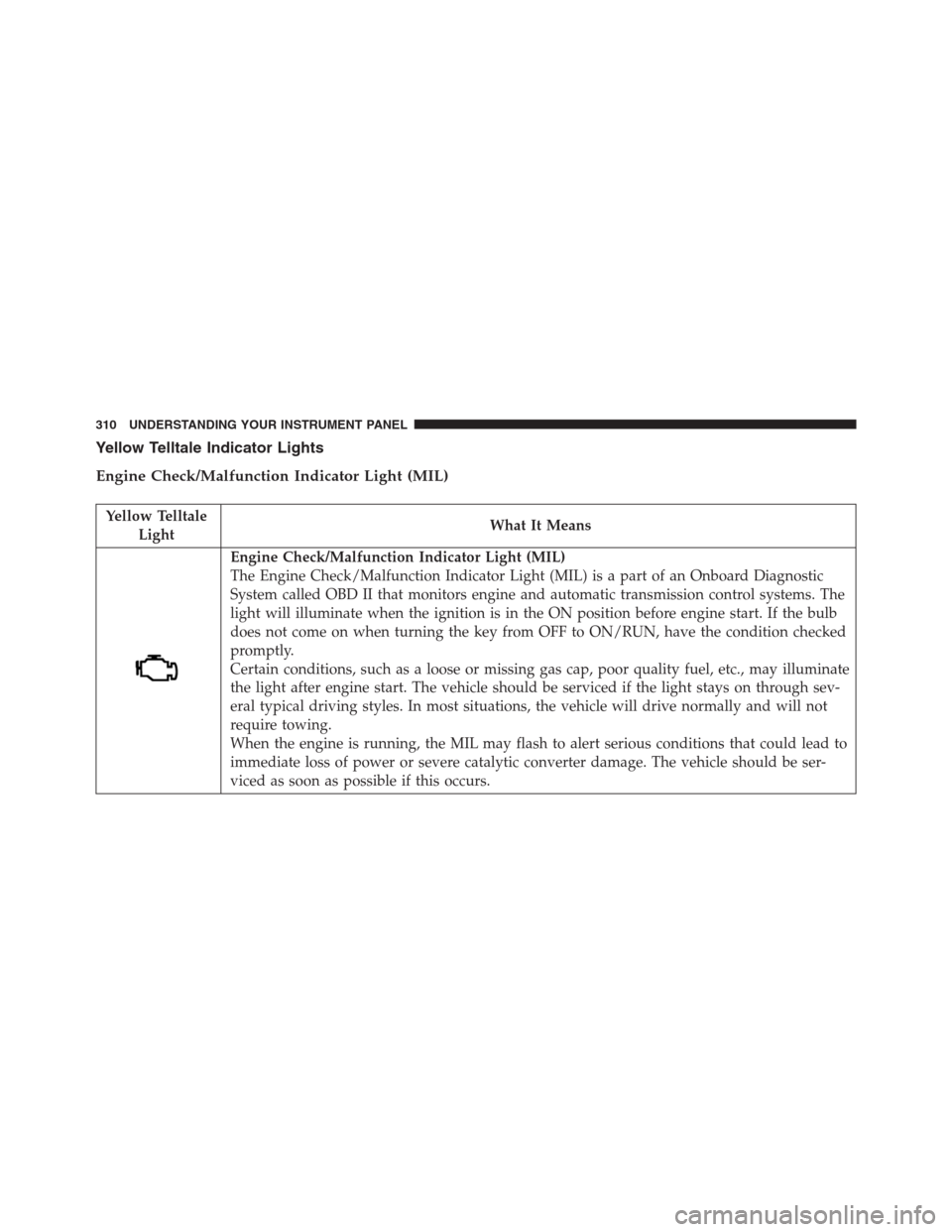
Engine Check/Malfunction Indicator Light (MIL)
The Engine Check/Malfunction Indicator Light (MIL) is a part of an Onboard Diagnostic
System called OBD II that monitors engine and automatic transmission control systems. The
light will illuminate when the ignition is in the ON position before engine start. If the bulb
does not come on when turning the key from OFF to ON/RUN, have the condition checked
promptly.
Certain conditions, such as a loose or missing gas cap, poor quality fuel, etc., may illuminate
the light after engine start. The vehicle should be serviced if the light stays on through sev-
eral typical driving styles. In most situations, the vehicle will drive normally and will not
require towing.
When the engine is running, the MIL may flash to alert serious conditions that could lead to
immediate loss of power or severe catalytic converter damage. The vehicle should be ser-
viced as soon as possible if this occurs.
310 UNDERSTANDING YOUR INSTRUMENT PANEL
Page 320 of 916
Yellow Telltale
LightWhat It Means
If both the Brake Warning Light and the ABS Warning Light are on, see an authorized dealer
immediately. Refer to “Anti-Lock Brake System” in “Starting And Operating” for further in-
formation.
Transmission Temperature Indicator Light
Red Telltale
LightWhat It Means
Transmission Temperature Indicator Light
This light indicates that the transmission fluid temperature is running hot. This may occur with
severe usage, such as trailer towing. If this light turns on, safely pull over and stop them ve-
hicle. Then, shift the transmission into NEUTRAL and run the engine at idle or faster until the
light turns off.
318 UNDERSTANDING YOUR INSTRUMENT PANEL
Page 321 of 916
CAUTION!
Continuous driving with the Transmission Tempera-
ture Warning Light illuminated will eventually cause
severe transmission damage or transmission failure.
WARNING!
If you continue operating the vehicle when the
Transmission Temperature Warning Light is illumi-
nated you could cause the fluid to boil over, come in
contact with hot engine or exhaust components and
cause a fire.
4
UNDERSTANDING YOUR INSTRUMENT PANEL 319
Page 342 of 916
Speedometer Menu Item
Push and release theUPorDOWNarrow button until
the speedometer menu item is highlighted in the EVIC.
Push and release theRIGHTarrow button to cycle the
display between MPH and km/h.
Vehicle Info Menu Item
Push and release theUPorDOWNarrow button(s) until
the Vehicle Info menu item is highlighted in the EVIC.
Push and release theRIGHTarrow button to enter the
submenus items of Vehicle Info. follow the directional
prompts to access or reset any of the following Vehicle
Info submenu items:
•Tire Pressure
•Coolant Temp
•Transmission Temp (Automatic only)
•Oil Temp•Oil Pressure
•Oil Life
•Battery Voltage
•Gauge Summary
•Engine HoursFuel Economy Menu Item
Push and release theUPorDOWNarrow button until
the Fuel Economy menu item is highlighted. Push and
Hold theRIGHTarrow button to reset Average Fuel
Economy.
•Current Fuel Economy Gauge
•Average Fuel Economy value
•Range to Empty
340 UNDERSTANDING YOUR INSTRUMENT PANEL
Page 346 of 916
•Key in Ignition
•Key in Ignition Lights On
•Remote Start Active Key To Run
•Remote Start Active Push Start Button
•Remote Start Aborted Fuel Low
•Remote Start Aborted Too Cold
•Remote Start Aborted Door Open
•Remote Start Aborted Hood Open
•Remote Start Aborted Trunk Open
•Remote Start Aborted Time Expired
•Remote Start Disabled Start To Reset
•Service Airbag System
•Service Airbag Warning Light•Driver Seatbelt Unbuckled
•Passenger Seatbelt Unbuckled
•Front Seatbelts Unbuckled
•Door Open
•Doors Open
•Gear Not Available
•Shift Not Allowed
•Shift To Neutral Then Drive Or Reverse
•Autostick Unavailable Service Required
•Automatic Unavailable Use Autostick Service Req.
•Transmission Getting Hot Push Brake
•Trans. Hot Stop Safely Shift To Park Wait To Cool
•Transmission Cool Ready To Drive
344 UNDERSTANDING YOUR INSTRUMENT PANEL
Page 347 of 916
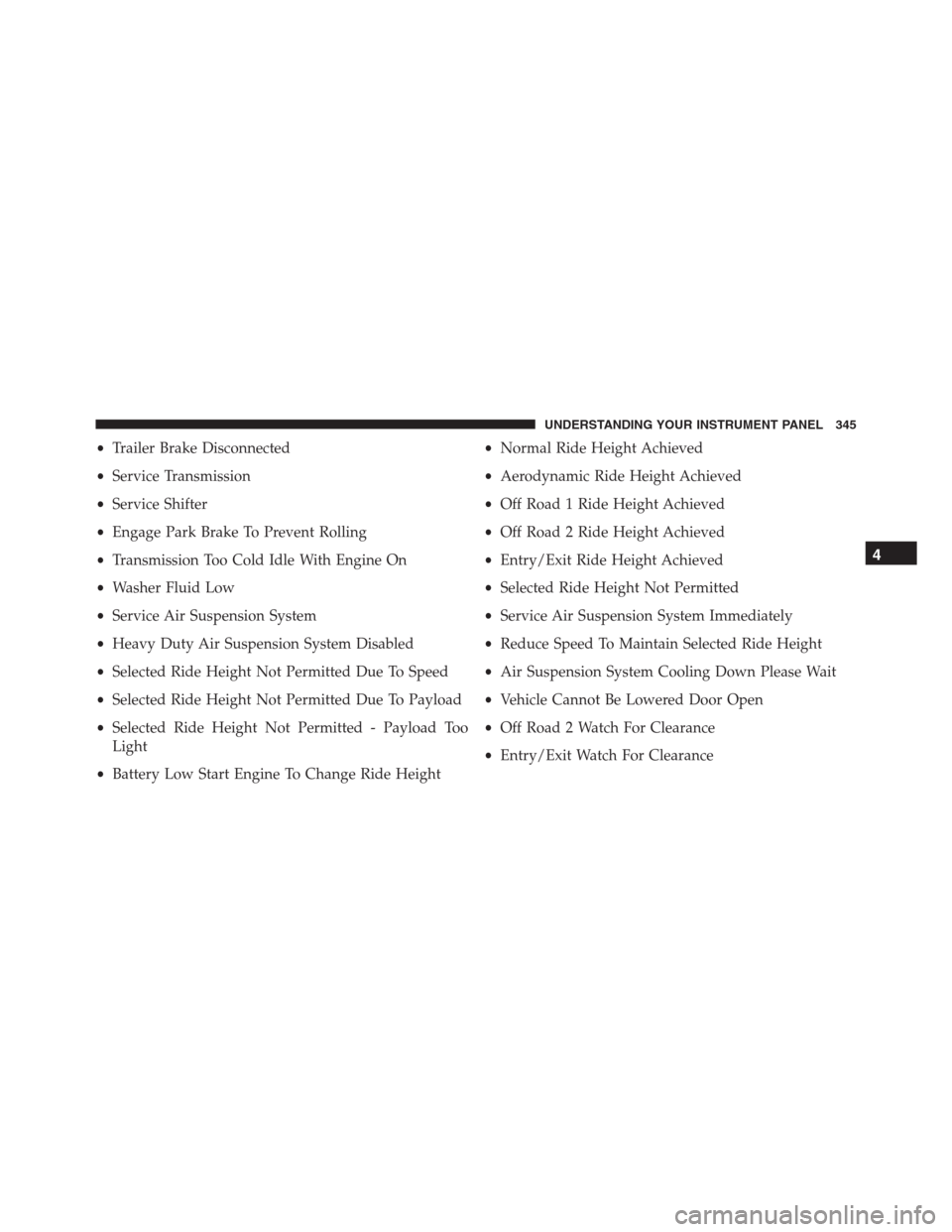
•Trailer Brake Disconnected
•Service Transmission
•Service Shifter
•Engage Park Brake To Prevent Rolling
•Transmission Too Cold Idle With Engine On
•Washer Fluid Low
•Service Air Suspension System
•Heavy Duty Air Suspension System Disabled
•Selected Ride Height Not Permitted Due To Speed
•Selected Ride Height Not Permitted Due To Payload
•Selected Ride Height Not Permitted - Payload Too
Light
•Battery Low Start Engine To Change Ride Height•Normal Ride Height Achieved
•Aerodynamic Ride Height Achieved
•Off Road 1 Ride Height Achieved
•Off Road 2 Ride Height Achieved
•Entry/Exit Ride Height Achieved
•Selected Ride Height Not Permitted
•Service Air Suspension System Immediately
•Reduce Speed To Maintain Selected Ride Height
•Air Suspension System Cooling Down Please Wait
•Vehicle Cannot Be Lowered Door Open
•Off Road 2 Watch For Clearance
•Entry/Exit Watch For Clearance
4
UNDERSTANDING YOUR INSTRUMENT PANEL 345
Page 350 of 916
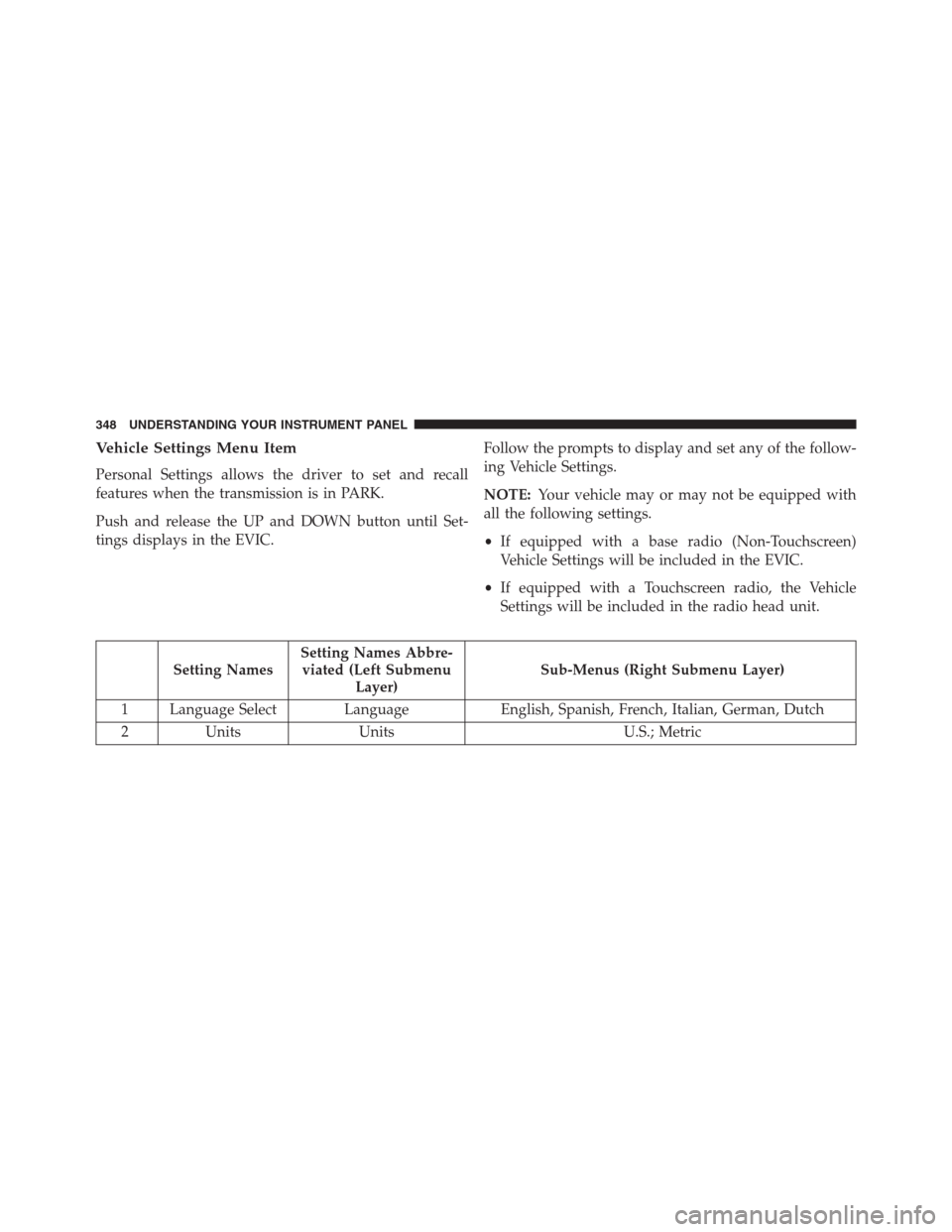
Vehicle Settings Menu Item
Personal Settings allows the driver to set and recall
features when the transmission is in PARK.
Push and release the UP and DOWN button until Set-
tings displays in the EVIC.Follow the prompts to display and set any of the follow-
ing Vehicle Settings.
NOTE:Your vehicle may or may not be equipped with
all the following settings.
•If equipped with a base radio (Non-Touchscreen)
Vehicle Settings will be included in the EVIC.
•If equipped with a Touchscreen radio, the Vehicle
Settings will be included in the radio head unit.
Setting NamesSetting Names Abbre-
viated (Left Submenu
Layer)Sub-Menus (Right Submenu Layer)
1 Language Select Language English, Spanish, French, Italian, German, Dutch
2 Units Units U.S.; Metric
348 UNDERSTANDING YOUR INSTRUMENT PANEL