fuel Ram 1500 2016 Owner's Guide
[x] Cancel search | Manufacturer: RAM, Model Year: 2016, Model line: 1500, Model: Ram 1500 2016Pages: 916, PDF Size: 7.55 MB
Page 364 of 916
•Remote Start Aborted Fuel Low
•Remote Start Aborted Too Cold
•Remote Start Aborted Door Open
•Remote Start Aborted Hood Open
•Remote Start Aborted Trunk Open
•Remote Start Aborted Time Expired
•Remote Start Disabled Start to Reset
•Service Airbag System
•Service Airbag Warning Light
•Driver Seatbelt Unbuckled
•Passenger Seatbelt Unbuckled
•Front Seatbelts Unbuckled
•Door Open•Doors Open
•Gear Not Available
•Shift Not Allowed
•Shift to Neutral then Drive or Reverse
•Autostick Unavailable Service Required
•Automatic Unavailable Use Autostick Service Req.
•Transmission Getting Hot Push Brake
•Trans. Hot Stop Safely Shift to Park Wait to Cool
•Transmission Cool Ready to Drive
•Trailer Brake Disconnected
•Service Transmission
•Service Shifter
•Engage Park Brake to Prevent Rolling
362 UNDERSTANDING YOUR INSTRUMENT PANEL
Page 366 of 916
•Stop/Start Not Ready Hood Open – If Equipped
•Stop/Start Not Ready Battery Charging – If Equipped
•Stop/Start Not Ready Trailer Tow/Haul Selected – If
Equipped
•Stop/Start Not Ready 4WD/Low Range Selected – If
Equipped
•Stop/Start Not Ready Fuel Level Low – If Equipped
•Stop/Start Not Ready Steep Incline – If Equipped
•Stop/Start Not Ready Extreme Outside Temperature –
If Equipped
•Stop/Start Not Ready Engine Temperature Too High –
If Equipped
•Stop/Start Not Ready Engine Temperature Too Low –
If Equipped•Stop/Start Not Ready Driver Seatbelt Unbuckled – If
Equipped
•Stop/Start Not Ready Driver Door Open – If Equipped
•Stop/Start Not Ready Cabin Cooling Or Heating – If
Equipped
•Stop/Start Not Ready Not Ready Max Cooling Or
Heating – If Equipped
•Stop/Start Not Ready Max Cooling Or Heating Se-
lected – If Equipped
•Stop/Start Not Ready Front Defrost Selected – If
Equipped
•Stop/Start Not Ready Steering Wheel Turned – If
Equipped
•Stop/Start Autostop Active – If Equipped
364 UNDERSTANDING YOUR INSTRUMENT PANEL
Page 369 of 916
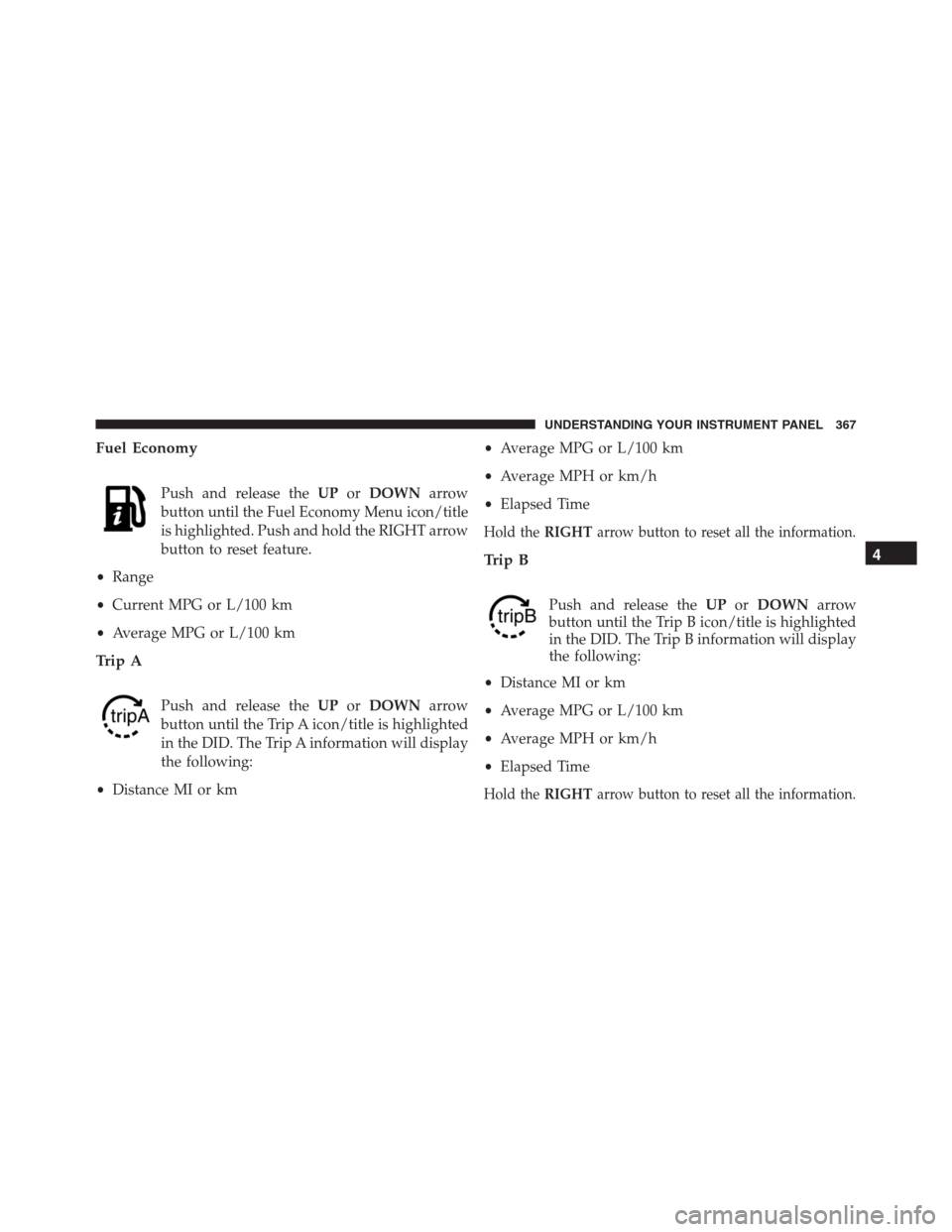
Fuel Economy
Push and release theUPorDOWNarrow
button until the Fuel Economy Menu icon/title
is highlighted. Push and hold the RIGHT arrow
button to reset feature.
•Range
•Current MPG or L/100 km
•Average MPG or L/100 km
Trip A
Push and release theUPorDOWNarrow
button until the Trip A icon/title is highlighted
in the DID. The Trip A information will display
the following:
•Distance MI or km•Average MPG or L/100 km
•Average MPH or km/h
•Elapsed Time
Hold theRIGHTarrow button to reset all the information.
Trip B
Push and release theUPorDOWNarrow
button until the Trip B icon/title is highlighted
in the DID. The Trip B information will display
the following:
•Distance MI or km
•Average MPG or L/100 km
•Average MPH or km/h
•Elapsed Time
Hold theRIGHTarrow button to reset all the information.
4
UNDERSTANDING YOUR INSTRUMENT PANEL 367
Page 381 of 916
Setting NamesSetting Names Abbreviated
(Left Submenu Layer)Sub-Menus (Right Submenu
Layer)
33 Compass Variance Compass Var 1-15 increments of 1
34 Calibrate Compass Compass Cal Cancel; Calibrate
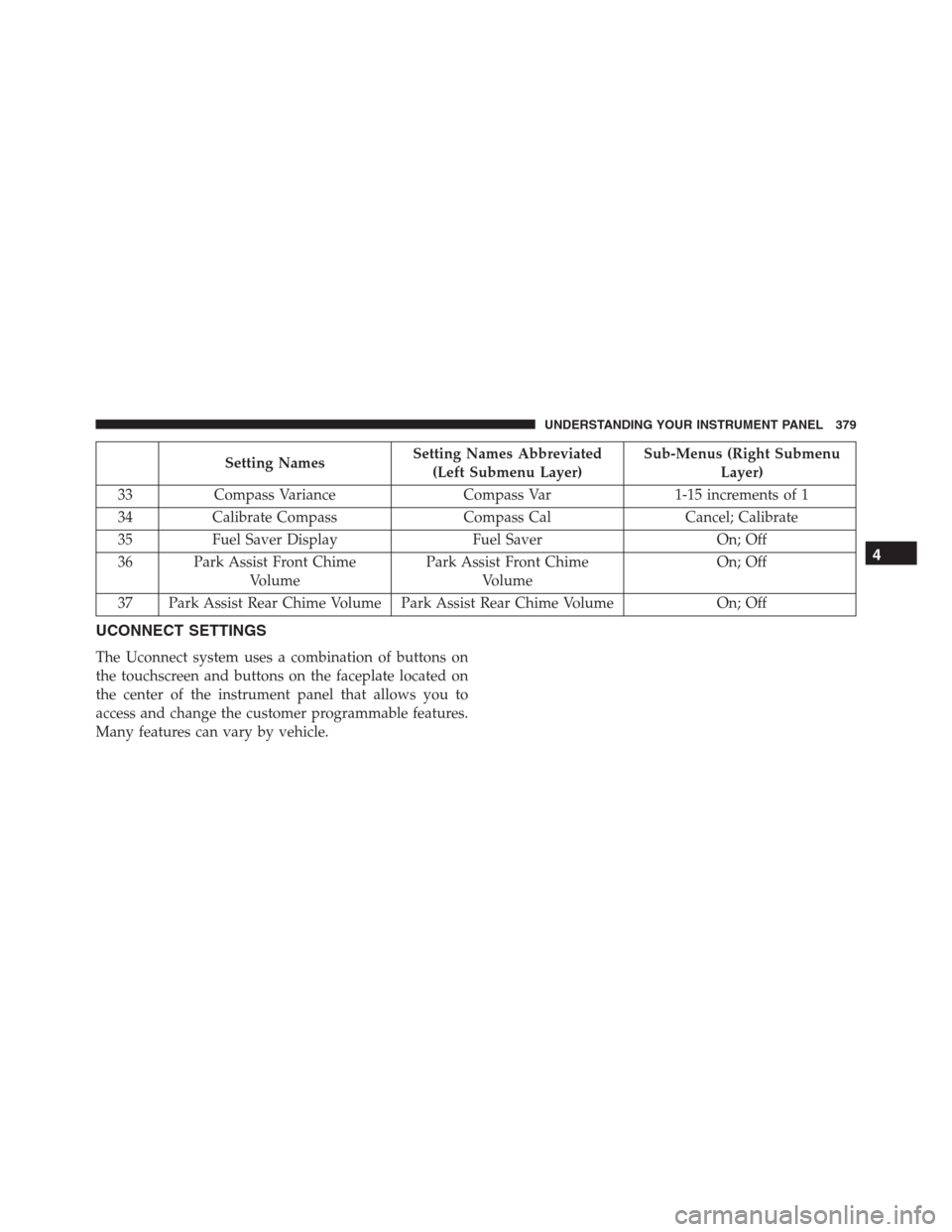
35 Fuel Saver Display Fuel Saver On; Off
36 Park Assist Front Chime
VolumePark Assist Front Chime
VolumeOn; Off
37 Park Assist Rear Chime Volume Park Assist Rear Chime Volume On; Off
UCONNECT SETTINGS
The Uconnect system uses a combination of buttons on
the touchscreen and buttons on the faceplate located on
the center of the instrument panel that allows you to
access and change the customer programmable features.
Many features can vary by vehicle.
4
UNDERSTANDING YOUR INSTRUMENT PANEL 379
Page 385 of 916
•Fuel Saver Display — If Equipped
This feature will allow you to enable fuel saver mode and
will be displayed in the EVIC/DID. Press the “Fuel Saver
Display” button on the touchscreen select from “On” or
“Off.”
Units
After pressing the “Units” button on the touchscreen you
may select each unit of measure independently displayed
in the Driver Information Display (DID), and navigation
system (if equipped). The following selectable units of
measure are listed below:
•Speed
Select from: “MPH” or “km/h.”
•Distance
Select from: “mi” or “km.”•Fuel Consumption
Select from: “MPG” (US), “MPG” (UK), “L/100 km” or
“km/L.”
•Capacity
Select from: “gal” (US), “gal” (UK), “L/100 km” or “L.”
•Pressure
Select from: “psi,” “kPa,” or “bar.”
•Temperature
Select from: “°C,” or “°F.”
•Power
Select from: “HP” (US), “HP” (UK), and “kW.”
•Torque
Select from: “lb-ft” or “Nm.”
4
UNDERSTANDING YOUR INSTRUMENT PANEL 383
Page 403 of 916
•Controls Screen Time-Out — If Equipped
When this feature is selected, the Controls Screen will
stay open for five seconds before the screen times out.
With the feature deselected, the screen will stay open
until it is manually closed. Press the “Controls Screen
Time-Out” button on the touchscreen, until a check-mark
appears next to the setting, showing that setting has been
selected.
•Fuel Saver Display — If Equipped
This feature will allow you to enable fuel saver mode and
will be displayed in the DID. Press the “Fuel Saver
Display” button on the touchscreen, until a check-mark
appears next to the setting, showing that setting has been
selected.
Units
After pressing the “Units” button on the touchscreen you
may select each unit of measure independently displayedin the Driver Information Display (DID), and navigation
system (if equipped). The following selectable units of
measure are listed below:
•Speed
Select from: “MPH” or “km/h.”
•Distance
Select from: “mi” or “km.”
•Fuel Consumption
Select from: “MPG” (US), “MPG” (UK), “L/100 km” or
“km/L.”
•Capacity
Select from: “gal” (US), “gal” (UK), “L/100 km” or “L.”
•Pressure
Select from: “psi,” “kPa,” or “bar.”
4
UNDERSTANDING YOUR INSTRUMENT PANEL 401
Page 427 of 916
Bi-Level Mode
Air is directed through the panel and floor outlets.
NOTE:There is a difference in temperature (in
any conditions other than full cold or full hot), between
the upper and lower outlets for added comfort. The
warmer air goes to the floor outlets. This feature gives
improved comfort during sunny but cool conditions.
Floor Mode
Air is directed through the floor outlets with a
small amount through the defrost and side win-
dow demist outlets.
Mix Mode
Air is directed through the floor, defrost and side
window demist outlets. This setting works best incold or snowy conditions that require extra heat at the
windshield. This setting is good for maintaining comfort,
while reducing moisture on the windshield.
Defrost Mode
Air is directed through the windshield and side
window demist outlets. Use the DEFROST mode
with maximum blower and warm temperature settings
for best windshield and side window defrosting.
NOTE:The air conditioning compressor operates in MIX
and DEFROST, or a blend of these modes even if the A/C
button is not pushed. This dehumidifies the air to help
dry the windshield. To improve fuel economy, use these
modes only when necessary.4
UNDERSTANDING YOUR INSTRUMENT PANEL 425
Page 432 of 916
6. Modes
The airflow distribution mode can be adjusted so air
comes from the instrument panel outlets, floor outlets,
and demist outlets. The Mode settings are as follows:
•Panel Mode
Air comes from the outlets in the instrument
panel. Each of these outlets can be individu-
ally adjusted to direct the flow of air. The air
vanes of the center outlets and outboard outlets can
be moved up and down or side to side to regulate
airflow direction. There is a shut off wheel located
below the air vanes to shut off or adjust the amount
of airflow from these outlets.
•Bi-Level Mode
Air comes from the instrument panel outlets
and floor outlets. A slight amount of air is
directed through the defrost and side window
demister outlets.NOTE:BI-LEVEL mode is designed under comfort con-
ditions to provide cooler air out of the panel outlets and
warmer air from the floor outlets.
•Floor Mode
Air comes from the floor outlets. A slight
amount of air is directed through the defrost
and side window demister outlets.
•Mix Mode
Air comes from the floor, defrost and side
window demister outlets. This mode works
best in cold or snowy conditions.
NOTE:The air conditioning compressor operates in MIX
and DEFROST modes even if the A/C button is not
pressed. This dehumidifies the air to help dry the wind-
shield. To improve fuel economy, utilize these modes
only when required.
430 UNDERSTANDING YOUR INSTRUMENT PANEL
Page 440 of 916
14.Driver Temperature Control Up Button (Uconnect 8.4)
Provides the driver with independent temperature con-
trol. Push the button on the faceplate button for warmer
temperature settings or on the touchscreen, press and
slide the temperature bar towards the red arrow for
warmer temperature settings.
NOTE:In Sync mode, this button will also automatically
adjust the passenger temperature setting at the same
time.
15. Temperature Control (Uconnect 5.0)
Press the temperature button on the touchscreen to
regulate the temperature of the air inside the passenger
compartment. Moving the temperature bar into the red
area, indicates warmer temperatures. Moving the tem-
perature bar into the blue area indicates cooler tempera-
tures.
Climate Control Functions
A/C (Air Conditioning)
The Air Conditioning (A/C) button allows the operator
to manually activate or deactivate the air conditioning
system. When the air conditioning system is turned on,
cool dehumidified air will flow through the outlets into
the cabin. For improved fuel economy, press the A/C
button to turn off the air conditioning and manually
adjust the blower and airflow mode settings. Also, make
sure to select only Panel, Bi-Level or Floor modes.
NOTE:
•For Manual Climate Controls, if the system is in Mix,
Floor or Defrost Mode, the A/C can be turned off, but
the A/C system shall remain active to prevent fogging
of the windows.
438 UNDERSTANDING YOUR INSTRUMENT PANEL
Page 467 of 916
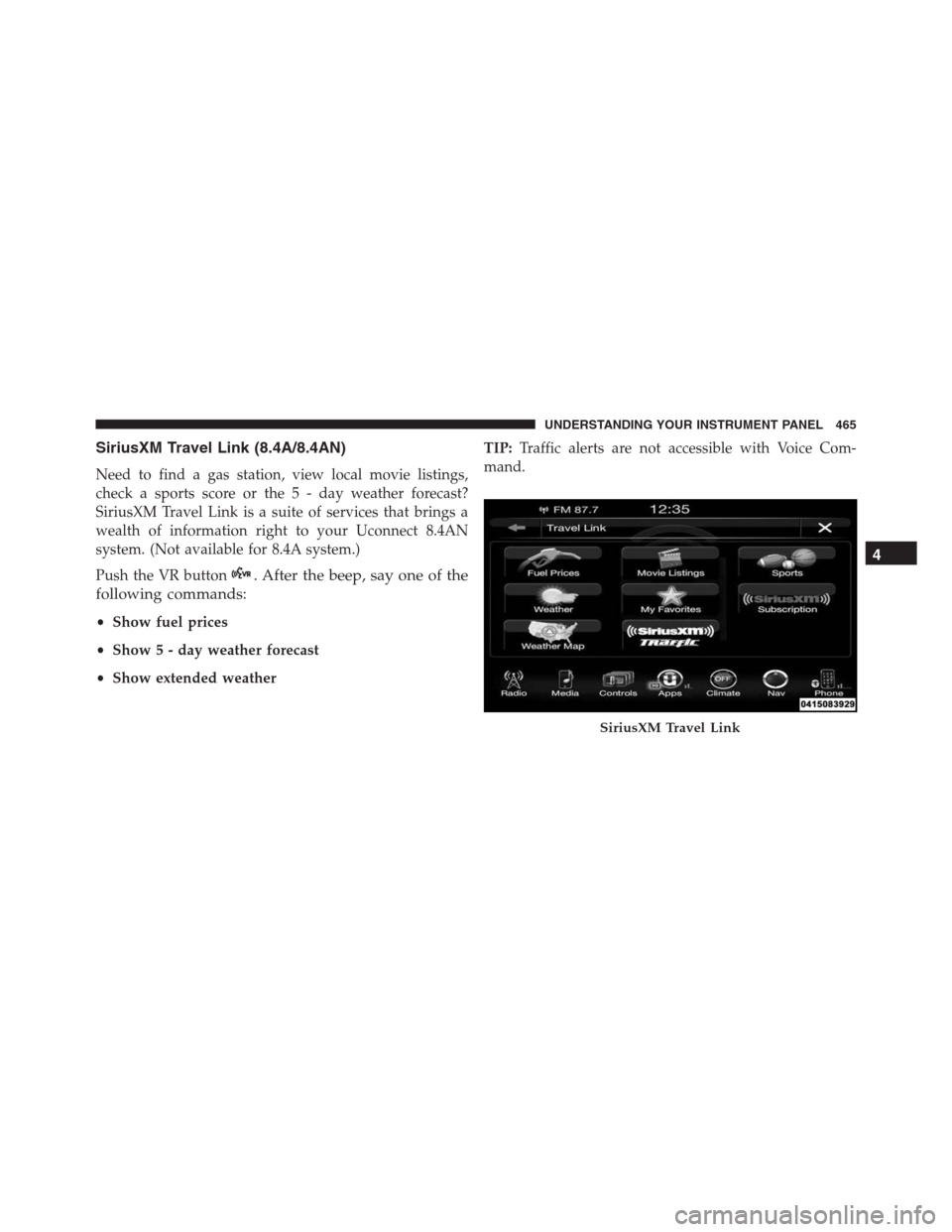
SiriusXM Travel Link (8.4A/8.4AN)
Need to find a gas station, view local movie listings,
check a sports score or the 5 - day weather forecast?
SiriusXM Travel Link is a suite of services that brings a
wealth of information right to your Uconnect 8.4AN
system. (Not available for 8.4A system.)
Push the VR button
. After the beep, say one of the
following commands:
•Show fuel prices
•Show 5 - day weather forecast
•Show extended weatherTIP:Traffic alerts are not accessible with Voice Com-
mand.
SiriusXM Travel Link
4
UNDERSTANDING YOUR INSTRUMENT PANEL 465