tow Ram 1500 2016 Owner's Guide
[x] Cancel search | Manufacturer: RAM, Model Year: 2016, Model line: 1500, Model: Ram 1500 2016Pages: 916, PDF Size: 7.55 MB
Page 312 of 916
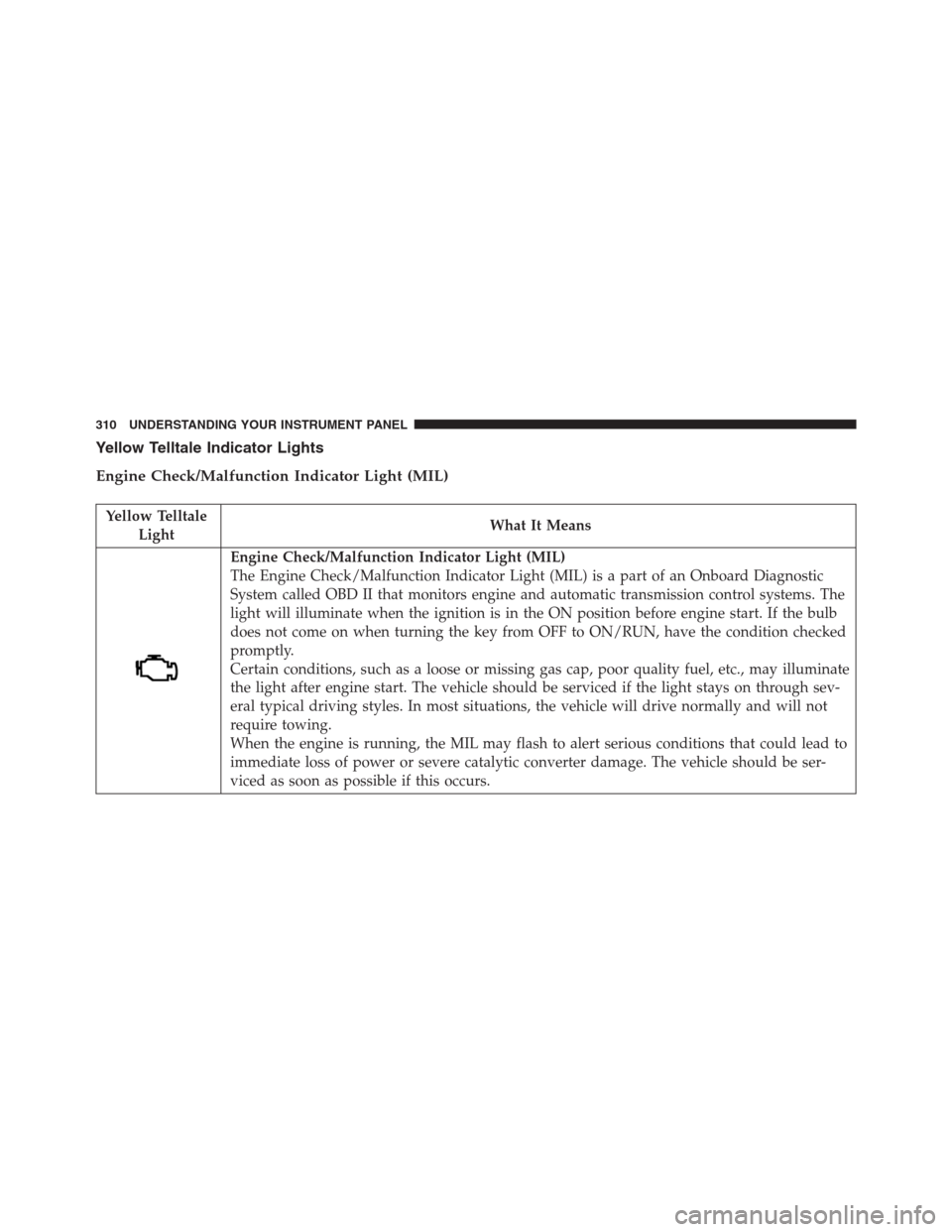
Yellow Telltale Indicator Lights
Engine Check/Malfunction Indicator Light (MIL)
Yellow Telltale
LightWhat It Means
Engine Check/Malfunction Indicator Light (MIL)
The Engine Check/Malfunction Indicator Light (MIL) is a part of an Onboard Diagnostic
System called OBD II that monitors engine and automatic transmission control systems. The
light will illuminate when the ignition is in the ON position before engine start. If the bulb
does not come on when turning the key from OFF to ON/RUN, have the condition checked
promptly.
Certain conditions, such as a loose or missing gas cap, poor quality fuel, etc., may illuminate
the light after engine start. The vehicle should be serviced if the light stays on through sev-
eral typical driving styles. In most situations, the vehicle will drive normally and will not
require towing.
When the engine is running, the MIL may flash to alert serious conditions that could lead to
immediate loss of power or severe catalytic converter damage. The vehicle should be ser-
viced as soon as possible if this occurs.
310 UNDERSTANDING YOUR INSTRUMENT PANEL
Page 320 of 916
Yellow Telltale
LightWhat It Means
If both the Brake Warning Light and the ABS Warning Light are on, see an authorized dealer
immediately. Refer to “Anti-Lock Brake System” in “Starting And Operating” for further in-
formation.
Transmission Temperature Indicator Light
Red Telltale
LightWhat It Means
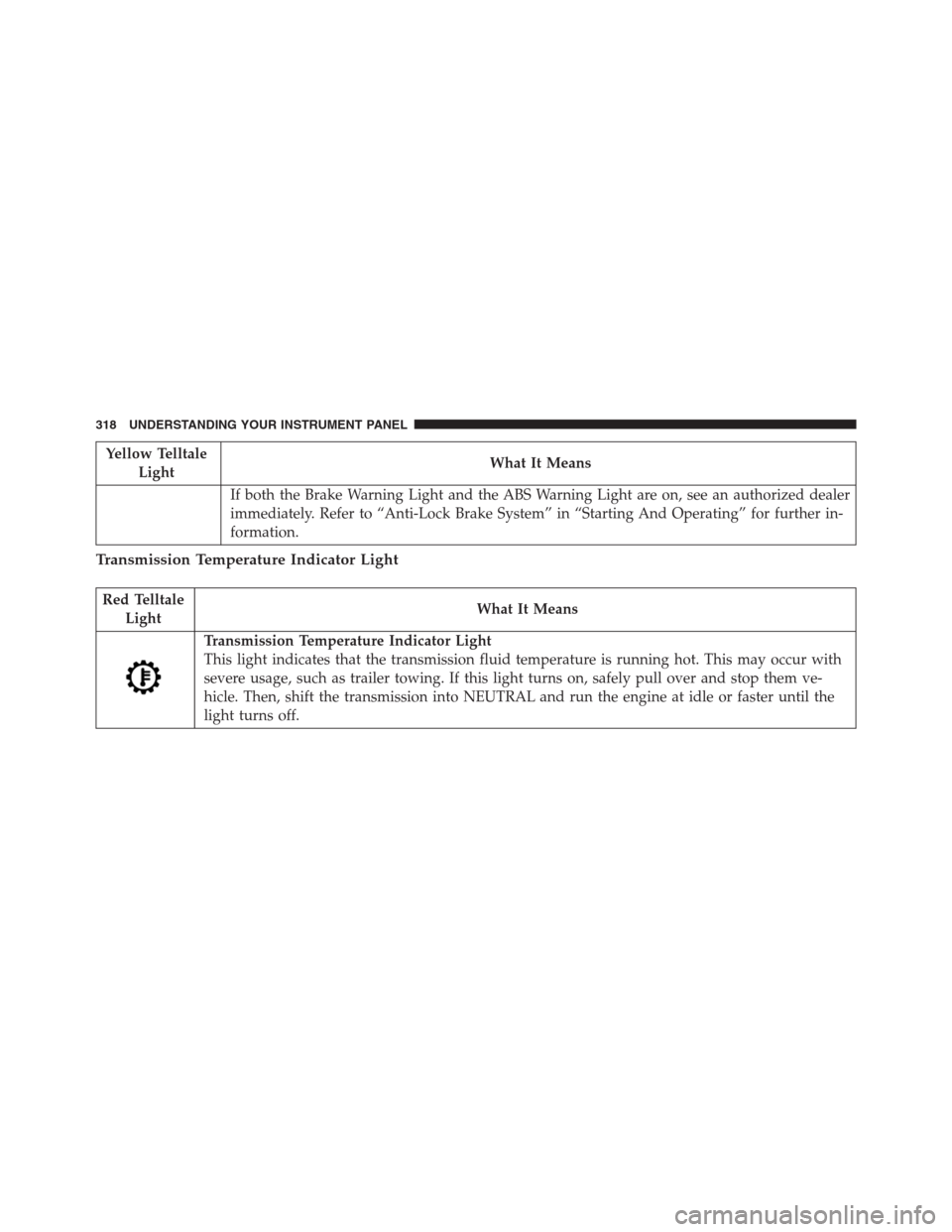
Transmission Temperature Indicator Light
This light indicates that the transmission fluid temperature is running hot. This may occur with
severe usage, such as trailer towing. If this light turns on, safely pull over and stop them ve-
hicle. Then, shift the transmission into NEUTRAL and run the engine at idle or faster until the
light turns off.
318 UNDERSTANDING YOUR INSTRUMENT PANEL
Page 323 of 916
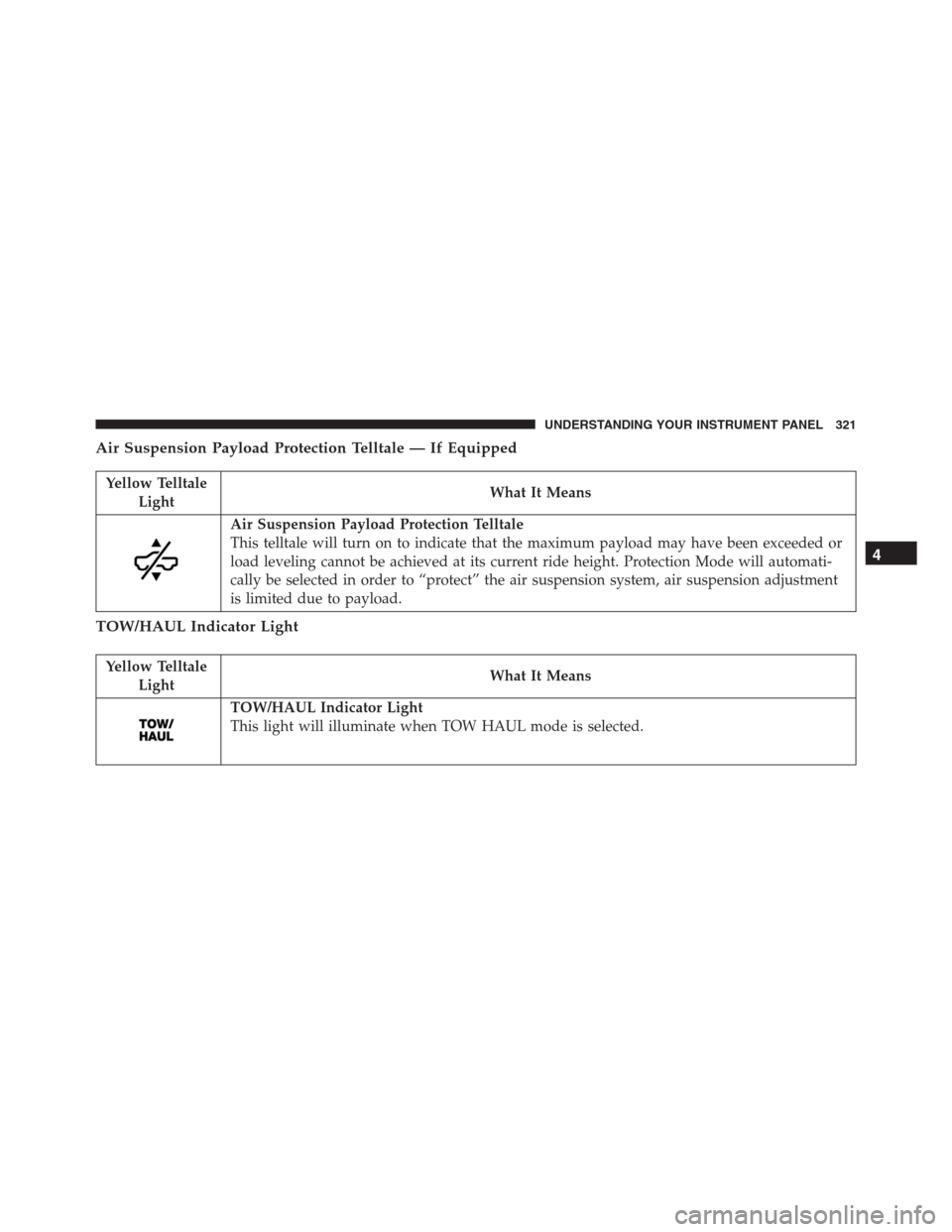
Air Suspension Payload Protection Telltale — If Equipped
Yellow Telltale
LightWhat It Means
Air Suspension Payload Protection Telltale
This telltale will turn on to indicate that the maximum payload may have been exceeded or
load leveling cannot be achieved at its current ride height. Protection Mode will automati-
cally be selected in order to “protect” the air suspension system, air suspension adjustment
is limited due to payload.
TOW/HAUL Indicator Light
Yellow Telltale
LightWhat It Means
TOW/HAUL Indicator Light
This light will illuminate when TOW HAUL mode is selected.
4
UNDERSTANDING YOUR INSTRUMENT PANEL 321
Page 335 of 916
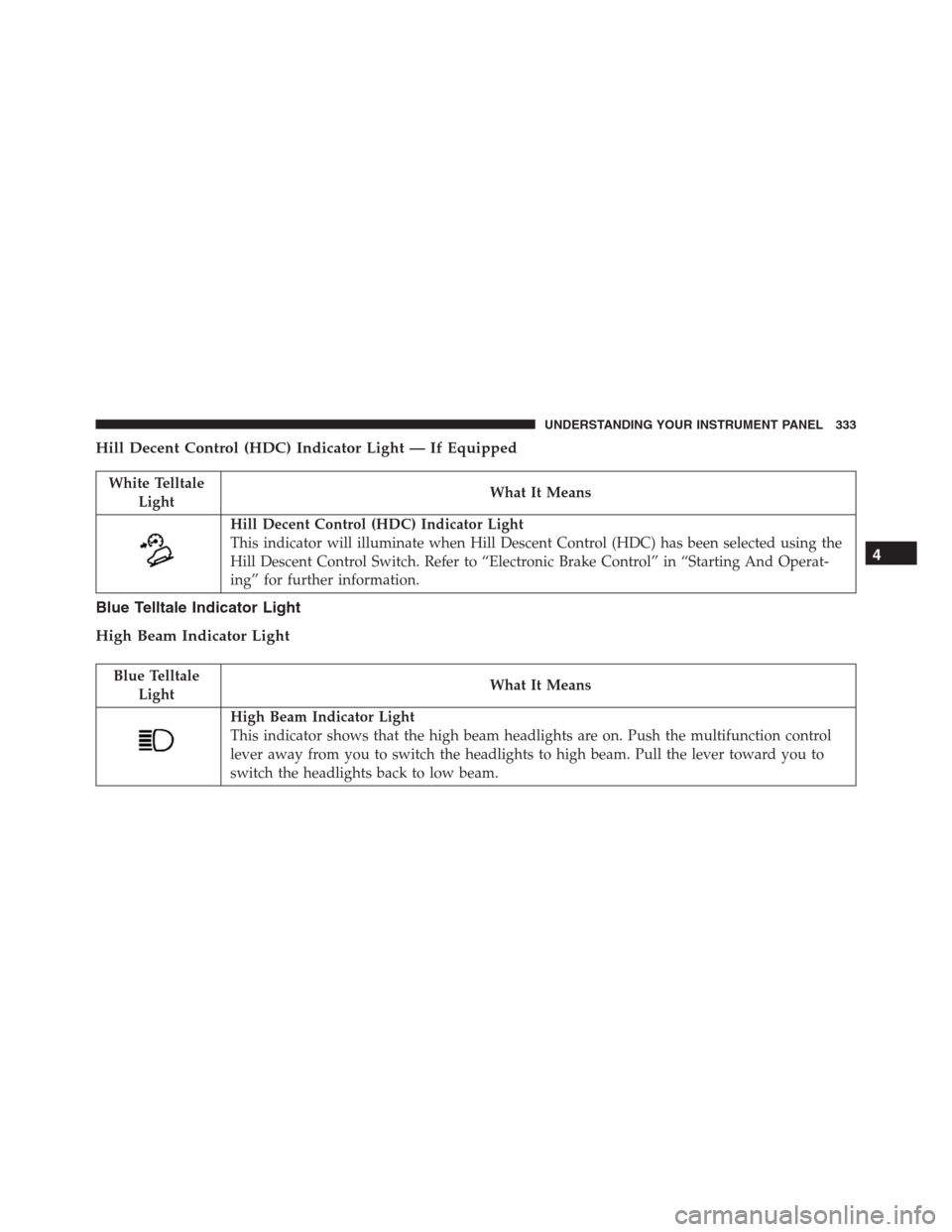
Hill Decent Control (HDC) Indicator Light — If Equipped
White Telltale
LightWhat It Means
Hill Decent Control (HDC) Indicator Light
This indicator will illuminate when Hill Descent Control (HDC) has been selected using the
Hill Descent Control Switch. Refer to “Electronic Brake Control” in “Starting And Operat-
ing” for further information.
Blue Telltale Indicator Light
High Beam Indicator Light
Blue Telltale
LightWhat It Means
High Beam Indicator Light
This indicator shows that the high beam headlights are on. Push the multifunction control
lever away from you to switch the headlights to high beam. Pull the lever toward you to
switch the headlights back to low beam.
4
UNDERSTANDING YOUR INSTRUMENT PANEL 333
Page 336 of 916
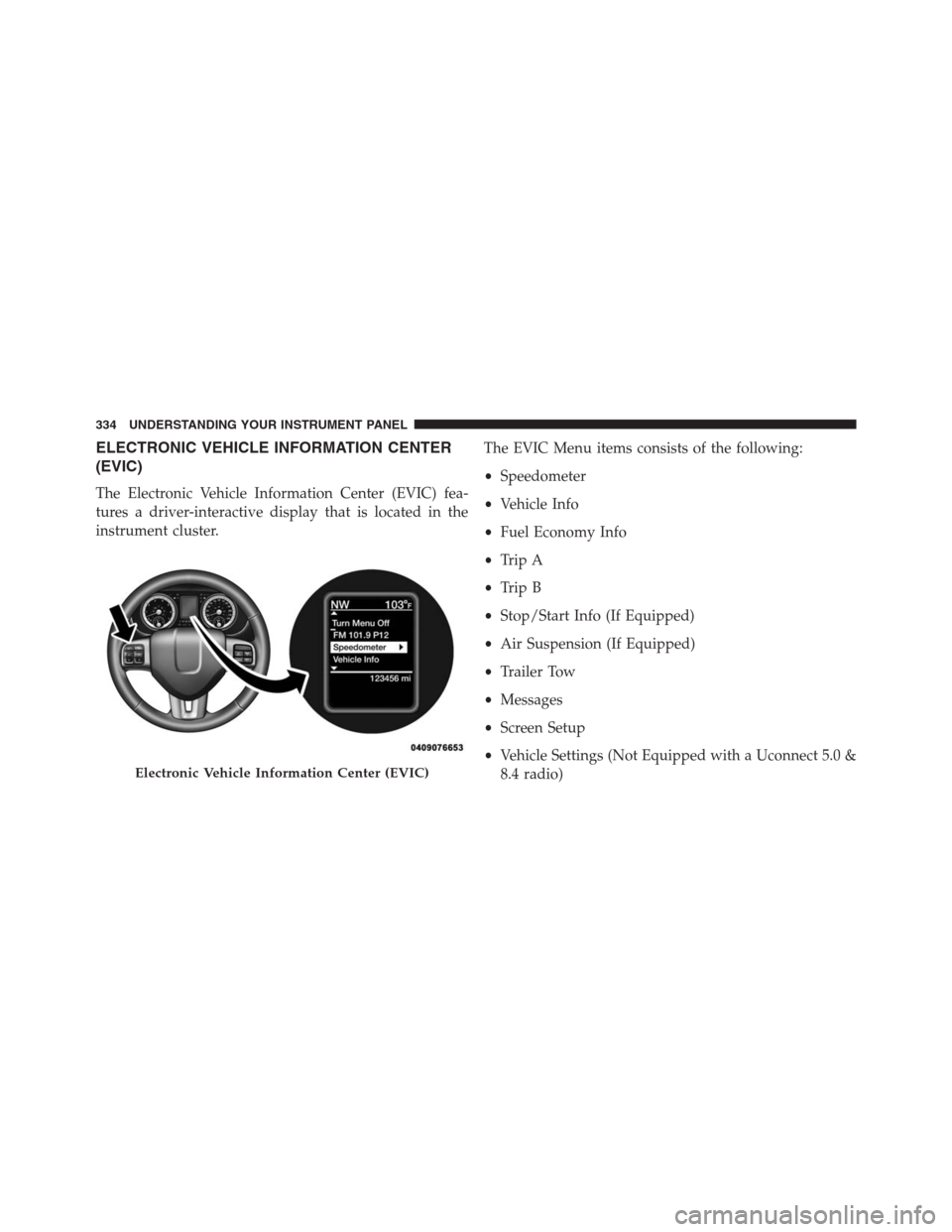
ELECTRONIC VEHICLE INFORMATION CENTER
(EVIC)
The Electronic Vehicle Information Center (EVIC) fea-
tures a driver-interactive display that is located in the
instrument cluster.The EVIC Menu items consists of the following:
•Speedometer
•Vehicle Info
•Fuel Economy Info
•Trip A
•Trip B
•Stop/Start Info (If Equipped)
•Air Suspension (If Equipped)
•Trailer Tow
•Messages
•Screen Setup
•Vehicle Settings (Not Equipped with a Uconnect 5.0 &
8.4 radio)
Electronic Vehicle Information Center (EVIC)
334 UNDERSTANDING YOUR INSTRUMENT PANEL
Page 344 of 916
Air Suspension Menu Item — If Equipped
Push and release theUPorDOWNarrow button until
the Air Suspension menu item is highlighted in the EVIC.
Push and release theRIGHTarrow button to display the
Air Suspension status.
Trailer Tow Menu Item
Push and release theUPorDOWNarrow button until
the Trailer Tow menu item is highlighted. Push and
release theRIGHTarrow button and the next screen will
display the following trailer trip information:
•Trip (trailer specific) Distance: Push and hold the
RIGHTarrow button to reset the distance.
•Trailer Brake
•Output
•Type
•Gain
EVIC Messages (Stored)
Number of messages stored will be indicated on the
highlighted Messages Menu bar.
When no message(s) have been stored, the right arrow
will not be present in the highlighted Messages bar.
Message(s) remain stored until condition has been
cleared by your authorized service provider.
Sample of stored EVIC Messages
•Front Seat Belts Unbuckled
•Driver Seat Belt Unbuckled
•Passenger Seat Belt Unbuckled
•Service Air Bag System
•Traction Control Off
•Washer Fluid Low
342 UNDERSTANDING YOUR INSTRUMENT PANEL
Page 348 of 916
•Air Suspension Temporarily Disabled For Jacking And
Tire Change
•Battery Low Start Engine To Change Ride Height
•Stop/Start Ready – If Equipped
•Stop/Start Not Ready – If Equipped
•Stop/Start Not Ready Hood Open – If Equipped
•Stop/Start Not Ready Battery Charging – If Equipped
•Stop/Start Not Ready Trailer Tow/Haul Selected – If
Equipped
•Stop/Start Not Ready 4WD/Low Range Selected – If
Equipped
•Stop/Start Not Ready Fuel Level Low – If Equipped
•Stop/Start Not Ready Steep Incline – If Equipped•Stop/Start Not Ready Extreme Outside Temperature –
If Equipped
•Stop/Start Not Ready Engine Temperature Too High –
If Equipped
•Stop/Start Not Ready Engine Temperature Too Low –
If Equipped
•Stop/Start Not Ready Driver Seatbelt Unbuckled – If
Equipped
•Stop/Start Not Ready Driver Door Open – If Equipped
•Stop/Start Not Ready Cabin Cooling Or Heating – If
Equipped
•Stop/Start Not Ready Not Ready Max Cooling Or
Heating – If Equipped
•Stop/Start Not Ready Max Cooling Or Heating Se-
lected – If Equipped
346 UNDERSTANDING YOUR INSTRUMENT PANEL
Page 357 of 916
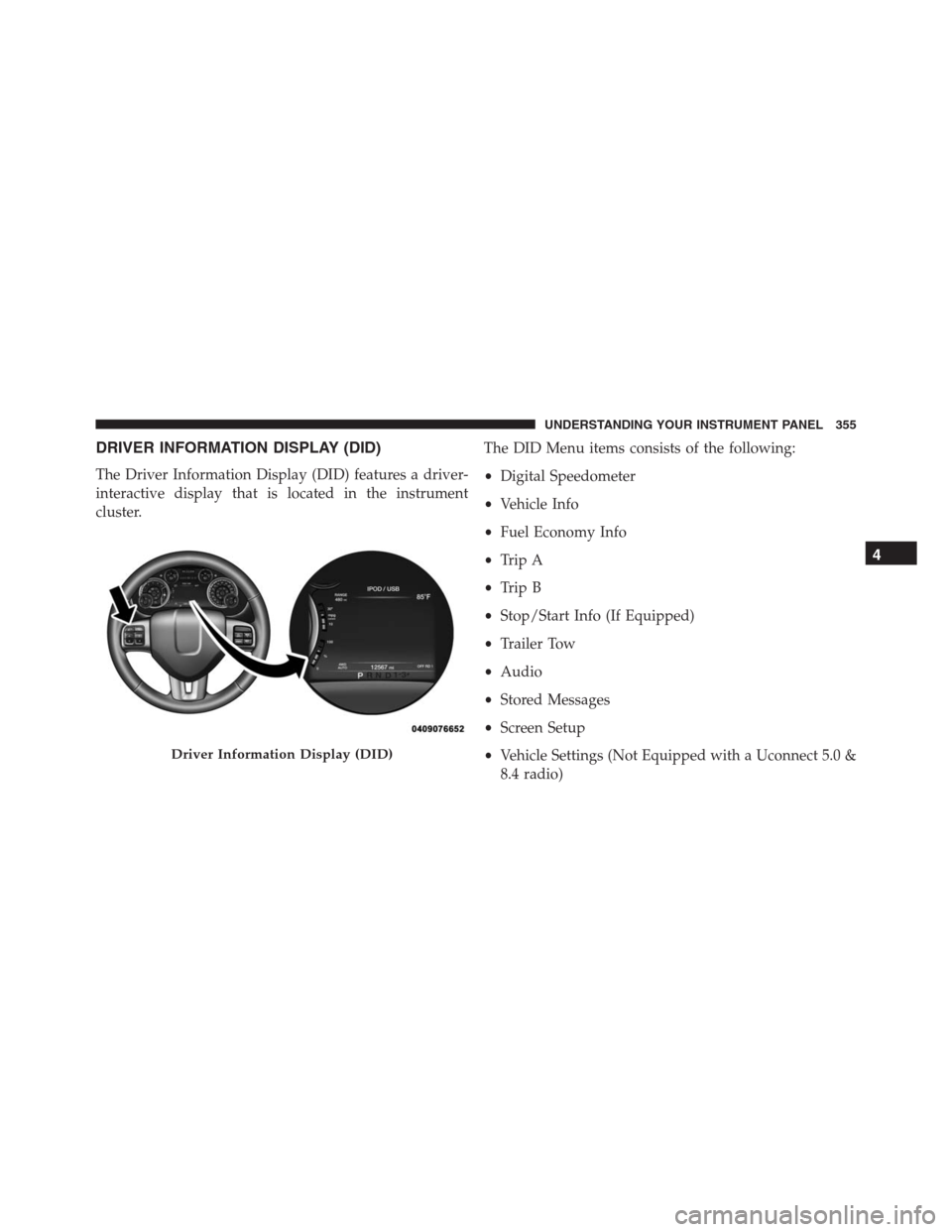
DRIVER INFORMATION DISPLAY (DID)
The Driver Information Display (DID) features a driver-
interactive display that is located in the instrument
cluster.The DID Menu items consists of the following:
•Digital Speedometer
•Vehicle Info
•Fuel Economy Info
•Trip A
•Trip B
•Stop/Start Info (If Equipped)
•Trailer Tow
•Audio
•Stored Messages
•Screen Setup
•Vehicle Settings (Not Equipped with a Uconnect 5.0 &
8.4 radio)
Driver Information Display (DID)
4
UNDERSTANDING YOUR INSTRUMENT PANEL 355
Page 366 of 916
•Stop/Start Not Ready Hood Open – If Equipped
•Stop/Start Not Ready Battery Charging – If Equipped
•Stop/Start Not Ready Trailer Tow/Haul Selected – If
Equipped
•Stop/Start Not Ready 4WD/Low Range Selected – If
Equipped
•Stop/Start Not Ready Fuel Level Low – If Equipped
•Stop/Start Not Ready Steep Incline – If Equipped
•Stop/Start Not Ready Extreme Outside Temperature –
If Equipped
•Stop/Start Not Ready Engine Temperature Too High –
If Equipped
•Stop/Start Not Ready Engine Temperature Too Low –
If Equipped•Stop/Start Not Ready Driver Seatbelt Unbuckled – If
Equipped
•Stop/Start Not Ready Driver Door Open – If Equipped
•Stop/Start Not Ready Cabin Cooling Or Heating – If
Equipped
•Stop/Start Not Ready Not Ready Max Cooling Or
Heating – If Equipped
•Stop/Start Not Ready Max Cooling Or Heating Se-
lected – If Equipped
•Stop/Start Not Ready Front Defrost Selected – If
Equipped
•Stop/Start Not Ready Steering Wheel Turned – If
Equipped
•Stop/Start Autostop Active – If Equipped
364 UNDERSTANDING YOUR INSTRUMENT PANEL
Page 370 of 916

Stop/Start – If Equipped
Push and release theUPorDOWNarrow
button until the Stop/Start icon is highlighted
in the DID. Push and release theRIGHTarrow
button to display the Stop/Start status.
Trailer Tow
Push and release theUPorDOWNarrow
button until the Trailer Tow icon is highlighted.
Push and release theRIGHTarrow button and
the next screen will display the following
trailer trip information:
•Trailer Trip
•Trailer Brake
Audio
Push and release theUPorDOWNarrow button
until the Audio display icon is highlighted in the
DID. Push and release theRIGHTarrow button
to display the active source.
Stored Messages
Push and release theUParrow button until the
Messages display icon is highlighted in the DID.
This feature shows the number of stored warning
messages. Pushing theRIGHTarrow button will
allow you to see what the stored messages are.
368 UNDERSTANDING YOUR INSTRUMENT PANEL