Light panel Ram 1500 2016 Repair Manual
[x] Cancel search | Manufacturer: RAM, Model Year: 2016, Model line: 1500, Model: Ram 1500 2016Pages: 916, PDF Size: 7.55 MB
Page 329 of 916

Service 4WD Indicator Light — If Equipped
Yellow Telltale
LightWhat It Means
Service 4WD Indicator Light
If the light stays on or comes on during driving, it means that the 4WD system is not func-
tioning properly and that service is required. We recommend you drive to the nearest ser-
vice center and have the vehicle serviced immediately.
2WD Indicator Light — If Equipped
Yellow Telltale
LightWhat It Means
2WD Indicator Light
This light alerts the driver that the vehicle is in the two-wheel drive mode.
4
UNDERSTANDING YOUR INSTRUMENT PANEL 327
Page 330 of 916
Green Telltale Indicator Lights
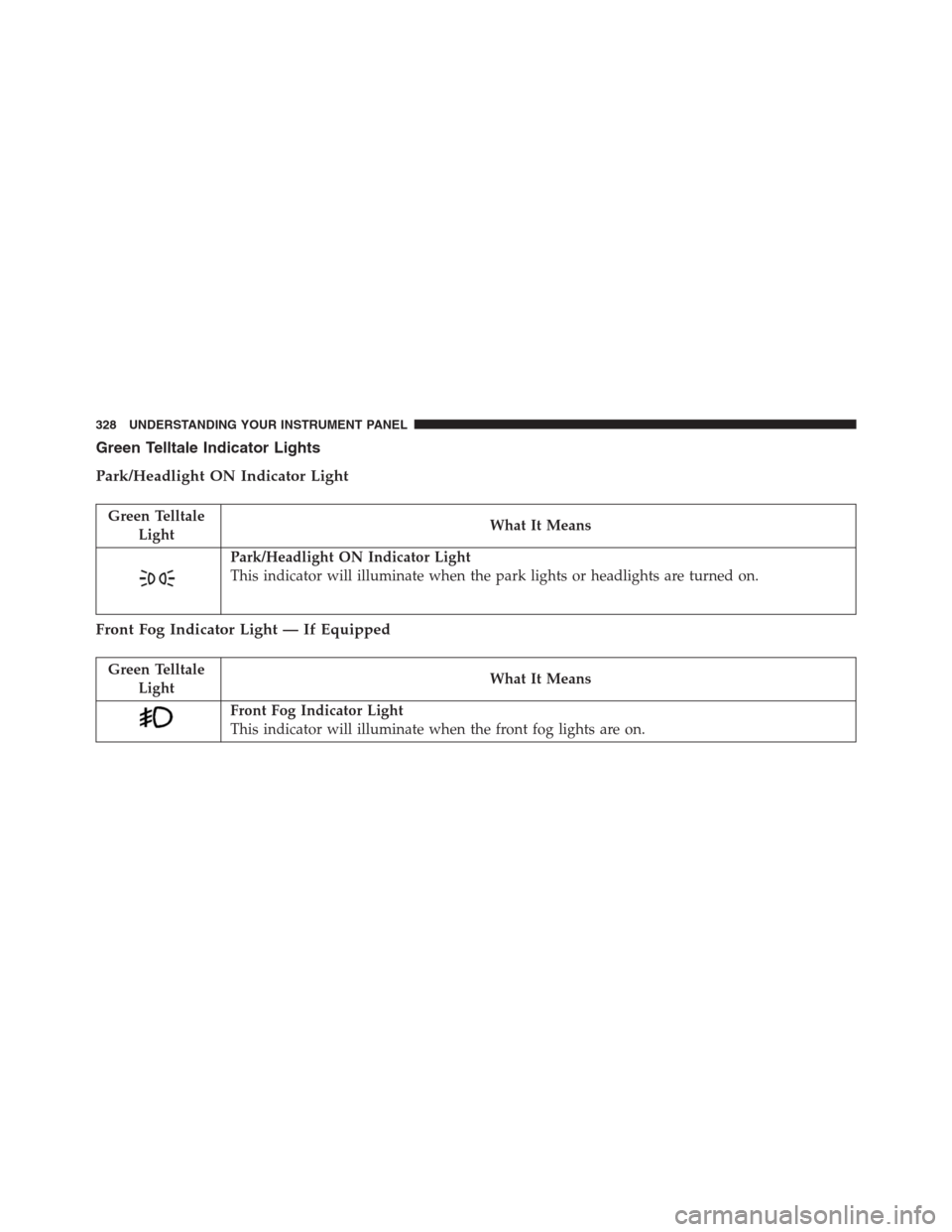
Park/Headlight ON Indicator Light
Green Telltale
LightWhat It Means
Park/Headlight ON Indicator Light
This indicator will illuminate when the park lights or headlights are turned on.
Front Fog Indicator Light — If Equipped
Green Telltale
LightWhat It Means
Front Fog Indicator Light
This indicator will illuminate when the front fog lights are on.
328 UNDERSTANDING YOUR INSTRUMENT PANEL
Page 331 of 916
Turn Signal Indicator Lights
Green Tell-
tale LightWhat It Means
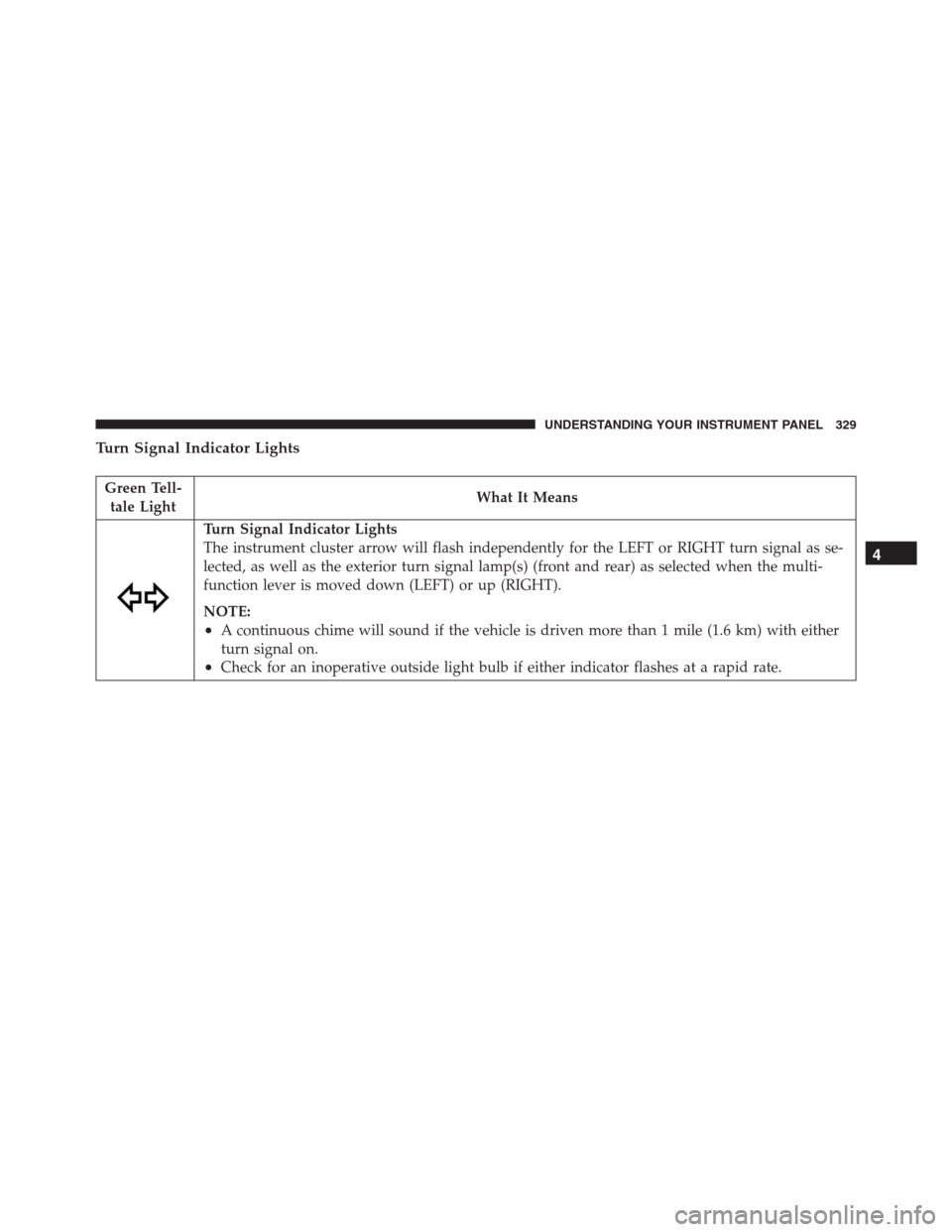
Turn Signal Indicator Lights
The instrument cluster arrow will flash independently for the LEFT or RIGHT turn signal as se-
lected, as well as the exterior turn signal lamp(s) (front and rear) as selected when the multi-
function lever is moved down (LEFT) or up (RIGHT).
NOTE:
•A continuous chime will sound if the vehicle is driven more than 1 mile (1.6 km) with either
turn signal on.
•Check for an inoperative outside light bulb if either indicator flashes at a rapid rate.
4
UNDERSTANDING YOUR INSTRUMENT PANEL 329
Page 332 of 916
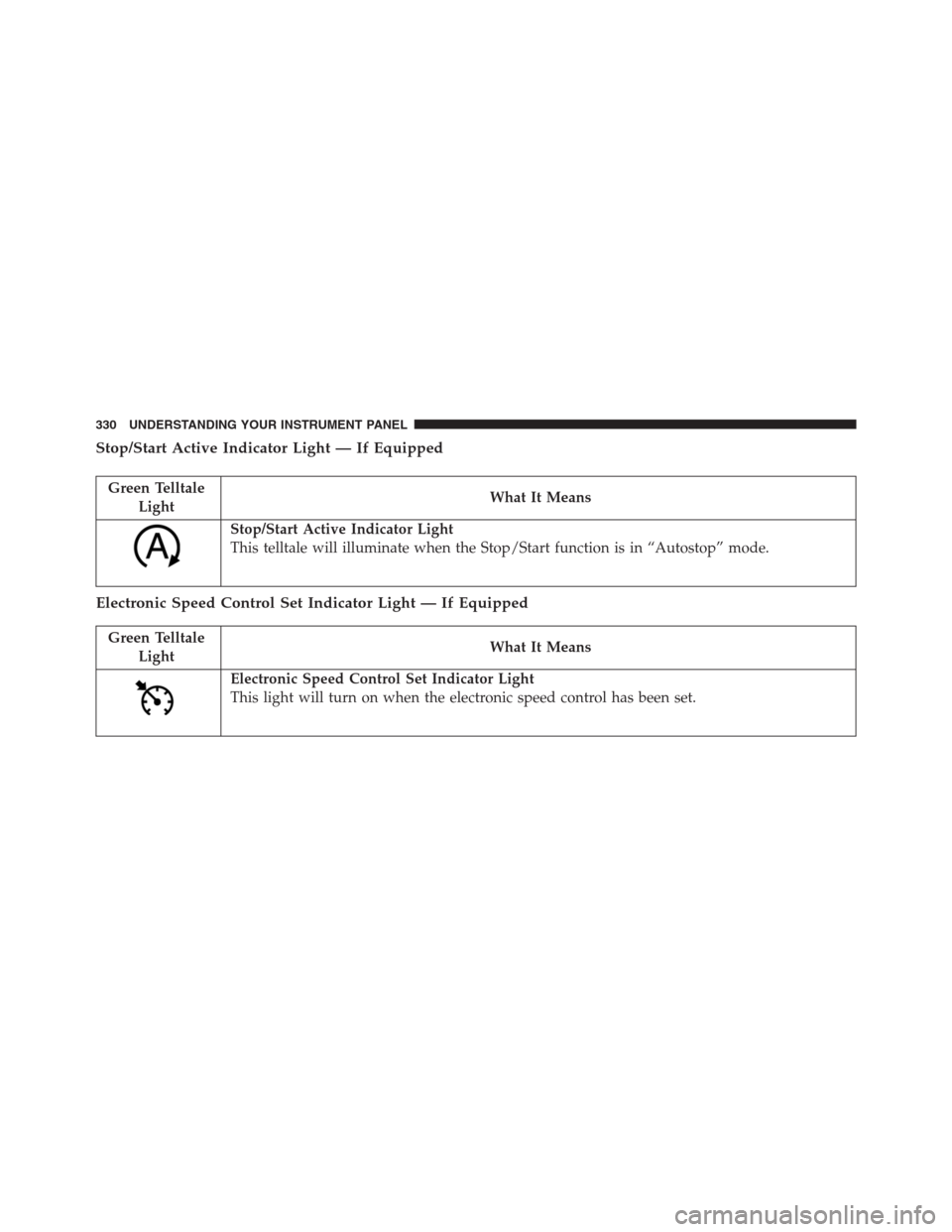
Stop/Start Active Indicator Light — If Equipped
Green Telltale
LightWhat It Means
Stop/Start Active Indicator Light
This telltale will illuminate when the Stop/Start function is in “Autostop” mode.
Electronic Speed Control Set Indicator Light — If Equipped
Green Telltale
LightWhat It Means
Electronic Speed Control Set Indicator Light
This light will turn on when the electronic speed control has been set.
330 UNDERSTANDING YOUR INSTRUMENT PANEL
Page 333 of 916
4WD AUTO Indicator Light — If Equipped
Green Telltale
LightWhat It Means
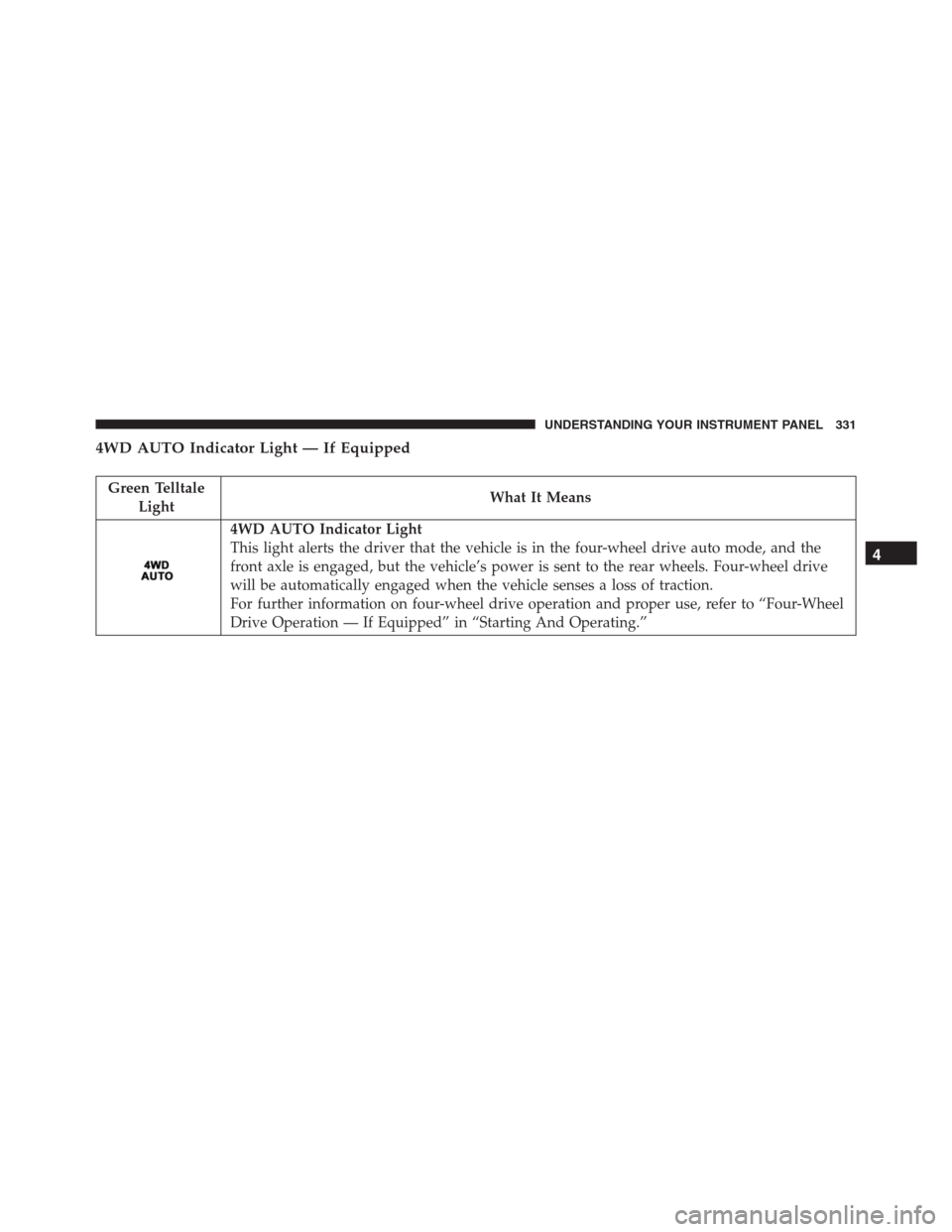
4WD AUTO Indicator Light
This light alerts the driver that the vehicle is in the four-wheel drive auto mode, and the
front axle is engaged, but the vehicle’s power is sent to the rear wheels. Four-wheel drive
will be automatically engaged when the vehicle senses a loss of traction.
For further information on four-wheel drive operation and proper use, refer to “Four-Wheel
Drive Operation — If Equipped” in “Starting And Operating.”
4
UNDERSTANDING YOUR INSTRUMENT PANEL 331
Page 334 of 916
White Telltale Indicator Light
Electronic Speed Control ON Indicator Light
White Telltale
LightWhat It Means
Electronic Speed Control ON Indicator Light
This light will turn on when the electronic speed control is ON.
Electronic Speed Control SET Indicator Light — If Equipped
White Telltale
LightWhat It Means
Electronic Speed Control SET Indicator Light
This light will turn on when the electronic speed control is set. Refer to “Electronic Speed
Control” in “Understanding The Features Of Your Vehicle” for further information.
332 UNDERSTANDING YOUR INSTRUMENT PANEL
Page 335 of 916
Hill Decent Control (HDC) Indicator Light — If Equipped
White Telltale
LightWhat It Means
Hill Decent Control (HDC) Indicator Light
This indicator will illuminate when Hill Descent Control (HDC) has been selected using the
Hill Descent Control Switch. Refer to “Electronic Brake Control” in “Starting And Operat-
ing” for further information.
Blue Telltale Indicator Light
High Beam Indicator Light
Blue Telltale
LightWhat It Means
High Beam Indicator Light
This indicator shows that the high beam headlights are on. Push the multifunction control
lever away from you to switch the headlights to high beam. Pull the lever toward you to
switch the headlights back to low beam.
4
UNDERSTANDING YOUR INSTRUMENT PANEL 333
Page 338 of 916
•RIGHT Arrow Button
Push and release the RIGHT arrow button to
access/select the information screens or sub-
menu screens of a main menu item. Push and
hold the RIGHT arrow button for two seconds
to reset displayed/selected features that can be reset.
•LEFT Arrow Button
Push and release the LEFT arrow button to
return to the main menu, to exit the main menu
push and release the UP or DOWN arrow to
highlight Turn Menu Off, then push and re-
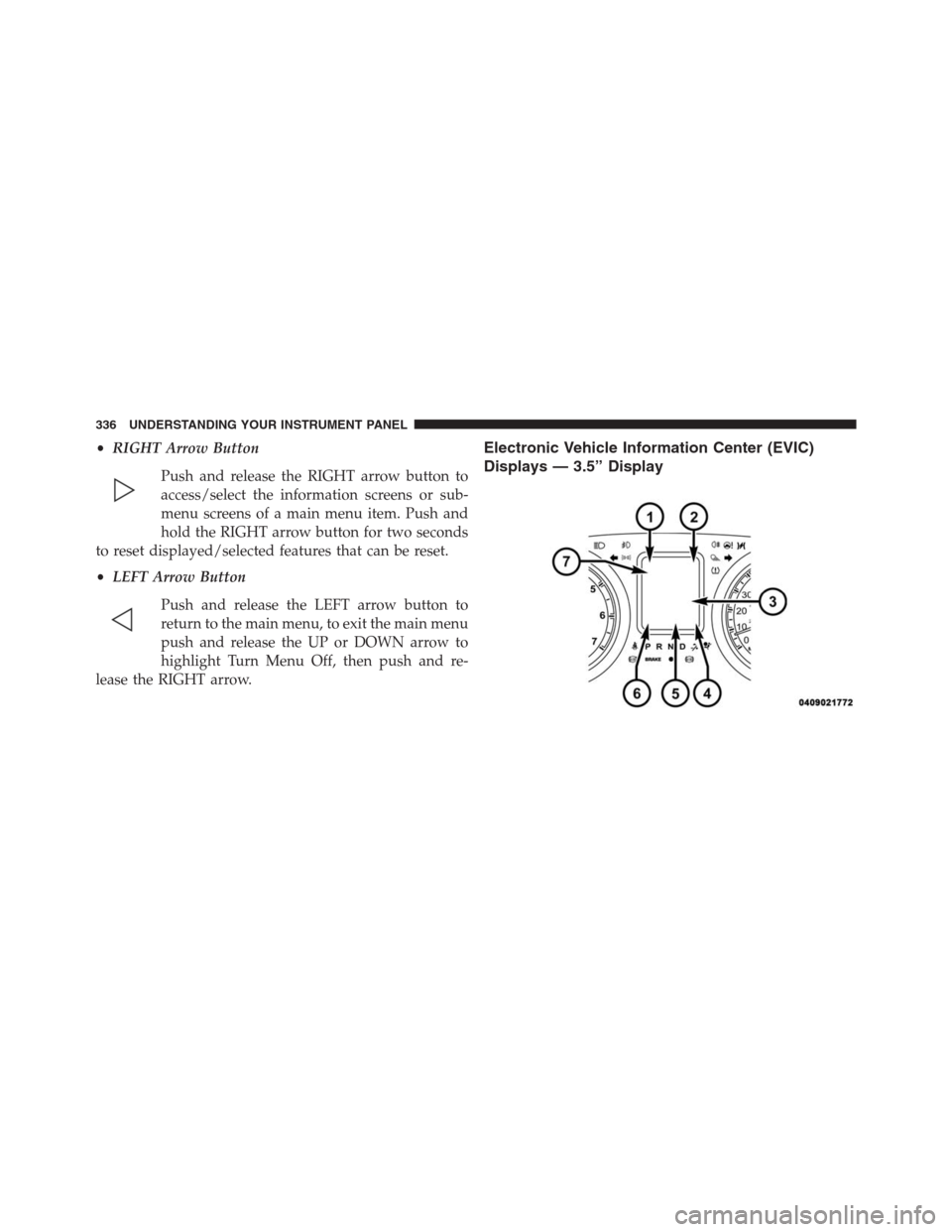
lease the RIGHT arrow.Electronic Vehicle Information Center (EVIC)
Displays — 3.5” Display
336 UNDERSTANDING YOUR INSTRUMENT PANEL
Page 340 of 916
the EVIC’s compass/outside temp line. Examples of this
message type are “Right Front Turn Signal Lamp Out”
and “Low Tire Pressure.”
•Unstored Messages
This message type is displayed indefinitely or until the
condition that activated the message is cleared. Examples
of this message type are “Turn Signal On” (if a turn signal
is left on) and “Lights On” (if driver leaves the vehicle).
•Unstored Messages Until RUN
These messages deal primarily with the Remote Start
feature. This message type is displayed until the ignition
is in the RUN state. Examples of this message type are
“Remote Start Aborted - Door Ajar” and “Press Brake
Pedal and Push Button to Start.”
•Five Second Unstored Messages
When the appropriate conditions occur, this type of
message takes control of the main display area for fiveseconds and then returns to the previous screen. An
example of this message type is “Automatic High Beams
On.”
Oil Life Reset
Your vehicle is equipped with an engine oil change
indicator system. The “Oil Change Required” message
will display in the EVIC after a single chime has sounded,
to indicate the next scheduled oil change interval. The
engine oil change indicator system is duty cycle based,
which means the engine oil change interval may fluctu-
ate, dependent upon your personal driving style.
NOTE:Use the steering wheel EVIC controls for the
following procedure(s).
Vehicles Equipped With Passive Entry
1. Without pressing the brake pedal, push the ENGINE
START/STOP button and place the ignition to the
ON/RUN position (do not start the engine).
338 UNDERSTANDING YOUR INSTRUMENT PANEL
Page 341 of 916
2. Push and release theDOWNarrow button to scroll
downward through the main menu to “Vehicle Info.”
3. Push and release theRIGHTarrow button to access
the ”Vehicle Info” screen, then scroll UP or DOWN to
select “Oil Life.”
4. Push and hold theRIGHTarrow button to select
“Reset,” then push and release theRightarrow button
to select“NO”or“YES”to reset the Oil Life to 100%.
5. Push and release theUParrow button to exit the EVIC
screen.
Vehicles Not Equipped With Passive Entry
1. Without depressing the brake pedal, cycle the ignition
to the ON/RUN position (do not start the engine).
2. Push and release theDOWNarrow button to scroll
downward through the main menu to “Vehicle Info.”3. Push and release theRIGHTarrow button to access
the “Vehicle Info” screen then scrollUPorDOWNto
select “Oil Life.”
4. Push and hold theRIGHTarrow button to select
“Reset,” then select “NO” or “YES” by pushing the
RIGHTarrow then push theRIGHTarrow button to
select reset of the Oil Life to 100%.
5. Push and release theUParrow button to exit the EVIC
screen.
NOTE:If the indicator message illuminates when you
start the vehicle, the Oil Life indicator system did not
reset. If necessary, repeat this procedure.
EVIC Selectable Menu Items
Push and release theUPorDOWNarrow buttons until
the desired Selectable Menu item is highlighted in the
EVIC.
4
UNDERSTANDING YOUR INSTRUMENT PANEL 339