door Ram 1500 2016 Repair Manual
[x] Cancel search | Manufacturer: RAM, Model Year: 2016, Model line: 1500, Model: Ram 1500 2016Pages: 916, PDF Size: 7.55 MB
Page 244 of 916
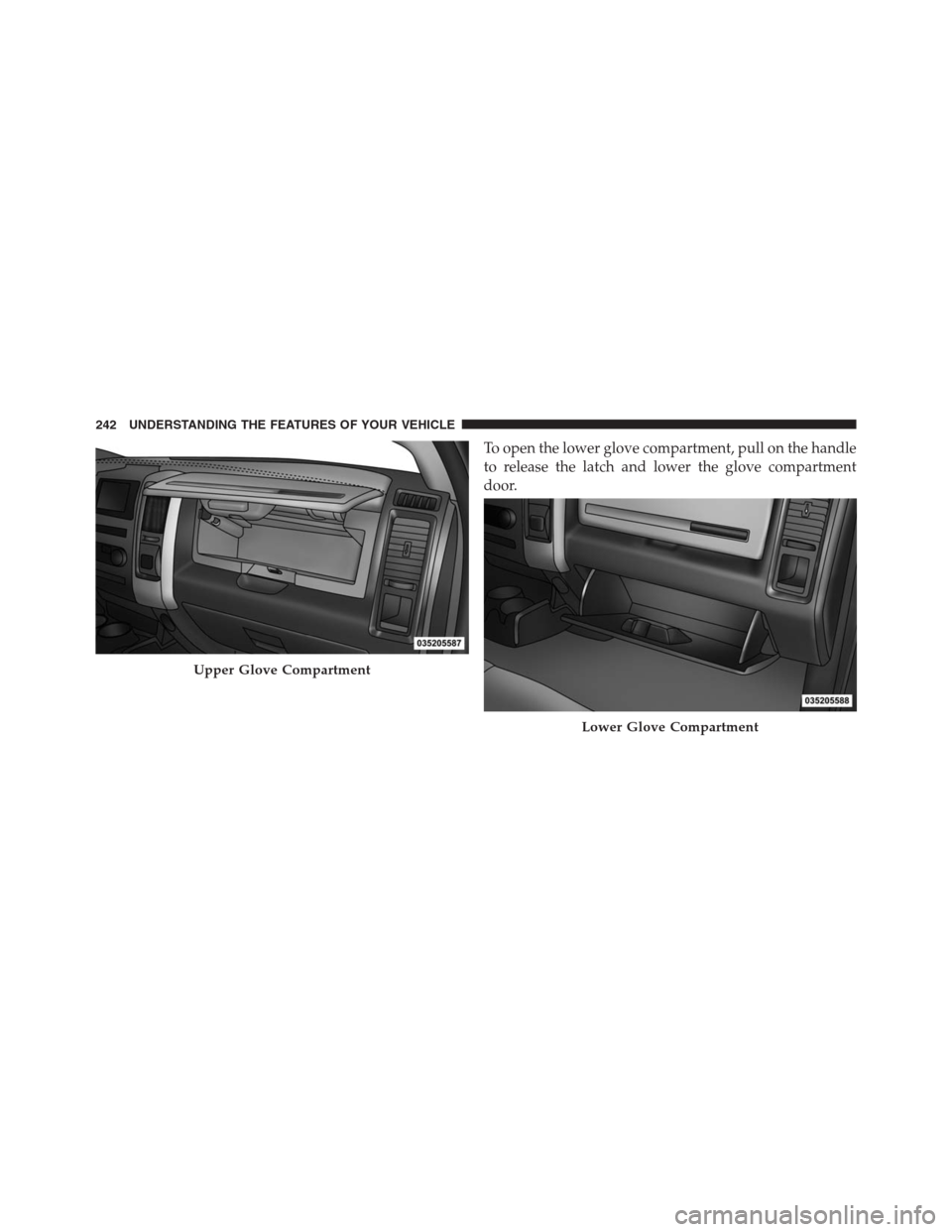
To open the lower glove compartment, pull on the handle
to release the latch and lower the glove compartment
door.
Upper Glove Compartment
Lower Glove Compartment
242 UNDERSTANDING THE FEATURES OF YOUR VEHICLE
Page 245 of 916
Door Storage
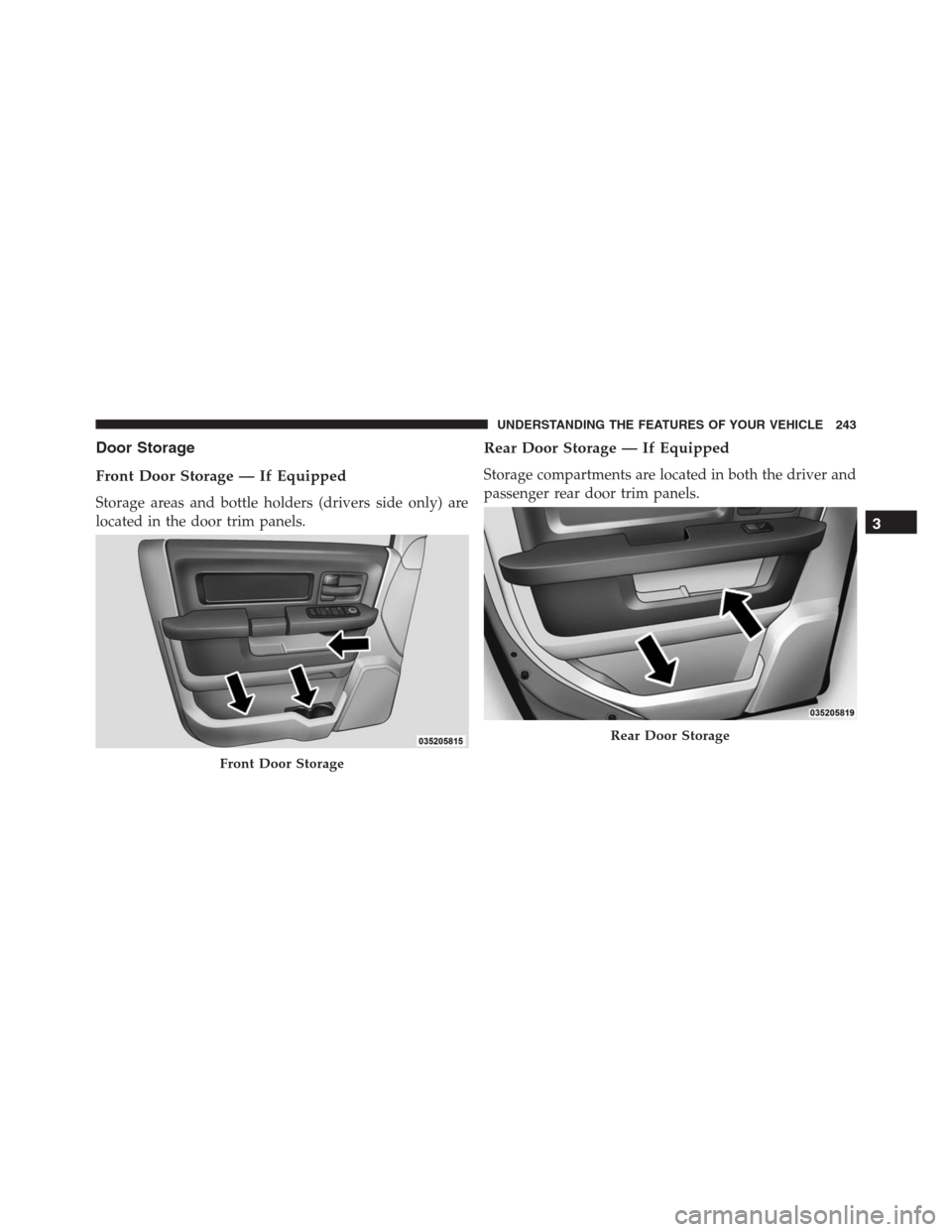
Front Door Storage — If Equipped
Storage areas and bottle holders (drivers side only) are
located in the door trim panels.
Rear Door Storage — If Equipped
Storage compartments are located in both the driver and
passenger rear door trim panels.
Front Door Storage
Rear Door Storage
3
UNDERSTANDING THE FEATURES OF YOUR VEHICLE 243
Page 248 of 916
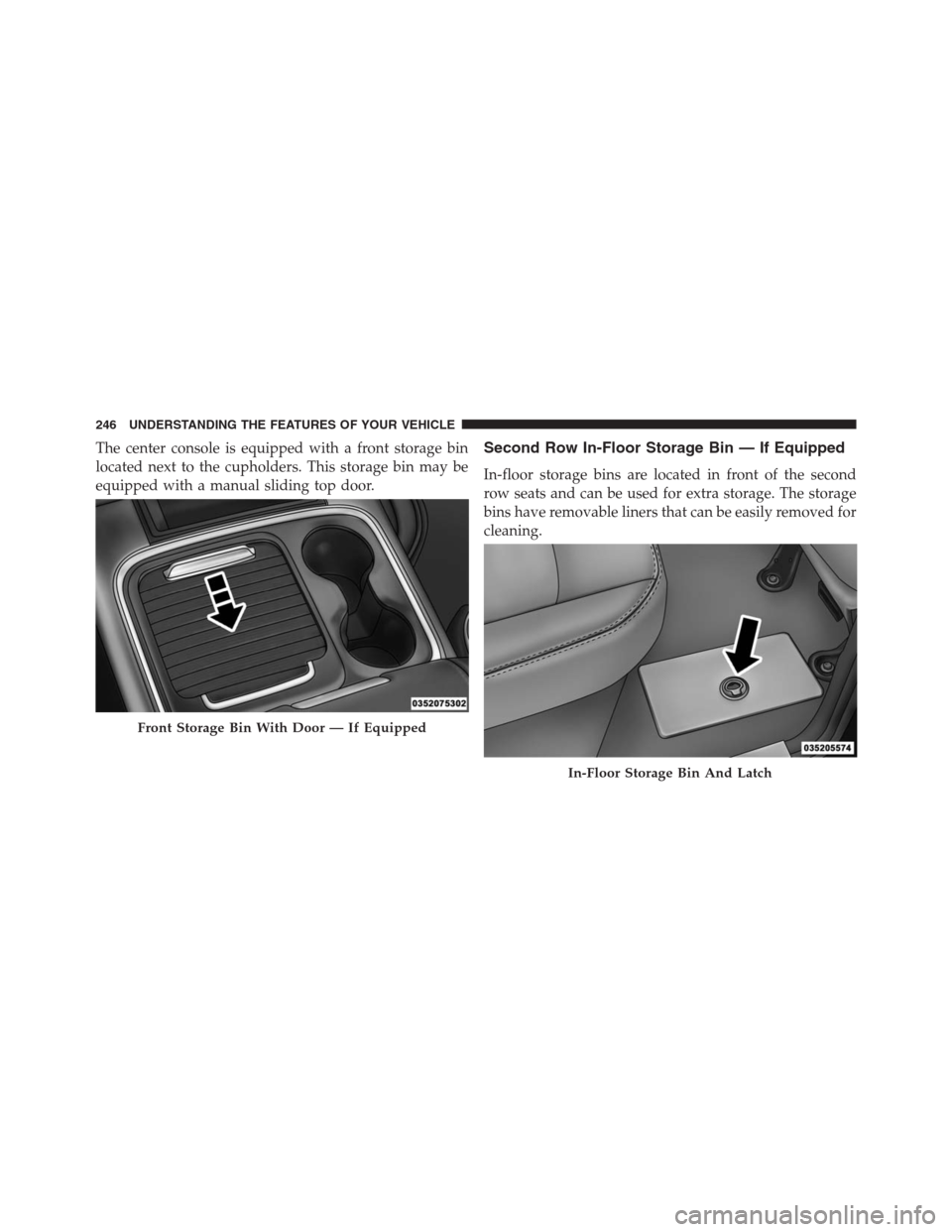
The center console is equipped with a front storage bin
located next to the cupholders. This storage bin may be
equipped with a manual sliding top door.Second Row In-Floor Storage Bin — If Equipped
In-floor storage bins are located in front of the second
row seats and can be used for extra storage. The storage
bins have removable liners that can be easily removed for
cleaning.
Front Storage Bin With Door — If Equipped
In-Floor Storage Bin And Latch
246 UNDERSTANDING THE FEATURES OF YOUR VEHICLE
Page 263 of 916
CAUTION!
Leaving the lid open for extended periods of time
could cause the vehicle battery to discharge. If the lid
is required to stay open for extended periods of time,
it is recommended that the bin lights be turned off
manually using the on/off switch.
Cargo bins feature two removable drain plugs (to allow
water to drain from bins). To remove plug, pull up on the
edge. To install push plug downward into drain hole.
NOTE:Provisions are provided in the bins for cargo
dividers and shelf supports. These accessories (in addi-
tion to other RamBox accessories) are available from
MOPAR.
Locking And Unlocking RamBox
Push and release the LOCK or UNLOCK button on the
RKE transmitter to lock and unlock all doors, the tailgateand the RamBox (if equipped). Refer to “Remote Keyless
Entry” for further details. The RamBox storage bins can
be locked using the vehicle key. To lock and unlock the
storage bin, insert the key into the keyhole on the
pushbutton and turn clockwise to lock or counterclock-
wise to unlock. Always return the key to the upright
(vertical) position before removing the key from the
pushbutton.
CAUTION!
•Ensure cargo bin lids are closed and latched before
moving or driving vehicle.
•Loads applied to the top of the bin lid should be
minimized to prevent damage to the lid and
latching/hinging mechanisms.
•Damage to the RamBox bin may occur due to
heavy/sharp objects placed in bin that shift due to
(Continued)
3
UNDERSTANDING THE FEATURES OF YOUR VEHICLE 261
Page 311 of 916
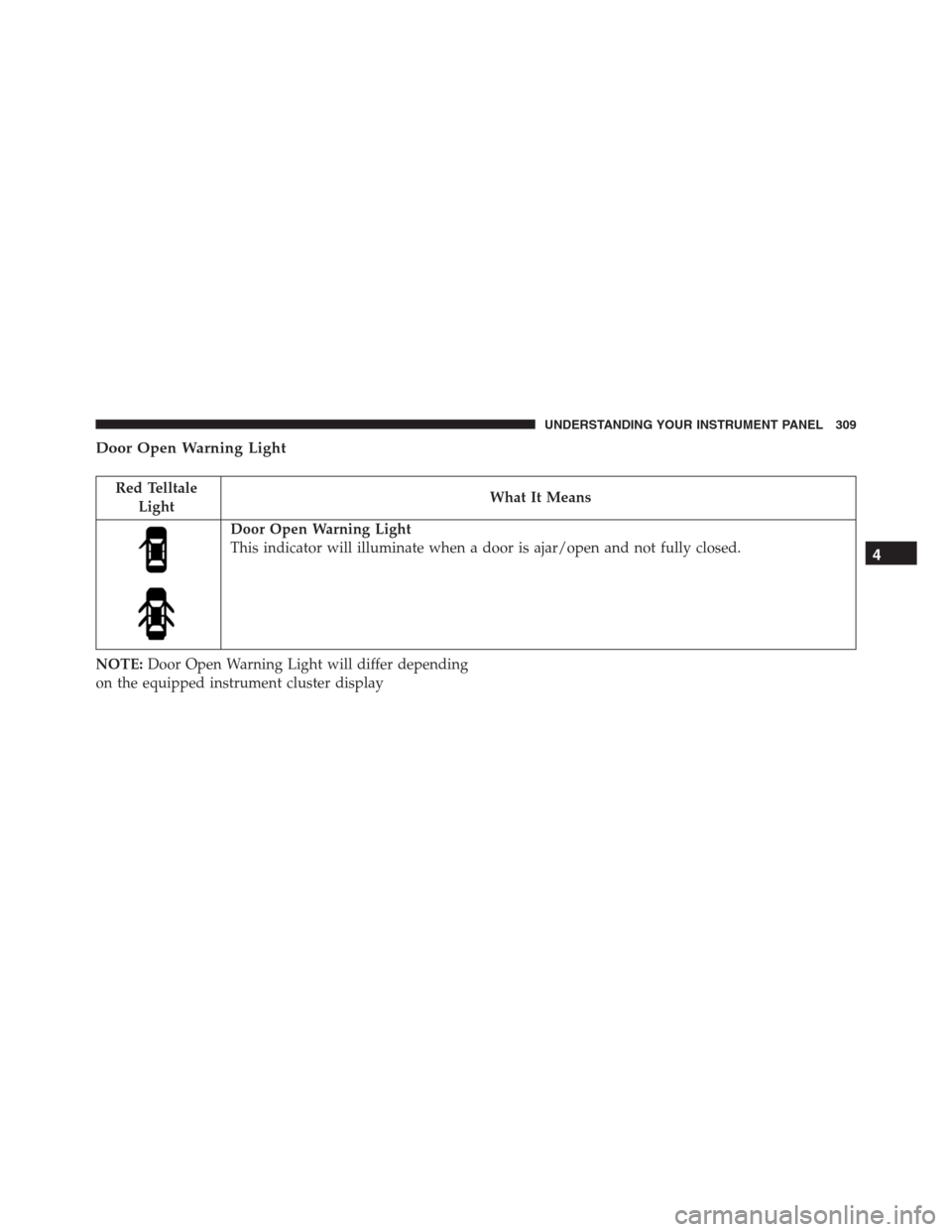
Door Open Warning Light
Red Telltale
LightWhat It Means
Door Open Warning Light
This indicator will illuminate when a door is ajar/open and not fully closed.
NOTE:Door Open Warning Light will differ depending
on the equipped instrument cluster display
4
UNDERSTANDING YOUR INSTRUMENT PANEL 309
Page 340 of 916
the EVIC’s compass/outside temp line. Examples of this
message type are “Right Front Turn Signal Lamp Out”
and “Low Tire Pressure.”
•Unstored Messages
This message type is displayed indefinitely or until the
condition that activated the message is cleared. Examples
of this message type are “Turn Signal On” (if a turn signal
is left on) and “Lights On” (if driver leaves the vehicle).
•Unstored Messages Until RUN
These messages deal primarily with the Remote Start
feature. This message type is displayed until the ignition
is in the RUN state. Examples of this message type are
“Remote Start Aborted - Door Ajar” and “Press Brake
Pedal and Push Button to Start.”
•Five Second Unstored Messages
When the appropriate conditions occur, this type of
message takes control of the main display area for fiveseconds and then returns to the previous screen. An
example of this message type is “Automatic High Beams
On.”
Oil Life Reset
Your vehicle is equipped with an engine oil change
indicator system. The “Oil Change Required” message
will display in the EVIC after a single chime has sounded,
to indicate the next scheduled oil change interval. The
engine oil change indicator system is duty cycle based,
which means the engine oil change interval may fluctu-
ate, dependent upon your personal driving style.
NOTE:Use the steering wheel EVIC controls for the
following procedure(s).
Vehicles Equipped With Passive Entry
1. Without pressing the brake pedal, push the ENGINE
START/STOP button and place the ignition to the
ON/RUN position (do not start the engine).
338 UNDERSTANDING YOUR INSTRUMENT PANEL
Page 346 of 916
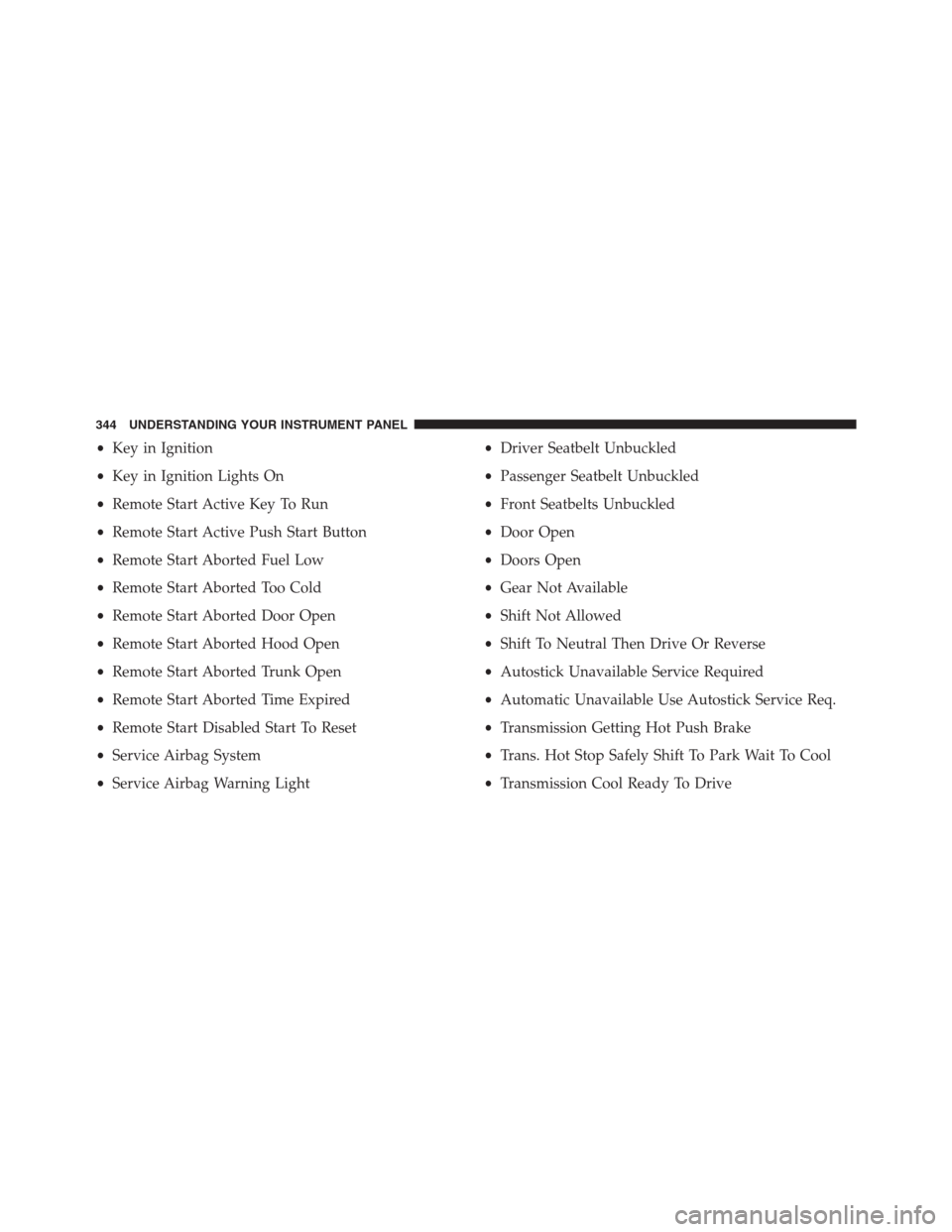
•Key in Ignition
•Key in Ignition Lights On
•Remote Start Active Key To Run
•Remote Start Active Push Start Button
•Remote Start Aborted Fuel Low
•Remote Start Aborted Too Cold
•Remote Start Aborted Door Open
•Remote Start Aborted Hood Open
•Remote Start Aborted Trunk Open
•Remote Start Aborted Time Expired
•Remote Start Disabled Start To Reset
•Service Airbag System
•Service Airbag Warning Light•Driver Seatbelt Unbuckled
•Passenger Seatbelt Unbuckled
•Front Seatbelts Unbuckled
•Door Open
•Doors Open
•Gear Not Available
•Shift Not Allowed
•Shift To Neutral Then Drive Or Reverse
•Autostick Unavailable Service Required
•Automatic Unavailable Use Autostick Service Req.
•Transmission Getting Hot Push Brake
•Trans. Hot Stop Safely Shift To Park Wait To Cool
•Transmission Cool Ready To Drive
344 UNDERSTANDING YOUR INSTRUMENT PANEL
Page 347 of 916
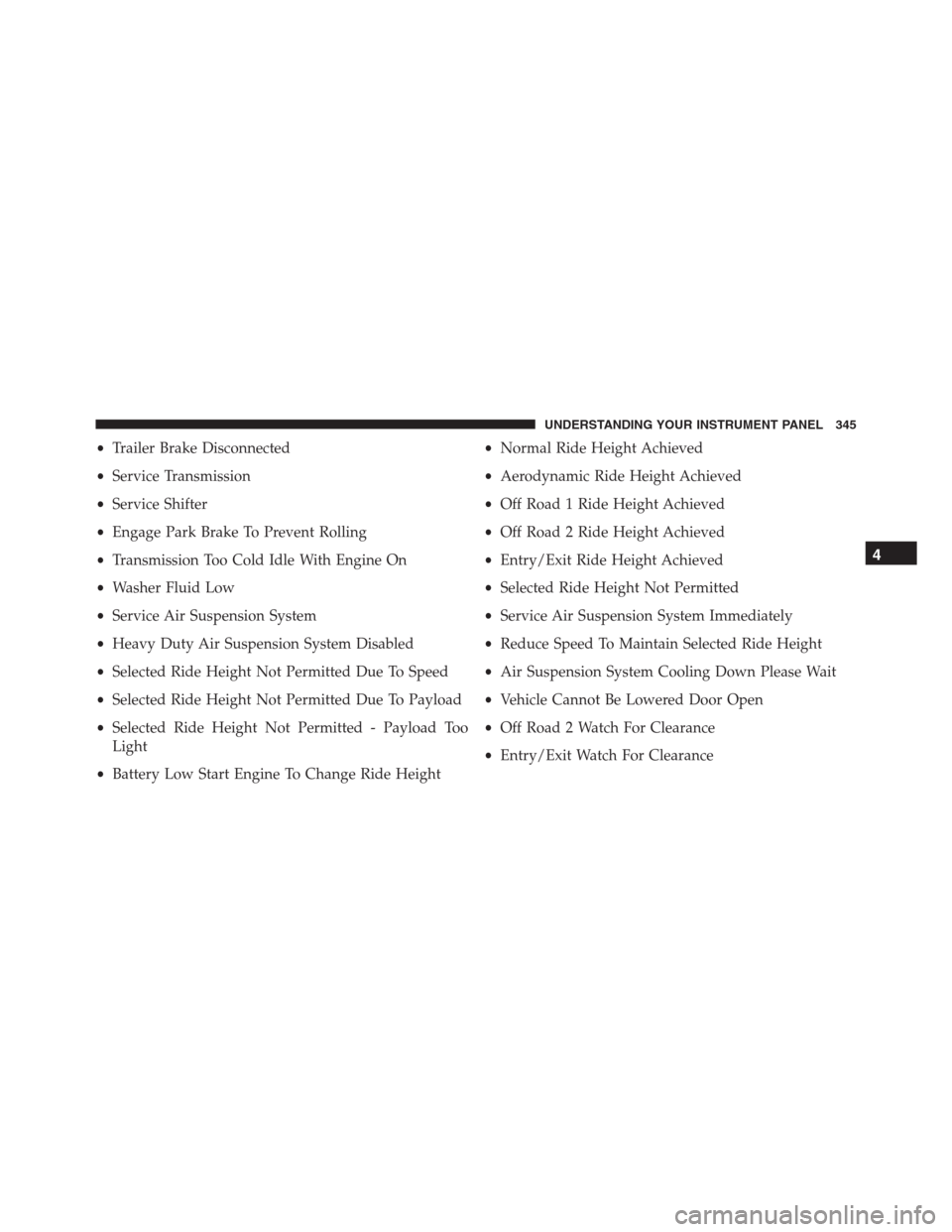
•Trailer Brake Disconnected
•Service Transmission
•Service Shifter
•Engage Park Brake To Prevent Rolling
•Transmission Too Cold Idle With Engine On
•Washer Fluid Low
•Service Air Suspension System
•Heavy Duty Air Suspension System Disabled
•Selected Ride Height Not Permitted Due To Speed
•Selected Ride Height Not Permitted Due To Payload
•Selected Ride Height Not Permitted - Payload Too
Light
•Battery Low Start Engine To Change Ride Height•Normal Ride Height Achieved
•Aerodynamic Ride Height Achieved
•Off Road 1 Ride Height Achieved
•Off Road 2 Ride Height Achieved
•Entry/Exit Ride Height Achieved
•Selected Ride Height Not Permitted
•Service Air Suspension System Immediately
•Reduce Speed To Maintain Selected Ride Height
•Air Suspension System Cooling Down Please Wait
•Vehicle Cannot Be Lowered Door Open
•Off Road 2 Watch For Clearance
•Entry/Exit Watch For Clearance
4
UNDERSTANDING YOUR INSTRUMENT PANEL 345
Page 348 of 916
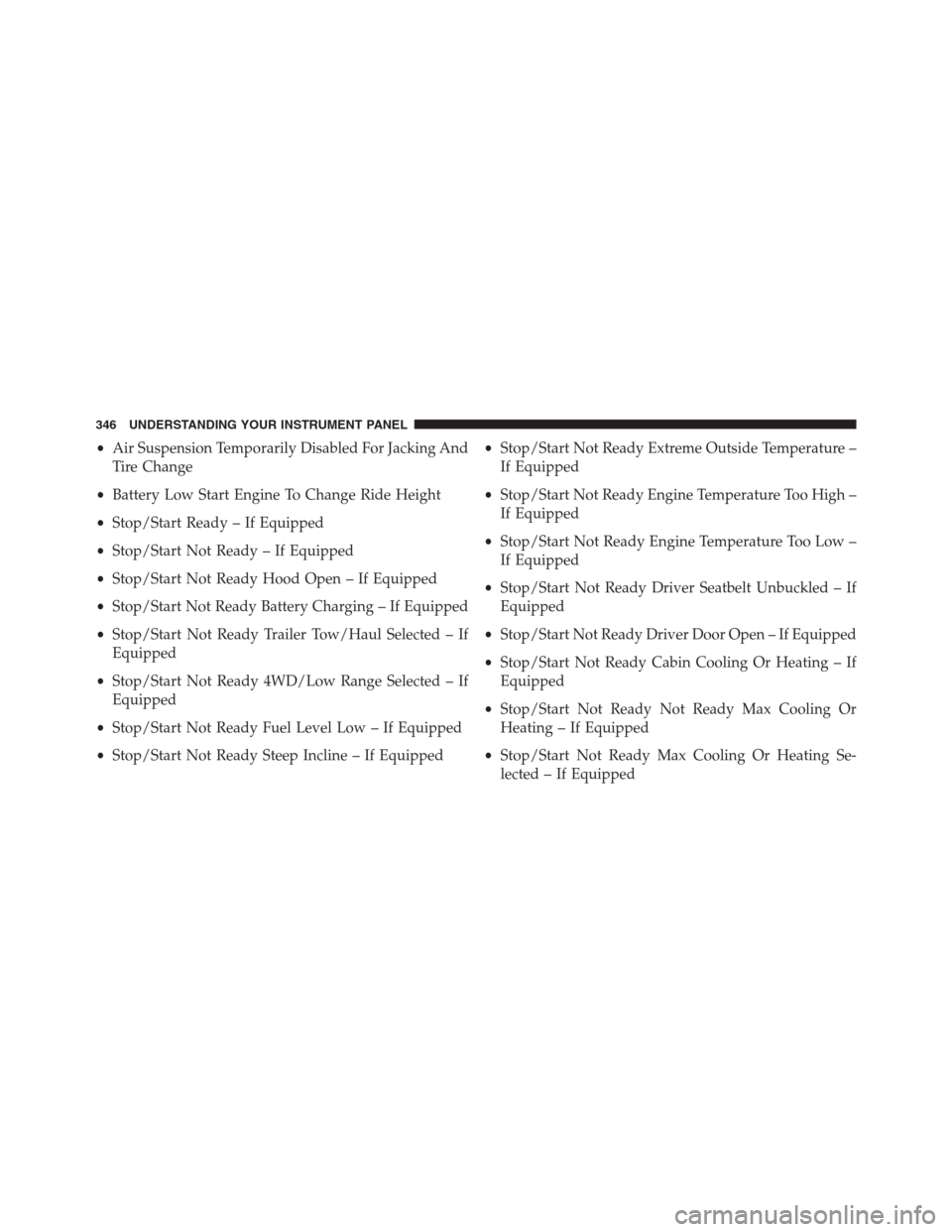
•Air Suspension Temporarily Disabled For Jacking And
Tire Change
•Battery Low Start Engine To Change Ride Height
•Stop/Start Ready – If Equipped
•Stop/Start Not Ready – If Equipped
•Stop/Start Not Ready Hood Open – If Equipped
•Stop/Start Not Ready Battery Charging – If Equipped
•Stop/Start Not Ready Trailer Tow/Haul Selected – If
Equipped
•Stop/Start Not Ready 4WD/Low Range Selected – If
Equipped
•Stop/Start Not Ready Fuel Level Low – If Equipped
•Stop/Start Not Ready Steep Incline – If Equipped•Stop/Start Not Ready Extreme Outside Temperature –
If Equipped
•Stop/Start Not Ready Engine Temperature Too High –
If Equipped
•Stop/Start Not Ready Engine Temperature Too Low –
If Equipped
•Stop/Start Not Ready Driver Seatbelt Unbuckled – If
Equipped
•Stop/Start Not Ready Driver Door Open – If Equipped
•Stop/Start Not Ready Cabin Cooling Or Heating – If
Equipped
•Stop/Start Not Ready Not Ready Max Cooling Or
Heating – If Equipped
•Stop/Start Not Ready Max Cooling Or Heating Se-
lected – If Equipped
346 UNDERSTANDING YOUR INSTRUMENT PANEL
Page 352 of 916
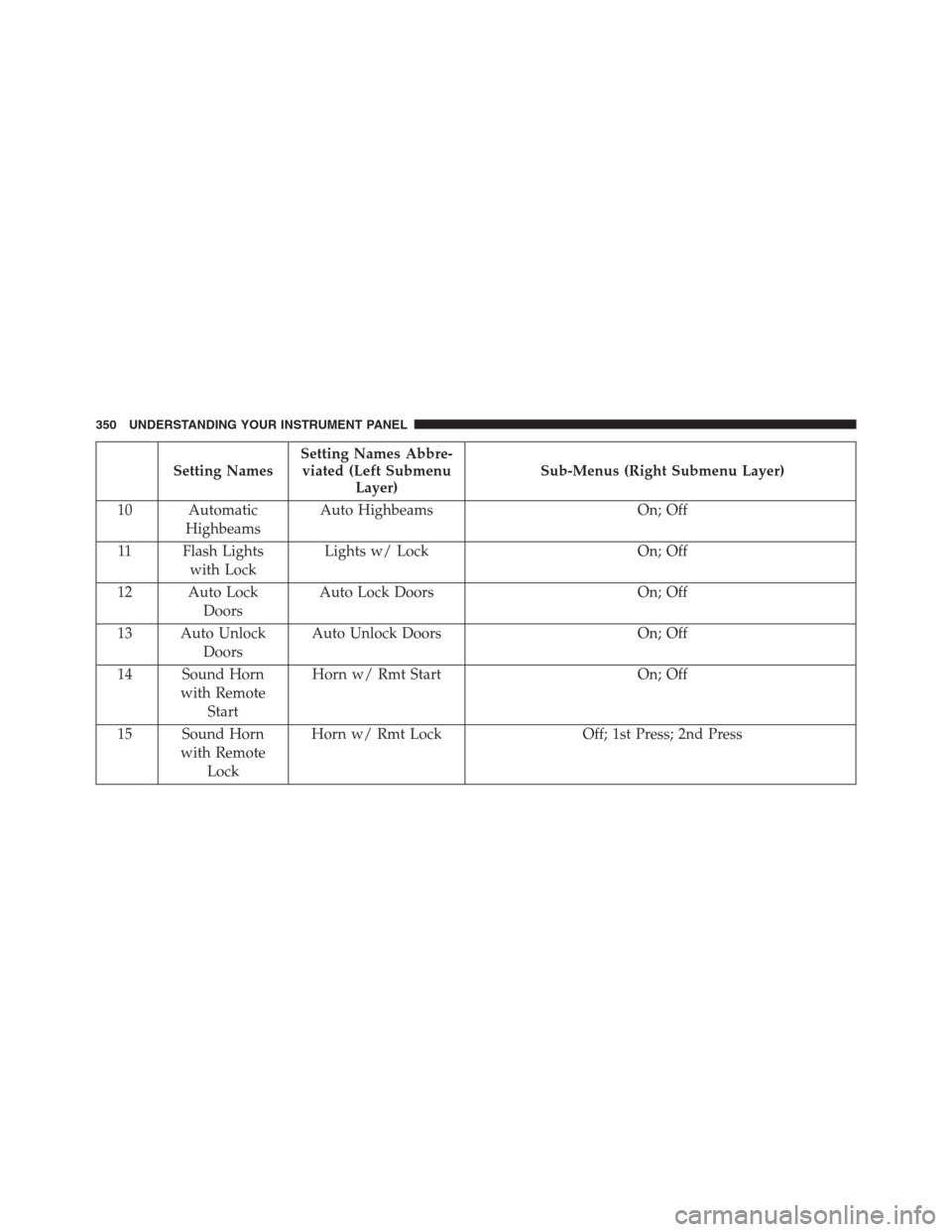
Setting NamesSetting Names Abbre-
viated (Left Submenu
Layer)Sub-Menus (Right Submenu Layer)
10 Automatic
HighbeamsAuto Highbeams On; Off
11 Flash Lights
with LockLights w/ Lock On; Off
12 Auto Lock
DoorsAuto Lock Doors On; Off
13 Auto Unlock
DoorsAuto Unlock Doors On; Off
14 Sound Horn
with Remote
StartHorn w/ Rmt Start On; Off
15 Sound Horn
with Remote
LockHorn w/ Rmt Lock Off; 1st Press; 2nd Press
350 UNDERSTANDING YOUR INSTRUMENT PANEL