lock Ram 1500 2019 Workshop Manual
[x] Cancel search | Manufacturer: RAM, Model Year: 2019, Model line: 1500, Model: Ram 1500 2019Pages: 698, PDF Size: 9.04 MB
Page 139 of 698
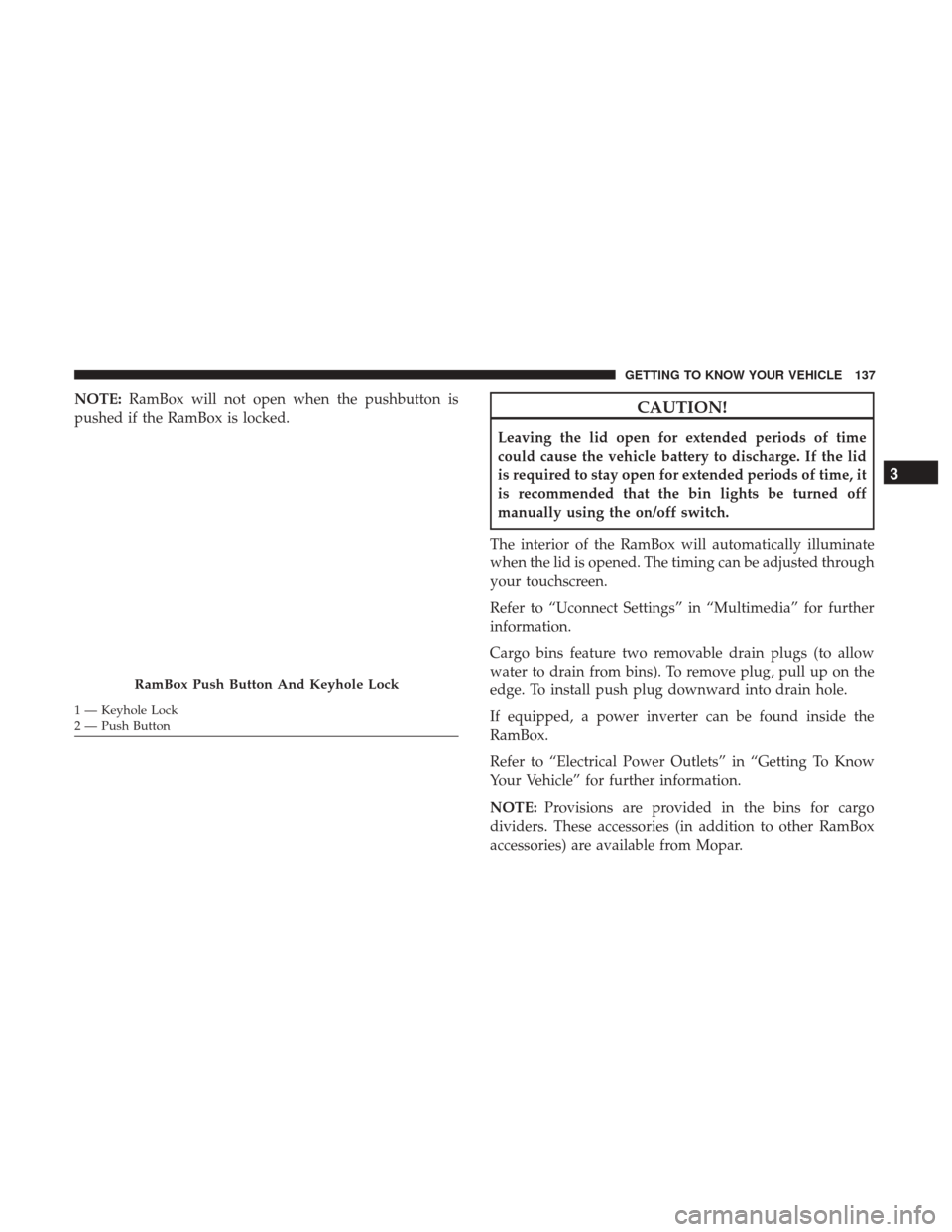
NOTE:RamBox will not open when the pushbutton is
pushed if the RamBox is locked.CAUTION!
Leaving the lid open for extended periods of time
could cause the vehicle battery to discharge. If the lid
is required to stay open for extended periods of time, it
is recommended that the bin lights be turned off
manually using the on/off switch.
The interior of the RamBox will automatically illuminate
when the lid is opened. The timing can be adjusted through
your touchscreen.
Refer to “Uconnect Settings” in “Multimedia” for further
information.
Cargo bins feature two removable drain plugs (to allow
water to drain from bins). To remove plug, pull up on the
edge. To install push plug downward into drain hole.
If equipped, a power inverter can be found inside the
RamBox.
Refer to “Electrical Power Outlets” in “Getting To Know
Your Vehicle” for further information.
NOTE: Provisions are provided in the bins for cargo
dividers. These accessories (in addition to other RamBox
accessories) are available from Mopar.
RamBox Push Button And Keyhole Lock
1 — Keyhole Lock
2 — Push Button
3
GETTING TO KNOW YOUR VEHICLE 137
Page 140 of 698
Locking And Unlocking RamBox
Push and release the lock or unlock button on the key fob
to lock and unlock all doors, the tailgate and the RamBox
(if equipped). Refer to “Keys” in “Getting To Know Your
Vehicle” for further details. The RamBox storage bins can
also be locked using the emergency key. To lock and unlock
the storage bin, insert the emergency key into the keyhole
and turn clockwise to lock or counterclockwise to unlock.
Always return the key to the upright (vertical) position
before removing it from the keyhole.
CAUTION!
•Ensure cargo bin lids are closed and latched before
moving or driving vehicle.
• Loads applied to the top of the bin lid should be
minimized to prevent damage to the lid and latching/
hinging mechanisms.
• Damage to the RamBox bin may occur due to heavy/
sharp objects placed in bin that shift due to vehicle
motion. In order to minimize potential for damage,
secure all cargo to prevent movement and protect
inside surfaces of bin from heavy/sharp objects with
appropriate padding.
RamBox Safety Warning
Carefully follow these warnings to help prevent personal
injury or damage to your vehicle:
WARNING!
• Always close the storage bin covers when your
vehicle is unattended.
• Do not allow children to have access to the storage
bins. Once in the storage bin, young children may
not be able to escape. If trapped in the storage bin,
children can die from suffocation or heat stroke.
• In an accident, serious injury could result if the
storage bin covers are not properly latched.
• Do not drive the vehicle with the storage bin covers
open.
• Keep the storage bin covers closed and latched while
the vehicle is in motion.
• Do not use a storage bin latch as a tie down.
138 GETTING TO KNOW YOUR VEHICLE
Page 141 of 698
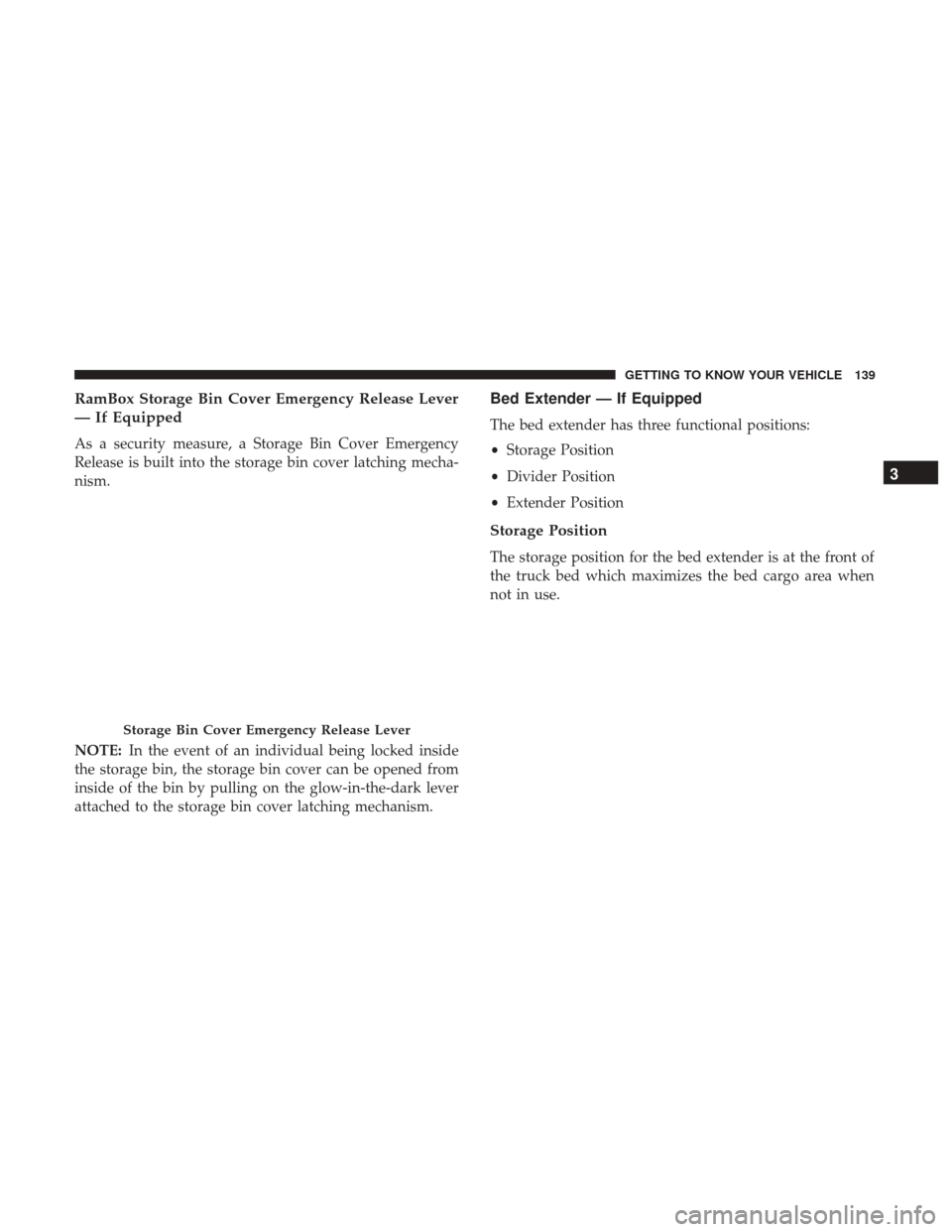
RamBox Storage Bin Cover Emergency Release Lever
— If Equipped
As a security measure, a Storage Bin Cover Emergency
Release is built into the storage bin cover latching mecha-
nism.
NOTE:In the event of an individual being locked inside
the storage bin, the storage bin cover can be opened from
inside of the bin by pulling on the glow-in-the-dark lever
attached to the storage bin cover latching mechanism.
Bed Extender — If Equipped
The bed extender has three functional positions:
• Storage Position
• Divider Position
• Extender Position
Storage Position
The storage position for the bed extender is at the front of
the truck bed which maximizes the bed cargo area when
not in use.
Storage Bin Cover Emergency Release Lever
3
GETTING TO KNOW YOUR VEHICLE 139
Page 142 of 698
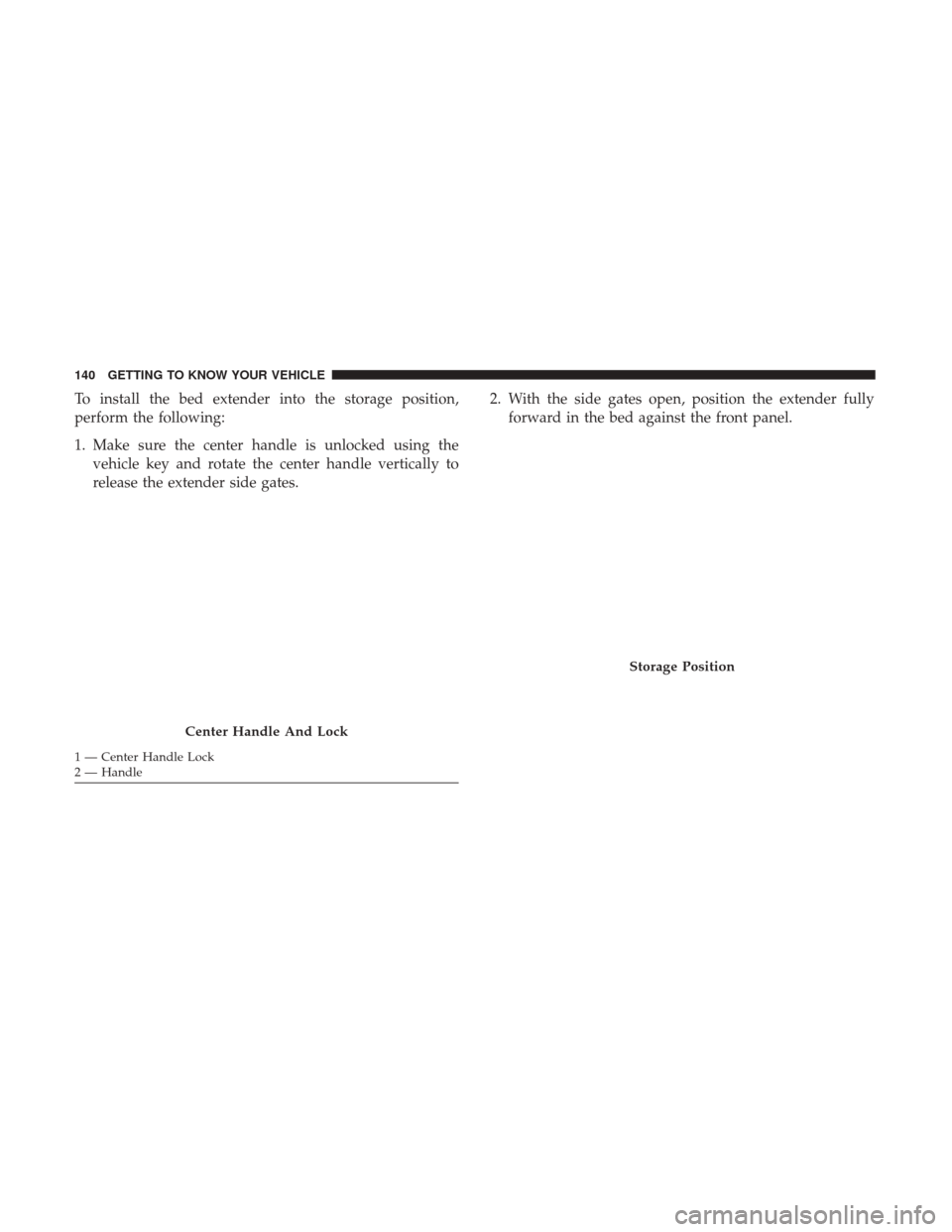
To install the bed extender into the storage position,
perform the following:
1. Make sure the center handle is unlocked using thevehicle key and rotate the center handle vertically to
release the extender side gates. 2. With the side gates open, position the extender fully
forward in the bed against the front panel.
Center Handle And Lock
1 — Center Handle Lock
2 — Handle
Storage Position
140 GETTING TO KNOW YOUR VEHICLE
Page 143 of 698
3. Rotate the side gates closed allowing the outboard endsto be positioned in front of the cargo tie down loops.
4. Rotate the center handle horizontally to secure the side gates in the closed position. 5. Lock the center handle using the vehicle key to secure
the panel into place.
Cargo Tie Down Loop
Side Gates Closed
3
GETTING TO KNOW YOUR VEHICLE 141
Page 144 of 698
Divider Position
The divider position is intended for managing your cargo
and assisting in keeping cargo from moving around the
bed. There are 11 divider slots along the bed inner panels
which allow for various positions to assist in managing
your cargo.
To install the bed extender into a divider position, perform
the following:
1. Make sure the center handle is unlocked using thevehicle key and rotate the center handle vertically to
release the extender side gates.
Center Handle And Lock
1 — Center Handle Lock
2 — Handle
142 GETTING TO KNOW YOUR VEHICLE
Page 145 of 698
2. With the side gates open, position the extender so theoutboard ends align with the intended slots in the sides
of the bed.
3. Rotate the side gates closed so that the outboard ends are secured into the intended slots of the bed. 4. Rotate the center handle horizontally to secure the side
gates in the closed position.
5. Lock the center handle to secure the panel into place.
Aligning Gate To Slots
Side Gates Closed
3
GETTING TO KNOW YOUR VEHICLE 143
Page 146 of 698
Extender Position
The extender position allows you to load the bed of the
truck beyond the tail gate. The bed extender will add an
additional 15 inches (38 cm) in the back of the truck when
additional cargo room is needed. The extender position
utilizes a locating pin and rotating handle located on both
sides of the truck bed near the tailgate.To install the bed extender into the extender position,
perform the following:
1. Lower the tailgate.
2. Make sure the center handle is unlocked and rotate the
center handle vertically in order to release the extender
side gates.
3. Fit the end of the side gate ends onto the pin and handle.
Extender Position
Extender Installation
144 GETTING TO KNOW YOUR VEHICLE
Page 147 of 698
4. Rotate the handles to the horizontal position to secureinto place.
WARNING!
To reduce the risk of potential injury or property
damage:
•Cargo must be secured.
• Do not exceed cargo load rating of your vehicle.
• Secure all loads to truck utilizing cargo tie downs.
• Extender should not be used as cargo tie down.
(Continued)
WARNING! (Continued)
•When vehicle is in motion do not exceed 150 lbs
(68 kg) load on the tailgate.
• The bed extender is not intended for off road use.
• When not in use, the extender/divider should be in
stowed or divider position with the tailgate closed.
• When in use all handles are to be in the locked
position.
Bed Rail Tie-Down System
CAUTION!
The maximum load per cleat should not exceed 250 lbs
(113 kg) and the angle of the load on each cleat should
not exceed 45 degrees above horizontal, or damage to
the cleat or cleat rail may occur.
NOTE: This feature is available for vehicles both equipped,
or not equipped, with a RamBox.
Locking Tab
3
GETTING TO KNOW YOUR VEHICLE 145
Page 148 of 698
There are two adjustable cleats on each side of the bed that
can be used to assist in securing cargo.
Each cleat must be located and tightened down in one of
the detents, along either rail, in order to keep cargo
properly secure.To move the cleat to any position on the rail, turn the nut
counterclockwise, approximately three turns. Then pull out
on the cleat and slide it to the detent nearest the desired
location. Make sure the cleat is seated in the detent and
tighten the nut.
Adjustable Cleats
Adjustable Cleat Assembly
1 — Utility Rail Detent
2 — Cleat Retainer Nut
3 — Utility Rail Cleat
146 GETTING TO KNOW YOUR VEHICLE