radio Ram 1500 2019 Workshop Manual
[x] Cancel search | Manufacturer: RAM, Model Year: 2019, Model line: 1500, Model: Ram 1500 2019Pages: 698, PDF Size: 9.04 MB
Page 644 of 698
IPOD/USB/MP3 CONTROL — IF EQUIPPED
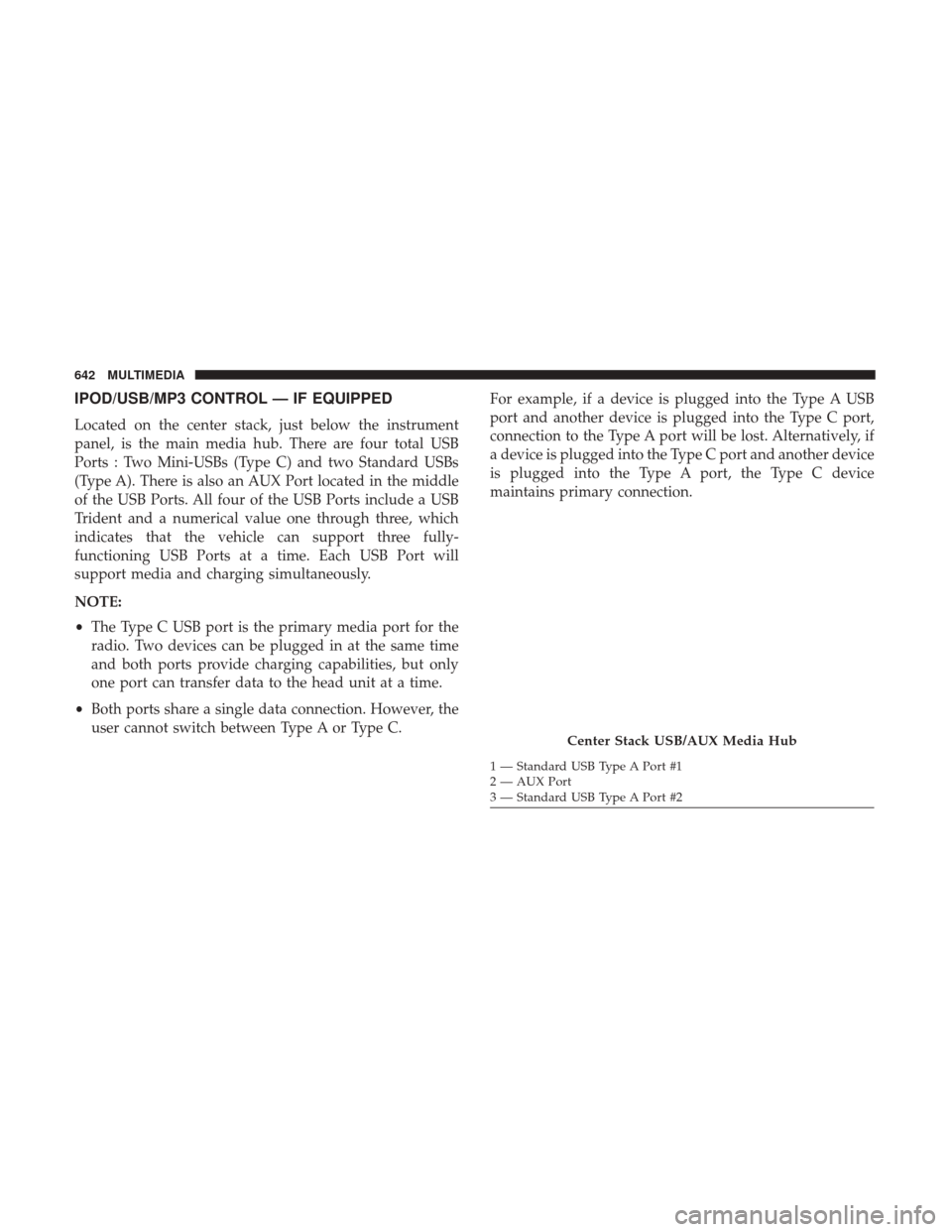
Located on the center stack, just below the instrument
panel, is the main media hub. There are four total USB
Ports : Two Mini-USBs (Type C) and two Standard USBs
(Type A). There is also an AUX Port located in the middle
of the USB Ports. All four of the USB Ports include a USB
Trident and a numerical value one through three, which
indicates that the vehicle can support three fully-
functioning USB Ports at a time. Each USB Port will
support media and charging simultaneously.
NOTE:
•The Type C USB port is the primary media port for the
radio. Two devices can be plugged in at the same time
and both ports provide charging capabilities, but only
one port can transfer data to the head unit at a time.
• Both ports share a single data connection. However, the
user cannot switch between Type A or Type C. For example, if a device is plugged into the Type A USB
port and another device is plugged into the Type C port,
connection to the Type A port will be lost. Alternatively, if
a device is plugged into the Type C port and another device
is plugged into the Type A port, the Type C device
maintains primary connection.
Center Stack USB/AUX Media Hub
1 — Standard USB Type A Port #1
2 — AUX Port
3 — Standard USB Type A Port #2
642 MULTIMEDIA
Page 648 of 698
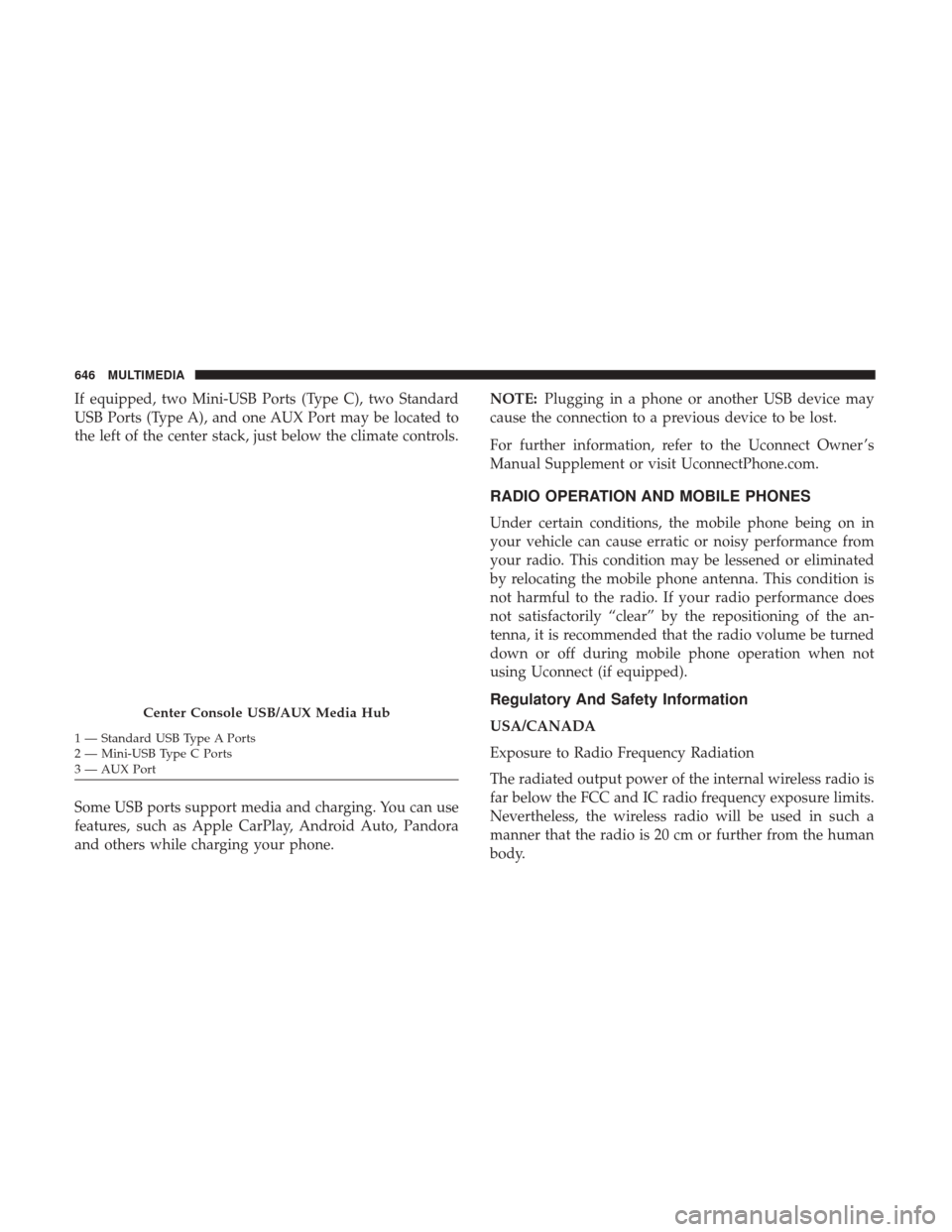
If equipped, two Mini-USB Ports (Type C), two Standard
USB Ports (Type A), and one AUX Port may be located to
the left of the center stack, just below the climate controls.
Some USB ports support media and charging. You can use
features, such as Apple CarPlay, Android Auto, Pandora
and others while charging your phone.NOTE:
Plugging in a phone or another USB device may
cause the connection to a previous device to be lost.
For further information, refer to the Uconnect Owner ’s
Manual Supplement or visit UconnectPhone.com.
RADIO OPERATION AND MOBILE PHONES
Under certain conditions, the mobile phone being on in
your vehicle can cause erratic or noisy performance from
your radio. This condition may be lessened or eliminated
by relocating the mobile phone antenna. This condition is
not harmful to the radio. If your radio performance does
not satisfactorily “clear” by the repositioning of the an-
tenna, it is recommended that the radio volume be turned
down or off during mobile phone operation when not
using Uconnect (if equipped).
Regulatory And Safety Information
USA/CANADA
Exposure to Radio Frequency Radiation
The radiated output power of the internal wireless radio is
far below the FCC and IC radio frequency exposure limits.
Nevertheless, the wireless radio will be used in such a
manner that the radio is 20 cm or further from the human
body.Center Console USB/AUX Media Hub
1 — Standard USB Type A Ports
2 — Mini-USB Type C Ports
3 — AUX Port 646 MULTIMEDIA
Page 649 of 698
The internal wireless radio operates within guidelines found
in radio frequency safety standards and recommendations,
which reflect the consensus of the scientific community.
The radio manufacturer believes the internal wireless radio
is safe for use by consumers. The level of energy emitted is
far less than the electromagnetic energy emitted by wire-
less devices such as mobile phones. However, the use of
wireless radios may be restricted in some situations or
environments, such as aboard airplanes. If you are unsure
of restrictions, you are encouraged to ask for authorization
before turning on the wireless radio.
The following regulatory statement applies to all Radio
Frequency (RF) devices equipped in this vehicle:
This device complies with Part 15 of the FCC Rules and
with Industry Canada license-exempt RSS standard(s).
Operation is subject to the following two conditions:
1. This device may not cause harmful interference, and
2. This device must accept any interference received, in-cluding interference that may cause undesired opera-
tion.
NOTE: Changes or modifications not expressly approved
by the party responsible for compliance could void the
user ’s authority to operate the equipment. NOTE:
•
This equipment has been tested and found to comply
with the limits for a Class B digital device, pursuant to
Part 15 of the FCC Rules. These limits are designed to
provide reasonable protection against harmful interfer-
ence in a residential installation. This equipment gener-
ates, uses and can radiate radio frequency energy and, if
not installed and used in accordance with the instruc-
tions, may cause harmful interference to radio commu-
nications. However, there is no guarantee that interfer-
ence will not occur in a particular installation.
• If this equipment does cause harmful interference to
radio or television reception, which can be determined
by turning the equipment off and on, the user is encour-
aged to try to correct the interference by one or more of
the following measures:
1. Increase the separation between the equipment and receiver.
2. Consult an authorized dealer or an experienced radio technician for help.
10
MULTIMEDIA 647
Page 651 of 698
Basic Voice Commands
The basic Voice Commands below can be given at any
point while using your Uconnect system.
Push the VR button
. After the beep, say:
•“Cancel” to stop a current voice session
• “Help” to hear a list of suggested Voice Commands
• “Repeat” to listen to the system prompts again
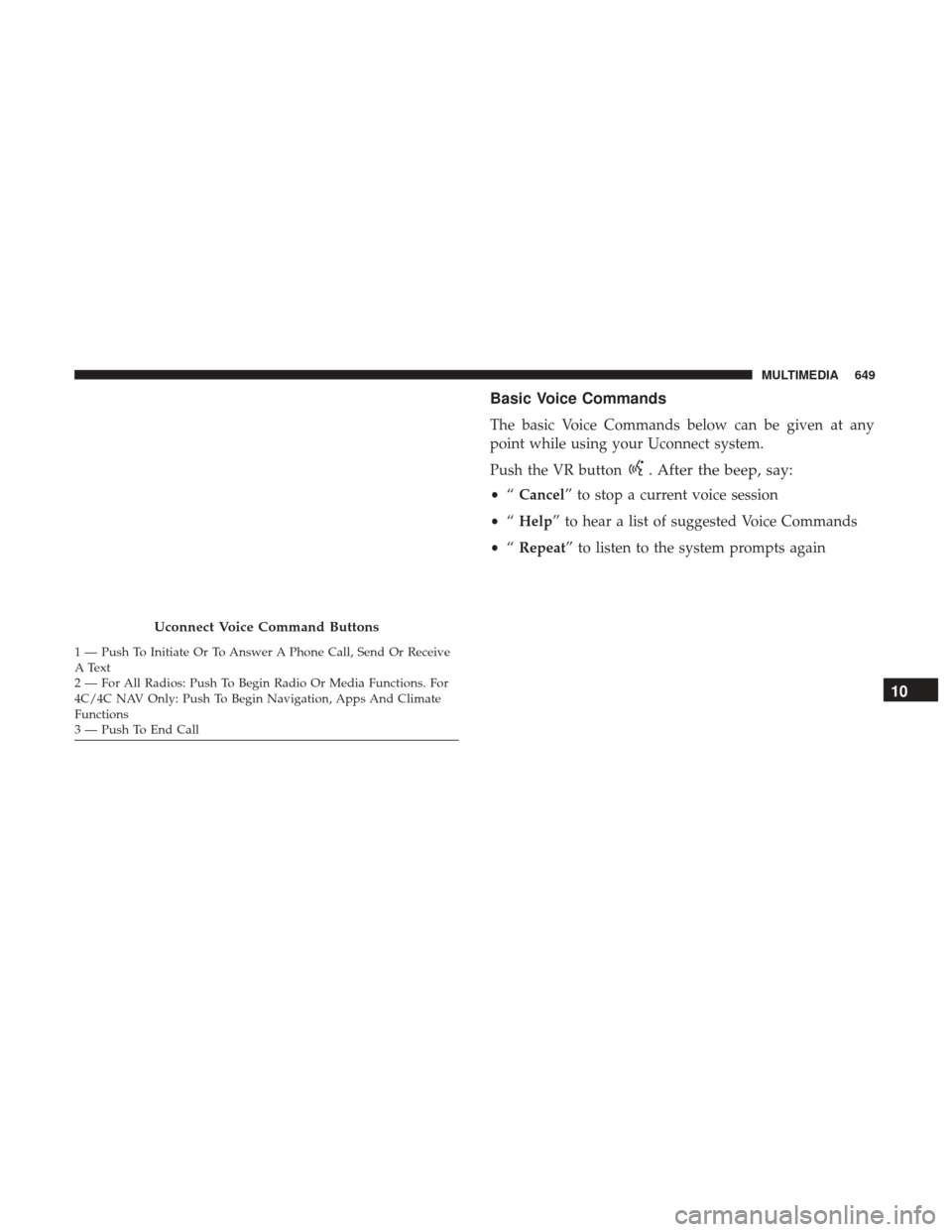
Uconnect Voice Command Buttons
1 — Push To Initiate Or To Answer A Phone Call, Send Or Receive
A Text
2 — For All Radios: Push To Begin Radio Or Media Functions. For
4C/4C NAV Only: Push To Begin Navigation, Apps And Climate
Functions
3 — Push To End Call
10
MULTIMEDIA 649
Page 653 of 698
Radio
Use your voice to quickly get to the AM, FM or SiriusXM
Satellite Radio stations you would like to hear. (Subscrip-
tion or included SiriusXM Satellite Radio trial required.)
Push the VR button
. After the beep, say:
•“Tune to ninety-five-point-five FM”
• “Tune to Satellite Channel Hits 1”
Uconnect 4C NAV With 12–inch Display
10
MULTIMEDIA 651
Page 654 of 698
TIP:At any time, if you are not sure of what to say or want
to learn a Voice Command, push the VR button
and say
“ Help.” The system provides you with a list of com-
mands.
Uconnect 3 Radio
Uconnect 4/4C/4C NAV With 8.4–inch Display
652 MULTIMEDIA
Page 672 of 698
Refer to your Uconnect Owner ’s Manual Supplement for
further information.NOTE:
Requires compatible iPhone. See dealer for phone
compatibility. Data plan rates apply. Vehicle user interface
is a product of Apple®. Apple CarPlay is a trademark of
Apple Inc. iPhone is a trademark of Apple Inc., registered
in the US and other countries. Apple terms of use and
privacy statements apply.
General Information
The following regulatory statement applies to all Radio
Frequency (RF) devices equipped in this vehicle:
This device complies with Part 15 of the FCC Rules and
with Industry Canada license-exempt RSS standard(s).
Operation is subject to the following two conditions:
1. This device may not cause harmful interference, and
2. This device must accept any interference received, in- cluding interference that may cause undesired opera-
tion.
NOTE: Changes or modifications not expressly approved
by the party responsible for compliance could void the
user ’s authority to operate the equipment.
Uconnect 4C NAV With 12–inch Display Apple CarPlay
670 MULTIMEDIA
Page 673 of 698
Additional Information
© 2018 FCA US LLC. All rights reserved. Mopar and
Uconnect are registered trademarks and Mopar Owner
Connect is a trademark of FCA US LLC. Android is a
trademark of Google Inc. SiriusXM and all related marks
and logos are trademarks of SiriusXM Radio Inc.
Uconnect System Support:
•U.S. residents visit DriveUconnect.com or call: 1-877-
855-8400 (24 hours a day 7 days a week)
• Canadian residents visit DriveUconnect.ca or call: 1-800-
465-2001 (English) or 1-800-387-9983 (French)
SiriusXM Guardian services support:
• U.S. residents visit www.siriusxm.com/guardian or call:
1-844-796-4827
• Canadian residents visit www.siriusxm.ca/guardian or
call: 1-877-324-9091
CD/DVD DISC MAINTENANCE
To keep a CD/DVD in good condition, take the following
precautions:
1. Handle the disc by its edge; avoid touching the surface.
2. If the disc is stained, clean the surface with a soft cloth, wiping from center to edge.
3. Do not apply paper or tape to the disc; avoid scratching the disc.
4. Do not use solvents such as benzene, thinner, cleaners, or anti-static sprays.
5. Store the disc in its case after playing.
6. Do not expose the disc to direct sunlight.
7. Do not store the disc where temperatures may become too high.
NOTE: If you experience difficulty in playing a particular
disc, it may be damaged (e.g., scratched, reflective coating
removed, a hair, moisture or dew on the disc), oversized, or
have protection encoding. Try a known good disc before
considering disc player service.
10
MULTIMEDIA 671
Page 682 of 698
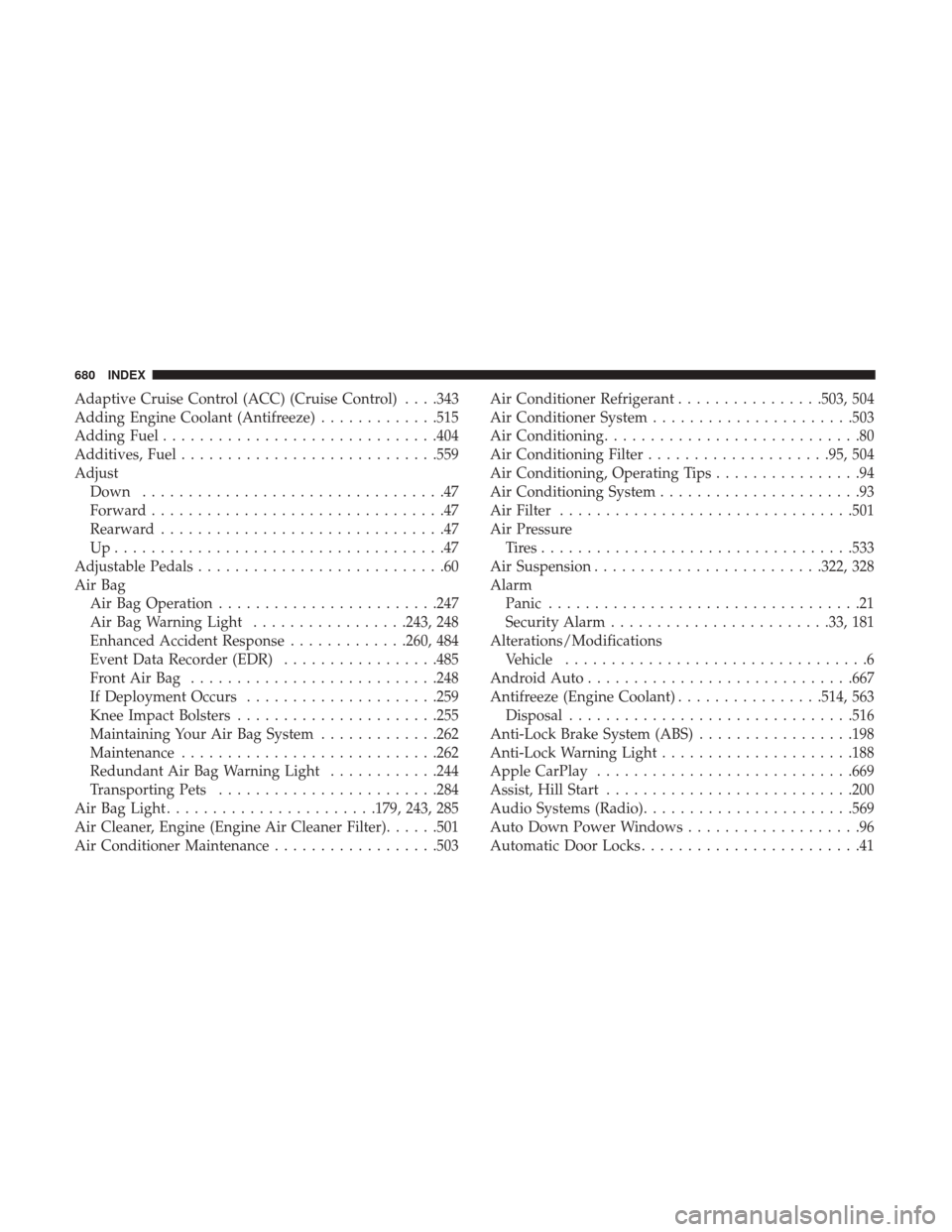
Adaptive Cruise Control (ACC) (Cruise Control) . . . .343
Adding Engine Coolant (Antifreeze).............515
Adding Fuel ............................. .404
Additives, Fuel ........................... .559
Adjust Down .................................47
Forward ................................47
Rearward ...............................47
Up....................................47
Adjustable Pedals ...........................60
Air Bag Air Bag Operation ....................... .247
Air Bag Warning Light .................243, 248
Enhanced Accident Response .............260, 484
Event Data Recorder (EDR) .................485
FrontAirBag .......................... .248
If Deployment Occurs .....................259
Knee Impact Bolsters ..................... .255
Maintaining Your Air Bag System .............262
Maintenance ........................... .262
Redundant Air Bag Warning Light ............244
Transporting Pets ....................... .284
Air Bag Light ...................... .179, 243, 285
Air Cleaner, Engine (Engine Air Cleaner Filter) ......501
Air Conditioner Maintenance ..................503 Air Conditioner Refrigerant
................503, 504
Air Conditioner System ..................... .503
Air Conditioning ............................80
Air Conditioning Filter ....................95, 504
Air Conditioning, Operating Tips ................94
Air Conditioning System ......................93
Air Filter ............................... .501
Air Pressure Tires................................. .533
Air Suspension ........................ .322, 328
Alarm Panic ..................................21
Security Alarm....................... .33, 181
Alterations/Modifications Vehicle .................................6
Android Auto ............................ .667
Antifreeze (Engine Coolant) ................514, 563
Disposal .............................. .516
Anti-Lock
Brake System (ABS) .................198
Anti-Lock Warning Light .....................188
Apple CarPlay ........................... .669
Assist, Hill Start .......................... .200
Audio Systems (Radio) ...................... .569
Auto Down Power Windows ...................96
Automatic Door Locks ........................41
680 INDEX
Page 689 of 698
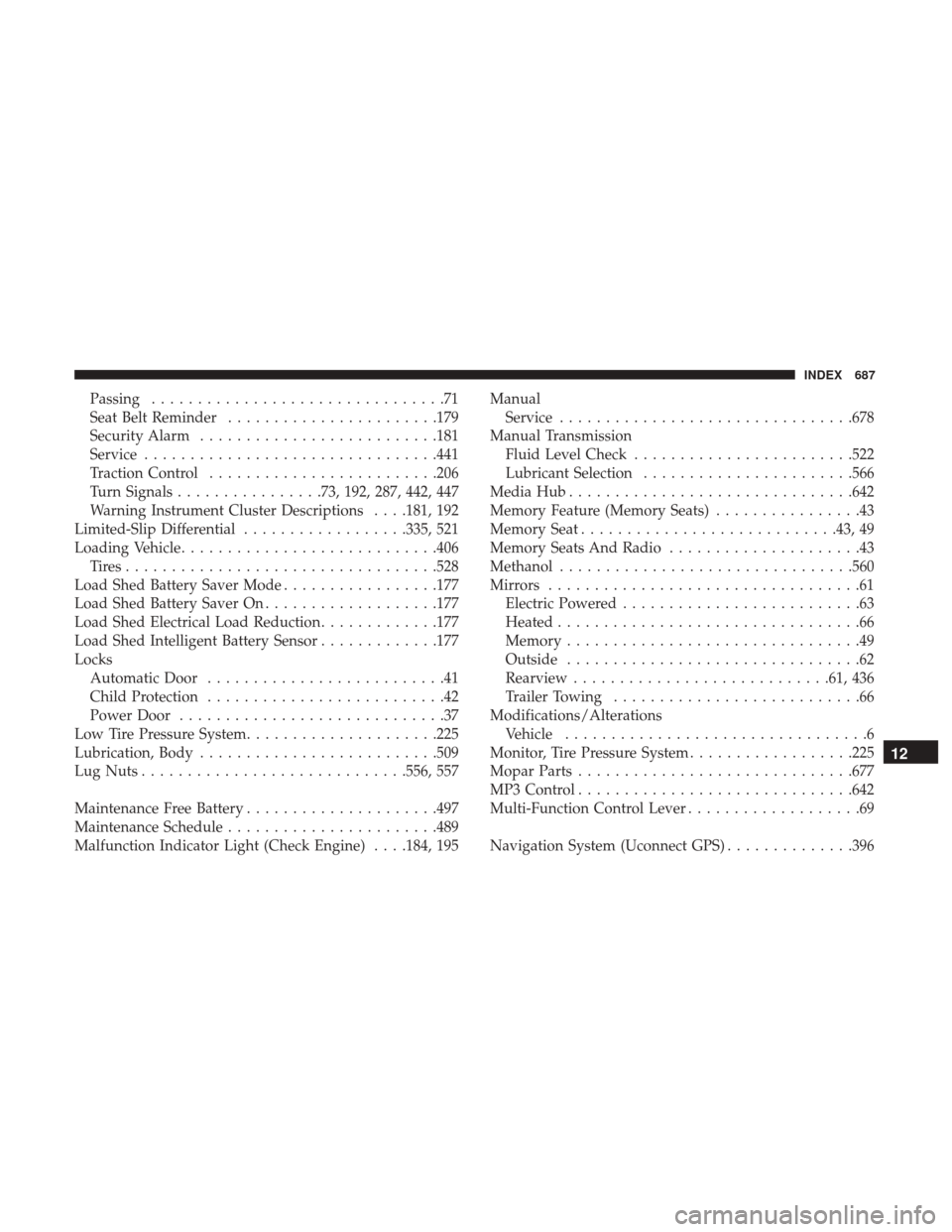
Passing................................71
Seat Belt Reminder ...................... .179
Security Alarm ......................... .181
Service ............................... .441
Traction Control ........................ .206
Turn Signals ................73, 192, 287, 442, 447
Warning Instrument Cluster Descriptions . . . .181, 192
Limited-Slip Differential ..................335, 521
Loading Vehicle ........................... .406
Tires................................. .528
Load Shed Battery Saver Mode .................177
Load Shed Battery Saver On ...................177
Load Shed Electrical Load Reduction .............177
Load Shed Intelligent Battery Sensor .............177
Locks Automatic Door ..........................41
Child Protection ..........................42
Power Door .............................37
Low Tire Pressure System .....................225
Lubrication, Body ......................... .509
Lug Nuts ............................ .556, 557
Maintenance Free Battery .....................497
Maintenance Schedule ...................... .489
Malfunction Indicator Light (Check Engine) . . . .184, 195 Manual
Service ............................... .678
Manual Transmission Fluid Level Check ....................... .522
Lubricant Selection ...................... .566
Media Hub .............................. .642
Memory Feature (Memory Seats) ................43
Memory Seat ........................... .43, 49
Memory Seats And Radio .....................43
Methanol ............................... .560
Mirrors ..................................61
Electric Powered ..........................63
Heated .................................66
Memory ................................49
Outside ................................62
Rearview ........................... .61, 436
Trailer Towing ...........................66
Modifications/Alterations V
ehicle .................................6
Monitor, Tire Pressure System ..................225
Mopar Parts ............................. .677
MP3 Control ............................. .642
Multi-Function Control Lever ...................69
Navigation System (Uconnect GPS) ..............396
12
INDEX 687