instrument panel Ram 2500 2015 Owners Manual
[x] Cancel search | Manufacturer: RAM, Model Year: 2015, Model line: 2500, Model: Ram 2500 2015Pages: 865, PDF Size: 6.18 MB
Page 317 of 865
•Cruise Off
• Cruise Ready
• Cruise Set To XXX MPH
• Tire Pressure Screen With Low Tire(s) “Inflate Tire to
XX”
• Tire Pressure Information System (TPIS)
• Service Tire Pressure System
• Parking Brake Engaged
• Brake Fluid Low
• Service Electronic Braking System
• Engine Temperature Hot
• Battery Voltage Low
• Service Electronic Throttle Control •
Lights On
• Right Turn Signal Light Out
• Left Turn Signal Light Out
• Turn Signal On
• Sound Horn with Remote Lock: Off; 1st Push; 2nd
Push
• Vehicle Not In Park
• Key in Ignition
• Key in Ignition Lights On
• Remote Start Active Key To Run
• Remote Start Active Push Start Button
• Remote Start Aborted Fuel Low
• Remote Start Aborted Too Cold
4
UNDERSTANDING YOUR INSTRUMENT PANEL 315
Page 318 of 865

•Remote Start Aborted Door Open
• Remote Start Aborted Hood Open
• Remote Start Aborted Trunk Open
• Remote Start Aborted Time Expired
• Remote Start Disabled Start To Reset
• Service Airbag System
• Service Airbag Warning Light
• Driver Seatbelt Unbuckled
• Passenger Seatbelt Unbuckled
• Front Seatbelts Unbuckled
• Door Open
• Doors Open
• Gear Not Available •
Shift Not Allowed
• Shift To Neutral Then Drive Or Reverse
• Autostick Unavailable Service Required
• Automatic Unavailable Use Autostick Service Req.
• Transmission Getting Hot Push Brake
• Trans. Hot Stop Safely Shift To Park Wait To Cool
• Transmission Cool Ready To Drive
• Trailer Brake Disconnected
• Service Transmission
• Service Shifter
• Engage Park Brake To Prevent Rolling
• Transmission Too Cold Idle With Engine On
• Washer Fluid Low
316 UNDERSTANDING YOUR INSTRUMENT PANEL
Page 319 of 865

•Service Air Suspension System
• Heavy Duty Air Suspension System Disabled
• Selected Ride Height Not Permitted Due To Speed
• Selected Ride Height Not Permitted Due To Payload
• Selected Ride Height Not Permitted - Payload Too
Light
• Battery Low Start Engine To Change Ride Height
• Normal Ride Height Achieved
• Aerodynamic Ride Height Achieved
• Off Road 1 Ride Height Achieved
• Off Road 2 Ride Height Achieved
• Entry/Exit Ride Height Achieved
• Selected Ride Height Not Permitted •
Service Air Suspension System Immediately
• Reduce Speed To Maintain Selected Ride Height
• Air Suspension System Cooling Down Please Wait
• Vehicle Cannot Be Lowered Door Open
• Off Road 2 Watch For Clearance
• Entry/Exit Watch For Clearance
• Air Suspension Temporarily Disabled For Jacking And
Tire Change
• Battery Low Start Engine To Change Ride Height
• Stop/Start Ready – If Equipped
• Stop/Start Not Ready – If Equipped
• Stop/Start Not Ready Hood Open – If Equipped
• Stop/Start Not Ready Battery Charging – If Equipped
4
UNDERSTANDING YOUR INSTRUMENT PANEL 317
Page 320 of 865

•Stop/Start Not Ready Trailer Tow/Haul Selected – If
Equipped
• Stop/Start Not Ready 4WD/Low Range Selected – If
Equipped
• Stop/Start Not Ready Fuel Level Low – If Equipped
• Stop/Start Not Ready Steep Incline – If Equipped
• Stop/Start Not Ready Extreme Outside Temperature –
If Equipped
• Stop/Start Not Ready Engine Temperature Too High –
If Equipped
• Stop/Start Not Ready Engine Temperature Too Low –
If Equipped
• Stop/Start Not Ready Driver Seatbelt Unbuckled – If
Equipped
• Stop/Start Not Ready Driver Door Open – If Equipped •
Stop/Start Not Ready Cabin Cooling Or Heating – If
Equipped
• Stop/Start Not Ready Not Ready Max Cooling Or
Heating – If Equipped
• Stop/Start Not Ready Max Cooling Or Heating Se-
lected – If Equipped
• Stop/Start Not Ready Front Defrost Selected – If
Equipped
• Stop/Start Not Ready Steering Wheel Turned – If
Equipped
• Stop/Start Autostop Active – If Equipped
• Stop/Start To Restart Push Clutch Or Shift To Neutral
– If Equipped
• Stop/Start Req’d Fault Detected – If Equipped
318 UNDERSTANDING YOUR INSTRUMENT PANEL
Page 321 of 865
•Stop/Start Cannot Autostart Hood Open – If
Equipped
• Stop/Start Unavailable Service Battery – If Equipped
• Stop/Start Unavailable Service Stop/Start System – If
Equipped
• Stop/Start To Restart Shift Out Of Park – If Equipped
• Stop/Start Off – If Equipped
• Autostop Duration – If Equipped
The Reconfigurable Telltales section is divided into the
white telltales area on the right, yellow telltales in the
middle, and red telltales on the left.
Screen Setup Menu Item
Push and release the UP or DOWN arrow button until
the Screen Setup menu item is highlighted in the EVIC.
Push and release the RIGHT arrow button to enter the
Screen Setup submenu. The Screen Setup feature allows you to change what information is displayed in the
instrument cluster as well as the location that information
is displayed.
Vehicle Settings Menu Item
Personal Settings allows the driver to set and recall
features when the transmission is in PARK.
Push and release the UP and DOWN button until Set-
tings displays in the EVIC.
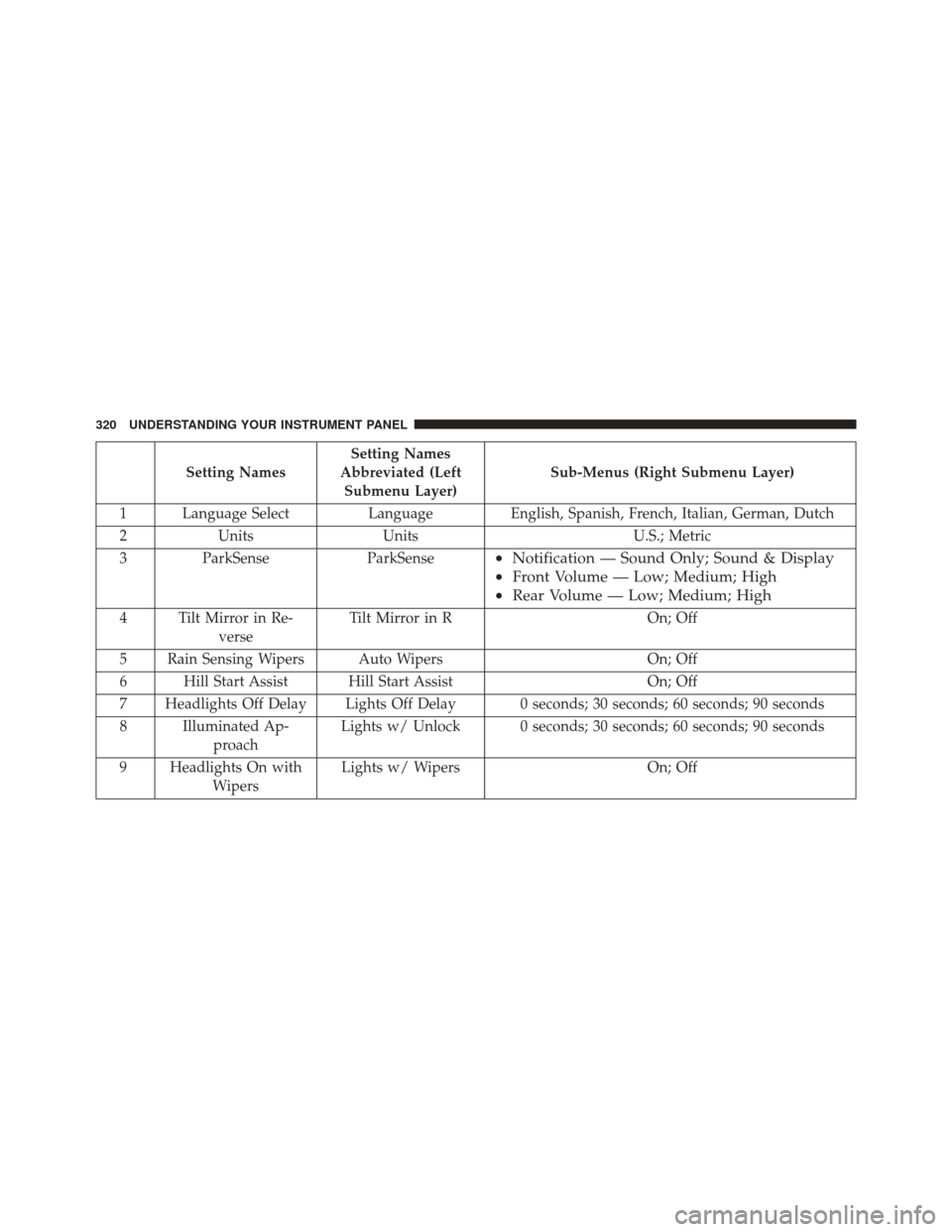
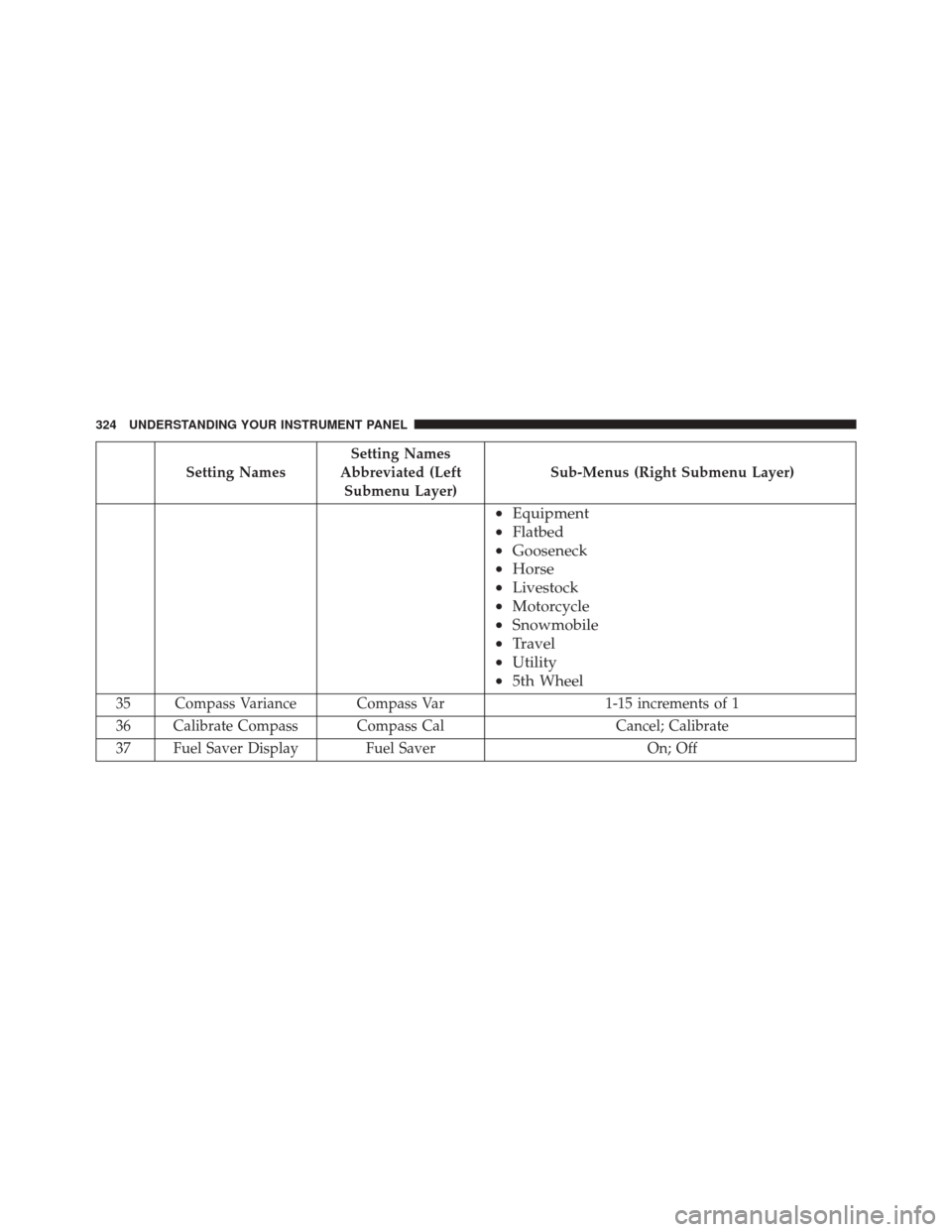
Follow the prompts to display and set any of the follow-
ing Vehicle Settings.
NOTE:
Your vehicle may or may not be equipped with
all the following settings.
• If equipped with a base radio (Non-Touchscreen)
Vehicle Settings will be included in the EVIC.
• If equipped with a Touchscreen radio, the Vehicle
Settings will be included in the radio head unit.4
UNDERSTANDING YOUR INSTRUMENT PANEL 319
Page 322 of 865
Setting NamesSetting Names
Abbreviated (Left Submenu Layer) Sub-Menus (Right Submenu Layer)
1 Language Select LanguageEnglish, Spanish, French, Italian, German, Dutch
2 Units Units U.S.; Metric
3 ParkSense ParkSense
•Notification — Sound Only; Sound & Display
• Front Volume — Low; Medium; High
• Rear Volume — Low; Medium; High
4 Tilt Mirror in Re-
verse Tilt Mirror in R
On; Off
5 Rain Sensing Wipers Auto Wipers On; Off
6 Hill Start Assist Hill Start Assist On; Off
7 Headlights Off Delay Lights Off Delay 0 seconds; 30 seconds; 60 seconds; 90 seconds
8 Illuminated Ap- proach Lights w/ Unlock 0 seconds; 30 seconds; 60 seconds; 90 seconds
9 Headlights On with Wipers Lights w/ Wipers
On; Off
320 UNDERSTANDING YOUR INSTRUMENT PANEL
Page 323 of 865

Setting NamesSetting Names
Abbreviated (Left Submenu Layer) Sub-Menus (Right Submenu Layer)
10 Automatic High- beams Auto Highbeams
On; Off
11 Daytime Running Lights — IfEquipped Daytime Lights
On; Off
12
Flash Lights with LockLights w/ Lock On; Off
13 Auto Lock Doors Auto Lock Doors On; Off
14 Auto Unlock Doors Auto Unlock Doors On; Off
15 Sound Horn with Remote Start Horn w/ Rmt Start
On; Off
16 Sound Horn with Remote Lock Horn w/ Rmt Lock
Off; 1st Press; 2nd Press
17 Remote Unlock Sequence Remote Unlock
Driver Door; All Doors
4
UNDERSTANDING YOUR INSTRUMENT PANEL 321
Page 324 of 865

Setting NamesSetting Names
Abbreviated (Left Submenu Layer) Sub-Menus (Right Submenu Layer)
18 Key Fob Linked to Memory Key in Memory
On; Off
19 Passive Entry Passive Entry On; Off
20 Remote Start Com- fort System Rmt Start Comfort
Off; Remoter Start; All starts
21 Easy Exit Seat Easy Exit Seat On; Off
22 Key-off Power Delay Power Off Delay Off; 45 seconds; 5 minutes; 10 minutes
23 Air Suspension Dis- play Alerts Air Susp. Alerts
All; Warnings Only
24 Aero Ride Height Mode Aero Mode
On; Off
27 Tire/Jack Mode Tire/Jack Mode On; Off
28 Transport Mode Transport Mode On; Off
322 UNDERSTANDING YOUR INSTRUMENT PANEL
Page 325 of 865

Setting NamesSetting Names
Abbreviated (Left Submenu Layer) Sub-Menus (Right Submenu Layer)
29 Wheel Alignment Mode Wheel Alignment
On; Off
30 Horn w/ Remote Lower Horn w/ Rmt Lwr
On; Off
31 Lights w/ Remote Lower Lights w/ Rmt Lwr
On; Off
32 Trailer Select Trailer SelectTrailer 1; Trailer 2; Trailer 3; Trailer 4
33 Brake Type Brake Type Light Electric; Heavy Electric; Light EOH; Heavy
EOH
34 Trailer Name Trailer Name
•Trailer # (# is equal to slot position)
• Boat
• Car
• Cargo
• Dump 4
UNDERSTANDING YOUR INSTRUMENT PANEL 323
Page 326 of 865
Setting NamesSetting Names
Abbreviated (Left Submenu Layer) Sub-Menus (Right Submenu Layer)
•
Equipment
• Flatbed
• Gooseneck
• Horse
• Livestock
• Motorcycle
• Snowmobile
• Travel
• Utility
• 5th Wheel
35 Compass Variance Compass Var 1-15 increments of 1
36 Calibrate Compass Compass Cal Cancel; Calibrate
37 Fuel Saver Display Fuel Saver On; Off
324 UNDERSTANDING YOUR INSTRUMENT PANEL