brake Ram 2500 2016 Diesel Supplement
[x] Cancel search | Manufacturer: RAM, Model Year: 2016, Model line: 2500, Model: Ram 2500 2016Pages: 406, PDF Size: 1.84 MB
Page 194 of 406
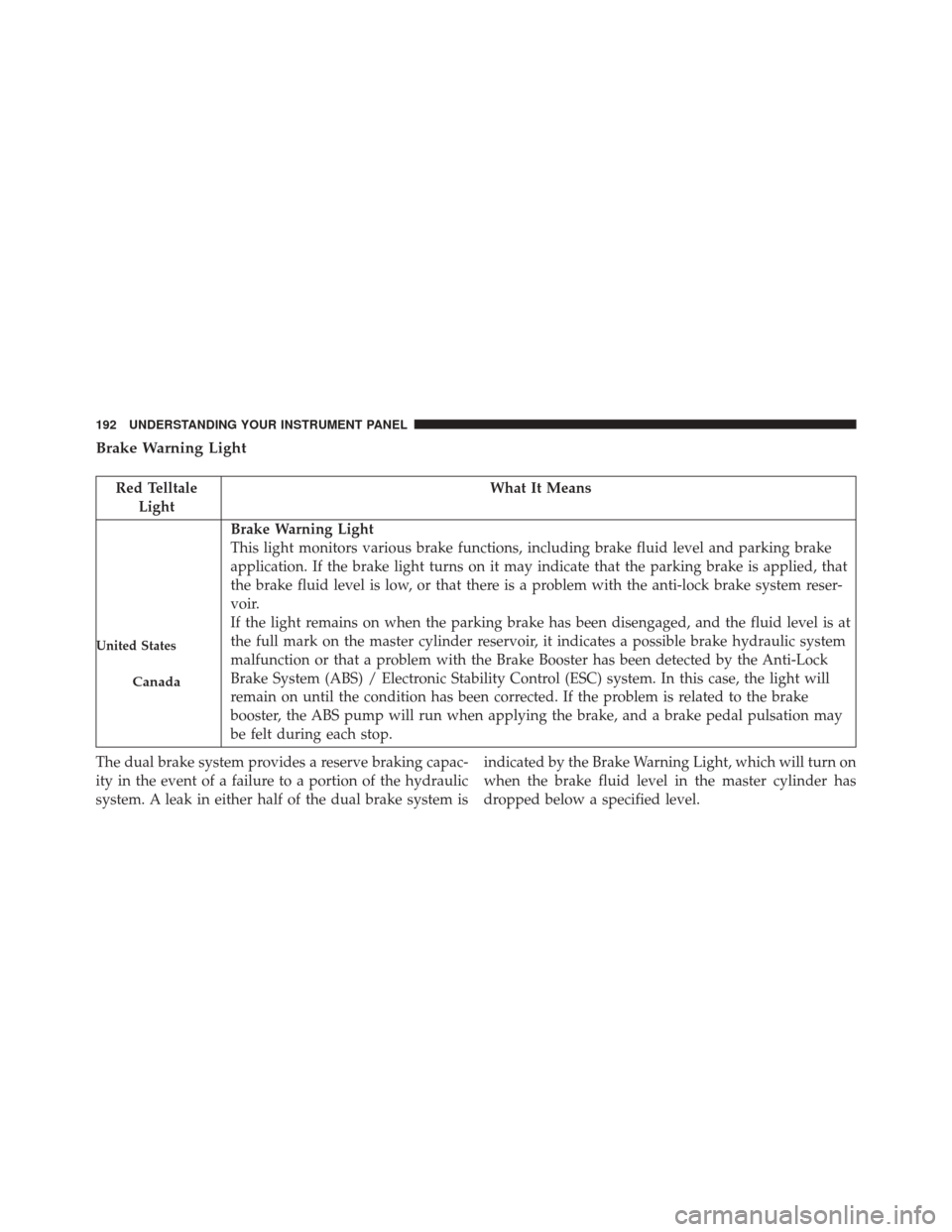
Brake Warning Light
Red TelltaleLight What It Means
United States
Canada
Brake Warning Light
This light monitors various brake functions, including brake fluid level and parking brake
application. If the brake light turns on it may indicate that the parking brake is applied, that
the brake fluid level is low, or that there is a problem with the anti-lock brake system reser-
voir.
If the light remains on when the parking brake has been disengaged, and the fluid level is at
the full mark on the master cylinder reservoir, it indicates a possible brake hydraulic system
malfunction or that a problem with the Brake Booster has been detected by the Anti-Lock
Brake System (ABS) / Electronic Stability Control (ESC) system. In this case, the light will
remain on until the condition has been corrected. If the problem is related to the brake
booster, the ABS pump will run when applying the brake, and a brake pedal pulsation may
be felt during each stop.
The dual brake system provides a reserve braking capac-
ity in the event of a failure to a portion of the hydraulic
system. A leak in either half of the dual brake system is indicated by the Brake Warning Light, which will turn on
when the brake fluid level in the master cylinder has
dropped below a specified level.
192 UNDERSTANDING YOUR INSTRUMENT PANEL
Page 195 of 406
The light will remain on until the cause is corrected.
NOTE:The light may flash momentarily during sharp
cornering maneuvers, which change fluid level condi-
tions. The vehicle should have service performed, and
the brake fluid level checked.
If brake failure is indicated, immediate repair is neces-
sary.
WARNING!
Driving a vehicle with the red brake light on is
dangerous. Part of the brake system may have failed.
It will take longer to stop the vehicle. You could have
a collision. Have the vehicle checked immediately.
Vehicles equipped with the Anti-Lock Brake System
(ABS) are also equipped with Electronic Brake Force
Distribution (EBD). In the event of an EBD failure, the Brake Warning Light will turn on along with the ABS
Light. Immediate repair to the ABS system is required.
Operation of the Brake Warning Light can be checked by
turning the ignition switch from the OFF position to the
ON/RUN position. The light should illuminate for ap-
proximately two seconds. The light should then turn off
unless the parking brake is applied or a brake fault is
detected. If the light does not illuminate, have the light
inspected by an authorized dealer.
The light also will turn on when the parking brake is
applied with the ignition switch in the ON/RUN posi-
tion.
NOTE:
This light shows only that the parking brake is
applied. It does not show the degree of brake application.
4
UNDERSTANDING YOUR INSTRUMENT PANEL 193
Page 201 of 406
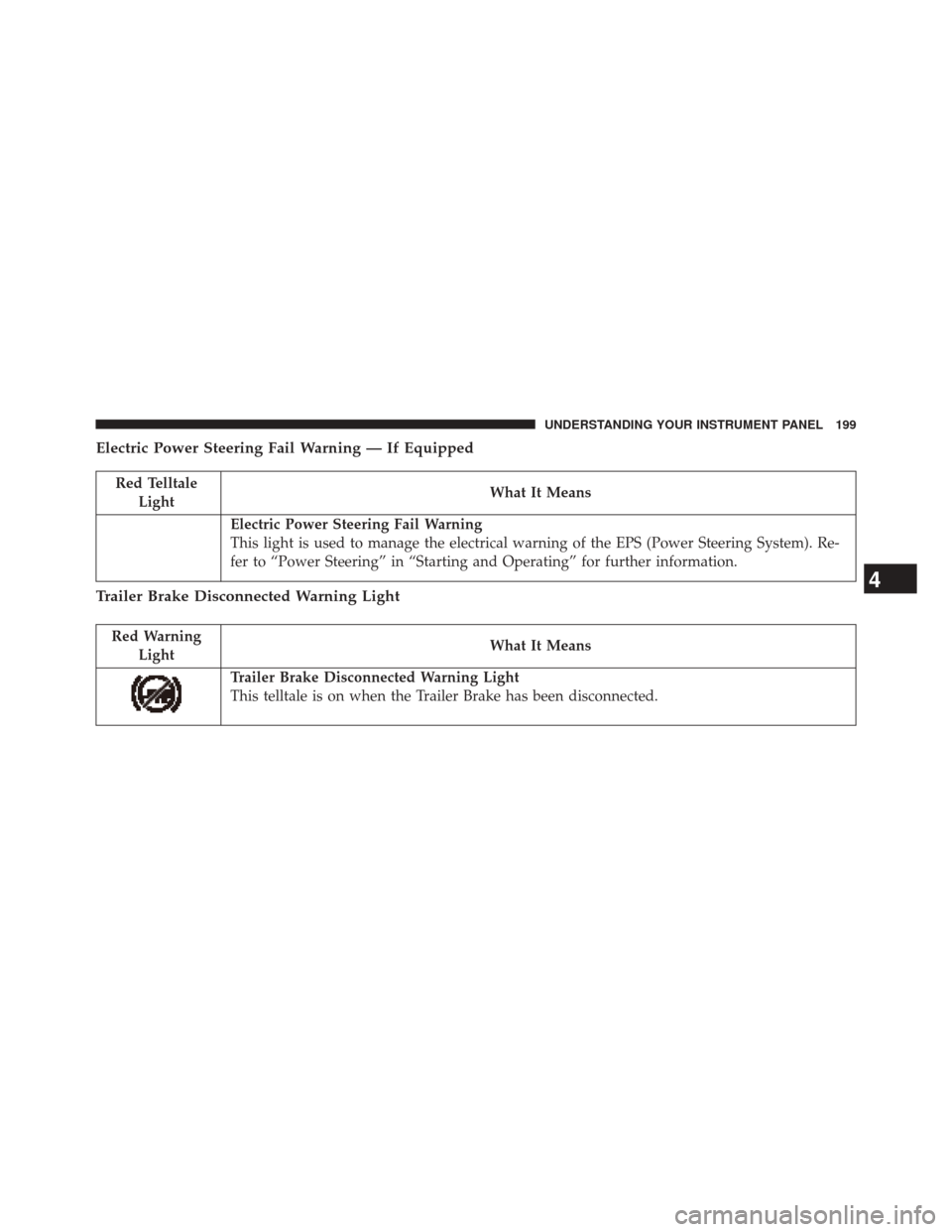
Electric Power Steering Fail Warning — If Equipped
Red TelltaleLight What It Means
Electric Power Steering Fail Warning
This light is used to manage the electrical warning of the EPS (Power Steering System). Re-
fer to “Power Steering” in “Starting and Operating” for further information.
Trailer Brake Disconnected Warning Light
Red Warning
Light What It Means
Trailer Brake Disconnected Warning Light
This telltale is on when the Trailer Brake has been disconnected.
4
UNDERSTANDING YOUR INSTRUMENT PANEL 199
Page 211 of 406
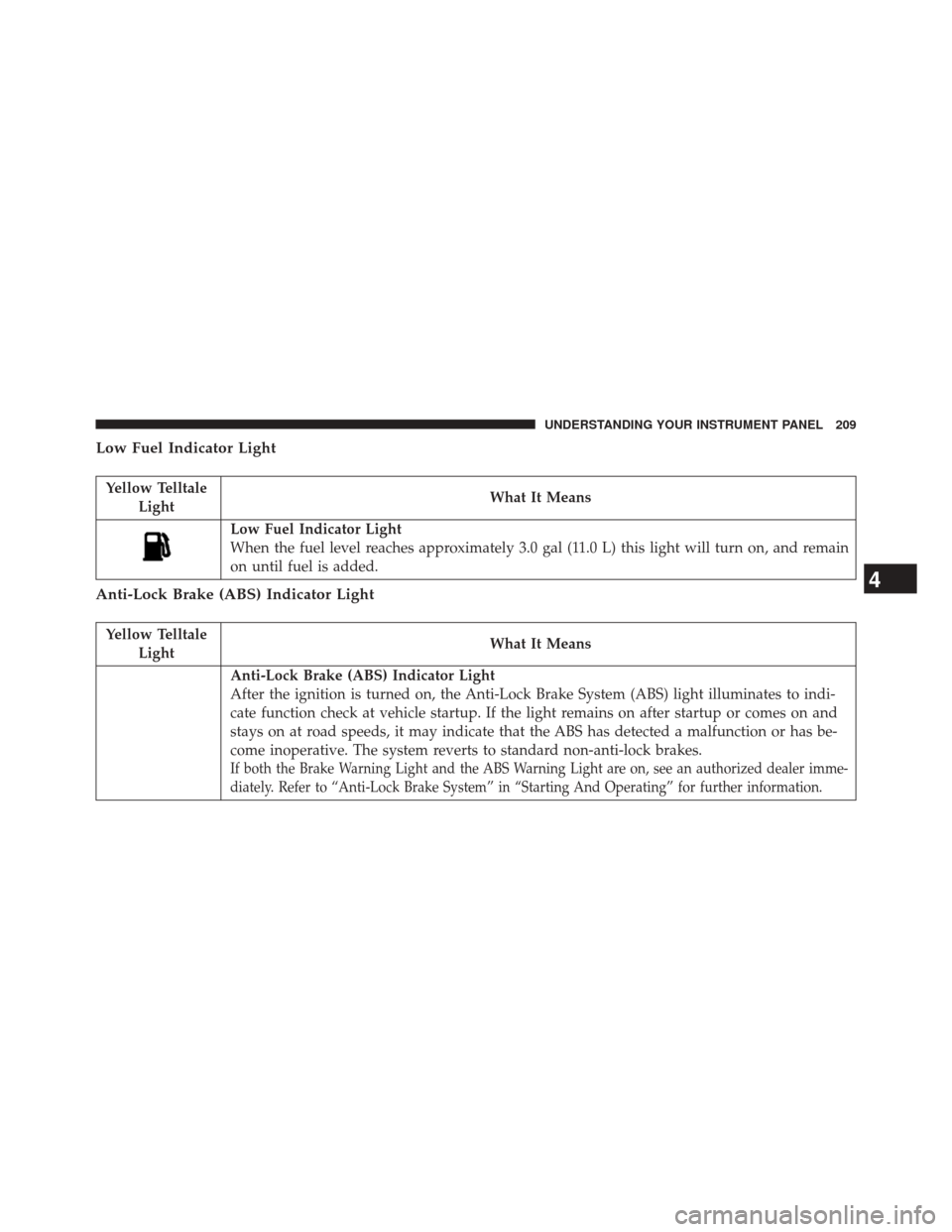
Low Fuel Indicator Light
Yellow TelltaleLight What It Means
Low Fuel Indicator Light
When the fuel level reaches approximately 3.0 gal (11.0 L) this light will turn on, and remain
on until fuel is added.
Anti-Lock Brake (ABS) Indicator Light
Yellow Telltale
Light What It Means
Anti-Lock Brake (ABS) Indicator Light
After the ignition is turned on, the Anti-Lock Brake System (ABS) light illuminates to indi-
cate function check at vehicle startup. If the light remains on after startup or comes on and
stays on at road speeds, it may indicate that the ABS has detected a malfunction or has be-
come inoperative. The system reverts to standard non-anti-lock brakes.
If both the Brake Warning Light and the ABS Warning Light are on, see an authorized dealer imme-
diately. Refer to “Anti-Lock Brake System” in “Starting And Operating” for further information.
4
UNDERSTANDING YOUR INSTRUMENT PANEL 209
Page 228 of 406
Hill Decent Control (HDC) Indicator Light — If Equipped
White TelltaleLight What It Means
Hill Decent Control (HDC) Indicator Light
This indicator will illuminate when Hill Descent Control (HDC) has been selected using the
Hill Descent Control Switch. Refer to “Electronic Brake Control” in “Starting And Operat-
ing” for further information.
226 UNDERSTANDING YOUR INSTRUMENT PANEL
Page 233 of 406
NOTE:The battery voltage may show a fluctuation at
various engine temperatures. This cycling operation is
caused by the post-heat cycle of the intake manifold
heater system. The number of cycles and the length of the
cycling operation is controlled by the engine control
module. Post-heat operation can run for several minutes,
and then the electrical system and voltmeter needle will
stabilize.
• Coolant Temp
Displays the actual coolant temperature.
• Oil Pressure
Displays the actual oil pressure.
• Trans Temperature
Displays the actual automatic transmission sump tem-
perature. •
Engine Hours
Displays the total hours of engine operation, and the
hours in drive and at idle.
• Oil Life
Displays the percentage of oil filter life remaining, and
the miles since the last reset.
• Fuel Filter Life
Displays the percentage of fuel filter life remaining, and
the miles since the last reset.
NOTE: Refer to Fuel Filter Life Reset in this section for
further information.
• Exhaust Brake
Displays the actual exhaust brake power.
4
UNDERSTANDING YOUR INSTRUMENT PANEL 231
Page 241 of 406
•Incorrect DEF Detected See Dealer — This message
will display when the fault is initially detected, each
time the vehicle is started, and periodically during
driving. The message will be accompanied by a single
chime. We recommend you drive to your nearest
authorized dealer and have your vehicle serviced as
soon as possible.
NOTE: When this message is displayed, the engine can
still be started. However, the vehicle will only operate at
a maximum speed of 5 MPH.
RAM Active Air System
Your vehicle is equipped with an advanced Ram Active
Air system that provides enhanced performance, espe-
cially when towing under demanding hot or high alti-
tude conditions. If the EVIC/DID displays the message
“Active Airbox Service Required See Dealer”, vehicle
performance may be reduced until service is performed
by an authorized RAM dealer.
Fuel Filter Life Reset
The cluster will display the “Service Fuel Filter” message
when the fuel filter maintenance life is less than 5%. To
check the remaining fuel filter life, go to the “Fuel Filter
Life” screen in the “Vehicle Info” menu. When this
message appears, dealers should replace both frame
mounted and engine mounted fuel filters.
NOTE: Use the steering wheel EVIC controls for the
following procedure(s)
Vehicles Equipped With Passive Entry
1. Without pressing the brake pedal, press the ENGINE START/STOP button and cycle the ignition to the
ON/RUN position (do not start the engine.)
2. Press and release the DOWNarrow button to scroll
downward through the main menu to “Vehicle Info”.
4
UNDERSTANDING YOUR INSTRUMENT PANEL 239
Page 242 of 406
3. Press and release theRIGHTarrow button to access
the ”Fuel Filter Life” screen.
4. Press and release the DOWNarrow button to select
“Reset”, then press and release the Rightarrow button
to select reset of the Fuel Filter Life to 100%.
5. Press and release the Uparrow button to exit the EVIC
screen.
Vehicles Not Equipped With Passive Entry
1. Without pressing the brake pedal, cycle the ignition to the ON/RUN position (do not start the engine.)
2. Press and release the DOWNarrow button to scroll
downward through the main menu to “Vehicle Info”.
3. Press and release the RIGHTarrow button to access
the ”Fuel Filter Life” screen. 4. Press and release the
DOWNarrow button to select
“Reset”, then press and release the Rightarrow button
to select reset of the Fuel Filter Life to 100%.
5. Press and release the Uparrow button to exit the EVIC
screen.
NOTE: If the indicator message illuminates when you
start the vehicle, the Fuel Filter indicator system did not
reset. If necessary, repeat this procedure.
Oil Life Reset
Your vehicle is equipped with an engine oil change
indicator system. The “Oil Change Required” message
will display in the EVIC after a single chime has sounded,
to indicate the next scheduled oil change interval. The
engine oil change indicator system is duty cycle based,
which means the engine oil change interval may fluctu-
ate, dependent upon your personal driving style.
240 UNDERSTANDING YOUR INSTRUMENT PANEL
Page 243 of 406
NOTE:Use the steering wheel EVIC controls for the
following procedure(s).
Vehicles Equipped With Passive Entry
1. Without pressing the brake pedal, push the ENGINE START/STOP button and place the ignition to the
ON/RUN position (do not start the engine).
2. Push and release the DOWNarrow button to scroll
downward through the main menu to “Vehicle Info.”
3. Push and release the RIGHTarrow button to access
the ”Vehicle Info” screen, then scroll UP or DOWN to
select “Oil Life.”
4. Push and hold the RIGHTarrow button to select
“Reset,” then push and release the Rightarrow button
to select “NO”or“YES” to reset the Oil Life to 100%.
5. Push and release the UParrow button to exit the EVIC
screen. Vehicles Not Equipped With Passive Entry
1. Without depressing the brake pedal, cycle the ignition
to the ON/RUN position (do not start the engine).
2. Push and release the DOWNarrow button to scroll
downward through the main menu to “Vehicle Info.”
3. Push and release the RIGHTarrow button to access
the “Vehicle Info” screen then scroll UPorDOWN to
select “Oil Life.”
4. Push and hold the RIGHTarrow button to select
“Reset,” then select “NO” or “YES” by pushing the
RIGHT arrow then push the RIGHTarrow button to
select reset of the Oil Life to 100%.
5. Push and release the UParrow button to exit the EVIC
screen.
NOTE: If the indicator message illuminates when you
start the vehicle, the Oil Life indicator system did not
reset. If necessary, repeat this procedure.
4
UNDERSTANDING YOUR INSTRUMENT PANEL 241
Page 244 of 406
Driver Information Display (DID) — 7” Display
The Driver Information Display (DID) display is located
in the center portion of the cluster and consists of eight
sections:1. Main Screen — The inner ring of the display will
illuminate in grey under normal conditions, yellow for
non critical warnings, red for critical warnings and
white for on demand information.
2. Audio Information and Submenu Information — Whenever there are submenus available, the position
within the submenus is shown here.
3. Selectable Information (Compass, Temp, Range to Empty, Trip A, Trip B, Average MPG, Trailer Trip
(distance only), Trailer Brake Gain).
4. Air Suspension Status – If Equipped
5. Transmission Gear Position Indicator (PRND)
6. Status Menu Icons
7. Telltales/Indicators
8. 4WD Status
242 UNDERSTANDING YOUR INSTRUMENT PANEL