oil Ram 2500 2016 Diesel Supplement
[x] Cancel search | Manufacturer: RAM, Model Year: 2016, Model line: 2500, Model: Ram 2500 2016Pages: 406, PDF Size: 1.84 MB
Page 176 of 406
•Use the appropriate transmission gear to prevent
engine lugging.
• Observe vehicle oil pressure and temperature indica-
tors.
• Check the coolant and oil levels frequently.
• Vary throttle position at highway speeds when carry-
ing or towing significant weight.
NOTE: Light duty operation such as light trailer towing
or no load operation will extend the time before the
engine is at full efficiency. Reduced fuel economy and
power may be seen at this time. For additional vehicle break-in requirements, refer to
“Trailer Towing” in “Starting And Operating” of the
Owners Manual.
Because of the construction of the Cummins turbo-
charged diesel engine, engine run-in is enhanced by
loaded operating conditions which allow the engine
parts to achieve final finish and fit during the first 6,000
miles (10 000 km).
174 THINGS TO KNOW BEFORE STARTING YOUR VEHICLE
Page 184 of 406
▫Diesel Exhaust Fluid (DEF) Fault Warning
Messages .......................... .250
▫ RAM Active Air System .................252 ▫
Fuel Filter Life Reset ...................252
▫ Oil Life Reset ....................... .254
182 UNDERSTANDING YOUR INSTRUMENT PANEL
Page 189 of 406
1. Tachometer•Indicates the engine speed in revolutions per minute
(RPM x 1000).
2. Engine Coolant Temperature •This gauge shows the engine coolant temperature.
The gauge pointer will likely show higher tempera-
tures when driving in hot weather, up mountain
grades, or in heavy stop and go traffic. If the red
Warning Light turns on while driving, safely bring
the vehicle to a stop, and turn off the engine. DO
NOT operate the vehicle until the cause is corrected.
CAUTION!
Driving with a hot engine cooling system could
damage your vehicle. If the temperature gauge reads
“H” pull over and stop the vehicle. Idle the vehicle
with the air conditioner turned off until the pointer
(Continued)
CAUTION! (Continued)
drops back into the normal range. If the pointer
remains on the “H”, turn the engine off immediately
and call an authorized dealer for service.
WARNING!
A hot engine cooling system is dangerous. You or
others could be badly burned by steam or boiling
coolant. You may want to call an authorized dealer
for service if your vehicle overheats. If you decide to
look under the hood yourself, see “Maintaining Your
Vehicle.” Follow the warnings under the “Cooling
System Pressure Cap” paragraph.4
UNDERSTANDING YOUR INSTRUMENT PANEL 187
Page 190 of 406
3. Oil Pressure Gauge•The pointer should always indicate some oil pres-
sure when the engine is running. A continuous high
or low reading under normal driving conditions may
indicate a lubrication system malfunction. Immedi-
ate service should be obtained from an authorized
dealer.
4. Speedometer •Indicates vehicle speed.
5. Fuel Gauge •The pointer shows the level of fuel in the fuel tank
when the ignition switch is in the ON/RUN position. 6. Driver Information Display (DID)
•When the appropriate conditions exist, this display
shows the Driver Information Display (DID) mes-
sages. Refer to “Driver Information Display” in
“Understanding Your Instrument Panel” for further
information.
7. DEF Gauge •The DEF Gauge displays the actual level of Diesel
Exhaust Fluid in the DEF tank. Diesel Exhaust Fluid
(DEF) is required to maintain normal vehicle opera-
tion and emissions compliance. If something is
wrong with the gauge, a DEF Warning Message or
Malfunction Indicator Light (MIL) will be displayed.
More information is available in the Electronic Ve-
hicle Information (EVIC) or Driver Information Dis-
play (DID) section under the heading of Diesel
Exhaust Fluid (DEF) Warning Messages.
188 UNDERSTANDING YOUR INSTRUMENT PANEL
Page 199 of 406
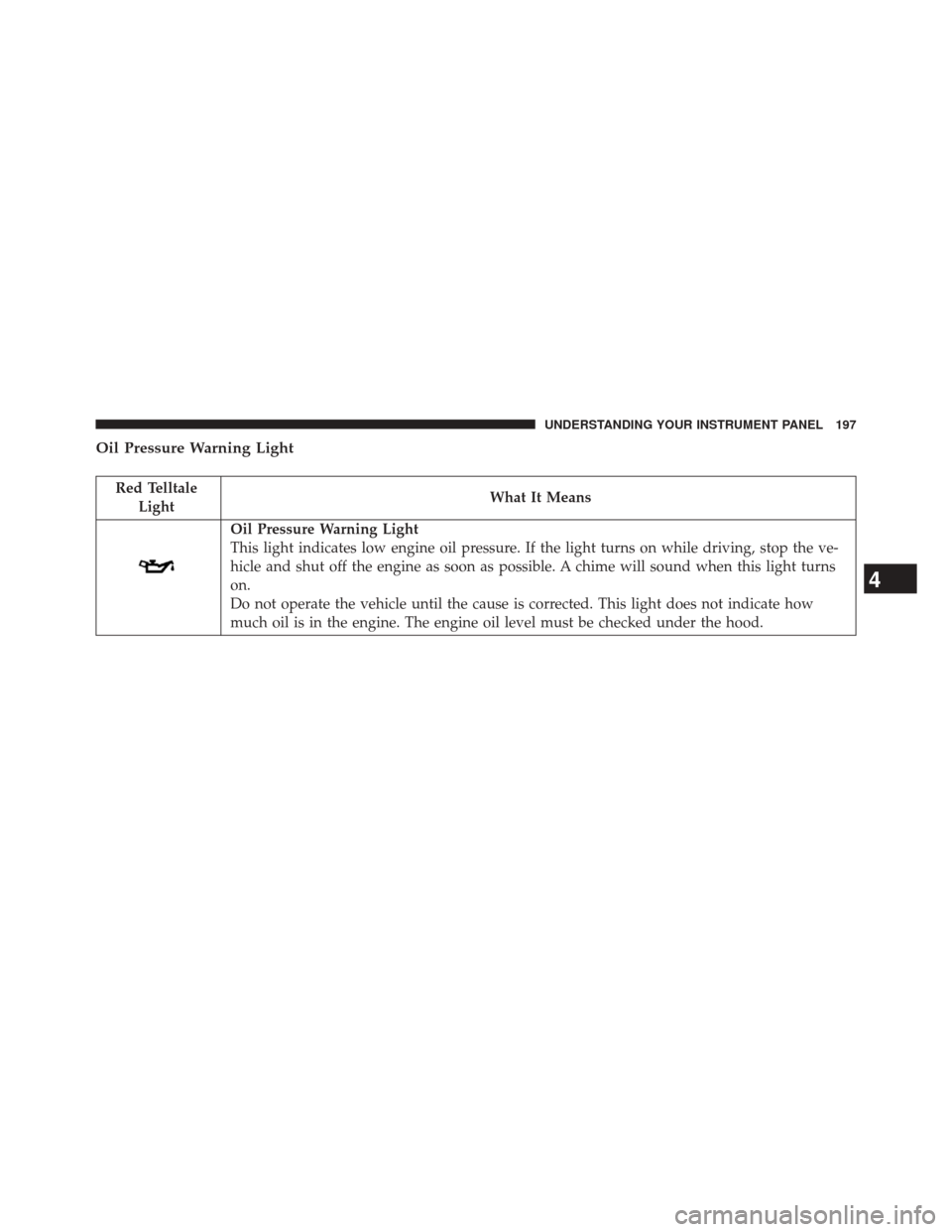
Oil Pressure Warning Light
Red TelltaleLight What It Means
Oil Pressure Warning Light
This light indicates low engine oil pressure. If the light turns on while driving, stop the ve-
hicle and shut off the engine as soon as possible. A chime will sound when this light turns
on.
Do not operate the vehicle until the cause is corrected. This light does not indicate how
much oil is in the engine. The engine oil level must be checked under the hood.
4
UNDERSTANDING YOUR INSTRUMENT PANEL 197
Page 202 of 406
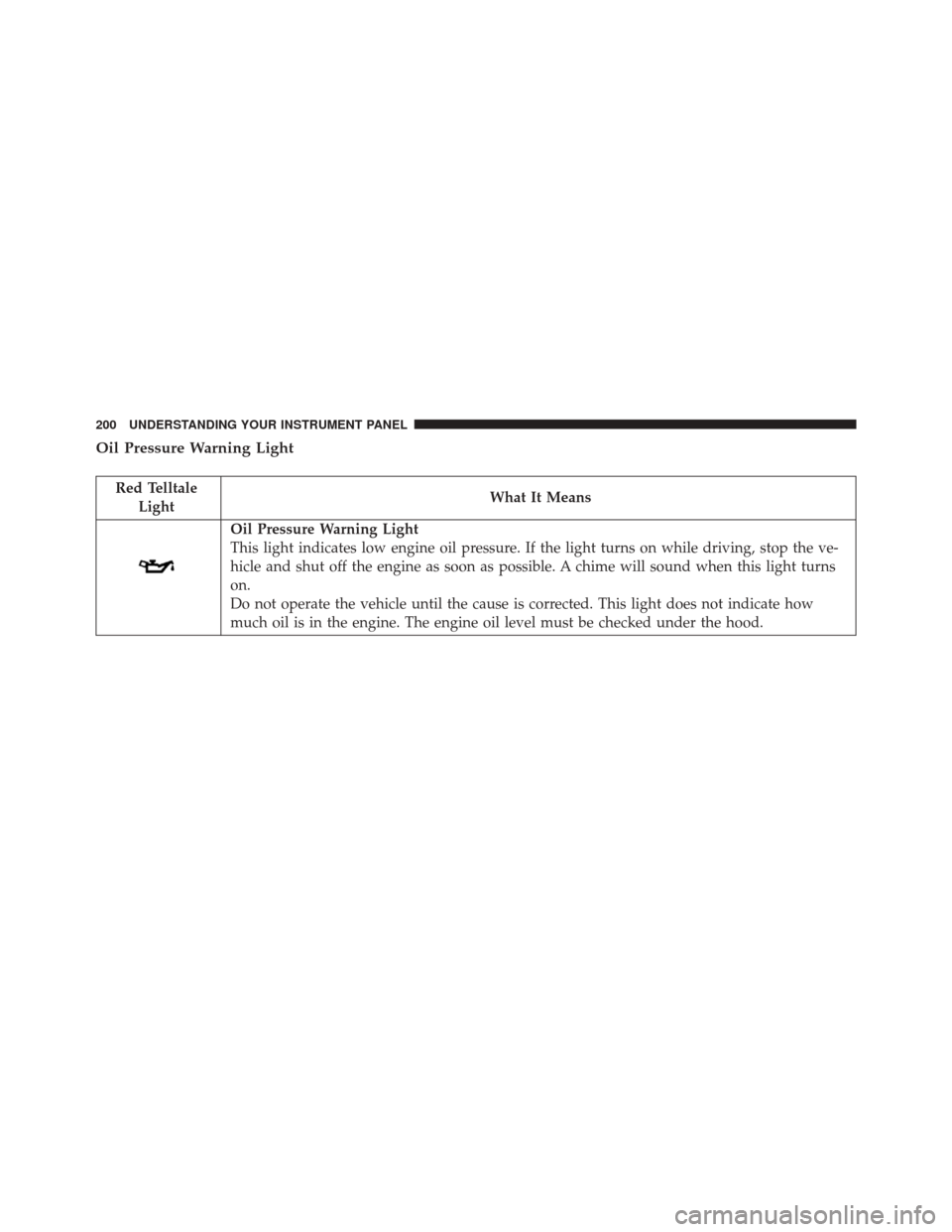
Oil Pressure Warning Light
Red TelltaleLight What It Means
Oil Pressure Warning Light
This light indicates low engine oil pressure. If the light turns on while driving, stop the ve-
hicle and shut off the engine as soon as possible. A chime will sound when this light turns
on.
Do not operate the vehicle until the cause is corrected. This light does not indicate how
much oil is in the engine. The engine oil level must be checked under the hood.
200 UNDERSTANDING YOUR INSTRUMENT PANEL
Page 212 of 406
Transmission Temperature Indicator Light
Red TelltaleLight What It Means
Transmission Temperature Indicator Light
This light indicates that the transmission fluid temperature is running hot. This may occur with
severe usage, such as trailer towing. If this light turns on, safely pull over and stop them ve-
hicle. Then, shift the transmission into NEUTRAL and run the engine at idle or faster until the
light turns off.
CAUTION!
Continuous driving with the Transmission Tempera-
ture Warning Light illuminated will eventually cause
severe transmission damage or transmission failure.
WARNING!
If you continue operating the vehicle when the
Transmission Temperature Warning Light is illumi-
nated you could cause the fluid to boil over, come in
contact with hot engine or exhaust components and
cause a fire.
210 UNDERSTANDING YOUR INSTRUMENT PANEL
Page 233 of 406
NOTE:The battery voltage may show a fluctuation at
various engine temperatures. This cycling operation is
caused by the post-heat cycle of the intake manifold
heater system. The number of cycles and the length of the
cycling operation is controlled by the engine control
module. Post-heat operation can run for several minutes,
and then the electrical system and voltmeter needle will
stabilize.
• Coolant Temp
Displays the actual coolant temperature.
• Oil Pressure
Displays the actual oil pressure.
• Trans Temperature
Displays the actual automatic transmission sump tem-
perature. •
Engine Hours
Displays the total hours of engine operation, and the
hours in drive and at idle.
• Oil Life
Displays the percentage of oil filter life remaining, and
the miles since the last reset.
• Fuel Filter Life
Displays the percentage of fuel filter life remaining, and
the miles since the last reset.
NOTE: Refer to Fuel Filter Life Reset in this section for
further information.
• Exhaust Brake
Displays the actual exhaust brake power.
4
UNDERSTANDING YOUR INSTRUMENT PANEL 231
Page 234 of 406
•Turbo Boost
Displays the actual turbo boost value.
• Tire Pressure Monitor System
Displays the actual tire pressure.
• Gauge Summary
Displays the coolant, trans, oil temp and oil pressure.
• Oil Temp
Displays the actual oil temperature.
Diesel Indicator Lights
Water In Fuel Indicator Light The “Water In Fuel Indicator Light” will illu-
minate when there is water detected in the fuel
filters. If this light remains on, DO NOT start
the vehicle before you drain the water from the fuel filters to prevent engine damage. Refer to “Mainte-
nance Procedures/Draining Fuel/Water Separator Fil-
ters” in “Maintaining Your Vehicle” for further informa-
tion.
Wait To Start Light
The “Wait To Start Light” will illuminate when the
ignition is turned to the RUN position and the
intake manifold temperature is below 66°F (19°C). Wait
until the “Wait To Start Light” turns OFF, then start the
vehicle. Refer to “Starting Procedures” in “Starting and
Operating” for further information.
NOTE: The “Wait To Start Light” may not illuminate if
the intake manifold temperature is warm enough.
Low Coolant Level Indicator
This telltale will turn on to indicate the vehicle
coolant level is low.
232 UNDERSTANDING YOUR INSTRUMENT PANEL
Page 242 of 406
3. Press and release theRIGHTarrow button to access
the ”Fuel Filter Life” screen.
4. Press and release the DOWNarrow button to select
“Reset”, then press and release the Rightarrow button
to select reset of the Fuel Filter Life to 100%.
5. Press and release the Uparrow button to exit the EVIC
screen.
Vehicles Not Equipped With Passive Entry
1. Without pressing the brake pedal, cycle the ignition to the ON/RUN position (do not start the engine.)
2. Press and release the DOWNarrow button to scroll
downward through the main menu to “Vehicle Info”.
3. Press and release the RIGHTarrow button to access
the ”Fuel Filter Life” screen. 4. Press and release the
DOWNarrow button to select
“Reset”, then press and release the Rightarrow button
to select reset of the Fuel Filter Life to 100%.
5. Press and release the Uparrow button to exit the EVIC
screen.
NOTE: If the indicator message illuminates when you
start the vehicle, the Fuel Filter indicator system did not
reset. If necessary, repeat this procedure.
Oil Life Reset
Your vehicle is equipped with an engine oil change
indicator system. The “Oil Change Required” message
will display in the EVIC after a single chime has sounded,
to indicate the next scheduled oil change interval. The
engine oil change indicator system is duty cycle based,
which means the engine oil change interval may fluctu-
ate, dependent upon your personal driving style.
240 UNDERSTANDING YOUR INSTRUMENT PANEL