Ac system Ram 2500 2017 Owner's Manual
[x] Cancel search | Manufacturer: RAM, Model Year: 2017, Model line: 2500, Model: Ram 2500 2017Pages: 734, PDF Size: 7.3 MB
Page 254 of 734
Tire Pressure Monitoring Indicator Light
Yellow TelltaleLight What It Means
Tire Pressure Monitoring Indicator Light
The warning light switches on and a message is displayed to indicate that the tire pressure is
lower than the recommended value and/or that slow pressure loss is occurring. In these cases,
optimal tire duration and fuel consumption may not be guaranteed.
Should one or more tires be in the condition mentioned above, the display will show the indica-
tions corresponding to each tire in sequence.
CAUTION!
Do not continue driving with one or more flat tires as
handling may be compromised. Stop the vehicle,
avoiding sharp braking and steering. Repair immedi-
ately using the dedicated tire repair kit and contact
your authorized dealership as soon as possible. Each tire, including the spare (if provided), should be
checked monthly when cold and inflated to the inflation
pressure recommended by the vehicle manufacturer on the
vehicle placard or tire inflation pressure label. If your
vehicle has tires of a different size than the size indicated
on the vehicle placard or tire inflation pressure label, you
should determine the proper tire inflation pressure for
those tires.
As an added safety feature, your vehicle has been
equipped with a Tire Pressure Monitoring System (TPMS)
that illuminates a low tire pressure telltale when one or
more of your tires is significantly under-inflated. Accord-
ingly, when the low tire pressure telltale illuminates, you
should stop and check your tires as soon as possible and
252 UNDERSTANDING YOUR INSTRUMENT PANEL
Page 255 of 734
inflate them to the proper pressure. Driving on a signifi-
cantly under-inflated tire causes the tire to overheat and
can lead to tire failure. Under-inflation also reduces fuel
efficiency and tire tread life, and may affect the vehicle’s
handling and stopping ability.
Please note that the TPMS is not a substitute for proper tire
maintenance, and it is the driver ’s responsibility to main-
tain correct tire pressure, even if under-inflation has not
reached the level to trigger illumination of the TPMS low
tire pressure telltale.
Your vehicle has also been equipped with a TPMS malfunc-
tion indicator to indicate when the system is not operating
properly. The TPMS malfunction indicator is combined
with the low tire pressure telltale. When the system detects
a malfunction, the telltale will flash for approximately one
minute and then remain continuously illuminated. This
sequence will continue upon subsequent vehicle start-ups
as long as the malfunction exists. When the malfunction
indicator is illuminated, the system may not be able to
detect or signal low tire pressure as intended. TPMS
malfunctions may occur for a variety of reasons, including
the installation of replacement or alternate tires or wheels
on the vehicle that prevent the TPMS from functioning
properly. Always check the TPMS malfunction telltale afterreplacing one or more tires or wheels on your vehicle, to
ensure that the replacement or alternate tires and wheels
allow the TPMS to continue to function properly.
CAUTION!
The TPMS has been optimized for the original equip-
ment tires and wheels. TPMS pressures and warning
have been established for the tire size equipped on
your vehicle. Undesirable system operation or sensor
damage may result when using replacement equip-
ment that is not of the same size, type, and/or style.
Aftermarket wheels can cause sensor damage. Using
aftermarket tire sealants may cause the Tire Pressure
Monitoring System (TPMS) sensor to become inoper-
able. After using an aftermarket tire sealant it is
recommended that you take your vehicle to an autho-
rized dealership to have your sensor function checked.4
UNDERSTANDING YOUR INSTRUMENT PANEL 253
Page 256 of 734
Low Fuel Indicator Light
Yellow TelltaleLight What It Means
Low Fuel Indicator Light
When the fuel level reaches approximately 3.0 gal (11.0 L) this light will turn on, and remain on
until fuel is added.
Anti-Lock Brake (ABS) Indicator Light
Yellow Telltale
Light What It Means
Anti-Lock Brake (ABS) Indicator Light
After the ignition is turned on, the Anti-Lock Brake System (ABS) light illuminates to indicate
function check at vehicle startup. If the light remains on after startup or comes on and stays on at
road speeds, it may indicate that the ABS has detected a malfunction or has become inoperative.
The system reverts to standard non-anti-lock brakes.
If both the Brake Warning Light and the ABS Warning Light are on, see an authorized dealer imme-
diately. Refer to “Anti-Lock Brake System” in “Starting And Operating” for further information.
254 UNDERSTANDING YOUR INSTRUMENT PANEL
Page 258 of 734
Rear Fog Light Indicator — If Equipped
Yellow TelltaleLight What It Means
Rear Fog Light Indicator
This indicator will illuminate when the rear fog lights are on.
Low Coolant Level Indicator Light
Yellow Telltale
Light What It Means
Low Coolant Level Indicator Light
This telltale will turn on to indicate the vehicle coolant level is low.
Air Suspension Payload Protection Telltale — If Equipped
Yellow Telltale
Light What It Means
Air Suspension Payload Protection Telltale
This telltale will turn on to indicate that the maximum payload may have been exceeded or load
leveling cannot be achieved at its current ride height. Protection Mode will automatically be se-
lected in order to “protect” the air suspension system, air suspension adjustment is limited due to
payload.
256 UNDERSTANDING YOUR INSTRUMENT PANEL
Page 260 of 734
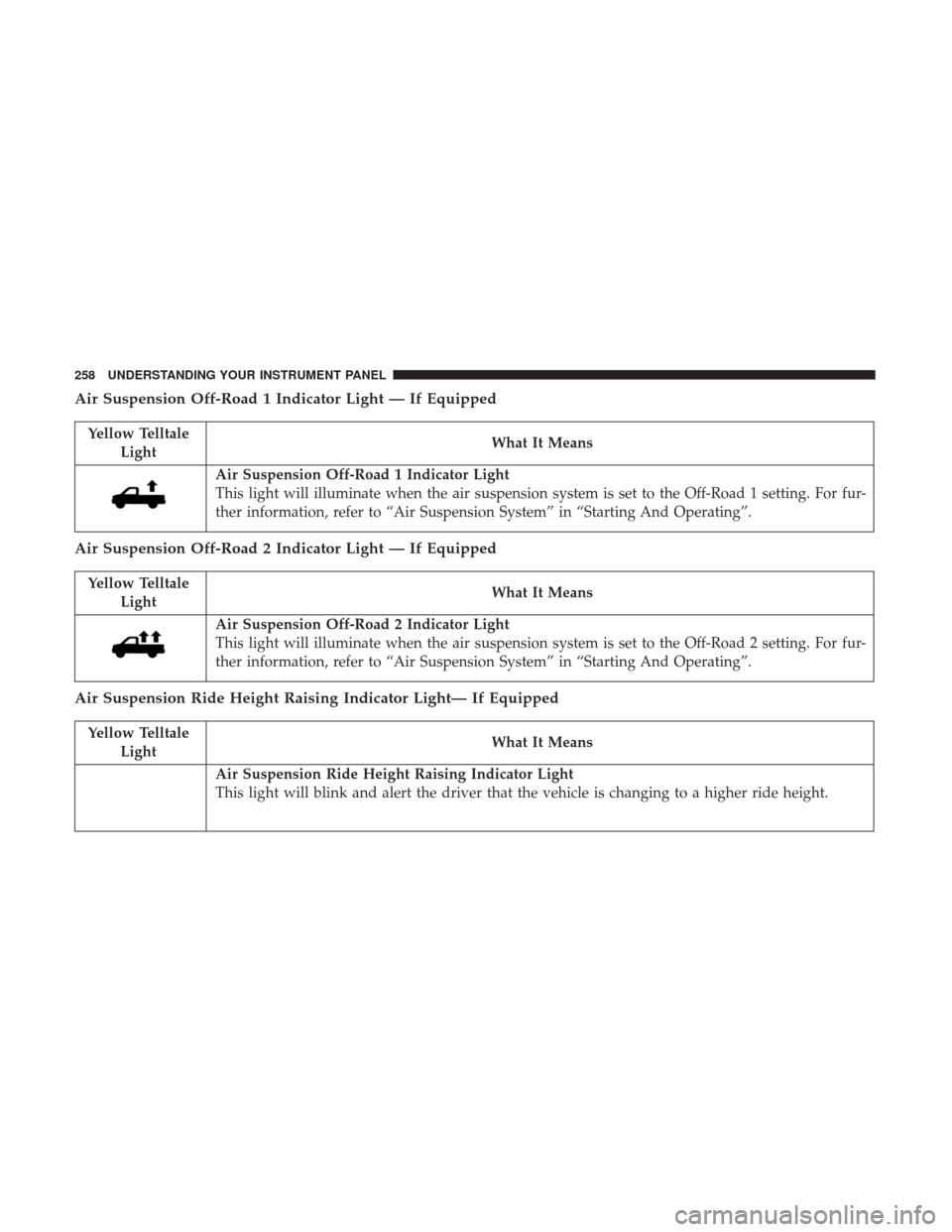
Air Suspension Off-Road 1 Indicator Light — If Equipped
Yellow TelltaleLight What It Means
Air Suspension Off-Road 1 Indicator Light
This light will illuminate when the air suspension system is set to the Off-Road 1 setting. For fur-
ther information, refer to “Air Suspension System” in “Starting And Operating”.
Air Suspension Off-Road 2 Indicator Light — If Equipped
Yellow Telltale
Light What It Means
Air Suspension Off-Road 2 Indicator Light
This light will illuminate when the air suspension system is set to the Off-Road 2 setting. For fur-
ther information, refer to “Air Suspension System” in “Starting And Operating”.
Air Suspension Ride Height Raising Indicator Light— If Equipped
Yellow Telltale
Light What It Means
Air Suspension Ride Height Raising Indicator Light
This light will blink and alert the driver that the vehicle is changing to a higher ride height.
258 UNDERSTANDING YOUR INSTRUMENT PANEL
Page 263 of 734
Service 4WD Indicator Light — If Equipped
Yellow TelltaleLight What It Means
Service 4WD Indicator Light
If the light stays on or comes on during driving, it means that the 4WD system is not functioning
properly and that service is required. We recommend you drive to the nearest service center and
have the vehicle serviced immediately.
2WD Indicator Light — If Equipped
Yellow Telltale
Light What It Means
2WD Indicator Light
This light alerts the driver that the vehicle is in the two-wheel drive mode.
4
UNDERSTANDING YOUR INSTRUMENT PANEL 261
Page 269 of 734
INSTRUMENT CLUSTER DISPLAY
Your vehicle may be equipped with an instrument cluster
display, which offers useful information to the driver. With
the ignition in the STOP/OFF position (and the key
removed, for vehicles with mechanical key), opening/
closing of a door will activate the display for viewing, and
display the total miles or kilometers in the odometer. Your
instrument cluster display is designed to display important
information about your vehicle’s systems and features.
Using a driver interactive display located on the instru-
ment panel, your instrument cluster display can show you
how systems are working and give you warnings when
they aren’t. The steering wheel mounted controls allow
you to scroll through and enter the main menus and
submenus. You can access the specific information you
want and make selections and adjustments.
Instrument Cluster Display Controls
The instrument cluster display features a driver-interactive
display that is located in the instrument cluster.
Base Instrument Cluster Display
4
UNDERSTANDING YOUR INSTRUMENT PANEL 267
Page 271 of 734

The system allows the driver to select information by
pushing the following instrument cluster display control
buttons located on the left side of the steering wheel:•
Up Arrow Button
Push and release the uparrow button to scroll
upward through the main menu items, submenu
screen, and vehicle settings.
• Down Arrow Button
Push and release the downarrow button to scroll
downward through the main menu items, sub-
menu screen, and vehicle settings.
• Right Arrow Button
Push and release the rightarrow button to
access/select the information screens or sub-
menu screens of a main menu item. Push and
hold the RIGHT arrow button for two seconds to
reset displayed/selected features that can be reset.
• Left Arrow Button
Push and release the leftarrow button to access/
select the information screens, submenu screens
of a main menu item, or to return to the main
menu.
Instrument Cluster Display Control Buttons
4
UNDERSTANDING YOUR INSTRUMENT PANEL 269
Page 274 of 734
•Unstored Messages Until RUN
These messages deal primarily with the Remote Start
feature. This message type is displayed until the ignition is
in the RUN state. Examples of this message type are
“Remote Start Aborted - Door Ajar” and “Press Brake
Pedal and Push Button to Start.”
• Five Second Unstored Messages
When the appropriate conditions occur, this type of mes-
sage takes control of the main display area for five seconds
and then returns to the previous screen. An example of this
message type is “Automatic High Beams On.”
Oil Life Reset
Your vehicle is equipped with an engine oil change indi-
cator system. The “Oil Change Required” message will
display in the instrument cluster display after a single
chime has sounded, to indicate the next scheduled oil
change interval. The engine oil change indicator system is
duty cycle based, which means the engine oil change
interval may fluctuate, dependent upon your personal
driving style.
NOTE: Use the steering wheel instrument cluster display
controls for the following procedure(s). Vehicles Equipped With Passive Entry
1. Without pushing the brake pedal, push the ENGINE
START/STOP button and place the ignition to the
ON/RUN position (do not start the engine).
2. Push and release the downarrow button to scroll
downward through the main menu to “Vehicle Info.”
3. Push and release the rightarrow button to access the
”Vehicle Info” screen, then scroll up or down to select
“Oil Life.”
4. Push and hold the rightarrow button to select “Reset”.
5. Push and release the downarrow button to select “Yes,”
then push and release the rightarrow button to select
reset of the Oil Life to 100%.
6. Push and release the uparrow button to exit the
instrument cluster display screen.
Vehicles Not Equipped With Passive Entry
1. Without pushing the brake pedal, cycle the ignition to the ON/RUN position (do not start the engine).
2. Push and release the downarrow button to scroll
downward through the main menu to “Vehicle Info.”
272 UNDERSTANDING YOUR INSTRUMENT PANEL
Page 275 of 734
3. Push and release therightarrow button to access the
“Vehicle Info” screen then scroll up or down to select
“Oil Life.”
4. Push and hold the rightarrow button to select “YES” by
pushing the rightarrow then push and release the right
arrow button to select reset of the Oil Life to 100%.
5. Push and release the uparrow button to exit the
instrument cluster display screen.
NOTE: If the indicator message illuminates when you start
the vehicle, the Oil Life indicator system did not reset. If
necessary, repeat this procedure.
Instrument Cluster Display Selectable Menu Items
Push and release the upordown arrow button until the
desired selectable menu icon is highlighted in the instru-
ment cluster display.
Speedometer
Push and release the upordown arrow button until the
speedometer menu item is highlighted in the instrument
cluster display. Push and release the rightarrow button to
cycle the display between mph and km/h.
Vehicle Info
Push and release the upordown arrow button until the
Vehicle Info menu item is highlighted in the instrument
cluster display. push and release the rightarrow button to
enter the submenus items of Vehicle Info. follow the
directional prompts to access or reset any of the following
Vehicle Info submenu items:
• Tire Pressure
• Air Suspension — If Equipped
• Coolant Temp — If Equipped
• Transmission Temp (Automatic only)
• Oil Temp
• Oil Pressure — If Equipped
• Oil Life
• Battery Voltage — If Equipped
• Gauge Summary — If Equipped
• Engine Hours
4
UNDERSTANDING YOUR INSTRUMENT PANEL 273